
mike

Mike (MikeOSS) is an open-source legal AI platform for document review, drafting, and legal research.
It has a Next.js frontend, an Express backend, Supabase Auth/Postgres, and Cloudflare R2-compatible object storage.
Website: mikeoss.com
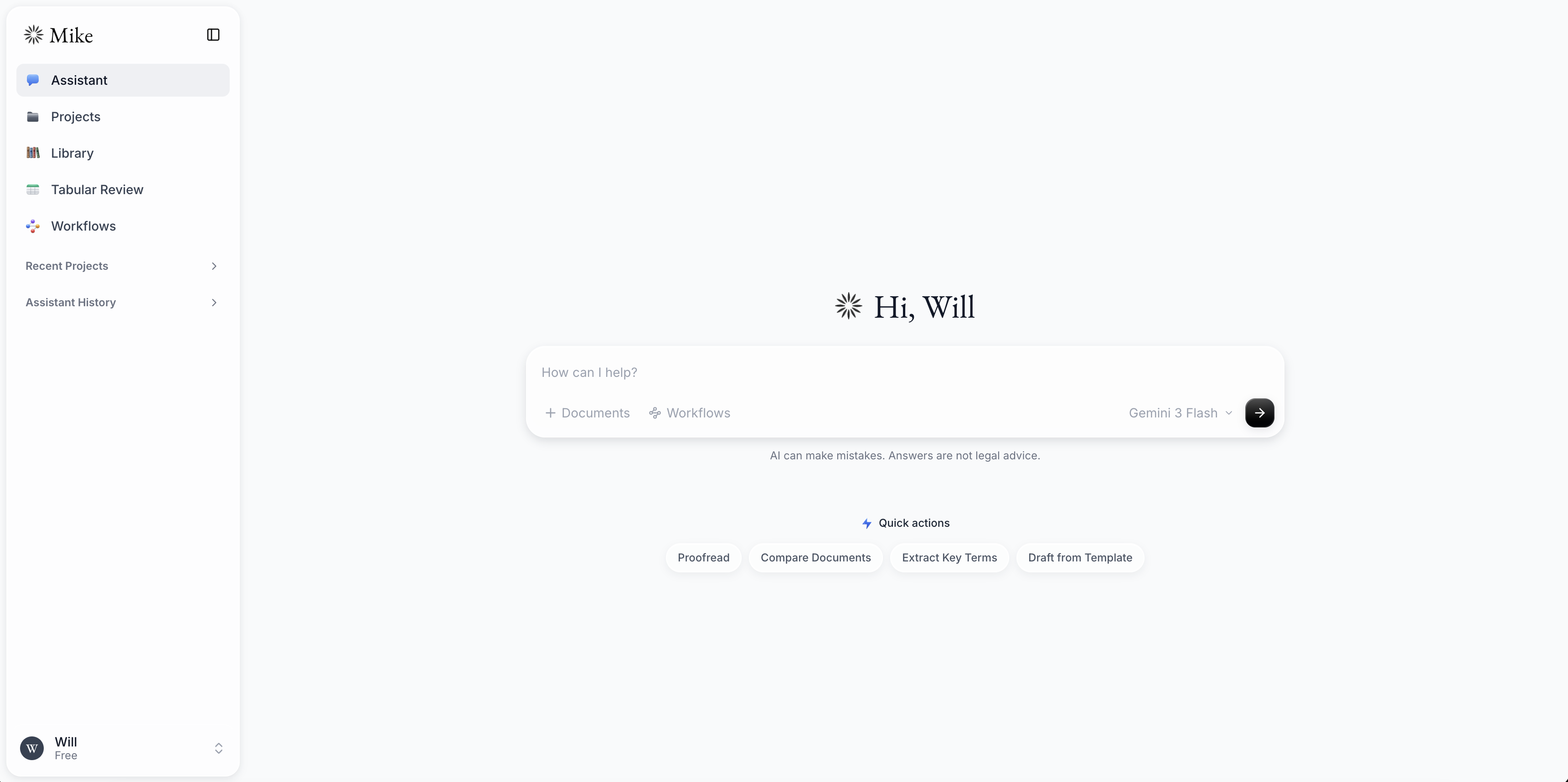
Quick start with Docker
Run the whole application stack with one command and no Supabase or object
storage account. docker-compose.yml includes Supabase (Postgres, Auth, the
data API, and a gateway), RustFS, Mailpit, and the frontend/backend. The schema
loads itself on first boot.
Copy the local environment templates:
cp .env.example .env
cp backend/.env.example backend/.env
Edit backend/.env:
- Set
DOWNLOAD_SIGNING_SECRETandUSER_API_KEYS_ENCRYPTION_SECRETto separate values generated withopenssl rand -hex 32. - Add an Anthropic, Gemini, or OpenAI API key, unless you plan to use Ollama exclusively.
Docker Compose supplies the local Supabase and object-storage settings, so leave those values unchanged. Then start the stack:
docker compose up --build
Open http://localhost:3000 and sign up.
Local service endpoints:
| Service | Address | Notes |
|---|---|---|
| Mike | http://localhost:3000 |
Main application |
| Supabase API | http://localhost:54321 |
Auth and data API gateway |
| Postgres | localhost:54322 |
Host access for database tools |
| RustFS console | http://localhost:9001 |
rustfsadmin / rustfsadmin |
| Mailpit | http://localhost:8025 |
Captured local auth email |
What happens when you register
- You sign up with email + password at
localhost:3000. - The Auth service confirms the local user automatically.
- The app signs you in without an email-confirmation step.
To test the confirmation-email flow, set
GOTRUE_MAILER_AUTOCONFIRM=false in the root .env and run
docker compose up -d --force-recreate auth. The confirmation message will be
available in Mailpit at http://localhost:8025; no mail leaves your machine.
Mailpit catches auth email such as email-change messages and confirmation messages when autoconfirm is disabled. No email leaves your machine.
Local models via Ollama
Ollama models are detected dynamically — whatever you
have installed (ollama list) shows up in every model picker under a Local
group, with no API key. The backend reaches Ollama on the host at
http://host.docker.internal:11434/v1 (override with OLLAMA_BASE_URL) and
exposes the live list at GET /models/ollama.
Just pull a model and it appears after a refresh:
ollama pull qwen3.6
Notes:
- Models that support tool-calling can drive the full assistant; ones that
don't (e.g.
phi3:mini) still work for plain chat — the backend retries without tools automatically. - Quality and speed depend on the local model; large models are noticeably slower for tabular review (which runs the model across many cells).
The Supabase JWT secret and the anon/service_role keys baked into
docker-compose.yml / .env.example are the well-known Supabase local demo
values — convenient for localhost, but regenerate them before exposing this
anywhere.
Contents
frontend/- Next.js applicationbackend/- Express API, Supabase access, document processing, and database schemaword-addin/- Microsoft Word task pane add-in (currently in beta)backend/schema.sql- Supabase schema for fresh databasesbackend/migrations/- dated, incremental schema migrations for existing deploymentsdocker-compose.yml- complete local application and infrastructure stackdocs/- testing, deployment safety, and feature-specific guides
Microsoft Word add-in (Beta)
The Mike Word add-in is currently in beta. It brings Mike into a Word task pane for chatting about the open document, running quick actions and workflows, attaching supporting files, and applying suggested changes as tracked edits.
See the Word add-in guide for prerequisites, local development, sideloading, and troubleshooting instructions.
System Workflows
Mike's system assistant and tabular review workflows are maintained in the
Open-Legal-Products/mike-workflows
repository.
Manual or production deployment
Use this path when connecting Mike to managed Supabase and S3-compatible storage rather than the infrastructure bundled in Docker Compose.
Prerequisites
- Node.js 20 or newer
- npm
- git
- A Supabase project
- A Cloudflare R2 bucket, MinIO bucket, or another S3-compatible bucket
- At least one supported model provider API key, or an accessible Ollama server
- Optional: a CourtListener API token for case law lookup and citation verification
- LibreOffice installed locally if you need DOC/DOCX to PDF conversion
Database setup
For a new Supabase database, open the Supabase SQL editor and run:
-- copy and run the contents of:
-- backend/schema.sql
The schema file is for fresh deployments and already includes the latest database shape.
For an existing database, do not run the full schema over production data.
Apply the files in backend/migrations/ dated after the deployed Mike version,
in filename order. Migration files use the format YYYYMMDD_<name>.sql and are
written to be safe to re-run.
Environment
Copy the maintained examples:
cp backend/.env.example backend/.env
cp frontend/.env.local.example frontend/.env.local
Edit both files with the credentials and URLs for your deployment. The comments in each example describe required and optional values.
These three NEXT_PUBLIC_* variables are required when running
npm run build --prefix frontend. Next.js embeds public environment values in
the browser bundle at build time, so setting them only when starting or
deploying an already-built application is too late. Production builds fail
with a list of missing variables instead of producing a bundle that cannot
connect to Supabase or the backend API.
Supabase values come from the project dashboard. Use the project URL for
SUPABASE_URL and NEXT_PUBLIC_SUPABASE_URL, the service-role key for backend
SUPABASE_SECRET_KEY, and the anon/public key for
NEXT_PUBLIC_SUPABASE_PUBLISHABLE_DEFAULT_KEY.
Model-provider keys and the CourtListener token can be configured globally in
backend/.env or per user under Account > Models & API Keys. If a provider
key is configured globally, the matching account field is read-only.
Supabase Auth, rather than the Mike backend, sends signup, email-change, and password-recovery messages. Configure production SMTP in the Supabase dashboard if those flows are enabled. Mike does not require a Resend API key.
Install dependencies
npm install --prefix backend
npm install --prefix frontend
Run locally without Docker
Start the backend and frontend in separate terminals:
npm run dev --prefix backend
npm run dev --prefix frontend
Open http://localhost:3000.
For production, build both packages and run their start scripts through your
process manager or deployment platform. The repository also includes Dockerfiles
for both applications.
Tamper-Evident Export
Project exports include SHA-256 hashes for document versions and can optionally be signed with Ed25519. See Tamper-evident exports for configuration, verification, and security considerations.
CourtListener Integration
Mike can use CourtListener for US case law citation verification, case fetching, targeted opinion search, and case-law panels in assistant responses.
To enable live CourtListener access, set COURTLISTENER_API_TOKEN in
backend/.env and restart the backend. Users can also add their own token under
Account > Models & API Keys when the instance does not provide one globally.
Fresh databases created from backend/schema.sql already include the
CourtListener support tables. Existing deployments should apply the matching
dated migration in backend/migrations/ before enabling the feature.
Bulk data is optional. When COURTLISTENER_BULK_DATA_ENABLED=true, Mike first
tries local Supabase/R2 data before falling back to CourtListener's API:
- citation metadata is read from
public.courtlistener_citation_index - case cluster metadata is read from
public.courtlistener_opinion_cluster_index - cached opinion JSON is read from the R2 prefix
courtlistener/opinions/by-cluster/{clusterId}/{opinionId}.json
If you do not import bulk data, leave COURTLISTENER_BULK_DATA_ENABLED=false;
live CourtListener tools still work with a valid token, subject to CourtListener
rate limits.
First Run
- Sign up in the app.
- If you did not set provider keys in
backend/.env, open Account > Models & API Keys and add an Anthropic, Gemini, or OpenAI key. - To use legal research tools, add a CourtListener token in
backend/.envor Account > Models & API Keys. - Create or open a project and start chatting with documents.
Troubleshooting
A local account says “Email not confirmed.” Docker autoconfirms newly
created accounts by default. Accounts created before autoconfirm was enabled
remain unconfirmed. Confirm the existing message in Mailpit, or create a new
local account. To test confirmation deliberately, set
GOTRUE_MAILER_AUTOCONFIRM=false and recreate the auth service.
Production auth email does not arrive. Authentication email is sent by Supabase Auth. Check the email-provider settings and configure production SMTP in the Supabase dashboard.
Port 54322 is already allocated. Another local Postgres or Supabase stack
is using Mike's default host port. Stop that stack or start Mike with a different
mapping, for example DB_PORT=54323 docker compose up --build.
The model picker shows a missing-key warning. Add a key under
Account > Models & API Keys, or configure it in backend/.env and restart
the backend.
CourtListener tools say the API token is missing. Set
COURTLISTENER_API_TOKEN in backend/.env, or add a token under
Account > Models & API Keys. Restart the backend after changing .env.
CourtListener bulk lookup is not returning local results. Confirm
COURTLISTENER_BULK_DATA_ENABLED=true, the two CourtListener tables are
populated, and opinion JSON exists under courtlistener/opinions/by-cluster/ in
R2. Mike falls back to the live API when bulk data is unavailable and a token is
configured.
DOC or DOCX conversion fails. Install LibreOffice and restart the backend so the conversion command is available on the process path.
Useful Checks
npm run build --prefix backend
npm run build --prefix frontend
npm run lint --prefix frontend
