autoskills
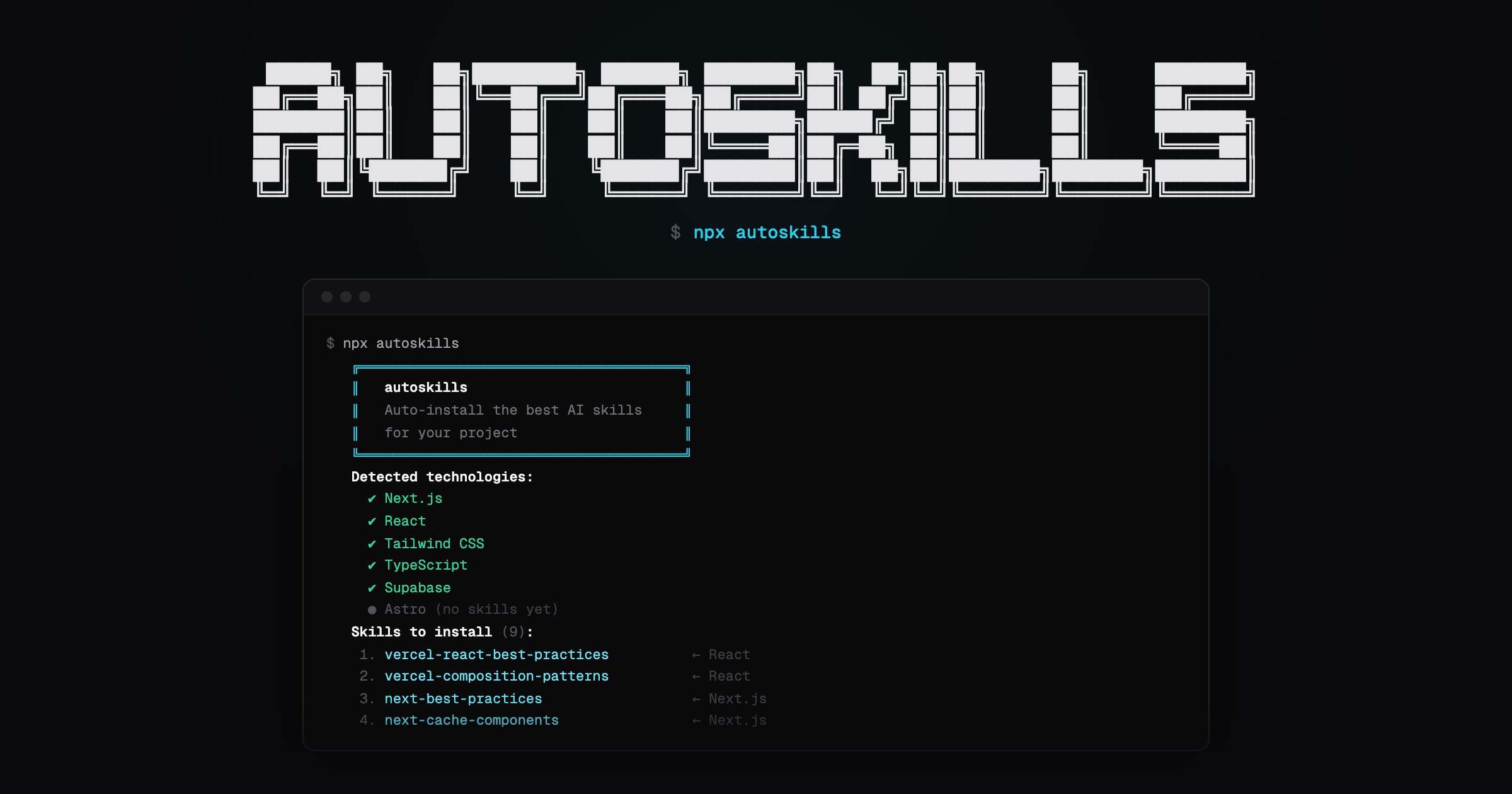
Scans your project, detects your tech stack, and installs curated AI agent skills automatically.
npx autoskills
How it works
- Run
npx autoskillsin your project root - Your
package.json, Gradle files, and config files are scanned to detect technologies - The best matching AI agent skills are selected from the audited autoskills registry
- Only the selected skill files are downloaded from the registry and verified before writing them locally
That's it. No config needed.
Security model
autoskills does not install directly from random upstream repositories at runtime.
Skills are synced by maintainers into the repository-local autoskills registry, reviewed by AI for prompt-injection and supply-chain attacks (a fast model triages every change and a stronger one decides on anything suspicious), and recorded with SHA-256 hashes in a manifest. Skills that are safe but worth a heads-up are shown with a security warning before you install them. When you run autoskills, the CLI downloads only the skills your project needs from that curated registry, verifies every file against the manifest, and writes a skills-lock.json entry with the installed source and bundle hash.
This keeps the package small while avoiding live downloads from third-party skill sources during installation.
Options
-y, --yes       Skip confirmation prompt
--dry-run       Show what would be installed without installing
--clear-cache   Clear the downloaded skills cache
-a, --agent     Install for specific IDEs only (e.g. cursor claude-code)
-v, --verbose   Show install trace and error details
-h, --help      Show help message
Run npx autoskills ui to browse the skills installed in your project in a local web desk.
Supported Technologies
Built to work across modern frontend, backend, mobile, cloud, and media stacks.
- Frameworks & UI: React, Next.js, Vue, Nuxt, Svelte, Angular, Astro, Tailwind CSS, shadcn/ui, GSAP, Three.js
- Languages & Runtimes: TypeScript, Node.js, Go, Bun, Dart
- Backend & APIs: Express, Hono, NestJS, Spring Boot
- Mobile & Desktop: Expo, React Native, Flutter, SwiftUI, Android, Kotlin Multiplatform, Tauri, Electron
- Data & Storage: Supabase, Neon, Prisma, Drizzle ORM, Zod, React Hook Form
- Auth & Billing: Better Auth, Clerk, Stripe
- Testing: Vitest, Playwright
- Cloud & Infrastructure: Vercel, Vercel AI SDK, Cloudflare, Durable Objects, Cloudflare Agents, Cloudflare AI, AWS, Azure, Terraform
- Tooling: Turborepo, Vite, oxlint
- Media & AI: Remotion, ElevenLabs
Requirements
Node.js >= 22.6
