apkutil

apkutil is a useful utility for mobile security testing.
This tool makes it easy to resign the APK, check for potentially sensitive files and AndroidManifest.xml in the APK.
It is a wrapper for apktool, apksigner, aapt, and zipalign commands.
iOS version is here.
Requirements
- Android SDK build tools
- Set PATH to
ANDROID_HOMEforapksigner,aapt, andzipalign.- ex)
ANDROID_HOME=/Users/<User Name>/Library/Android/sdk/ - If you are using Android Studio on macOS, the above path should be
- ex)
- Set PATH to
- Apktool 2.9.0 or later
- Older versions still run, but
apkutilprints a warning because they can't decode APKs built by recentaapt2.
- Older versions still run, but
Also, place ~/apkutil.json containing the keystore information necessary for signing apk in your home directory.
{
    "keystore_path": "hoge.keystore",
    "ks-key-alias": "fuga",
    "ks-pass": "pass:foo"
}
The certificate used for signing can be created using keytool.
$ keytool -genkeypair -v -keystore hoge.keystore -alias fuga -keyalg RSA -keysize 2048 -validity 10000
Installation
Since apkutil is implemented in Python, it can be installed with uv/pip command, which is a Python package management system.
Using uv:
$ uv tool install git+ssh://git@github.com/sterrasec/apkutil.git
This repository includes uv.toml to exclude packages released within the last week during uv dependency resolution.
Using pip:
$ pip install git+ssh://git@github.com/sterrasec/apkutil.git
Usage
The command outputs are displayed in color. You can use a function with subcommands.
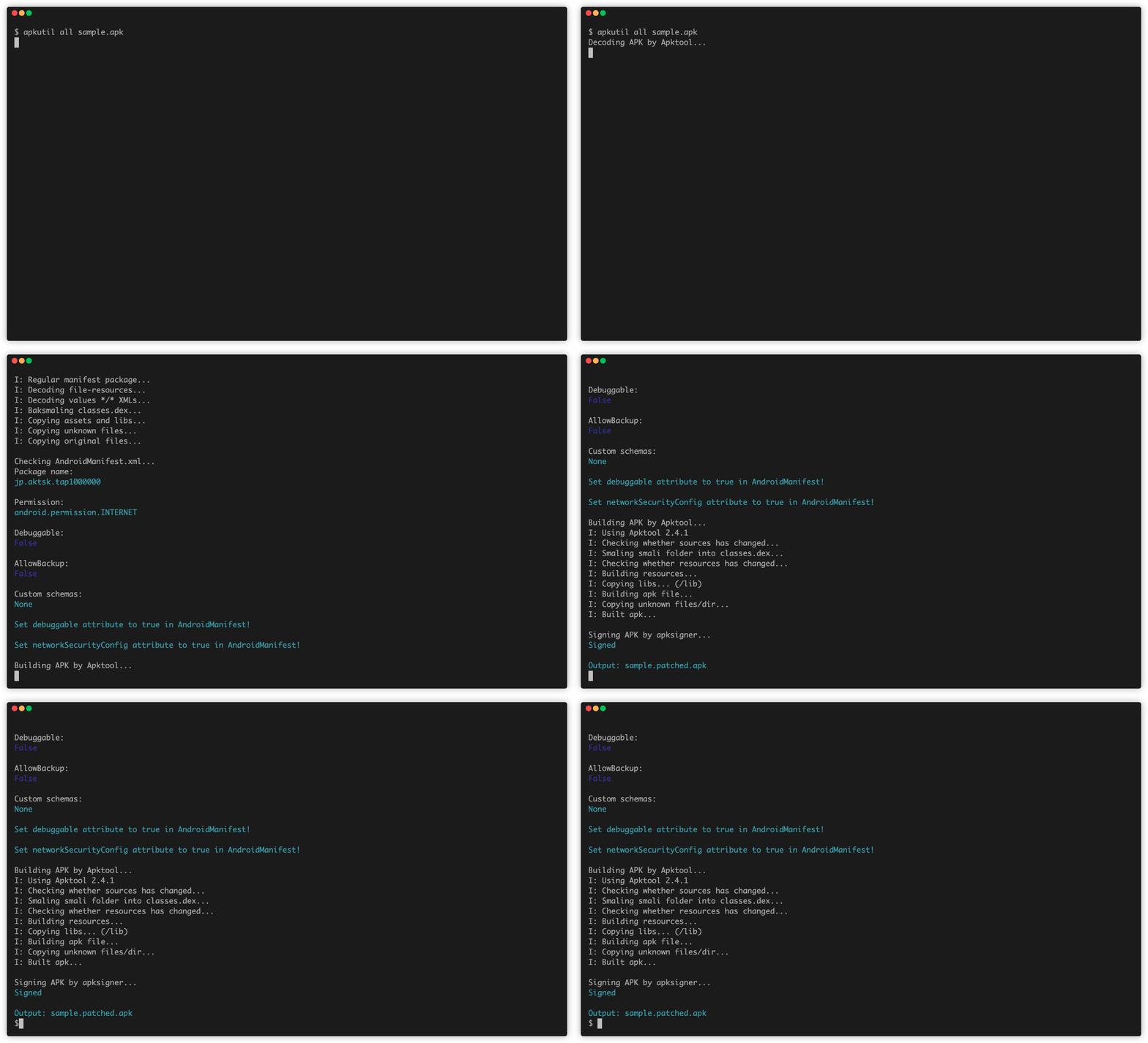
The GIF shows the scene where the APK is changed to debuggable and res/xml/network_security_config.xml is created.
Subcommands
Most of the subcommands are assigned with alias, which is useful.
| subcommand | alias | desc |
|---|---|---|
all |
- | set debuggable & networkSecurityConfig, build & sign APK |
debuggable |
debug, dg |
set debuggable, build & sign APK |
network |
net, n |
set networkSecurityConfig, build & sign APK |
info |
i |
identify the package name |
screenshot |
ss |
get screenshot from connected device |
decode |
d |
decode APK |
build |
b |
build APK |
sign |
s |
sign APK |
align |
a |
align APK |
pull |
p |
pull APKs from device |
Apply all necessary patches for pentest
all subcommand sets networkSecurityConfig, makes the APK debuggable.
Decode the APK, set debuggable attribute to true, set networkSecurityConfig attribute to @xml/network_security_config in AndroidManifest, make res/xml/network_security_config.xml, and rebuild it.
This feature is useful to make APK accept user certs, and use sterrasec/apk-medit.
$ apkutil all sample.apk
Decoding APK by Apktool...
I: Using Apktool 2.4.1 on sample.apk
I: Loading resource table...
I: Decoding AndroidManifest.xml with resources...
I: Loading resource table from file: /Users/taichi.kotake/Library/apktool/framework/1.apk
I: Regular manifest package...
I: Decoding file-resources...
I: Decoding values */* XMLs...
I: Baksmaling classes.dex...
I: Copying assets and libs...
I: Copying unknown files...
I: Copying original files...

Potentially Sensitive Files:
sample/README.md
sample/hoge.sh

Checking AndroidManifest.xml...
Permission:
android.permission.INTERNET

Debuggable:
False

AllowBackup:
False

Custom schemas:
None

Set debuggable attribute to true in AndroidManifest!

Set networkSecurityConfig attribute to true in AndroidManifest!

Building APK by Apktool...
I: Using Apktool 2.4.1
I: Checking whether sources has changed...
I: Smaling smali folder into classes.dex...
I: Checking whether resources has changed...
I: Building resources...
I: Copying libs... (/lib)
I: Building apk file...
I: Copying unknown files/dir...
I: Built apk...

Aligning APK by zipalign...
Signing APK by apksigner...
Signed

Output: sample.patched.apk
Pull APKs from device
pull subcommand allows you to pull APKs from device.
You can select the APK to pull from the list.
$ apkutil pull sample
Pulling APKs from device...
[?] Select the APK to pull:
 > com.sterrasec.sample
   Not Found

Pulling /data/app/~~XXXXXXXXXXX==/com.sterrasec.sample-XXXXXXX==/base.apk...

/data/app/~~XXXXXXXXXXX==/com.sterrasec.sample-XXXXXXX==/base.apk: 1 file pulled, 0 skipped. 31.0 MB/s (22004410 bytes in 0.707s)

Pulling /data/app/~~XXXXXXXXXXX==/com.sterrasec.sample-XXXXXXX==/split_config.arm64_v8a.apk...

/data/app/~~XXXXXXXXXXX==/com.sterrasec.sample-XXXXXXX==/split_config.arm64_v8a.apk: 1 file pulled, 0 skipped. 32.2 MB/s (17029210 bytes in 0.505s)

Pulling /data/app/~~XXXXXXXXXXX==/com.sterrasec.sample-XXXXXXX==/split_config.xxhdpi.apk...

/data/app/~~XXXXXXXXXXX==/com.sterrasec.sample-XXXXXXX==/split_config.xxhdpi.apk: 1 file pulled, 0 skipped. 27.5 MB/s (409126 bytes in 0.014s)

APKs have been pulled to the current directory.
Set up networkSecurityConfig
network subcommand sets networkSecurityConfig.
Decode the APK, set networkSecurityConfig attribute to @xml/network_security_config in AndroidManifest, make res/xml/network_security_config.xml, and rebuild it.
This feature is useful to make APK accept user certs.
$ apkutil network sample.apk
...

Output: sample.patched.apk
Set debuggable attribute
debuggable subcommand makes the APK debuggable.
Decode the APK, set debuggable attribute to true in AndroidManifest, and rebuild it.
This feature is useful to use sterrasec/apk-medit.
$ apkutil debuggable sample.apk
...

Output: sample.patched.apk
Get the package name
info subcommand allows you to see the package name.
$ apkutil info sample.apk
Getting package name by aapt2...
jp.sterrasec.sample
Get the screenshot
screenshot subcommand allows you to get the screenshot from connected device.
$ apkutil screenshot
Getting a screenshot from connected device...
/data/local/tmp/screenshot-2020-05-21-16-58-20.png: 1 file pulled. 2.1 MB/s (14419 bytes in 0.007s)

Output: screenshot-2020-05-21-16-58-20.png
Decode the APK
decode subcommand make the APK decode by apktool.
When decoding the APK, check for potentially sensitive files and check the AndroidManifest.xml.
$ apkutil decode sample.apk
Decoding APK by Apktool...
...

Potentially Sensitive Files:
sample/README.md
sample/hoge.sh

Checking AndroidManifest.xml...
Permission:
android.permission.INTERNET

Debuggable:
False

AllowBackup:
False

Custom schemas:
None
Build the APK
build subcommand make the APK build by apktool.
It also sign the APK after the build is complete.
$ apkutil build sample
Building APK by Apktool...
...

Aligning APK by zipalign...
Signing APK by apksigner...
Signed

Output: sample.patched.apk
Sign the APK
sign subcommand make the apk sign by apksigner.
$ apkutil sign sample.apk
Signing APK by apksigner...
Signed
Align the APK
align subcommand make the apk align by zipalign.
$ apkutil align base.patched.apk
Aligning APK by zipalign...
License
MIT License
