bare-browser
Bare Browser

Bare removes Google sign-in, browser telemetry and AI features from Chromium. Desktop extensions work, and uBlock Origin comes installed.
- Version:
2.0.0-beta.1, a pre-release. versionCode802000015(arm64) and802000010(32-bit arm). - Base: Chromium
156.0.8078.25(commit12282315). - Runs on: Android 10 or newer, on arm64 or 32-bit ARM. There is no x86 build.
- Size: 196 patches, 35,448 insertions and 2,856 deletions across 715 files.
- Install desktop extensions from the Chrome Web Store, a CRX file or an unpacked folder. Pin the ones you use to the toolbar.
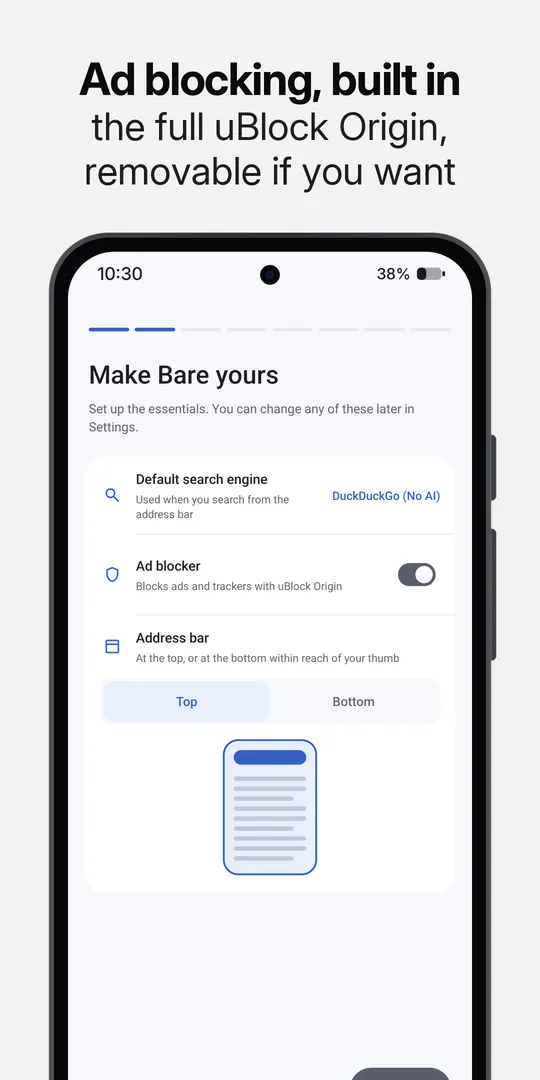
- Use the full uBlock Origin, included by default. You can disable or remove it.
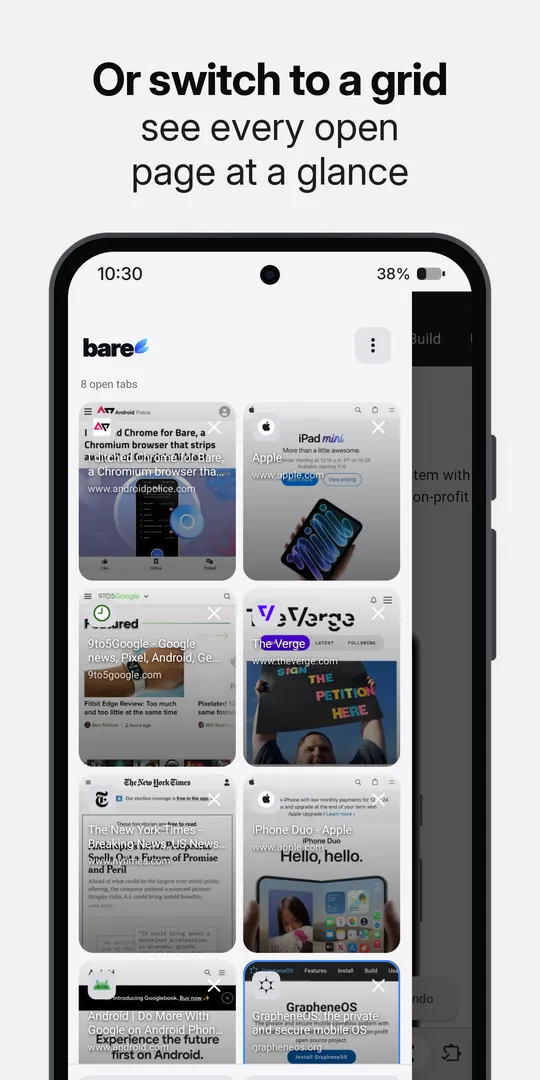
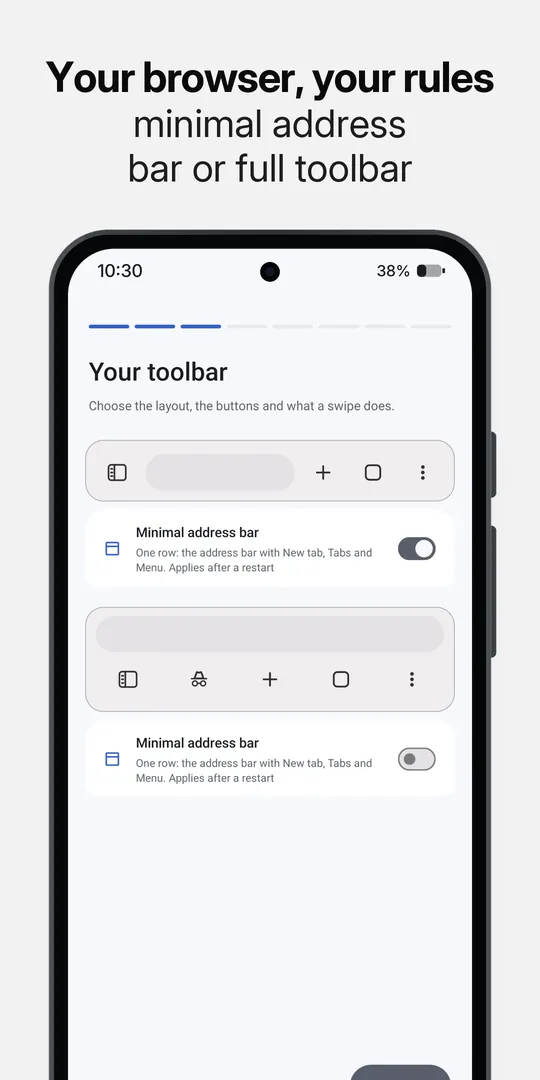
- Put the address bar at the top or bottom, arrange the toolbar, and switch between list and grid views for tabs.
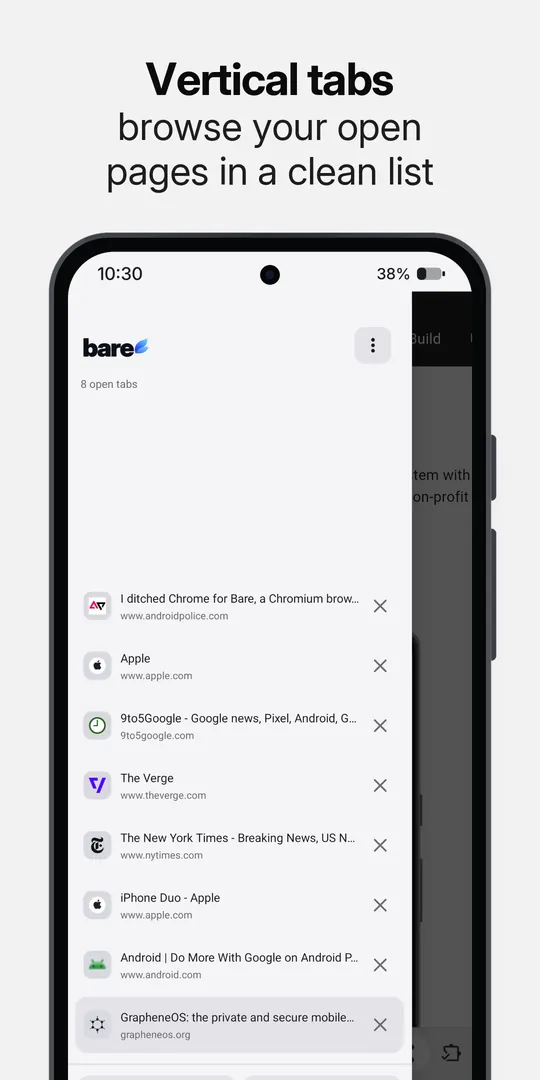
- Open your tabs in a drawer that slides in from the left, as page thumbnails or as a list. The regular tab switcher has the same grid or list choice.
- Set each button on the bottom bar, including Find in page, Search, Back, Forward and the tabs drawer. Swipe along the bottom bar or the address bar to switch tabs. A minimal address bar is a single row with New tab, Tabs and Menu, and you can hide items from the three dot menu.
- Find Settings grouped into Your Browser, Preferences & tools and Bare. Pick an app icon (Light, Dark or Retro), let the System theme use true black, and make pages fit the phone's width while keeping the user agent you chose.
- Manage extensions on a phone-sized page that shows each one's version and status, with switches
for Enabled and Allow in Incognito, Install CRX, Load unpacked and Update all. Bare offers to
install a
.crxwhen it finishes downloading, and the Chrome Web Store is laid out as a phone list. - Translate pages by sending their text to a LibreTranslate-compatible server that you enter, after you confirm. Google Translate is a separate choice and stays off until you turn it on.
- Lock Incognito with fingerprint or face only, wipe it after 1, 3 or 5 failed unlocks, and allow or block screenshots in it.
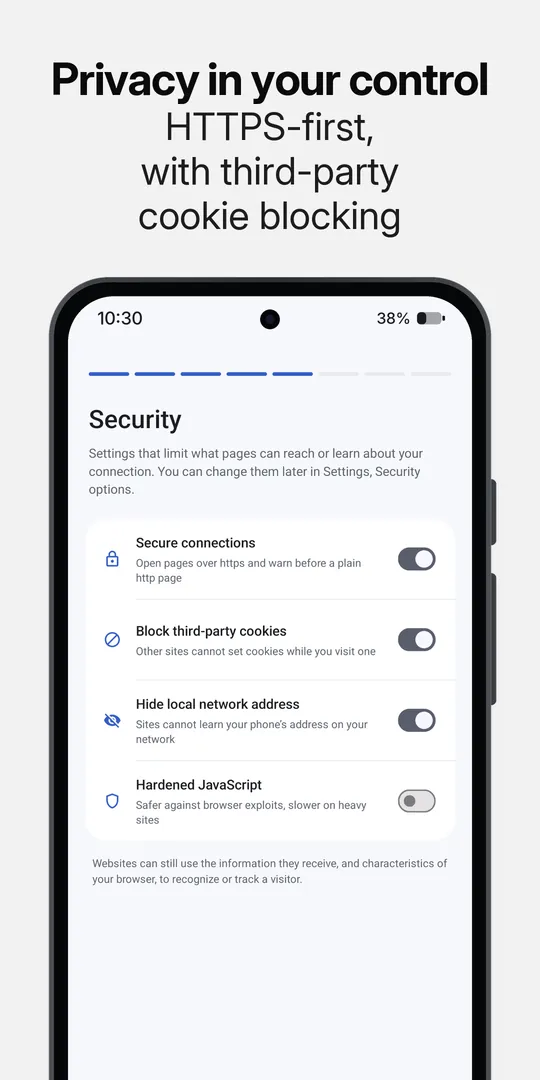
- Turn on security options: secure connections, third-party cookie blocking, hiding your local address in WebRTC and hardened JavaScript.
- Receive web push through a distributor app that you pick in Settings, instead of through Google.
- Keep supported video playing with the screen off. Save media from a page, or send downloads to another manager. The other app gets the page address and the User-Agent, and your cookies only if you allow it, never from Incognito. Long press a video that a page streams and choose Download video to fetch the file the page names.
- Choose your search engine. DuckDuckGo is the default; Google (No AI) is available, and you can add your own.
Install
Bare runs on Android 10 or newer, on 64-bit and 32-bit ARM devices.
- Get Bare on Google Play for updates through Play.
- Download an APK from GitHub if you prefer to install it yourself. The release page lists the APK choices, checksums, changes and upgrade notes.
For developers
This repository is a patch series against a pinned Chromium Desktop Android revision. The
patches/ directory holds Bare's changes, numbered in the order they apply; docs/patches.md says how.
To build it yourself, start with the build guide. The builder notes cover the container, versioning and signing. Reproducibility explains how to compare a local build with a release, and build constraints records the upstream limits.
Network behaviour
Bare has no account or telemetry service of its own. It still makes some network requests: Chromium updates security components and may provision Widevine through Google; uBlock Origin fetches filter lists and extension updates. The GitHub APK checks for Bare releases if you enable automatic updates. Google Play handles updates for the Play build.
Safe Browsing is unavailable in this build, so Bare does not show phishing or malware warnings. See the measured network behaviour for the detailed capture and privacy policy for how browsing data is handled.
Credits
Bare is licensed under BSD-3-Clause and built on Chromium. We also look at Titanium, Cromite and ungoogled-chromium when tracing Chromium behaviour. Thanks to the developers who keep that work open.
uBlock Origin is by Raymond Hill and contributors. Bare bundles the upstream signed extension without changing its source or repackaging it. It keeps its own GPL-3.0 licence; see NOTICE.
Chromium is a trademark of Google LLC. Bare is independent of Google and the Chromium project.

Made with ❤️ in San Francisco
