nxnative
Play your own Nintendo Switch games natively on iPhone and iPad. Bring your game (its NSP files) and your prod.keys; one script turns them into an IPA that you sideload.
It is not an emulator: the game's own code runs directly on the Apple chip, with Switch graphics rebuilt on Metal. Nothing from any game is in this repository, and the project is not affiliated with Nintendo or any game publisher.
Acknowledgements
This project is built on other people's work:
- d2r-mobile (MIT) developed this native-execution approach, for Diablo II: Resurrected. nxnative started as a copy of its generic parts: the NSO rewriter, the host that stands in for Horizon, the NVN-on-Metal layer and the iOS app shell. Fixes go both ways.
- Ryujinx (MIT): its shader translator (
Ryujinx.Graphics.Shader,Ryujinx.CommonandSpv.Generator1.3.2, indm/third_party/ryujinxwith a few fixes listed in its README) turns the games' Maxwell shaders into SPIR-V. Its emulation of the kernel and system services is also a reference when the host's behaviour is in doubt. - Atmosphère: its kernel, mesosphère, is the reference for Horizon's synchronization semantics (address arbiter, condition variables).
- yuzu: Maxwell instruction encodings for the shader reference tool, and a cross-check for kernel behaviour.
- LibHac: reads NSPs and layers updates over the base game in
dm/tools/nx_extract. hactool did the first extractions. - SPIRV-Cross: SPIR-V to Metal Shading Language. glslang compiles the GLSL of OpenGL games to SPIR-V for it.
- deko3d (zlib): its texture layout size algorithm is ported in
dm/gfx/nvn/nvn_tex.c. - libvpx (VP9 movies), stb_vorbis (movie sound), the Vulkan headers and NVIDIA FLIP ship in
dm/third_partywith their licenses (list). - Capstone, lz4, fontTools and XcodeGen are used by the build.
Games
All of these are tested on an iPhone and playable:
Needs iOS / iPadOS 26 or later on an iPhone 15 Pro or newer (A17 Pro chip or later) or an iPad with an M1 chip or later: the games' textures are BC-compressed, and older iPhones can't read that format. Other games aren't supported yet. For them the script writes a survey and still tries its best to pack an IPA, guessing the game's settings; such an IPA may not start.
Under each game: the IPA's size, and "60 fps with 1.2.0" where the game runs at 60 fps (30 on the Switch) with that update.
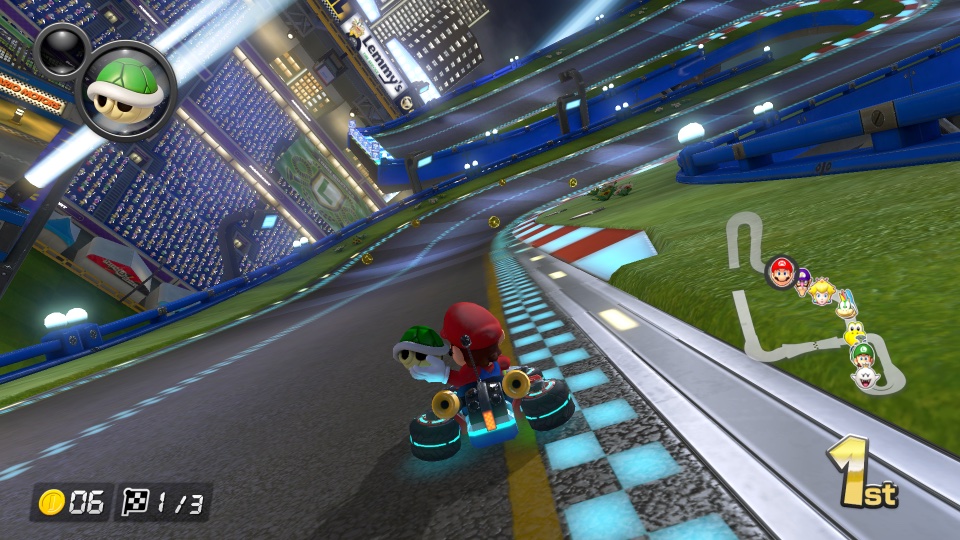 Mario Kart 8 Deluxe ~11.9 GB · no Mii heads |
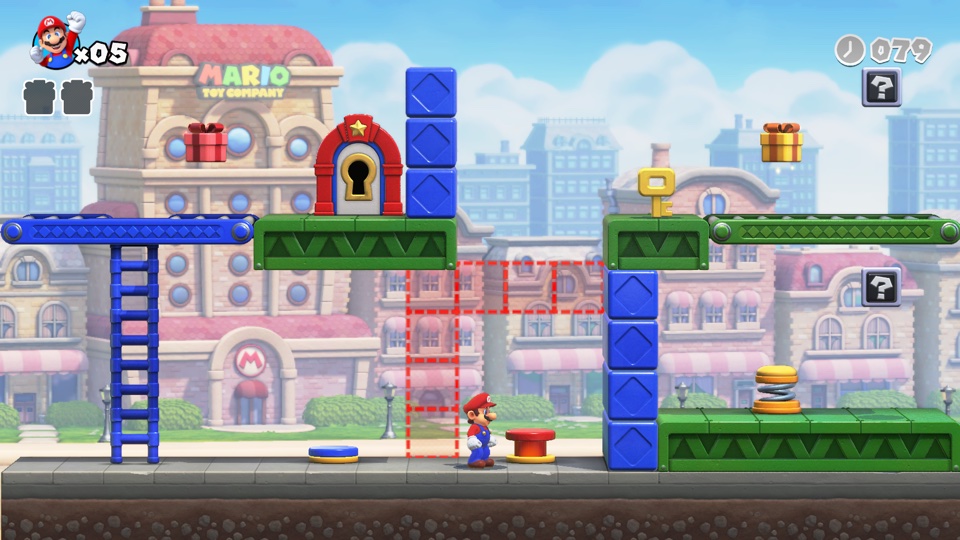 Mario vs. Donkey Kong ~1.6 GB |
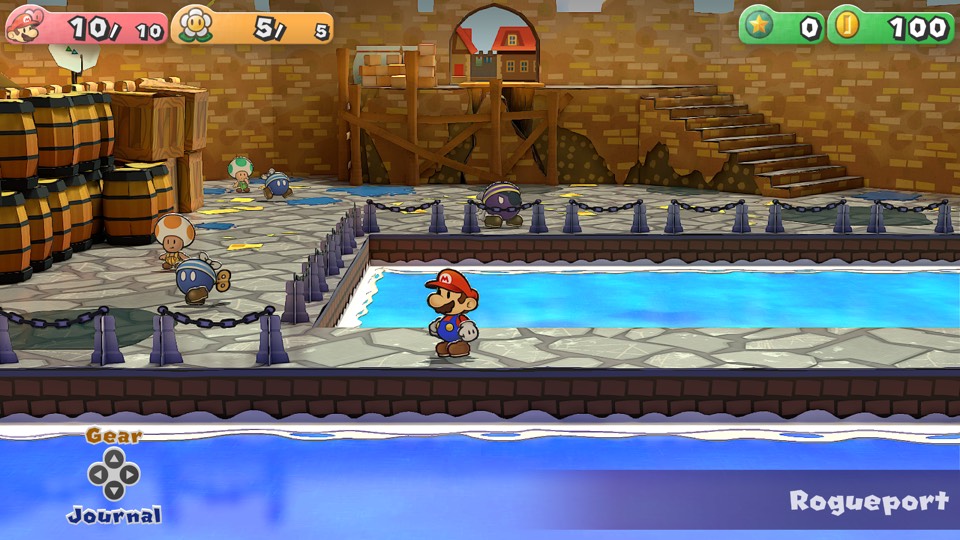 Paper Mario: The Thousand-Year Door ~5 GB · 60 fps with 1.0.1 |
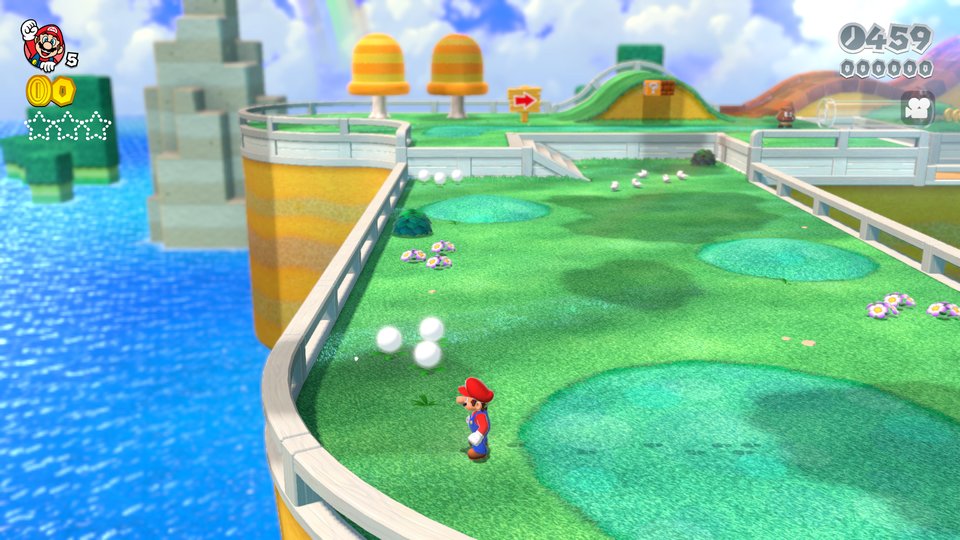 Super Mario 3D World + Bowser's Fury ~3 GB |
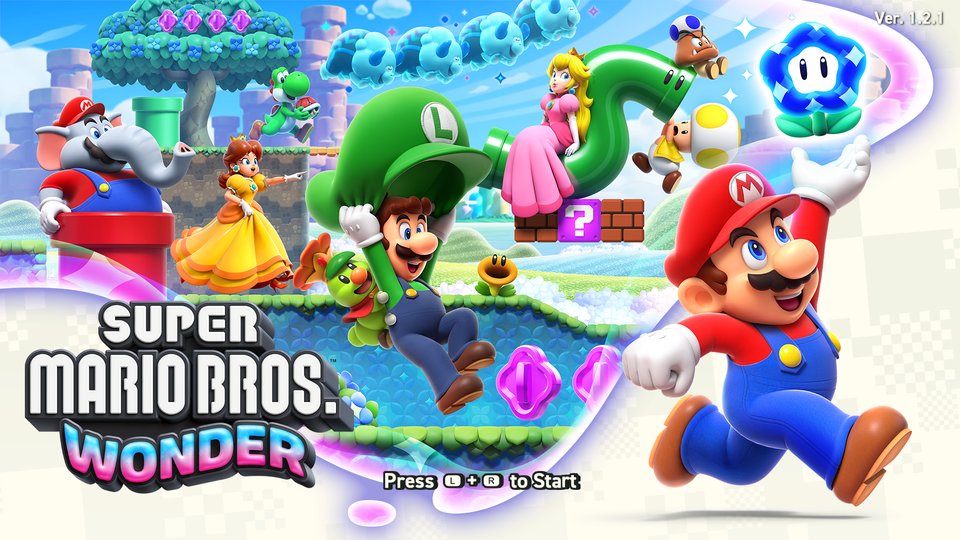 Super Mario Bros. Wonder ~4 GB |
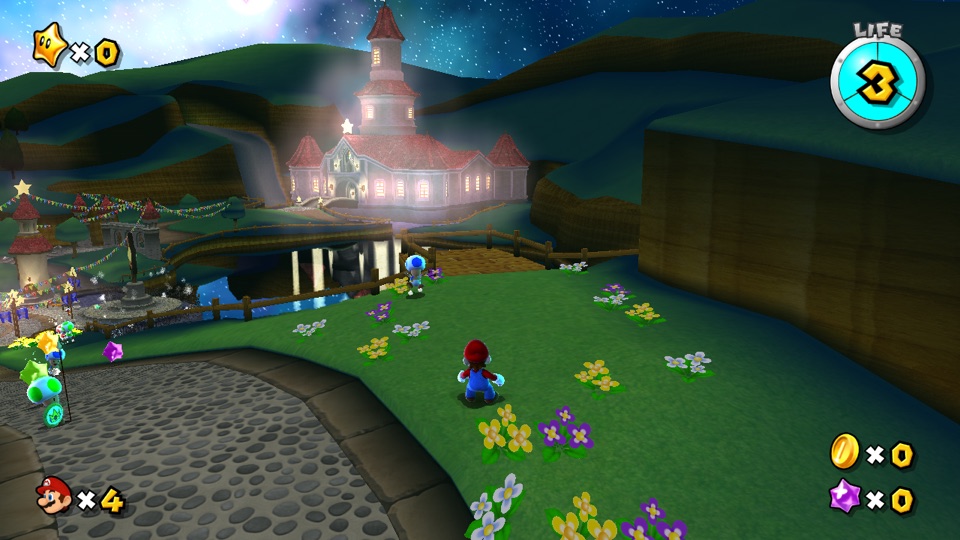 Super Mario Galaxy ~3 GB |
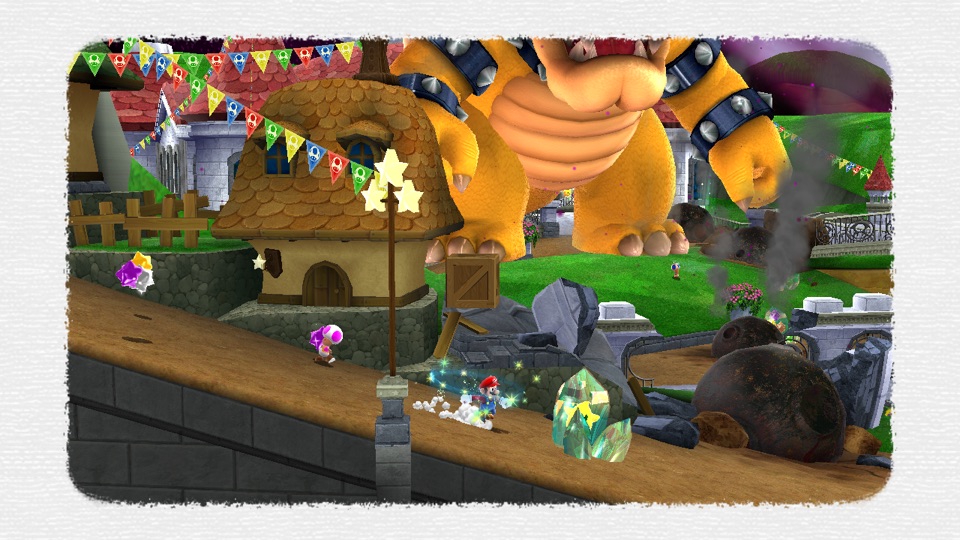 Super Mario Galaxy 2 ~3 GB |
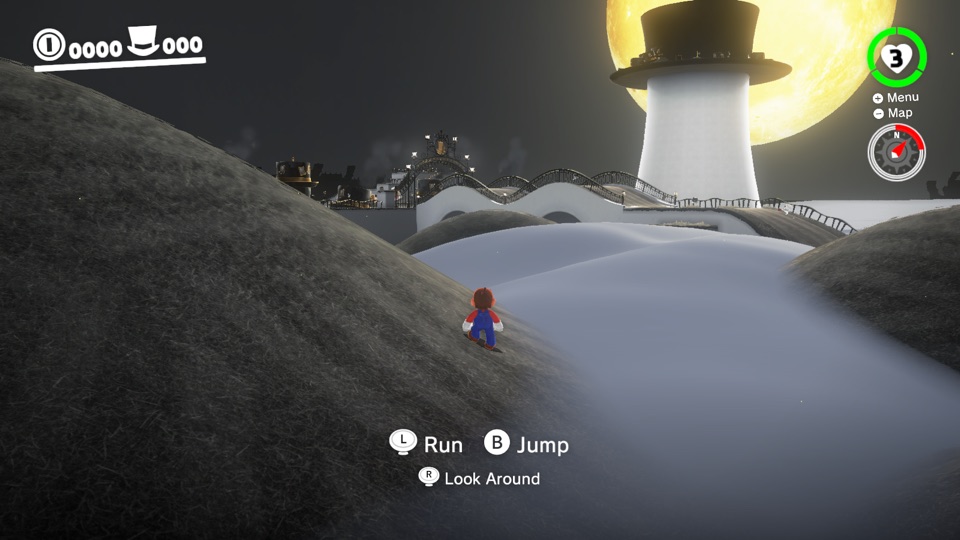 Super Mario Odyssey ~6 GB |
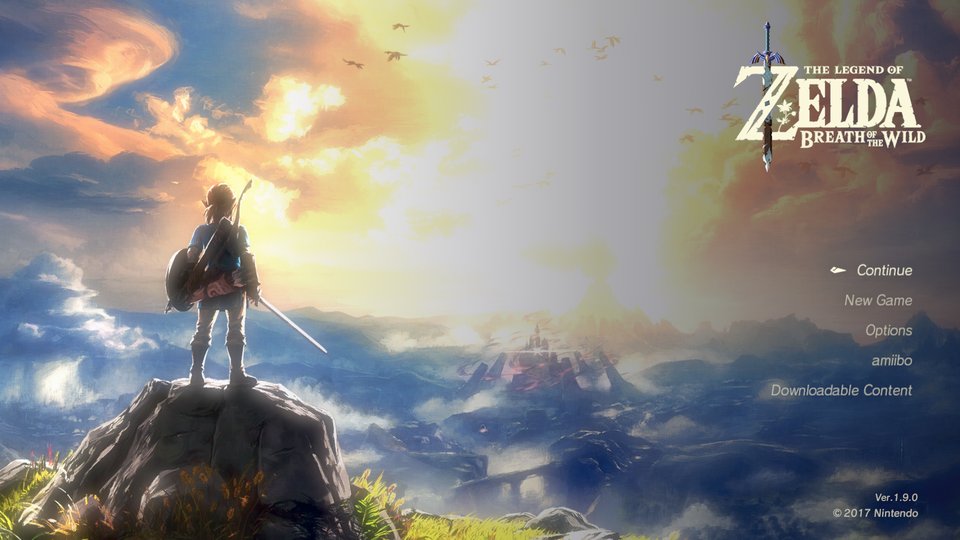 The Legend of Zelda: Breath of the Wild ~16 GB · 60 fps with 1.9.0 |
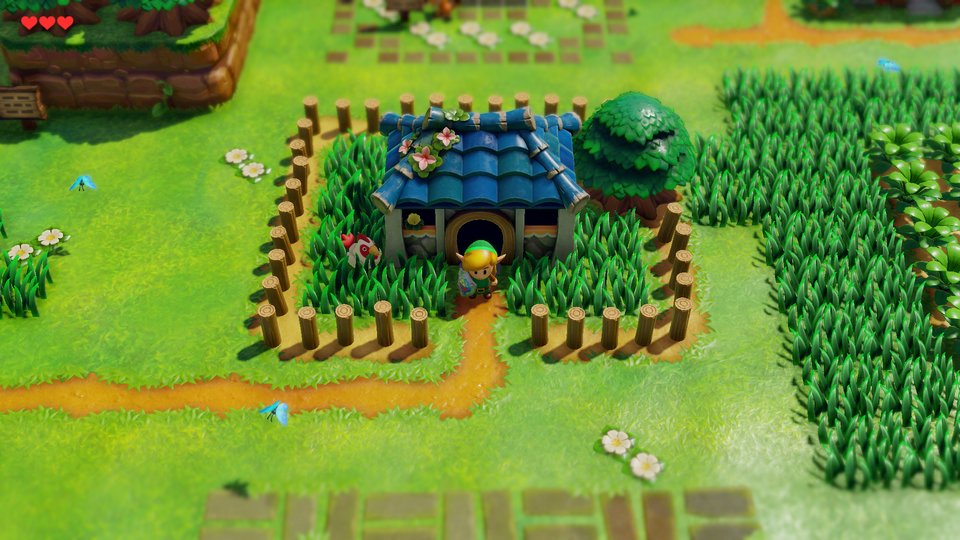 The Legend of Zelda: Link's Awakening ~6 GB |
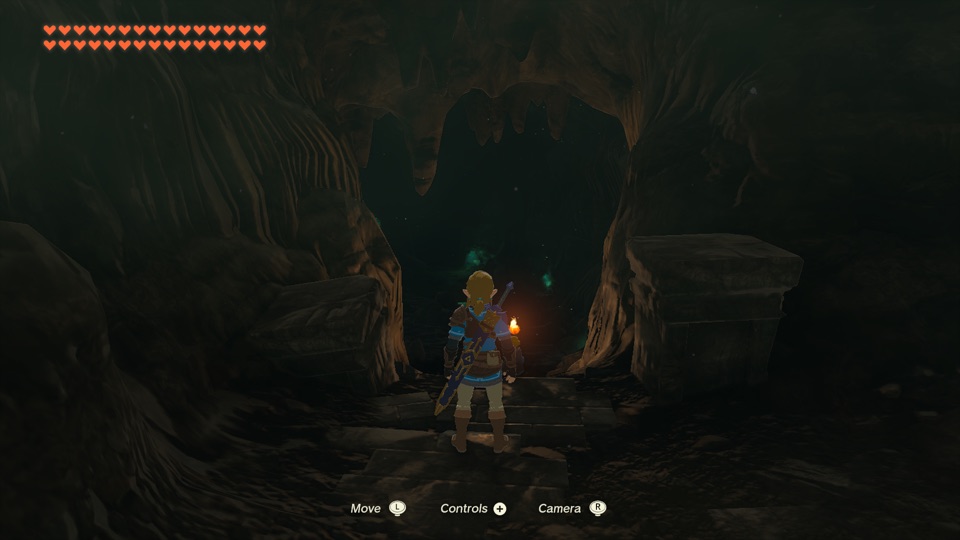 The Legend of Zelda: Tears of the Kingdom ~17 GB · 60 fps with 1.4.3 |
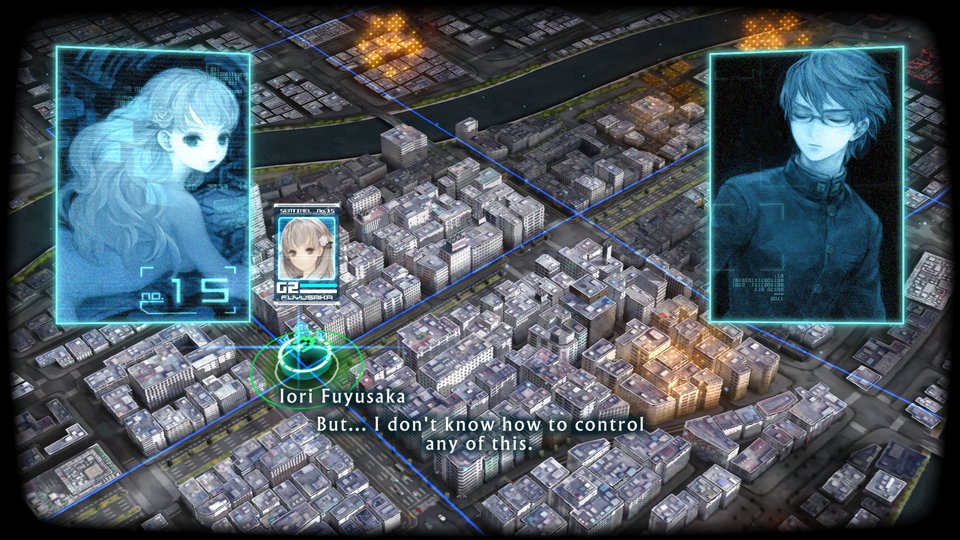 13 Sentinels: Aegis Rim ~5 GB |
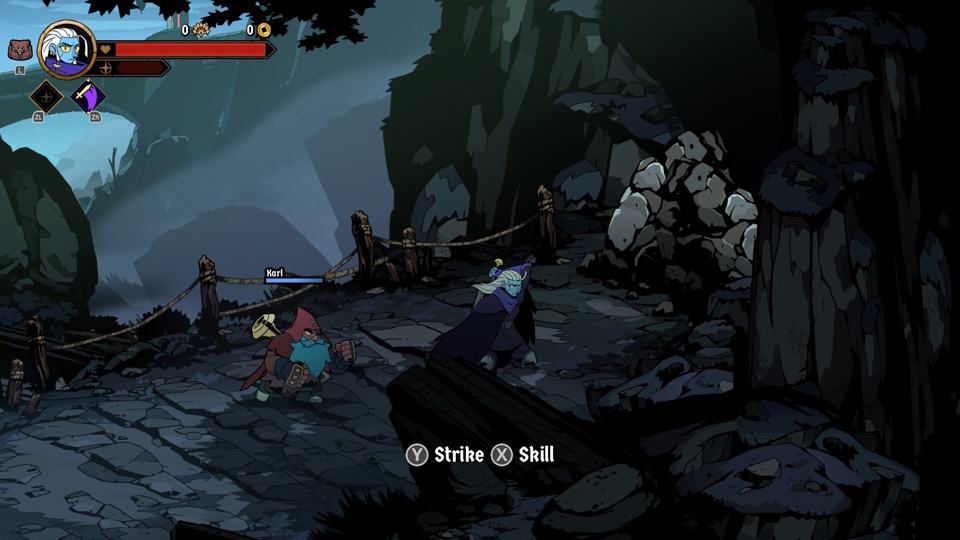 Absolum ~2 GB |
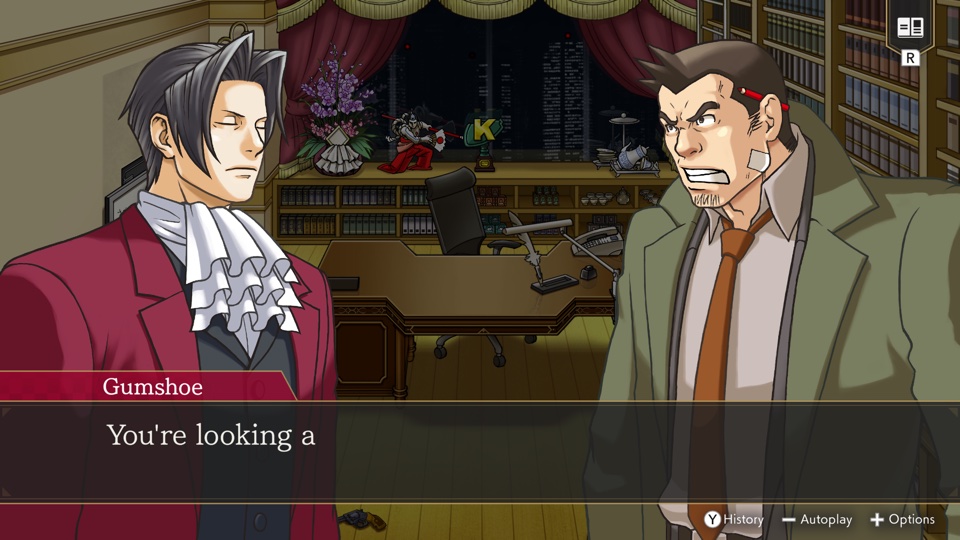 Ace Attorney Investigations Collection ~7 GB |
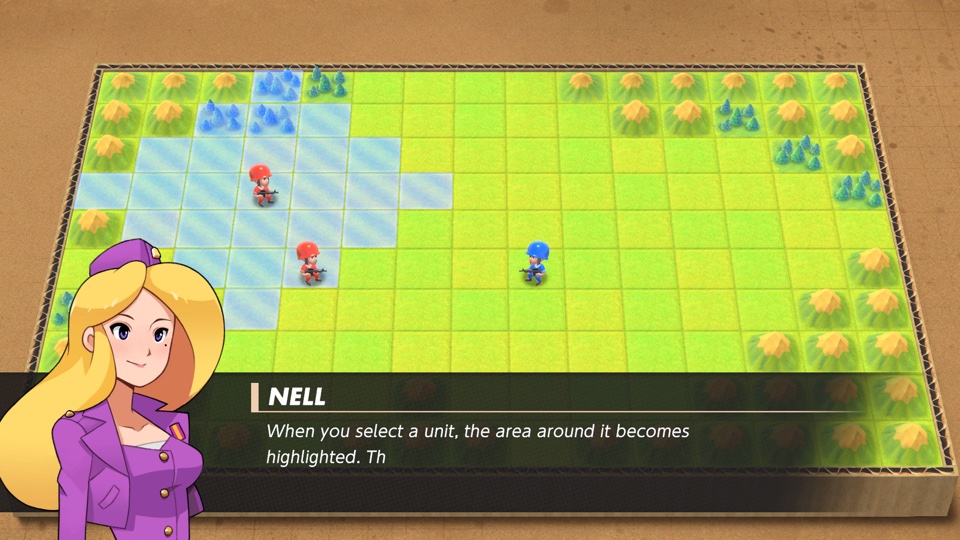 Advance Wars 1+2: Re-Boot Camp ~7.1 GB |
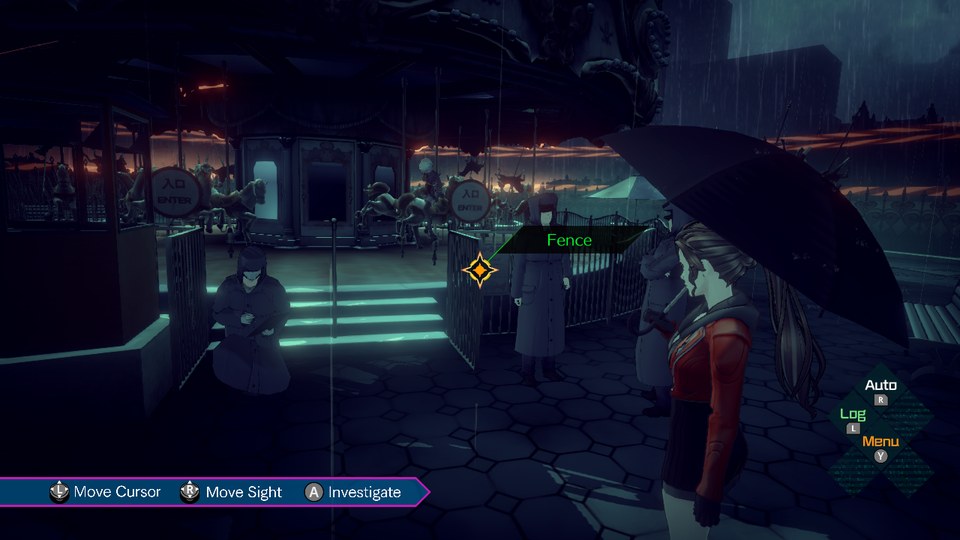 AI: THE SOMNIUM FILES ~8.3 GB |
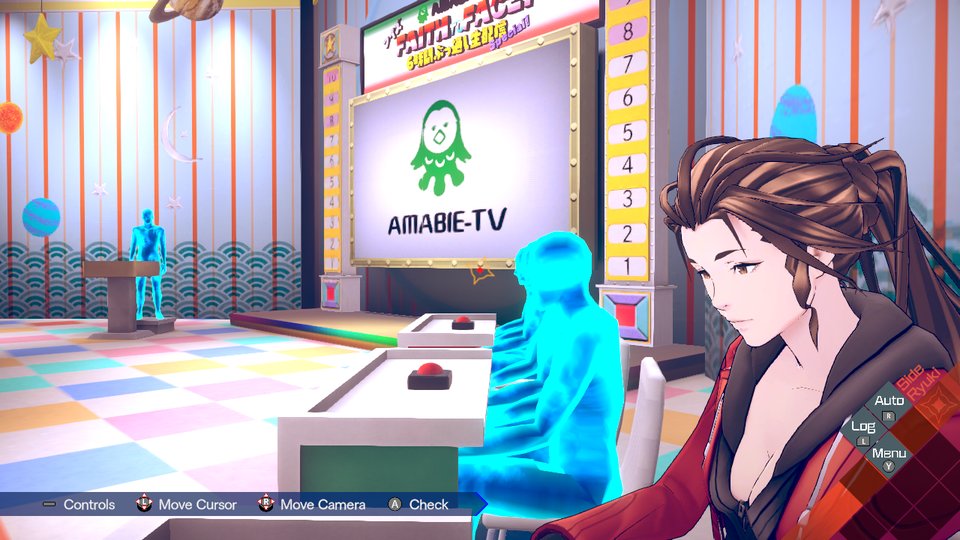 AI: THE SOMNIUM FILES - nirvanA Initiative ~11.6 GB |
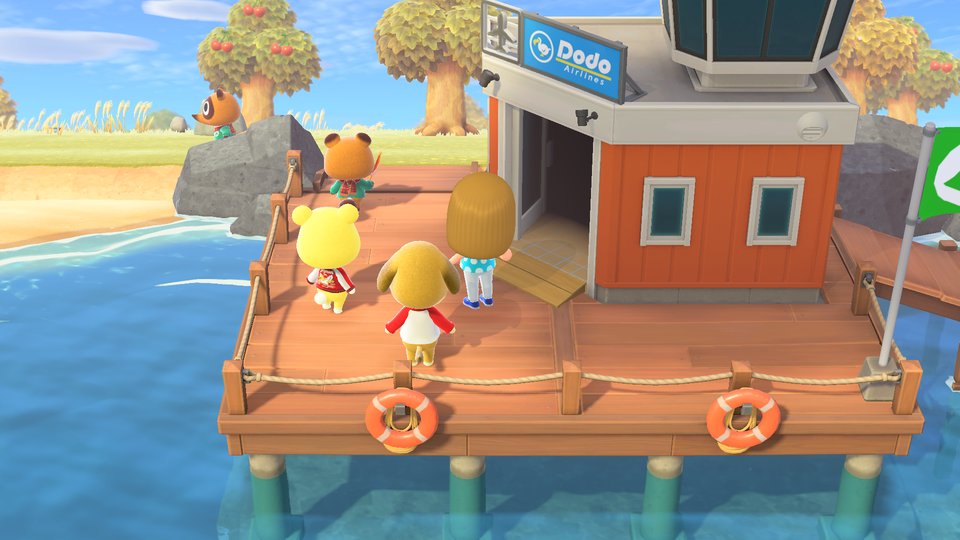 Animal Crossing: New Horizons ~10.5 GB |
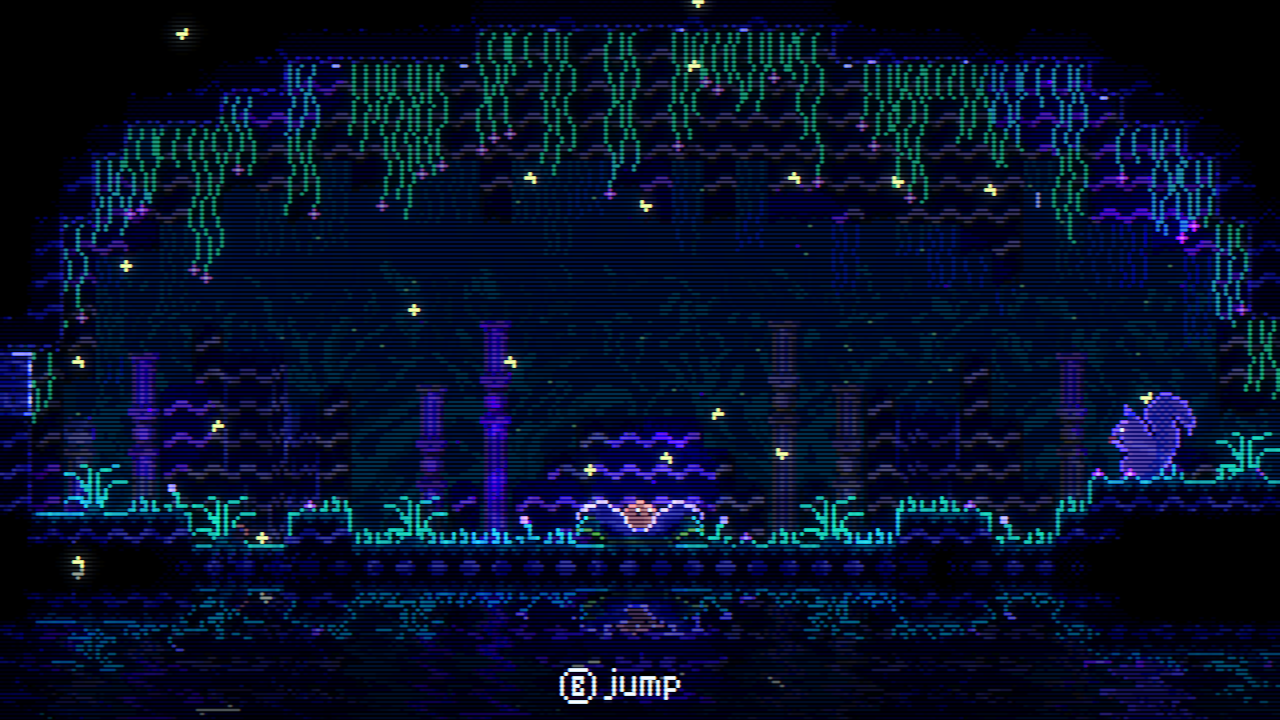 ANIMAL WELL ~54 MB |
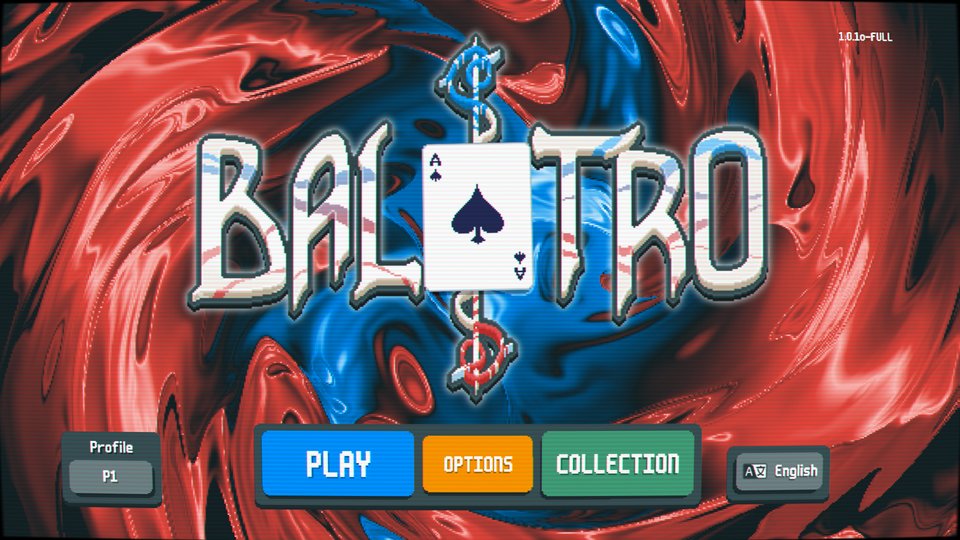 Balatro ~82 MB · played by touch |
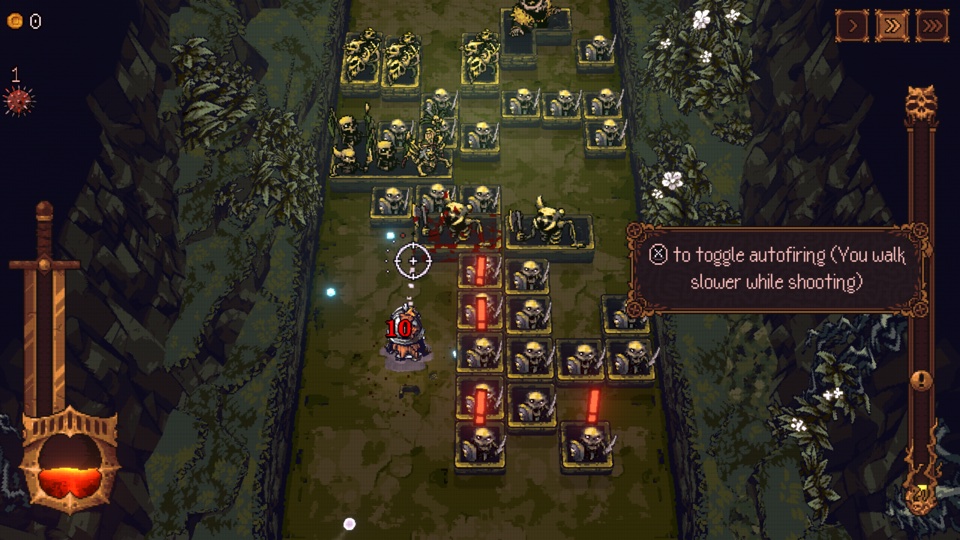 BALL x PIT ~1.1 GB |
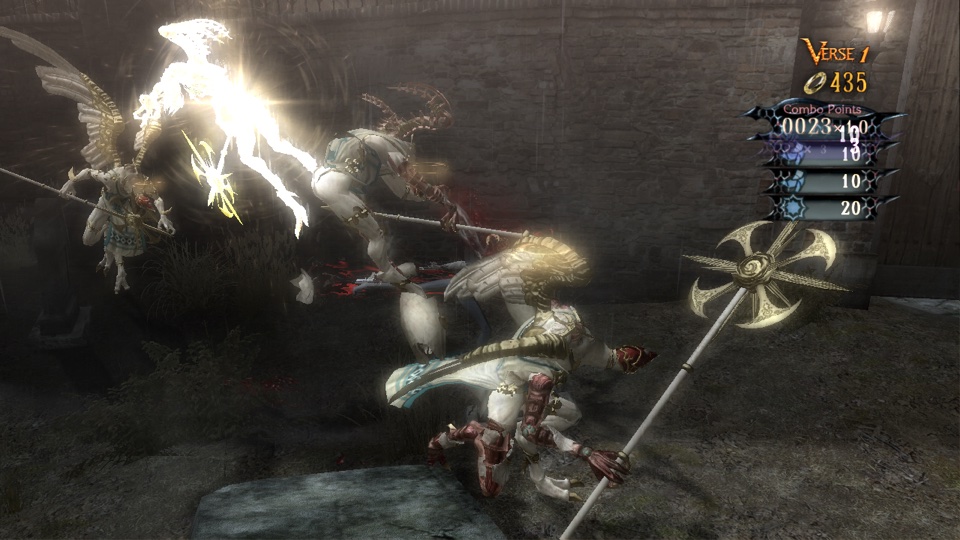 Bayonetta ~8.8 GB |
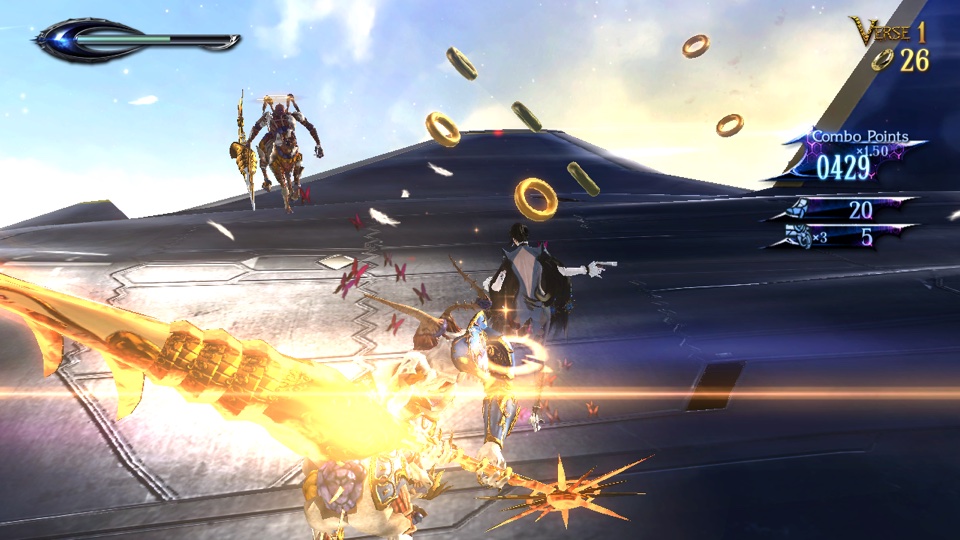 Bayonetta 2 ~12.5 GB |
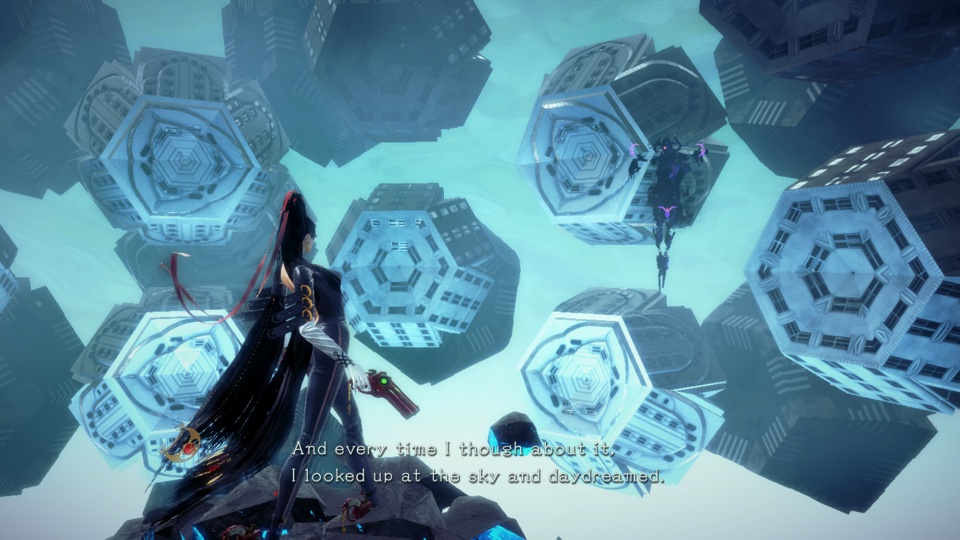 Bayonetta 3 ~14.2 GB |
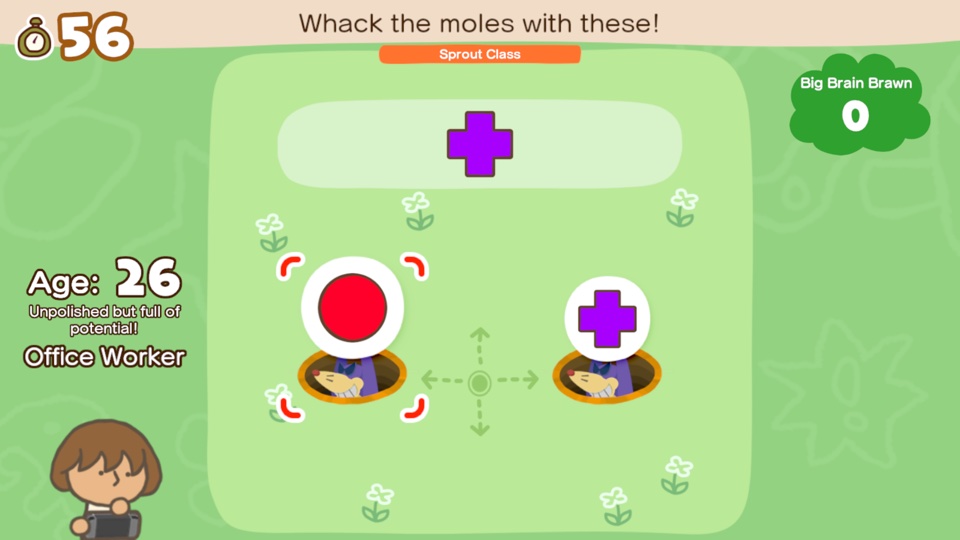 Big Brain Academy: Brain vs. Brain ~0.8 GB |
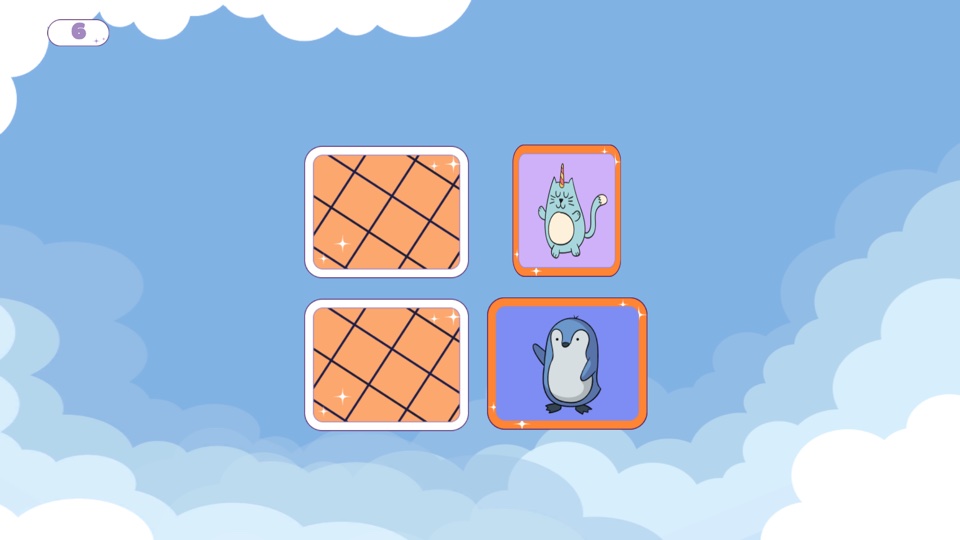 Brain Memory Training Academy ~0.1 GB |
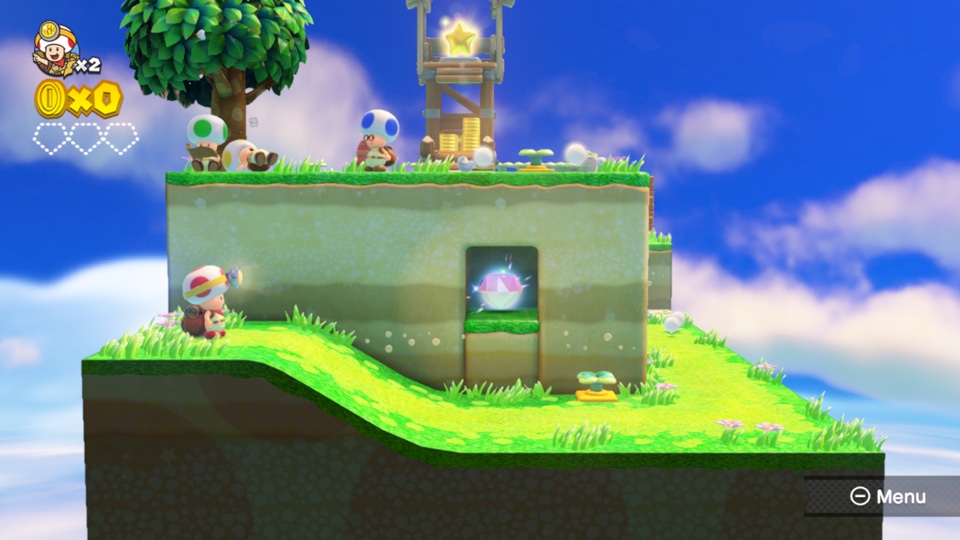 Captain Toad: Treasure Tracker ~2 GB |
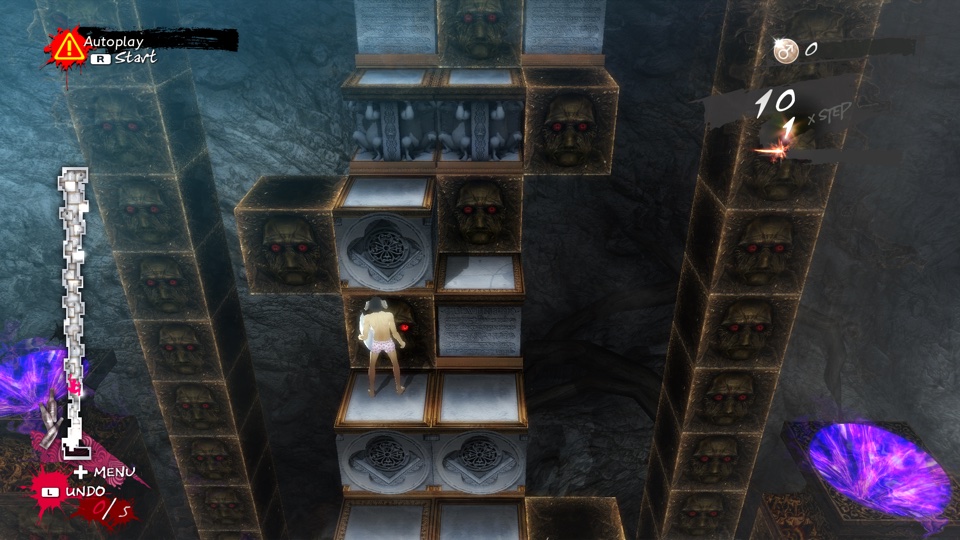 Catherine: Full Body ~14 GB |
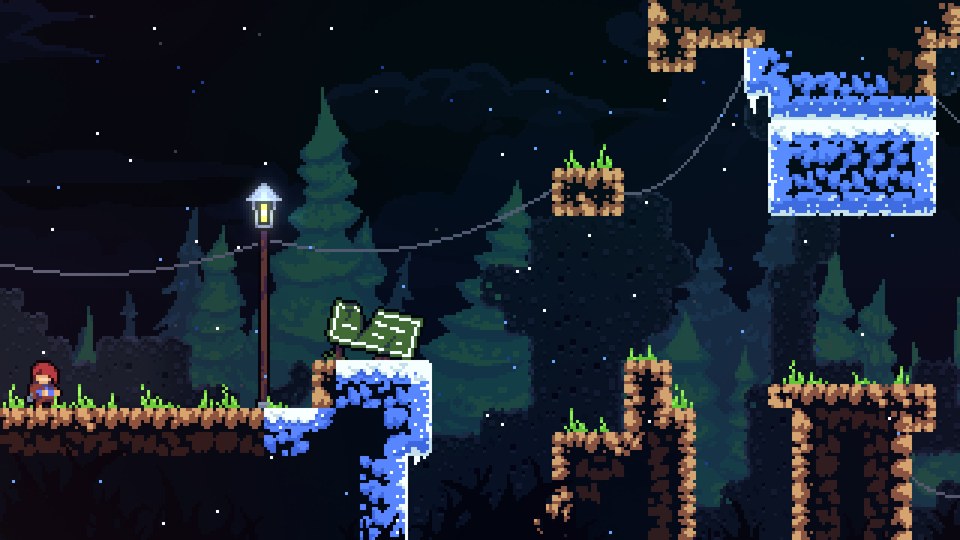 Celeste ~0.9 GB |
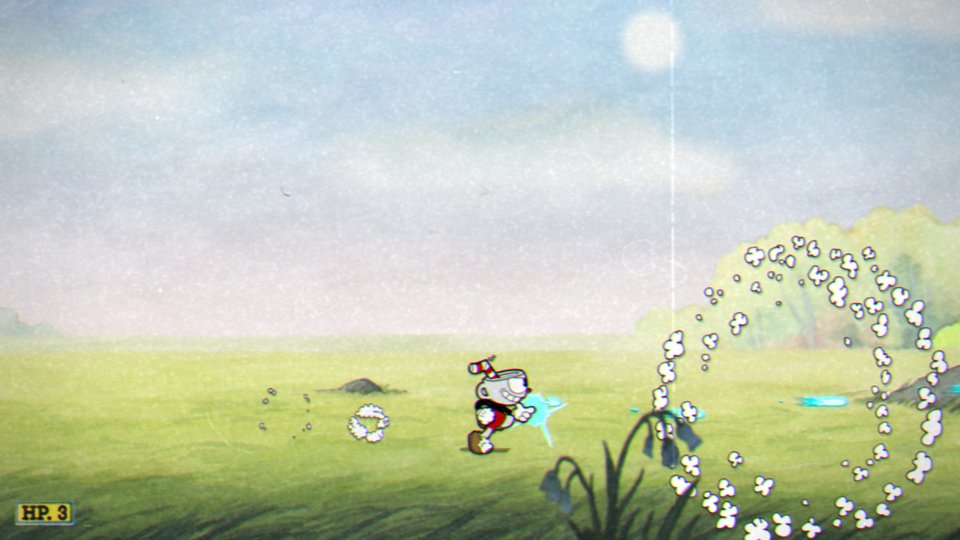 Cuphead ~5 GB |
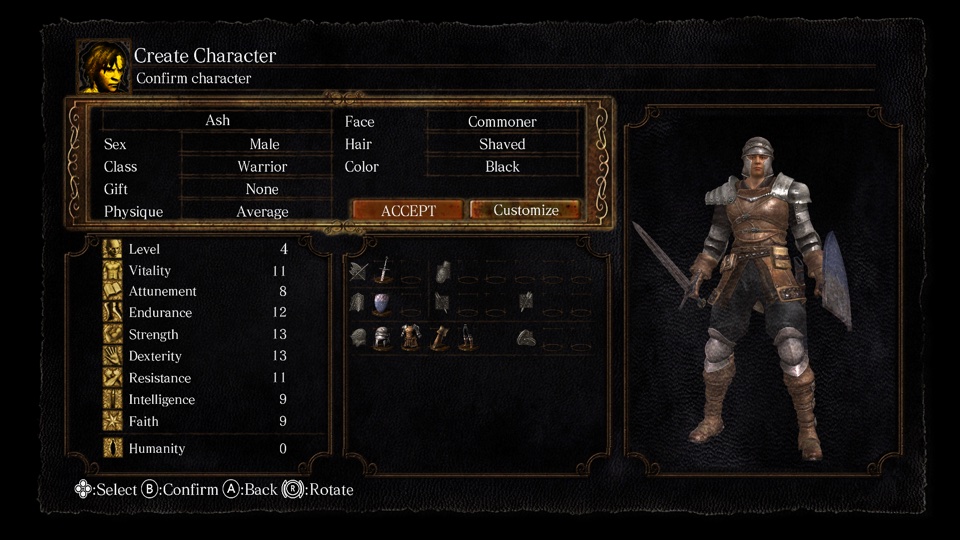 DARK SOULS: REMASTERED ~4 GB · 60 fps with 1.0.3 |
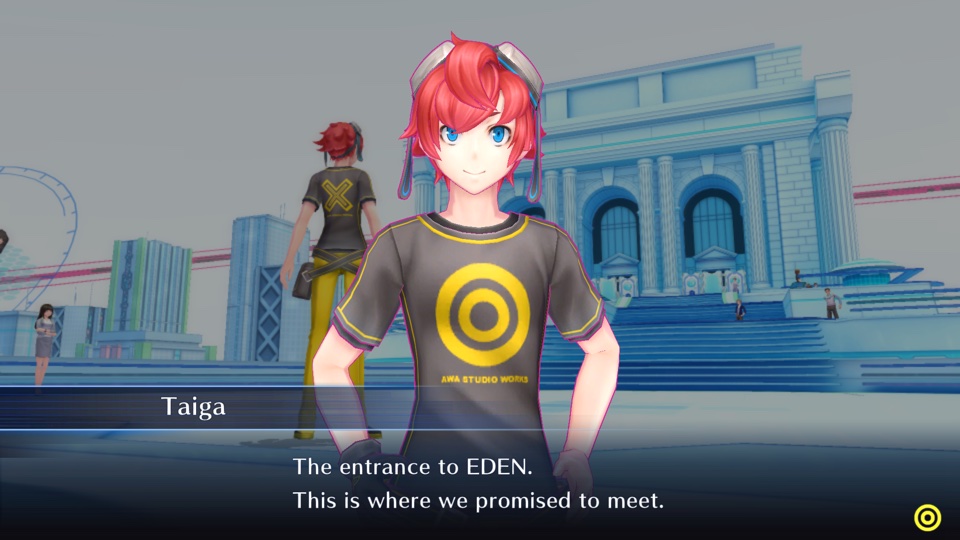 Digimon Story Cyber Sleuth: Complete Edition ~5 GB |
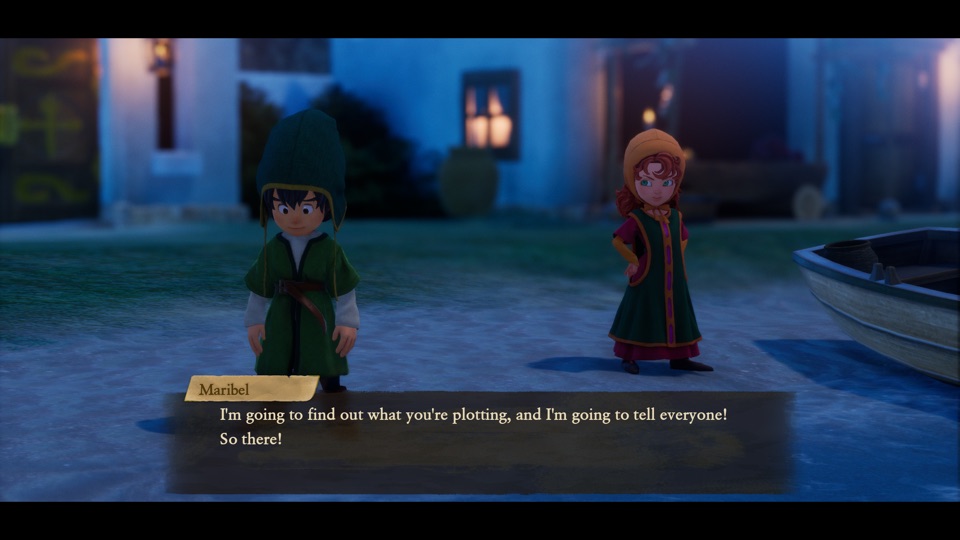 DRAGON QUEST VII Reimagined ~5.9 GB |
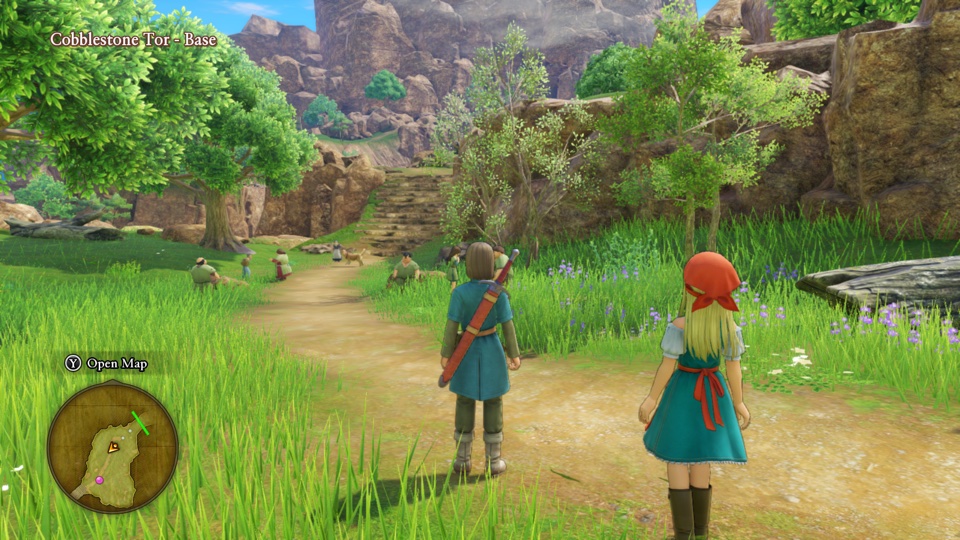 DRAGON QUEST XI S: Echoes of an Elusive Age – Definitive Edition ~15 GB · 60 fps with 1.0.4 |
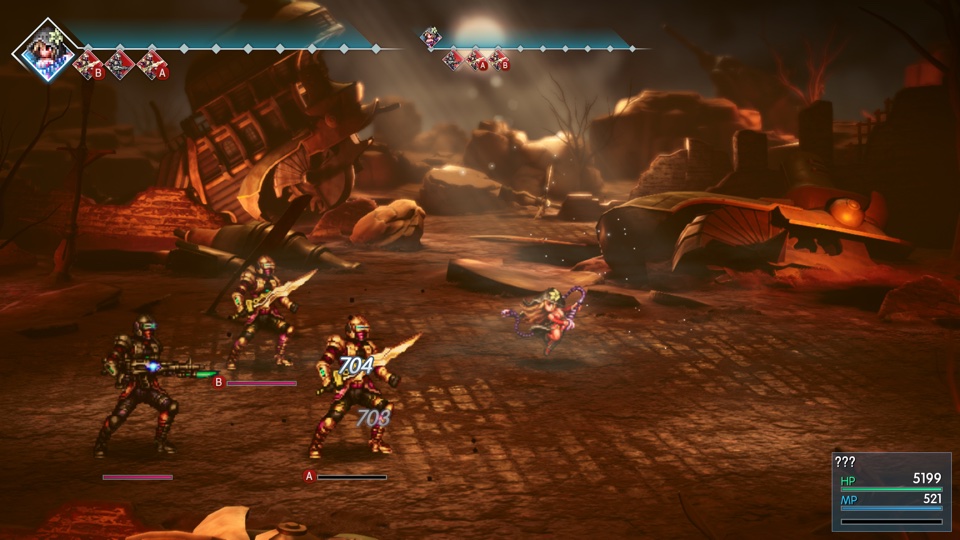 FINAL FANTASY RESONANCE ~10 GB · 60 fps with 1.0.1 |
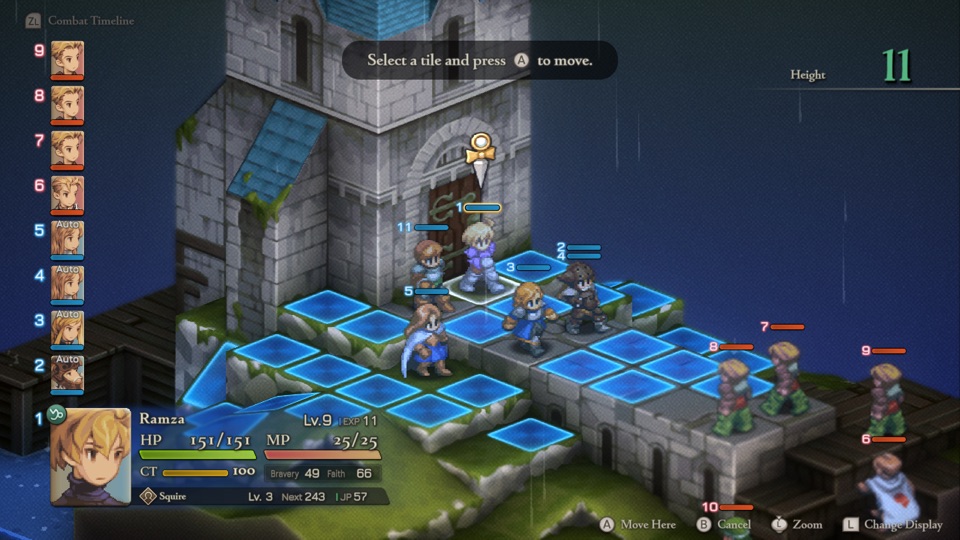 FINAL FANTASY TACTICS - The Ivalice Chronicles ~11 GB |
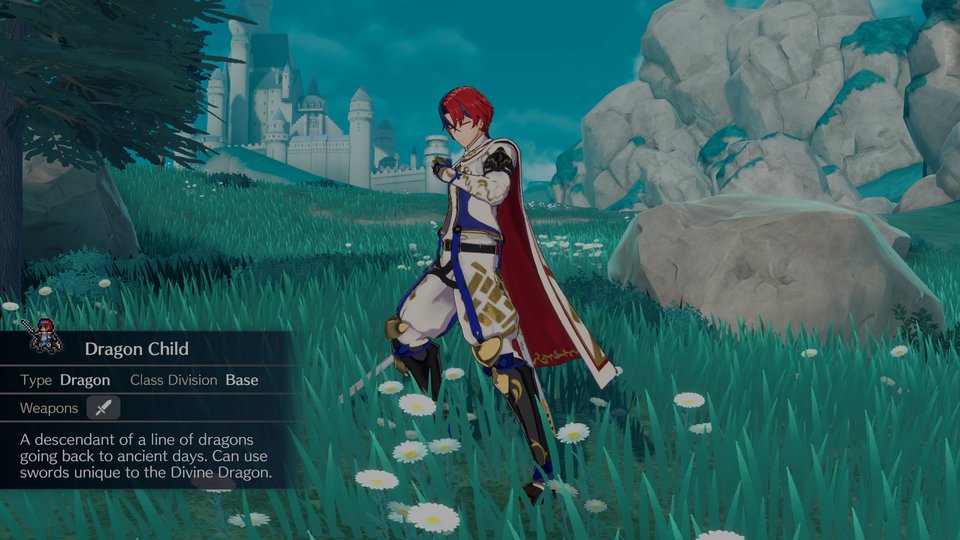 Fire Emblem Engage ~15 GB · 60 fps with 2.0.0 |
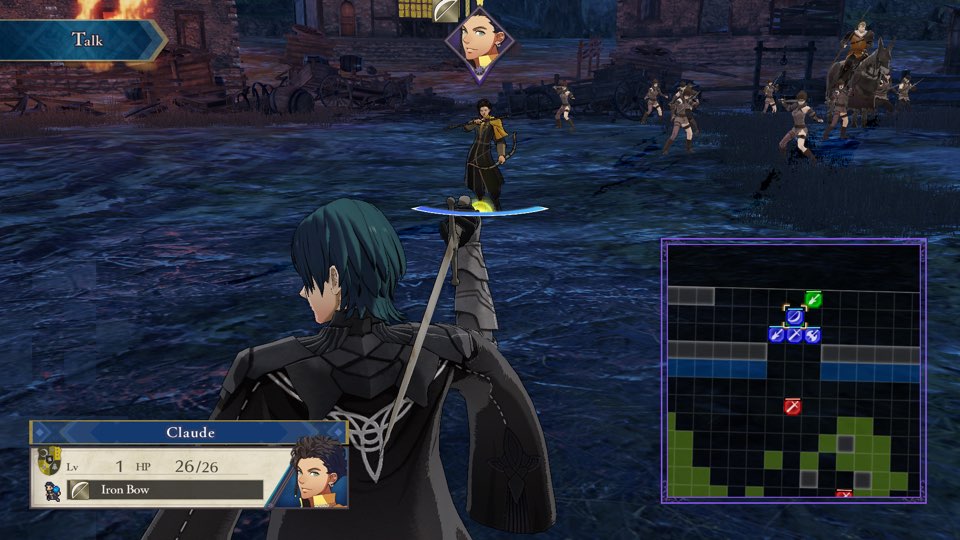 Fire Emblem: Three Houses ~13 GB · 60 fps with 1.2.0 |
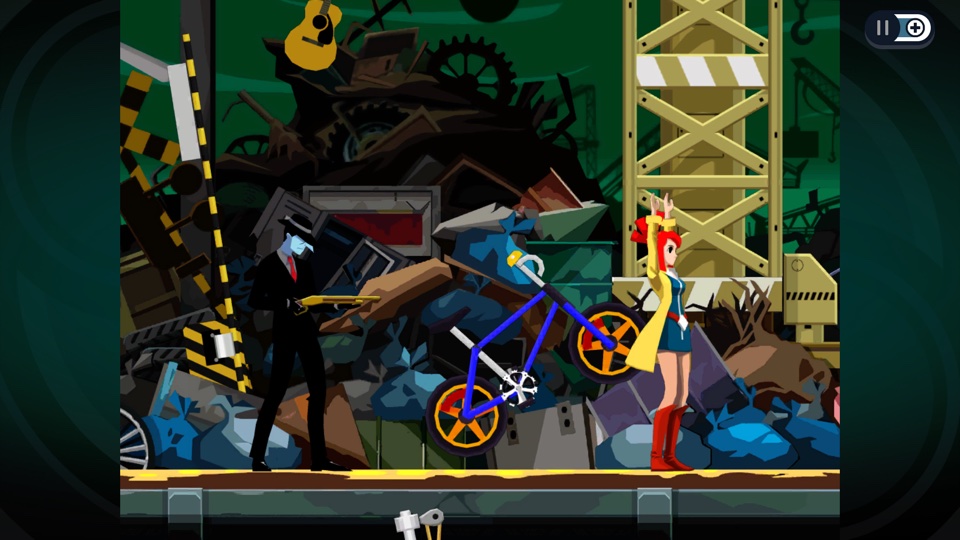 Ghost Trick: Phantom Detective ~3 GB |
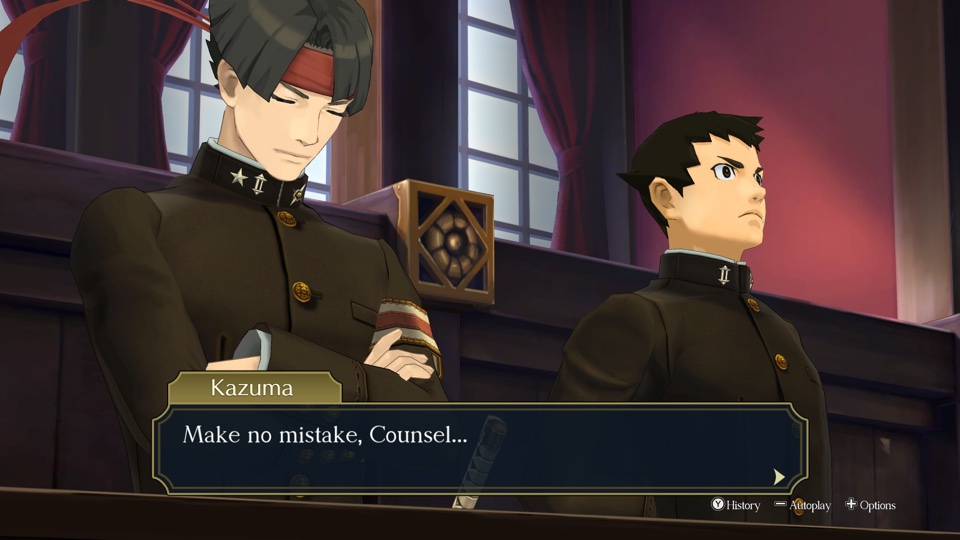 The Great Ace Attorney Chronicles ~4 GB |
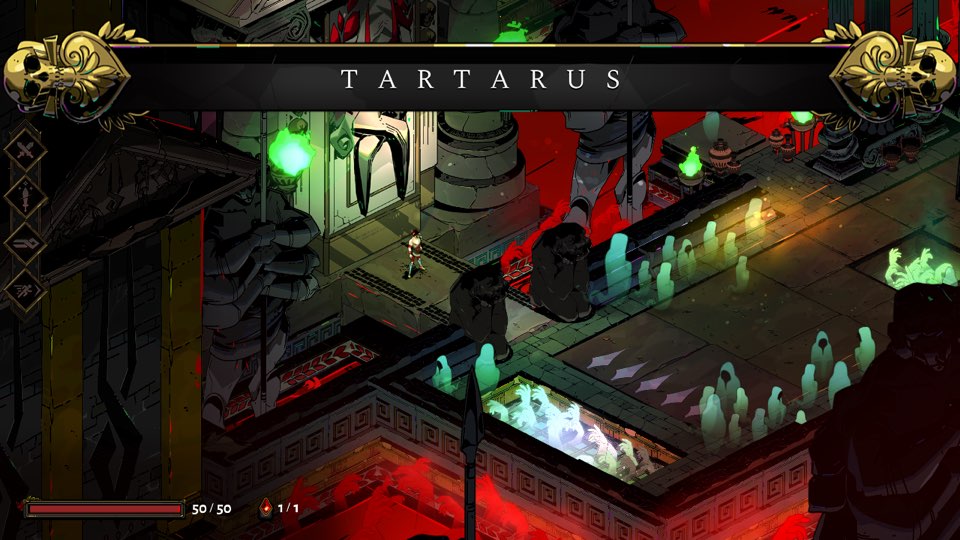 Hades ~4 GB |
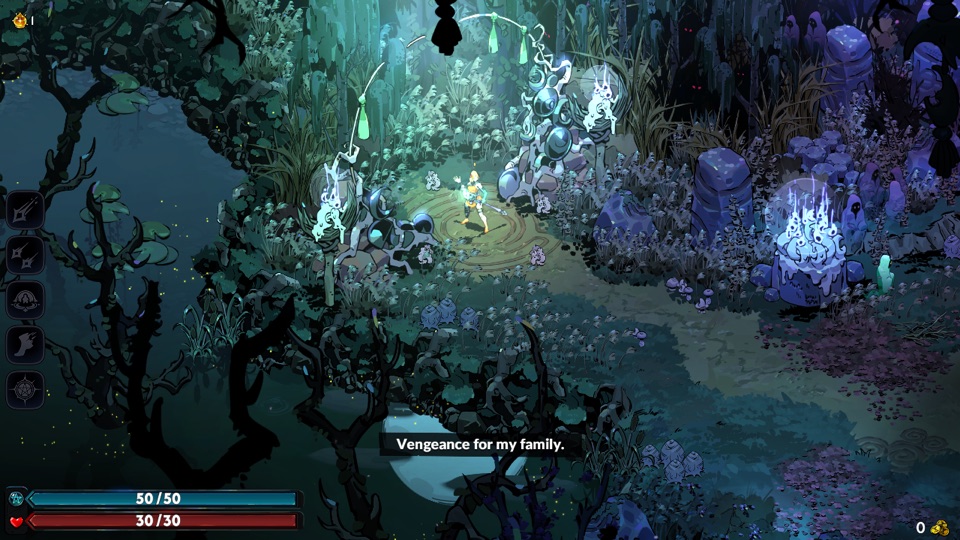 Hades II ~4 GB |
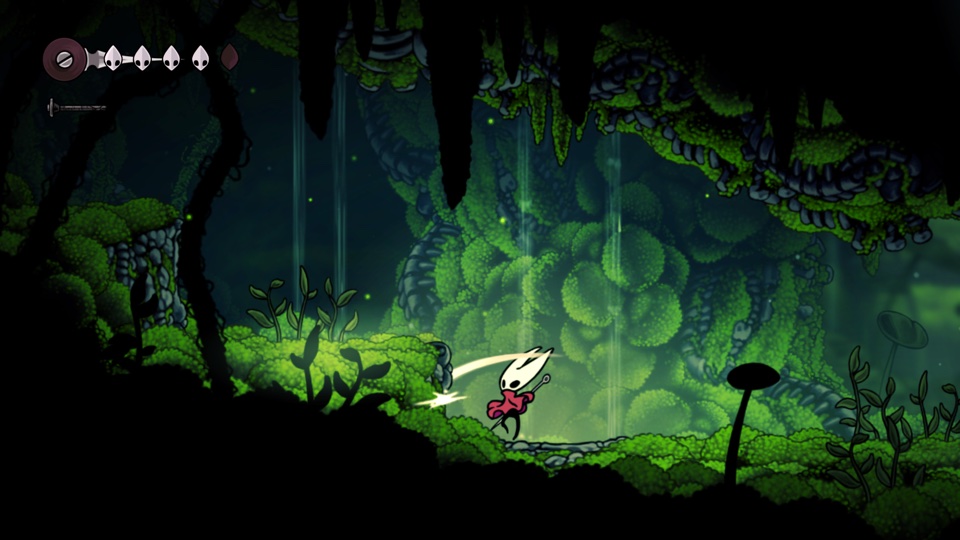 Hollow Knight: Silksong ~6.4 GB |
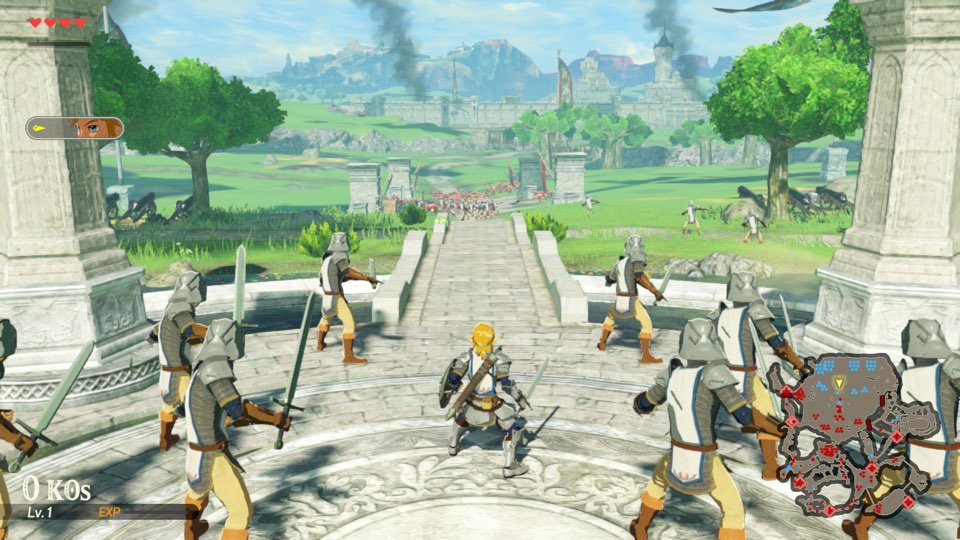 Hyrule Warriors: Age of Calamity ~15 GB · 60 fps with 1.3.0 |
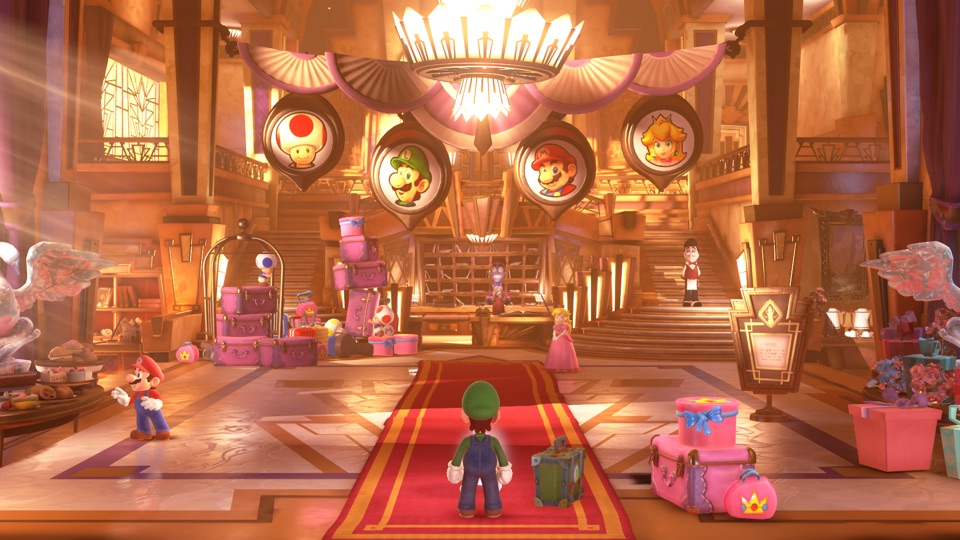 Luigi's Mansion 3 ~7.5 GB · 60 fps with 1.4.0 |
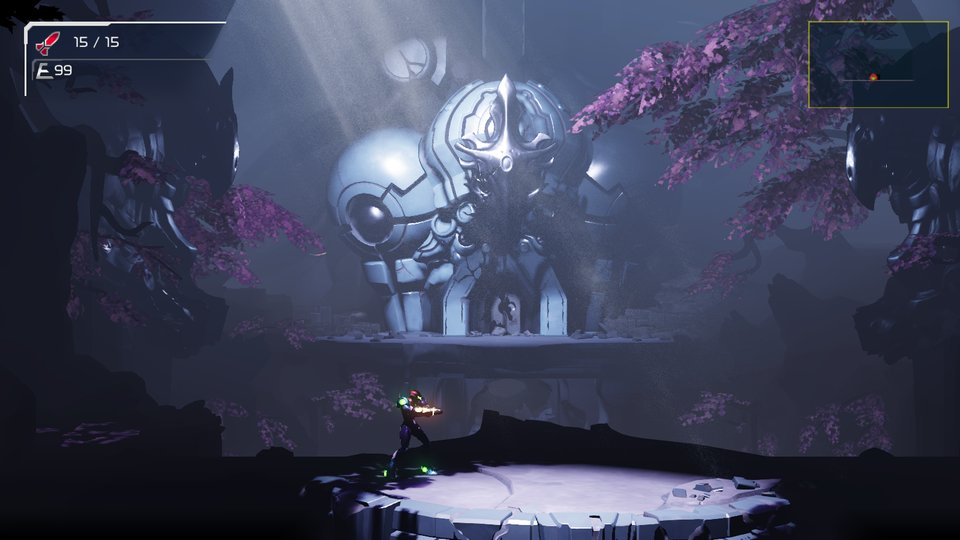 Metroid Dread ~5 GB |
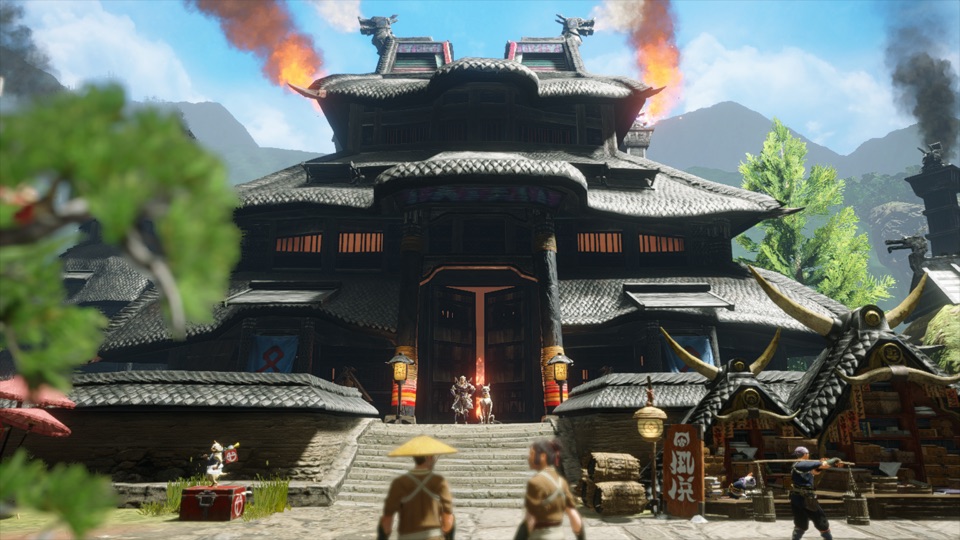 Monster Hunter Rise ~22 GB · 60 fps with 16.0.2 |
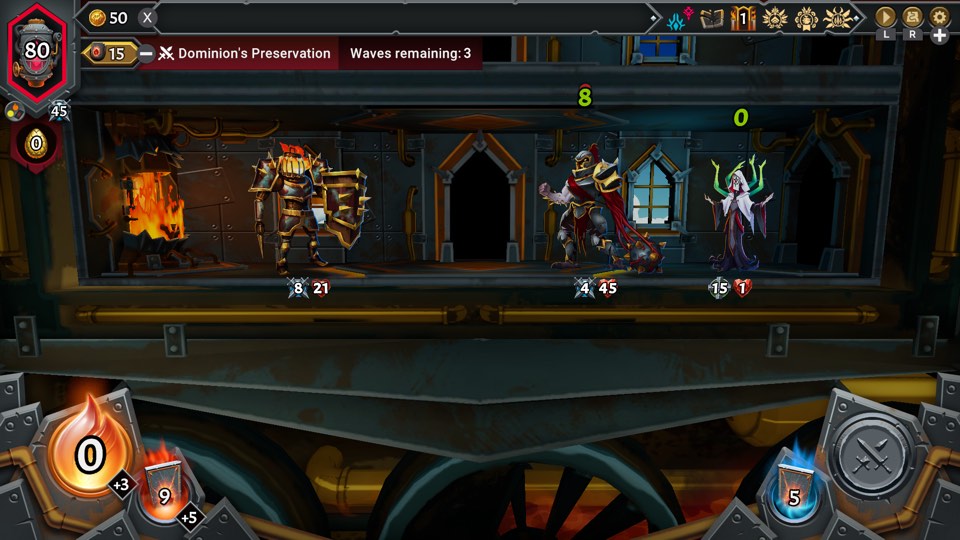 Monster Train 2 ~1.6 GB · 60 fps with 1.1.1 |
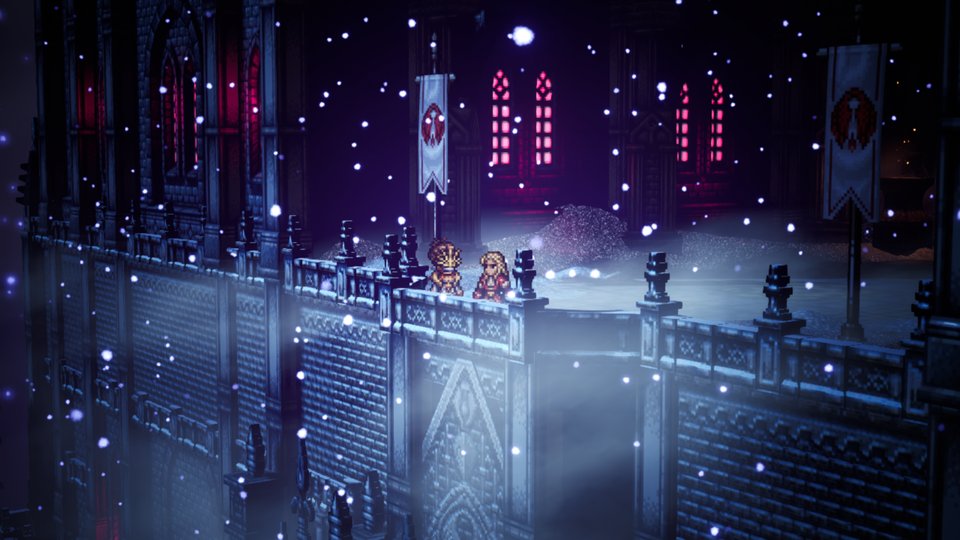 Octopath Traveler 0 ~4 GB · 60 fps with 1.0.5 |
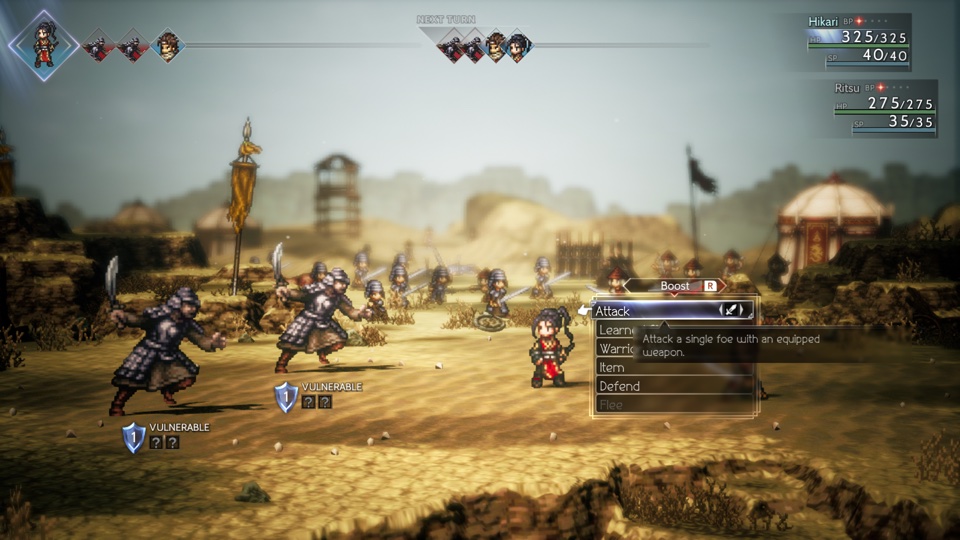 Octopath Traveler II ~5.9 GB · 60 fps with 1.1.1 |
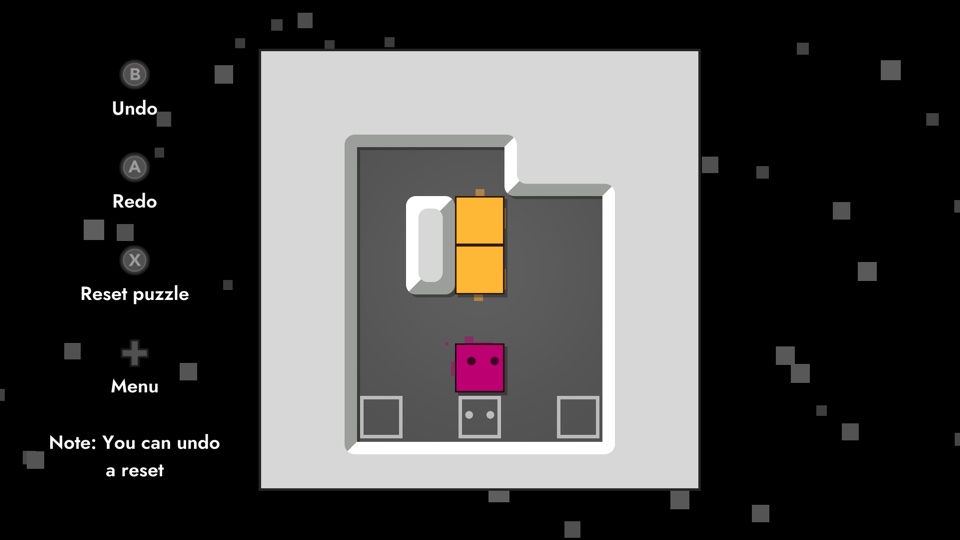 Patrick's Parabox ~0.2 GB |
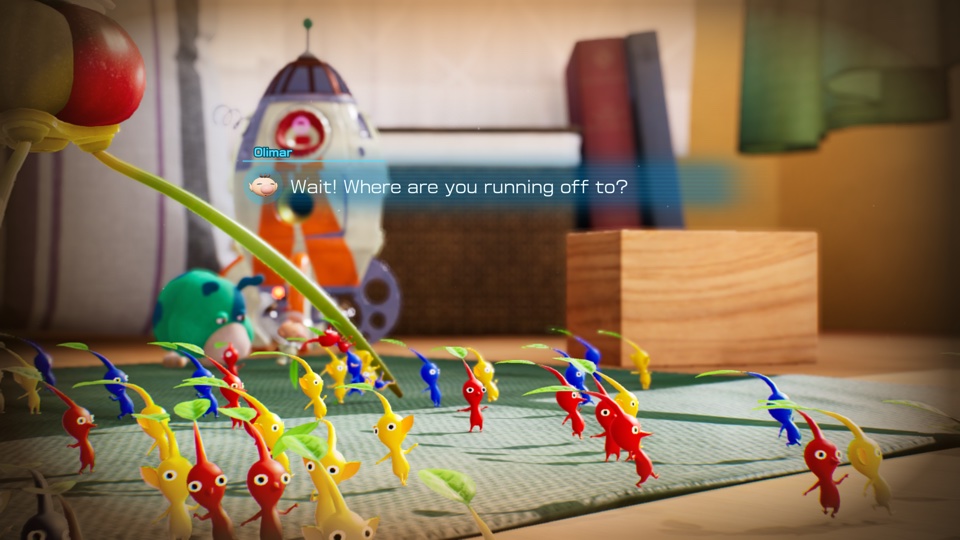 Pikmin 4 ~10.8 GB |
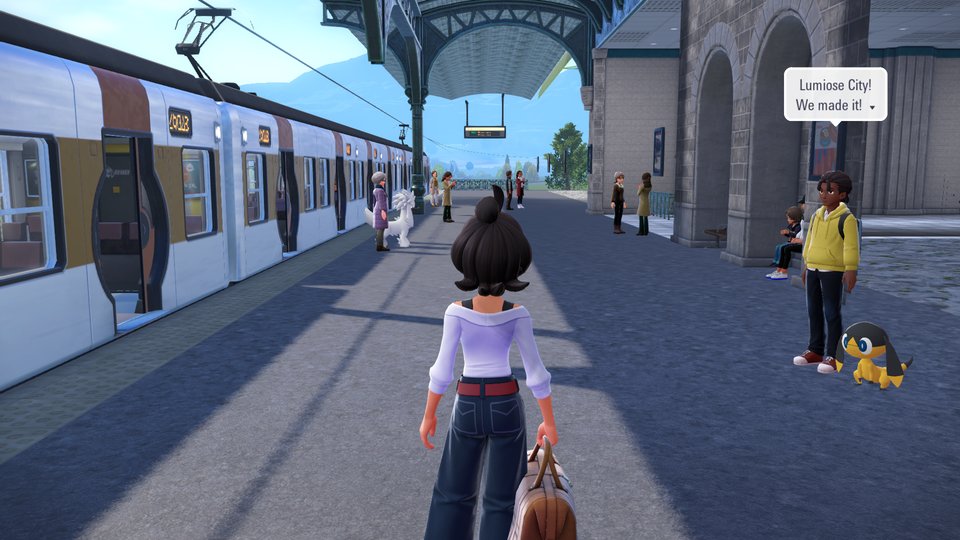 Pokémon Legends: Z-A ~6 GB |
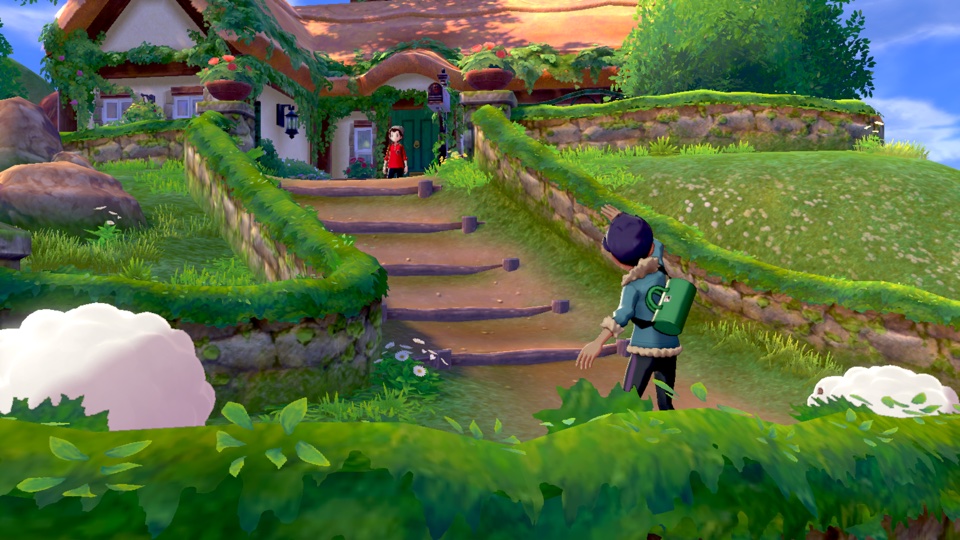 Pokémon Sword ~12.4 GB |
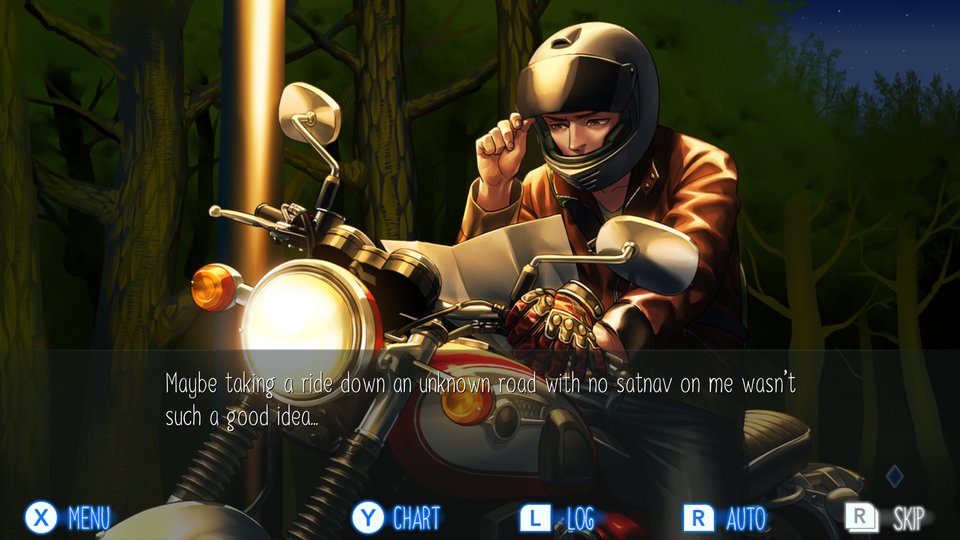 Raging Loop ~0.9 GB |
 Rhythm Heaven Groove ~3 GB |
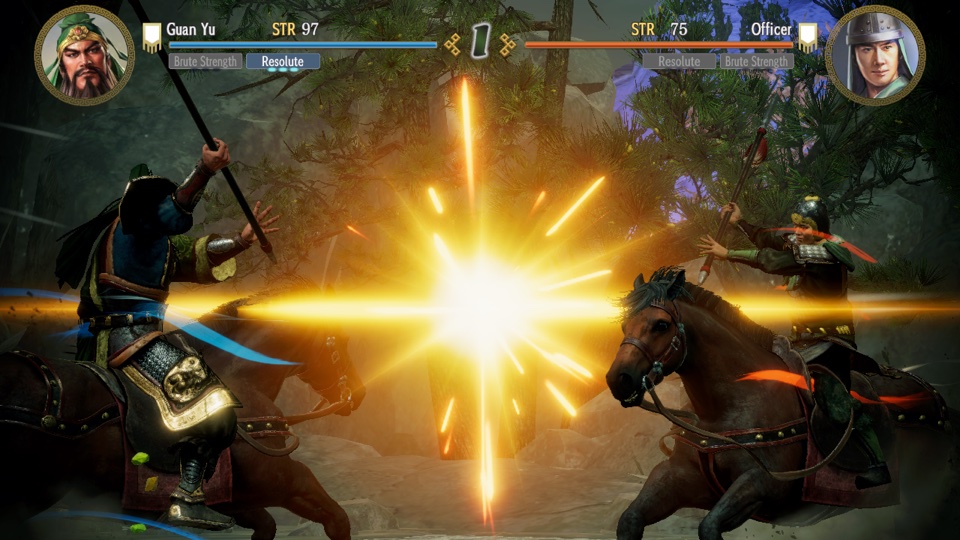 ROMANCE OF THE THREE KINGDOMS 8 REMAKE ~16.8 GB · controller only |
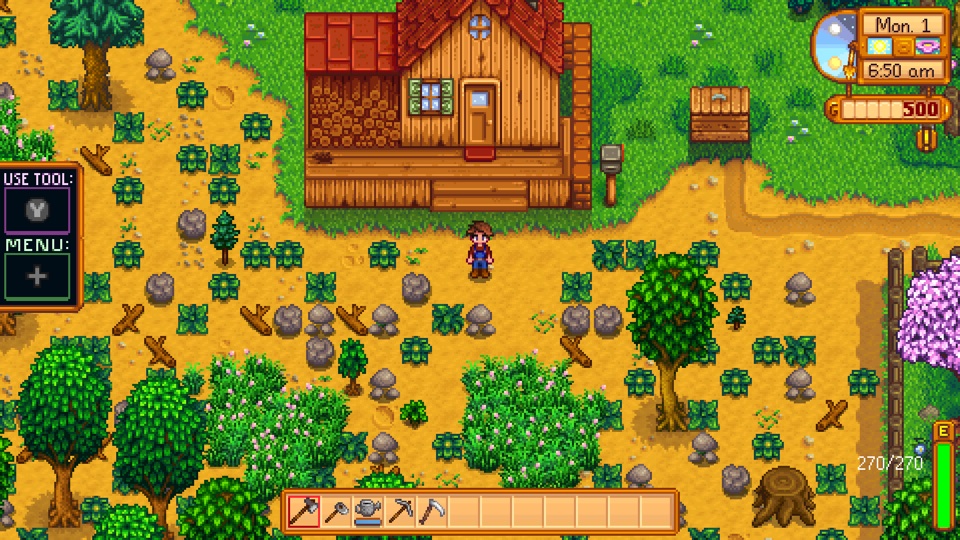 Stardew Valley ~0.6 GB |
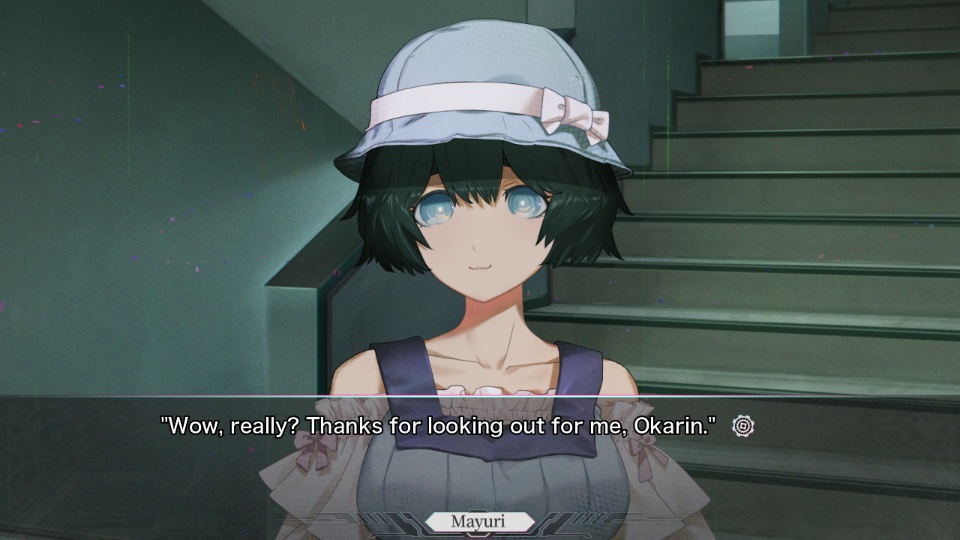 STEINS;GATE RE:BOOT ~6 GB |
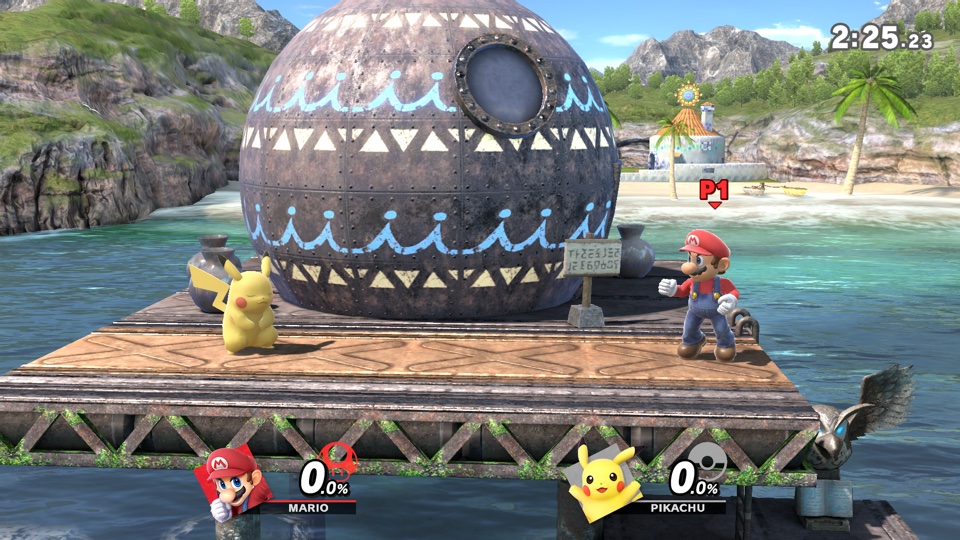 Super Smash Bros. Ultimate ~17.5 GB · offline |
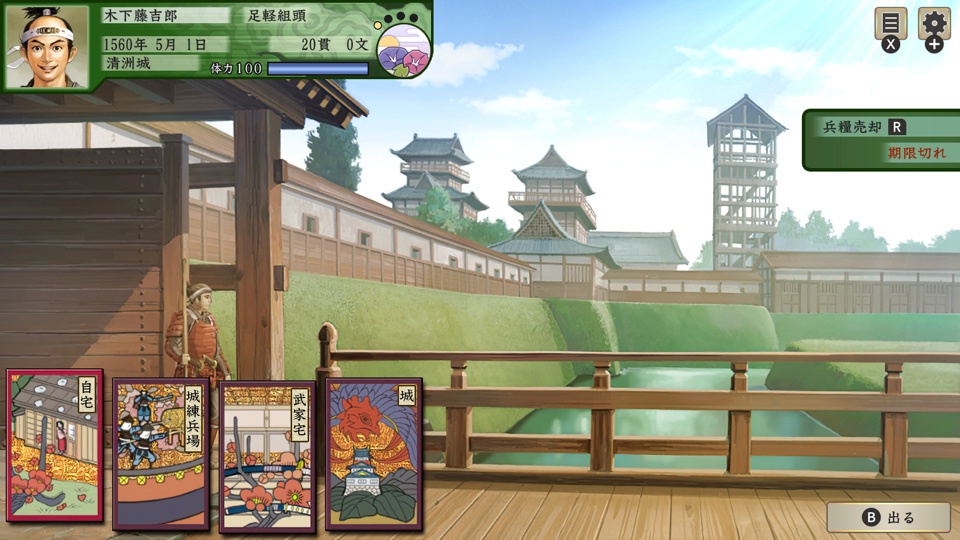 Taiko Risshiden V DX ~3.3 GB · Japanese · played by touch |
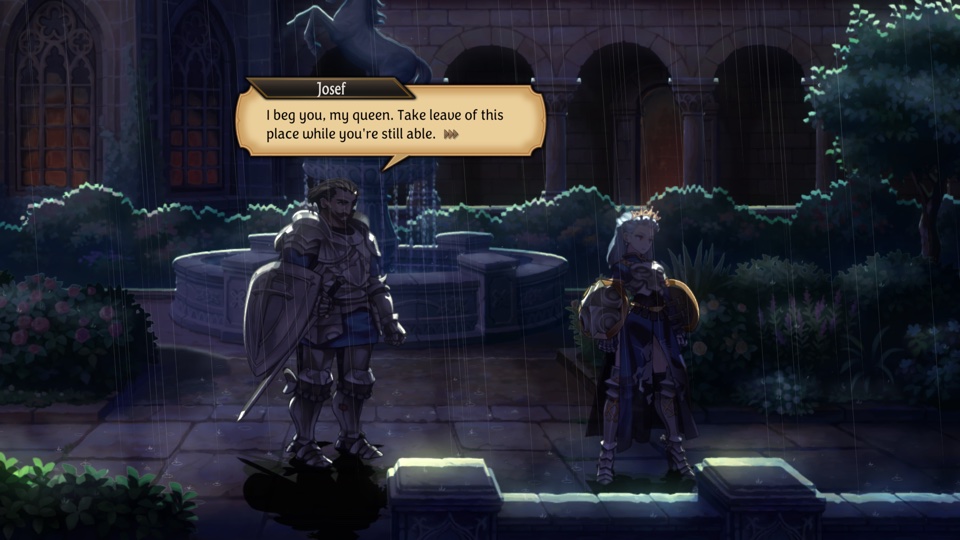 Unicorn Overlord ~4 GB |
Pack an IPA
Prefer a graphical interface to the command line? NX2Apple is a community fork with a macOS app that runs this whole pipeline for you and packs the game files into a sharded RomFS archive for a slimmer IPA. It is a separate project that follows this one; the steps below are nxnative's own command-line way.
1. Get nxnative and its tools (once, on a Mac with Xcode and Homebrew):
git clone https://github.com/seedds/nxnative.git && cd nxnative
brew install xcodegen zstd spirv-cross glslang
brew install --cask dotnet-sdk
python3 -m pip install lz4 capstone fonttools "backports.zstd; python_version < '3.14'"
2. Put one game's NSPs in a folder: the base game (an NSP, or an XCI cartridge dump), plus its update and DLC if you have them:
~/Games/MarioWonder/
  Super Mario Bros. Wonder [010015100B514000][v0].nsp
  Super Mario Bros. Wonder [010015100B514800][v327680].nsp
NSZ and XCZ files (compressed NSPs and XCIs) work too: the script converts them once with nsz (python3 -m pip install nsz) and keeps the NSPs in <title ID>_build/nsp/, which takes their full size on disk.
Any version works, with or without an update: the script packs the newest version in the folder. DLC is optional too: the DLC in the folder is packed, and without it the game sees none, as on a Switch without it. Each game was tested on one version (an update named in the table above is the one its 60 fps needs). With another version the script builds the game with that version's own shaders and says that the version was not tested; fixes made for the tested version's code, such as the 60 fps ones, don't apply to it.
3. Run the script:
python3 scripts/build_ipa_from_nsp.py ~/Games/MarioWonder -k ~/keys/prod.keys
The IPA appears in the same folder (here ~/Games/MarioWonder/SMBWMobile.ipa). The first build takes 30–60 minutes, later ones about 10. You need free disk space of about twice the NSPs' size plus 10 GB. Options such as -o (output path) and --app-name are listed by -h.
4. Install the IPA with your sideloading tool (AltStore, Sideloadly, LiveContainer, …). The app gets the game's name, icon and version (the update's version, for example 1.2.1 for Mario Wonder; the base game's when there is no update). Sign it with the Increased Memory Limit capability (com.apple.developer.kernel.increased-memory-limit) if your tool can: without it iOS gives the app about 3.4 GB and closes the bigger games (Hyrule Warriors: Age of Calamity and Hades II use more, Breath of the Wild and Cuphead come close); with it a recent iPhone gives about 6 GB.
With an Apple developer account you can instead build and install from Xcode: --prepare-xcode makes an Xcode project for the game rather than an IPA (Build and run on a device with Xcode).
Play
Settings. A screen before the game starts offers what the game supports: frame rate, render scale, docked or handheld mode, game language, the frame-rate counter and Apple's performance HUD. Tap Play to start; the app remembers your choices.
Frame buffering. NVN games also offer this toggle, off by default. It may reduce stutter by buffering completed frames, at the cost of extra display latency. The app remembers your choice. DM_PRESENT_SNAP=1 or 0 in Documents/env.txt overrides it; fully close and reopen the app after editing the file.
Touch controls. Tap 2D / 3D at the top to switch layouts; the app remembers your choice. Wonder, Engage, Dread, 13 Sentinels, Link's Awakening, Ace Attorney Investigations Collection, Unicorn Overlord, Rhythm Heaven Groove, Octopath Traveler 0, Pokémon Legends: Z-A, Cuphead, Absolum, Brain Memory Training Academy, The Great Ace Attorney Chronicles, STEINS;GATE RE:BOOT, Big Brain Academy: Brain vs. Brain, Patrick's Parabox, Celeste, Raging Loop and Mario vs. Donkey Kong start in 2D, the other games in 3D (STEINS;GATE RE:BOOT's quick save is R3, in the 3D layout). In 3D, the right stick (the camera in most games) is not drawn: swipe on the right third of the screen, starting anywhere off the buttons. In Super Mario Galaxy and Super Mario Galaxy 2, other touches outside the controls move the pointer; in Captain Toad: Treasure Tracker they touch the game's screen (touch blocks, stun enemies), and in Big Brain Academy: Brain vs. Brain too (its menus and activities). A connected game controller hides the touch controls and keeps every button.
Rumble. Game vibration uses the iPhone's haptic engine or a compatible connected controller. Controllers with separate left/right haptic outputs keep those effects separate. The launcher's Game rumble and Rumble strength settings control it independently of Touch feedback. Phone rumble approximates the Switch's effects; physical feel and controller compatibility still need device testing.
Shaking. Shake the iPhone to shake the controller, in games that read its motion: Super Mario Odyssey's motion moves (such as the cap throw on a shake) need it, and Odyssey only takes them in its default docked mode. A light bump does not count; a sharp flick of the phone does.
- Game language is English by default. Pick another when packing with
--language(-l), by code or by name:-l ja,-l zh-Hans,-l French(LANGUAGEin Spyder). It must be one the game has; the script prints the game's languages and stops on one it lacks. To change it without rebuilding, pick another on the settings screen. - Saves and logs are in the Files app, under the app's name:
save/andlog.txt. When something goes wrong, sendlog.txt(the previous run islog.prev.txt). - Short stutters the first time a new scene appears are normal: the app compiles graphics for it once and remembers them for the next launch.
- Reinstalling: some sideloading tools give a reinstalled app a new data folder. Copy
save/andpso_user.tsvover from the old one to keep your progress. - Settings in a file: lines like
DM_OPMODE=0(handheld mode: lower resolution, higher frame rate) inDocuments/env.txtwin over the settings screen, which then shows them greyed out.DM_FPS_TARGET=30keeps Breath of the Wild, Tears of the Kingdom, Octopath Traveler 0 and Octopath Traveler II at their original 30 fps, which saves battery;DM_PRESENT_INTERVAL=gamedoes the same for Monster Train 2.DM_SHOW_FPS=1shows the frame rate at the top left (--show-fpswhen packing turns it on from the start).DM_LAUNCHER=0skips the settings screen.
Known issues
- No amiibo and no online features.
- Fire Emblem Engage: after switching away from the app and back, some sounds may stay silent until you restart it.
- Fire Emblem: Three Houses: small square patches on the ground where decals land.
- Super Mario Galaxy and Super Mario Galaxy 2: effects drawn as points or lines come out one pixel wide.
For developers
How it works, the script's options, running games on the Mac and adding a game: docs/development.md. Per-game notes: dm/games. In-depth bring-up and debugging notes: docs/agents.
License
MIT (see LICENSE). Third-party code keeps its own license; see dm/third_party.
