N64LoaderWV
A Ghidra loader extension for Nintendo 64 cartridges and 64DD disk images, supporting disassembly, decompilation and runtime memory analysis.
Features
- N64 cartridges (
.z64,.n64,.v64) with automatic byte order detection and normalization - 64DD disk images (retail and development NDD, D64 and retail MAME formats)
- N64 memory mapping, hardware register symbols and optional 4 MiB or 8 MiB RDRAM dumps
- Optional 64DD IPL, PIF and modem ROM loading
- Cartridge-based 64DD expansion disk support
- Embedded modem ELF analysis using Ghidra's native ELF parsing and MIPS relocation functionality, with function names, global objects, cross-references and selected SDK prototypes
- N64sym address/name files and byte-pattern signature files
- Headless import support
Usage
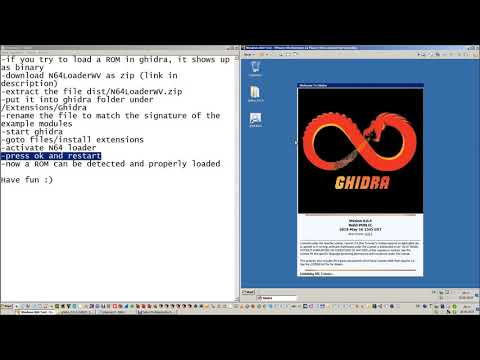
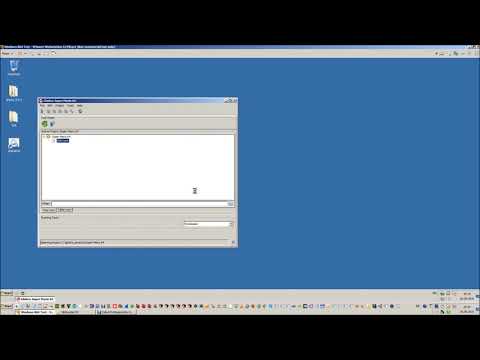
Install the extension using File → Install Extensions in Ghidra, restart Ghidra and import an N64 cartridge or a 64DD disk image.
Additional firmware, RDRAM dumps, expansion disks and signature files can be selected in the loader options. Game images and firmware must be supplied separately.
For code loaded or decompressed at runtime, use an RDRAM dump captured after the code of interest has been loaded.
Modem ELF modules are analyzed in separate memory overlays. Their addresses are synthetic analysis addresses, not verified runtime locations. Some external symbols and SDK types remain unresolved.
Tested with Ghidra 12.2 on Windows, including cartridge, retail NDD, expansion disk and embedded modem analysis. D64, retail MAME and development NDD support still require host regression testing. Physical development MAME images are not supported.
Build from Source
Requirements
- Ghidra 12.2
- 64-bit JDK 25
- Gradle 9.1 or newer (use a version compatible with your Ghidra installation)
Run the following commands from the project directory.
Windows
In Command Prompt, set the path to your Ghidra installation and build:
set "GHIDRA_INSTALL_DIR=C:\path\to\ghidra"
gradle
macOS (Homebrew)
Install the dependencies:
brew install openjdk@25 gradle ghidra
Configure the environment and build:
export JAVA_HOME="$(brew --prefix openjdk@25)/libexec/openjdk.jdk/Contents/Home"
export GHIDRA_INSTALL_DIR="$(brew --prefix ghidra)/libexec"
gradle
Linux
Install the required JDK, Gradle and Ghidra versions, then configure the path and build:
export GHIDRA_INSTALL_DIR="/path/to/ghidra"
gradle
The extension ZIP will be created in the dist directory. Install it in the corresponding Ghidra version. The macOS and Linux build instructions have not been tested with this release.
Credits
- blackgamma7 for fixing memory layout stuff, adding register symbols and various small changes (see merge commit)
- dmattia for adding build instructions for Mac
- jeremyw for fixing RDRAM handling
Videos