NerdCalci
NerdCalci

Fully offline Android calculator app for power users with variable support, syntax highlighting, file-based sessions, and more. A free Android alternative to proprietary text-based calculators like Numi, Calca, and Soulver.



Features
Smart calculations
[!NOTE] All supported operators, functions, and advanced syntax is extensively explained and documented in the reference guide.
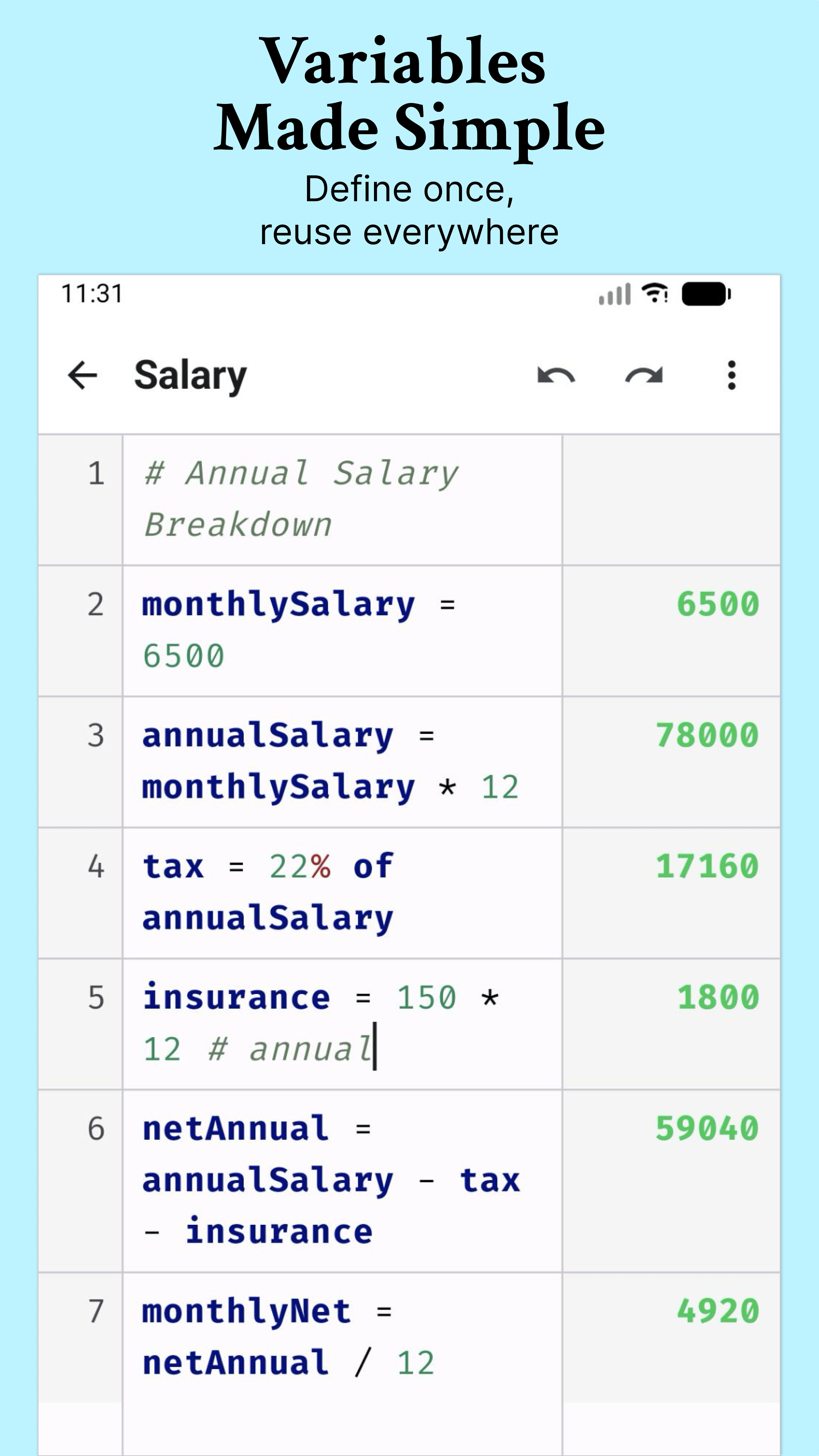
Variable support
Supports Unicode letters, Greek symbols, and multi-word names across different languages:
a = 100
b = 200
total = a + b  # 300

δ = 5
θ = 45

घर_खर्च = 15000
किराणा_खर्च = 5000
एकूण_खर्च = घर_खर्च + किराणा_खर्च  # 20000
Composite operations
score = 10
score += 5     # 15
score++        # 16
score /= 4     # 4
Percentage calculations
20% of 50000    # 10000
15% off 1000    # 850
50000 + 10%     # 55000
50000 - 5%      # 47500
Dynamic variables
groceries = 45.50
utilities = 120
rent = 950
total           # 1115.50

feb = 200
mar = 300
avg             # 250
Unit conversions & arithmetic
10km + 500m    # 10500 m
5 kg to g      # 5000 g
100 °C as °F    # 212 °F
Numeral systems
5 million       # 5000000
1.5 crore       # 15000000
Comments
price = 1000  # base price
tax = 18% of price  # 180
Calendar-aware date & time calculations
today + 3 weeks
now - 4 hours 30 mins
3 days ago
2 days from now

# Intervals
days between today and date(2025, 1, 1)
today through tomorrow in hours

# Timezones
now in "Japan"
datetimeZ(2024, 1, 1, 12, 0, 0, "UTC") in "Tokyo"

today as iso8601
now as timestamp
User-defined functions
sq(x) = x ^ 2
sq(5)          # 25

# Support for multi-statement bodies
salary(hours) = base = hours * 50; bonus = base * 0.1; base + bonus
salary(160)    # 8800
Cross-file references
f = file("Summary")
total_cost = f.total * 1.1

# Or invoke functions directly
file("Calculations").taxFunc(1000)
Mathematical functions
sqrt(16)           # 4
sin(PI/2)          # 1
sin(45)            # 0.85 (radians by default)
sin(45°)           # 0.7071 (supports degrees)
Editor features
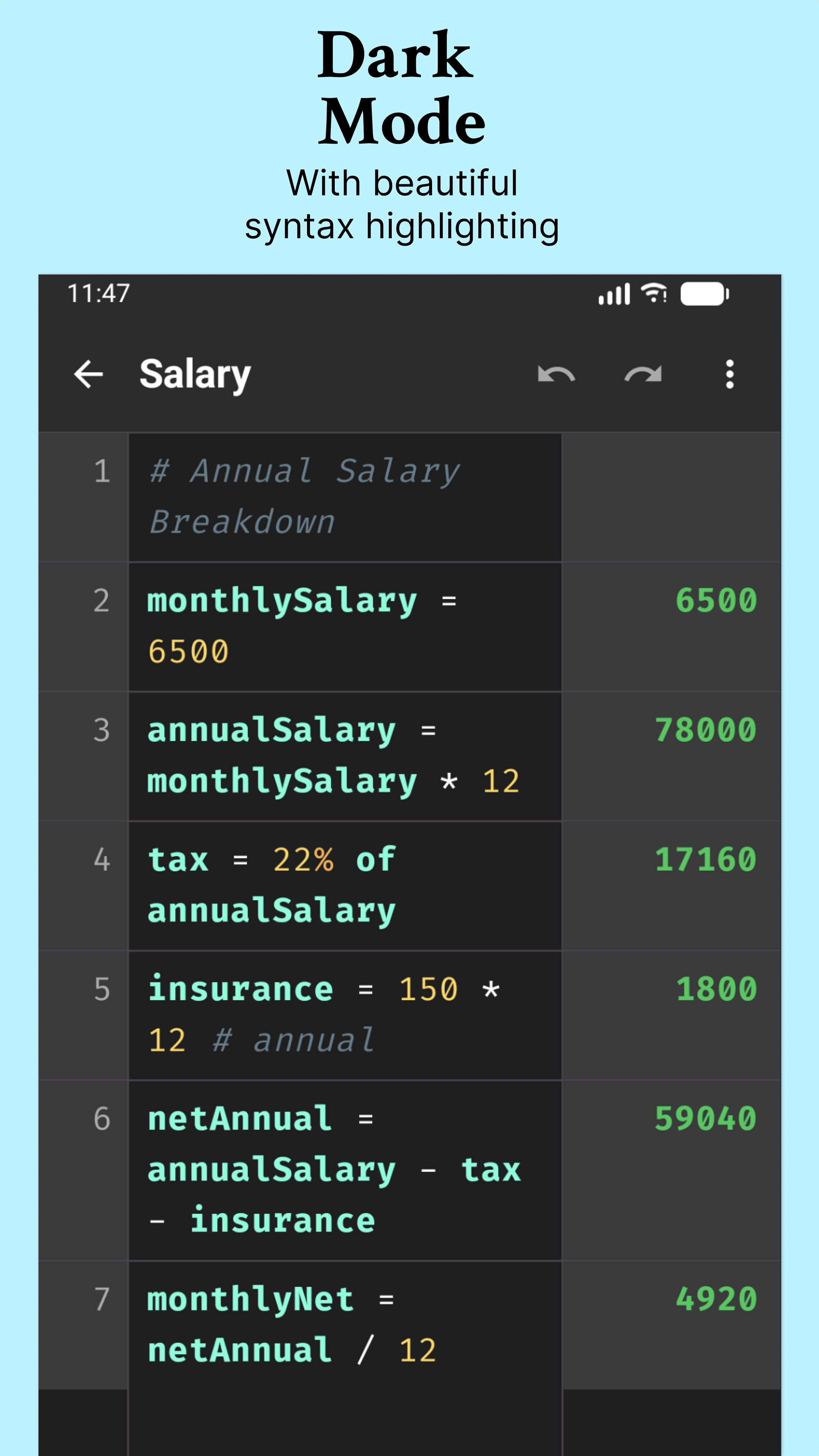
- Syntax highlighting: Color-coded variables, numbers, operators, and comments
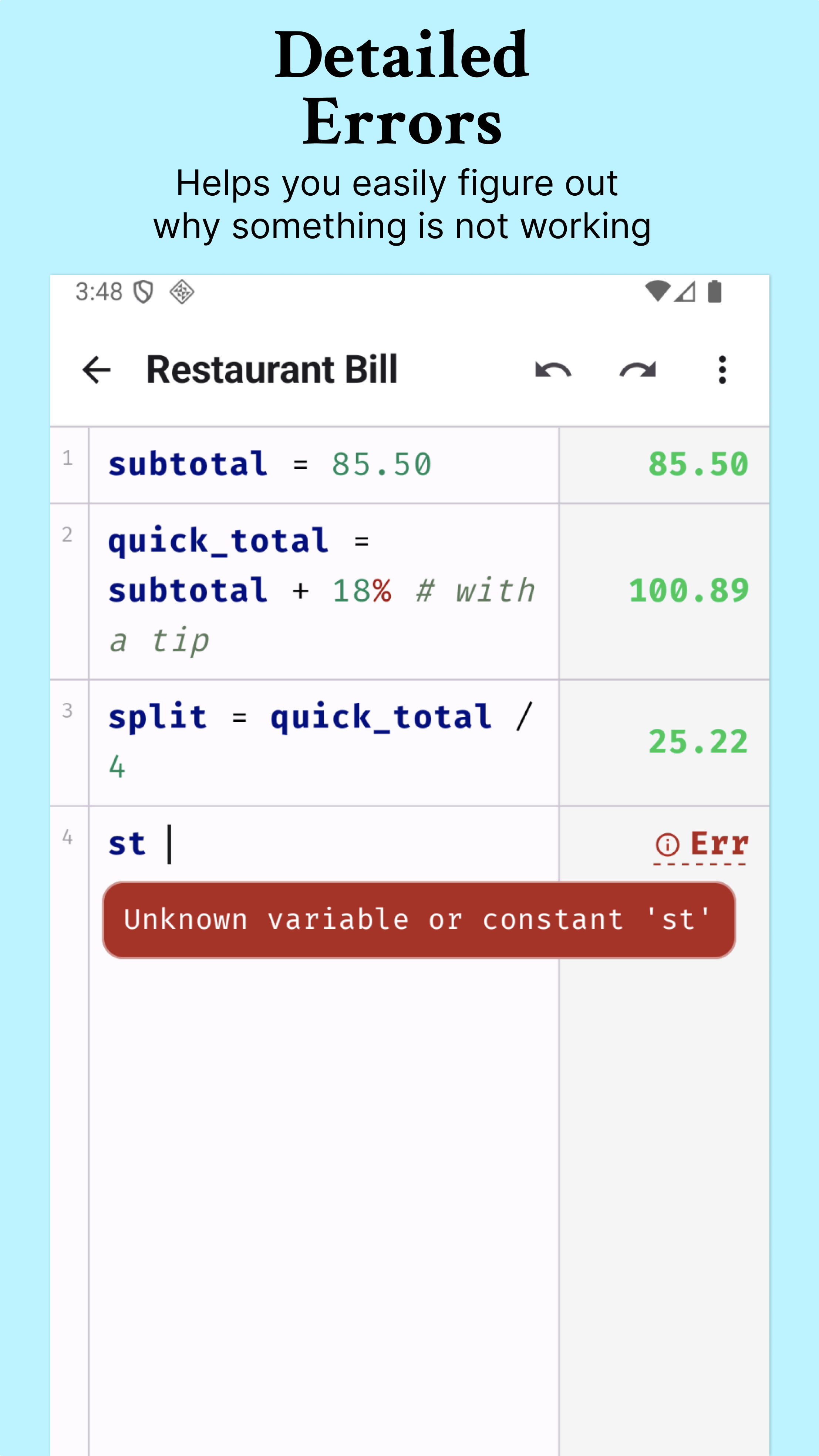
- Smart error diagnostics: See human-friendly explanation of math or syntax errors
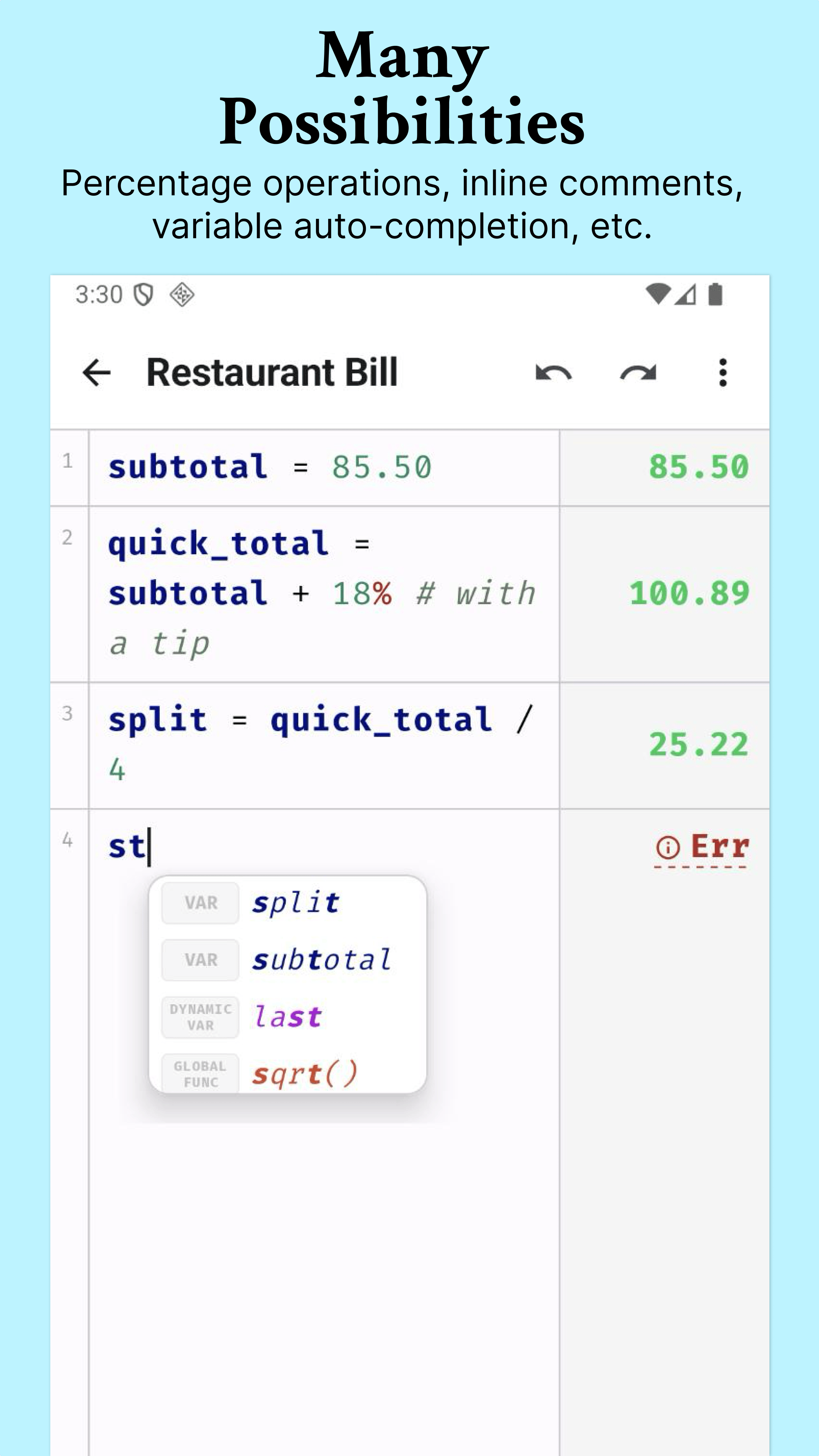
- Auto-completion: Smart variable suggestions as you type
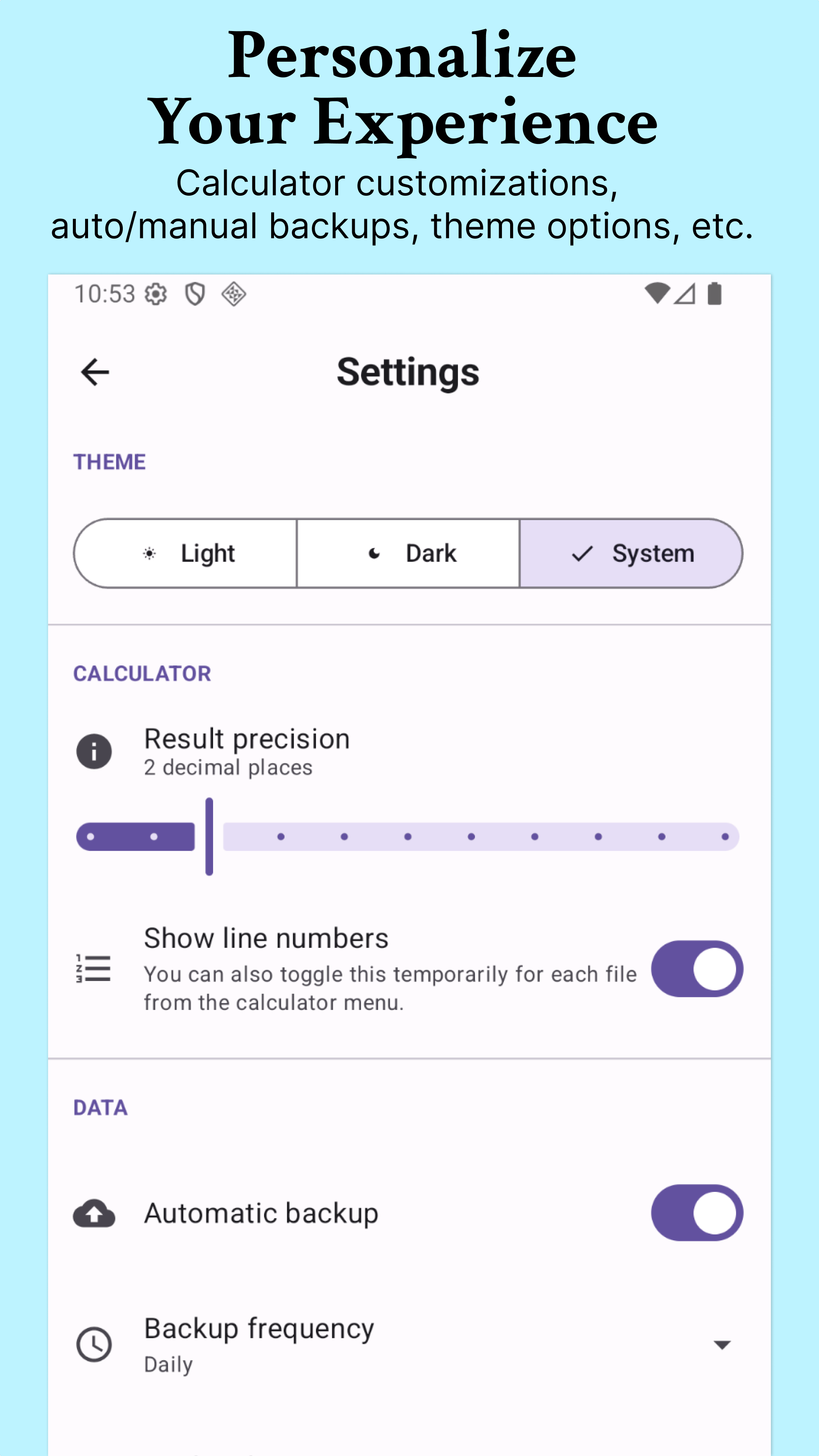
- Line numbers: Easy reference and navigation
File management
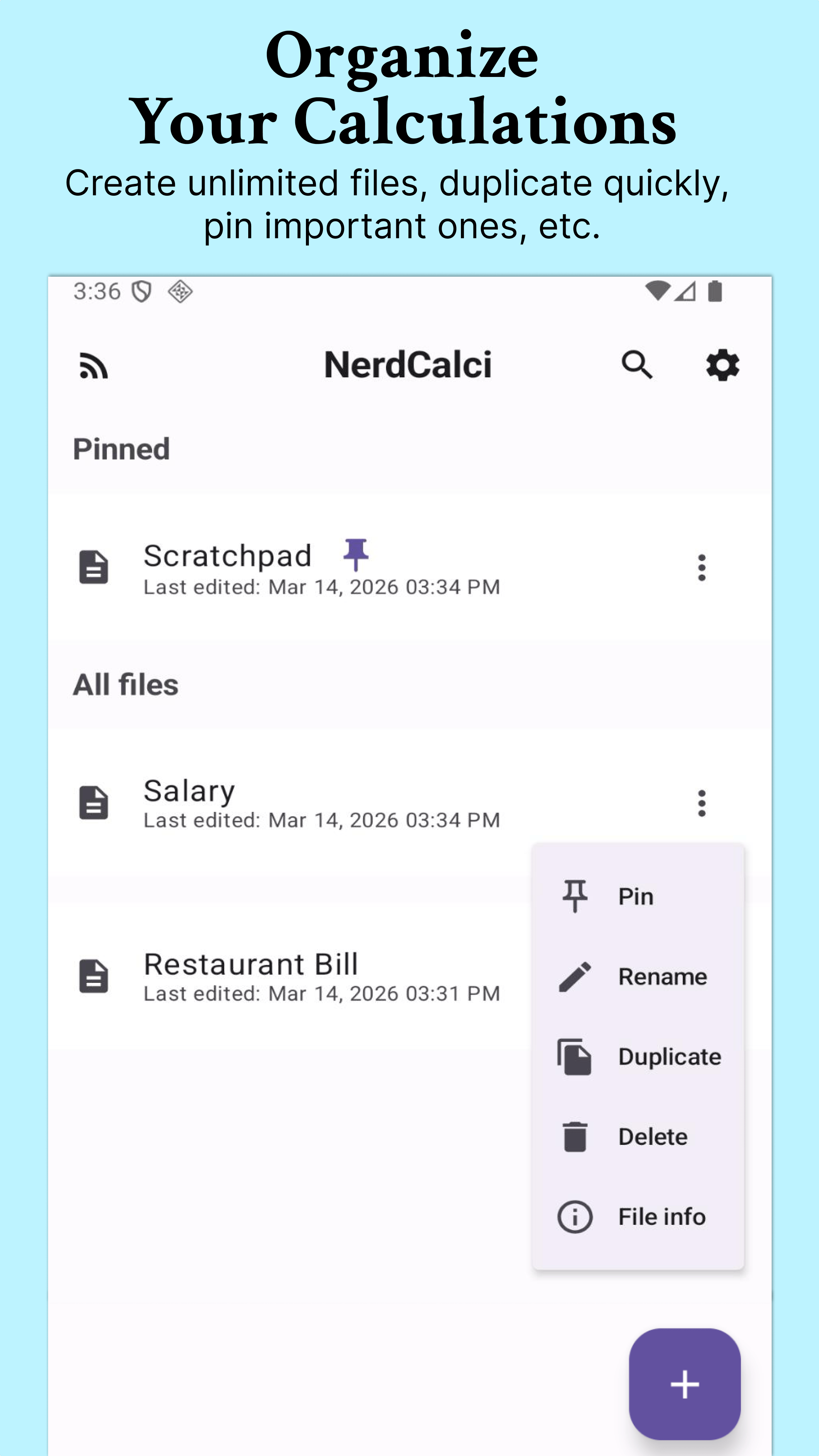
- Multiple files: Create and manage separate calculation files
- Tags: Organize files with custom tags
- Auto-save: Changes are saved automatically
- Pin files: Keep important files at the top (max 10 pinned files)
- Search: Search files easily by name or tag
- Duplicate files: Create a copy of a file with a new name
- Backups: Automatically or manually backup your files to app storage or a custom folder
- Restore from backups: Restore your files safely with support for conflict resolution (Keep local, replace, or keep both)
- Copy with results: Copy file content with calculated results to clipboard
- Export: Share your calculations as a PNG image or a multi-page PDF
And more...
- Offline: Works without internet
- Undo/Redo: Up to 30 steps per file
- Dark/light theme: System, dark, or light mode
- Real-time results: See calculations update as you type
Built with
- Kotlin - Primary programming language
- Jetpack Compose - Modern UI toolkit
- Room Database - Local data persistence
- Material Design 3 - UI components and theming
- Fira Code - Monospace font with ligatures
Inspiration
A heartfelt thank you to the brilliant creators behind these incredible text-based calculators that inspired the creation of NerdCalci:
Development
Running tests
Run all unit tests:
./gradlew :app:testDebugUnitTest
Run specific test class:
./gradlew :app:testDebugUnitTest --tests "com.vishaltelangre.nerdcalci.core.MathEngineTest"
After running tests, view the HTML report:
open app/build/reports/tests/testDebugUnitTest/index.html
To run instrumentation tests:
./gradlew :app:connectedDebugAndroidTest
Community calci submissions
The community-submissions/ directory is a curated
collection of NerdCalci files ("calcis") shared by the community. Each
calci is a plain-text .nerdcalci file that showcases reusable calculations,
domain-specific helpers, or handy formulas.
Refer to community submissions guidelines for details.
Contributing
Contributions are welcome! Please feel free to submit a Pull Request.
- Fork the repository
- Create your feature branch (
git checkout -b feature/AmazingFeature) - Commit your changes (
git commit -m 'Add some AmazingFeature') - Push to the branch (
git push origin feature/AmazingFeature) - Open a Pull Request
License
This project is licensed under the GNU General Public License v3.0 - see the LICENSE file for details.
