PleaseWait

PleaseWait is a lightweight library that can be used as a drop-in replacement for now-deprecated android.app.ProgressDialog.
According to Google, the reason to deprecate the good old ProgressDialog is:
ProgressDialog is a modal dialog, which prevents the user from interacting with the app. Instead of using this class, you should use a progress indicator like ProgressBar, which can be embedded in your app's UI.
I understand the reasoning but it means we have to do some more work to prevent the user from doing something unexpected before the operation is finished. But come on, using a progress dialog is so much easier. So I made this library to use in my apps to avoid those deprecation warnings everywhere and to improve the look of the progress dialog. Also I wanted to learn the process of publishing a library.
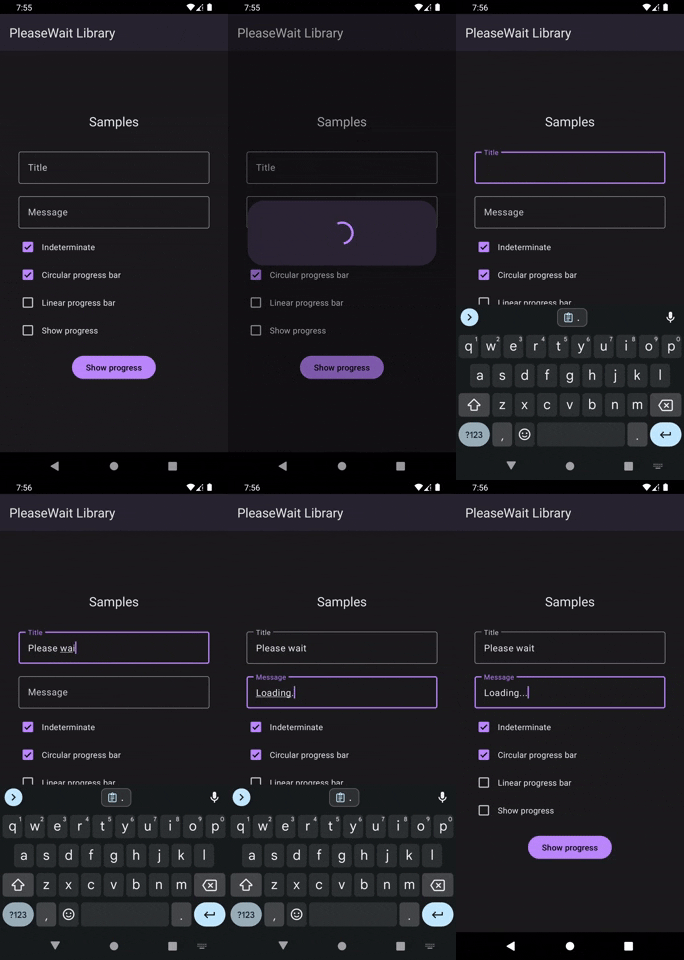
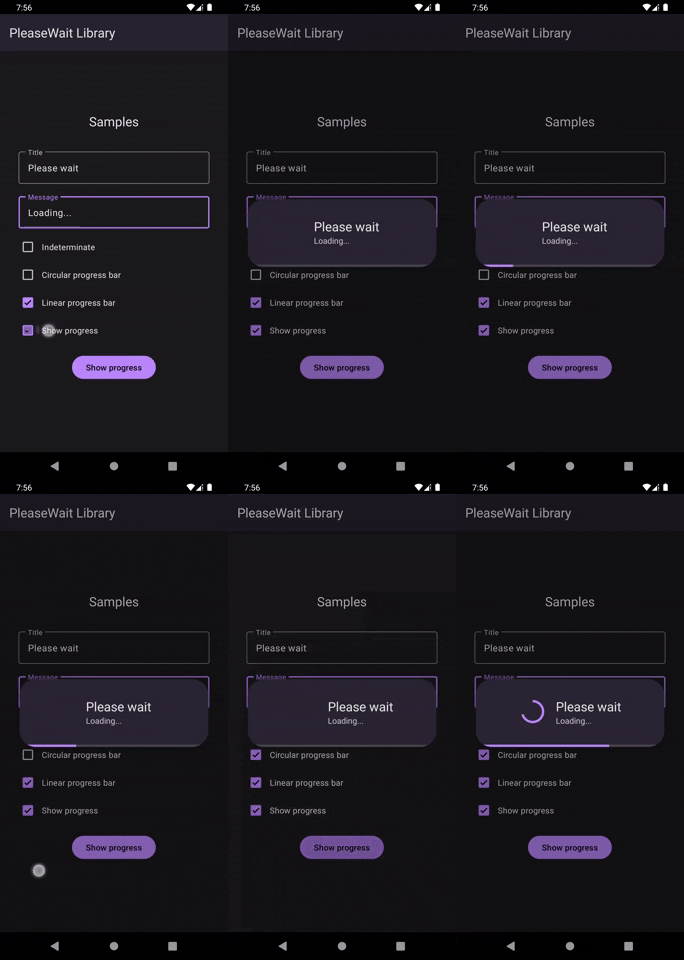
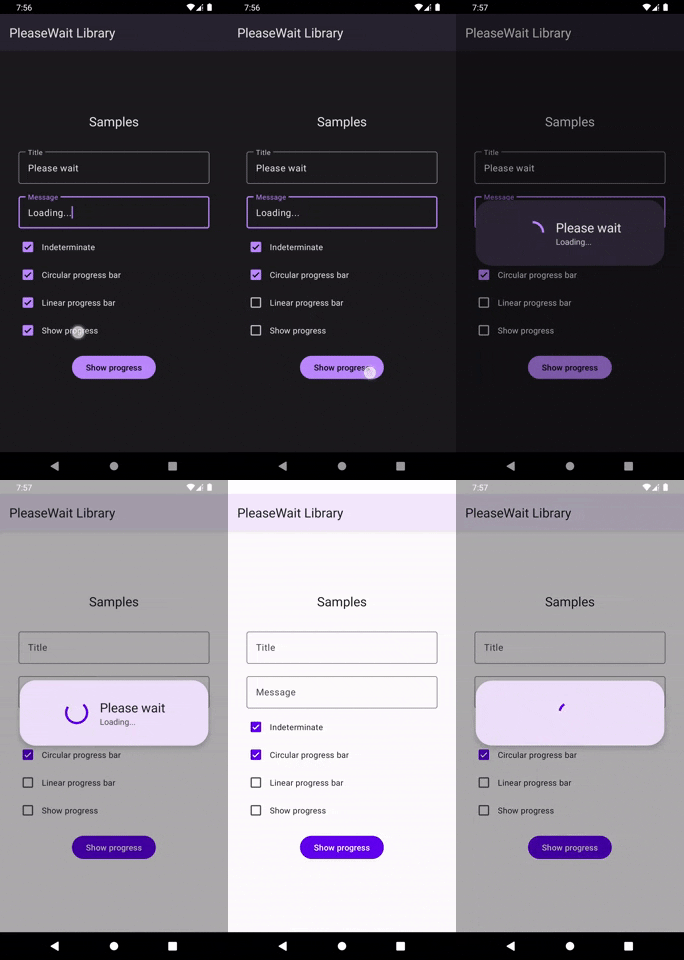
Preview
| Indeterminate mode | Determinate mode | Dark and light modes |
|---|---|---|
 |
 |
 |
Features
- Supports Material 2 and the latest Material 3 design
- Both determinate and indeterminate progress modes
- Both circular and linear progress bars
- Ability to set a delay before showing
- Ability to set a minimum duration to show the dialog
- Follows Dark and Light modes automatically
- Adapts to your app's theme colors
- Retains state between orientation changes
- Smooth Material animations and transitions
- Lightweight and Easy to implement
- Fully interoperable with Java
How to use
- Add the dependency to the app-level
build.gradle.
implementation 'com.github.tashilapathum:PleaseWait:0.6.5'
- Intitialize with
ActivityorFragmentcontext and show.
val progressDialog = PleaseWaitDialog(context = this)
progressDialog.show()
- Optionally set title and message
progressDialog.setTitle("Please wait")
progressDialog.setMessage("Loading...")
- Dismiss when the operation is complete
progressDialog.dismiss()
Additional options
- Choose progress style:
CIRCULAR,LINEAR,BOTHorNONE. Default isCIRCULAR
progressDialog.setProgressStyle(PleaseWaitDialog.ProgressStyle.LINEAR)
- Set determinate or indeterminate mode. Default is
true.
progressDialog.setIndeterminate(false) //apply to both progress bars
progressDialog.setIndeterminate(ProgressStyle.LINEAR, false) //apply to a specific progress bar
- Set progress. You can just set the progress and the progress bars will smoothly animate from indeterminate to determinate mode.
progressDialog.setProgress(20)
- Set a delay before showing to avoid flashing the progress dialog for short operations. The dialog won't be shown if you called
dismiss()before the time has elapsed.
progressDialog.setShowDelay(2000)
- Set a delay before dismissing the dialog to show the dialog for a minimum amount of time.
progressDialog.setDismissDelay(3000)
- Set title and message by overriding resources on
strings.xml. There's no title or message by default.
<string name="please_wait_dialog_default_title">Please wait</string>
<string name="please_wait_dialog_default_message">Loading…</string>
Java implementation
PleaseWaitDialog progressDialog = new PleaseWaitDialog(this);
progressDialog.setTitle("Please wait");
progressDialog.setMessage("Loading...");
progressDialog.setCancelable(false);
progressDialog.show();
