NotchScreenTool
Introduction: Android 刘海屏、水滴屏等全面屏适配工具
Tags:
具体的适配过程可以查看这篇博客:
安装
项目根目录的build.gradle中添加:
allprojects {
    repositories {
        google()
        jcenter()
        maven { url "https://jitpack.io" } // 添加 jitpack
    }
}
在 module 层级的build.gradle中添加依赖
implementation 'com.github.smarxpan:NotchScreenTool:0.0.1'
使用
设置 UI 显示到刘海区域
NotchScreenManager.getInstance().setDisplayInNotch(Activity activity);默认情况下,应用的界面不会绘制到刘海区域,调用此方法可允许绘制。
获取刘海区域信息
 NotchScreenManager.getInstance().getNotchInfo(activity, new INotchScreen.NotchScreenCallback() {
     @Override
     public void onResult(INotchScreen.NotchScreenInfo notchScreenInfo) {
         Log.i(TAG, "Is this screen notch? " + notchScreenInfo.hasNotch);
         if (notchScreenInfo.hasNotch) {
             for (Rect rect : notchScreenInfo.notchRects) {
                 Log.i(TAG, "notch screen Rect =  " + rect.toShortString());
             }
         }
     }
 });
其中,
INotchScreen.NotchScreenCallback中的回调方法将会返回NotchScreenInfo,包括以下字段:字段 类型 是否必填 描述 hasNotch boolean 是 是否是刘海屏 notchRects List 否 屏幕刘海 Rect 的列表(屏幕可能有多个刘海)
hasNotch 属性为 false 时此字段为 null
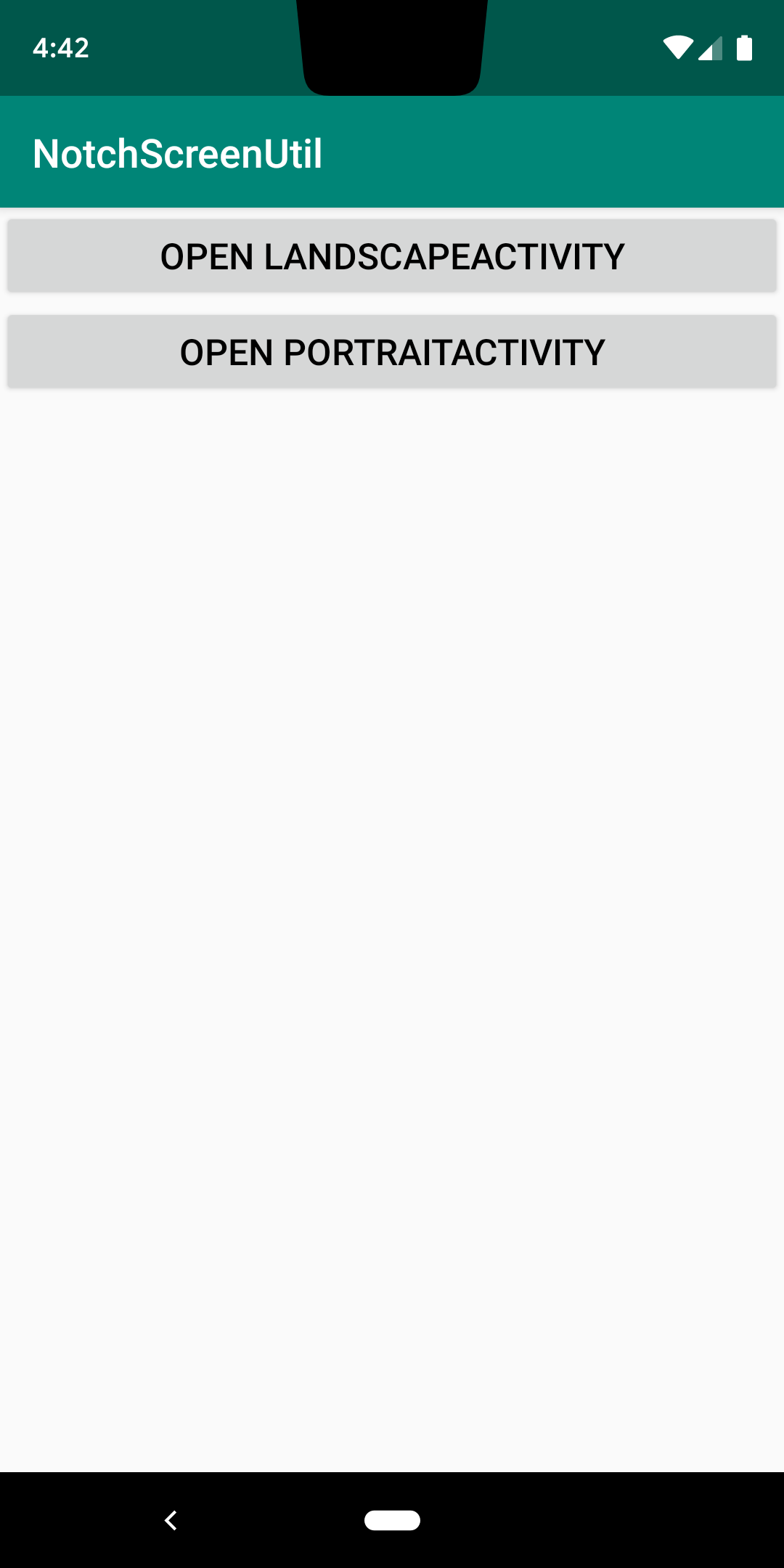
运行截图
MainActivity
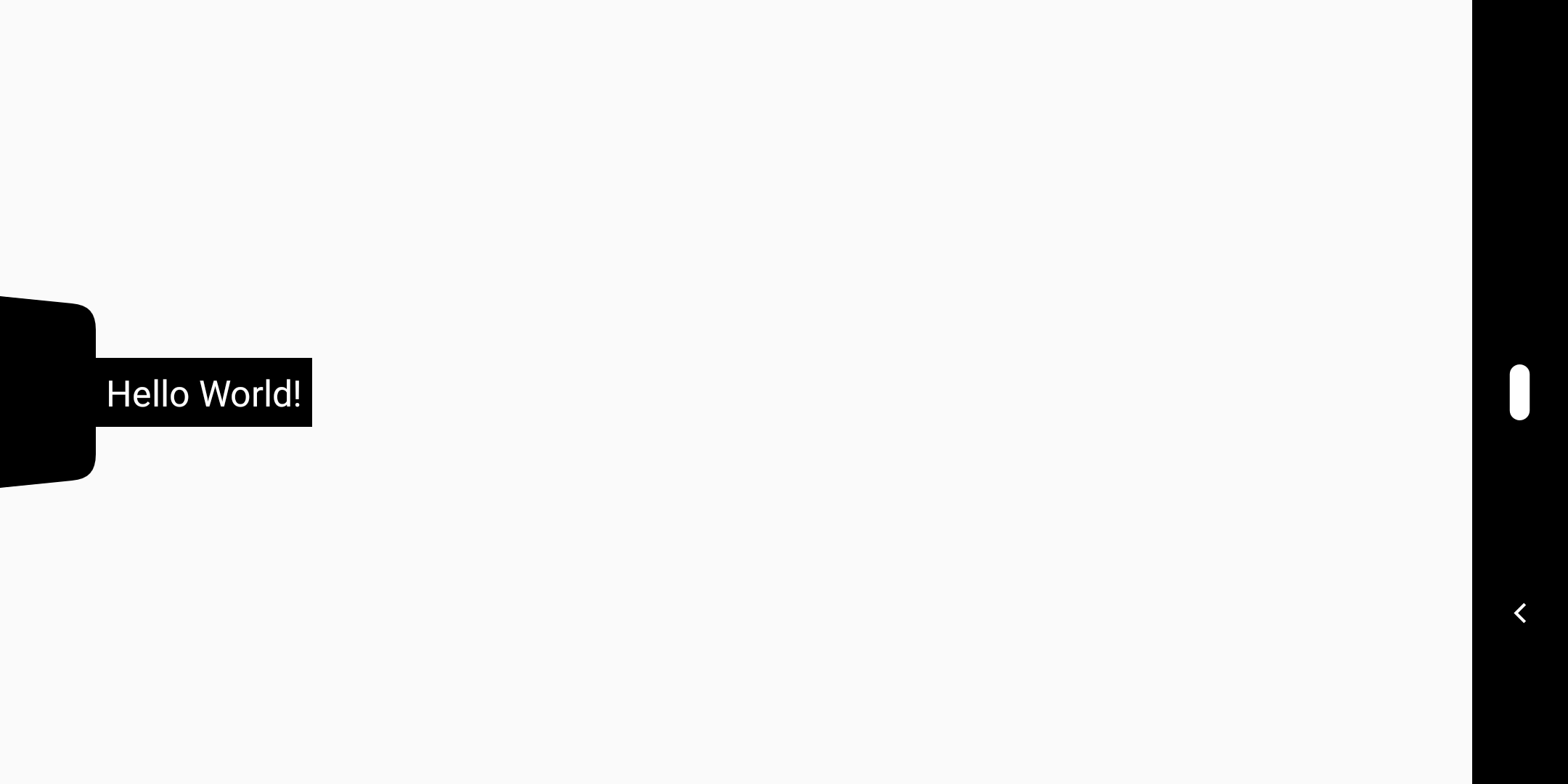
横屏适配效果
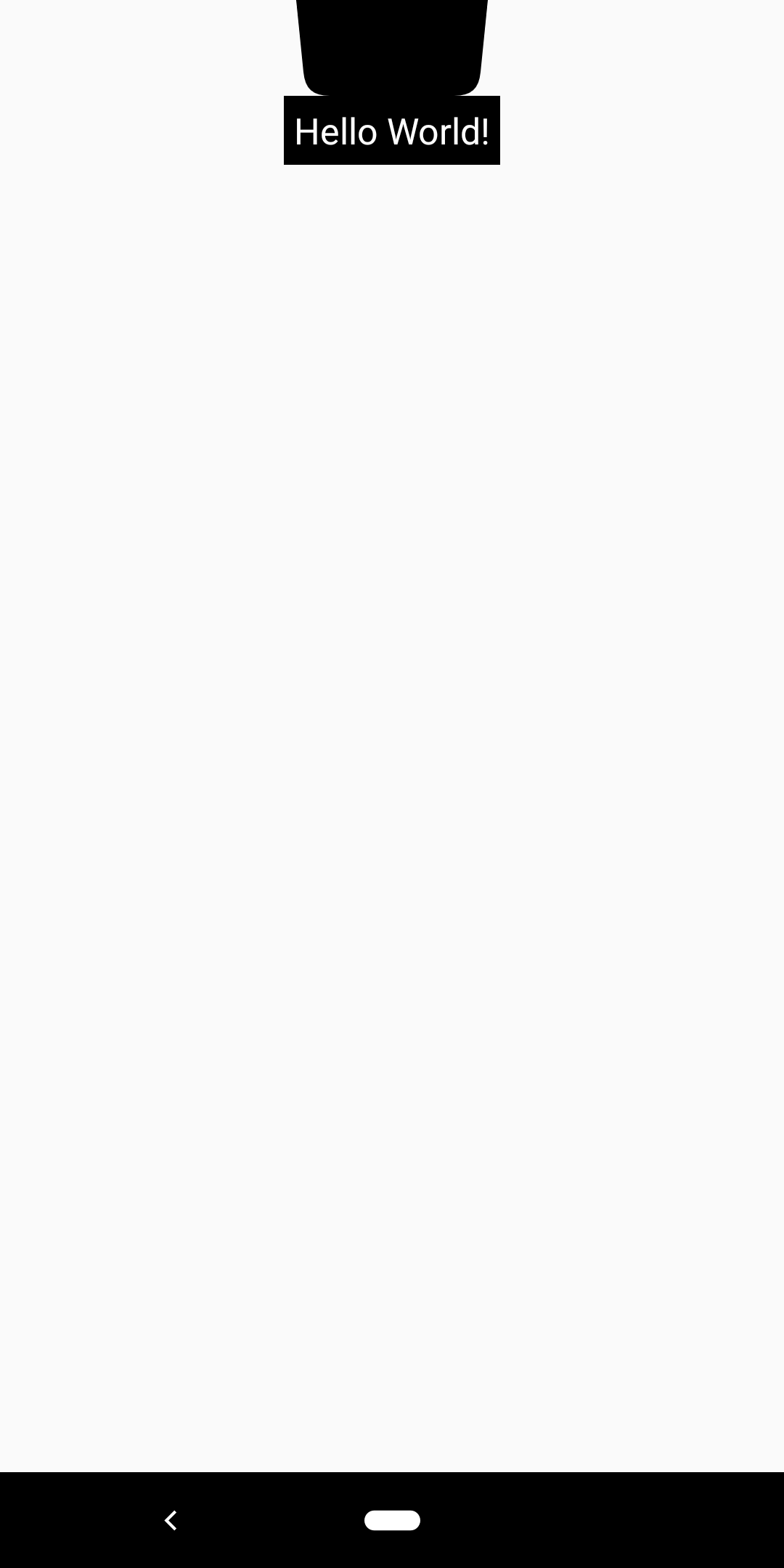
竖屏适配效果
License
Licensed under the Apache License, Version 2.0 (the "License");
you may not use this file except in compliance with the License.
You may obtain a copy of the License at

   http://www.apache.org/licenses/LICENSE-2.0

Unless required by applicable law or agreed to in writing, software
distributed under the License is distributed on an "AS IS" BASIS,
WITHOUT WARRANTIES OR CONDITIONS OF ANY KIND, either express or implied.
See the License for the specific language governing permissions and
limitations under the License.
