Savr

Savr
A no-nonsense bookmark app for Android. Paste a link. That's it.



Every bookmark app I tried was either crammed with features I'd never touch or wanted a monthly subscription just to save a URL. So I built the thing I actually wanted: drop a link, grab the metadata, move on.
No signups. No cloud. No ads. No trackers. Your bookmarks live on your phone — where they belong.
Features
- Auto Metadata — Paste any URL and Savr grabs the title, description, and preview image automatically.
- Edit Bookmarks — Open any bookmark in a full-screen editor with live preview and update its title, description, and metadata on the spot.
- Clipboard Detection — Copy a link anywhere and Savr offers to save it instantly, with a preview before you add it. Already-saved links are recognized, not duplicated.
- Quick Save — Share a URL to Savr from any app to save it fast, without even opening the app.
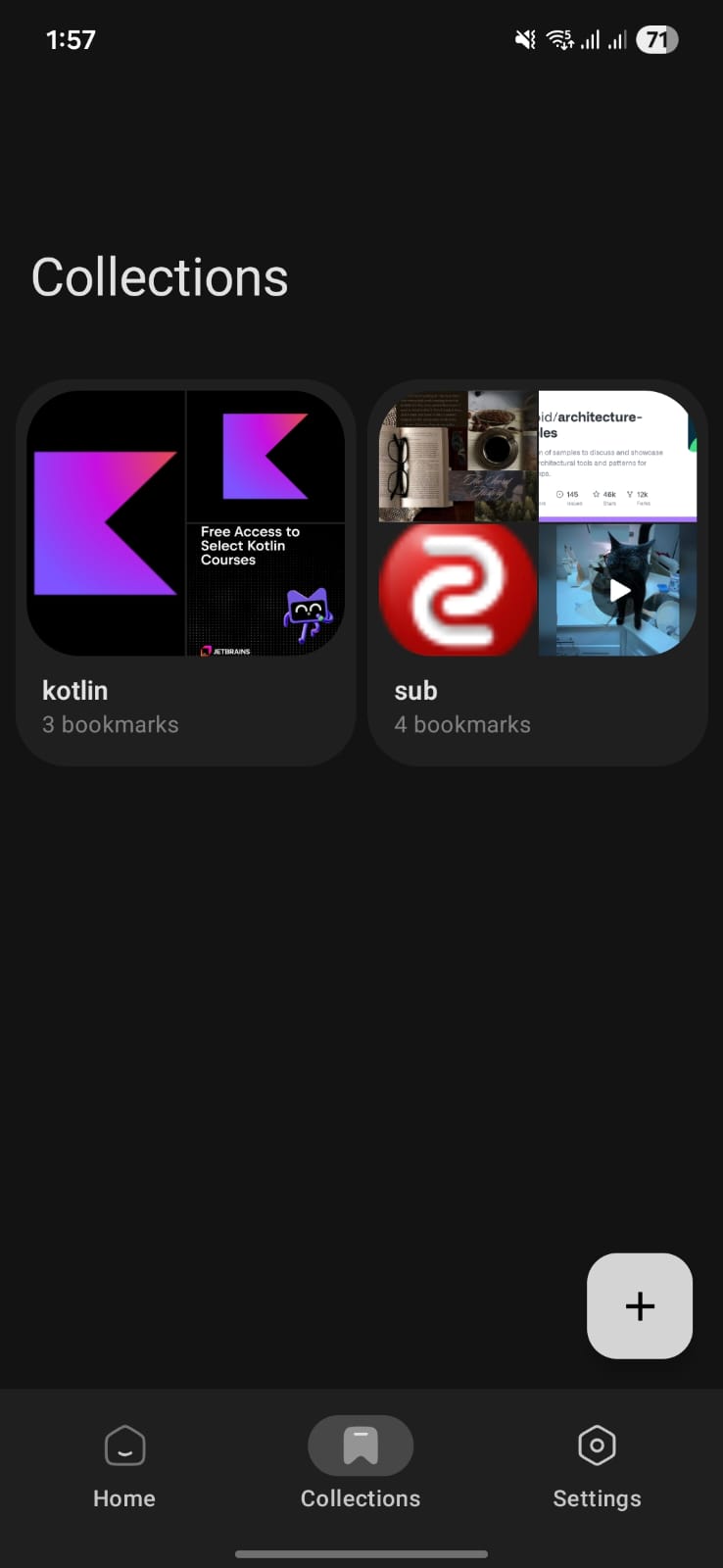
- Collections — Group bookmarks without nested folders. Name it, throw links in, move on.
- Selection Mode — Long-press a bookmark, then batch delete or move multiple at once.
- Quick Preview — Tap any bookmark to see what's inside before opening it in your browser.
- Search & Sort — Search by title or URL; sort by date added or alphabetically, either direction.
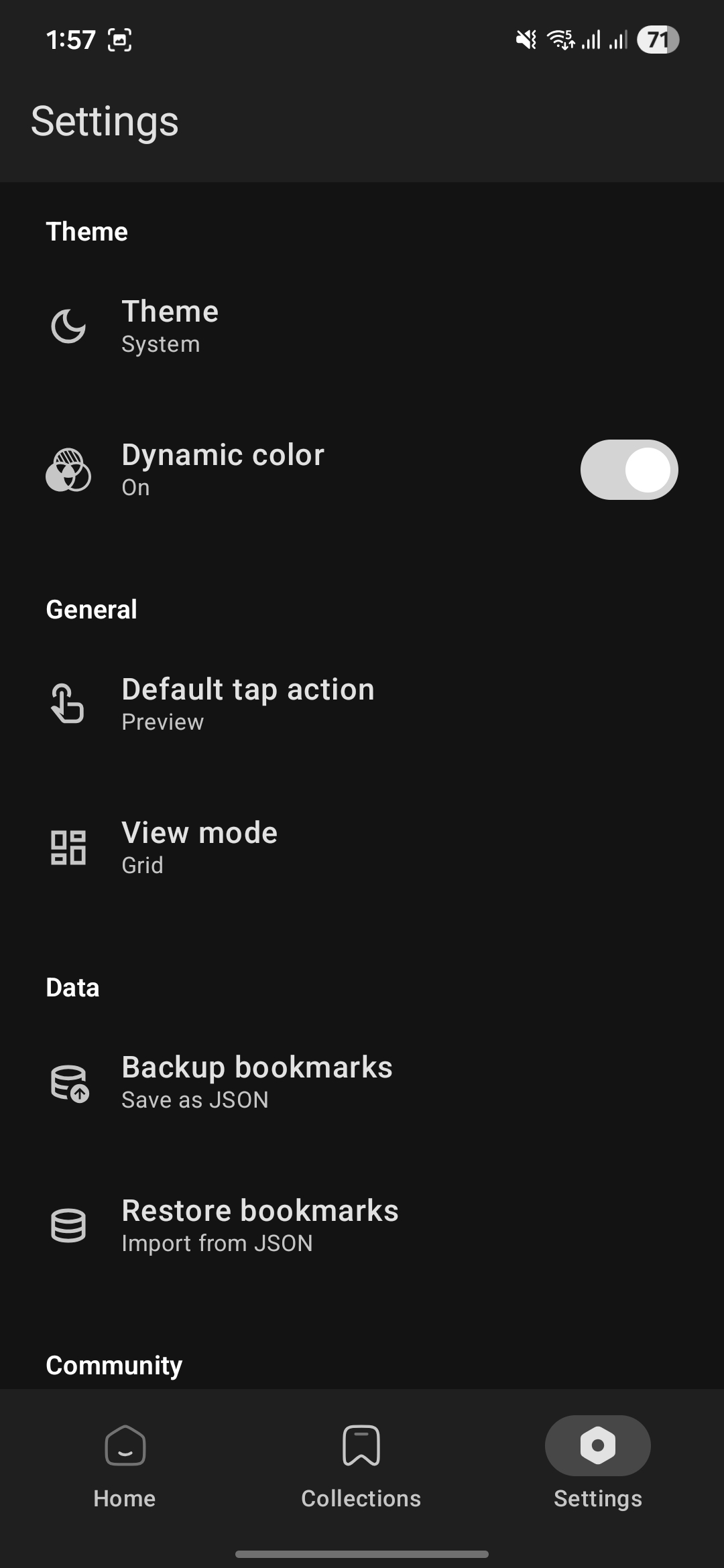
- Custom Tap Action — Set a single tap to preview, open in browser, or copy the link.
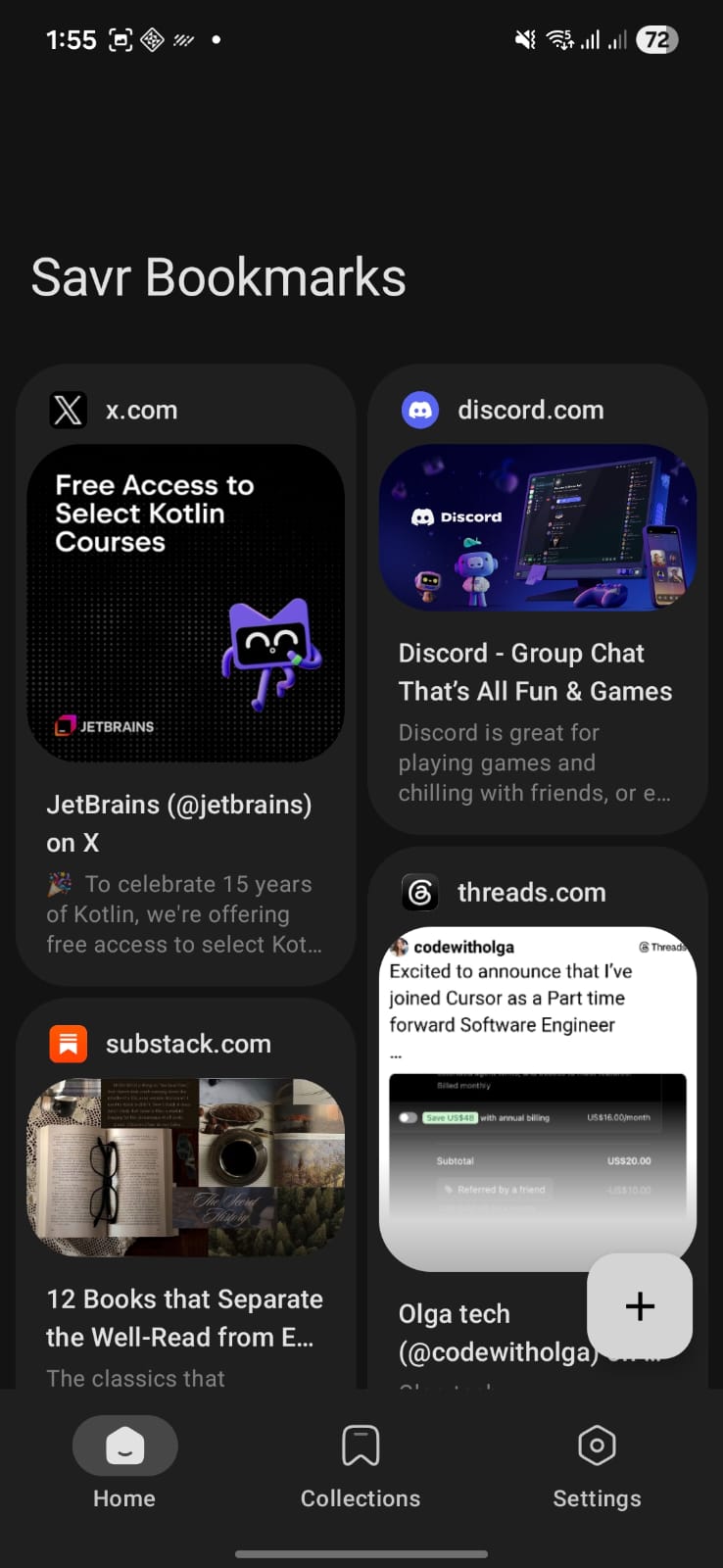
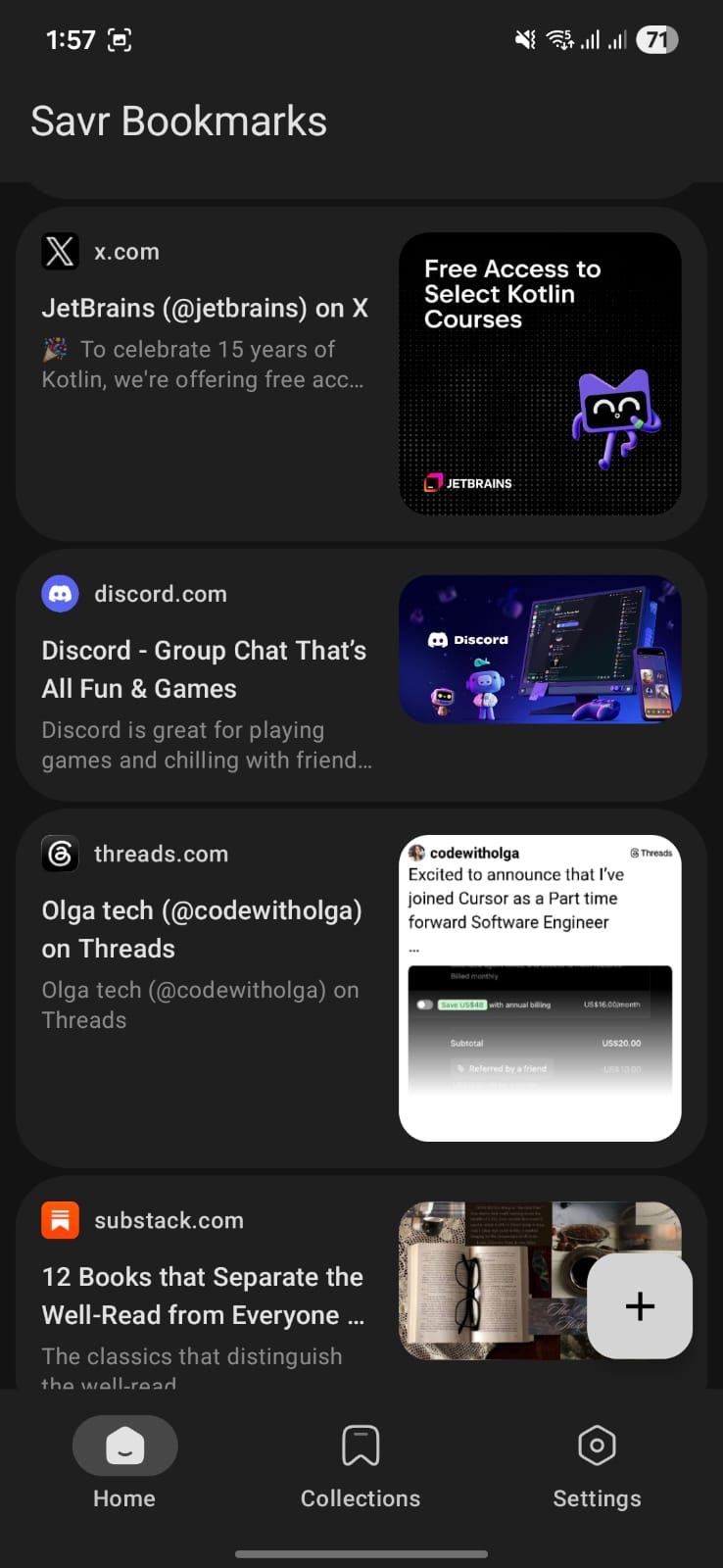
- Grid or List — Cards or a compact list. Flip between them whenever.
- Export & Import — JSON or HTML, including bookmark exports from Chrome, Firefox, and other browsers.
- Auto Backup — Automatic daily backup to your Downloads folder.
- Material You — Matches your wallpaper, with a true-black AMOLED theme that saves battery. Light, dark, or system default.
Privacy
Savr has nothing to track you with. There are no accounts, no analytics, no ads, and no cloud — everything stays on your device. Even crash reports never leave your phone: if something goes wrong, the full report is saved locally and you can review or share it from Settings → About → Crash logs.
Screenshots
| Home (Grid) | Home (List) | Collections |
|---|---|---|
 |
 |
 |
| Settings | Image Preview | Light Theme |
|---|---|---|
 |
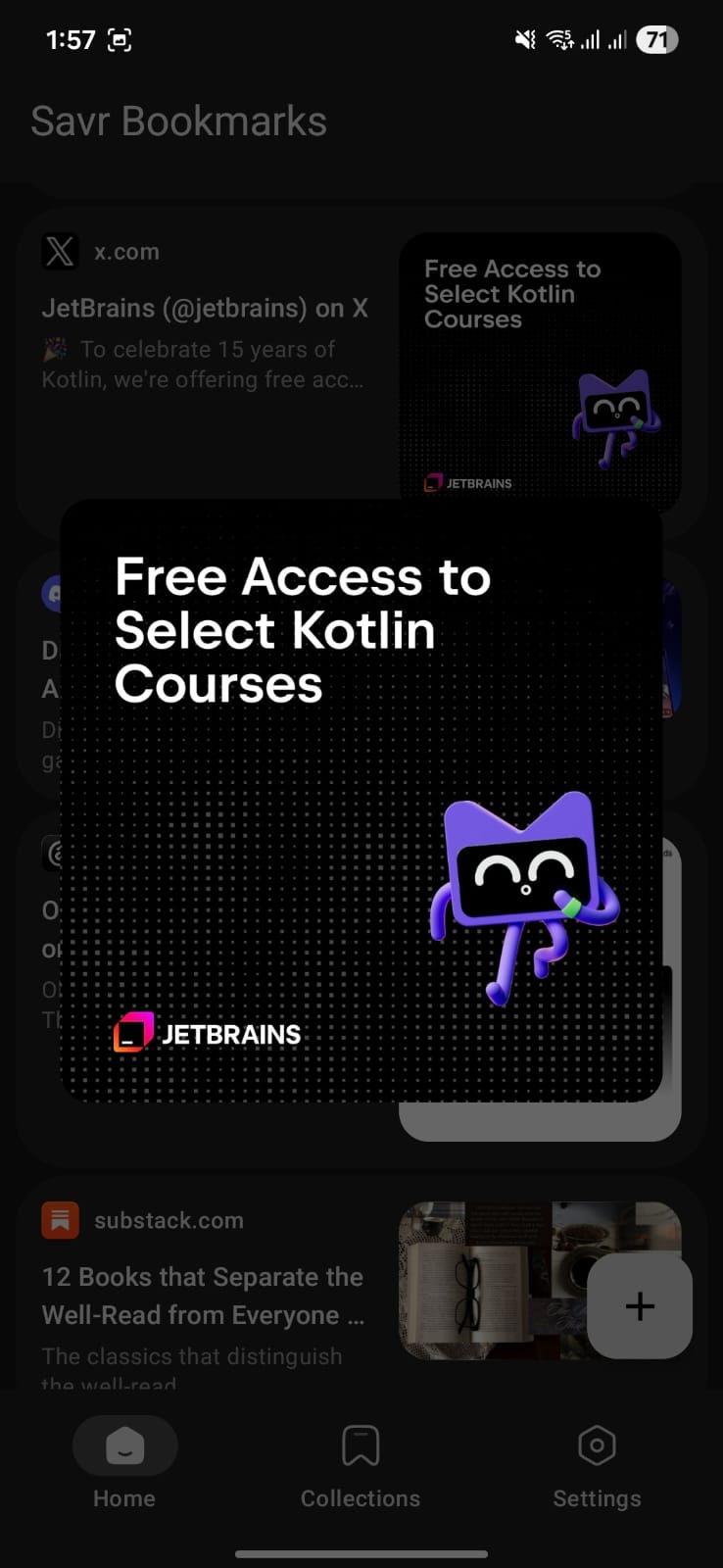 |
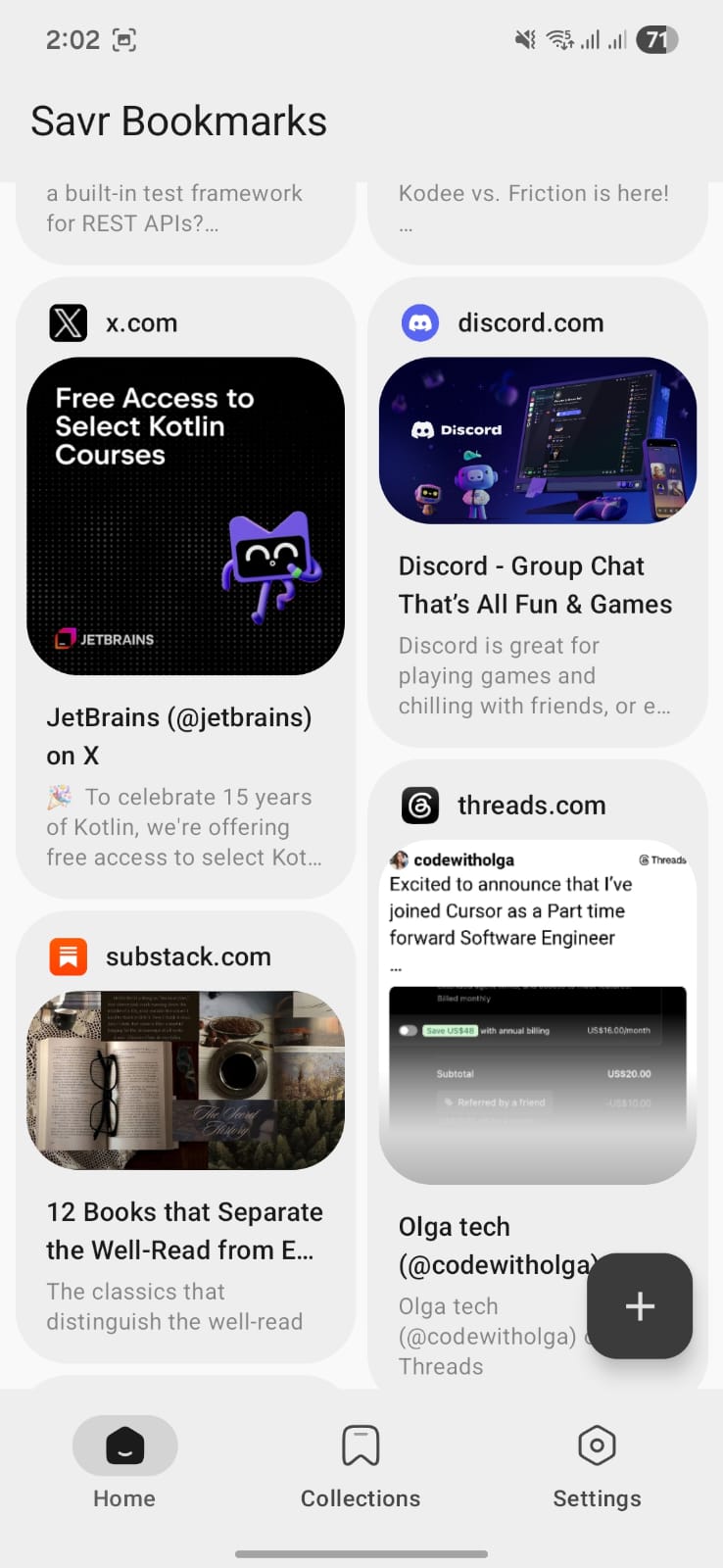 |
Download
- Google Play — the recommended way to get Savr: install from the Play Store.
- GitHub Releases — the latest signed
app-release.apkfor direct download, plus theapp-release.aabfor the Play Store: see releases.
Built With
| Language | Kotlin |
| UI | Jetpack Compose + Material 3 |
| Architecture | MVI + StateFlow |
| DI | Koin |
| Database | Room |
| Networking | OkHttp, Jsoup |
| Images | Coil |
Support
Savr is free, open source, and ad-free. If it saves you a headache or two, a coffee is always appreciated — support development on Patreon.

Credits
Metadata parsing powered by Android-Link-Preview by Vishal Kumar Singhvi.
License
Savr is licensed under the GNU General Public License v3.0. Third-party components retain their own licenses.
Found a bug? Got an idea?
Open an issue. Or just say hi — I don't bite.
If this app saves you even one headache, a star would mean a lot.
