DoodleSketch
Introduction: Drawing things in Compose
Tags:
Jetpack Compose
DoodleSketch
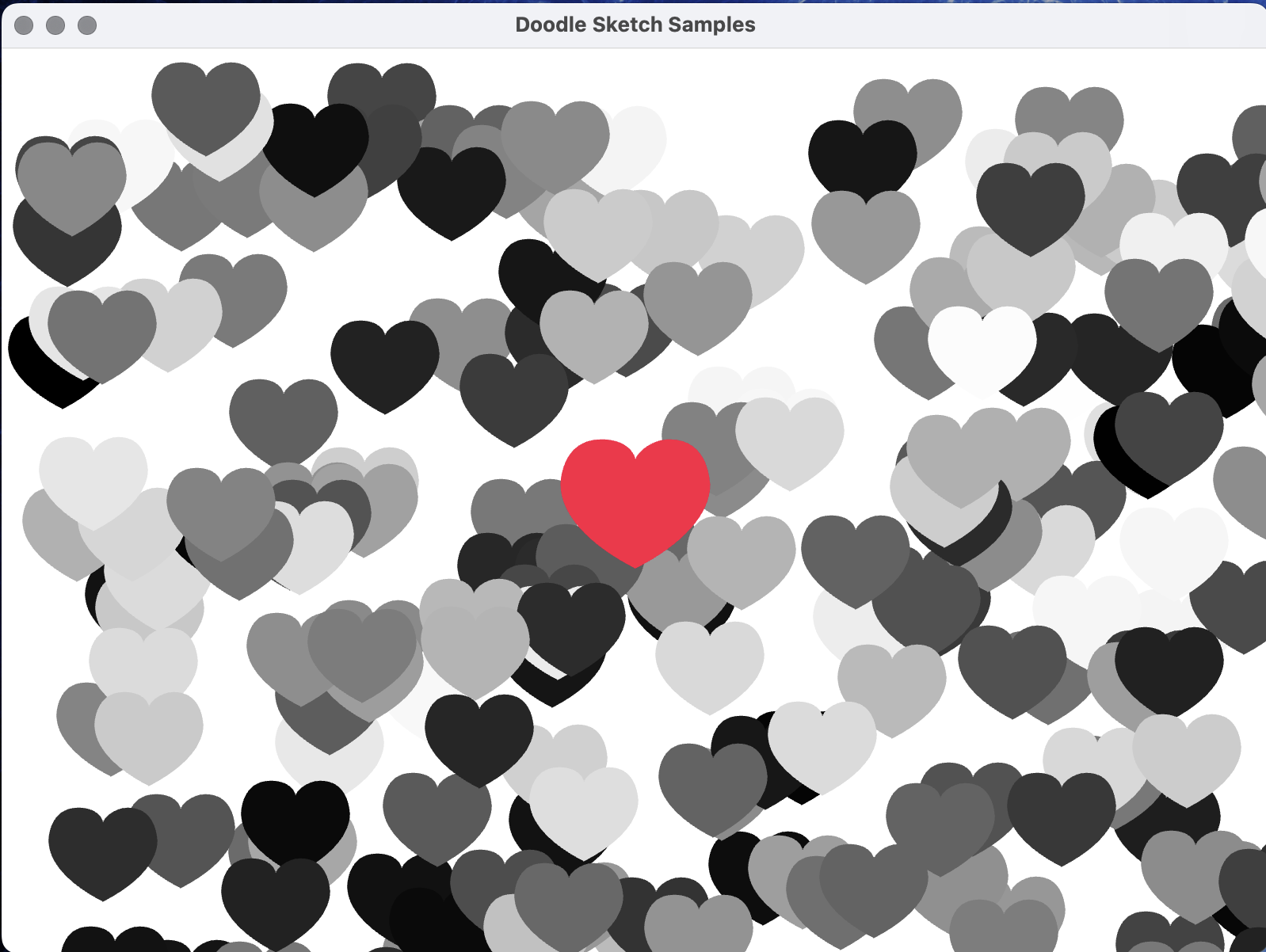
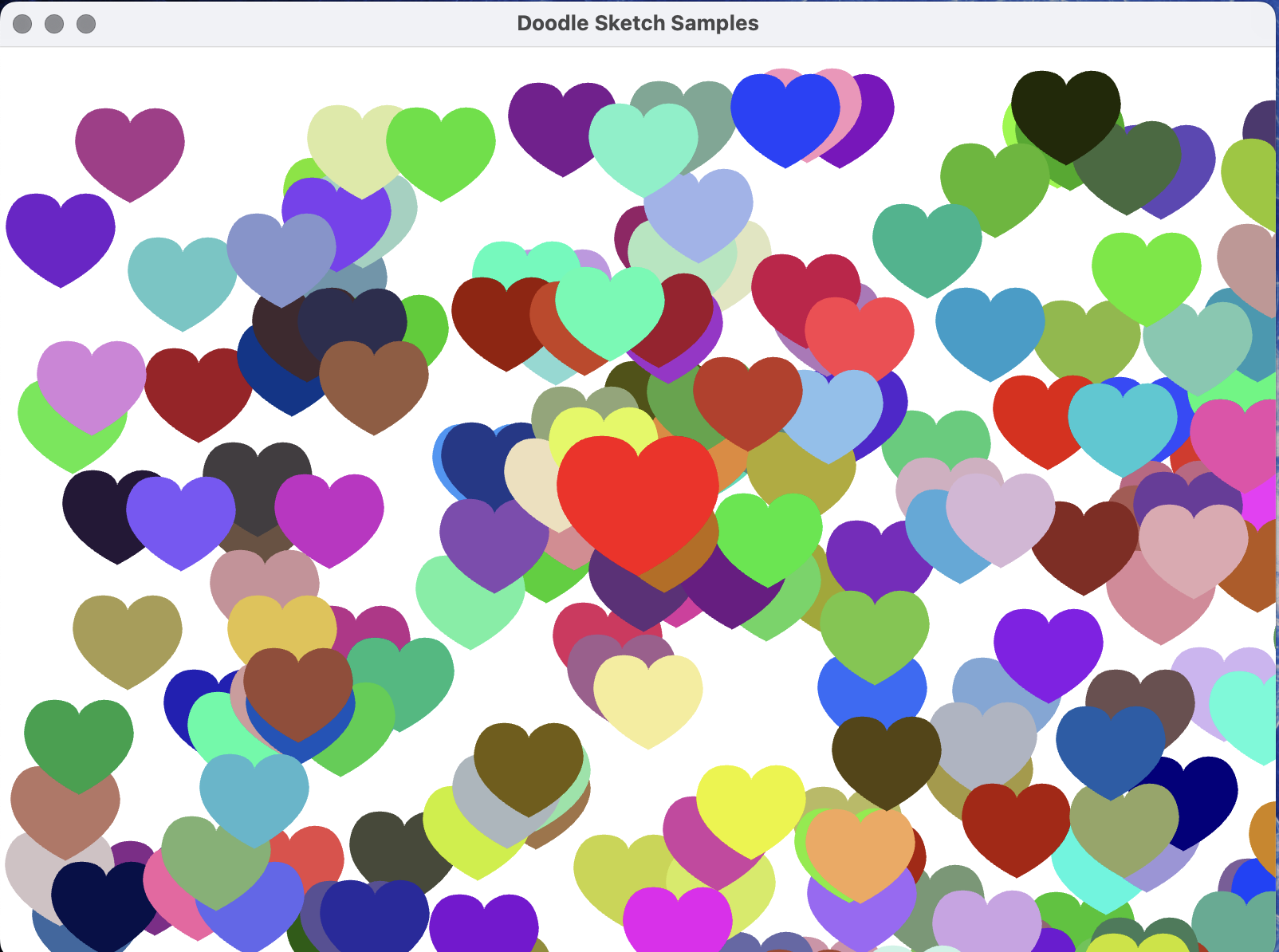
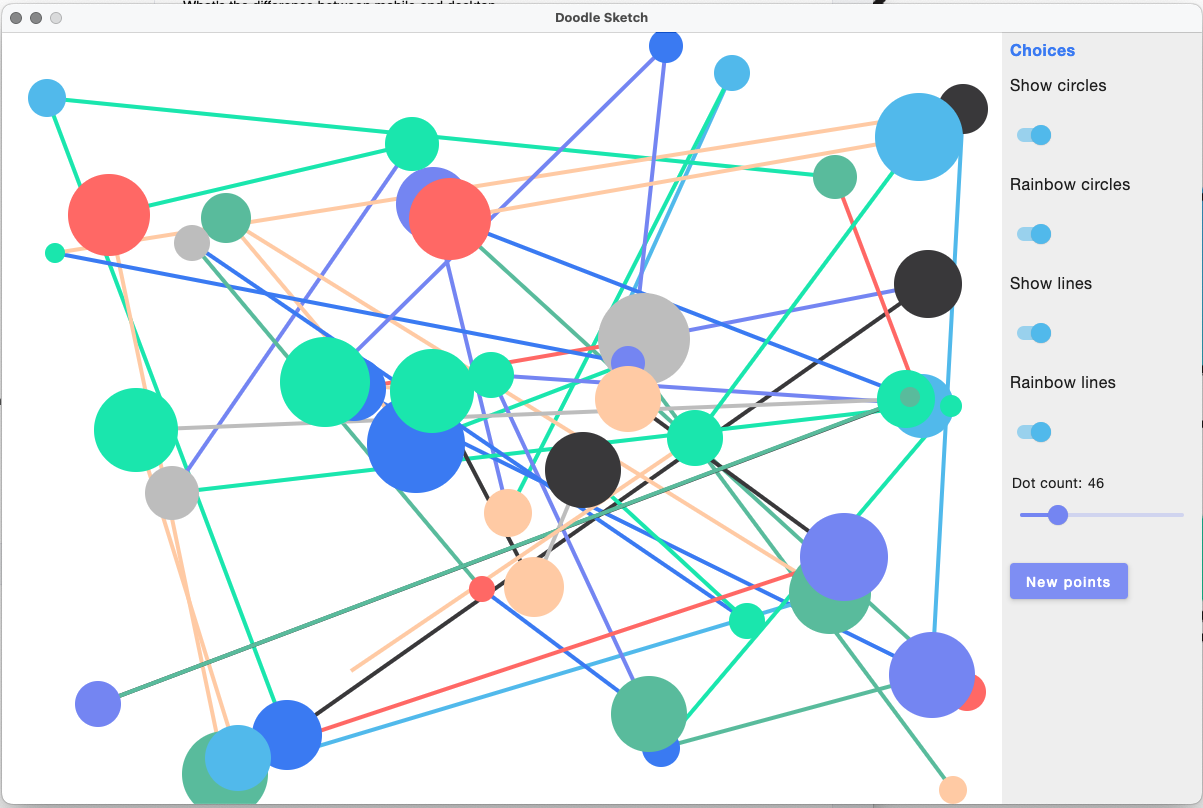
Experiments in doodling in compose. The drawing part works equally well in Android and in desktop compose. To see the previews you need the Compose Multiplatform plugin When was the last time you just experimented with pens and paper just drawing for fun and not for any specific reason.

BeSquare
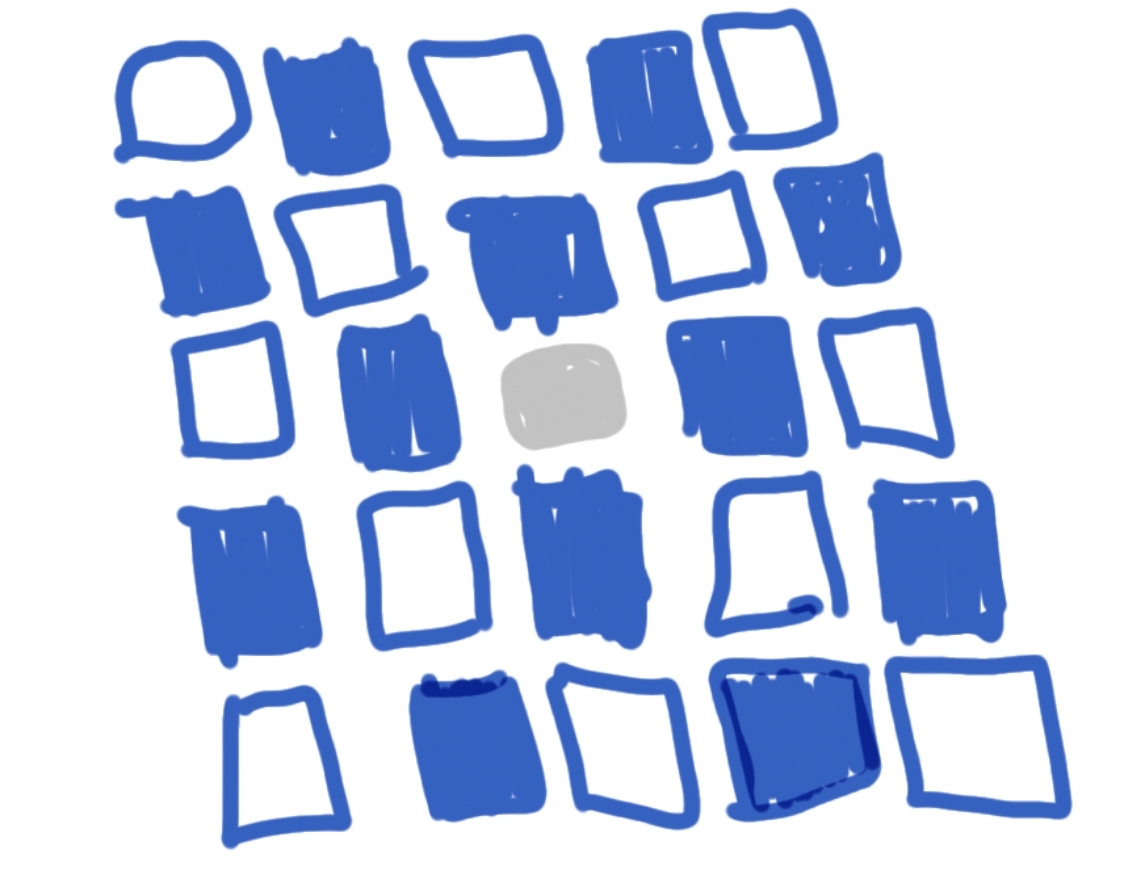
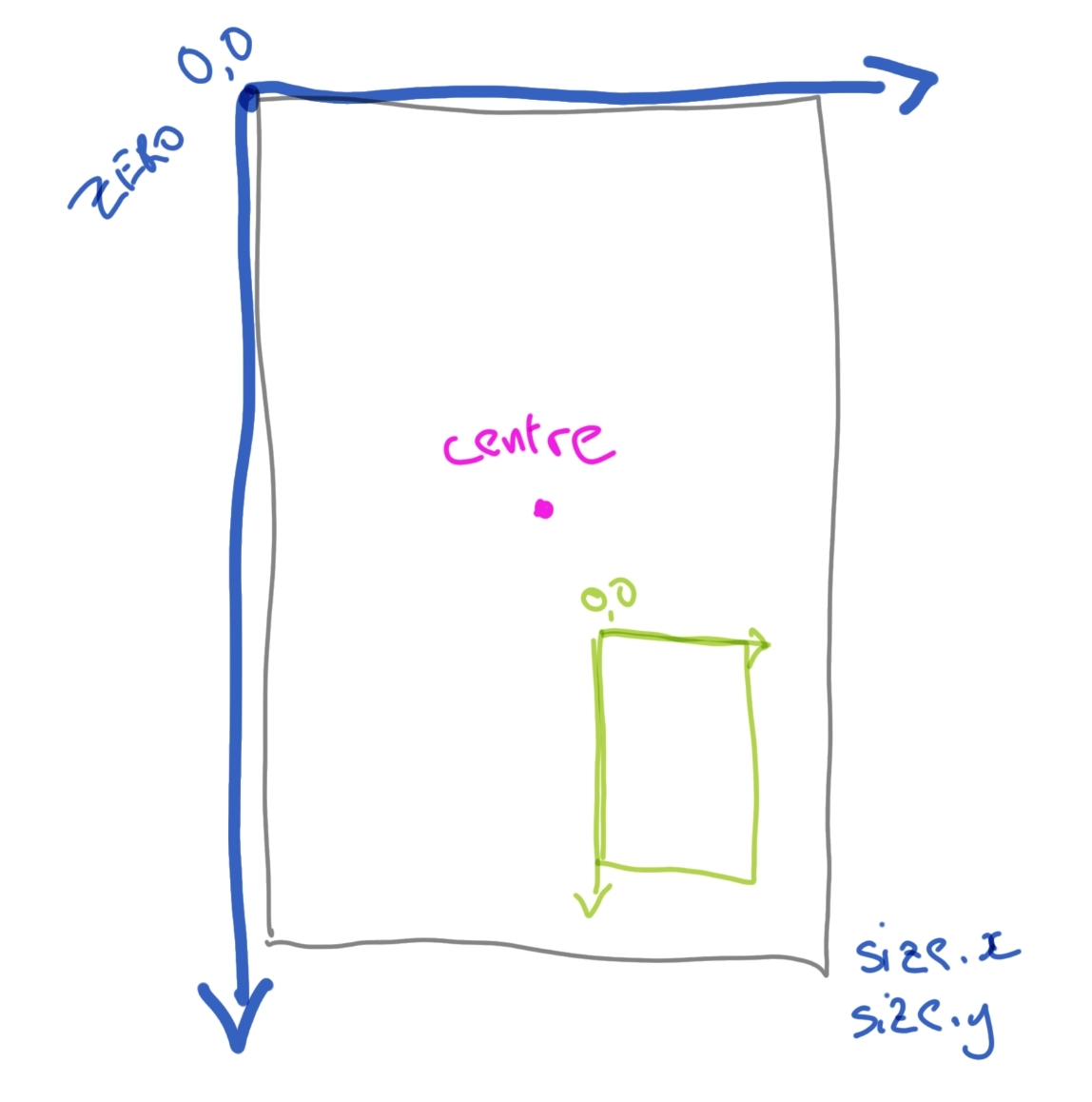
Exploring the Canvas coordinate system by drawing squares. The coordinate system looks like this:
Dotty
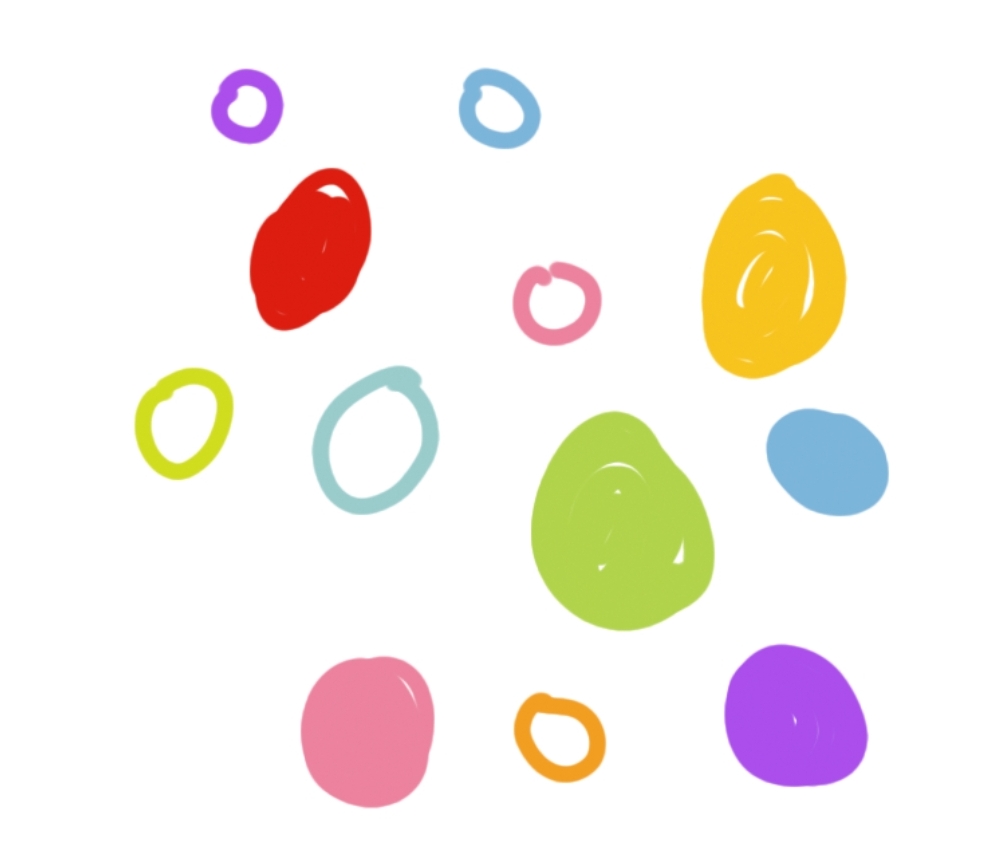
Circles filled and empty. Ellipses and ovals.
LotsOfLines
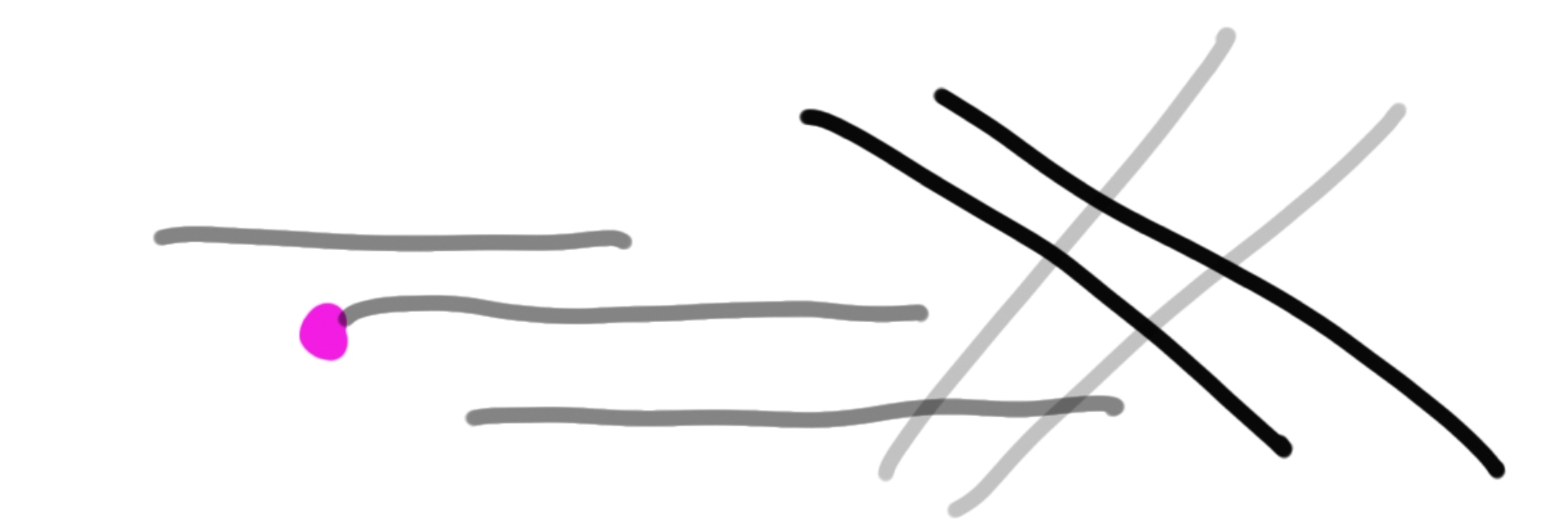
The coordinate system again.
A line has two ends and a thickness.
MyBrush

Gradients in all directions
SweetPath cubicTo
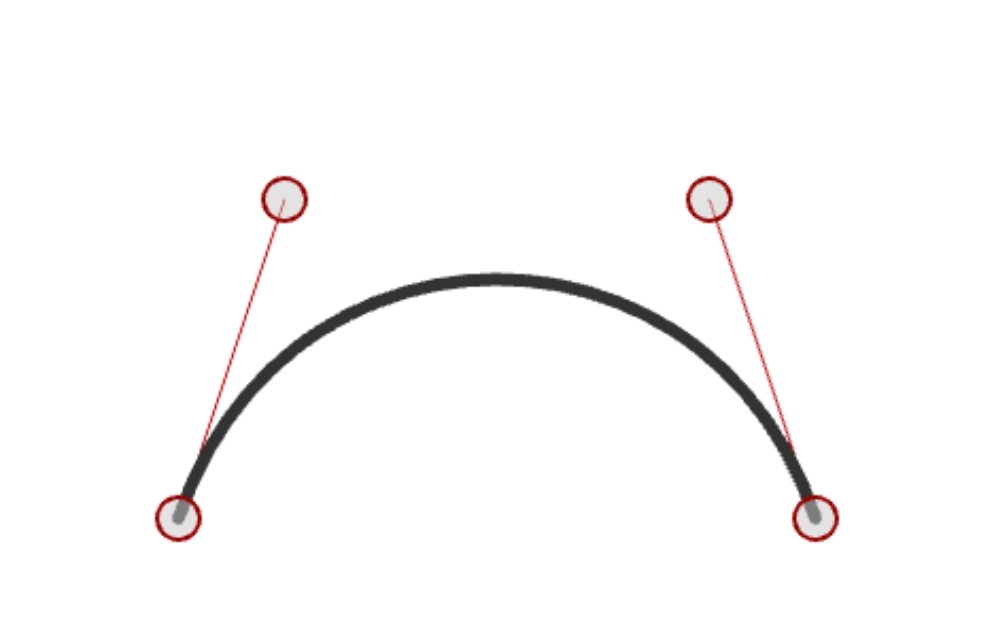
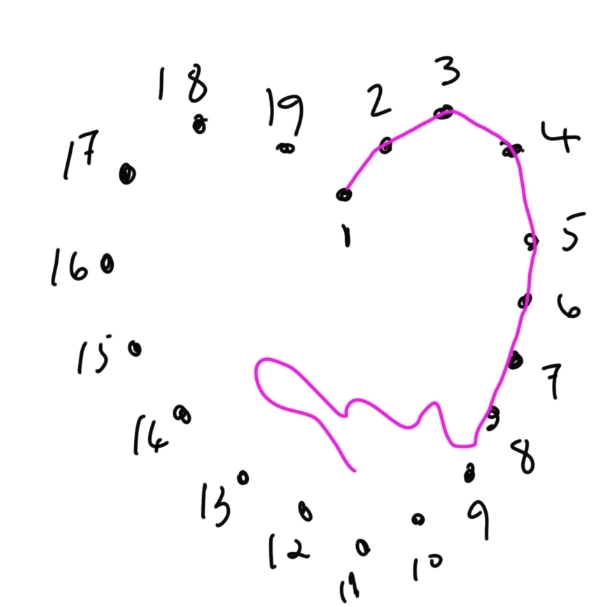
Join the dots. Bezier curves. Translations and rotations. Here is a site
that shows how the cubicTo method works. Also some animations.
Sample - mobile and desktop
What's the difference between mobile and desktop
Desktop has:
- Window
- Toolbar
- Notifications
- Mouse clicks/drags/moves
- Lifecycle is simple
Mobile has:
- Complex lifecycle
- Back button
- Touch gestures
- Android system interactions
The drawing part is almost identical between Desktop and Android.