ChartView
Introduction: 一组针对统计图的自定义控件,高度定制化;折线图统计图提供了各项属性供用户定制,且带手势操作,有点像股票实线图。饼状统计图,同样提供了大量属性定制,可随意更改初始角度,添加 item 后会自动计算概率等等
Tags:

统计图组件,其中包括 2 个自定义控件:
- ChartLineView 折线图统计图
- ChartCircleView 饼状统计图
ChartView 诞生了
一、折线统计图
效果展示:
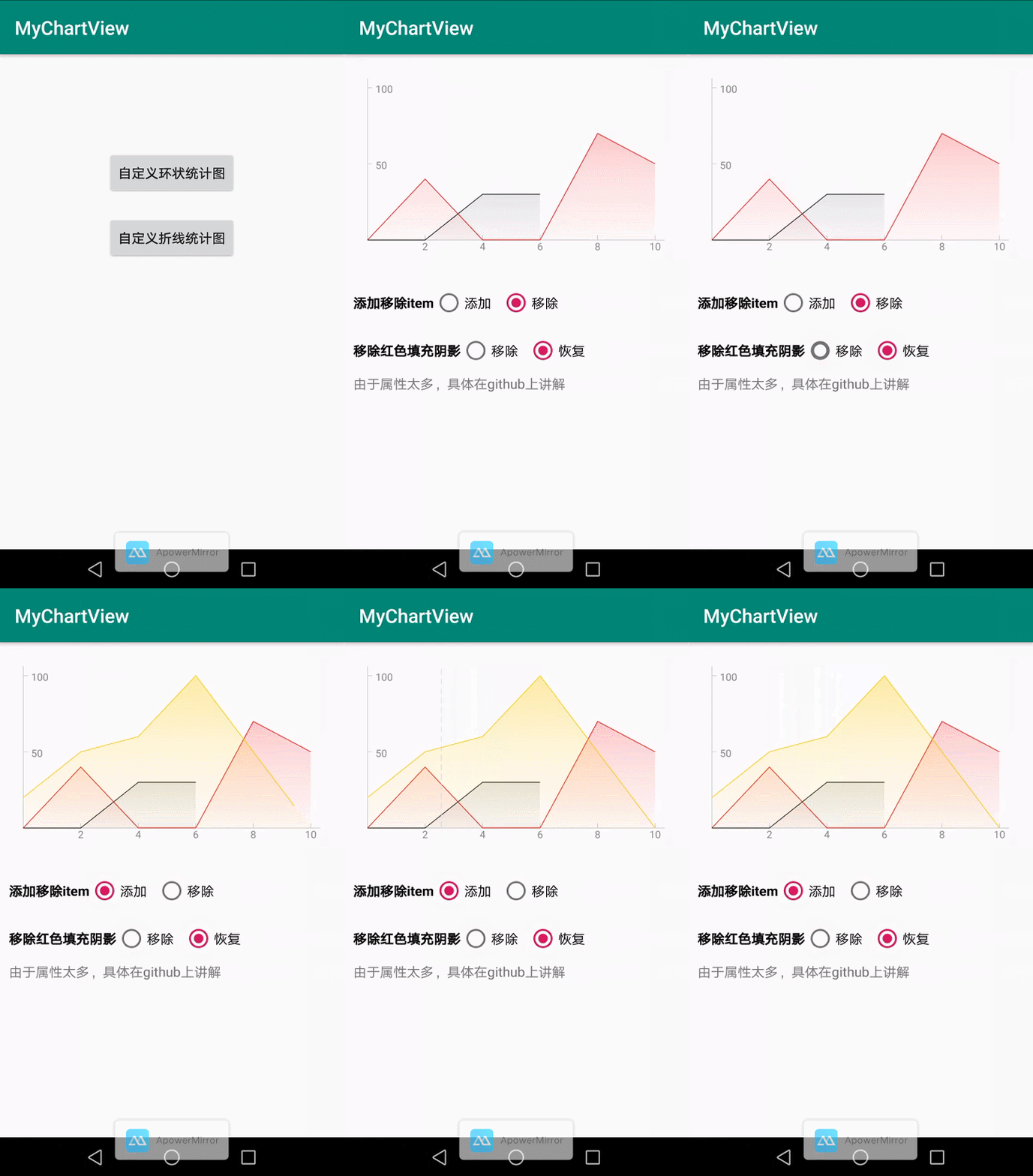
扫描二维体验效果(下载密码是:123456)

添加依赖
- 项目 build.gradle 添加如下
allprojects { repositories { maven { url 'https://jitpack.io' } } } - app build.gradle 添加如下
dependencies {
        implementation 'com.github.lihangleo2:ChartView:1.0.0'
}
使用(未用到自定义属性,则使用默认值)
xml 里只需要这样:
<com.lihang.chart.view.ChartLineView
    android:id="@+id/chartLineView"
    android:layout_width="match_parent"
    android:layout_height="200dp"
    />
初始化数据代码:
    public void initData() {
        //横坐标 titles 数据
        ArrayList<String> axesTitles = new ArrayList<>();
        arrayList.add("2");
        arrayList.add("4");
        arrayList.add("6");
        arrayList.add("8");
        arrayList.add("10");
        //设置横坐标 titles
        chartLineView.setHoriItems(arrayList);


        //第一条折线数据
        ArrayList<Integer> points = new ArrayList<>();
        points.add(0);
        points.add(40);
        points.add(0);
        points.add(0);
        points.add(70);
        points.add(50);
        //第二条折线数据
        ArrayList<Integer> points_second = new ArrayList<>();
        points_second.add(0);
        points_second.add(0);
        points_second.add(30);
        points_second.add(30);
        //初始化折线统计图 item
        ArrayList<ChartLineItem>items = new ArrayList<>();
        /*
        * 参数:
        * 1、折线统计的数据源
        * 2、此折线的颜色值
        * 3、手势操作后,展示此折线数据的描述语
        * 4、此折线是否带阴影填充色
        * 5、此折线是否带动画展示
        * */
        items.add(new ChartLineItem(points, R.color.red, "昨日", true, true));
        items.add(new ChartLineItem(points_second, R.color.black, "今日", true, true));
        //设置折线数据源
        chartLineView.setItems(items);
    }
折线统计图自定义属性
在我们还未设置任何属性的时候,我们的坐标轴长这样:
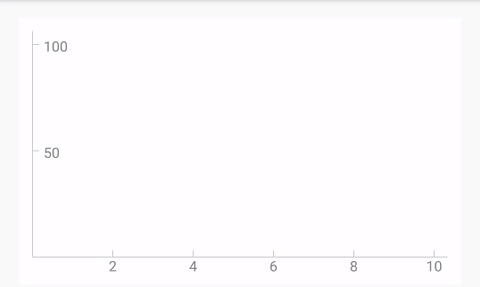
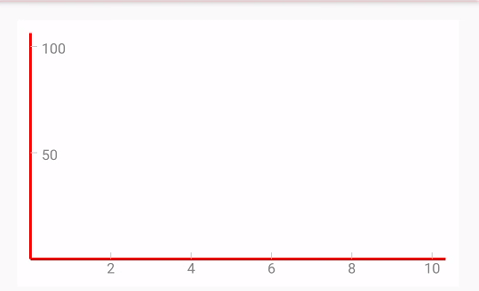
1、坐标轴颜色 app:cl_axesColor="#ff0000"
2、坐标轴宽度(粗细) app:cl_axesWidth="2dp"
修改后如图:
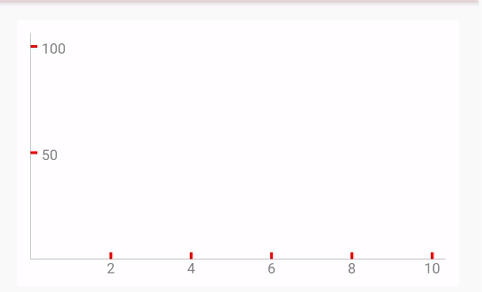
3、刻度值颜色 app:cl_divideColor="#ff0000"
4、刻度值宽度(粗细) app:cl_divideWith="2dp"
5、刻度值高度 app:cl_divideHeight="5dp"
修改后如图:
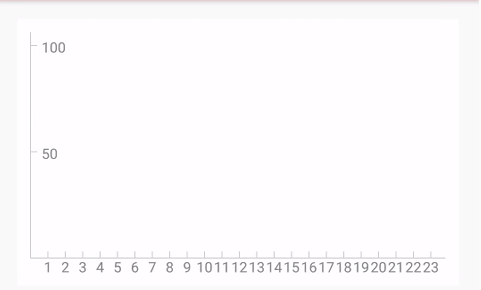
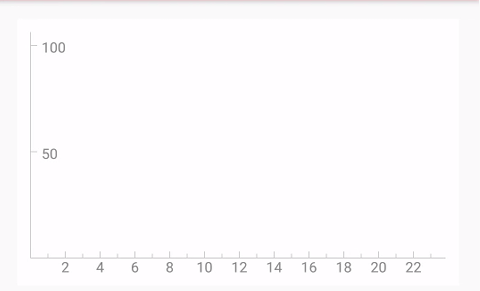
6、是否隐藏奇数刻度值(解决刻度值过密) app:cl_divide_hideOdd="true"
图 1 为刻度值过密 --> 图 2 为隐藏奇数刻度值
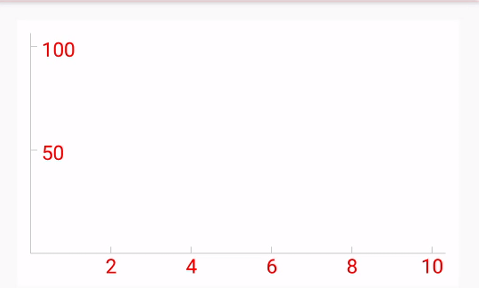
7、坐标轴文字颜色 app:cl_textColor="#ff0000"
8、坐标轴文字大小 app:cl_textSize="15dp"
修改后如图:
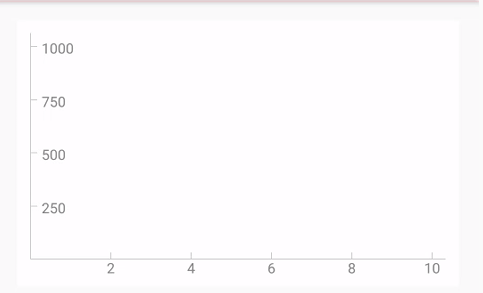
9、纵轴最大值 app:cl_max="1000"
10、纵轴分几段 app:cl_span="4"
这里要注意,如果传入的数值中,有比最大值还大,那么最终最大值为 传入数值最大值+设置最大值/4
修改后如图:
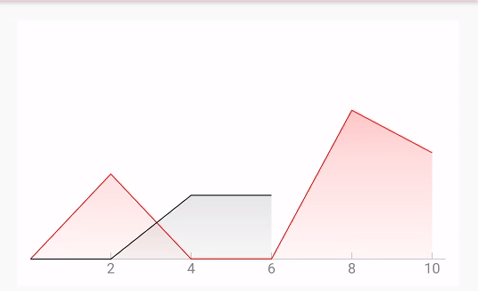
11、是否隐藏 Y 轴 app:cl_hideY="true"
修改后如图:
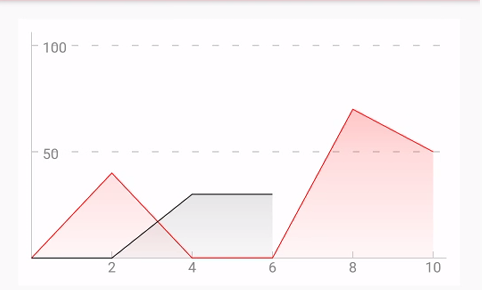
12、Y 轴刻度值虚线是否显示 app:cl_Y_showDash="true"
13、Y 轴刻度值虚线颜色 app:cl_Y_dashColor="#CCCCCC"
14、Y 轴刻度值虚线宽度(粗细) app:cl_Y_dashWith="1dp"
15、Y 轴刻度值虚线间隔 app:cl_Y_dashDivide="10dp"
16、Y 轴刻度值虚线的实线长度 app:cl_Y_dash_solidLength="5dp"
修改后如图:
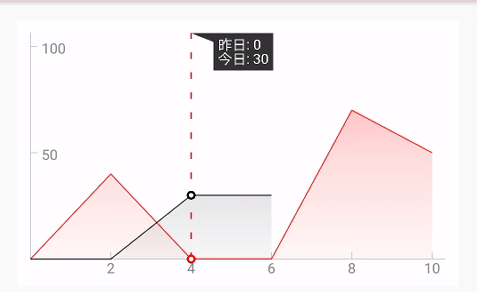
17、手势虚线颜色 app:cl_dashColor="#ff0000"
18、手势虚线宽度(粗细) app:cl_dashWith="1dp"
19、手势虚线间隔 app:cl_dashDivide="10dp"
20、手势虚线的实线长度 app:cl_dash_solidLength="5dp"
21、手指离开后多久,虚线消失 app:cl_dashStay_duration="1500"(-1 表示常驻不会消失)
22、是否禁止手势操作 app:cl_isOnTouch="false"
修改后如图:
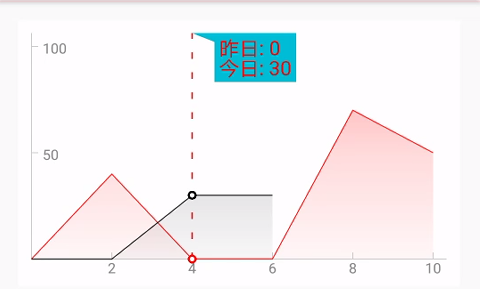
23、提醒背景颜色 app:cl_remind_backColor="#00BCD4"
24、提醒文字颜色 app:cl_remind_textColor="#ff0000"
25、提醒文字大小 app:cl_remind_textSize="15dp"
25、是需要折线还是需要曲线 app:cl_isCurve="true"
修改后如图:
26、折线图动画时间 app:cl_lineAnim_duration="1500"
二、饼状统计图
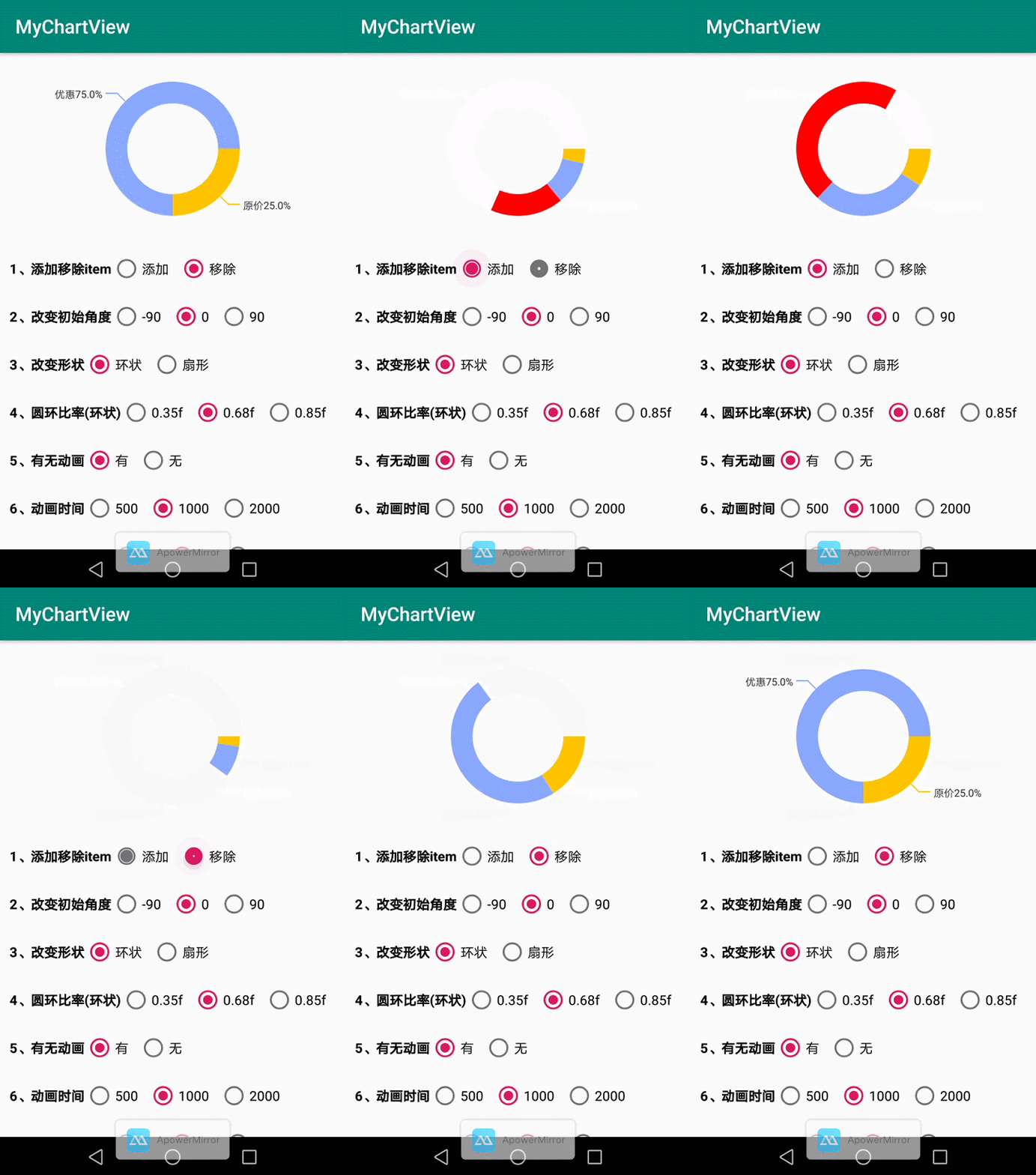
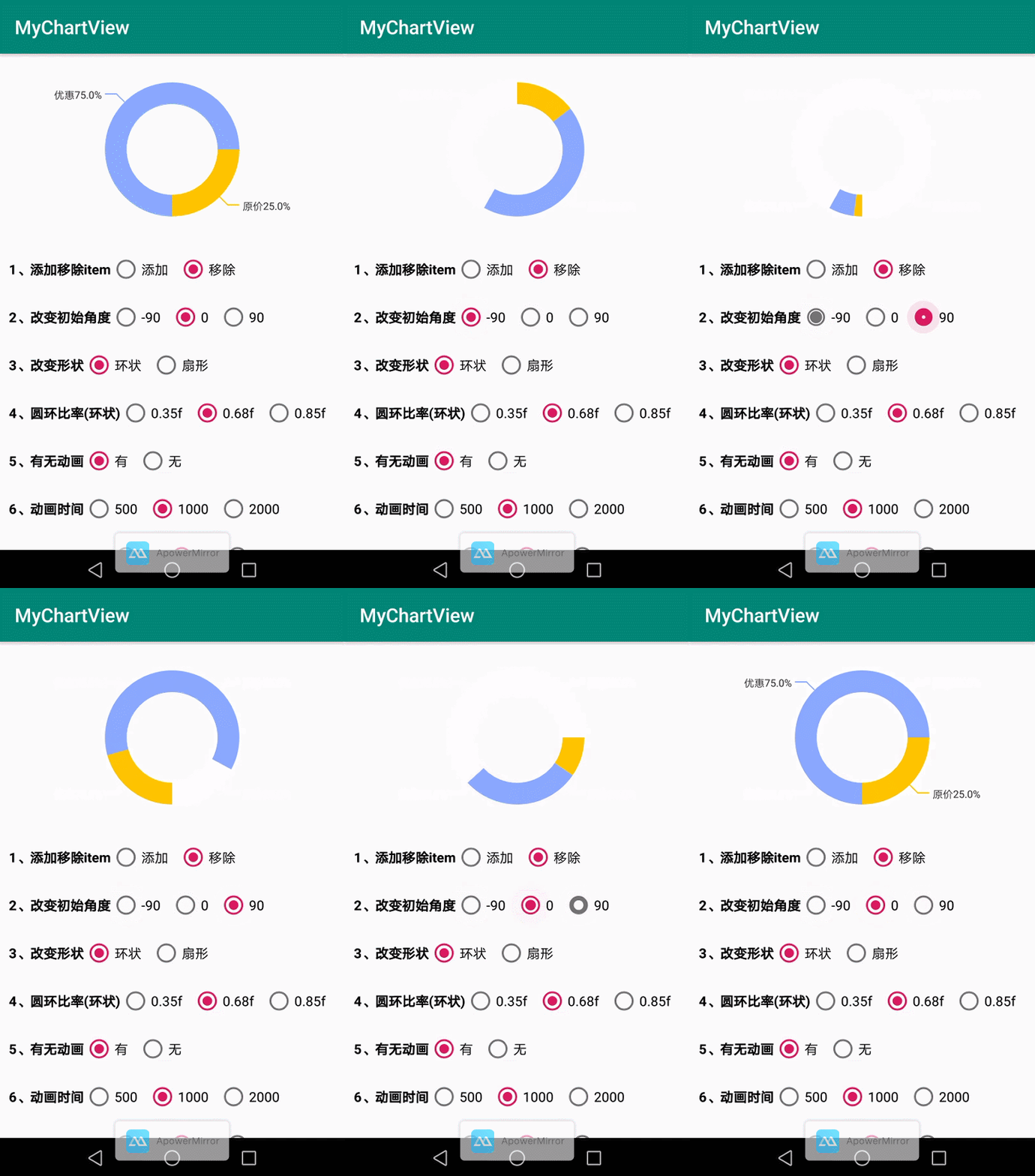
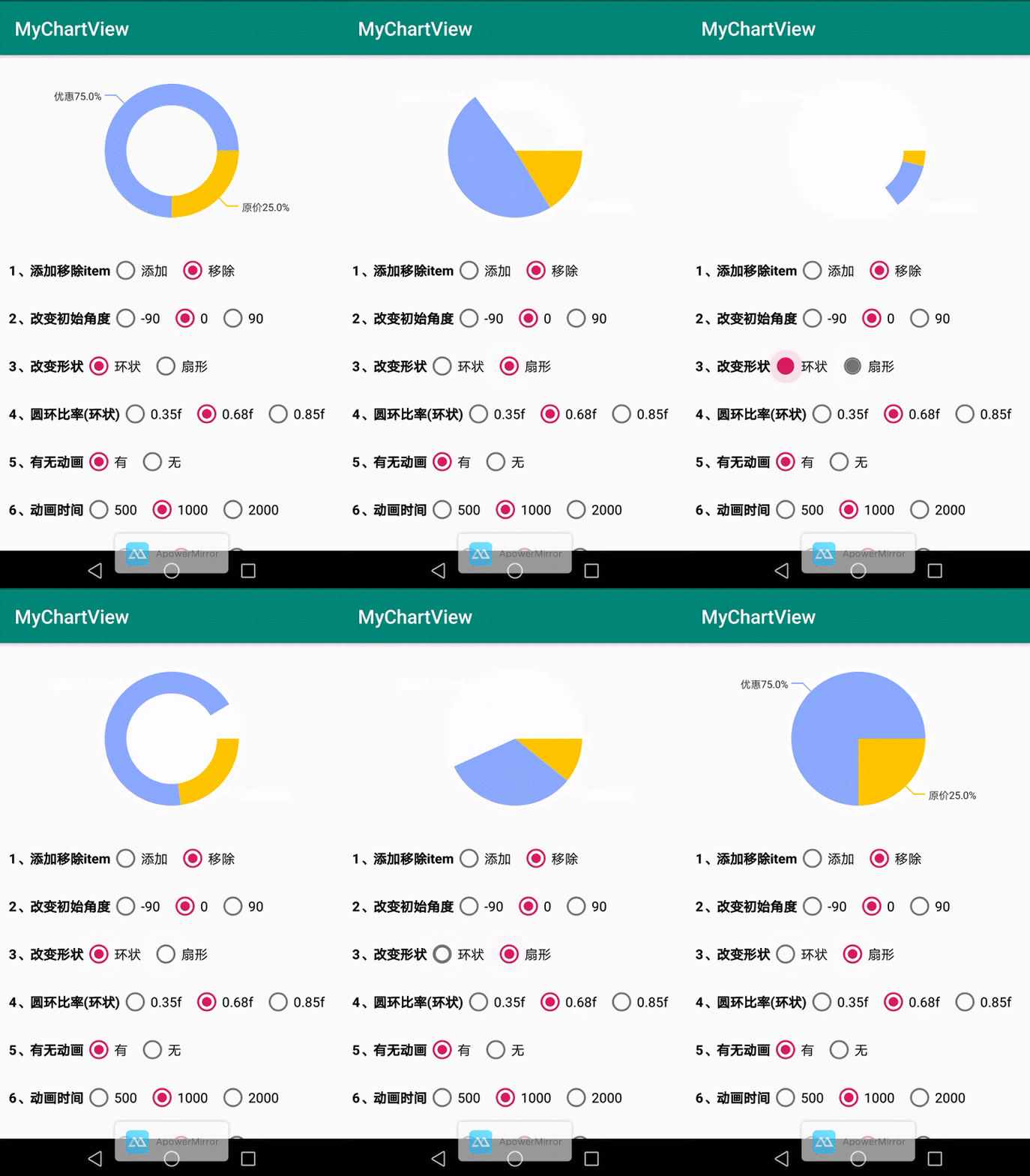
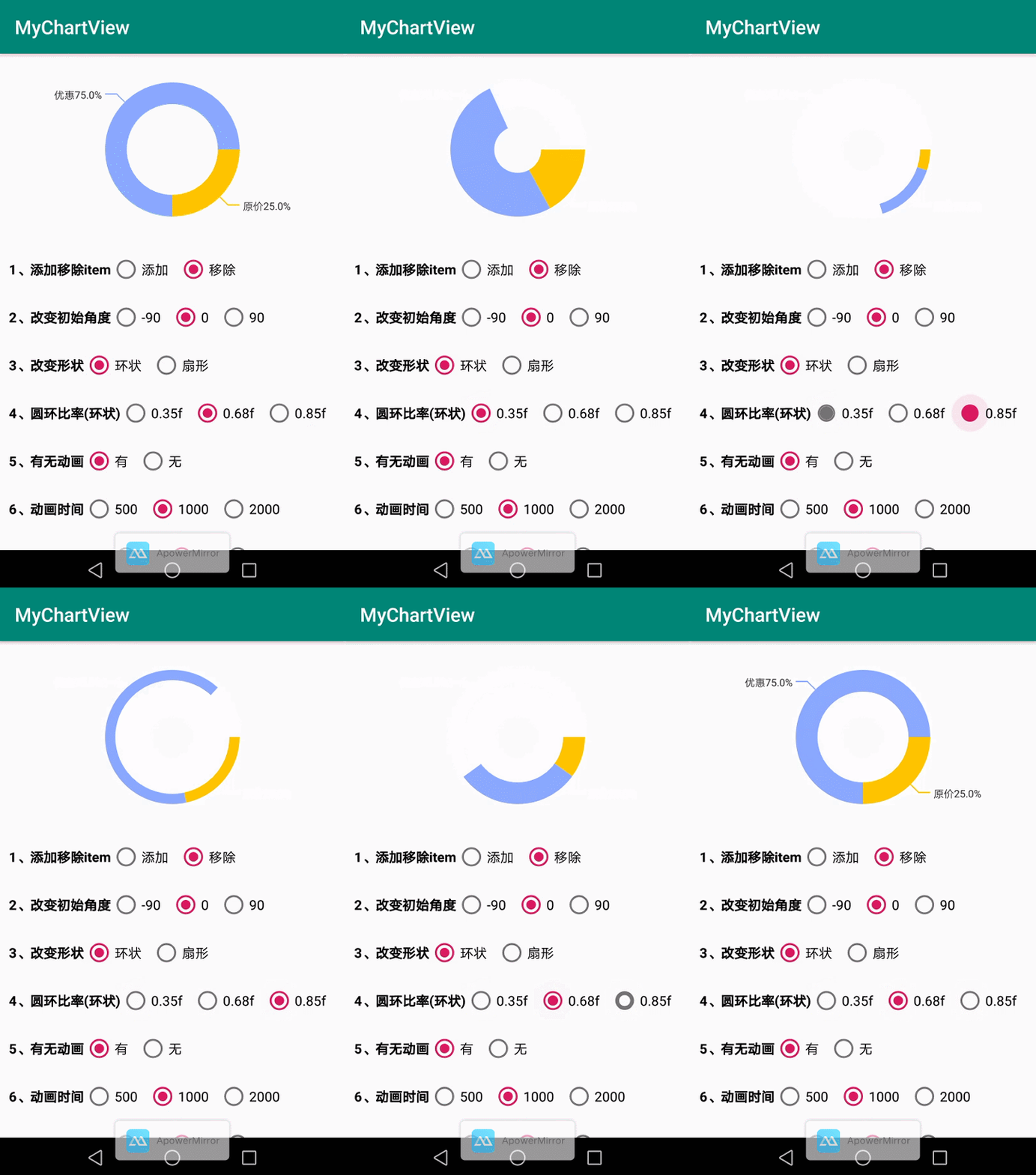
同样我们先看看饼状统计图的效果:
| 添加/移除 item | 初始角度 startAngle | 圆环 or 扇形 |
|---|---|---|
 |
 |
 |
| 圆环比率 | ||
 |
使用(未使用自定义属性,则使用默认值)
<com.lihang.chart.view.ChartCircleView
    android:id="@+id/charCircleView"
    android:layout_width="wrap_content"
    android:layout_height="200dp" />
初始化数据代码:
    private void initData() {
        ArrayList<ChartCircleItem> items = new ArrayList<>();
        /*
        * 参数:
        * 1、当前的 value 的值
        * 2、绘制此部分的颜色值
        * 3、此部分的文字描述
        * */
        items.add(new ChartCircleItem(1, R.color.yellow, "原价"));
        items.add(new ChartCircleItem(3, R.color.blue, "优惠"));
        //设置数据源
        charCircleView.setItems(items);
    }
这样你就能用了。soEasy!
饼状统计图自定义属性
1、文字大小 app:cv_textSize="16sp"
- 这里指的是 demo 中原价/优惠的字体大小
2、文字颜色 app:cv_textColor="#ff0000"
- demo 中原价/优惠字体颜色
3、初始旋转角度 app:cv_startAngle="-90"
- 可以控制统计图从哪个角度开始启动。默认是 0 度
4、圆环比率 app:cv_rate="0.68"
- 圆环比率,这里可以简单认为是控制圆环粗细的属性
5、扇形 or 圆环 app:cv_isArc="true"
- 改变控件外观。默认为圆环状,通过 app:cv_isArc="true"可改变为扇形
6、圆环动画时间 app:cv_animDuration="1500"
- 圆环开始到结束的动画时间
7、是否需要动画 app:cv_isAnim="true"
- 圆环是否需要动画。这里要注意也可以动态改变,最终以代码为最终结果
//改变是否需要动画有 2 种方法
//方法 1. charCircleView.setAnim(true);

//方法 2.(设置数据的时候)
charCircleView.setItems(true,items);
关于作者。
Android 工作多年了,一直向往大厂。在前进的道路上是孤独的。如果你在学习的路上也感觉孤独,请和我一起。让我们在学习道路上少些孤独
- 关于我的经历
- QQ 群: 209010674
 (点击图标,可以直接加入)
Licenses
MIT License

Copyright (c) 2020 leo

Permission is hereby granted, free of charge, to any person obtaining a copy
of this software and associated documentation files (the "Software"), to deal
in the Software without restriction, including without limitation the rights
to use, copy, modify, merge, publish, distribute, sublicense, and/or sell
copies of the Software, and to permit persons to whom the Software is
furnished to do so, subject to the following conditions:

The above copyright notice and this permission notice shall be included in all
copies or substantial portions of the Software.
