adns
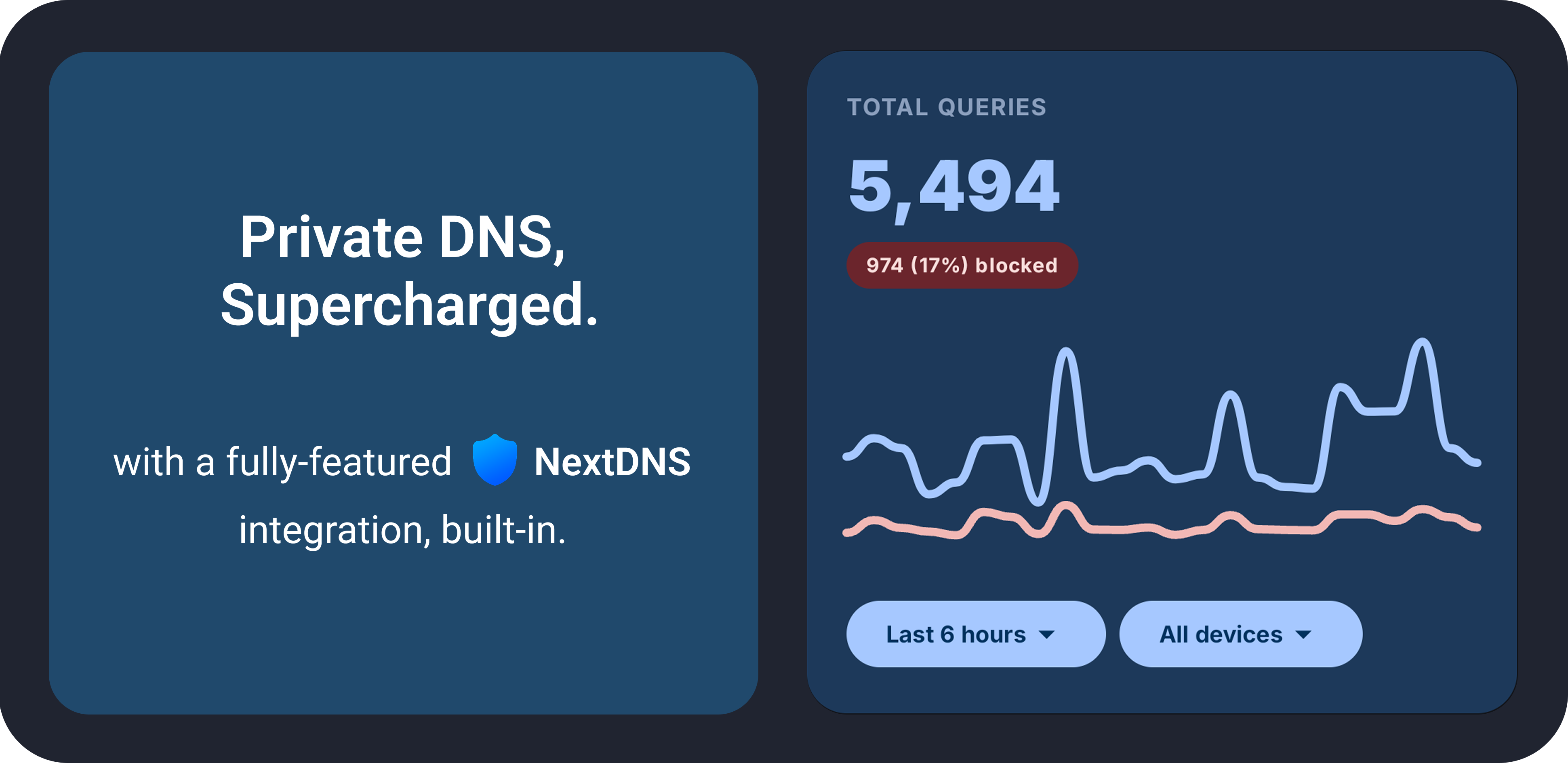
ADNS combines a feature-rich Private DNS client for Android with a native NextDNS integration, giving you full control over your device's DNS settings and your NextDNS account.
Download it from GitHub Releases or IzzyOnDroid.
Visit the website or check out the user guide.
Three Ways To Use ADNS
1. Private DNS Client
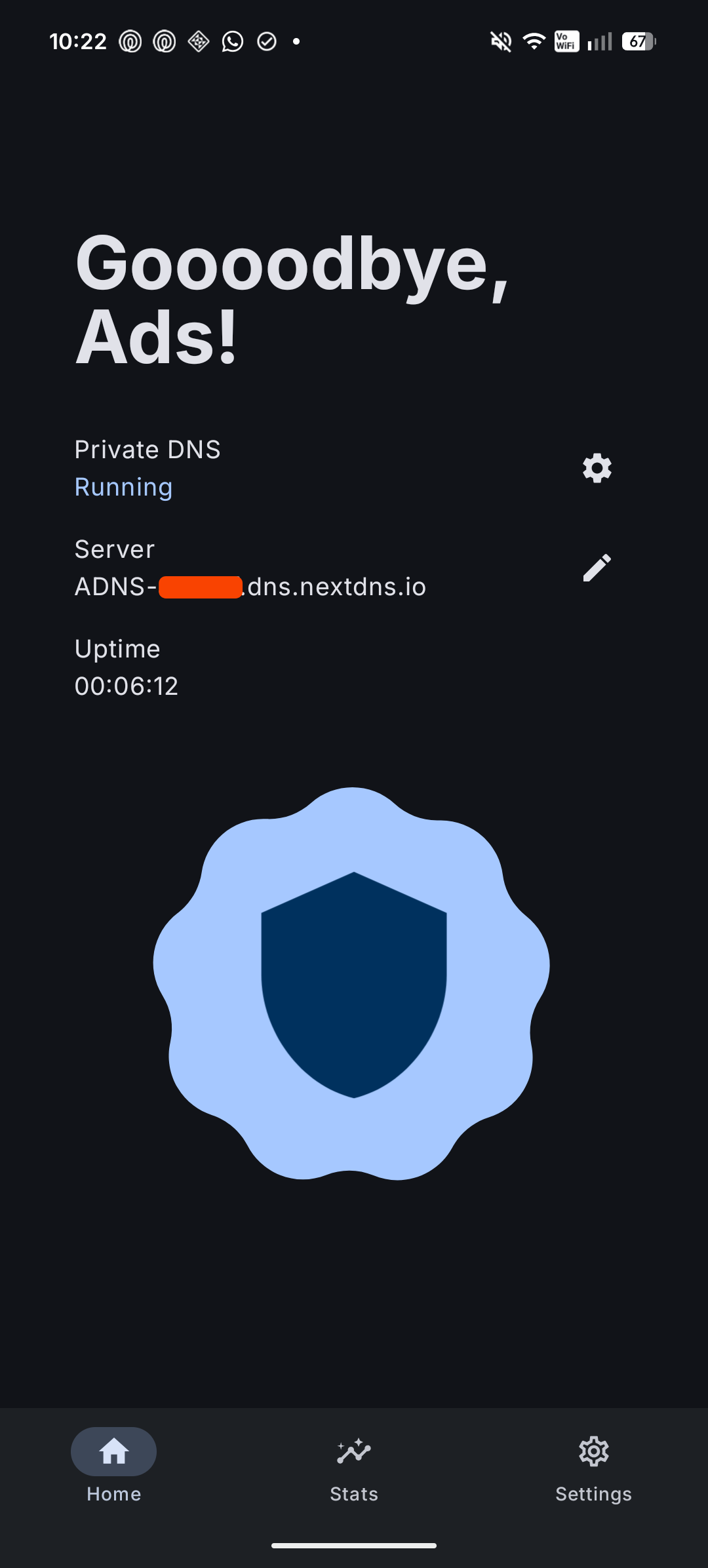
Use ADNS as a fast Private DNS controller when you want direct control over system DNS without using a VPN. Requires a one-time Shizuku or ADB setup.
- Turn Private DNS on or off with a single tap
- Apply automatic Wi-Fi rules for specific networks
- State notifications so you can quickly see whether DNS is active
- Quick Settings tile for instant toggle access
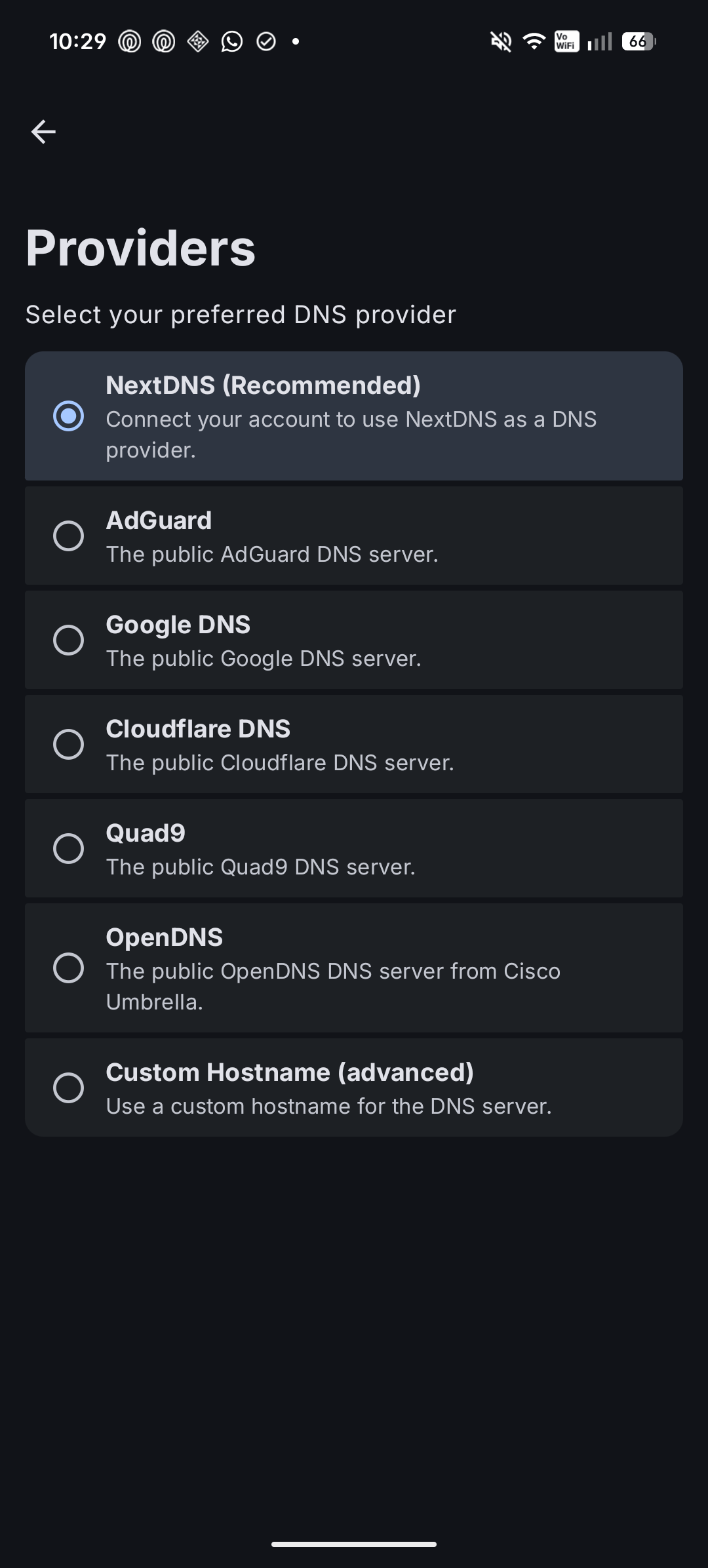
- Choose your preferred provider and filtering options when supported (ads, trackers, malware, adult content, and safe search)
- Supported providers include AdGuard, Cloudflare, Google, Quad9, OpenDNS, NextDNS, and custom hostnames
2. Native NextDNS Dashboard
Use ADNS as a full NextDNS app when you want to manage your account without opening a web dashboard. Requires a NextDNS account (no Shizuku or ADB needed).
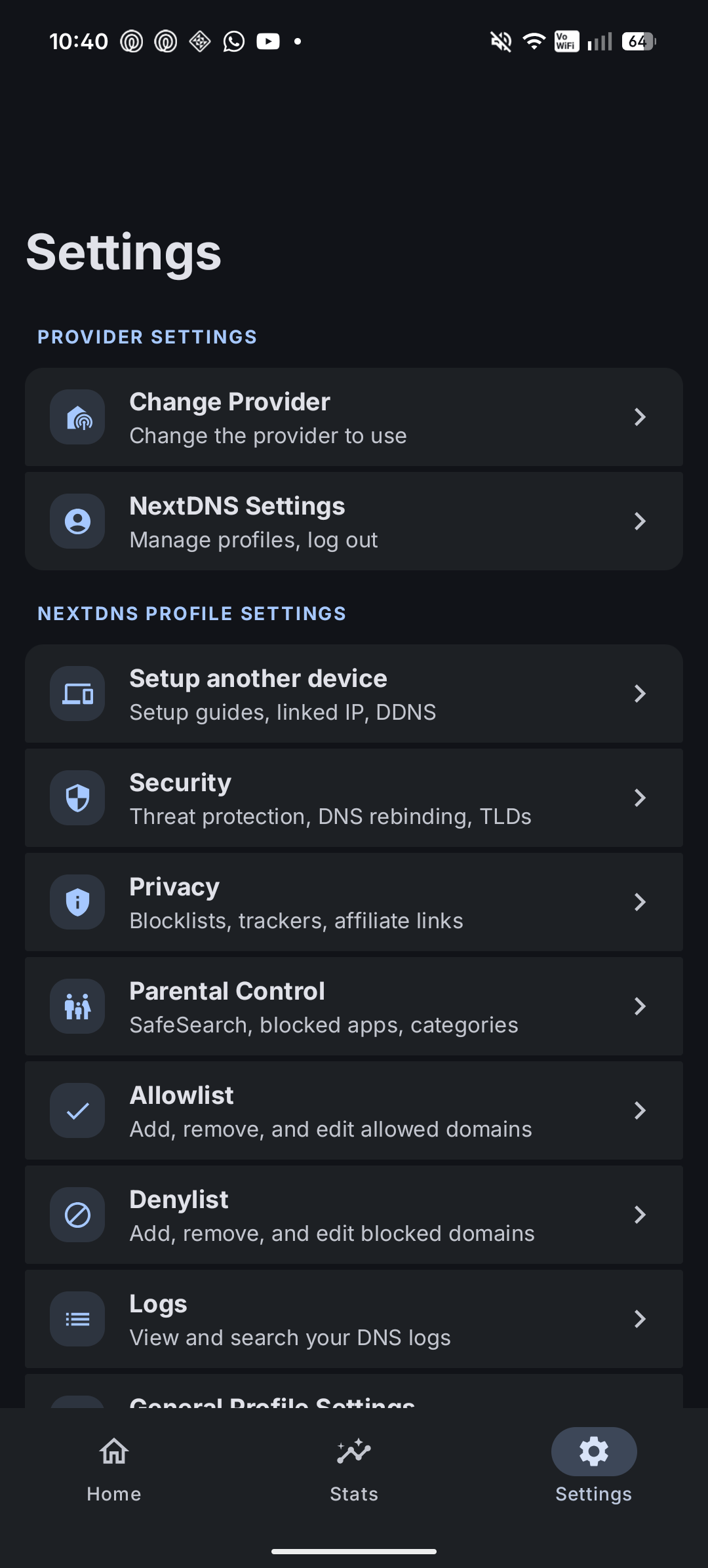
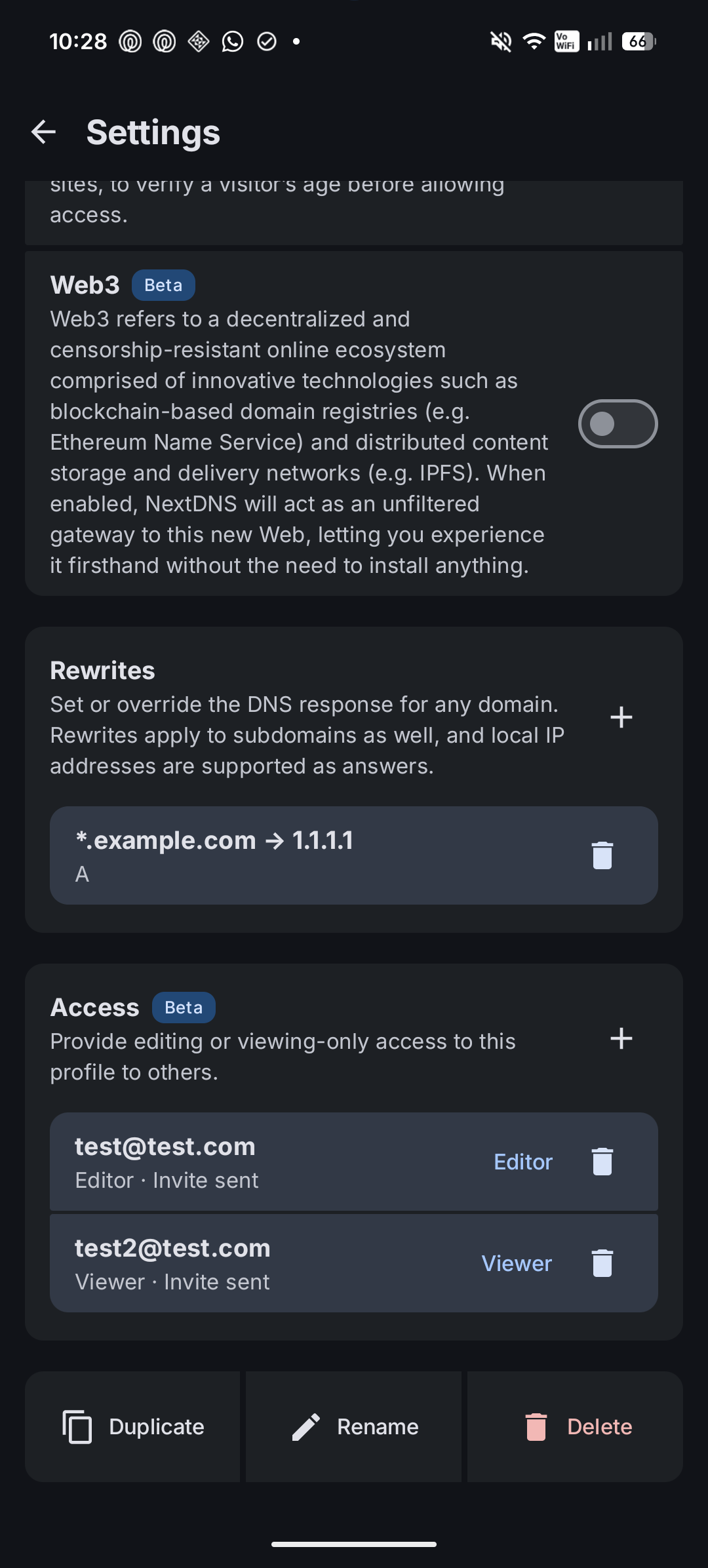
- View and edit every NextDNS profile setting right from the app
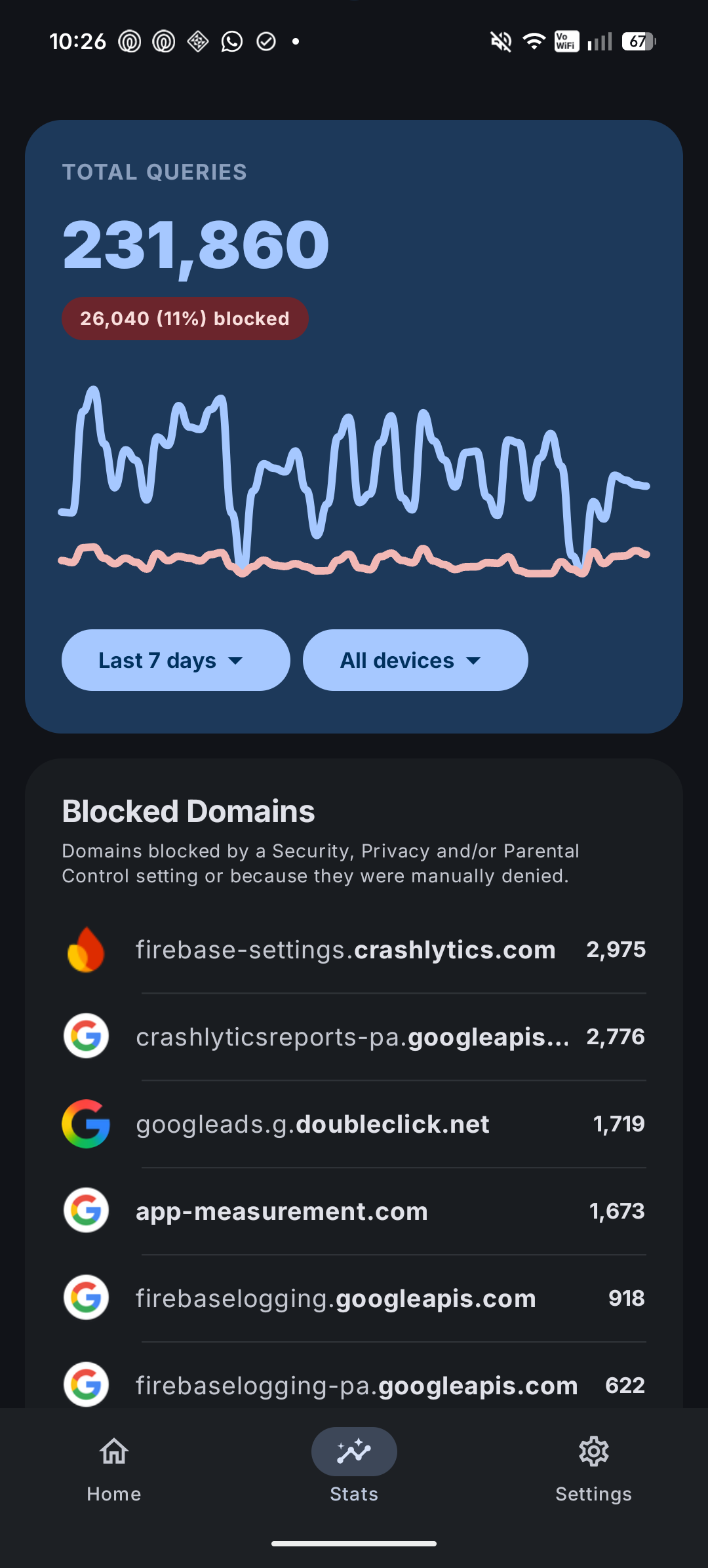
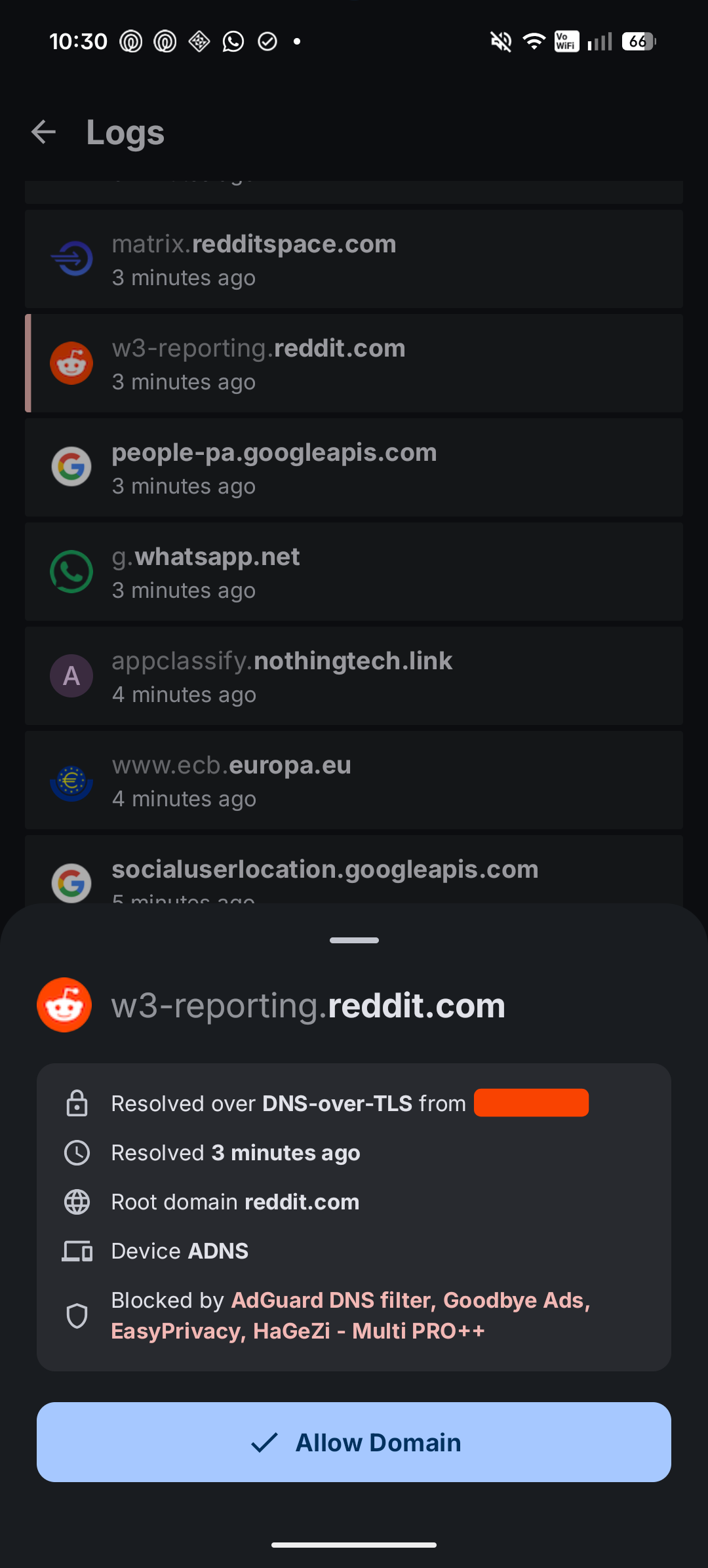
- Inspect NextDNS logs and detailed statistics
- View NextDNS setup guides for all devices and platforms
- 100% native Android experience - no WebViews involved
3. NextDNS + Private DNS Integration
Use ADNS to link your NextDNS account directly to your device's DNS settings and keep both sides in sync. Requires a one-time Shizuku or ADB setup.
- Seamless integration with all ADNS features (Wi-Fi rules, notifications, and Quick Settings tile)
- Automatic NextDNS setup handled entirely for yo
- Custom device name support (appears in your NextDNS dashboard, statistics, and logs)
- One-click NextDNS profile switching that updates the system DNS settings for you
Screenshots
Privacy & Security
ADNS is built with zero telemetry or tracking.
Reproducible Builds
ADNS supports Reproducible Builds. An independent server compiles the open-source code from this repository and compares the resulting binary against the published release APKs.
A passing status proves that the APK you download from GitHub or IzzyOnDroid was generated directly from this exact source code, guaranteeing that no hidden code, backdoors, or credential-stealing modifications were injected during compilation.
Credential & API Key Safety
- No personal data or credentials are ever collected or sent to third-party servers.
- If you log in with your NextDNS username and password, they are used a single time to generate an API key. Your password is never stored.
- Your NextDNS API key is stored encrypted on your device and is only transmitted directly to official NextDNS API endpoints.
Build Flavors & Network Activity
ADNS is available in two build flavors:
- FOSS Flavor: Completely clean network profile. It contains no update checker and makes zero external requests other than direct communication with your configured DNS provider and NextDNS.
- Normal Flavor: Makes a single background API request to GitHub on app launch to check for new releases.
Localization
Help make ADNS available in your language via Weblate.

Translation Components:
adns-xml-strings
These are the main UI strings used in the app. Focus on this component first if you want to contribute.nextdns-strings
These are imported from NextDNS for the app settings. Most languages are already at 100 percent because official translations were imported. This is a very large set of strings and includes web dashboard text not used in the app, so only work on this if you want to translate a huge dataset. If you translate these, you'll have my huge kudos, and please consider submitting them to NextDNS as well :)
Frequently Asked Questions
Will you add DNS-over-HTTPS or VPN mode?
No. ADNS is specifically built to leverage Android's native Private DNS engine (DNS-over-TLS) without running a background VPN service. Running a local VPN engine consumes extra battery, takes up system memory, and prevents you from using other VPN apps.
For local VPN-based filtering, apps like AdAway or BlockAds are better and more customizable. For NextDNS users who want DoH, RethinkDNS is the answer.
Will you add native Root support?
No. ADNS manages system settings cleanly via Shizuku or ADB. If your device is rooted, you can easily start Shizuku in root mode with a single tap.
For deep system-level hosts file patching or dedicated root workflows, apps like AdAway or BlockAds already specialize in that functionality.
Does Shizuku need to run in the background all the time?
No. After onboarding, the app doesn't use Shizuku at all.
Build From Source
Build using the Gradle wrapper from the project root:
- Windows:
gradlew.bat assembleDebug - macOS/Linux:
./gradlew assembleDebug
Disclaimer
ADNS is an independent project and is not affiliated with NextDNS in any way.
License
This project is licensed under the MIT License. See LICENSE.
