TextSurface
Introduction: A little animation framework which could help you to show message in a nice looking way
Tags:
消息展示-A little animation framework which could help you to show message in a nice looking way.
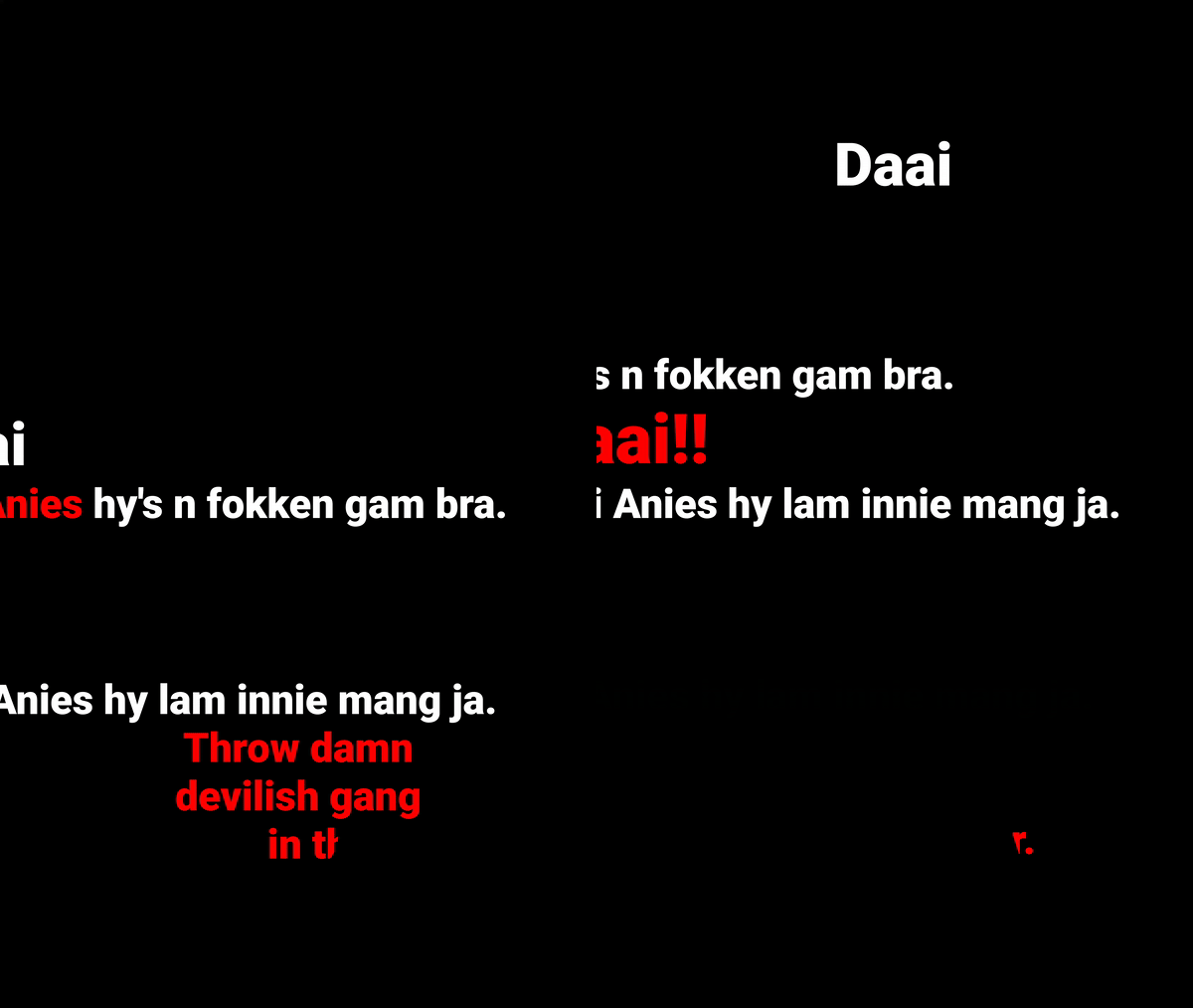
Usage
- Create
TextSurfaceinstance or add it in your layout. - Create
Textinstancies withTextBuilderdefining appearance of text and position:
Text textDaai = TextBuilder
        .create("Daai")
        .setSize(64)
        .setAlpha(0)
        .setColor(Color.WHITE)
        .setPosition(Align.SURFACE_CENTER).build();
- Create animations and pass them to the
TextSurfaceinstance:
textSurface.play(
        new Sequential(
                Slide.showFrom(Side.TOP, textDaai, 500),
                Delay.duration(500),
                Alpha.hide(textDaai, 1500)
        )
);
See full sample here.
Adjusting animations
To play animations sequentially use
Sequential.javaTo play animations simultaneously use
Parallel.javaAnimations/effects could be combined like this:
new Parallel(Alpha.show(textA, 500), ChangeColor.to(textA, 500, Color.RED))i.e. alpha and color of text will be changed simultaneously in 500ms
Adding your own animations/effects
There're two basic classes which you could extend to add custom animation:
AbstractSurfaceAnimation.javato animate basic parameters likealpha,translation,scaleand others. (SeeAlpha.javaorChangeColor.java)ITextEffect.javainterface which could be used for more complex animations. (SeeRotate3D.javaorShapeReveal.java)
Proguard configuration
The framework is based on standard android animation classes which uses reflection extensively. To avoid obfuscation you need to exclude classes of the framework:
-keep class su.levenetc.android.textsurface.** { *; }
Download
repositories {
    maven { url "https://jitpack.io" }
}
//...
dependencies {
    //...
    compile 'com.github.elevenetc:textsurface:0.9.1'
}
