fscrawler
Welcome to FSCrawler for Elasticsearch
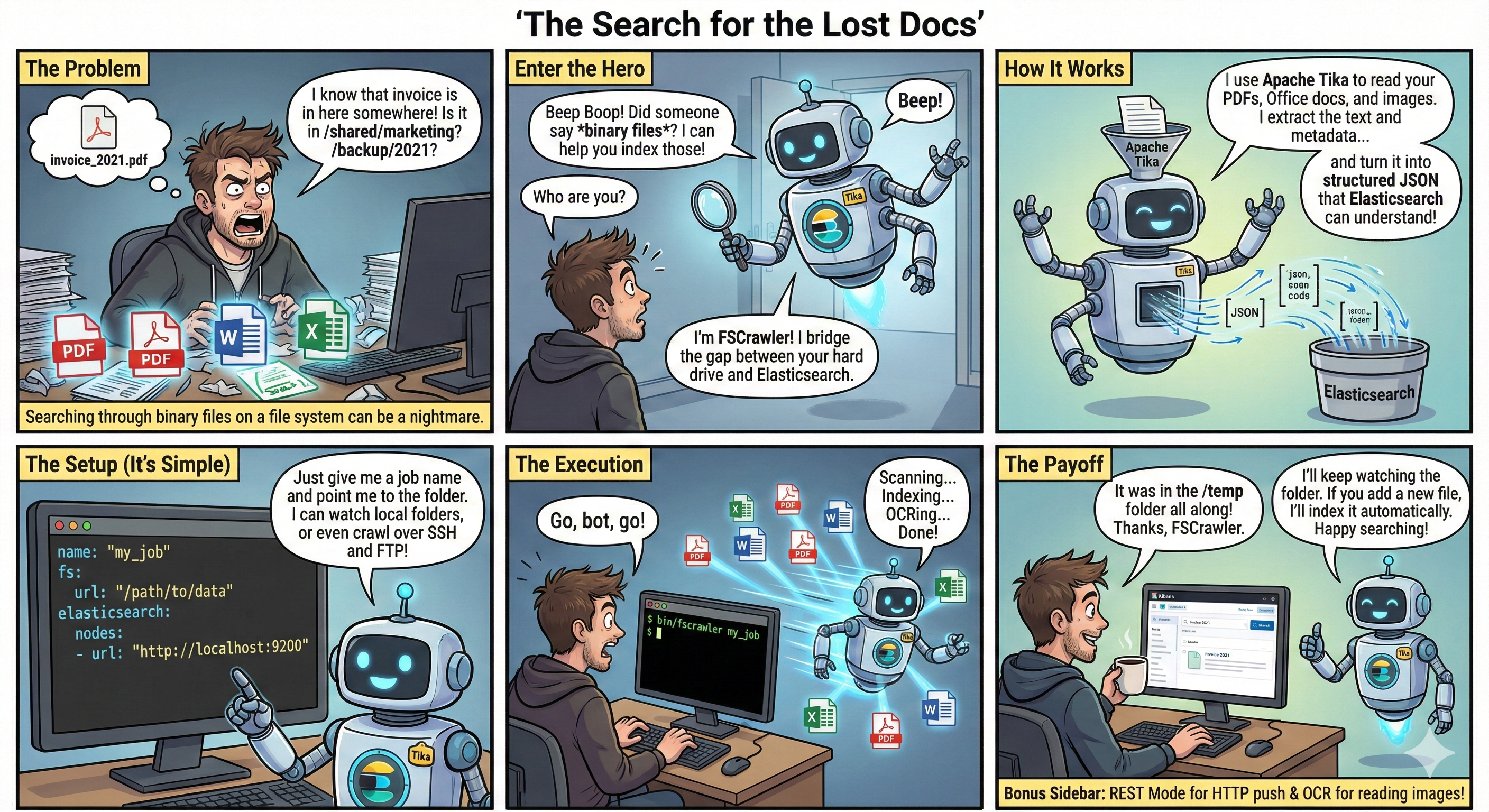
This crawler helps to index binary documents such as PDF, Open Office, MS Office.
Main features:
- Local file system (or a mounted drive) crawling and index new files, update existing ones and removes old ones.
- Remote file system over SSH/FTP crawling.
- REST interface to let you "upload" your binary documents to elasticsearch.
Latest versions
Current versions are:
| Elasticsearch | FSCrawler | Released | Docs |
|---|---|---|---|
| 6.x, 7.x | 2.9 | 2022-03-08 | 2.9 |
| 7.x, 8.x, 9.x | 3.0 | 2026-08-26 | 3.0 |
| 8.x, 9.x | 3.1-SNAPSHOT | 3.1-SNAPSHOT |
Quick start
Run Elasticsearch with start-local:
# Start Elasticsearch and Kibana
curl -fsSL https://elastic.co/start-local | sh
# Get the generated API key (you will need it for FSCrawler)
source elastic-start-local/.env
Run FSCrawler with Docker:
docker pull dadoonet/fscrawler
docker run -it --rm \
  --add-host=host.docker.internal:host-gateway \
  -v ~/.fscrawler:/root/.fscrawler \
  -v $(pwd)/resumes:/tmp/es:ro \
  -e FSCRAWLER_ELASTICSEARCH_URLS=http://host.docker.internal:9200 \
  -e FSCRAWLER_ELASTICSEARCH_API_KEY="${ES_LOCAL_API_KEY}" \
  -e FS_JAVA_OPTS="-DLOG_LEVEL=debug" \
  dadoonet/fscrawler
Then open Kibana and watch for your documents coming to the fscrawler alias:
FROM fscrawler
| STATS numDocs = COUNT(*)
Or search for some text:
FROM fscrawler
| WHERE content : "David"
Or count by file.content_type:
FROM fscrawler
| STATS numDocs = COUNT(*) BY file.content_type
Note:
~/resumescontains the documents you want to index- Job settings will be stored in
~/.fscrawler/fscrawler/_settings.yaml
Read the documentation for more details and specifically the tutorial page.
Need help writing your job settings? Copy a ready-made prompt from the LLM assistant guide into ChatGPT, Claude, or your favorite AI assistant.
FSCrawler also publishes an llms.txt
index (mirrored in the repo) and clean Markdown versions of every docs page
(*.html.md) so agents can skip HTML chrome — see the llms.txt v2 proposal.
Project information
Stats





Version in preparation






To test this SNAPSHOT with Docker, use the snapshot tag. Untagged dadoonet/fscrawler
(or :latest) is the last stable release:
docker pull dadoonet/fscrawler:snapshot
For Docker Compose, set FSCRAWLER_VERSION=snapshot in .env. Use snapshot-noocr if you
do not need OCR. The ZIP is published as a GitHub pre-release on every push to main.
Latest release




Build & quality
License
Read more about the Apache2 License.
Thanks
Thanks to JetBrains for the IntelliJ IDEA License! The best IDE out there!
Thanks to SonarCloud for the free analysis! You guys rock!