che

&logo=eclipseche&color=FDB940&labelColor=525C86)

Platform for providing Kubernetes-based Cloud Development Environments for Enterprise Teams


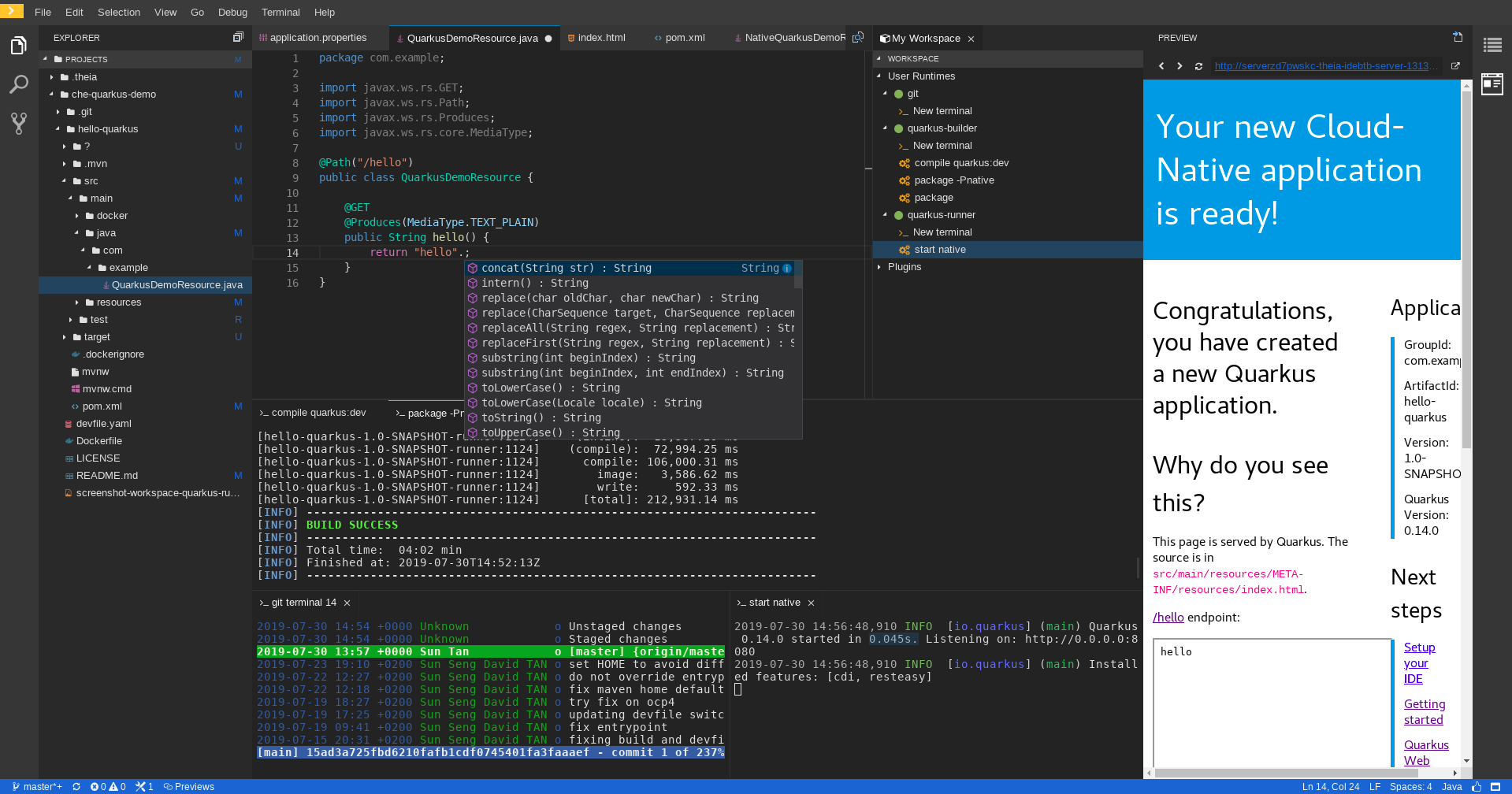
Che is Kubernetes-native and places everything the developer needs into containers in Kube pods including dependencies, embedded containerized runtimes, a web IDE, and project code. This makes workspaces distributed, collaborative, and portable to run anywhere Kubernetes runs ... Read More
Visit website at: https://eclipse.dev/che/ and documentation at: https://eclipse.dev/che/docs
Getting Started
Here you can find links on how to get started with Eclipse Che:
Using Eclipse Che
Start a workspace from a Git repository
Open any Git repository as a Cloud Development Environment by navigating to your Che instance with a factory URL:
https://<your-che-host>/#https://github.com/<owner>/<repo>
For example, to open this repository:
https://<your-che-host>/#https://github.com/eclipse-che/che
Start a workspace using chectl
Use the chectl CLI to create and manage workspaces:
# Start a workspace from a devfile
chectl workspace:start -f devfile.yaml

# Start a workspace from a remote devfile
chectl workspace:start -f https://raw.githubusercontent.com/eclipse/che/main/.devfile.yaml

# List running workspaces
chectl workspace:list

# Stop a running workspace
chectl workspace:stop <workspace-id>
Define a workspace with a devfile
Add a devfile.yaml to your repository root to define your development environment:
schemaVersion: 2.3.0
metadata:
  name: my-project
components:
  - name: devtools
    container:
      image: quay.io/devfile/universal-developer-image:ubi9-latest
      memoryLimit: 4G
      mountSources: true
commands:
  - id: build
    exec:
      commandLine: 'mvn clean install'
      component: devtools
When a devfile.yaml is present, Che automatically configures the workspace with the specified tools, runtimes, and commands.
Learn more
- Customize Che workspaces for your projects
- Automatically run VSCode Extensions in Che workspaces
- Starting a workspace from a Git repository URL
- Making a workspace portable using a devfile
- Configure your instance of Che using the CheCluster Kubernetes Custom Resource
- Use and customize the embedded VSCode extensions registry
Feedback and Community
We love to hear from users and developers. Here are the various ways to get in touch with us:
- Support: You can ask questions, report bugs, and request features using GitHub issues.
- Public Chat: Join the public eclipse-che Slack channel to discuss with community and contributors.
- Twitter: @eclipse_che
- Mailing List: che-dev@eclipse.org
- Weekly Meetings: Join us in our Che community meeting every second monday.
Contributing
If you are interested in fixing issues and contributing directly to the code base:
- :bug: Submitting bugs
- :page_facing_up: Contributor license agreement
- :checkered_flag: Development workflows
- :pencil: Improve docs
- :building_construction: Che architecture
- :octocat: Che repositories
- :sparkles: Good first issue for new contributors
Extending Eclipse Che
- Customize the default dev tooling container (the universal developer image or UDI).
- Customize the list of getting started samples.
- Add your own editor definition.
Roadmap
We maintain the Che roadmap in the open way. We welcome anyone to ask question and contribute to the roadmap by joining our community meetings.
License
Eclipse Public License 2.0.
