ab-download-manager

AB Download Manager





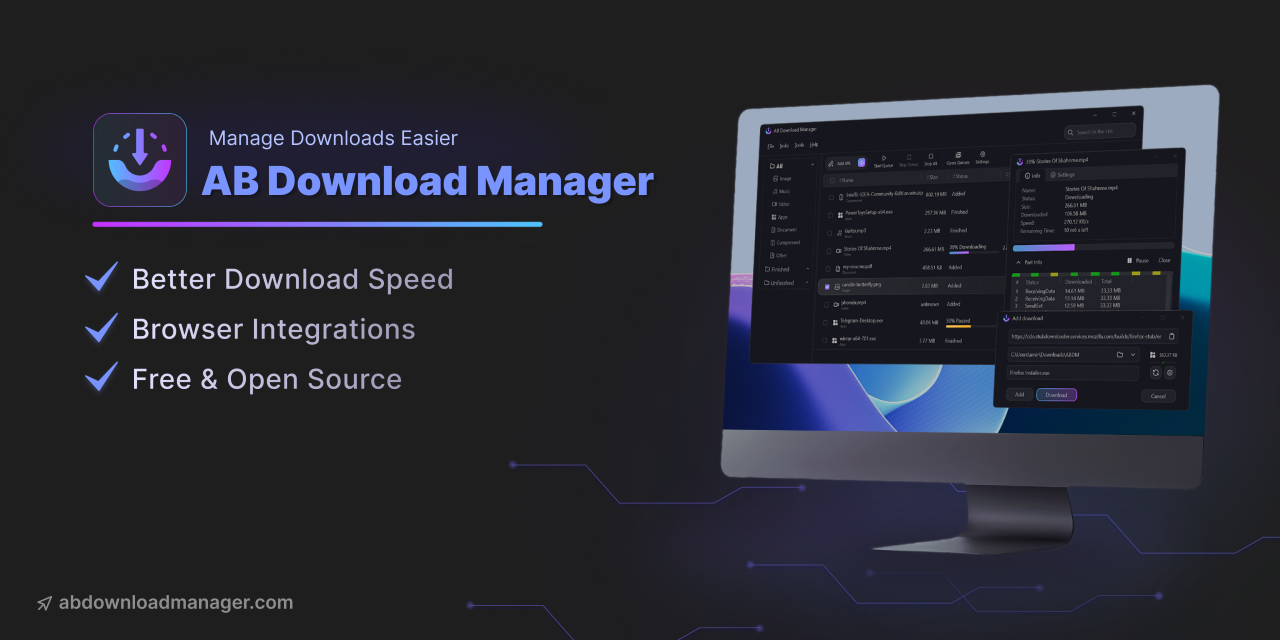
AB Download Manager is a desktop app that helps you manage and organize your downloads more efficiently than ever before.
Features
- ⚡️ Faster Download Speed
- ⏰ Queues and Schedulers
- 🌐 Browser Extensions
- 💻 Multiplatform (Android / Windows / Linux / Mac)
- 🌙 Multiple Themes (Dark/Light/Black and more) with modern UI
- ❤️ Free and Open Source
Please visit Project Website for more info.
Installation
Download and Install the App


Installation script (Linux)
The recommended way to install the app on Linux
bash <(curl -fsSL https://raw.githubusercontent.com/amir1376/ab-download-manager/master/scripts/install.sh)
Winget or Scoop (for Windows)
winget:
winget install amir1376.ABDownloadManager
scoop:
scoop install extras/abdownloadmanager
Homebrew (for macOS & Linux)
brew tap amir1376/tap && brew install --cask ab-download-manager
⚠️ Warning: This software is NOT on Google Play or other app stores unless listed here. Any version claiming to be or related to this project should be considered SCAM and UNSAFE.
For alternative installation methods, uninstallation instructions, and more details, please refer to the wiki page.
Browser Extensions


You can download the browser extension to integrate the app with your browser.


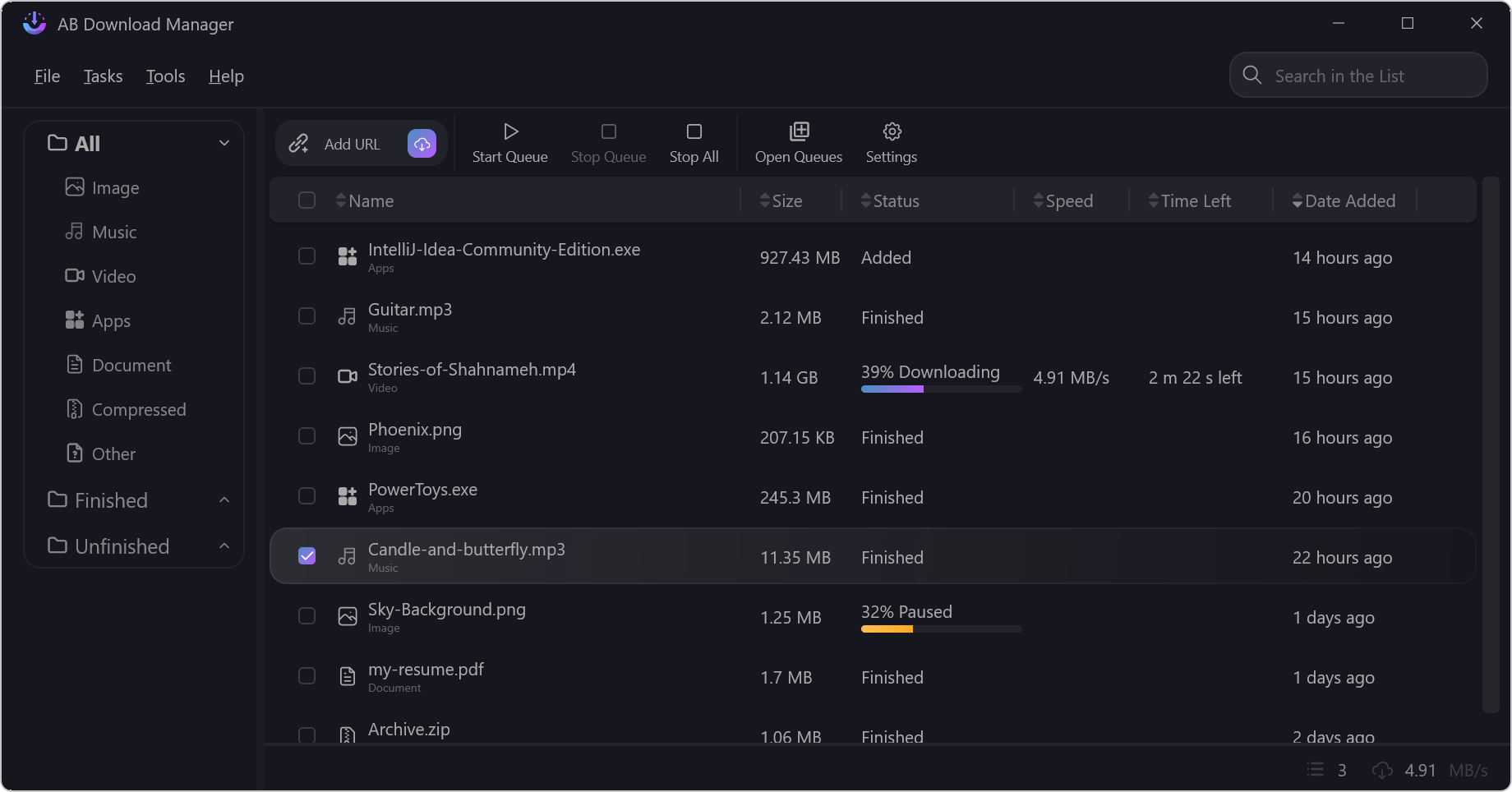
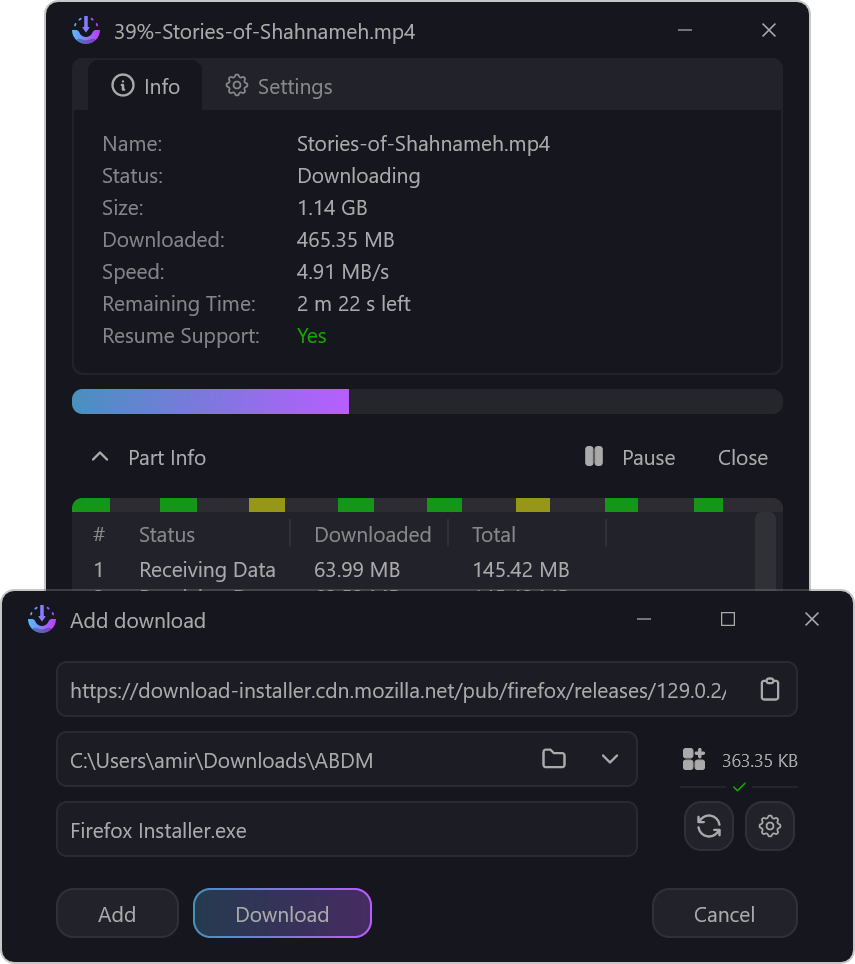
Screenshots
Community
- 📢 Telegram Channel – News, announcements, and release updates.
- 💬 Telegram Group – Get help, report bugs, suggest features, and discuss the project with the community.
Repositories And Source Code
There are multiple repositories related to the AB Download Manager project:
| Repository | Description |
|---|---|
| Main Application (You are here) | Contains the Application that runs on your device |
| Browser Integration | Contains the Browser Extension to be installed on your browser |
| Website | Contains the AB Download Manager website |
I've spent a lot of time to create this project.
If you like my work, please consider giving it a ⭐ — thanks! ❤️
Bug Report
If you notice any bugs in the source code, please report them via the GitHub Issues section.
Build From Source
To compile and test the desktop app on your local machine, follow these steps:
Clone the project.
Download and extract the JBR, and make it available by either:
- Adding it to your
PATH, or - Setting the
JAVA_HOMEenvironment variable to its installation path.
- Adding it to your
Navigate to the project directory, open your terminal and execute the following command:
./gradlew createReleaseFolderForCiThe output will be available at:
<project_dir>/build/ci-release
Note. This project is compiled and published by GitHub actions here, so if you faced any problem you can check that too.
Translations
If you’d like to help translate AB Download Manager into another language, or improve existing translations, you can do so on Crowdin. Here’s how:
- Visit the project in Crowdin
- Please DO NOT submit translations via pull requests.
- If you want to add a new language, please see this.
Contribution
If you want to contribute to this project, please read Contributing Guide first.
Support the Project
If you'd like to support the project, you can find details on how to donate in the DONATE.md file.
