AdvancedBiometricPromptCompat

Advanced BiometricPromptCompat
A practical Android biometric-authentication library for applications that need one integration surface across Android versions and device ecosystems.



Android biometric support can differ substantially between platform versions and device vendors. Advanced BiometricPromptCompat provides a consistent public API for selecting an authentication request, presenting a biometric prompt, and receiving an explicit outcome in your app.
It is useful when you need to:
- support Android 6.0 (API 23) and newer from one integration point;
- work with fingerprint, face, iris, and other available biometric modalities;
- choose automatic, system-prompt, or legacy/OEM request routing through public configuration;
- use hardware-only, software-only, or combined providers where optional modules are installed;
- support light and dark themes, dynamic color, and multi-window use cases.
The library helps with biometric interaction. Your application must still make its own authorization, session, risk, and data-access decisions after an authentication result.
Quick start
1. Add the dependency
Use the latest version shown on Maven Central. Keep every optional module on the same version.
Kotlin DSL
dependencies {
    implementation("dev.skomlach:biometric:<latest-version>")
}
Groovy
dependencies {
    implementation "dev.skomlach:biometric:<latest-version>"
}
2. Start a biometric prompt
The following example uses the default request: any available biometric type, automatic API selection, any single successful confirmation, and combined providers. It belongs in a FragmentActivity such as an AppCompatActivity.
import dev.skomlach.biometric.compat.AuthenticationResult
import dev.skomlach.biometric.compat.BiometricAuthRequest
import dev.skomlach.biometric.compat.BiometricPromptCompat

private fun startAuthentication() {
    val prompt = BiometricPromptCompat.Builder(
        BiometricAuthRequest.default(),
        this
    )
        .setTitle("Confirm your identity")
        .setSubtitle("Use a biometric enrolled on this device")
        .setDescription("You can cancel at any time")
        .build()

    prompt.authenticate(object : BiometricPromptCompat.AuthenticationCallback() {
        override fun onSucceeded(confirmed: Set<AuthenticationResult>) {
            super.onSucceeded(confirmed)

            // Continue with your app's own authorization flow.
            // Do not treat this callback as a replacement for server-side authorization.
        }

        override fun onCanceled(canceled: Set<AuthenticationResult>) {
            // Keep the user in a safe, unauthenticated state.
        }

        override fun onFailed(failed: Set<AuthenticationResult>) {
            // Show a product-level retry or alternative sign-in option.
            // Avoid exposing raw biometric or diagnostic details to users.
        }
    })
}
The callback methods run on the main thread. Keep them small: update UI, invoke your application flow, and avoid logging or displaying sensitive result data.
Configure the request
BiometricAuthRequest describes what your application asks for. Begin with BiometricAuthRequest.default() and refine only the dimension you need:
val faceOnly = BiometricAuthRequest.default()
    .withType(BiometricType.BIOMETRIC_FACE)
    .withProvider(BiometricProviderType.HARDWARE)
The main configuration choices are:
- API route —
BiometricApi.AUTOis the default. Use a specific route only when your product has a clear compatibility reason. - Biometric type — request any available biometric, or a specific type such as fingerprint, face, or iris.
- Confirmation —
BiometricConfirmation.ANYaccepts one successful provider;ALLrequires every selected provider to complete. - Provider type —
HARDWARE,SOFTWARE, orCOMBINEDdetermines which installed provider families may satisfy the request.
Before showing a prompt, applications can use BiometricManagerCompat to inspect availability and enrollment state for the same request. Treat this as a user-experience check; authorization must remain part of your application’s own security model.
Optional modules
The primary artifact is enough for standard integration. Add optional artifacts only when your product requires their capability:
dependencies {
    implementation("dev.skomlach:biometric:<latest-version>")

    // Kotlin helpers
    implementation("dev.skomlach:biometric-ktx:<latest-version>")

    // Optional software biometric providers
    implementation("dev.skomlach:biometric-custom-face-tf:<latest-version>")
    implementation("dev.skomlach:biometric-custom-voice:<latest-version>")

    // Optional ZK fingerprint provider
    implementation("dev.skomlach:biometric-zkfinger:<latest-version>")
}
Optional providers are discovered as part of the library lifecycle. Verify each selected provider and its required Android permissions on real target devices before releasing your app.
Device dataset downloads now require explicit opt-in. Localization remains resource-first with an online fallback for missing translations. See network policy and consumer manifest overrides for offline configuration and removing declarations for unused features.
Platform coverage and expectations
The current project build baseline is Android 6.0 (API 23). Behavior ultimately depends on the Android version, hardware, enrolled biometrics, and vendor implementation present on a user’s device.
The library provides public support for requests involving common biometric families, including fingerprint, face, iris, voice, and selected additional providers. Availability is device-specific; not every device exposes every sensor or permits third-party applications to use it.
For the most portable integration:
- start with
BiometricAuthRequest.default(); - test your chosen request on the Android versions and vendors your product supports;
- provide a secure non-biometric sign-in or recovery route where your product requires one;
- handle cancellation, unavailable hardware, missing enrollment, and lockout as normal user outcomes.
Demo application
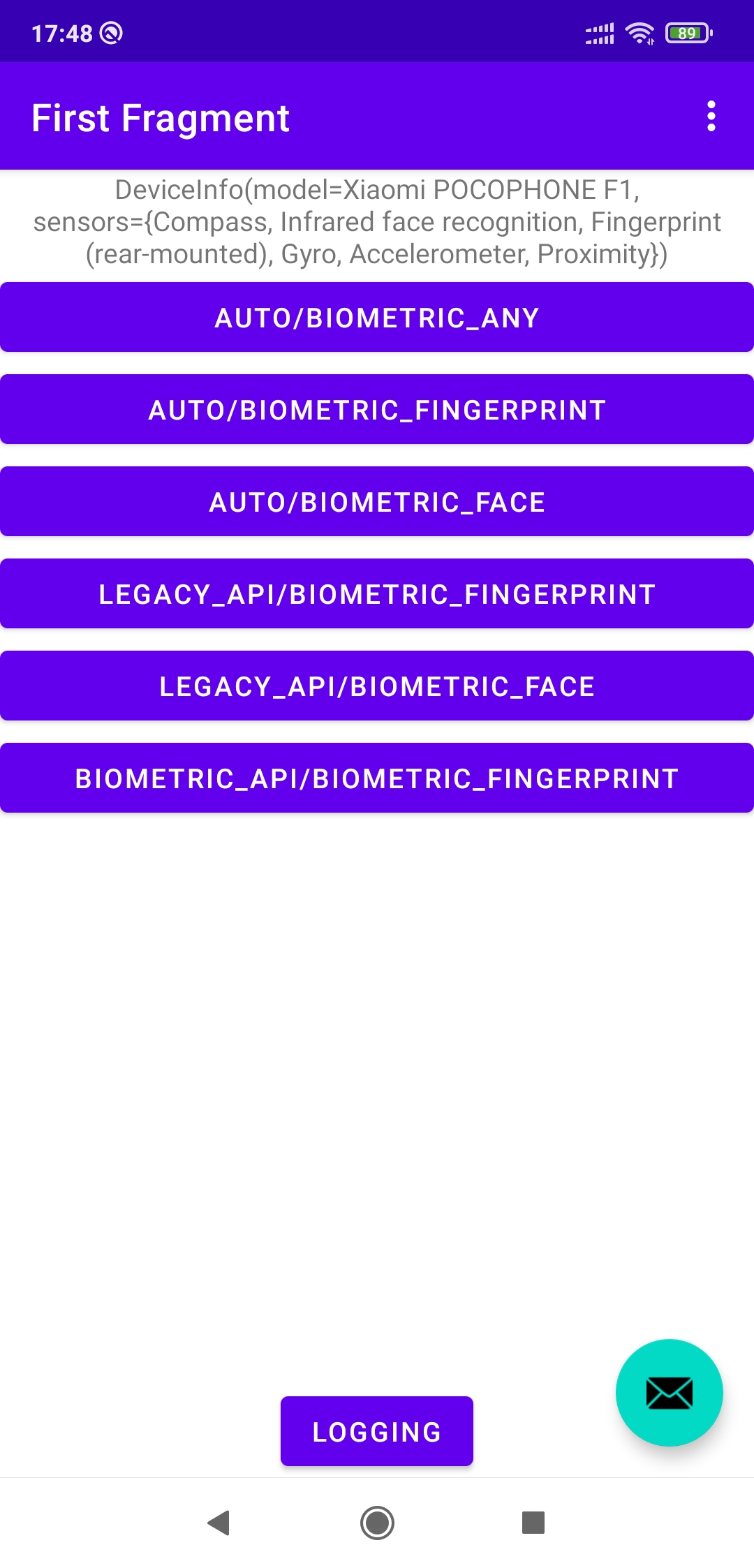
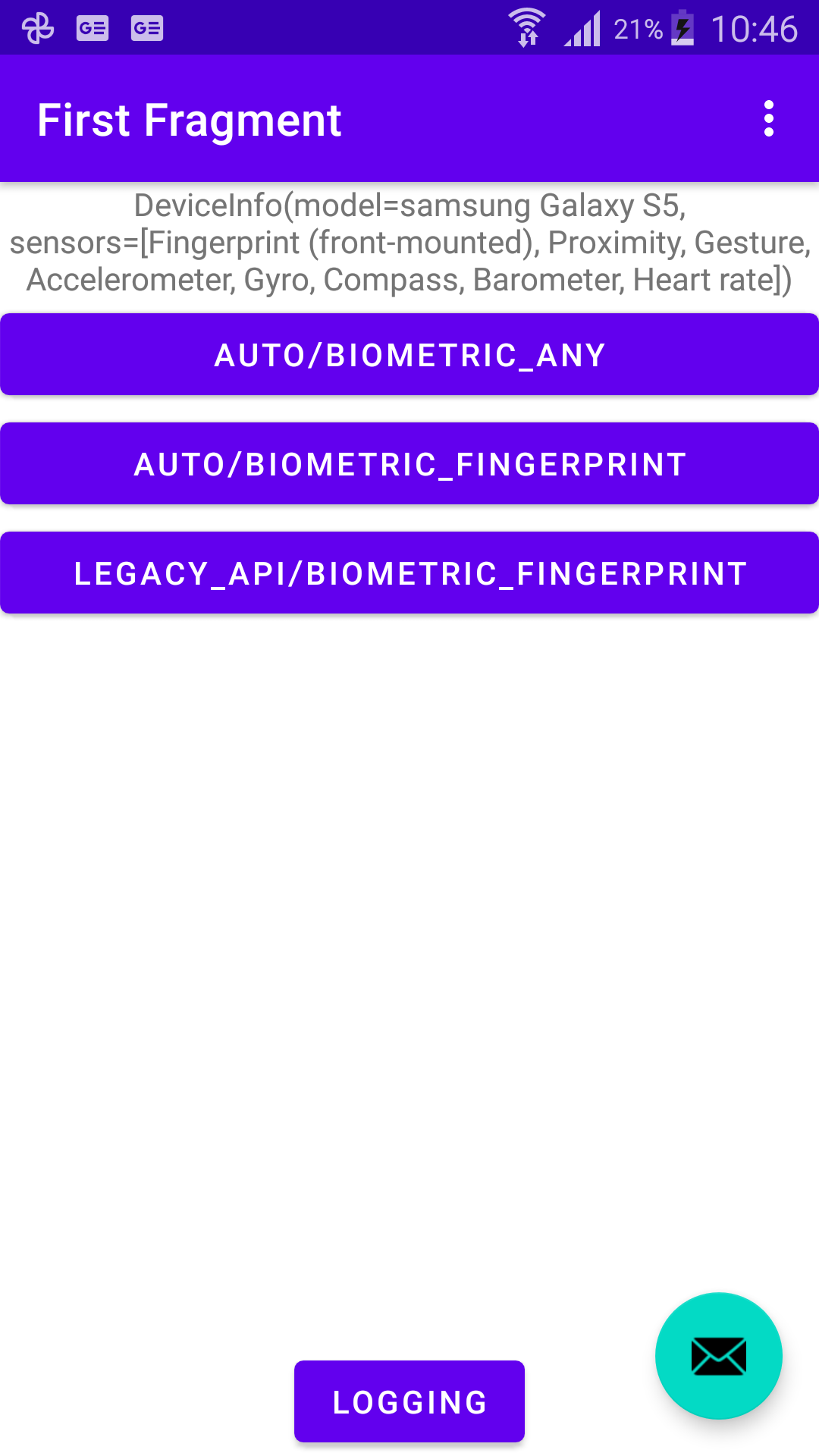
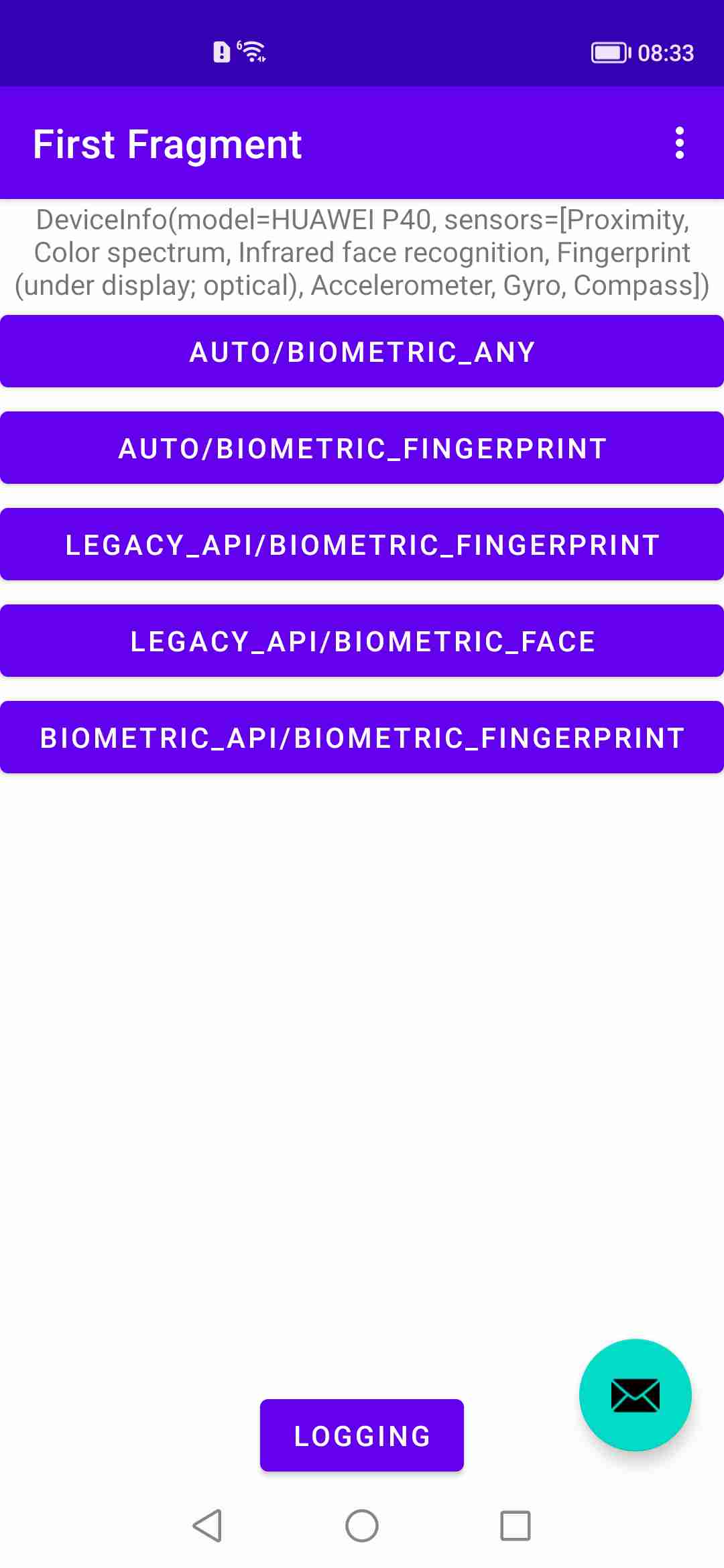
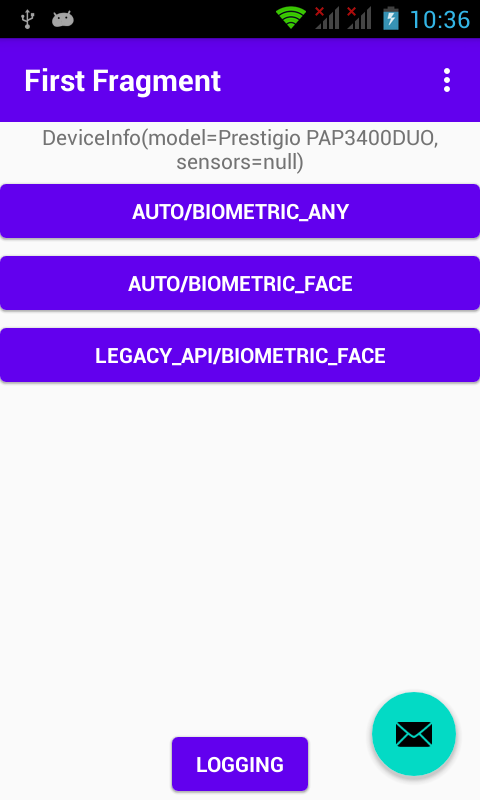
Try the bundled demo APK on a test device. It is intended for evaluation and device-compatibility exploration; validate your own application’s permissions, user journeys, and security controls separately.
Screenshots
Watch the device demo on YouTube
Documentation and project resources
Support and contact
For public questions, device feedback, and integration discussion:
- Community chat: @advancedbiometric
- Maintainer: @SerghiiKomlach
- Updates: @SergejKomlach on X
Please do not report vulnerabilities in public issues, pull requests, discussions, or chat. Follow the private reporting guidance in SECURITY.md.
Contributing
Bug reports and focused pull requests are welcome. For a device-specific issue, include the library version, Android version, device model, expected behavior, and a minimal non-sensitive reproduction. Please remove credentials, biometric samples, tokens, personal data, and proprietary logs before sharing anything publicly.
License
Licensed under the Apache License 2.0.
