Lumera
A feature-rich Android TV streaming application built with Kotlin and Jetpack Compose for TV.
Browse, discover, and stream content from Stremio-compatible addons. Connect your Stremio account to instantly import your existing addon collection.
Screenshots
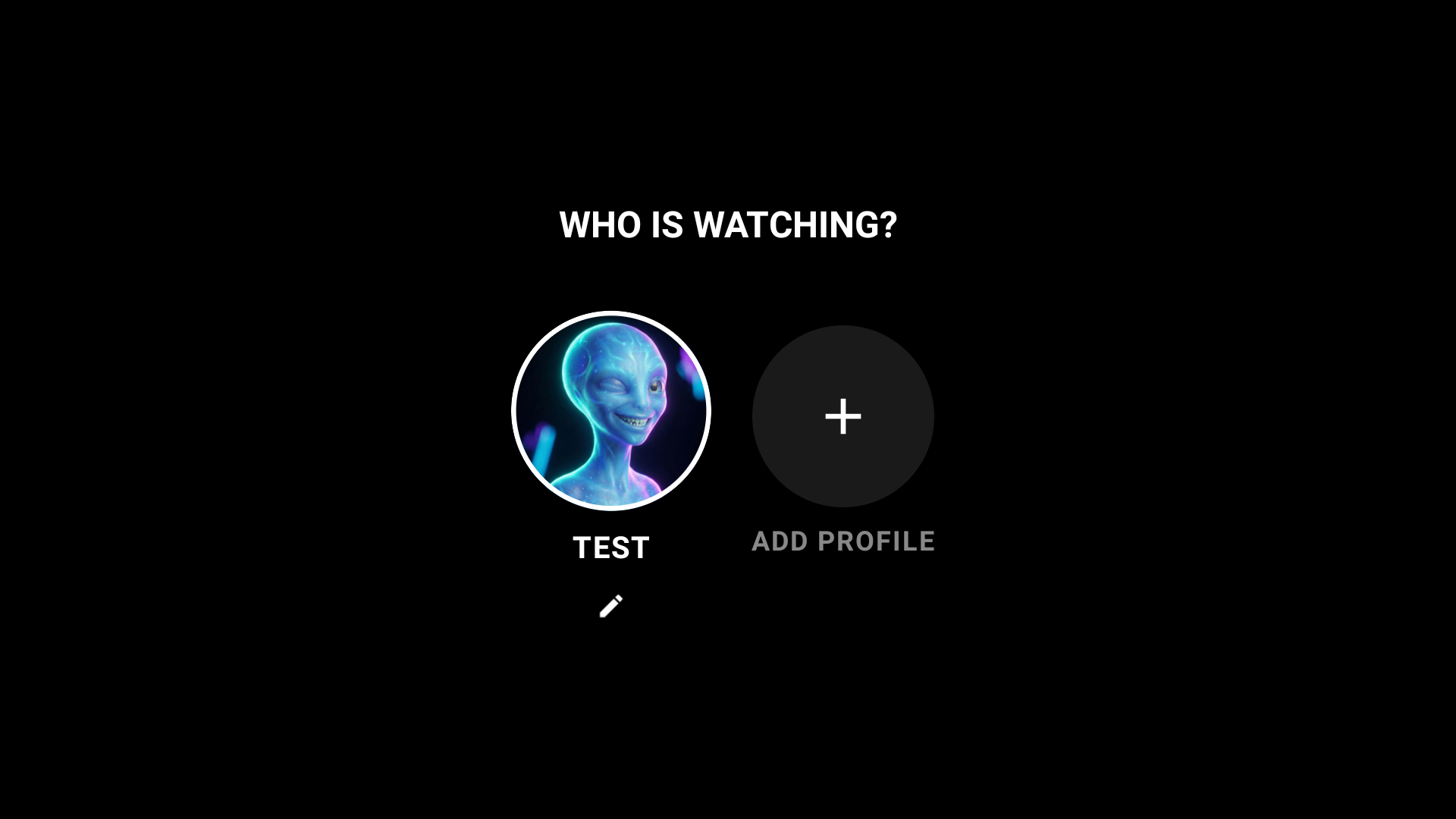
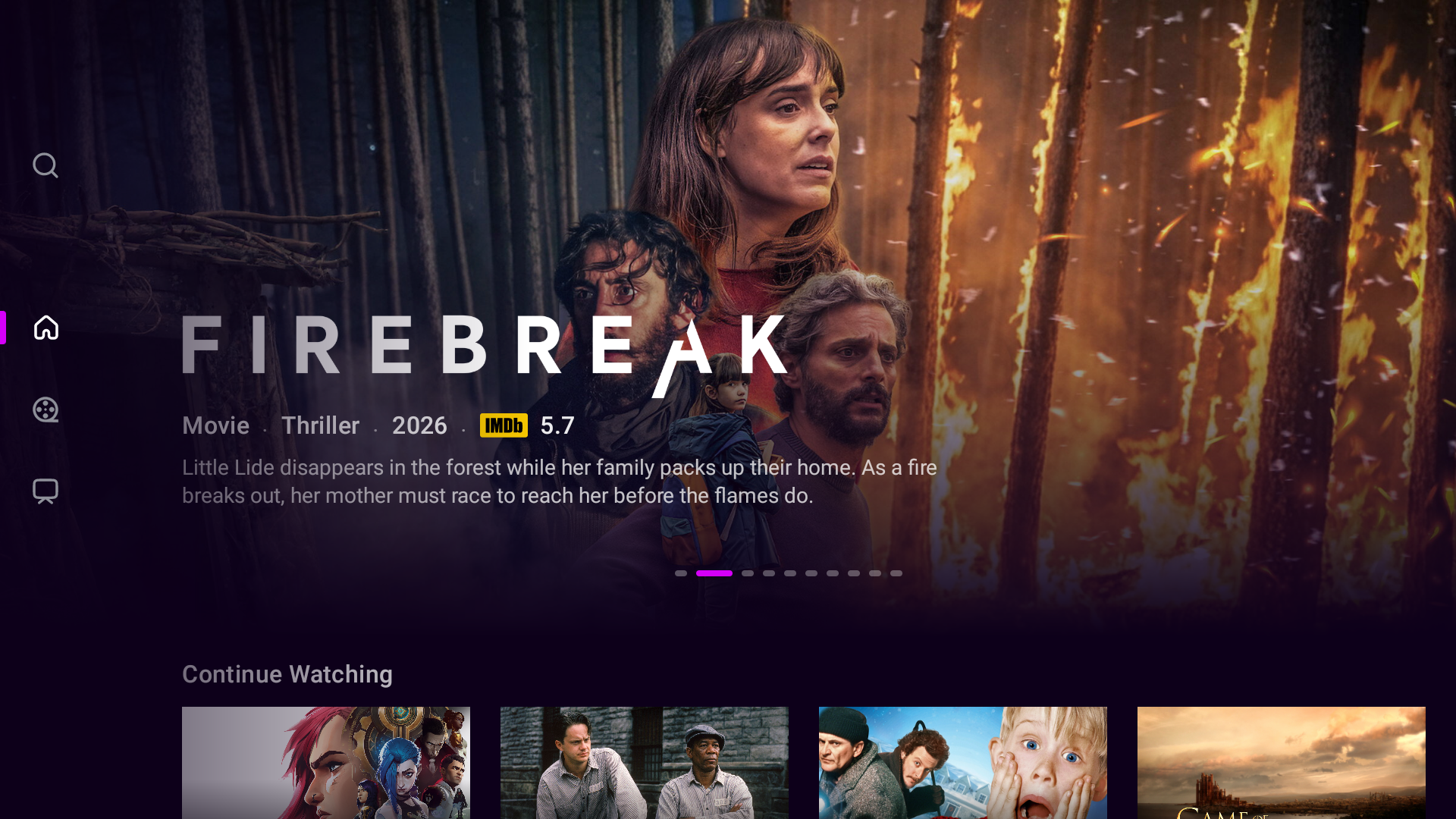
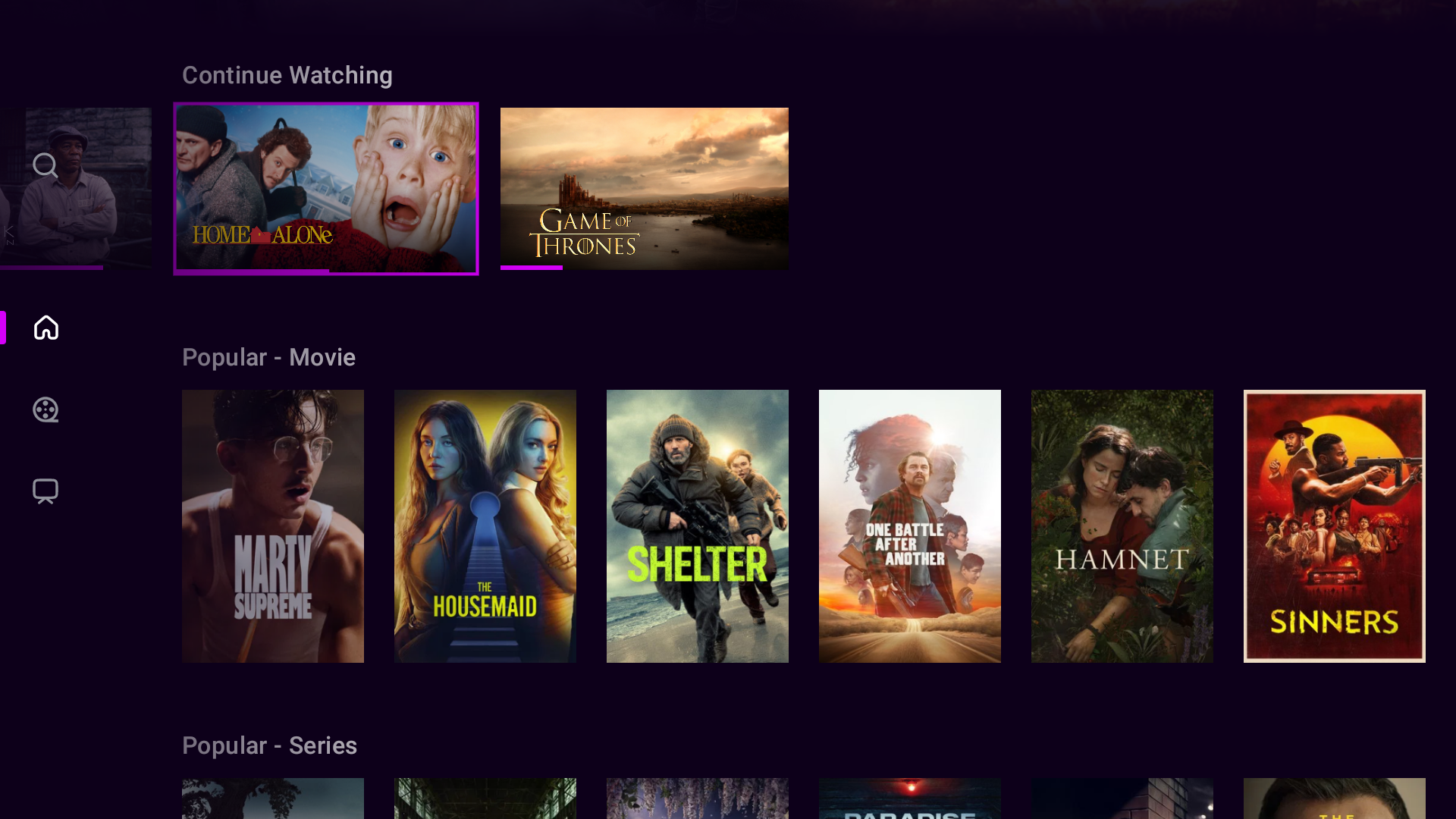
| Profiles | Hero Carousel | Home Screen |
|---|---|---|
 |
 |
 |
| Movies | Series (Hub Row) | Details |
|---|---|---|
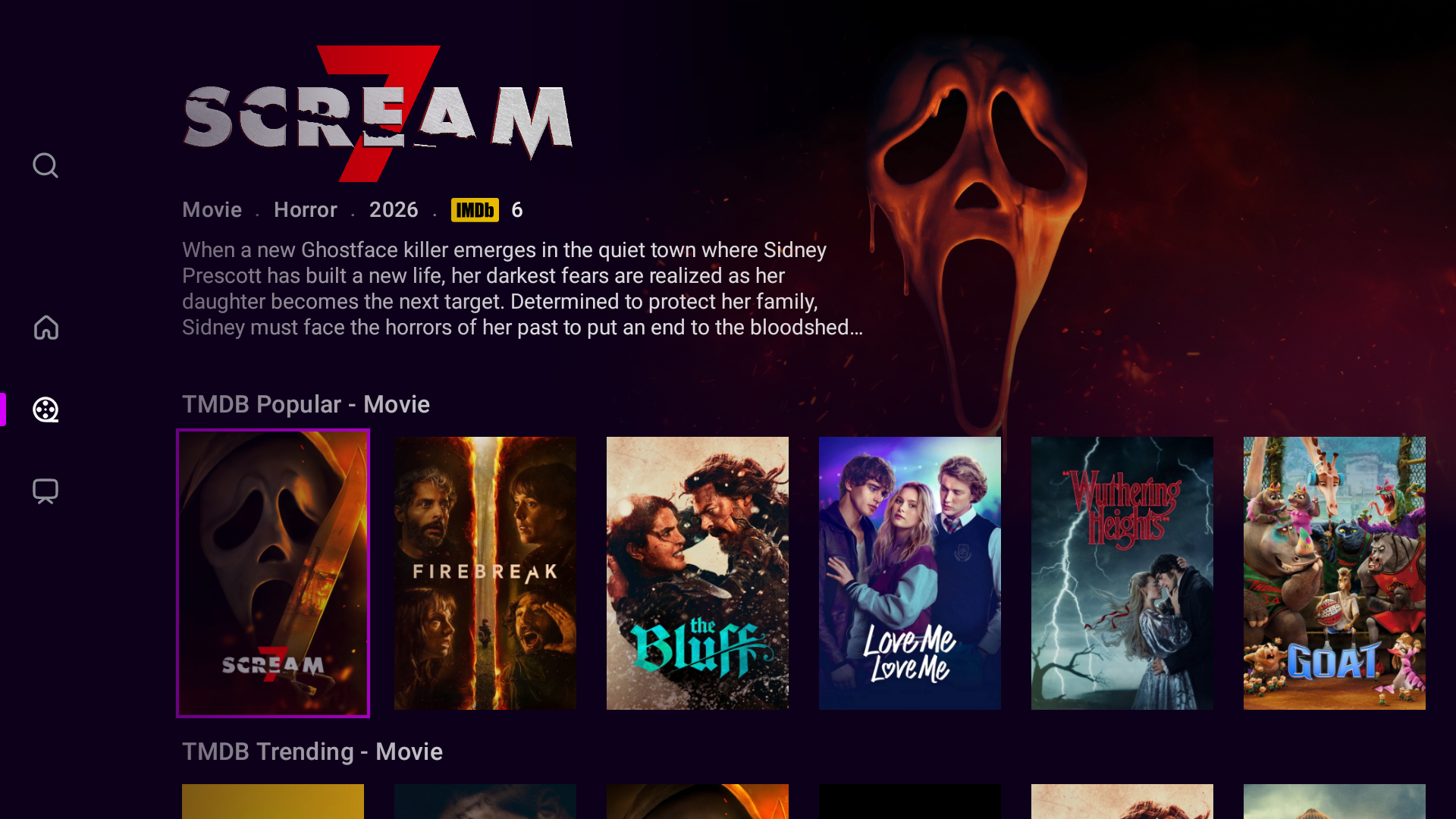 |
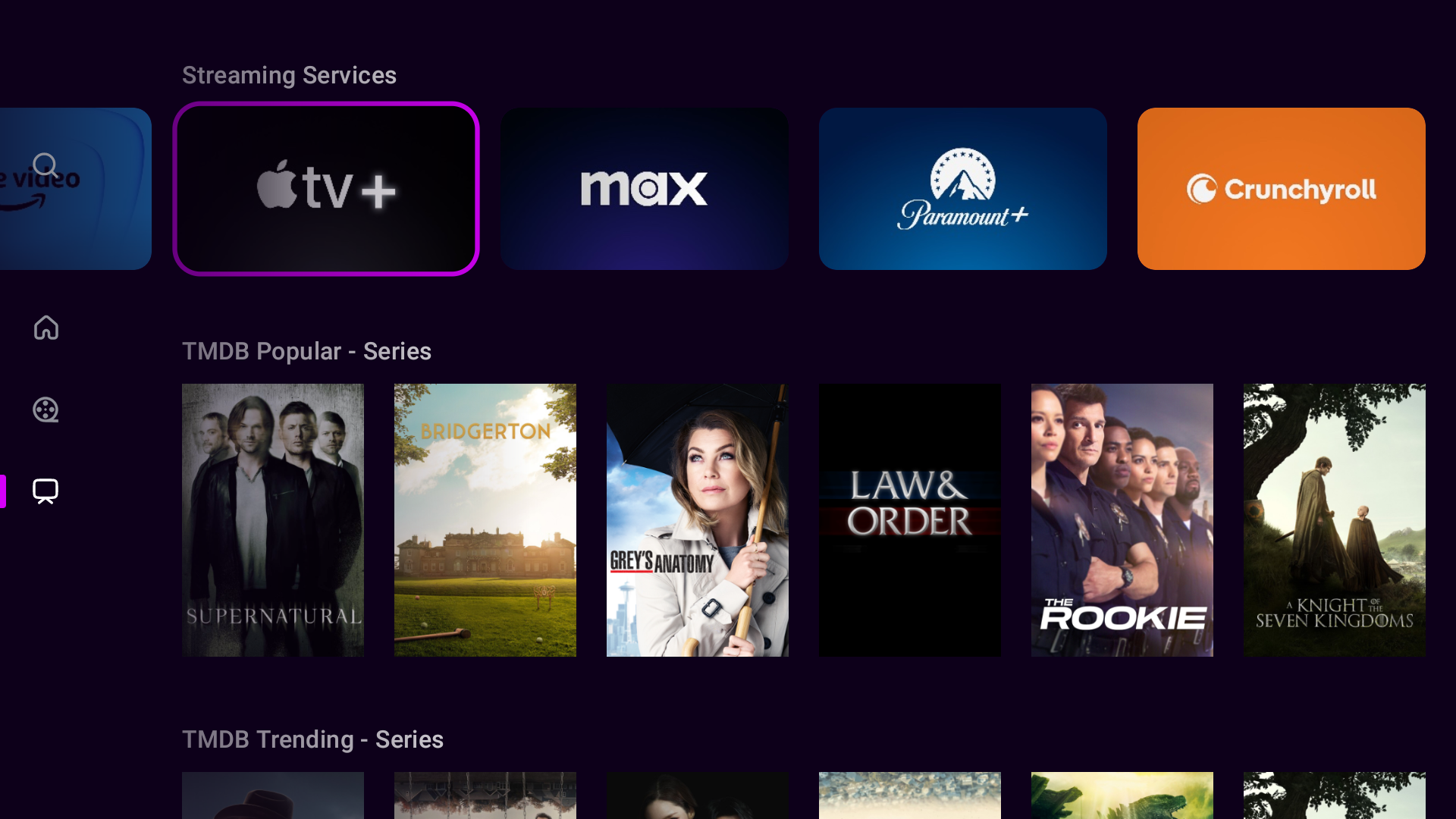 |
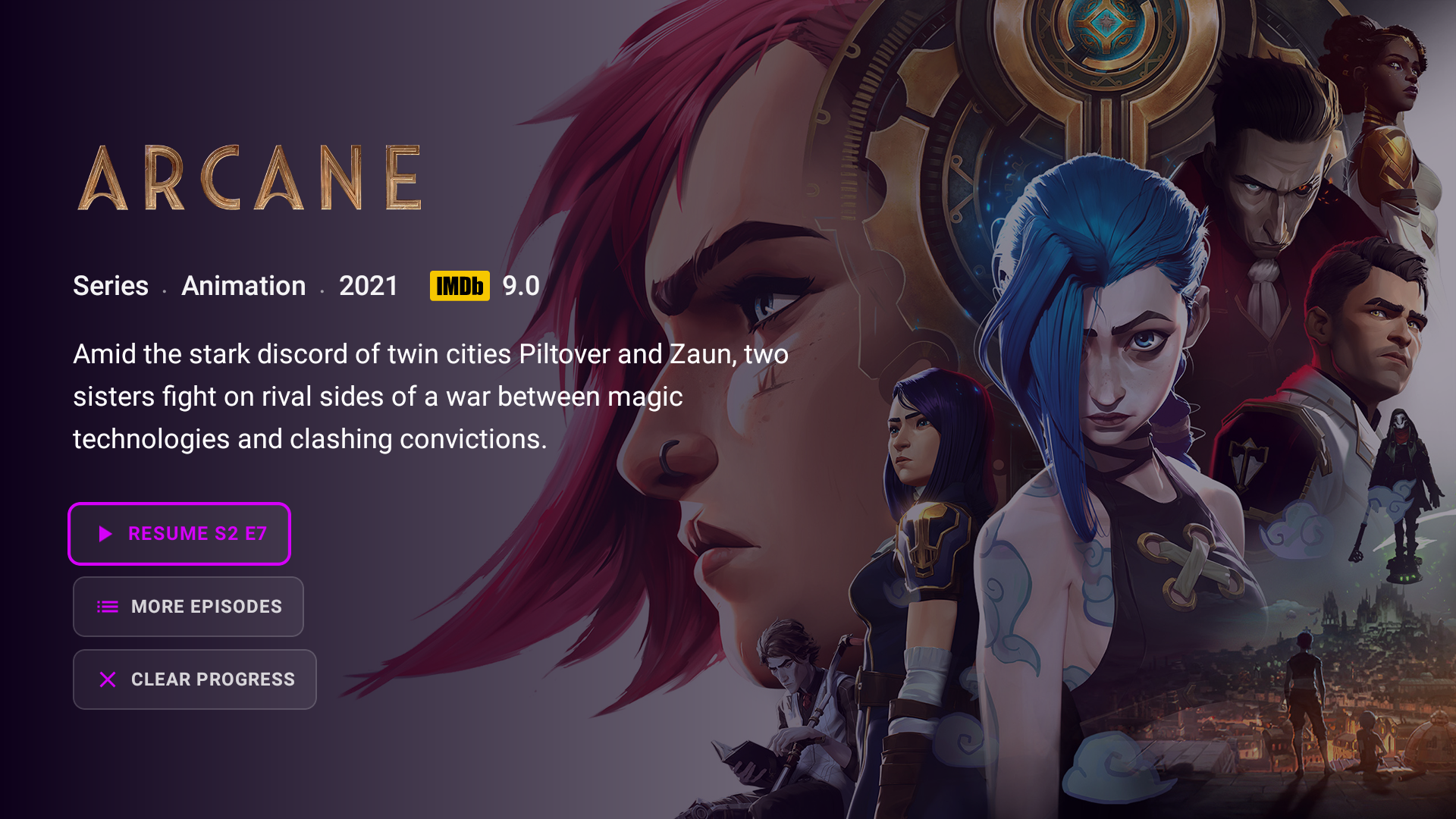 |
| Search & Discover | Grid View |
|---|---|
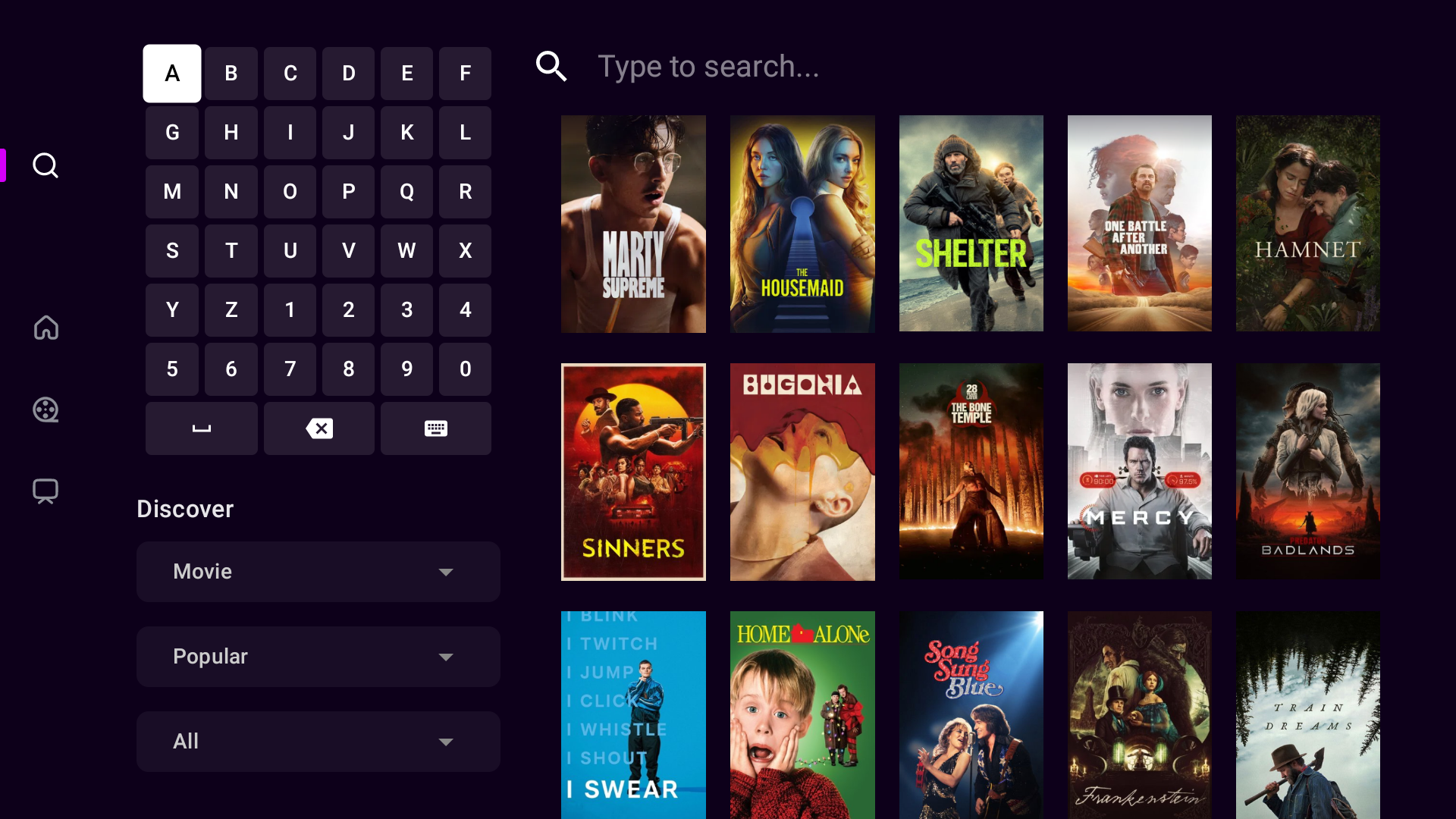 |
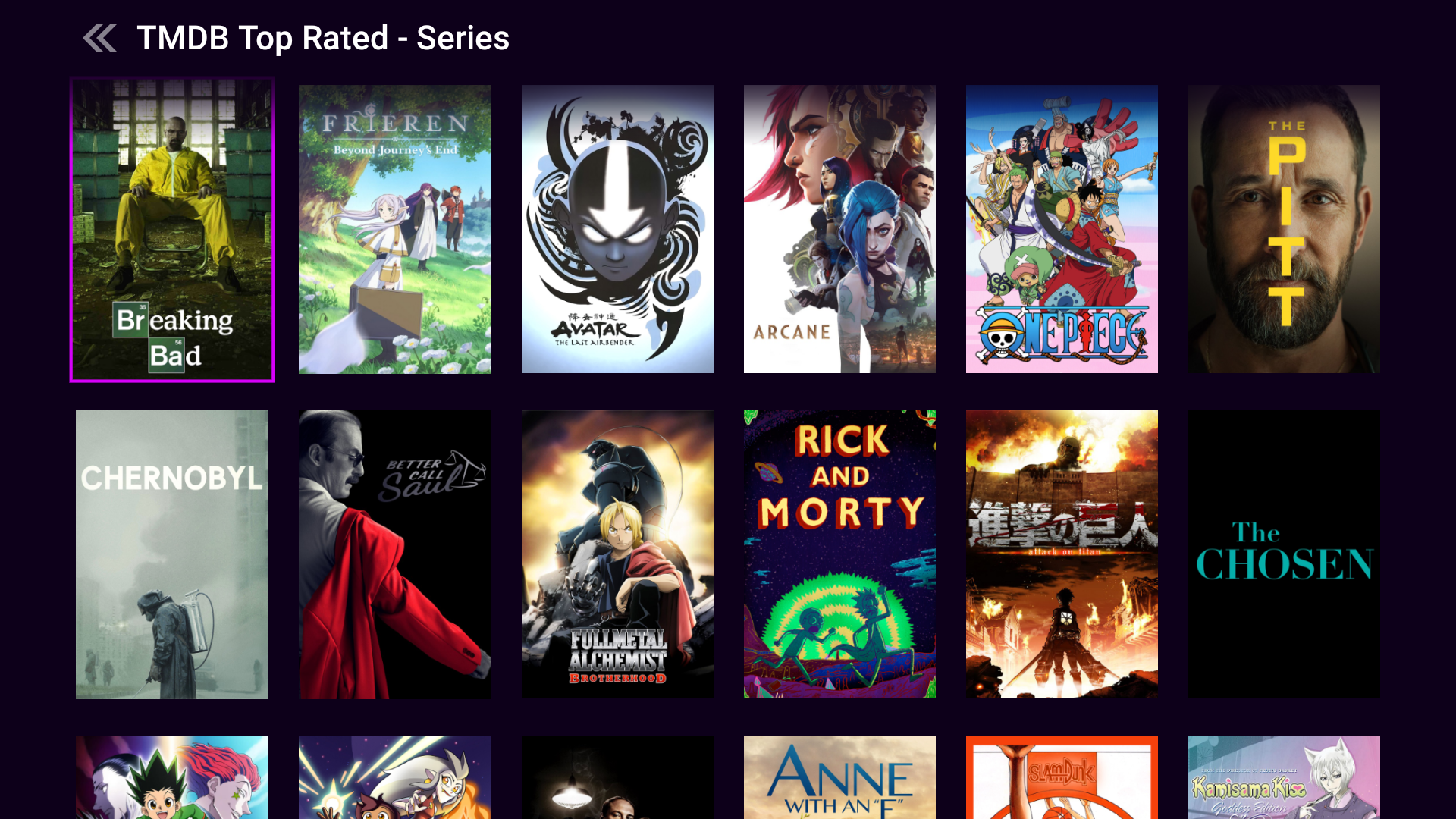 |
Features
Stremio Addon Ecosystem
- Install addons via URL, QR code, or remote paste from your phone
- Import, export, reorder, and manage your addon collection
- Sync addons directly from your Stremio account
- Automatic catalog loading from all enabled addons
Custom Hub Rows
- Create your own hub rows: themed collections of category cards displayed on the home screen
- Pick a card shape per row: horizontal (16:9), vertical (2:3), or square (1:1)
- Fill each hub with categories from any installed addon (e.g. "Netflix Trending", "IMDB Top 250", "Action Movies")
- Upload custom card images directly from your phone via QR code
- Show or hide each hub independently on the Home, Movies, or Series screens
- Reorder hubs and the categories within them however you like
- Click any card to jump straight into that category's content grid
Content Discovery
- Customizable dashboard with cinematic and simple layout modes
- Hero carousel with auto-scrolling featured content
- Global search across all addons
- Continue watching with progress tracking and auto-resume
- Drag-and-drop row reordering
- Row display modes: infinite scroll, finite with a "View More" card that opens a grid, or linear
Advanced Video Player
- Adaptive streaming (HLS, DASH, HTTP progressive)
- Multiple audio track and subtitle selection
- Subtitle customization (size, position, timing offset)
- Playback speed control
- Source switching mid-playback
- Skip intro/outro segments via IntroDb integration
Series Support
- Episode browser with metadata
- Auto-play next episode (configurable threshold)
- Per-episode source selection and progress tracking
Profiles & Theming
- Multiple user profiles with separate settings and addons
- Custom profile avatars (upload via phone)
- Built-in themes and a full custom theme editor
- Per-profile theme, layout, and playback preferences
Android TV Optimized
- Full D-pad navigation with smart focus management
- On-screen keyboard for TV remote input
- TV Material Design 3 components
- Video splash screen on launch
Auto-Updates
- Automatic update checking via GitHub Releases
- One-click APK download and installation
- Changelog display before updating
Tech Stack
- Language: Kotlin
- UI: Jetpack Compose for TV (Material 3)
- Architecture: MVVM with Hilt dependency injection
- Database: Room with encrypted preferences
- Networking: Retrofit + OkHttp
- Image Loading: Coil
- Video Playback: Media3 ExoPlayer
Building
Prerequisites
- Android Studio (latest stable)
- JDK 17+
- Android SDK 34+
Steps
Clone the repository:
git clone https://github.com/LumeraD3v/Lumera.gitOpen the project in Android Studio
Sync Gradle and build:
./gradlew assembleDebug
Project Structure
Lumera/
├── app/                    # Main application module
│   └── src/main/java/com/lumera/app/
│       ├── data/           # Room database, repositories, API services
│       ├── di/             # Hilt dependency injection modules
│       ├── domain/         # Domain models
│       ├── remote_input/   # QR pairing & remote paste server
│       └── ui/             # Compose UI screens & components
│           ├── addons/     # Addon management
│           ├── components/ # Reusable UI components
│           ├── details/    # Content detail screen
│           ├── home/       # Home screen & carousel
│           ├── player/     # Video player
│           ├── profiles/   # User profiles & avatars
│           ├── settings/   # Settings & dashboard editor
│           └── theme/      # Theming system
├── playbackcore/           # Media3/ExoPlayer wrapper library
├── gradle/                 # Gradle wrapper
└── build.gradle.kts        # Root build configuration
Disclaimer
Lumera is a media client that connects to third-party addons. It does not host, distribute, or provide any copyrighted content. Users are solely responsible for the addons they install and the content they access. This software is intended for streaming media you legally own or have the right to view. The developers do not condone piracy in any form.
License
This project is licensed under the GNU General Public License v3.0 - see the LICENSE file for details.
