Podroid

Project Url: ExTV/Podroid
Introduction: Rootless Podman for Android — run Linux containers on your phone
More: Author   ReportBugs   
Tags:

Stars Forks Downloads

Run Linux containers on your Android phone — no root required.

Download License


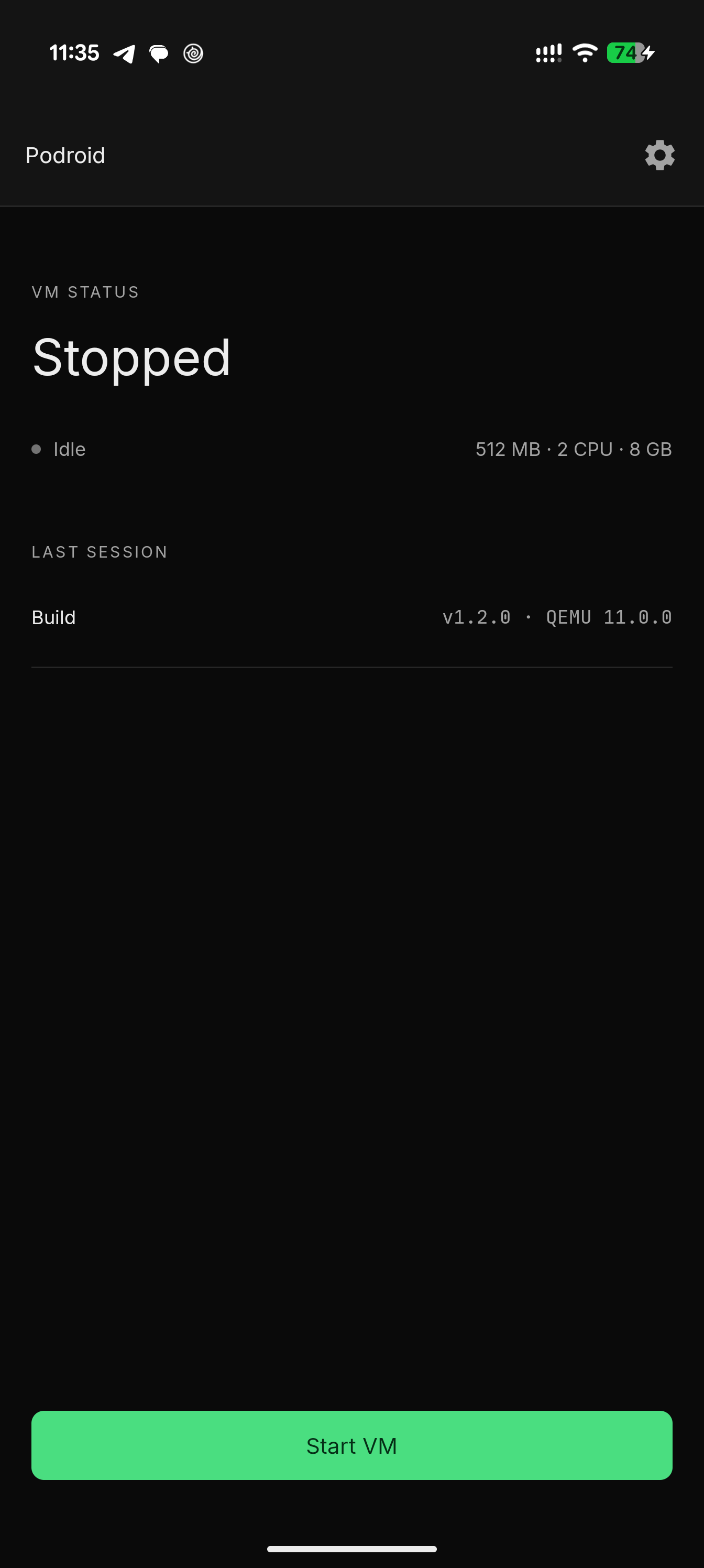
Podroid spins up a lightweight Alpine Linux VM using QEMU and gives you a fully working Podman container runtime with a built-in terminal. Install the APK, tap Start, and you're running containers in under a minute.


Features

Container Runtime

  • Rootless Podman — Full Docker-compatible container runtime with no root access required
  • Persistent Storage — Packages, configurations, and images survive restarts via overlayfs
  • Out-of-the-box Networking — Internet access enabled via QEMU SLIRP

Terminal

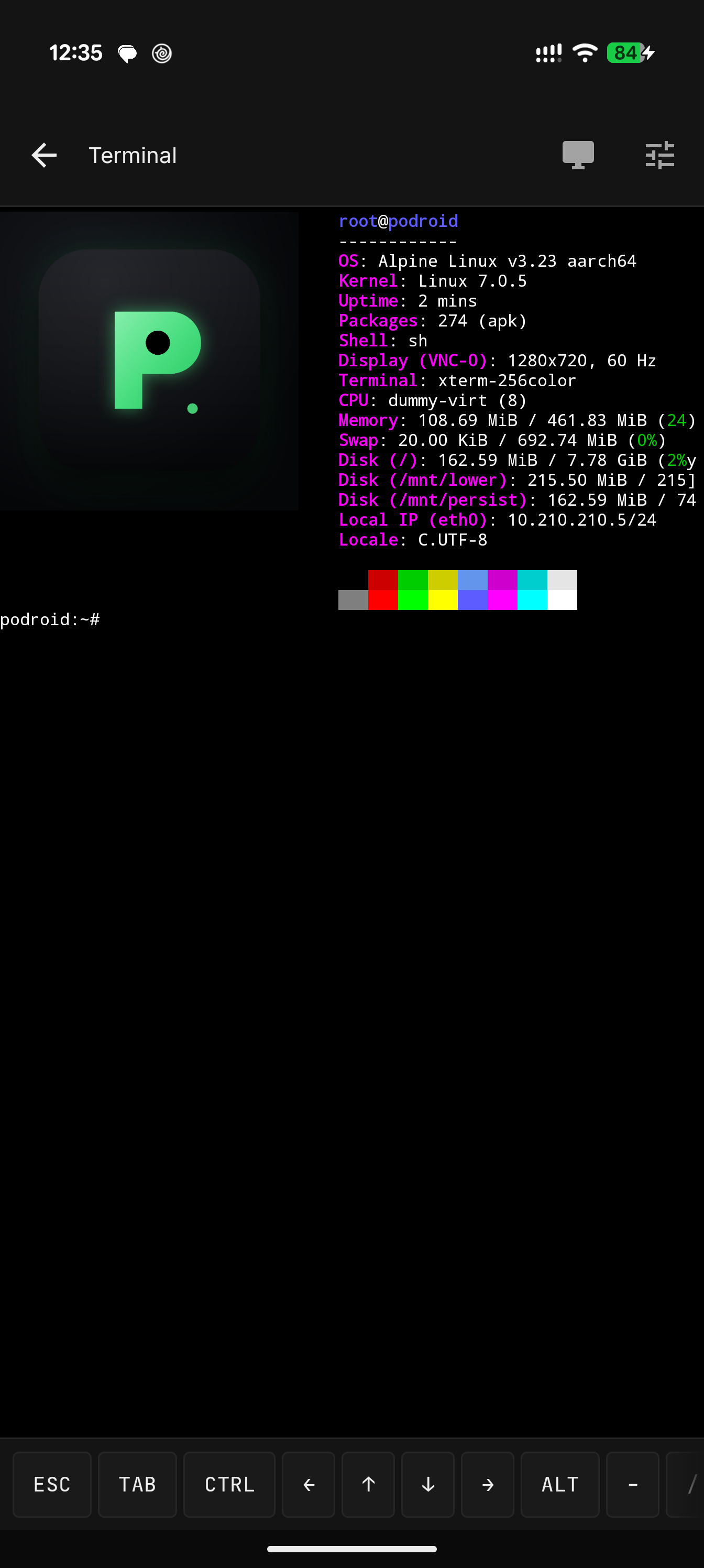
  • VT100/xterm Emulation — Powered by Termux TerminalView
  • Real PTY — Proper job control, signal handling, and escape sequence support
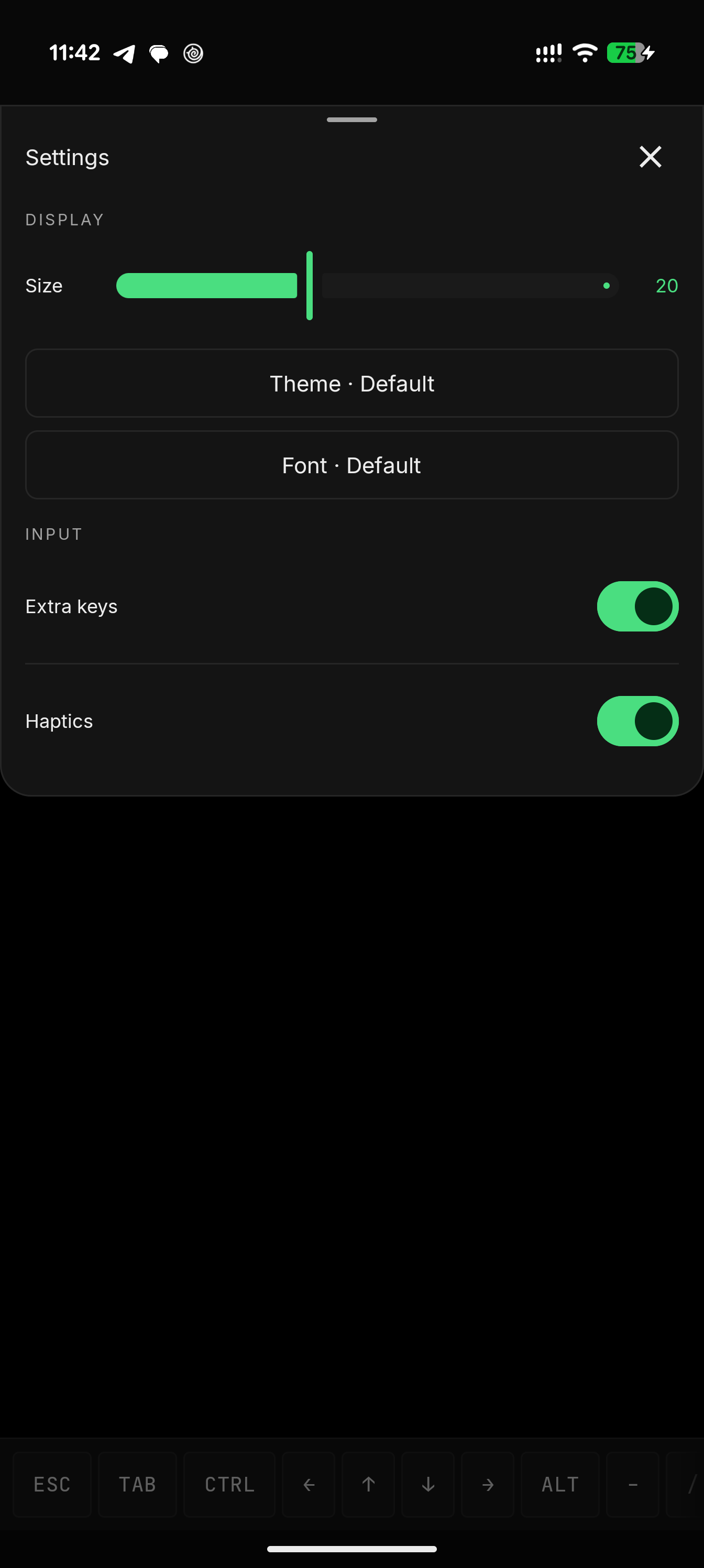
  • 114 Color Themes — Dracula, Nord, Solarized, Tokyo Night, Catppuccin, Gruvbox, and more
  • 13 Curated Fonts — JetBrains Mono, Fira Code, Cascadia Code, Source Code Pro, Hack, and more
  • Full Mouse Support — CSI mouse tracking for btop, htop, mc, vim, and other TUI apps
  • Extra Keys Bar — ESC, TAB, CTRL, ALT (sticky), arrows, F1–F12, and common symbols
  • Auto-resize — vim, btop, nano automatically adapt to screen changes

Networking

  • Port Forwarding — Expose VM services to your Android device via runtime QMP control
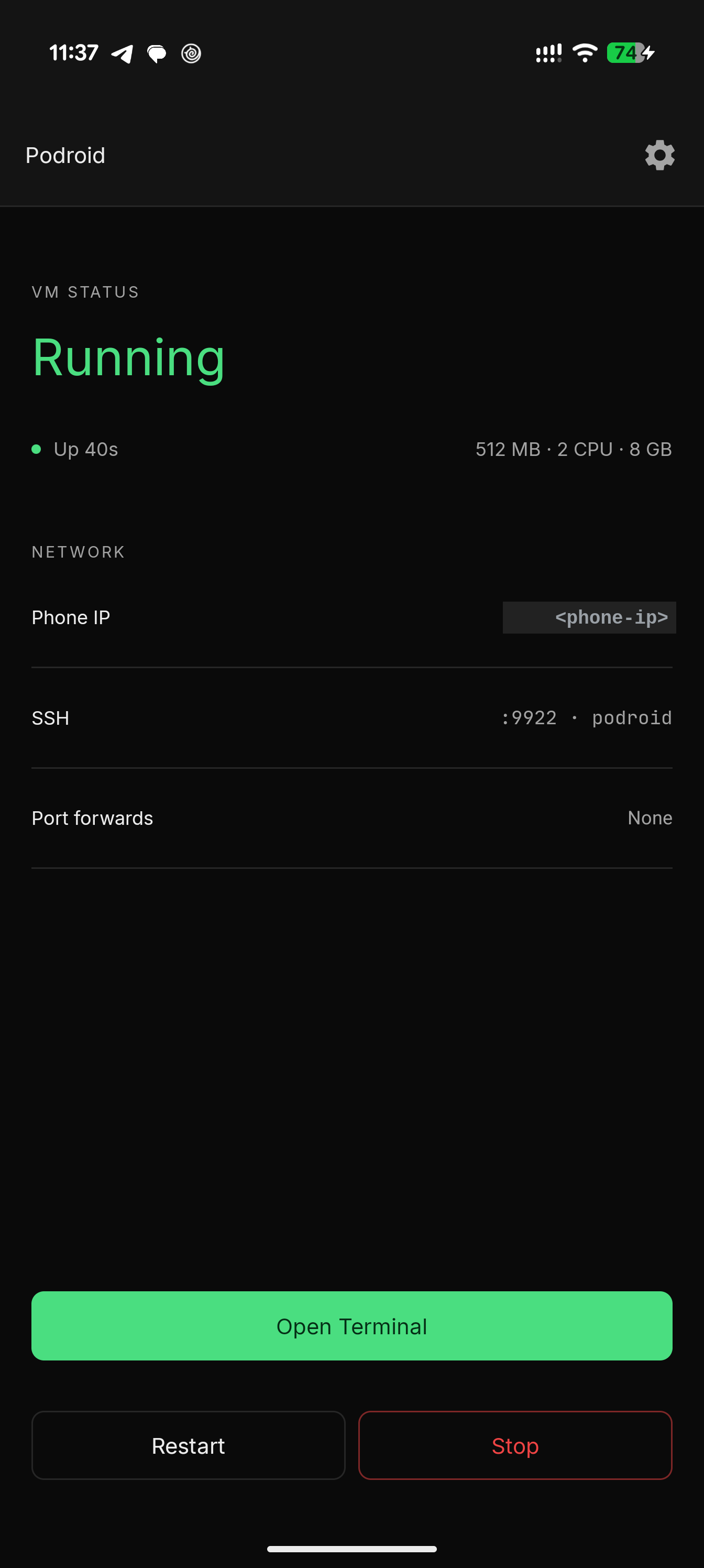
  • Built-in SSH — Dropbear server running on port 9922

Performance

  • ARM64-native — Executes directly on your device's CPU
  • Multi-core Support — Configure 1-8 CPU cores
  • Allocatable RAM — 512MB to 4GB configurable

Storage

  • 2–64 GB — Configurable persistent storage
  • Downloads Sharing — Mount Android Downloads folder via virtio-9p

Quick Start

  1. Download the latest APK from Releases
  2. Install and open Podroid
  3. Tap Start VM — Boot progress shows in the notification
  4. Wait ~20 seconds for "Ready" status
  5. Tap Open Terminal to access the shell
  6. Run containers:
# Hello world
podman run --rm alpine echo hello

# Interactive shell
podman run --rm -it alpine sh

# Run Nginx
podman run -d -p 8080:80 nginx

# List running containers
podman ps -a

Requirements

Device ARM64 Android device (most phones from 2018+)
Android 9.0+ (API 28)
Storage ~150 MB app + VM disk size

How It Works

┌─────────────────────────────────────────────────────────────┐
│                        Android App                          │
│  ┌─────────────┐  ┌─────────────┐  ┌─────────────────┐      │
│  │   Service   │  │  QEMU VM    │  │  Compose UI     │      │
│  │  (WakeLock) │  │  (TCG)      │  │  Terminal View  │      │
│  └─────────────┘  └───────┬─────┘  └─────────┬───────┘      │
└───────────────────────────┼──────────────────┼──────────────┘
                            │                  │
                     ┌──────▼───────┐   ┌──────▼──────┐
                     │ Alpine Linux │   │  PTY Bridge │
                     │  + Podman    │◄──│  (serial)   │
                     │  + Dropbear  │   └─────────────┘
                     │  + SLIRP     │
                     └──────────────┘

Boot Sequence:

  1. QEMU loads custom Linux kernel + initramfs
  2. Phase 1 init mounts persistent ext4 as overlayfs
  3. Phase 2 configures networking, Podman, SSH, and serial console
  4. Terminal connects to serial console for interactive shell

Building from Source

Prerequisites

  • Docker (for VM initramfs and QEMU builds)
  • Android NDK (for bridge/Termux native builds)
  • Android SDK

Build Steps

# Clone the repository
git clone https://github.com/ExTV/Podroid.git
cd Podroid

# 1. Build VM initramfs and kernel (~3min, cached after)
./build-all.sh initramfs

# 2. Build QEMU + bridge (~30min first time)
./build-all.sh qemu

# 3. Build Termux JNI lib (local NDK)
./build-all.sh termux

# 4. Build the APK
./gradlew assembleDebug

# 5. Install
adb uninstall com.excp.podroid.debug
adb install -r app/build/outputs/apk/debug/app-debug.apk

# Fast bridge rebuild (without full Docker build)
NDK=$HOME/Android/Sdk/ndk/$(ls ~/Android/Sdk/ndk/ | tail -1)
CC=$NDK/toolchains/llvm/prebuilt/linux-x86_64/bin/aarch64-linux-android28-clang
$CC --sysroot=$NDK/toolchains/llvm/prebuilt/linux-x86_64/sysroot \
    -target aarch64-linux-android28 -fPIE -pie -Wl,-z,max-page-size=16384 \
    podroid-bridge.c -o app/src/main/jniLibs/arm64-v8a/libpodroid-bridge.so
./gradlew :app:installDebug

# Full rebuild + deploy
./build-all.sh all

Alternatively, build everything at once:

./build-all.sh all
./gradlew installDebug

Architecture

Project Structure

Podroid/
├── app/                          # Android application
│   └── src/main/
│       ├── java/                 # Kotlin source code
│       ├── jniLibs/              # Native libraries (QEMU, bridge)
│       └── assets/               # VM kernel, initramfs, fonts, themes
├── init-podroid                  # VM initialization script
├── podroid-bridge.c              # PTY ↔ Serial socket relay
├── build-all.sh                  # Unified build script (initramfs/qemu/termux/all)
├── Dockerfile                    # VM initramfs builder (multi-stage)
├── gradle.properties              # Build config (QEMU version, etc.)
└── gradlew                       # Gradle wrapper

Native Components

File Description
libqemu-system-aarch64.so QEMU executable (PIE, 16KB page aligned)
libslirp.so SLIRP networking library
libpodroid-bridge.so Terminal PTY ↔ Serial socket relay
libtermux.so Terminal emulation library (16KB page aligned)

TODO

  • Better QEMU performance — TCG optimization, and performance profiling
  • Better terminal integration — Improve TUI app support (nvim, vim, less, nano) with proper CSI escape sequence handling and resize propagation
  • User account instead of root — Run VM processes as a non-root user for improved security
  • Docker socket compatibility — Proper service scripts for rc-service and docker commands

Contributing

Contributions are welcome! Please read the skill.md for complete project context before submitting PRs.

For AI Assistants

Give AI assistants full context on Podroid:

Read the skill.md file at: /path/to/Podroid/skill.md

The skill file includes complete architecture, all source files, build commands, known issues, and settings.


Credits

Project Purpose
QEMU Machine emulation and virtualization
Alpine Linux Lightweight VM base
Podman Rootless container runtime
Termux Terminal emulator for Android
Limbo PC Emulator QEMU on Android groundwork

License

GNU General Public License v2.0

Apps
About Me
GitHub: Trinea
Facebook: Dev Tools