RecyclerViewSwipeDismiss
Introduction: 轻量级支持 support-v7 中的 RecyclerView 的滑动删除(Swipe to dismiss)行为,不需要修改源代码,只要简单的绑定onTouchListener
Tags:




A very easy-to-use and non-intrusive implement of Swipe to dismiss for RecyclerView.
Preview
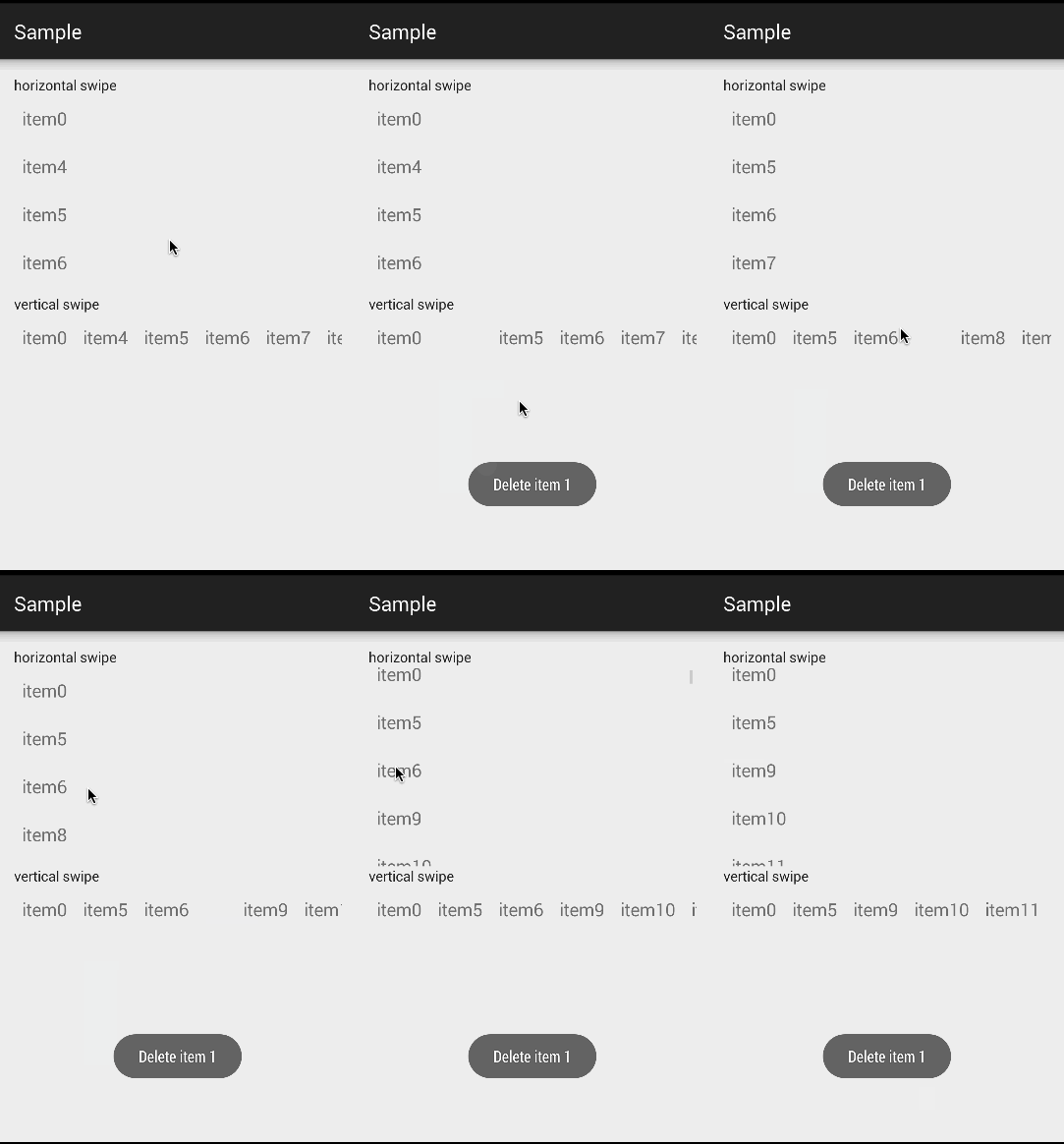
How to use
- Add these lines to your
build.gradle
repositories {
    maven {
        url "https://jitpack.io"
    }
}

dependencies {
     compile 'com.github.CodeFalling:RecyclerViewSwipeDismiss:v1.1.3'
}
- Build
onTouchListenerand bind it to yourRecyclerView
SwipeDismissRecyclerViewTouchListener listener = new SwipeDismissRecyclerViewTouchListener.Builder(
        recyclerView,
        new SwipeDismissRecyclerViewTouchListener.DismissCallbacks() {
            @Override
            public boolean canDismiss(int position) {
                return true;
            }

            @Override
            public void onDismiss(View view) {
                // Do what you want when dismiss

            }
        })
        .setIsVertical(false)
        .setItemTouchCallback(
                new SwipeDismissRecyclerViewTouchListener.OnItemTouchCallBack() {
                    @Override
                    public void onTouch(int index) {
                        // Do what you want when item be touched
                    }
                })
        .setItemClickCallback(new SwipeDismissRecyclerViewTouchListener.OnItemClickCallBack() {
                    @Override
                    public void onClick(int position) {
                        // Do what you want when item be clicked                    }
                })
        .setBackgroundId(R.drawable.bg_item_normal, R.drawable.bg_item_selected)
        .create();
recyclerView.setOnTouchListener(listener);
More
setIsVertical(false)means allow swipe in horizontal directionlistener.setEnabled(false)can disable swipe to dismissonTouchwill be called when MOUSE_UP on item without swipeonClickwill be called when ACTION_UP on item within 1 second and move no more than a fixed distanceBy use
setBackgroundId, you can set background id for item's normal and pressed state, just like the normal effect in RecyclerView
Sample
You can see sample code in sample/MainActivity.java
