GestureLock
Introduction: an Android Style GestureLock that can customize length
Tags:
手势解锁-

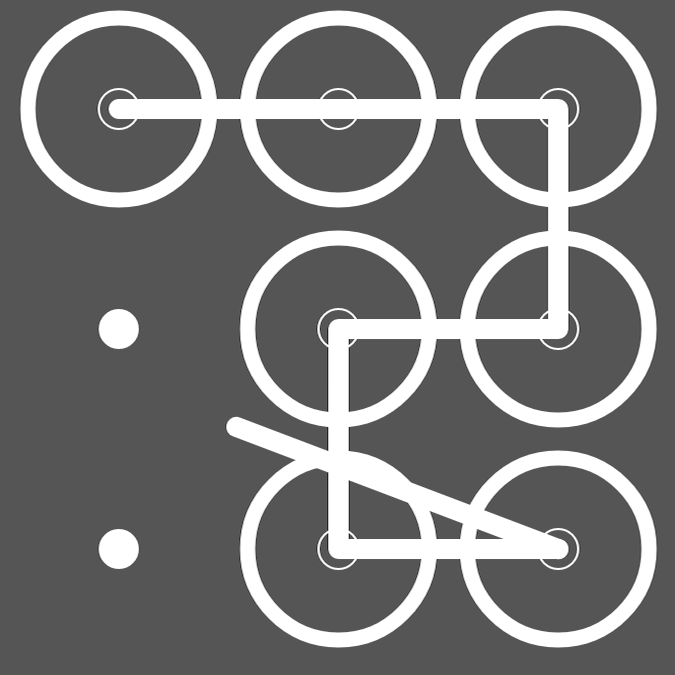
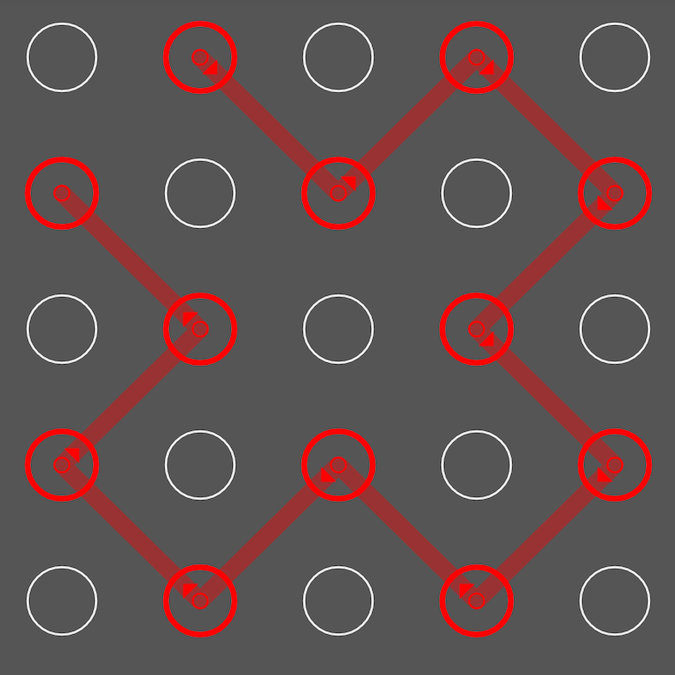
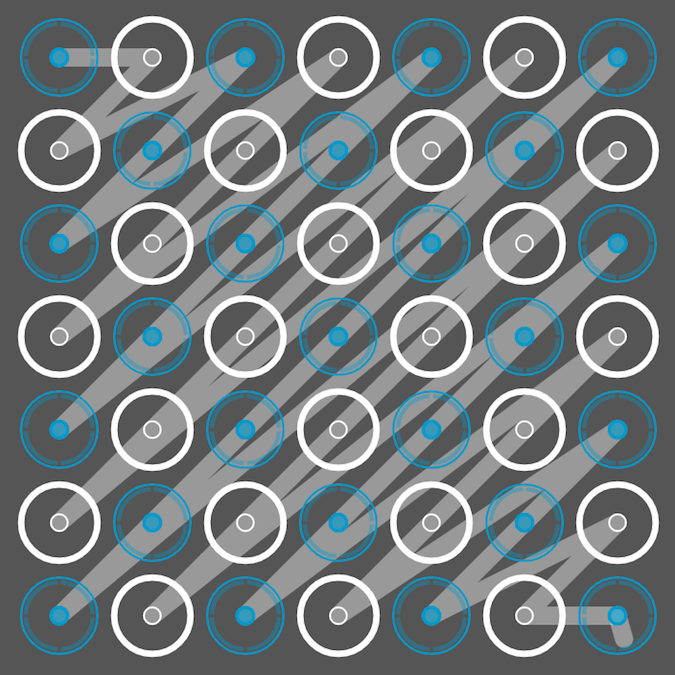
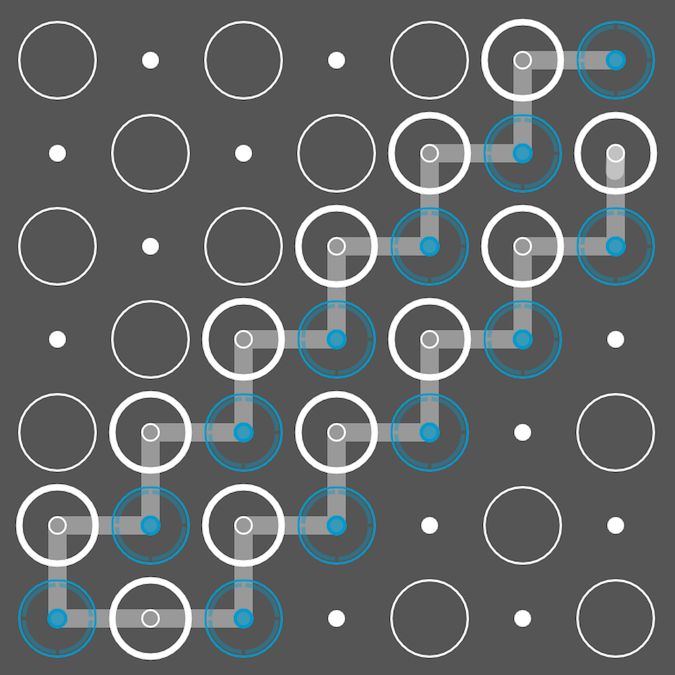
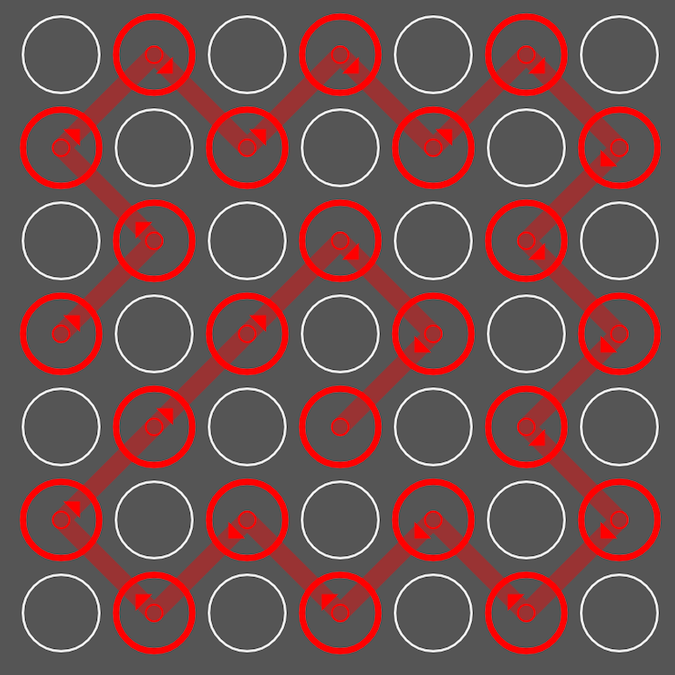
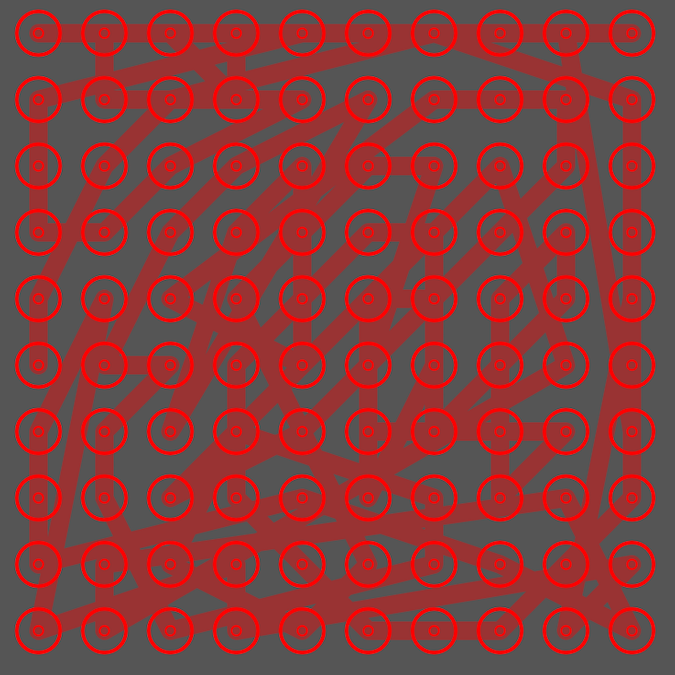
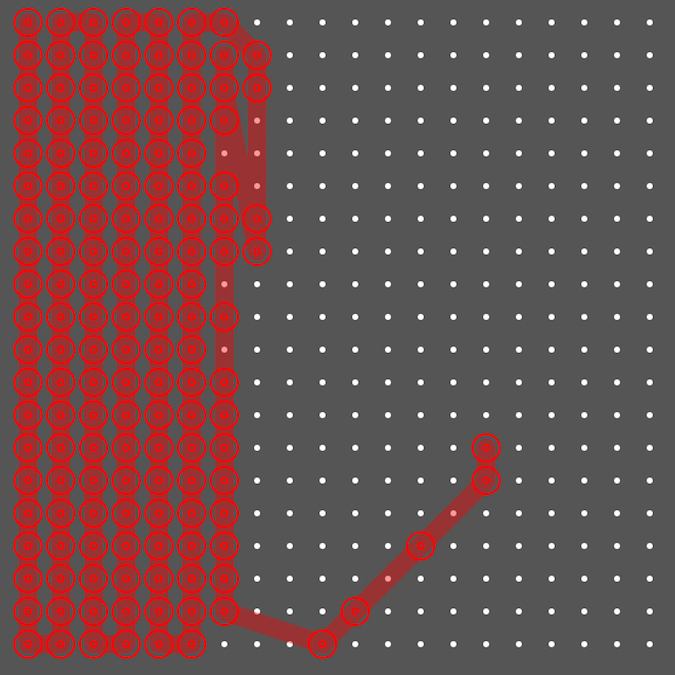
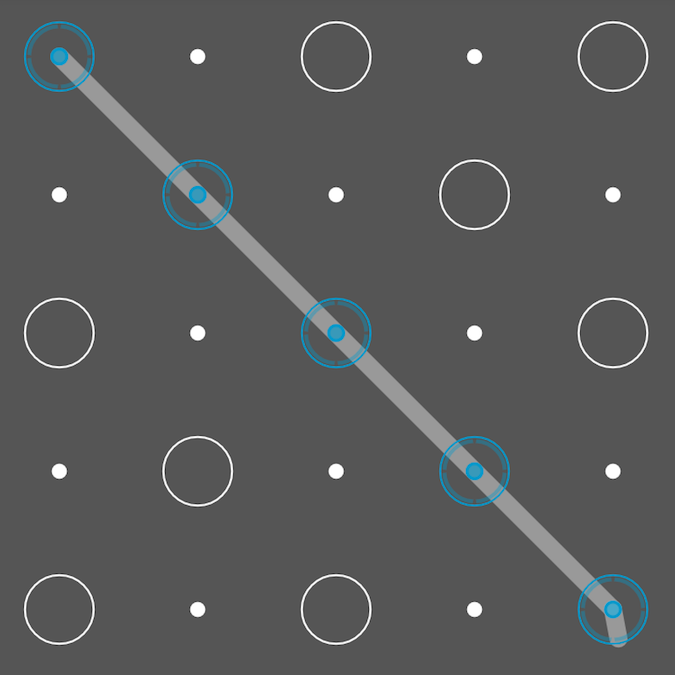
GestureLock 是一个可以自定义数量、自定义样式的手势解锁控件
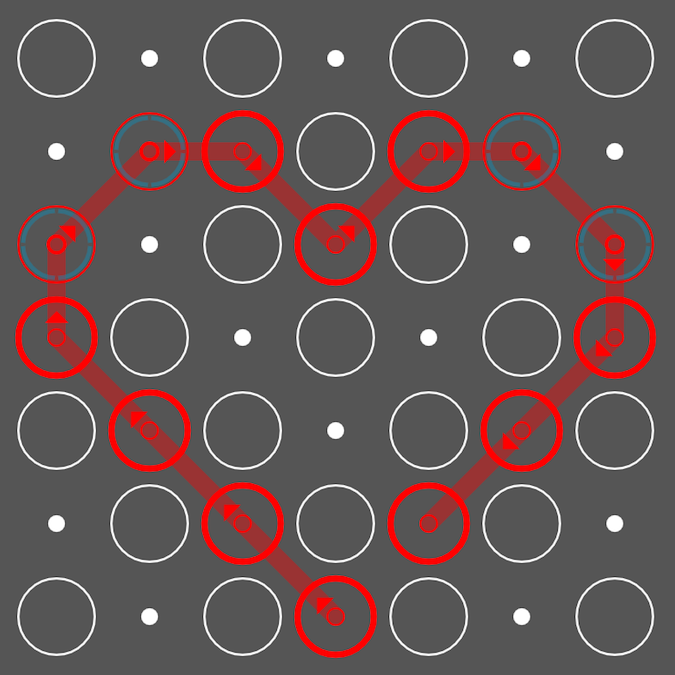
用法
gradle:
compile 'com.7heaven.widgets:gesturelock:1.3'
使用 GestureLock 类提供的 Adapter 来定制样式
    gestureView.setAdapter(new GestureLock.GestureLockAdapter() {

            @Override
            public int getDepth() {
                return 7;
            }

            @Override
            public int[] getCorrectGestures() {
                return new int[]{1, 2, 3, 4};
            }

            @Override
            public int getUnmatchedBoundary() {
                return 5;
            }

            @Override
            public int getBlockGapSize(){
                return 10;
            }

            @Override
            public GestureLockView getGestureLockViewInstance(Context context, int position) {
                return new NexusStyleLockView(context);
            }
        });
getDepth() 手势解锁的宽高数量
getCorrectGestures() 正确的解锁手势
getUnmatchedBoundary() 最大可重试次数
getBlockGapSize() block 之前的间隔大小
getGestureLockViewInstance(Context context, int position) block 的样式
继承 GestureLockView 来实现自定义样式的 block
- 重写 doArrowDraw 绘制箭头(箭头角度 0 的时候为向上)
- 重写 onDraw 实现 Block 内容样式的绘制
Block 分为三种状态
- LockerState.LOCKER_STATE_NORMAL
正常状态 - LockerState.LOCKER_STATE_SELECTED
选中状态 - LockerState.LOCKER_STATE_ERROR
错误状态
    @Override
    protected void doArrowDraw(Canvas canvas){
        mPaint.setStyle(Paint.Style.FILL);
        mPaint.setColor(COLOR_ERROR);
        canvas.drawPath(arrow, mPaint);
    }

    @Override
    protected void doDraw(LockerState state, Canvas canvas){
        switch(state){
            case LOCKER_STATE_NORMAL:
                mPaint.setStyle(Paint.Style.FILL);
                mPaint.setColor(COLOR_NORMAL);
                canvas.drawCircle(mCenterX, mCenterY, mRadius * innerRate, mPaint);
            break;
            case LOCKER_STATE_SELECTED:
                mPaint.setStyle(Paint.Style.STROKE);
                mPaint.setColor(COLOR_NORMAL);
                mPaint.setStrokeWidth(mRadius * outerWidthRate);
                canvas.drawCircle(mCenterX, mCenterY, mRadius * outerRate, mPaint);
                mPaint.setStrokeWidth(2);
                canvas.drawCircle(mCenterX, mCenterY, mRadius * innerRate, mPaint);
            break;
            case LOCKER_STATE_ERROR:
                mPaint.setStyle(Paint.Style.STROKE);
                mPaint.setColor(COLOR_ERROR);
                mPaint.setStrokeWidth(mRadius * outerWidthRate);
                canvas.drawCircle(mCenterX, mCenterY, mRadius * outerRate, mPaint);
                mPaint.setStrokeWidth(2);
                canvas.drawCircle(mCenterX, mCenterY, mRadius * innerRate, mPaint);
            break;
        }
    }