Zenith
Zenith - A Material Design 3 Expressive Digital Wellbeing App
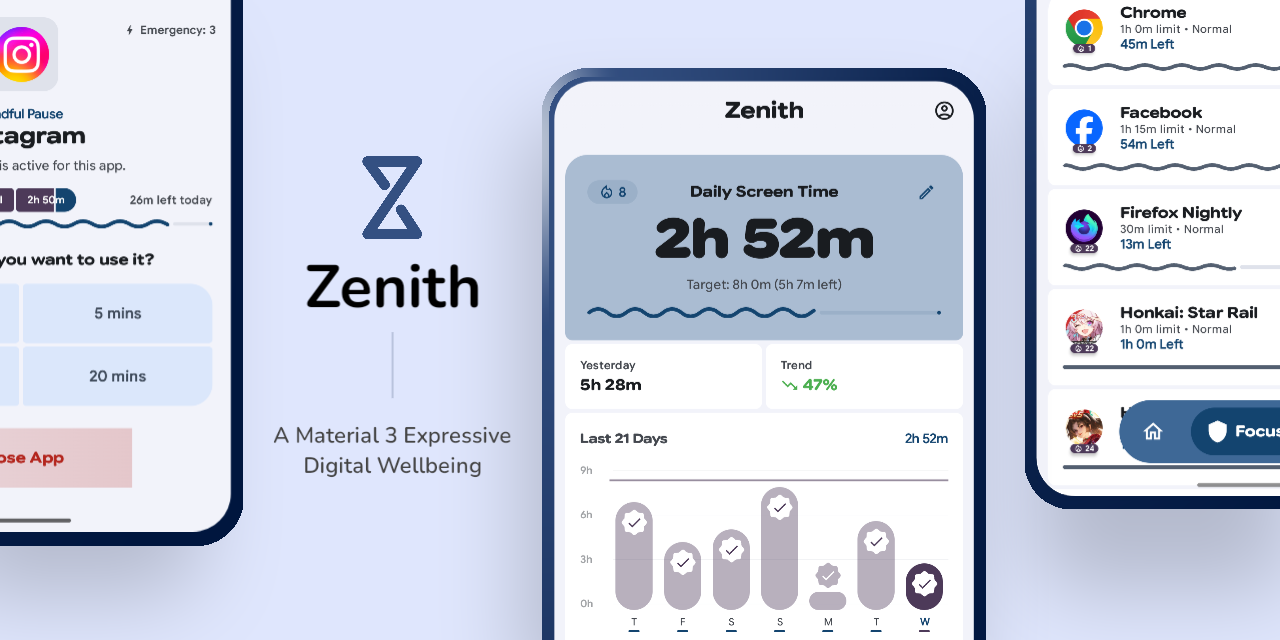




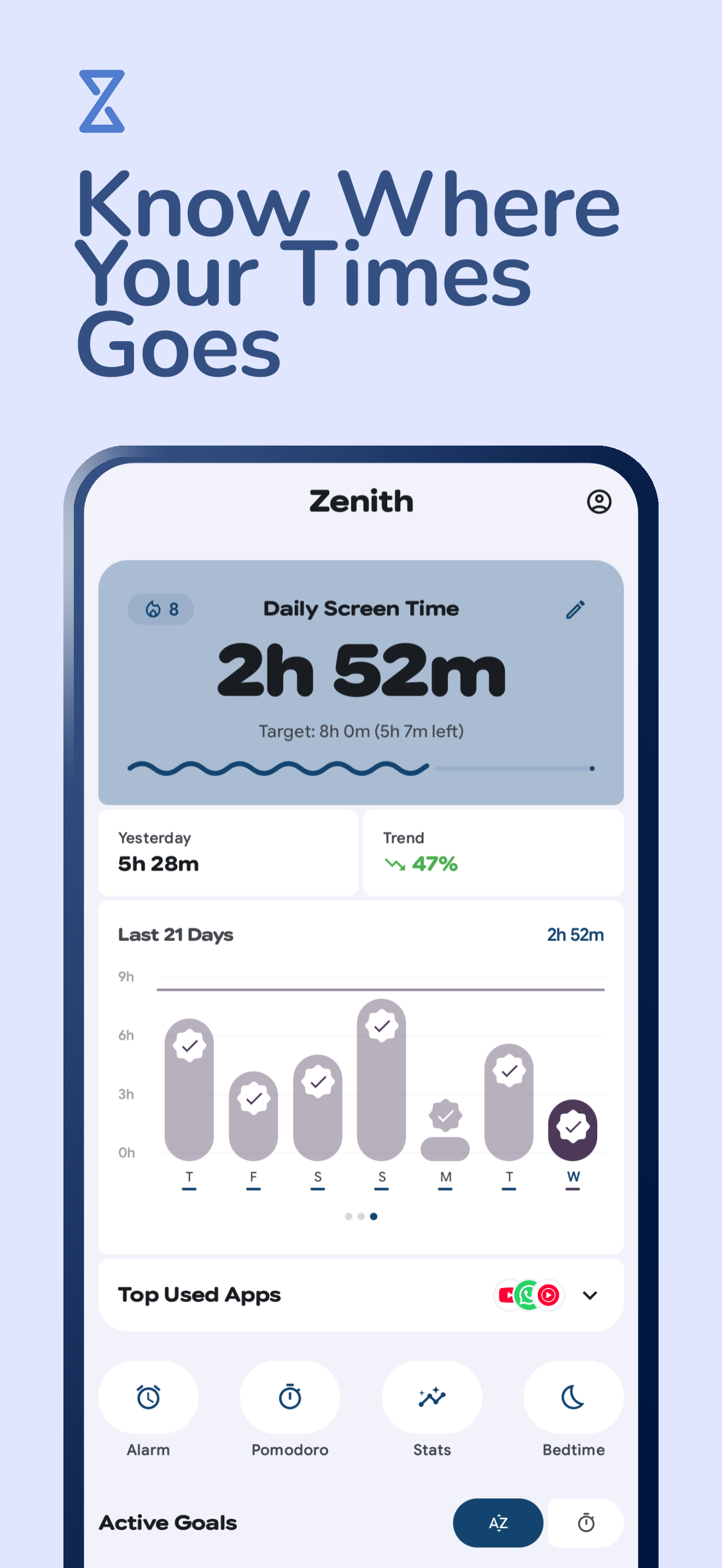
Zenith is a smart digital wellbeing assistant for Android, built with Material Design 3 Expressive. It uses proactive interventions and real-time monitoring to help you break addictive scrolling habits through a fluid, motion-rich experience.


| IzzyOnDroid | OpenAPK |
|---|---|

|

|
 |
 |
 |
 |
 |
 |
Key Features
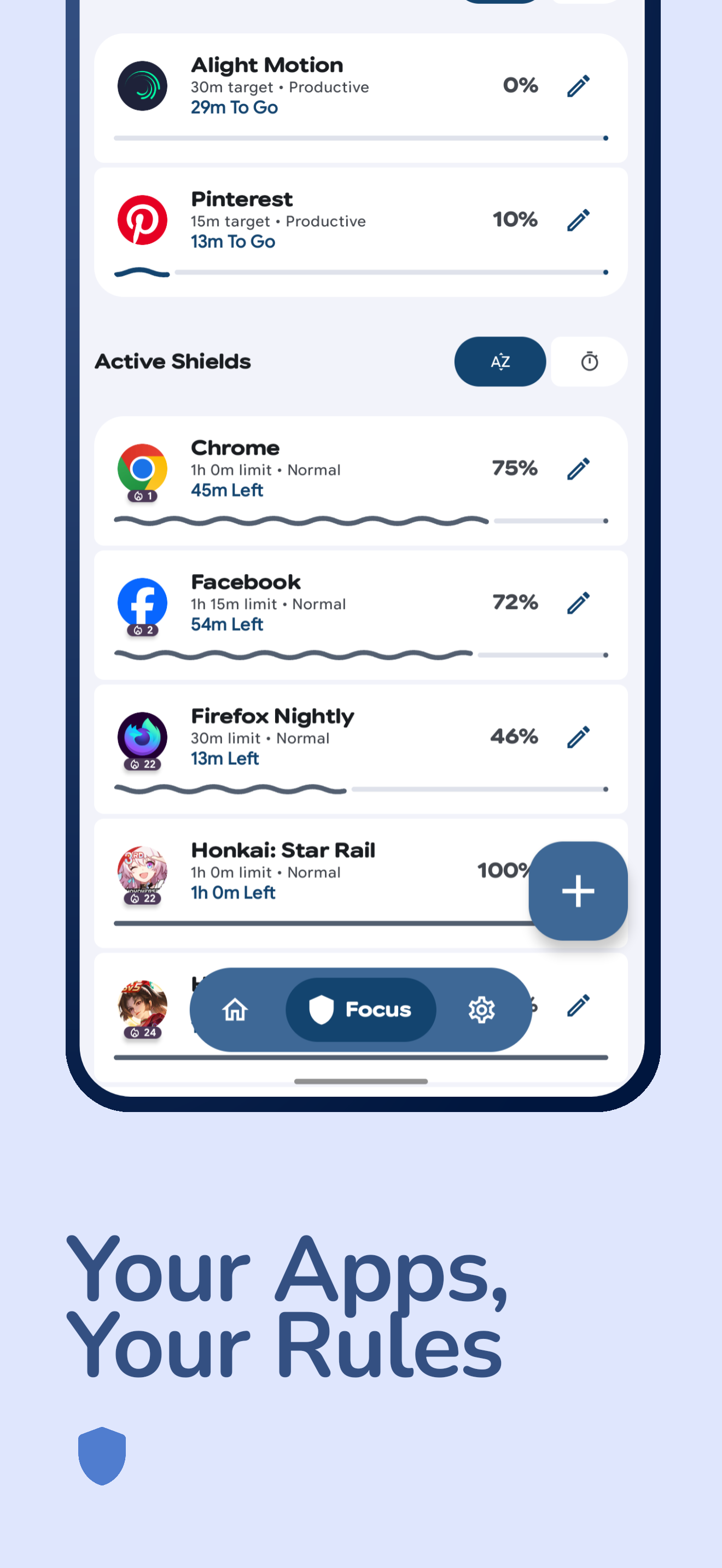
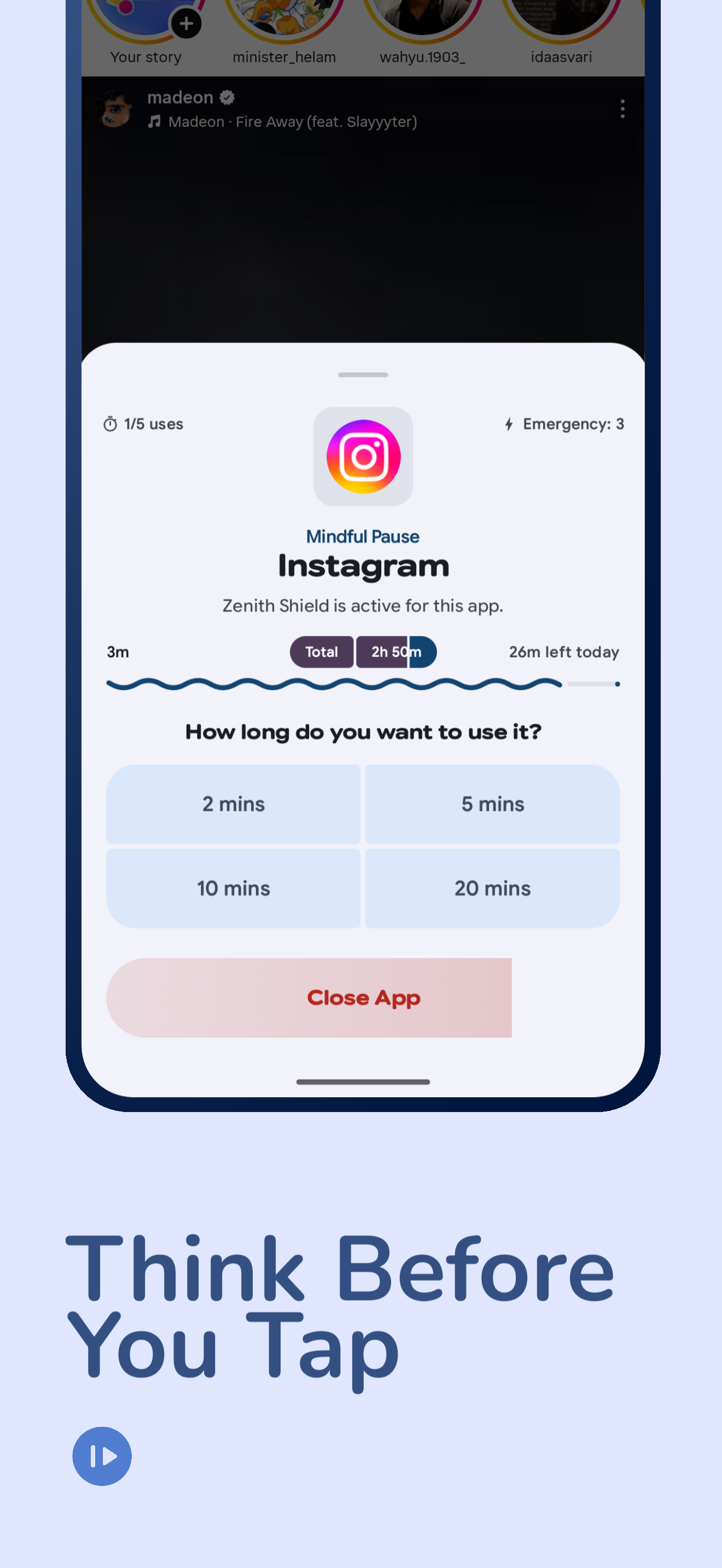
- Shield Mode: Protect specific apps with mindful pauses, usage frequency limits, and emergency use quotas.
- Goal Pursuit: Set and achieve target usage times for productive applications with full-screen lock overlays.
- Delay App: Configurable delay timer before reopening protected apps to break automatic habits.
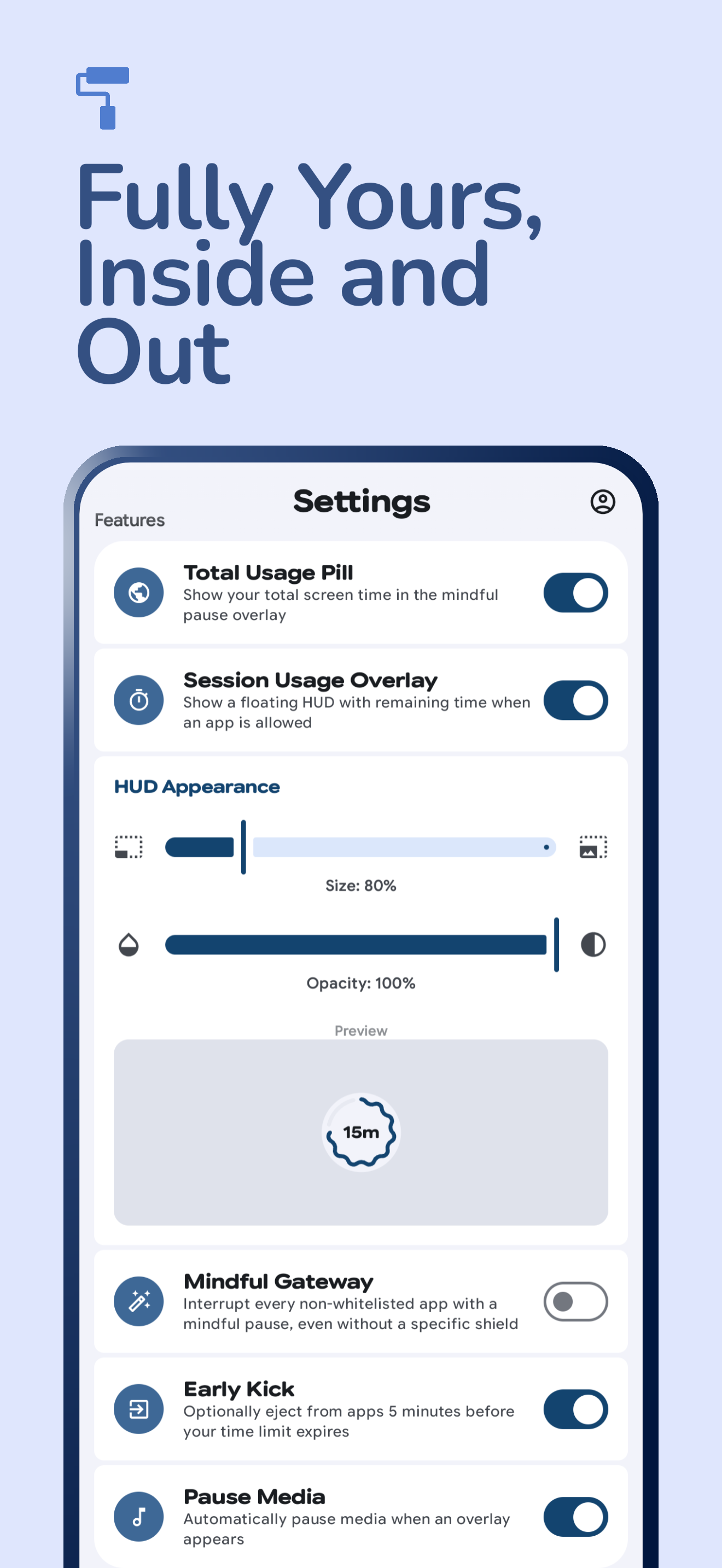
- Mindful Gateway: Proactively interrupt all non-whitelisted apps with a mindful pause to prevent mindless scrolling.
- Bedtime Mode: Automate your digital detox with customizable schedules, Wind Down notifications, and automatic Do Not Disturb.
- Focus Sessions / Smart Schedules: Time-based app blocking with BLOCK and ALLOW modes, plus notification interception (BLOCK schedules).
- Pomodoro: Focus/break cycles with presets, pause/resume, session history and stats.
- Lockdown: Restrict adding/editing/deleting shields, goals and schedules during set hours and days.
- Pause Point: Mindful tasks before opening apps — waiting, breathing, walk, QR/NFC scan, number slide, switch, math, counting, typing, goal-app choice.
- Heatmap & History: Long-term weekly/monthly/yearly summaries, per-app breakdown, week detail with delta, unlimited swipe-back history.
- Website Tracking & Shielding: Track time spent on specific websites and apply shields to domains across 12+ browsers.
- Alarm System: Multi-alarm with custom sounds, TTS, Pause Point dismiss missions, gradual volume, and wake-up app launching.
- Eye Care: 20-20-20 rule reminders with configurable work/rest durations.
- Grace Period: Time windows where all apps become unblocked.
- Incentive Lock: Progressively unlock shields as you complete goals through five tiers.
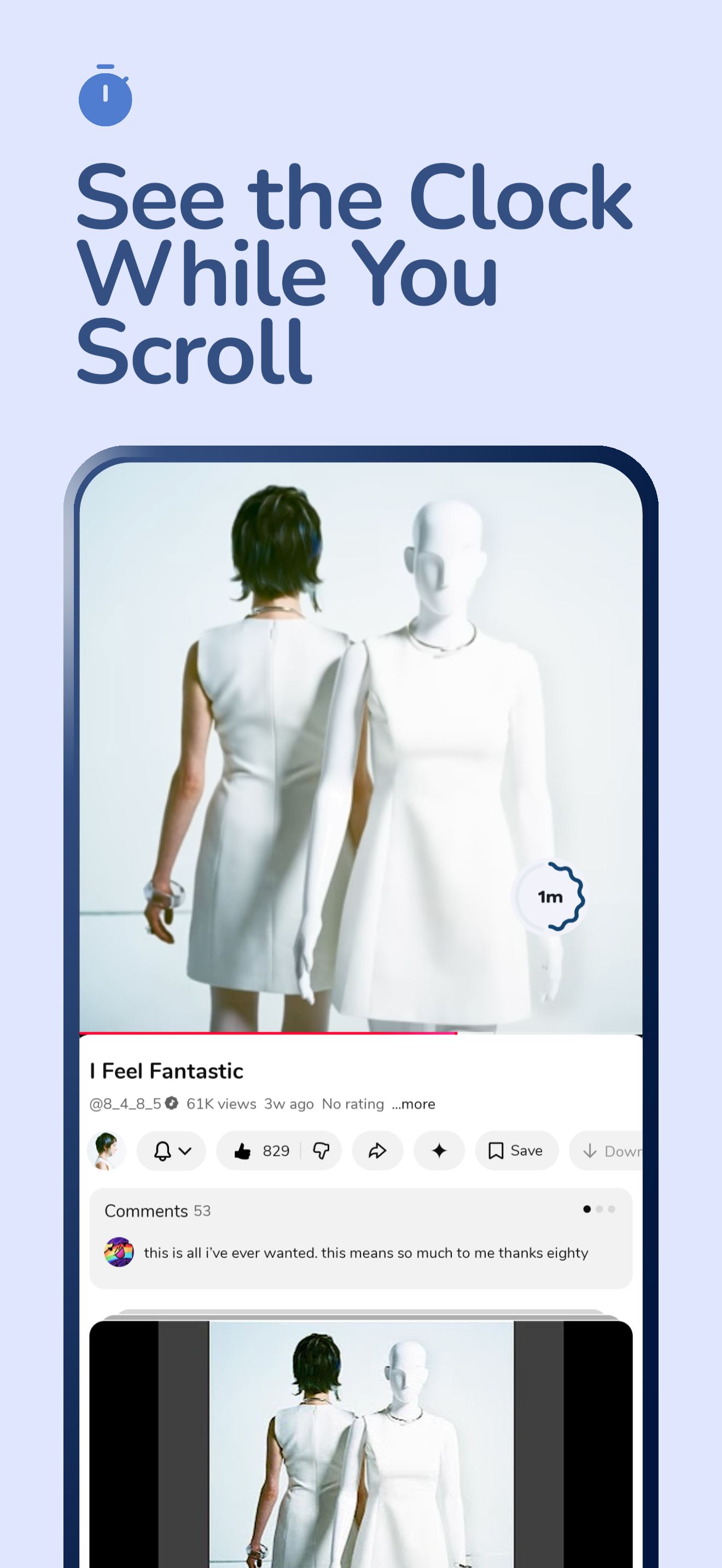
- Session HUD: A floating, customizable overlay (size & opacity) that shows remaining time for active sessions.
- Early Kick: Optional reminders or early ejection to help you transition out of apps before your limit expires.
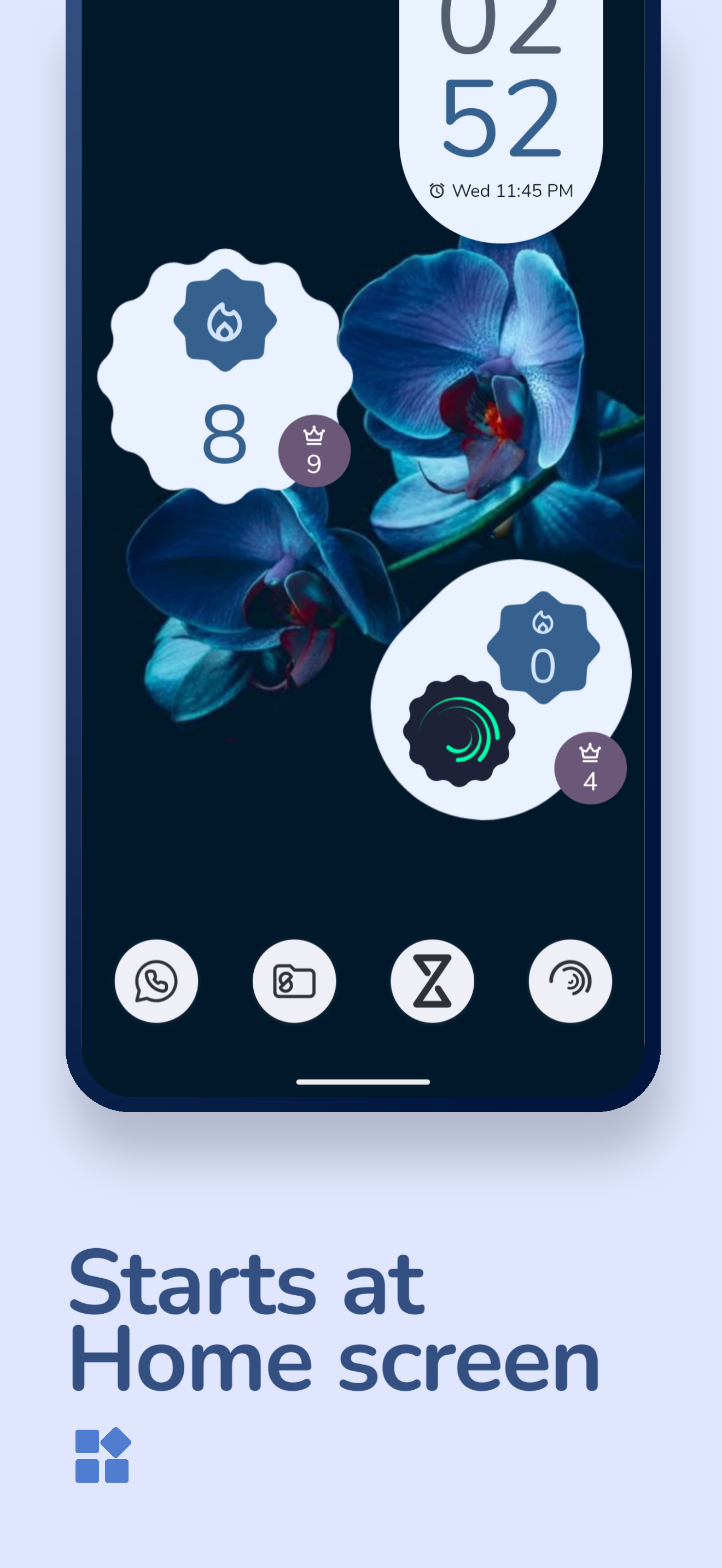
- Interactive Widgets: Keep track of your app streaks and daily focus progress with Material 3 Expressive home screen widgets.
- Streak System: Track global, per-app, per-website, and bedtime streaks with recovery mechanisms.
- Level & Achievements: XP, progressive avatar borders/titles, tiered achievements with global unlock banners.
- Notification Insights: Daily focus recaps, weekly trend comparisons, and milestone celebrations.
- Backup & Restore: Securely save your settings and schedules with automated periodic backups or manual exports.
- Expressive Design: Fully compliant with Material Design 3 Expressive guidelines, featuring fluid motion, adaptive typography (GSFlex), and floating navigation components.
Installation Guide
- Clone this repository.
- Open it in Android Studio Ladybug (2024.2.1) or a newer version.
- Ensure Android SDK 33+ is installed.
- Build and run on a physical device (recommended for proper permission handling).
- Pick a flavor:
fullRelease(Zenith-full-<version>.apk) orstoreRelease(Zenith-store-<version>.apk).
Download Variants: Full vs Store
Same app ID (com.etrisad.zenith), same features. Only distribution and update flow differ.
| Full | Store | |
|---|---|---|
| File | Zenith-full-<version>.apk |
Zenith-store-<version>.apk |
| Get it at | GitHub Releases | IzzyOnDroid / OpenAPK |
INTERNET permission |
Yes (app/src/main/AndroidManifest.xml) |
Removed (app/src/store/AndroidManifest.xml uses tools:node="remove") |
BuildConfig.SHOW_UPDATES |
true (app/build.gradle.kts) |
false |
In-app update check (GitHub API via GitHubUpdateManager) |
Yes: Settings > About > Check for Update, Check update on start, View Changelog, update banner/onboarding | No: all of those are hidden, update via the store instead |
| External links (View Repository, GitHub profile, website, WhatsApp channel) | Yes | Yes (opened via browser intent, no INTERNET needed) |
In short: use Full if you download from GitHub and want self-update; use Store if you download from IzzyOnDroid/OpenAPK and want a fully offline build.
Required Permissions
To help you stay focused and break mindless habits, Zenith needs a few permissions.
Required
Without these, Zenith won't be able to track your usage or help you stay mindful.
- Usage Stats (
PACKAGE_USAGE_STATS): This lets Zenith see how much time you spend in your apps so it can help you stick to your limits. - System Overlay (
SYSTEM_ALERT_WINDOW): This allows Zenith to show a "Shield" or a timer over other apps when you've reached your limit or need a mindful pause.- Note for Android Go users: Some Android Go devices do not allow granting this permission through settings. Grant it from Settings > Apps > Zenith > Display over other apps (
Settings.ACTION_MANAGE_OVERLAY_PERMISSION).
- Note for Android Go users: Some Android Go devices do not allow granting this permission through settings. Grant it from Settings > Apps > Zenith > Display over other apps (
- App List (
QUERY_ALL_PACKAGES): Zenith needs this to show you a list of your apps so you can choose which ones you want to track or block. - Notifications (
POST_NOTIFICATIONS): Used to send you goal reminders and keep you updated on your focus progress throughout the day. - Do Not Disturb (
ACCESS_NOTIFICATION_POLICY): This allows Bedtime Mode to automatically silence your phone so you can get a better night's sleep. - Foreground Service (
FOREGROUND_SERVICE): Required for the AppUsageMonitorService that continuously tracks your app usage, and for alarm playback. - Full Screen Intent (
USE_FULL_SCREEN_INTENT): Allows Zenith to show full-screen overlays for alarms and goal reminders over the lock screen. - Wake Lock (
WAKE_LOCK): Keeps the screen on during alarm display so you can see and dismiss it. - Boot Completed (
RECEIVE_BOOT_COMPLETED): Restarts Zenith's monitoring services and re-schedules alarms after your device reboots.
Optional
These are optional, but they make Zenith much more reliable and powerful.
- Accessibility Service (
BIND_ACCESSIBILITY_SERVICE): An optional service that helps Zenith catch when you open a restricted app instantly, making your "Shields" feel much more responsive. - Notification Intercept (
BIND_NOTIFICATION_LISTENER_SERVICE): This lets Zenith hide distracting notifications during your scheduled Focus sessions or Bedtime. - Battery Optimization: This tells Android not to close Zenith in the background, ensuring your focus time is always tracked accurately.
- Precise Timing (
SCHEDULE_EXACT_ALARM): Makes sure your daily resets, bedtime schedules, and reminders happen exactly when they're supposed to. - Storage Access (
READ_EXTERNAL_STORAGE): Only used if you want to use the Backup & Restore feature to save or load your settings. - Internet Access (
INTERNET): Full variant only. Used to check for app updates via GitHub API and to let you visit our GitHub or community pages from the settings. The Store variant (Zenith-store-*.apkfor IzzyOnDroid/OpenAPK) removes this permission and hides the in-app update UI — updates come from the store instead. - Calendar Access (
READ_CALENDAR): Enables the "Show Current Event" feature, which displays your current calendar event (title, description, and progress) during the app-opening delay in the intercept overlay. - Camera (
CAMERA): Only needed if you use QR Scan tasks in Pause Point, so you can scan one of your saved QR codes to continue. You can grant it from Settings > Features > Pause Point > QR Scan, or from the permission sheet under Optional Service. - NFC (
NFC): Only needed if you use NFC Scan tasks in Pause Point, so you can tap one of your registered NFC tags to continue. Turn on NFC in Android Settings, register tags from Settings > Features > Pause Point > NFC Scan, or check status from the permission sheet under Optional Service.
Support the Project
If you find Zenith helpful and would like to support its development, you can support me on Ko-fi. Your contribution helps keep the project alive and improving!
Special Thanks
- Tomato - Interface and promotional material inspiration.
License
This project is created for learning and self-development purposes. GNU GPL v3.0
