luma-tv
Luma
A calm, tvOS-inspired home screen for Android TV and Google TV.
Your favourite apps over living wallpapers, with no ads, no sponsored rows and no tracking.
Install · Make it your home screen · Support the project
Made by @0xProbabillity
Luma works on its own: it needs no smart home, account or other app. Everything below except the scene block works on any Android TV.
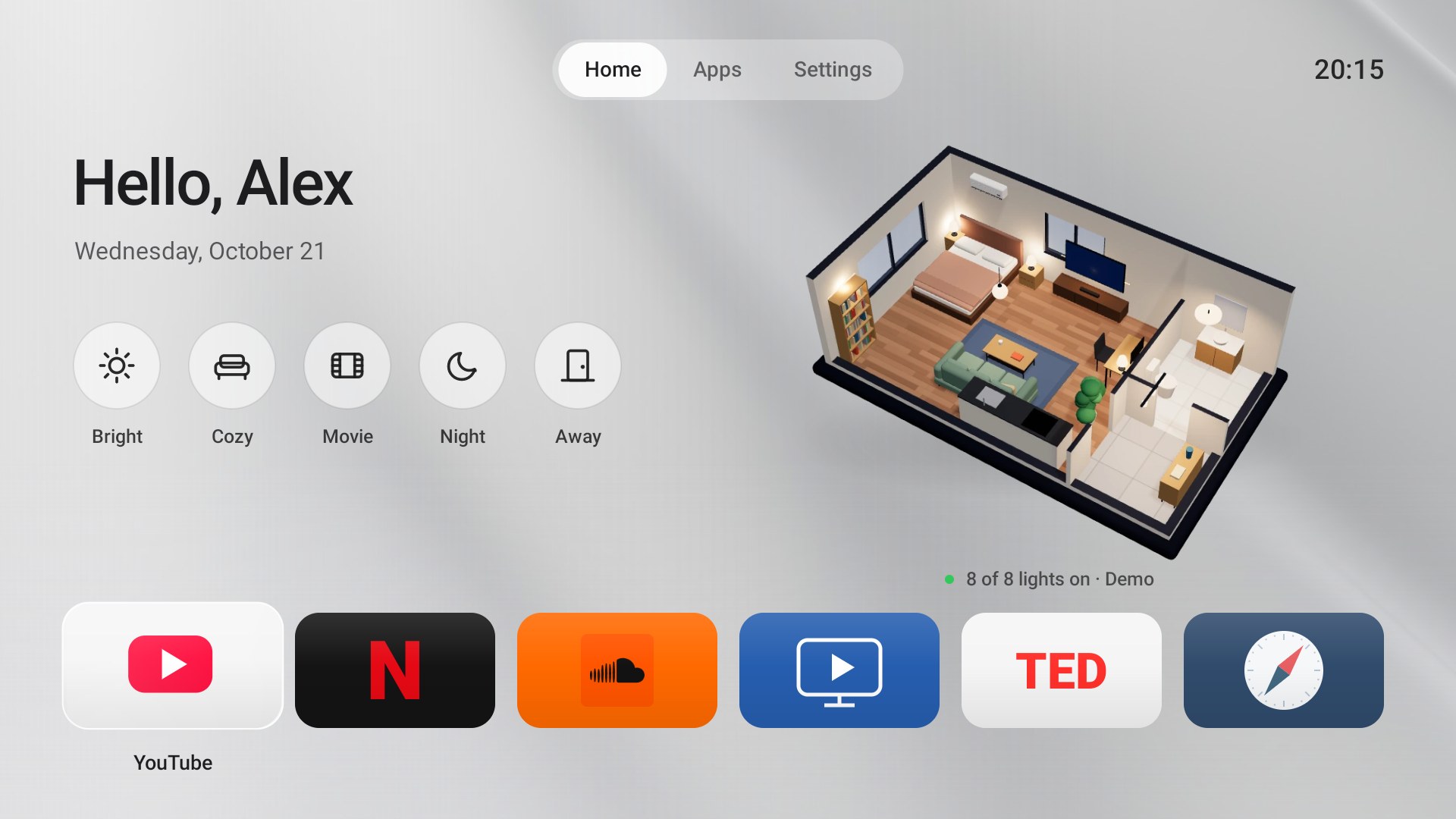
- A quiet Home. A greeting with today's date, your favourite apps as large cards, and nothing you did not put there. Moving to an app shows its name and a line about it; hold OK on any app to show it on Home, move it or hide it.
- Home widgets, page by page. Above your apps, Home can show Up Next (the shows and videos you were watching, from the Continue watching list that YouTube, Netflix and other apps share with Android TV: OK resumes where you stopped), Weather (now, the next hours or the coming days, for the city your TV is in or any city you pick), Now Playing (music playing on the TV, with play, pause and skip), Inputs (on a TV: its HDMI ports and live TV; a PlayStation, Xbox, Nintendo Switch, Apple TV, Chromecast, Fire TV, soundbar and more are recognised over HDMI-CEC and shown under their own name and colour; OK switches to it and Home comes back) and Control (Wi-Fi, picture and sound, accessories, settings). Left and Right turn the pages; your apps stay underneath.
- Every app, one tab away. Apps lists everything installed on the TV, hidden apps included.
- Light by day, dark at night. The default wallpaper, Silver, is pale silver silk from sunrise to sunset and graphite silk after dark, and the whole interface turns light or dark with it. Sunrise and sunset are worked out for your TV's time zone, with no location permission and no network.
- Living wallpapers. Eight of them, from silver silk and a Norwegian fjord at dusk to the Milky Way. On the fjord, clouds drift and the water moves very slowly, with real depth: the sky and the mountains travel at different speeds as you move. Everything pauses while an app is open.
- Feels like a TV, not a phone. Springy focus, cards that tilt toward the direction you move, a pill that slides along the tab bar, and soft, quiet navigation sounds. Fluid motion and Navigation sounds turn off in Settings, and Android's own animation settings are respected.
- Your smart home, if you have one. The scene block appears only when House Control TV is installed: Home then also shows five round scene buttons and a live 3D model of your home floating on the wallpaper, and a scene can open an app as the lights go down (Movie starts Netflix). Without it, Home is just your greeting and favourites over the wallpaper, and Luma picks House Control up as soon as you install it.
- Easy to leave. Settings → Home screen hands Home back to your TV's own launcher, and
./luma.sh restoreundoes everything the installer changed.
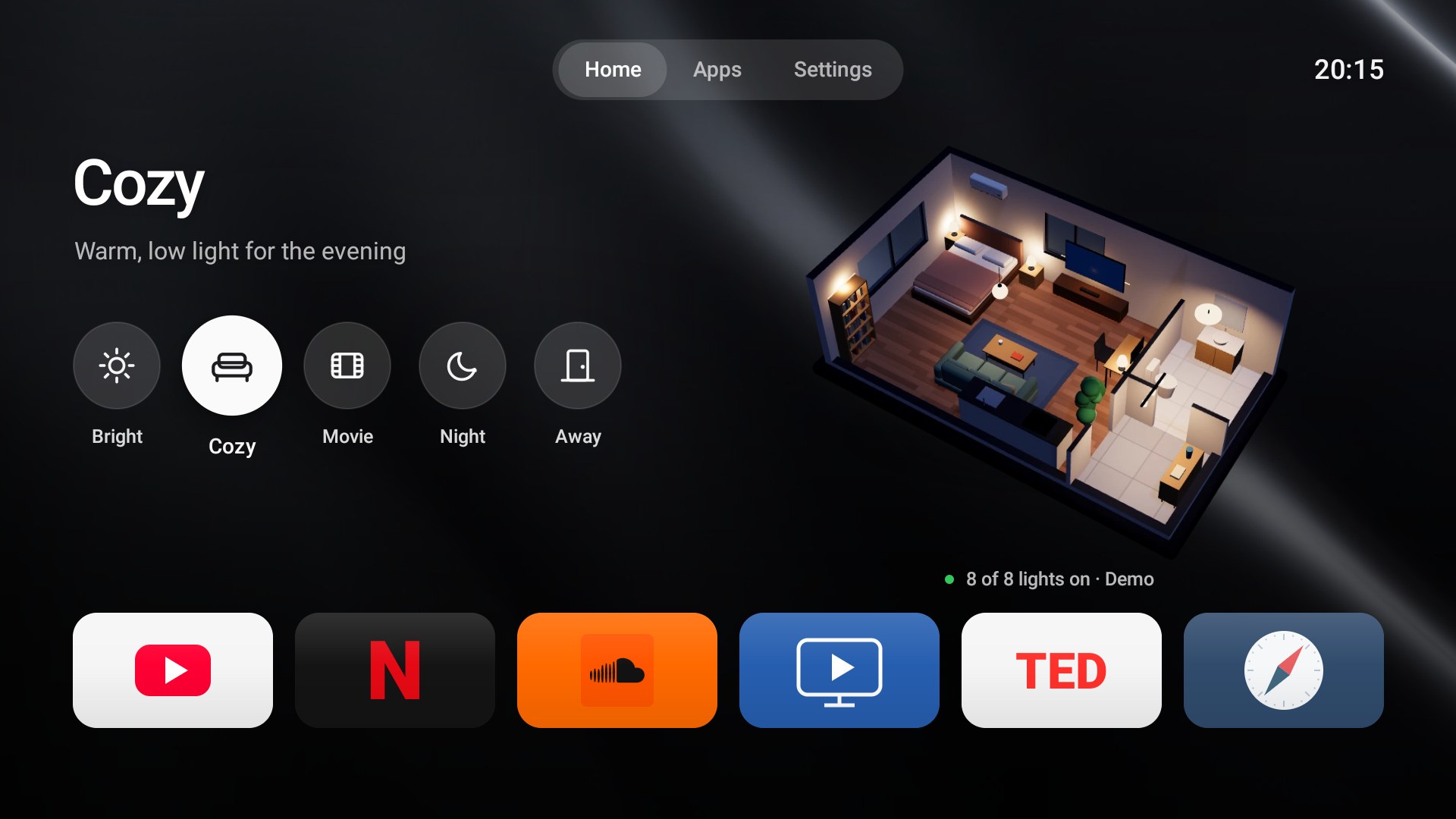
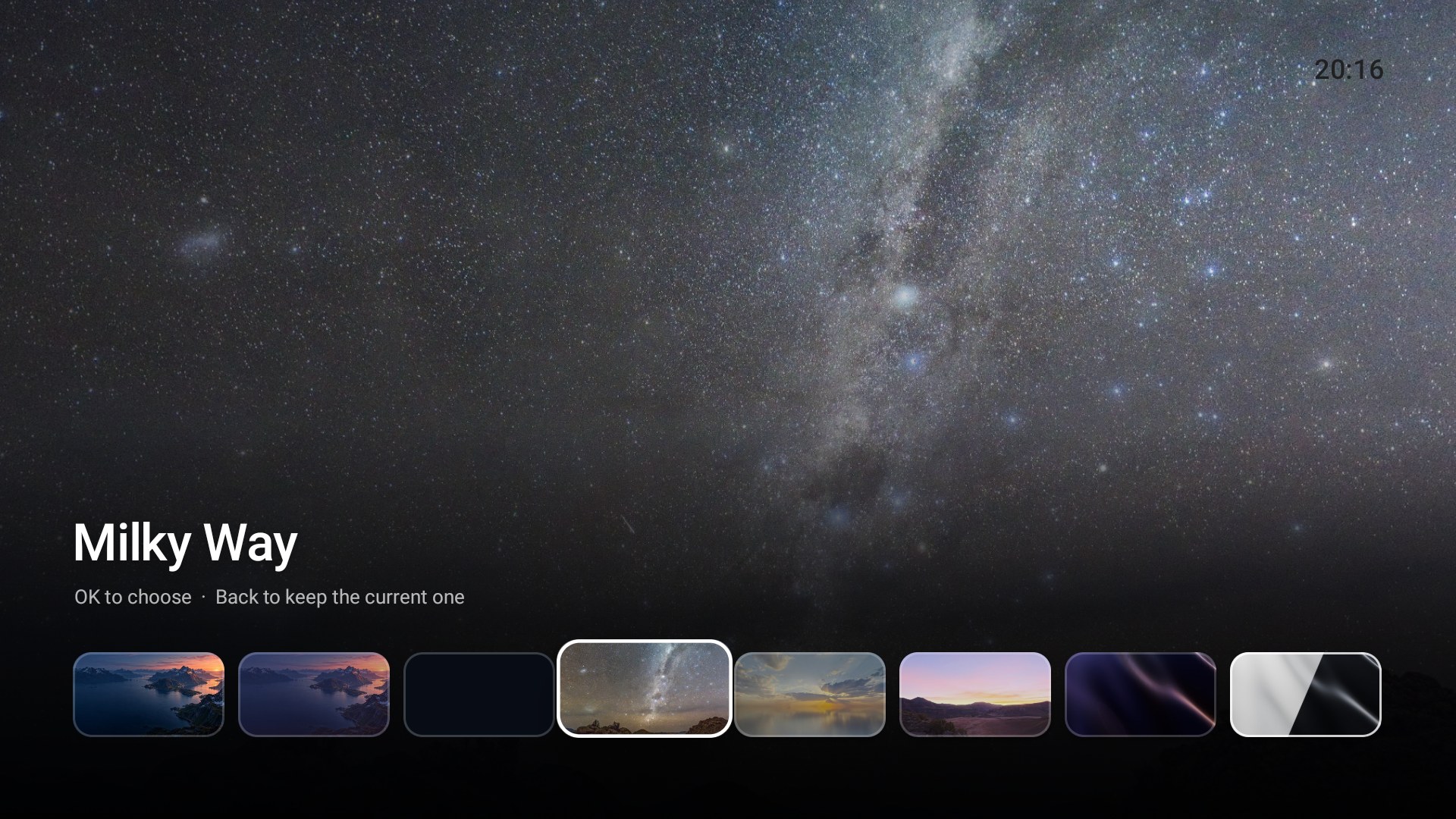
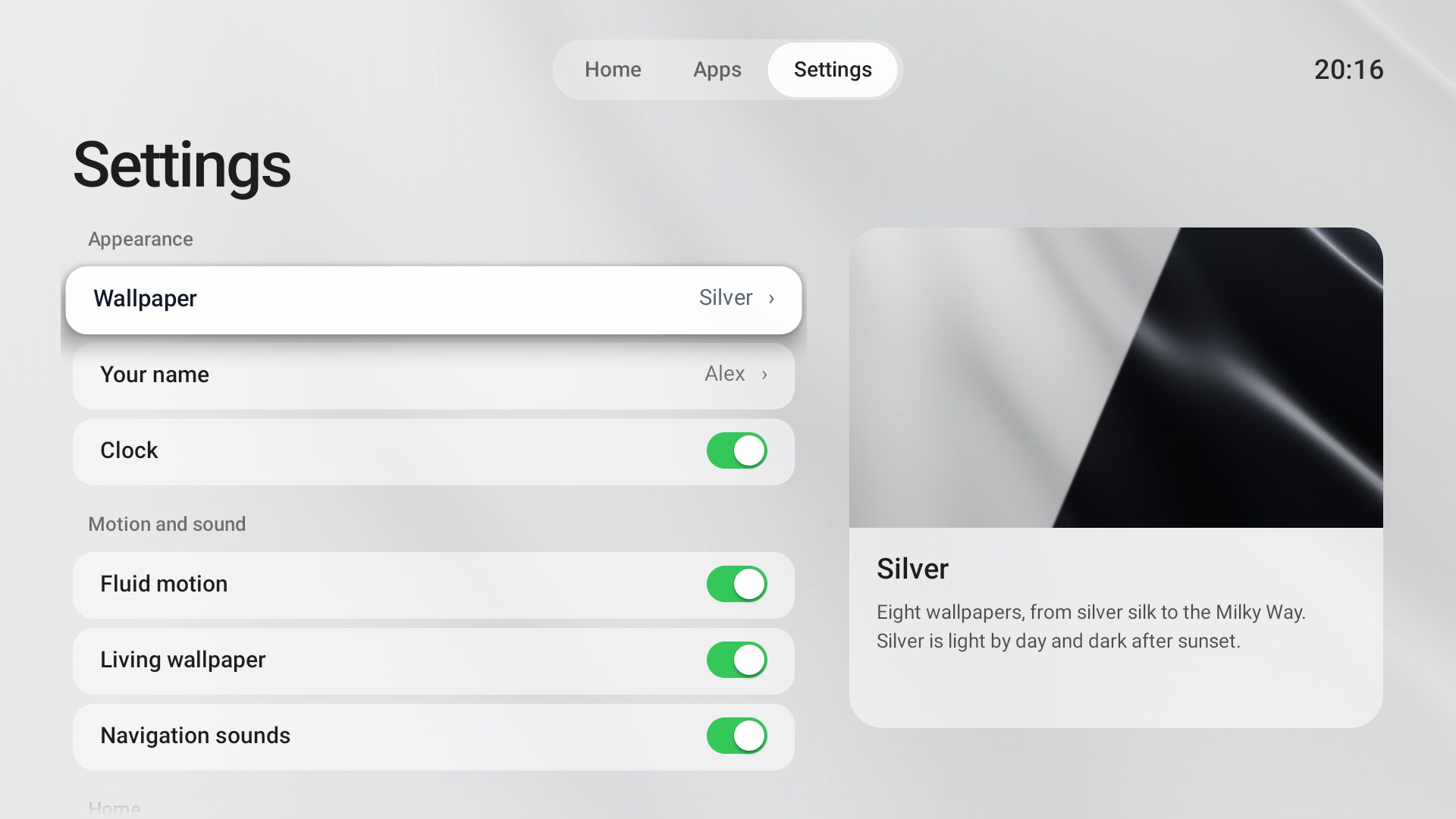
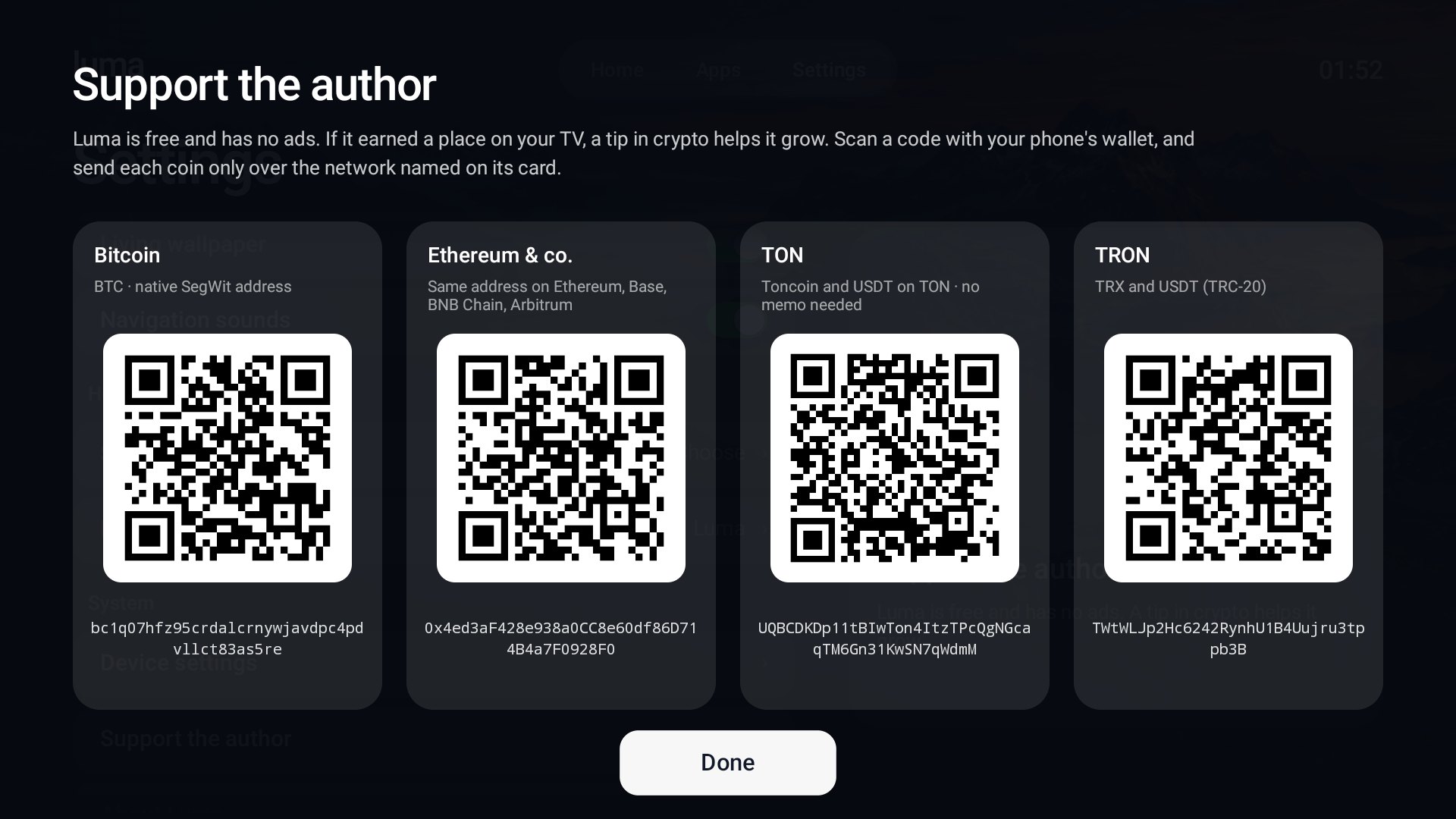
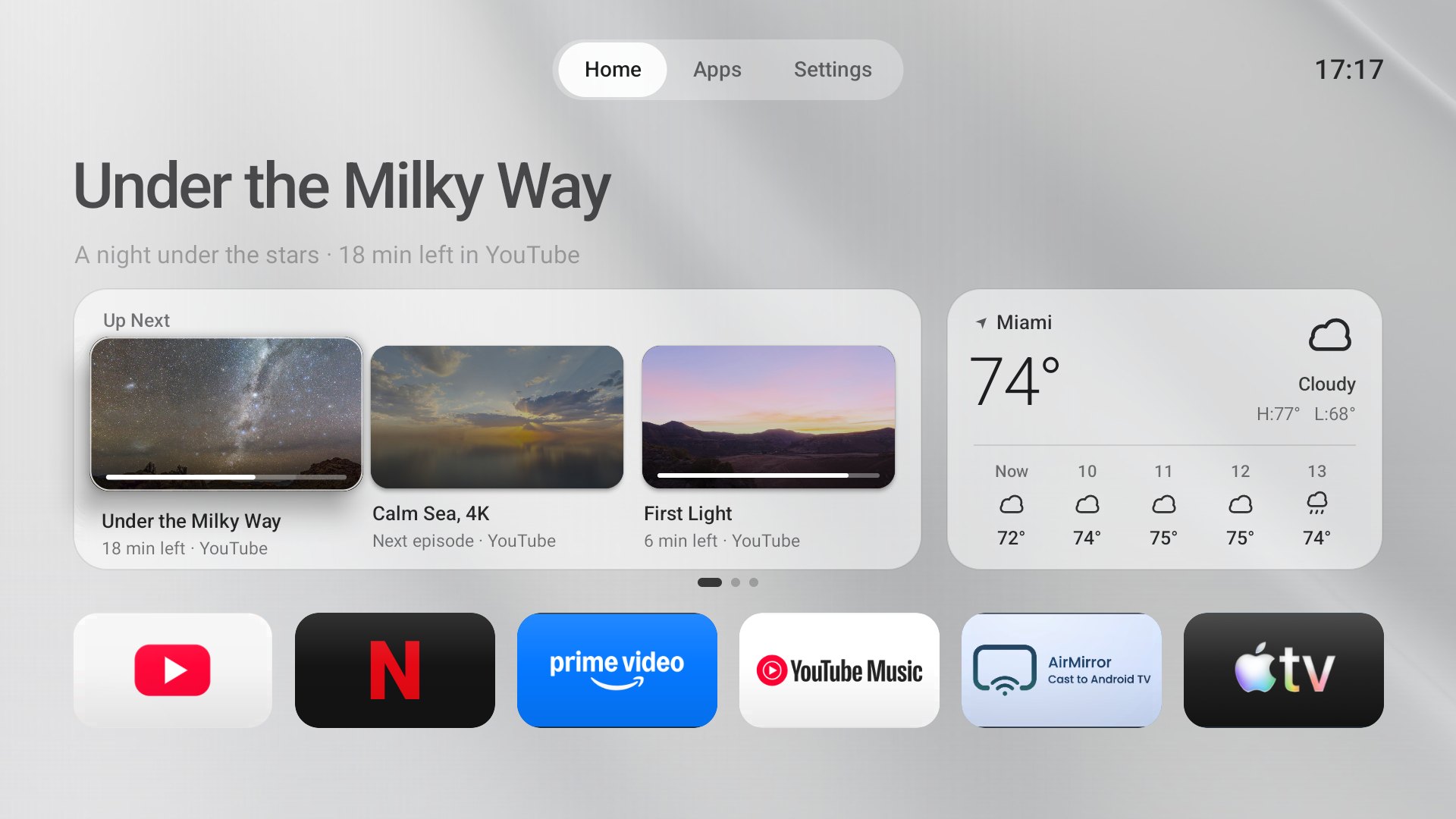
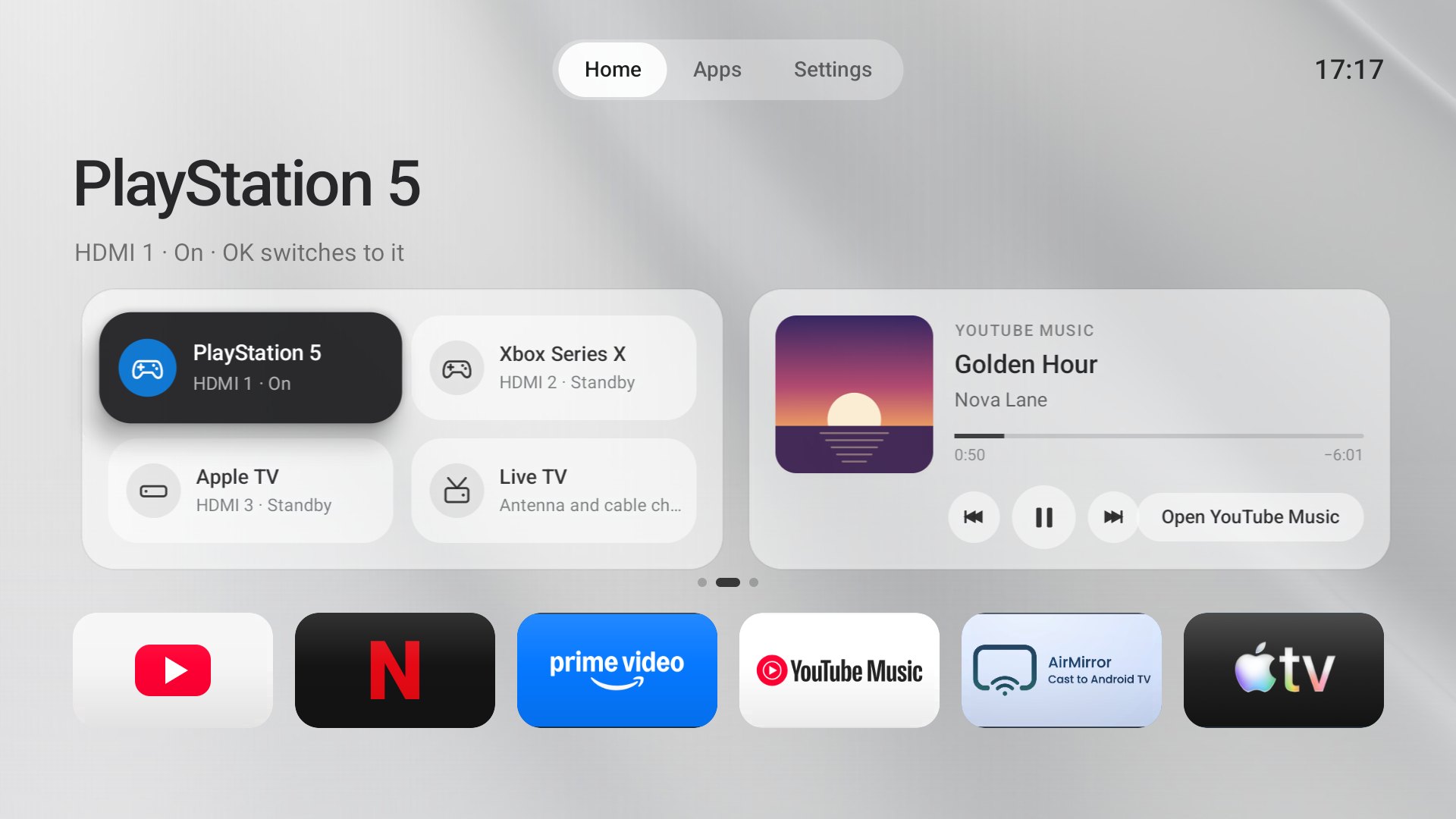
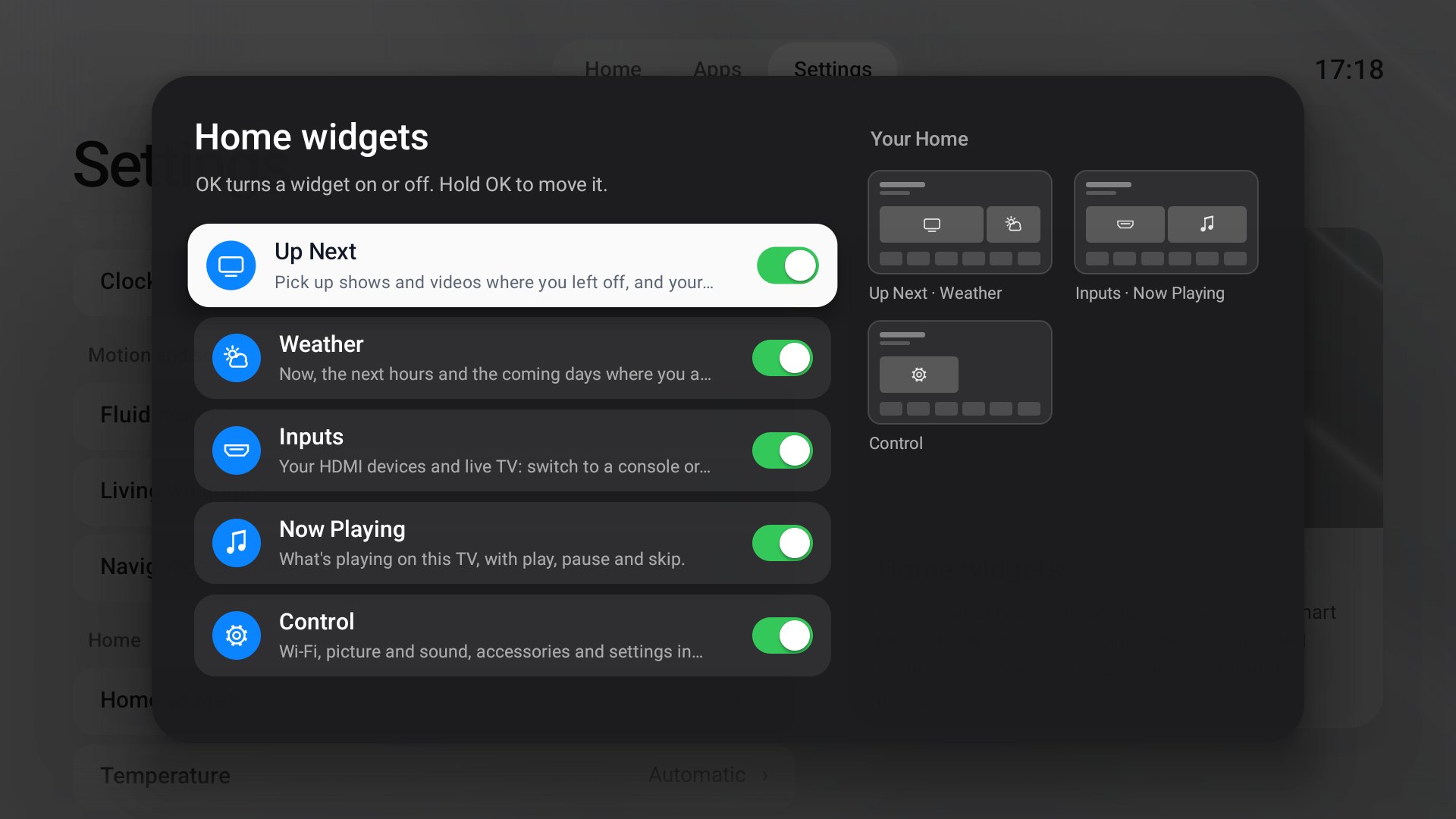
Shown with Luma's promo demo (--es luma.demo promo): the videos, the song and the consoles are made up.
Requirements
| You need | |
|---|---|
| TV | Android TV or Google TV, Android 8.0 or newer, with USB / network debugging turned on (Settings → Device Preferences → About: press Build 7 times, then Developer options) |
| Computer | macOS or Linux with ADB (brew install --cask android-platform-tools) |
| To build it | JDK 17, Android SDK build-tools 36.0.0 and platform android-34, Python 3. No Gradle |
Install
Put the computer and the TV on the same network, then connect once (the TV asks you to allow it):
adb connect 192.168.1.50:5555 # your TV's address: Settings → Network
Download luma-tv.apk from Releases and install it, or build and install it yourself:
git clone https://github.com/0xProbabillity/luma-tv.git && cd luma-tv
./luma.sh install
./luma.sh build only builds (dist/luma-tv.apk). With several devices connected, choose one:
./luma.sh -s 192.168.1.50:5555 install, or set LUMA_DEVICE. ./luma.sh status shows the TV, the installed
version and which app opens at Home.
The build looks for the Android SDK in $ANDROID_SDK_ROOT (default: Homebrew's android-commandlinetools) and
for JDK 17 in $LUMA_JDK. It creates a signing key in .signing/ the first time; keep it, or Android will refuse
to update Luma with a build signed by another key (LUMA_KEYSTORE chooses a different one). The APK in Releases is
signed with the project's release key, so switching between it and your own build means uninstalling first.
Make Luma your home screen
./luma.sh home
Android lets the user choose a home app, but many TVs (Google TV, and the Android TV firmware
of many manufacturers) always put their own launcher first. luma.sh home makes Luma the default; when the TV still
prefers its launcher, it switches that launcher off (with pm disable-user, which keeps it installed with all
its data). It only ever touches the stock launchers it knows: Google TV's, the Android TV launcher, the
Leanback launcher, and Google TV's setup "recovery" screen, which would otherwise take Home over. It never
wakes a TV that is asleep.
To go back to your TV's own home screen:
./luma.sh restore
It switches back on exactly what home switched off (it remembers per TV, in .local/) and makes the original
launcher the default again. Luma stays installed; adb uninstall dev.luma.tv removes it. On a TV where the
launcher was never switched off, Settings → Home screen → Return to the TV's home screen does the same from
the couch.
Make it yours
- Greeting. Home says "Hello". Settings → Your name makes it "Hello, Alex"; the name stays on the TV. To
build a different default greeting:
LUMA_GREETING="Hi there" ./luma.sh install, or put the line in.local/greeting.txt(ignored by git). - Favourites. Hold OK on an app → Show on Home, Move left / right, Move to first position or Hide from Home. The first-run order is in
FIRSTinMainActivity.java. - Home widgets. Settings → Home widgets: OK turns a widget on or off, hold OK to move it. Small pages next
to the list show how Home will look. Settings → Temperature picks Celsius or Fahrenheit (automatic: by time
zone). Up Next and Now Playing ask for access the first time;
./luma.sh widgetsallows both, and usage access for recent apps, from the computer in one go. - Device recognition.
Devices.javamaps the name and vendor a device announces over HDMI-CEC to a friendly name, glyph and colour;tools/DevicesTest.javachecks it without a TV.adb shell am start -n dev.luma.tv/.MainActivity --es luma.inputs demoshows made-up consoles on a TV's ports to preview the look (offends it). - Scene apps. With House Control TV installed, Settings → Scene apps chooses the app each scene opens, or none.
- Forks. The author, links and tip addresses shown in Settings → About and Support the author are in
res/raw/about.txtandres/raw/support.txt;tools/support-qr.shredraws their QR codes (needsqrencode).
Privacy
Luma has no analytics, advertising ID, accessibility service or account. The list of apps, your favourites,
your name and settings stay on the TV. Day and night come from the TV's clock and time zone, not its location. It goes online for these things only: House Control TV on the TV itself (127.0.0.1), for the
3D preview, and only when House Control is installed (that web view refuses every other address); the weather,
from Open-Meteo (no account or key; the request carries only the rounded coordinates of
the city); the city itself, which Luma asks GeoJS (or ipwho.is if it
does not answer) for at most twice a day, like any weather website, from the TV's internet address and with no
location permission. A guess whose time zone does not keep the TV's time, as behind a VPN, is ignored for your
time zone's main city. Settings → Weather location pins a city instead, and then no lookup is made; its search
sends what you type to Open-Meteo. And the poster pictures that your apps link in their Continue
watching list. Up Next reads that list on the TV. Now Playing needs notification access only because Android hands
media controls to notification listeners; Luma reads no notifications. The scene
buttons talk to House Control over Android's Binder, and House Control only answers a Luma signed with the key it
trusts. Luma never sees a password or token.
How it is built
Plain Java and Android views, no third-party libraries, compiled by build.sh with aapt2, javac and d8.
The sounds are synthesised by tools/generate_sounds.py. Motion is native property
animation tuned for small TV chips: on a 2 GB TV stick, moving around Home keeps a steady frame rate.
Wallpapers
- Fjord: an original image made with an AI image generator for this project, split into a sky and a terrain layer for the depth effect. Dusk is the same view in a darker evening grade.
- Milky Way, Calm Sea and Dawn: views of the CC0 panoramas
Rogland Clear Night,
Kloppenheim 06 (Pure Sky) and
Kiara 1 Dawn from Poly Haven, reprojected by
artwork/reproject.py. - Silver: the same drape rendered twice in Blender, pale and graphite, by
artwork/silver_silk.py;artwork/silver_assets.pymakes the wallpapers and the day/night thumbnail.tools/zones.pywrites the time-zone table used for sunrise and sunset (from the public-domainzone.tab). - Silk: rendered in Blender by
artwork/silk.py. - Graphite: plain dark, for when you want nothing at all.
Support the project
Luma is free and has no ads. If it earned a place on your TV, a tip in crypto helps it keep growing: more TVs, more polish, quicker fixes. Thank you! A star, a bug report or a pull request helps just as much.
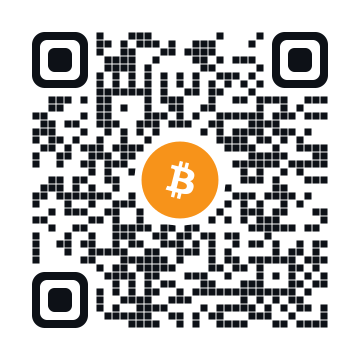
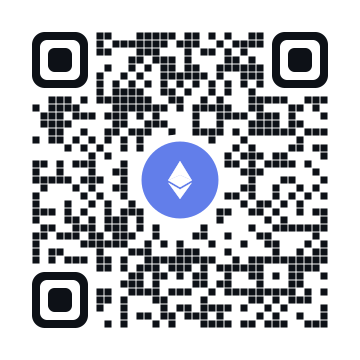
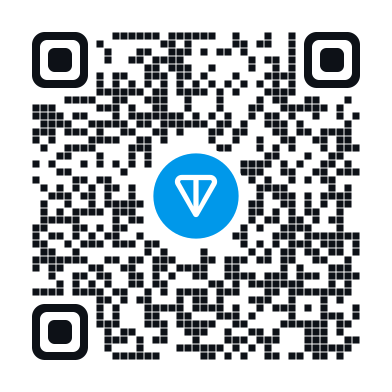
Scan a code with your wallet, or copy an address with the button in the corner of its box.
[!IMPORTANT] Send each coin only over the network named next to its address. Coins sent over another network may be lost.
|
 Bitcoin
BTC · native SegWit (bech32) address |
|


 Ethereum · Base · BNB Chain · Arbitrum
One address on all four networks · ETH, BNB, USDT, USDC and other tokens |
|
 TON
TON
Toncoin and USDT on TON · no memo needed |
|
 TRON
TRON
TRX and USDT (TRC-20) |
Acknowledgements and disclaimer
Inspired by the focus and spacing of Apple's tvOS. App names and icons belong to their owners; Luma shows the icons and banners each installed app provides. The network logos under Support the project are from Web3 Icons (MIT). Luma is not affiliated with Google, Apple or any TV maker.
