vectorcraft

VectorCraft
Vector illustration; an open-source, modern vector art application, built in pure Rust.
A fast, open-source vector illustration workflow. It runs natively on macOS, Windows, Linux and FreeBSD, and in the browser via WebAssembly. Built by the ArtCraft team.








VectorCraft on getartcraft.com · ArtCraft · All Crafting Apps
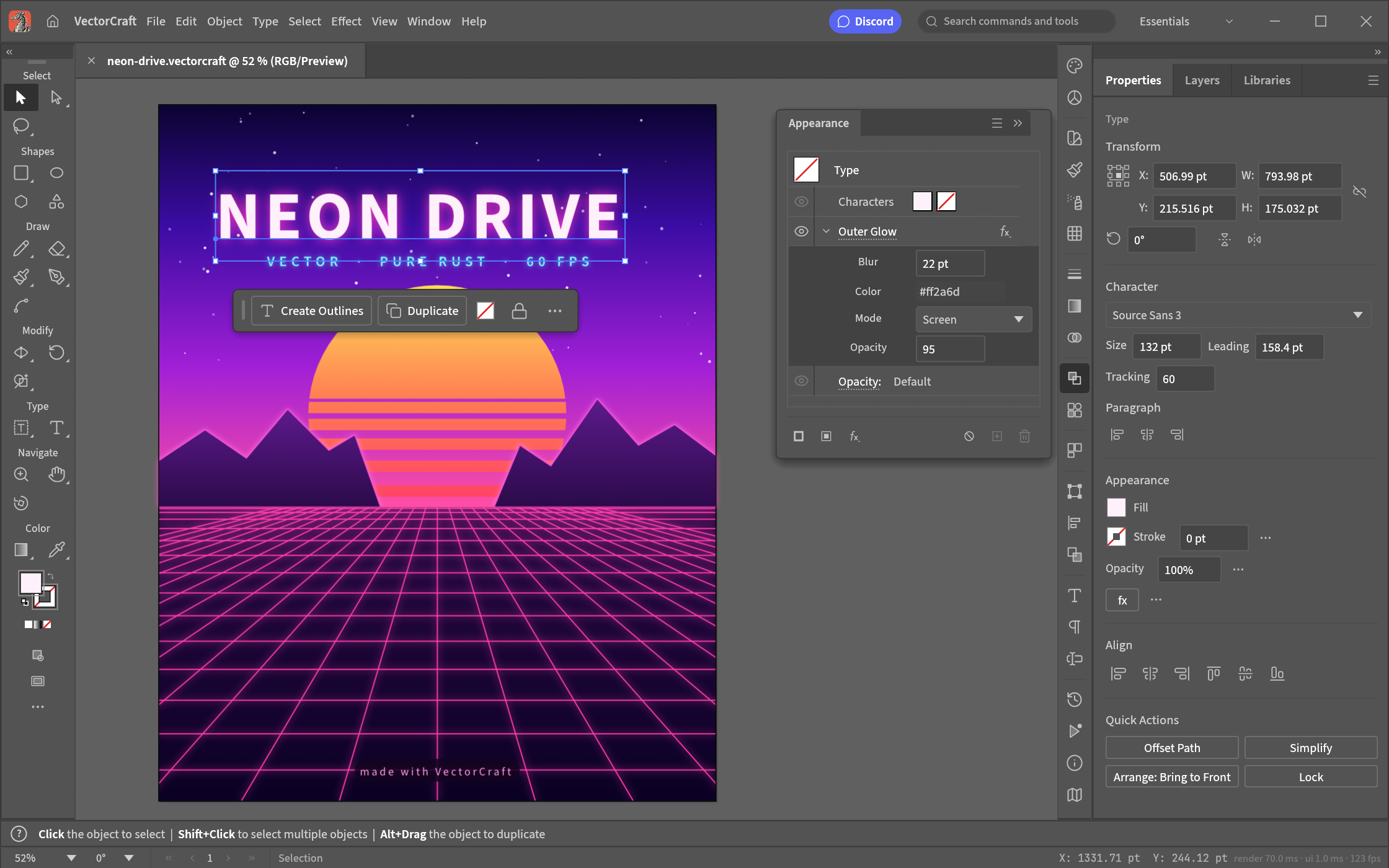
Neon Drive: a Pathfinder-cut sun, live Outer Glow on the type and grid, and clipping masks · examples/neon-drive.vectorcraft
[!NOTE] ArtCraft is a community of artists from all walks of life. Digital, generative, music, games — if you make things, you're one of us. Come say hi on Discord.
A look around · Made in VectorCraft · Why VectorCraft · Quick start · Status · Downloads · The Crafting Apps · License
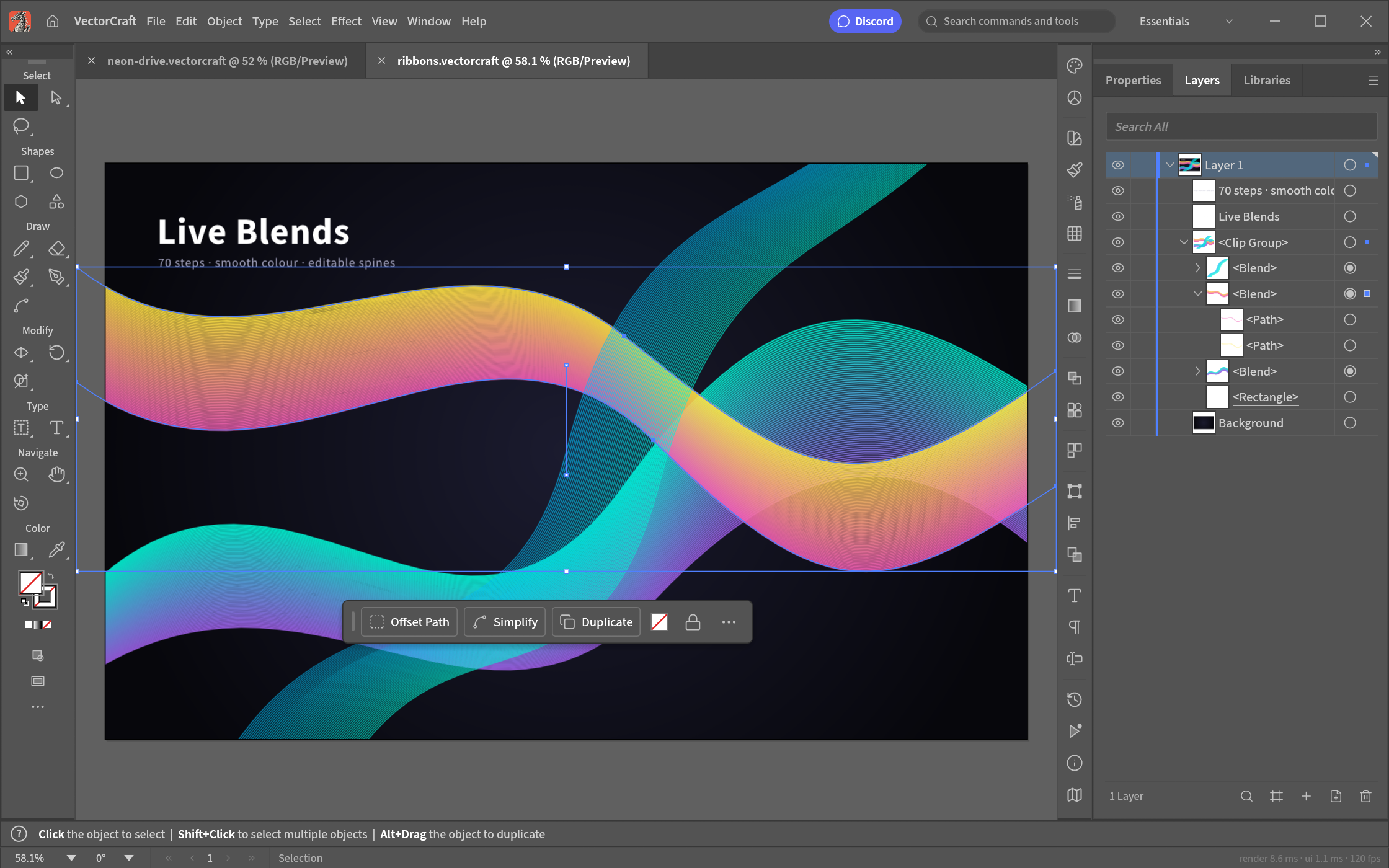
Live Blends and Layers: editable key paths, smooth colour, every object a row |
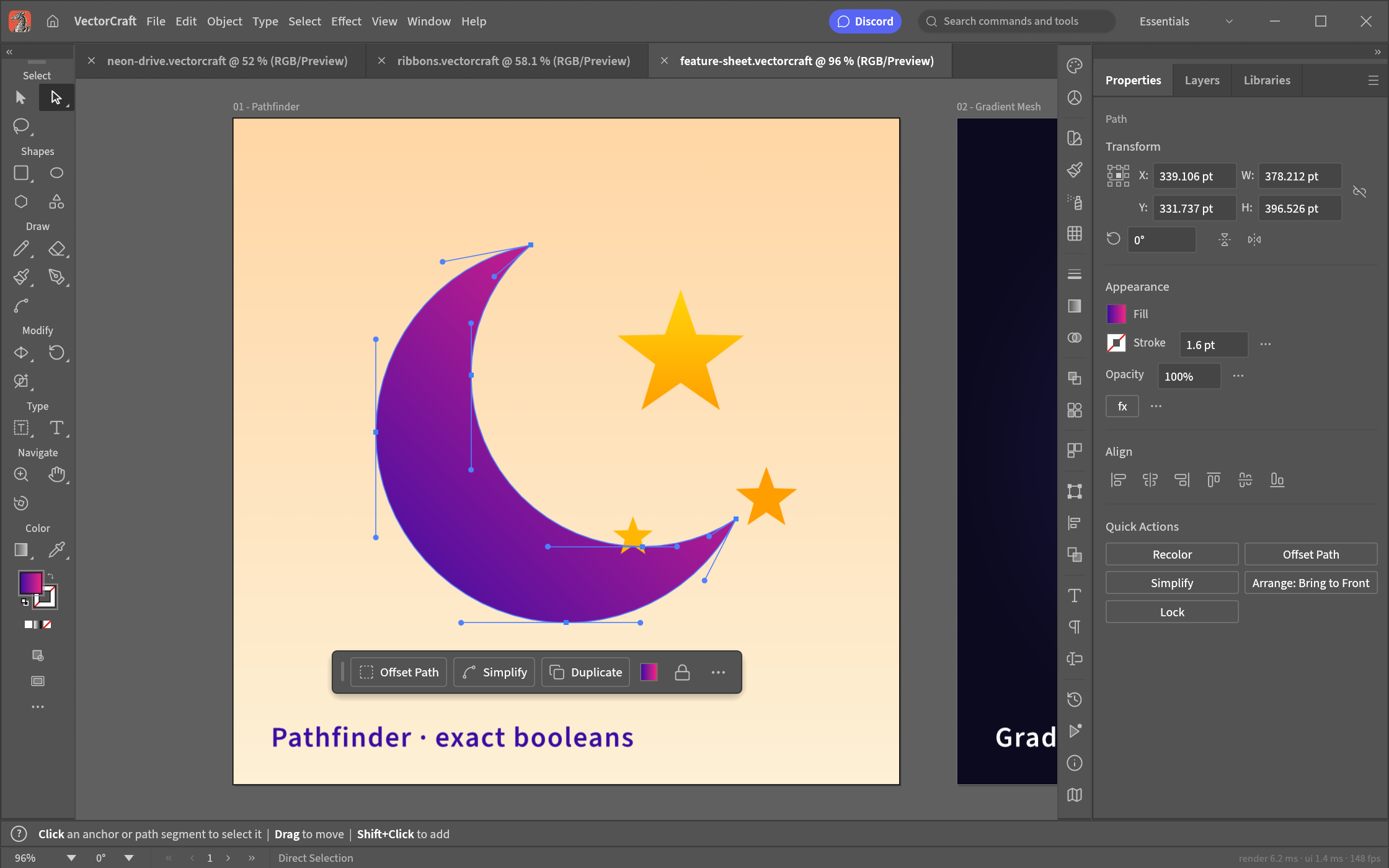
Pen and Direct Selection: real Bézier anchors and handles, plus a contextual task bar |
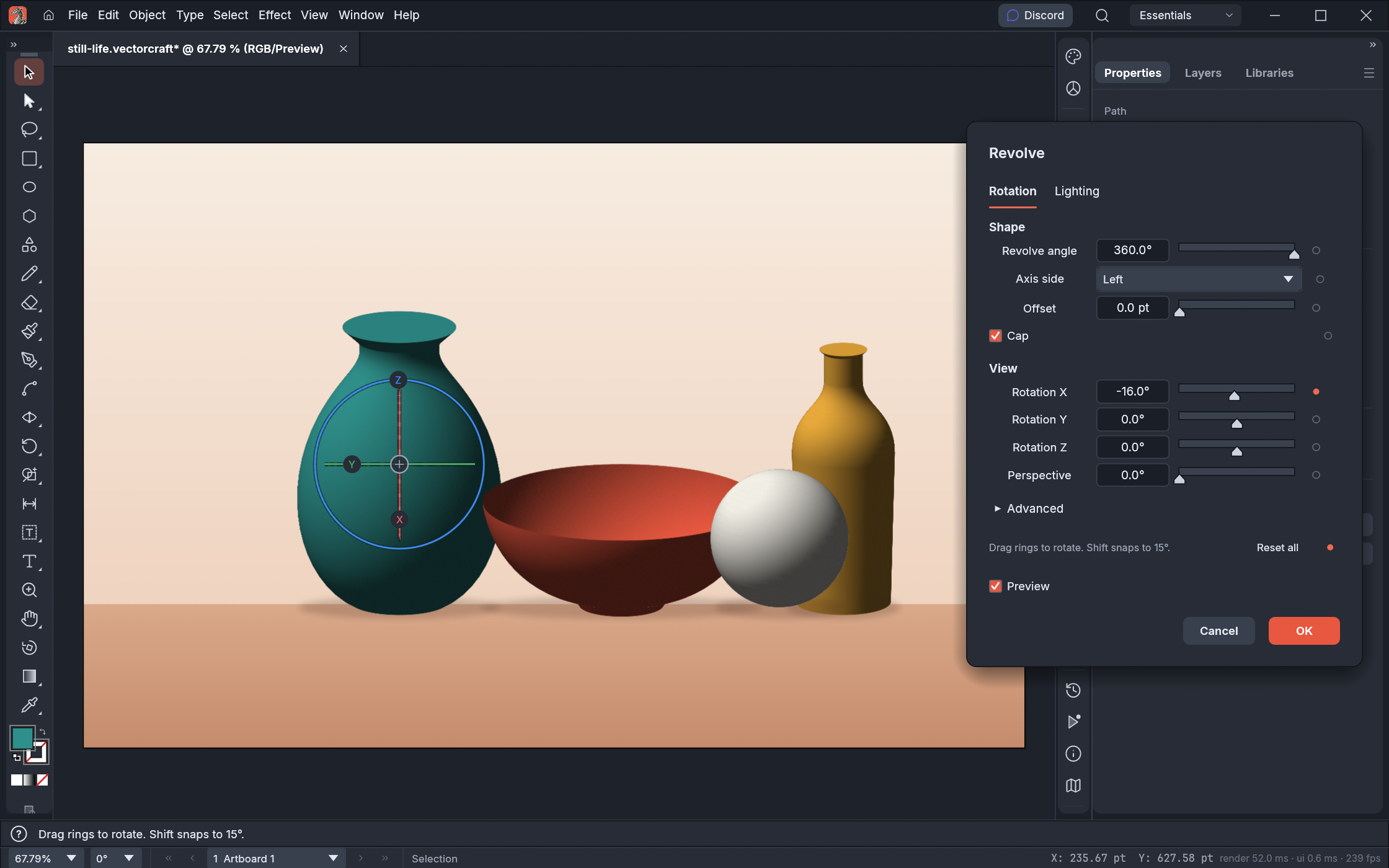
3D Revolve: smooth vector shading, caps and a rotation gizmo · |
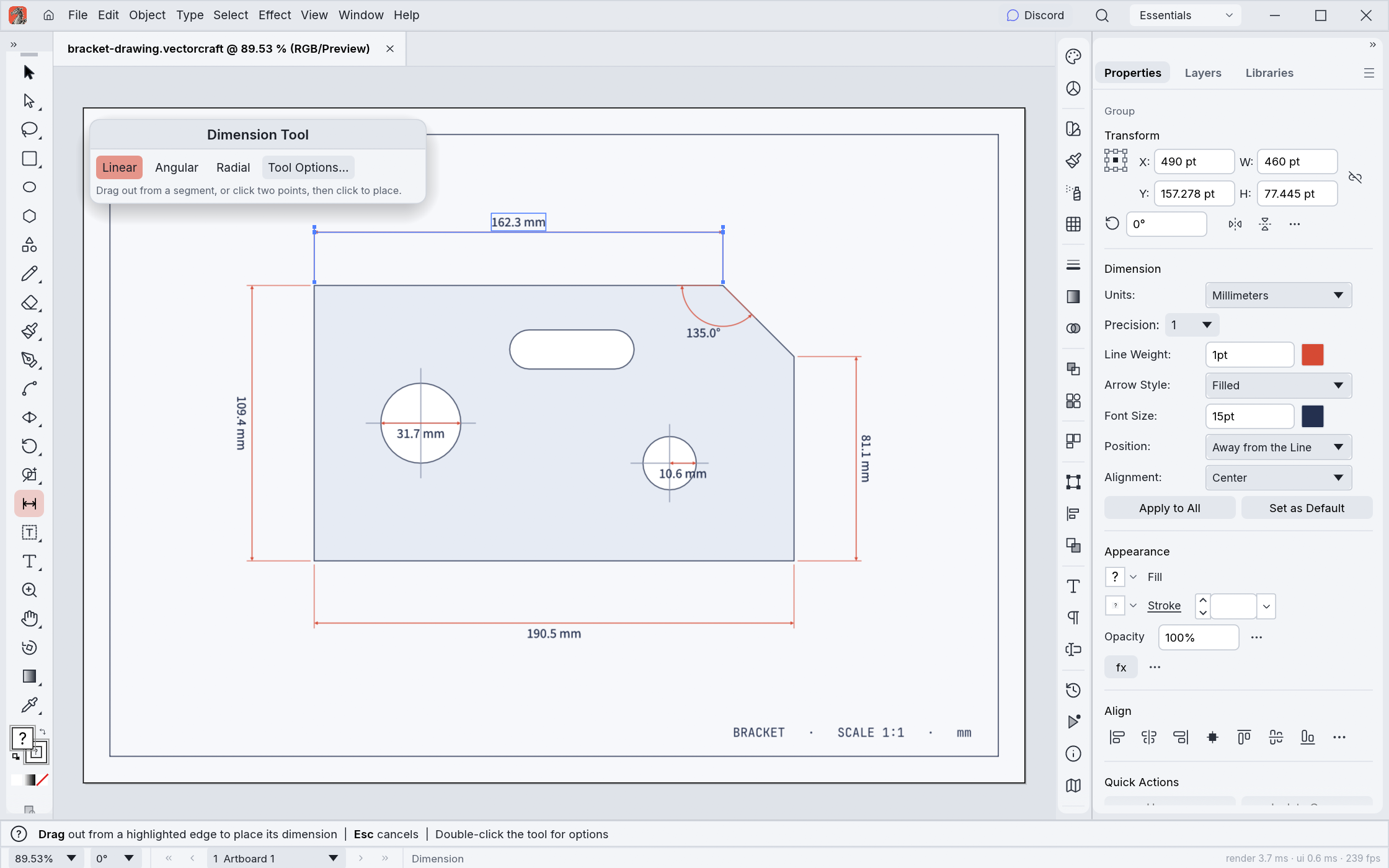
Dimension tool: lengths, angles and radii that follow the art they measure · |
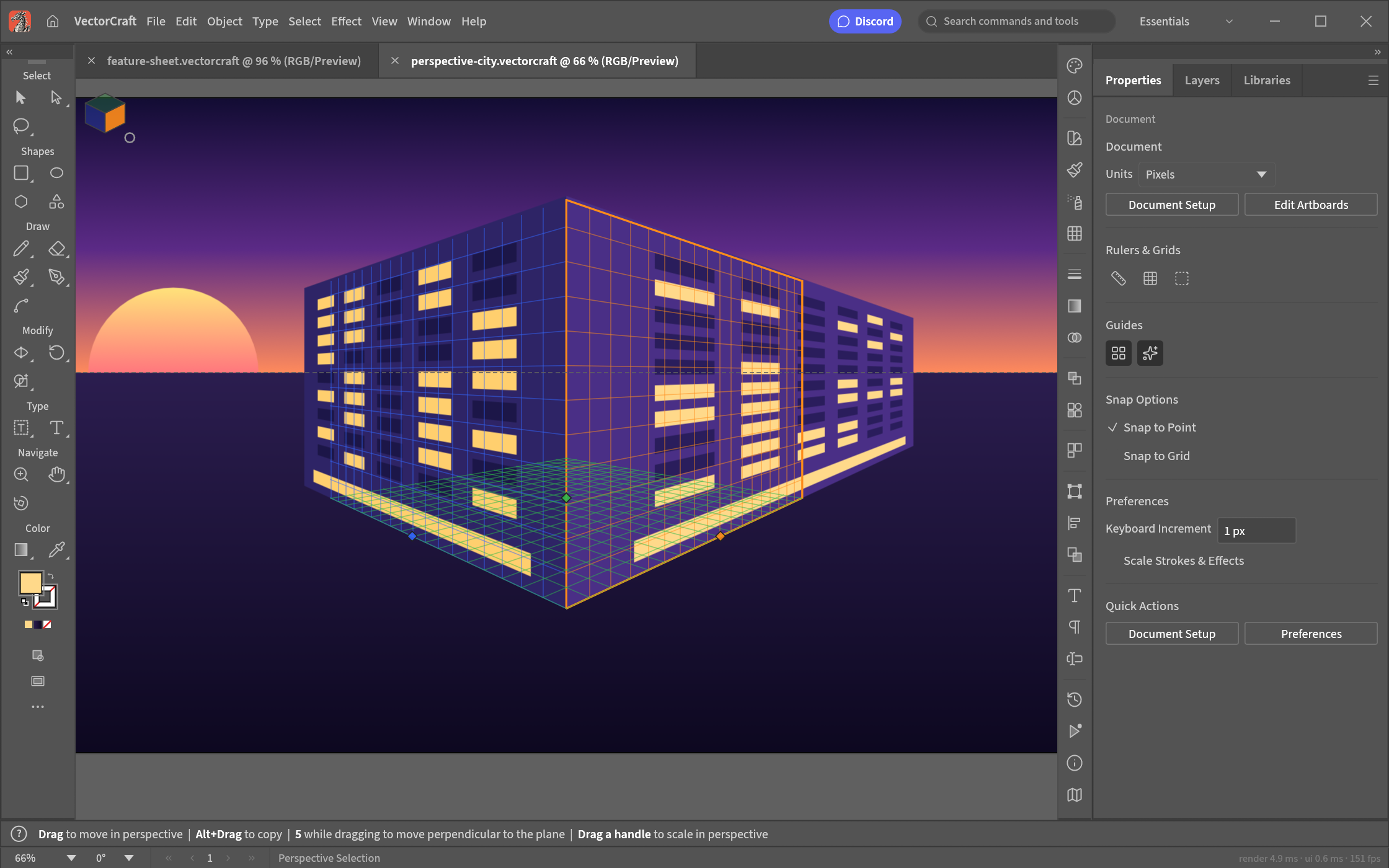
Perspective Grid: art attached to its planes stays editable in perspective · |
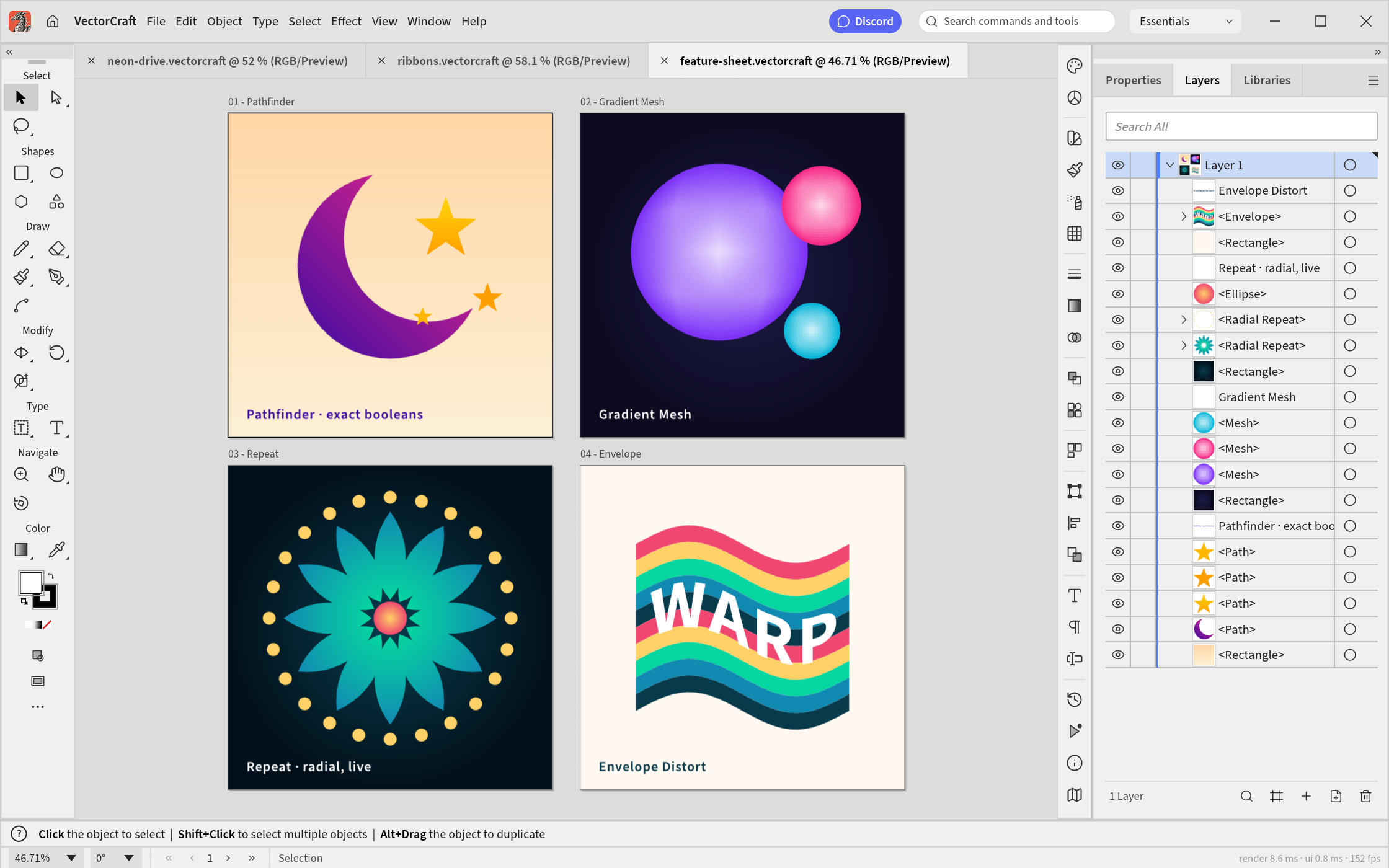
Multiple artboards, light theme: Pathfinder · Gradient Mesh · live radial Repeat · Envelope Distort · |
Made in VectorCraft
Every piece below was built entirely through VectorCraft's command API, the same one the MCP server
exposes to agents, and exported by VectorCraft's own renderer. The source files are in
examples/.
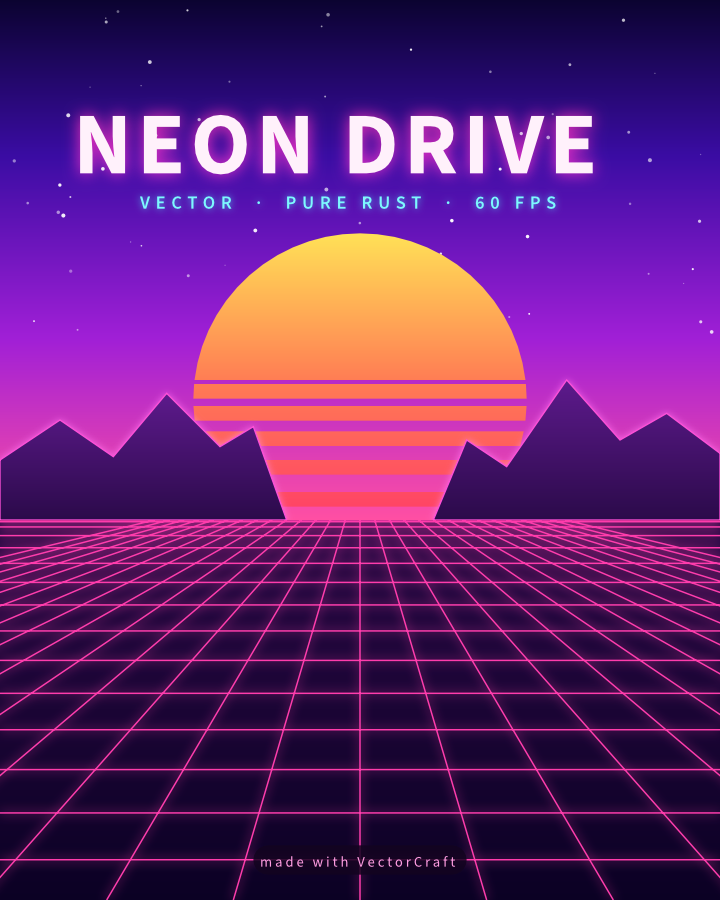
Neon Drive: synthwave poster with glowing type and grid |
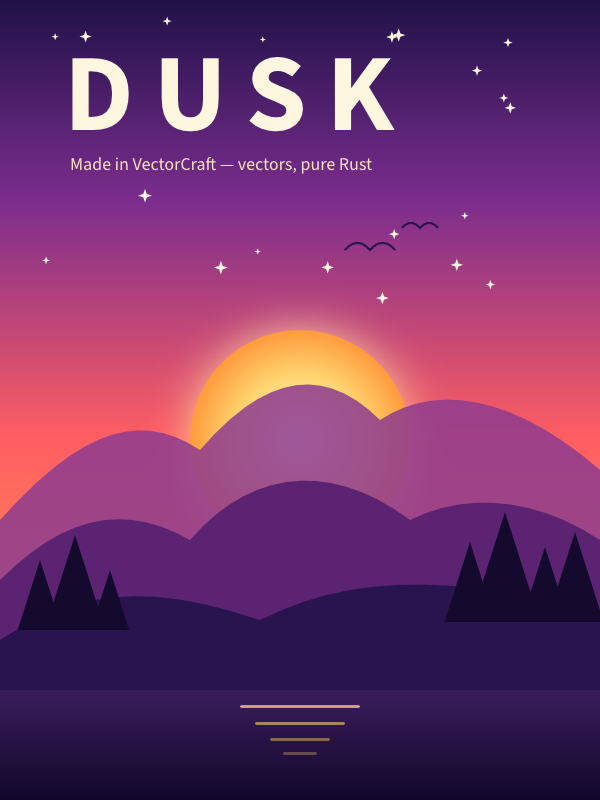
Dusk: gradient sky, glowing sun, layered mountains |
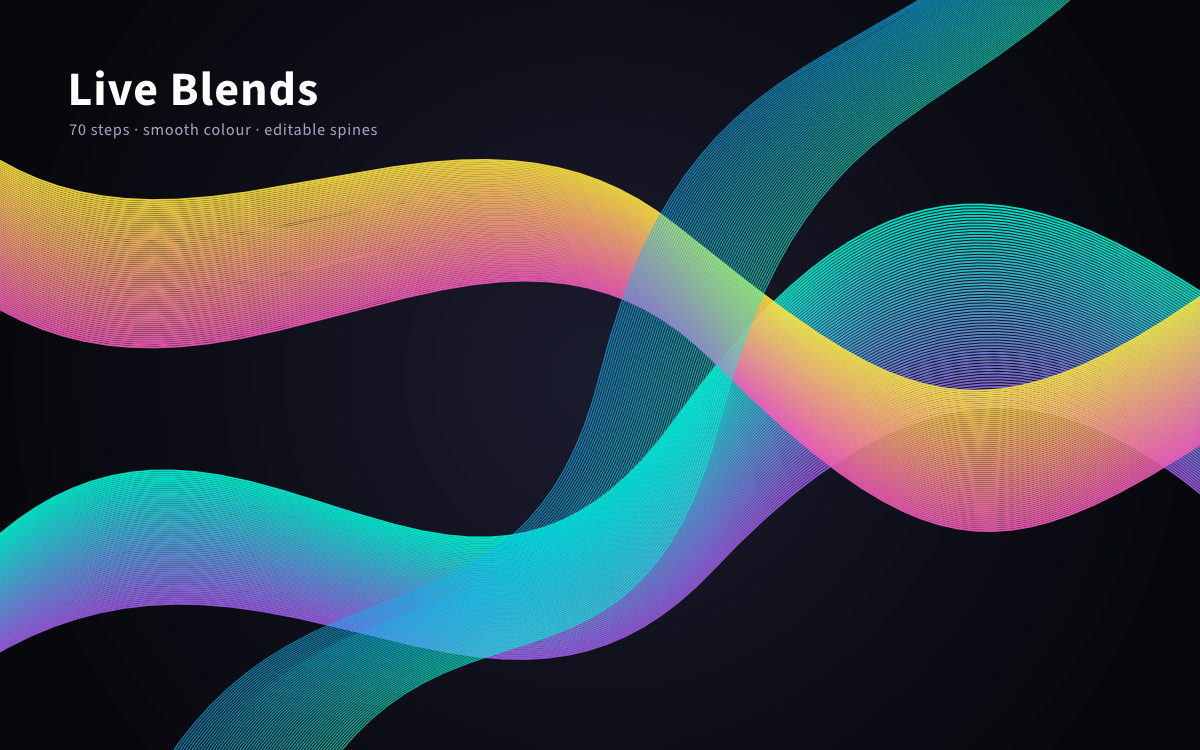
Live Blends: 70 steps, smooth colour, editable spines |
|
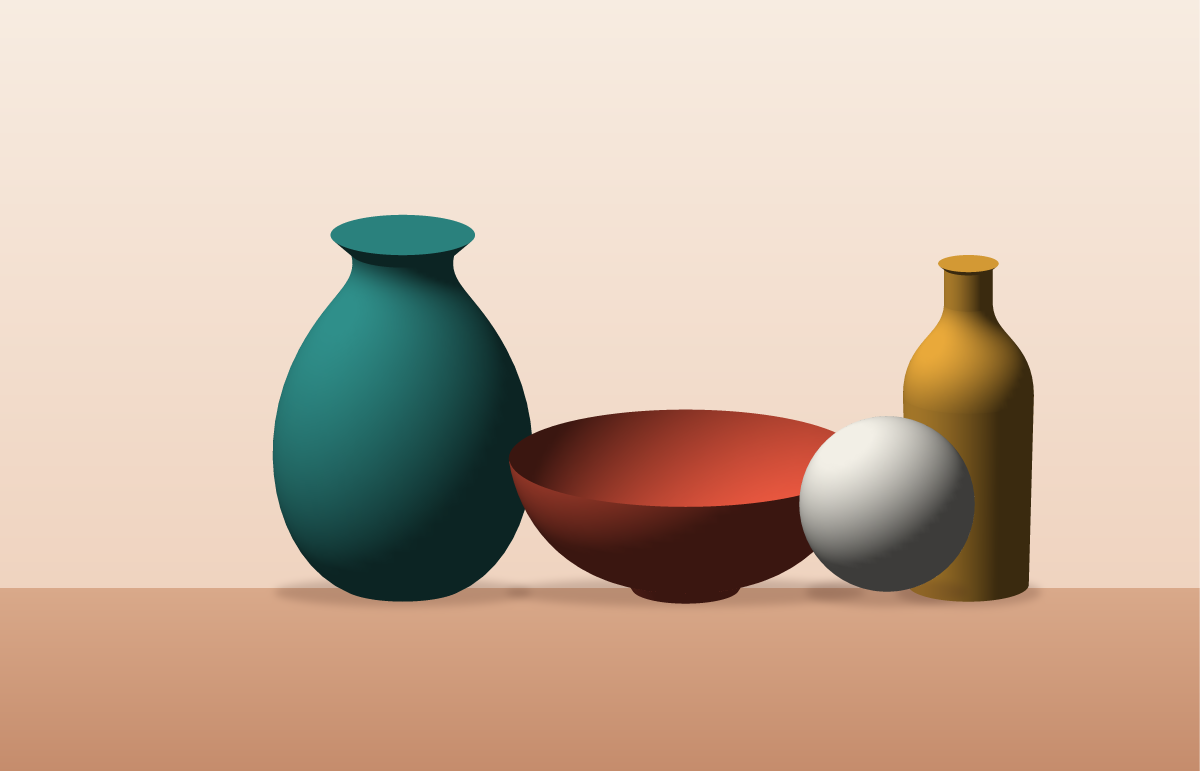
Still Life: four revolved profiles with smooth vector shading |
|
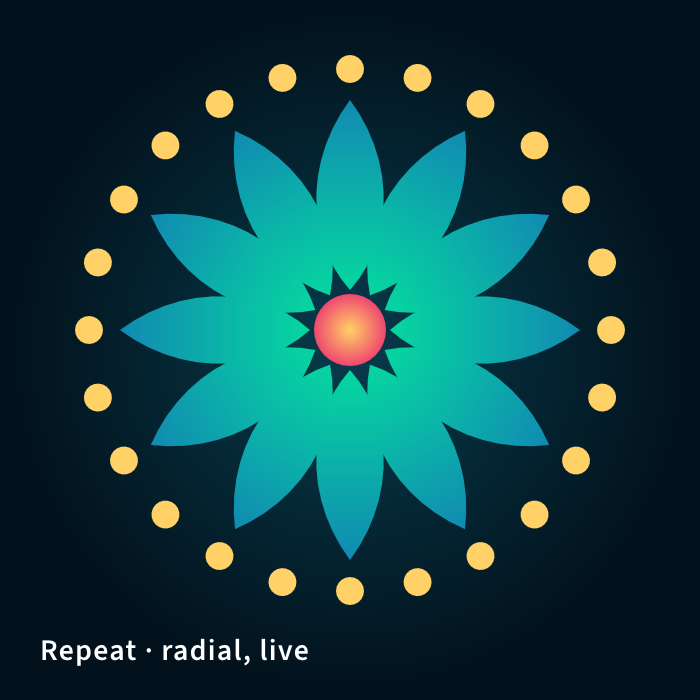
Radial Repeat: a live mandala |
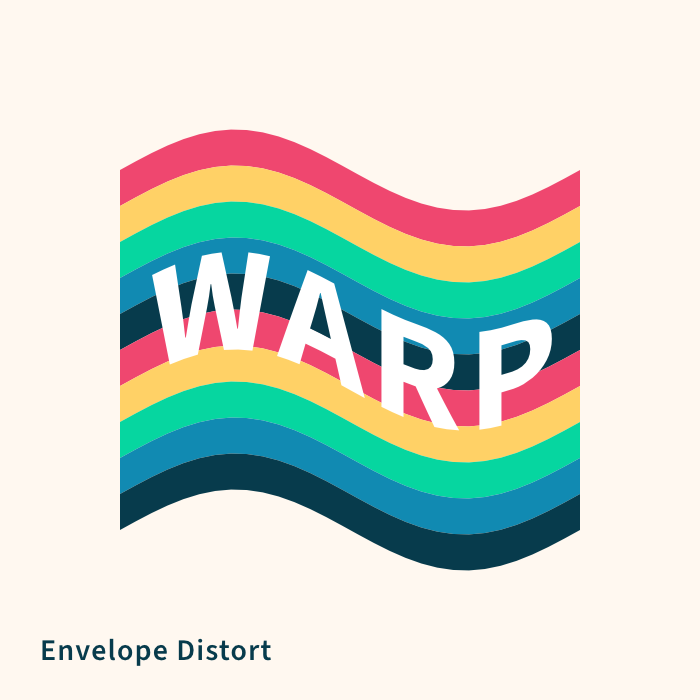
Envelope Distort: striped type warped into a flag |
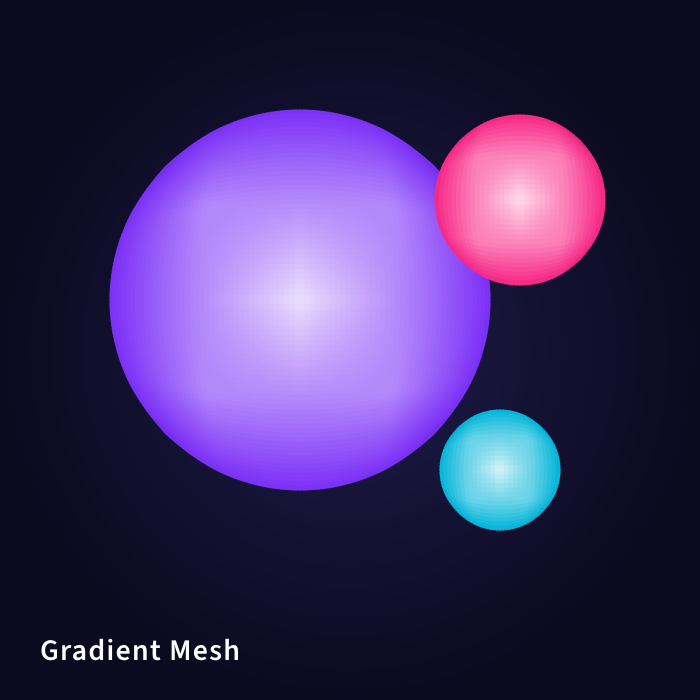
Gradient Mesh: shaded spheres |
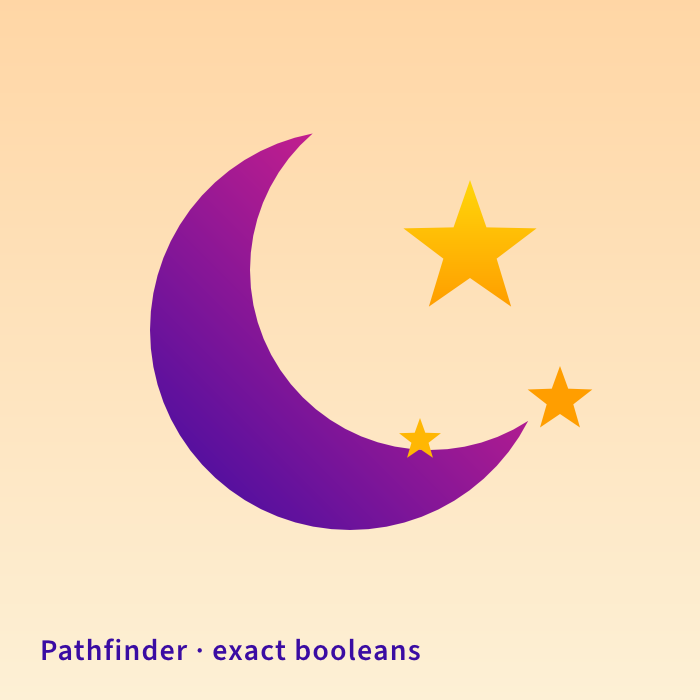
Pathfinder: a crescent and stars from exact booleans |
Why VectorCraft
- Familiar. A familiar layout, tools, menus, panels and shortcuts: the Pen, Direct Selection, Pathfinder, Smart Guides, Appearance, Swatches, Layers and more. You already know how to use it.
- Fast. Multithreaded SIMD rendering off the UI thread. 20,000 shapes render in about 27 ms at full retina resolution while the interface stays at 120 fps.
- Robust. Exact curve booleans (no "cannot perform operation"), unlimited undo via structural sharing, and property-tested file round trips.
- Open. A documented native format (
.vectorcraft, JSON), first-class SVG, PDF (and PDF-compatible.ai) import and export, PNG/JPEG/WebP export, Export for Screens, and SVGZ, templates, GIF, TIFF and BMP on open. - Agent-native. Every menu item, tool gesture, panel and dialog can be driven over a JSON control channel and an MCP server, so Claude and other agents can draw, edit and export the way a person does.
- Everywhere. One codebase for the desktop apps and the same UI in the browser.
Quick start
For posters and sewing patterns, see Print a large poster across multiple pages.
git clone https://github.com/storytold/vectorcraft
cd vectorcraft

cargo run --release -p vectorcraft                          # desktop app
cargo run --release -p vectorcraft -- examples/dusk-poster.vectorcraft
cargo run --release -p vectorcraft -- --control 7979        # + JSON control channel
cargo run --release -p vectorcraft-cli -- mcp               # MCP server (stdio)
cargo run --release -p vectorcraft-cli -- run --in examples/ribbons.vectorcraft --export out.pdf   # headless batch
cargo run --release -p vectorcraft-cli -- bench examples/neon-drive.vectorcraft                   # render timing
cargo xtask bundle                                        # dist/VectorCraft.app (macOS)
cd apps/vectorcraft-web && trunk build --release            # web build → dist/web
cargo xtask ci                                            # fmt, clippy, tests, layering, wasm, vendor names
For text and custom letter shapes, see Typography and Custom Lettering.
Japanese fonts come from storytold/craft-fonts, an optional
build input (releases always use it): CRAFT_FONTS_DIR="$PWD/../craft-fonts" cargo run --release -p vectorcraft (an absolute path).
Without it, Japanese text uses the installed system fonts. See docs/development.md.
On machines with two graphics processors, VectorCraft renders on the power-saving (integrated) one by default on
Windows and macOS, and on the one the desktop runs on under Linux. To choose, use Preferences › Performance ›
Graphics Processor and restart. If a graphics processor can't show the window, VectorCraft starts again on the
next one. To pick one when starting the app, set WGPU_POWER_PREF=high (or low), or WGPU_ADAPTER_NAME to part of
its name, such as WGPU_ADAPTER_NAME=nvidia (see docs/development.md).
On native Wayland, winit 0.30 does not deliver dropped files. To open an SVG, use File › Open;
to place artwork in the current document, copy and paste the file in a file manager. For file
drag-and-drop, set Preferences › Performance › Linux Display Server to X11 (XWayland) and restart, or start
the app with WAYLAND_DISPLAY= vectorcraft: the window then opens through XWayland, where drops work
(see docs/development.md).
On Linux with Wayland, under KDE Plasma 6.3 or later and under GNOME, VectorCraft doesn't respond to a drawing tablet's
pen yet (#491, #2028). Open the window through XWayland instead, where the pen works as a mouse and the app reads its
pressure: set the same preference to X11 (XWayland), or to X11 (XWayland) When a Pen Is Attached to use
XWayland only when a pen is attached as VectorCraft starts, and restart; or start the app with
WAYLAND_DISPLAY= vectorcraft (see docs/development.md).
Use it from Claude Code and other agents
Register the MCP server with Claude Code:
claude mcp add vectorcraft -- /path/to/vectorcraft-cli mcp
To keep an agent to one project's files, give it folders to read and write (the same flags as PhotoCraft):
claude mcp add vectorcraft -- /path/to/vectorcraft-cli mcp --automation-read-root /work/project --automation-write-root /work/project
The details are in docs/mcp.md and docs/control-protocol.md.
For the experimental, unsupported 64-bit Windows 7 build, see Windows 7 instructions.
Status
VectorCraft is under active development. ROADMAP.md has the stage, the numbers by dimension
and what's next; docs/target-app-parity.md the full parity assessment and
docs/gaps.md the ranked list of what's missing.
Where we are (2026-10-10): alpha. About 88% of core menu items, tools, effects and formats exist
(92.5% of menu items do something), feature depth is 75%, and we estimate ~65% ready for real work for a mainstream illustrator (62% across all tracked features): everyday
vector illustration is close to usable: drawing and path tools,
Pathfinder and Shape Builder, paint, gradients, appearance and transparency, type with styles, threading and Hebrew/Arabic bidirectional layout, and
files (SVG, PDF and PDF-compatible .ai with PDF/X, legacy version 7 .ai keeping layers, groups and type, EPS, DXF, EMF/WMF, raster formats, PSD out and PSD/PSB in as their merged image, Print, Package).
Affinity documents (.af from Affinity 3, .afdesign, .afpub and, by their content, .afphoto from Affinity 1 and 2) open
and place natively: layers, groups, artboards and pages, curves and shapes, fills, gradients and strokes, clipping
and masks, text with each paragraph's indents, spacing and leading, tables (as text frames and lines), master
pages, shadows, glows, outlines and overlays, embedded Affinity documents and images, with what didn't come in
(adjustments, blurs, bevels, brushes…) listed in the import warning; a file whose native data can't be read opens as its embedded preview, saying why. VectorCraft
doesn't write Affinity files. Current .af validation includes 33 pinned files, native save/reload
and every-board SVG/PDF/PSD export, with fixes for Affinity 3 artboards, source-backed JPEGs and text runs.
Scope and limits; source audit and remaining gaps.
The interface
speaks English, German, Japanese, Korean, Vietnamese, Traditional and Simplified Chinese, Spanish, French, Hungarian, Italian, Polish, Brazilian Portuguese, Russian, Swedish, Ukrainian, Finnish, Bulgarian, Greek, Czech and Georgian;
localization-parity.md has the details.
The scores are self-assessed from our code against public documentation;
target-app-parity.md explains how far to trust them.
What's missing:
- reliable exchange of .ai files (layer structure in real files; proprietary editing data isn't written);
- an interaction-fidelity pass covering every tool's modifiers and small behaviours;
- 3D and Materials beyond the initial live Revolve (Extrude & Bevel, Inflate, Rotate, materials);
- filter thumbnails and a preview area inside the Effect Gallery (the gallery itself and all 57 Photoshop-style raster filters, approximated, are in);
- CJK composition for vertical type (vertical type itself has initial support, with a Japanese interface);
- scripting, and the rest of Variables (image and graph kinds, dataset import);
- generative AI features.
Where we're going: next is the interaction-fidelity pass, .ai files from real users and start-up stability,
alongside the raster-effects package; then type, recent additions and 3D. The ranked list is in
docs/gaps.md.
Workspace: crates/{geom, color, doc, pathops, text, effects, three-d, trace, brush, render, svg, pdf, eps, cad, metafile, format, tools, engine, ui-egui, mcp, testkit}
and apps/{vectorcraft, vectorcraft-cli, vectorcraft-web}. The egui frontend is its own crate, so
the UI can be swapped without touching the engine.
Agent and contributor rules (clean-room, the asset policy, no panics in shipped code, quality gates) are in
AGENTS.md; docs/development.md
explains how VectorCraft avoids crashing, and docs/releasing.md how releases are built,
signed and published. Every bundled asset is listed with its licence in ASSETS.md.
Downloads
New to VectorCraft? Download it from the VectorCraft page on getartcraft.com. That's the easiest way to install it.
Want a specific build or format? On GitHub, the latest release has every build listed below, and all releases has earlier versions and their notes. <ver> in the file names is the version number, and SHA256SUMS.txt lists a checksum for every file.
Windows
| Build | Installer | Portable |
|---|---|---|
| x64 (64-bit Intel/AMD) | vectorcraft-<ver>-windows-x64.msi |
vectorcraft-<ver>-windows-x64-portable.zip |
| arm64 (Snapdragon and other ARM PCs) | vectorcraft-<ver>-windows-arm64.msi |
vectorcraft-<ver>-windows-arm64-portable.zip |
| x86 (32-bit) | vectorcraft-<ver>-windows-x86.msi |
vectorcraft-<ver>-windows-x86-portable.zip |
Installers and executables are code-signed.
macOS
| Build | File | Notes |
|---|---|---|
| App, universal (Apple silicon + Intel) | vectorcraft-<ver>-macos-universal.dmg |
Signed and notarized |
| Command-line tool, universal | vectorcraft-cli-<ver>-macos-universal.zip |
Signed and notarized |
Linux
| Format | x86_64 | aarch64 (ARM64) | Notes |
|---|---|---|---|
| AppImage | vectorcraft-<ver>-linux-x86_64.AppImage |
vectorcraft-<ver>-linux-aarch64.AppImage |
Runs anywhere; updates itself with AppImageUpdate (.zsync files) |
| Flatpak | vectorcraft-<ver>-linux-x86_64.flatpak |
vectorcraft-<ver>-linux-aarch64.flatpak |
Sandboxed; flatpak install --user <file> |
| Debian/Ubuntu | vectorcraft-<ver>-linux-x86_64.deb |
vectorcraft-<ver>-linux-aarch64.deb |
|
| Fedora/RHEL/openSUSE | vectorcraft-<ver>-linux-x86_64.rpm |
vectorcraft-<ver>-linux-aarch64.rpm |
|
| Tarball | vectorcraft-<ver>-linux-x86_64.tar.gz |
vectorcraft-<ver>-linux-aarch64.tar.gz |
Unpack anywhere |
FreeBSD
| Build | File |
|---|---|
| x86_64 | vectorcraft-<ver>-freebsd-x86_64.tar.gz |
Web (WebAssembly)
| Build | File | Notes |
|---|---|---|
| Static site | vectorcraft-web-<ver>.zip |
Runs in a modern browser; host it on any static server |
The Crafting Apps
VectorCraft is one of the Crafting Apps: free, open-source creative tools from the ArtCraft team, each written from scratch in Rust and each able to stand on its own.
| App | What it's for | Code | Learn more | |
|---|---|---|---|---|
 |
PhotoCraft | Image editing: layers, masks, type and real PSD files | GitHub | Website |
 |
VectorCraft | Vector illustration · you are here | GitHub | Website |
 |
FilmCraft | Video editing, color and sound | GitHub | Website |
 |
LightCraft | Photo library and raw development | GitHub | Website |
 |
PdfCraft | Reading, organizing and protecting PDFs | GitHub | Website |
 |
EffectCraft | Motion graphics and visual effects | GitHub | Website |
 |
DesignCraft | Page layout and publishing | GitHub | Website |
And ArtCraft itself, our AI image and video studio for artists who want real control.
Come make things with us
Our Discord is where artists of every kind hang out: people who paint, shoot, draw, cut film, set type, and people still figuring out what they like to make. Share what you're working on, ask for help, tell us what's broken, or tell us what you wish these tools could do. Whatever your medium and however long you've been at it, you're welcome here.
discord.gg/artcraft · getartcraft.com · The Crafting Apps · VectorCraft
Star history
License and credits
VectorCraft is dual-licensed under MIT or Apache-2.0, at your option. Copyright (c) 2026 ArtCraft Team and the VectorCraft contributors. Required notices are in NOTICE.
Bundled fonts, icons, images and other assets keep their own open licenses; each one is listed with its author, source and license in ASSETS.md. Release builds also embed the fonts of craft-fonts (Japanese, Simplified Chinese and Arabic faces; SIL Open Font License 1.1).
The app icon (an engraved dragon on VectorCraft red, #e8573f) is the owner's original artwork; its
palette and files are in assets/app-icon/.
The ArtCraft name, wordmark and logos in docs/brand/ are trademarks of the
ArtCraft Team and are not covered by this license. They may be used only unmodified, and only as
part of this repository and VectorCraft, under docs/brand/LICENSE-brand.txt.
Forks and modified versions must remove them.

Made by the ArtCraft team and community.
