kiosk-satellite



Kiosk Satellite is an Android app designed for dedicated Home Assistant kiosks, with native Voice Satellite support, synchronized music playback and photo screensavers.
Kiosk Satellite is fully local and free for personal, non-commercial use.
Download · Get started · Documentation
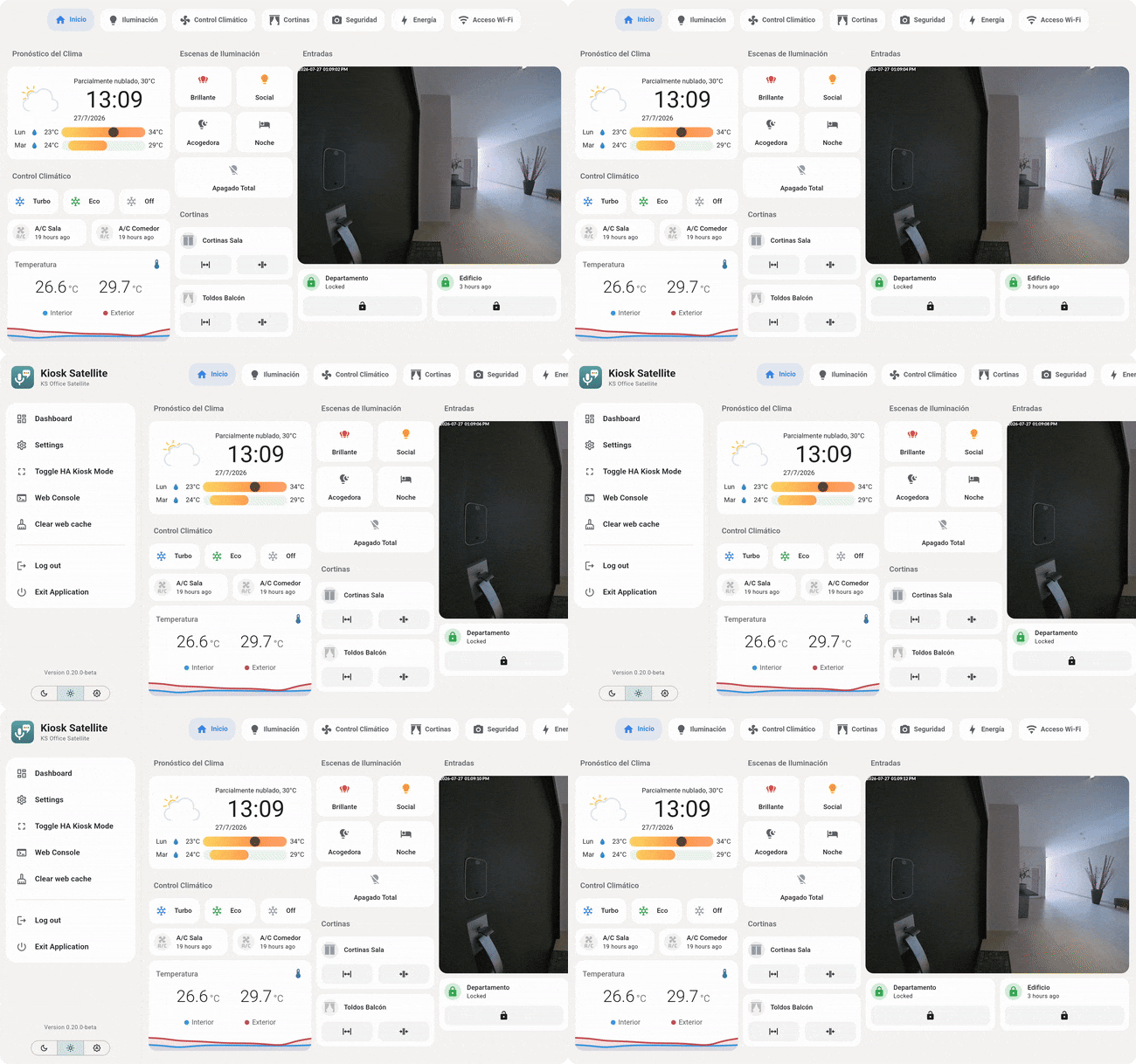
• Native voice control: Kiosk Satellite is a Home Assistant Assist satellite on its own, with Voice Satellite built in: ten skins, timers, announcements and wake word detection that works with the screen off or, with background listening enabled, while another app is open. Nothing to install in Home Assistant.
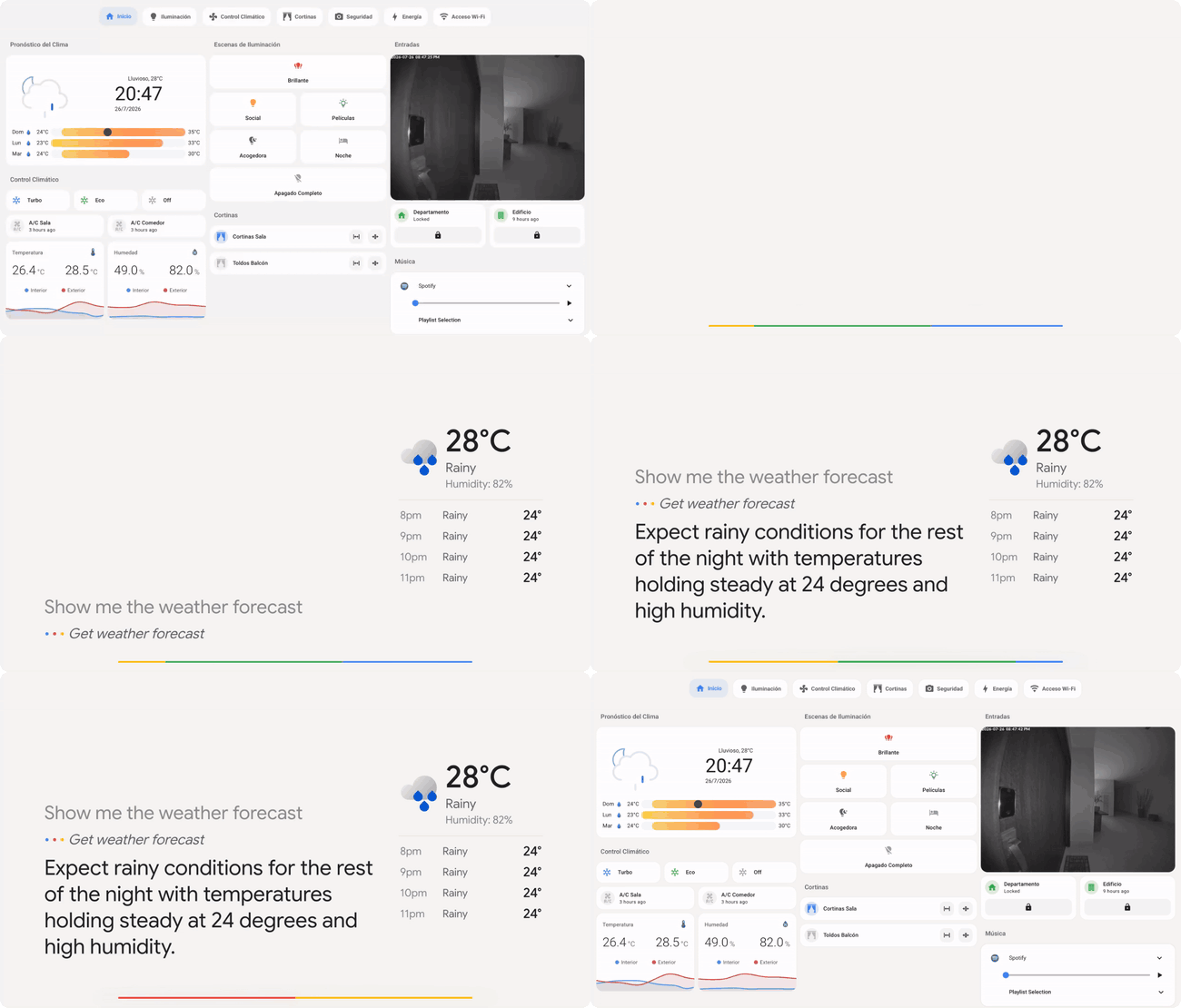
• Dashboard performance: Optional optimizations reduce unnecessary dashboard updates and pause rendering during screensavers to lower CPU and GPU usage on older devices. Voice and the Home Assistant connection stay active.
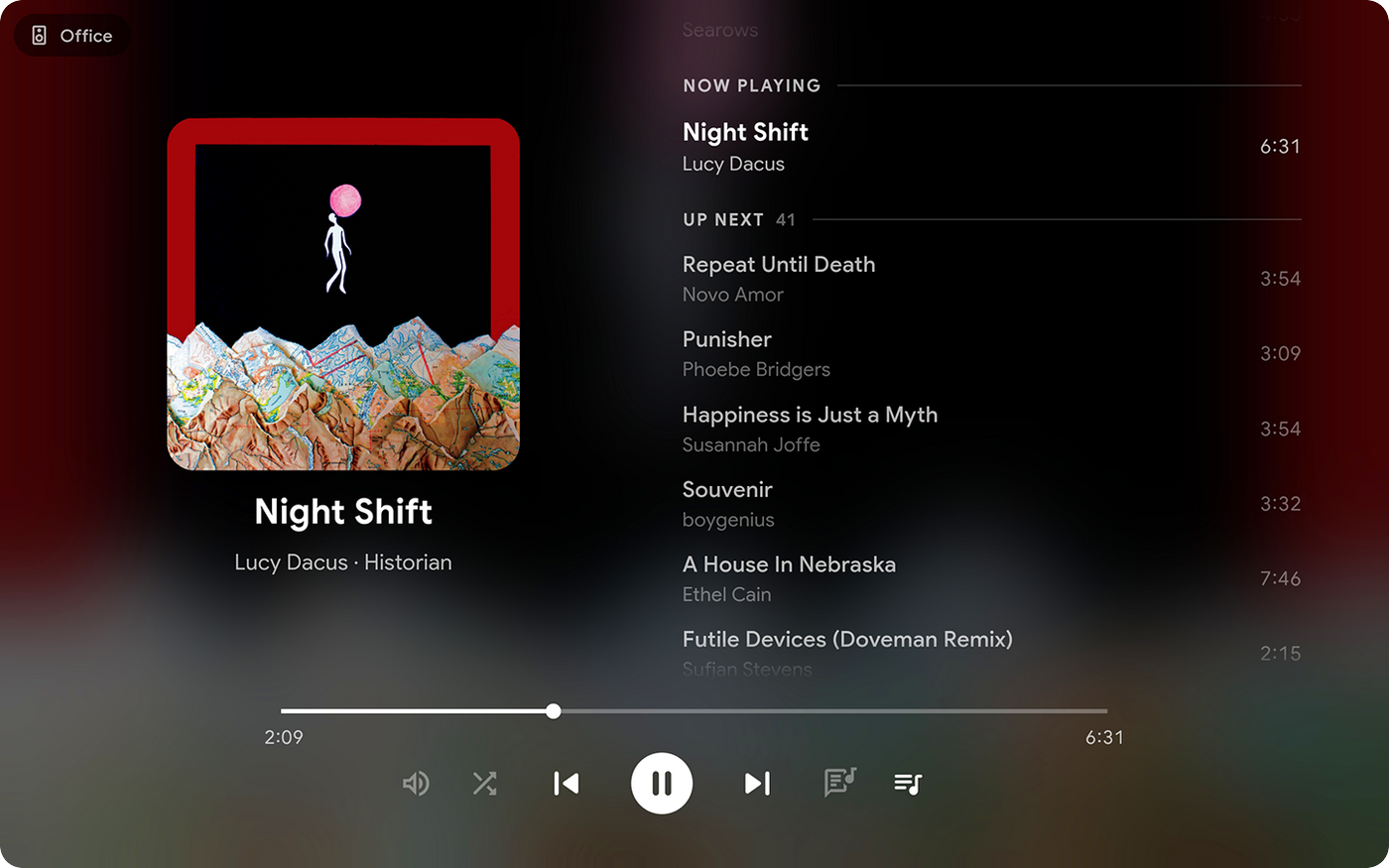
• Music playback: Synchronized Music Assistant audio through Sendspin, AirPlay from an iPhone, iPad or Mac and the option to follow a Home Assistant or Sonos player. The full-screen Now Playing view shows album art, playback controls and supported lyrics.
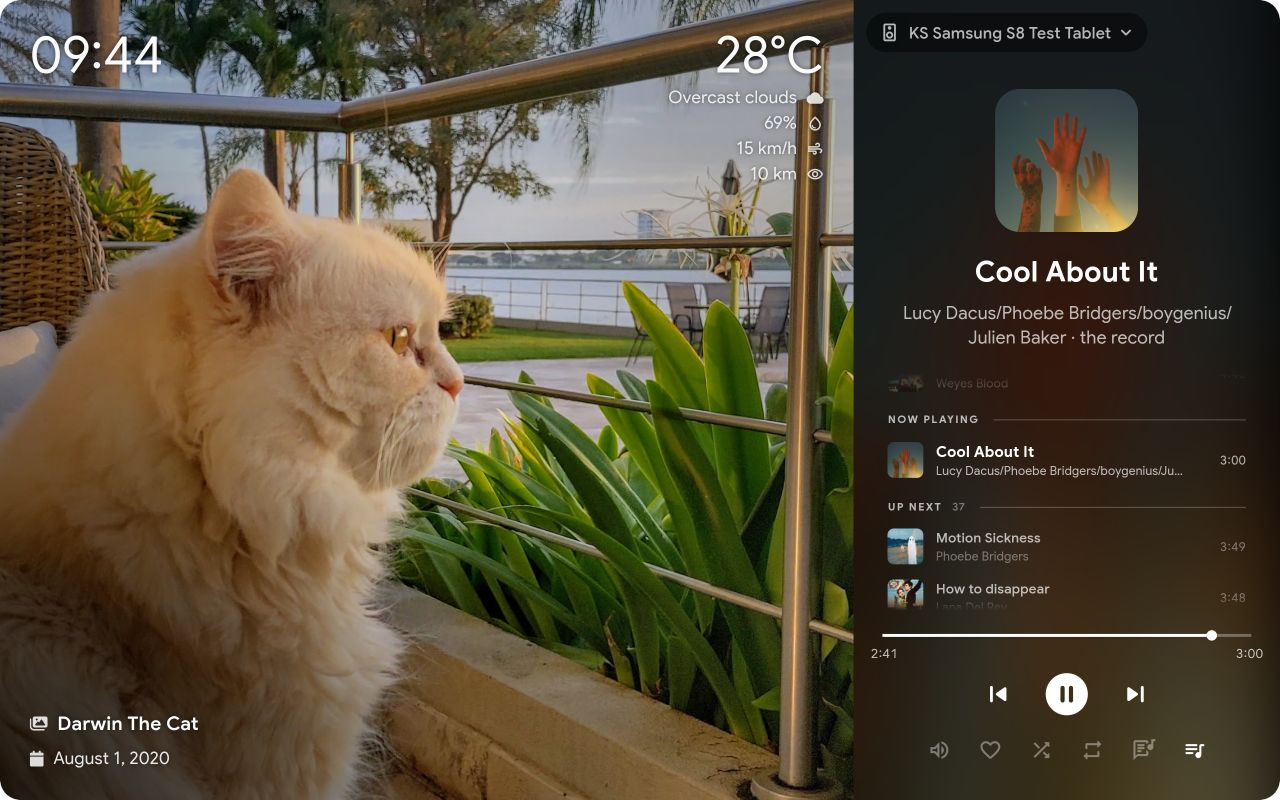
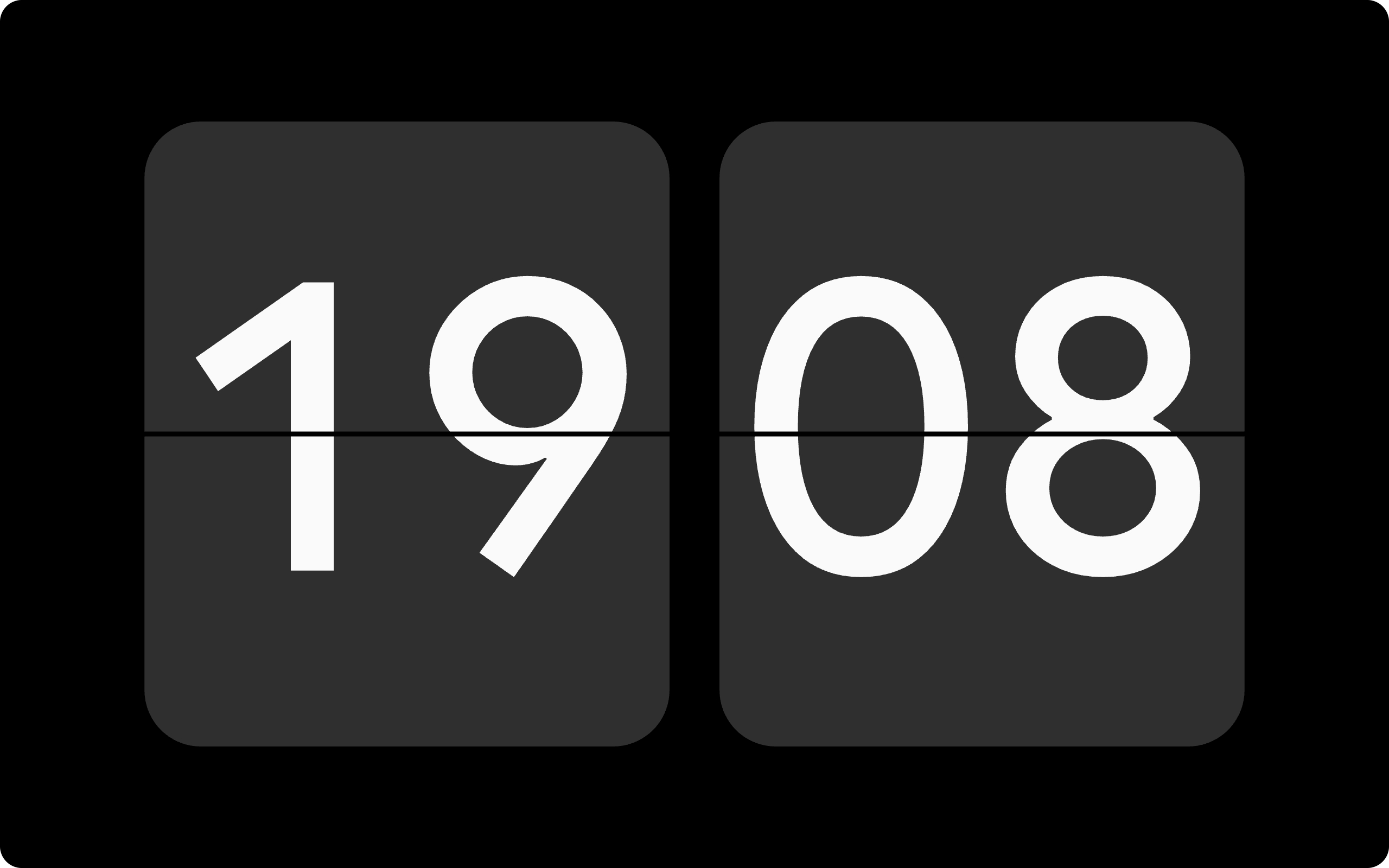
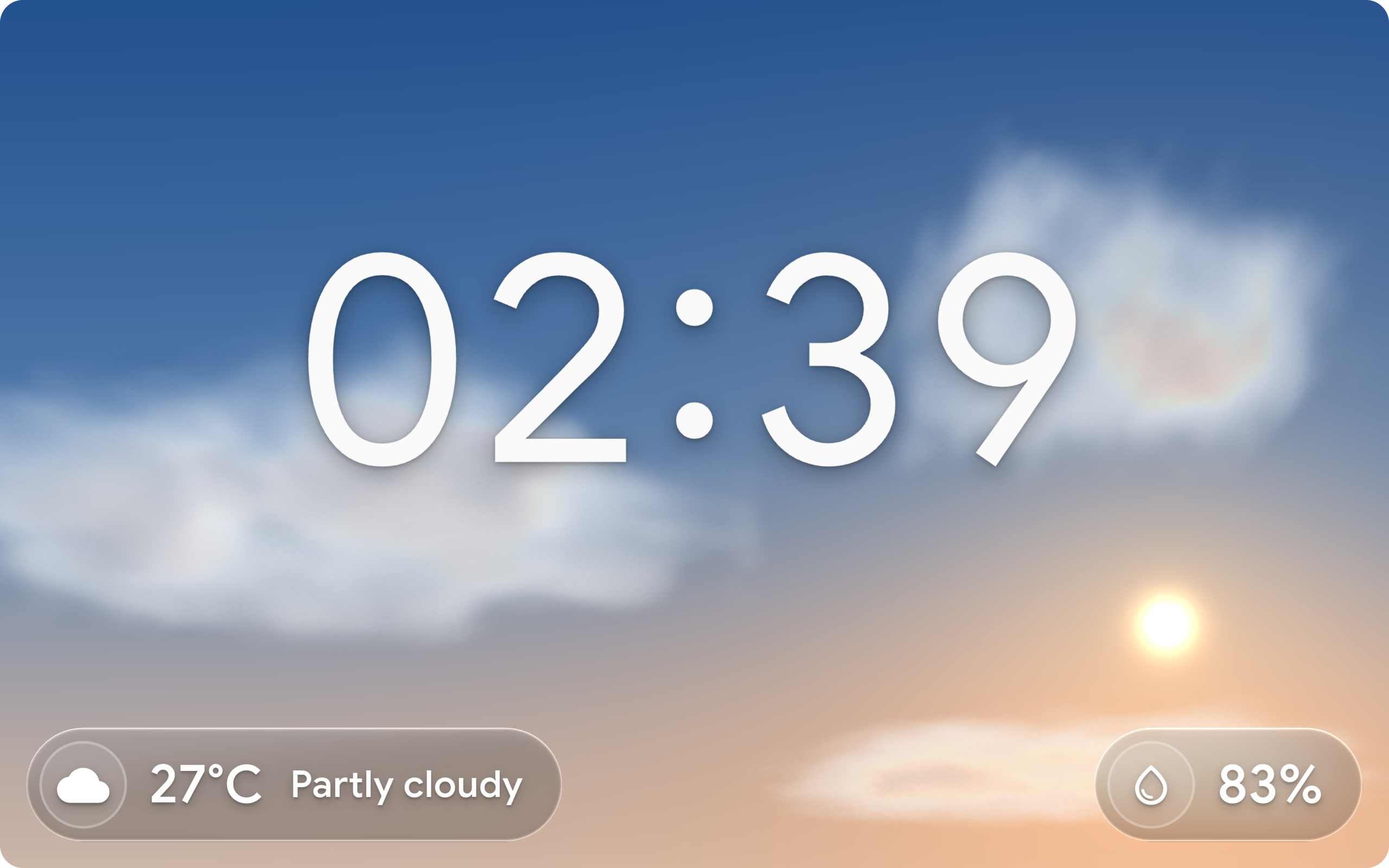
• Screensavers: Immich albums, local photos, clocks, weather mood and a live night sky, with motion, face or presence detection to wake the kiosk.
• Home Assistant integration: The built-in ESPHome connection exposes screen controls, volume and device sensors. An optional Bluetooth proxy relays nearby Bluetooth devices to Home Assistant.
• Remote administration: Configure the app, view live screenshots, read logs and back up settings from a browser. Fleet management shares configuration profiles and coordinates updates across multiple kiosks.
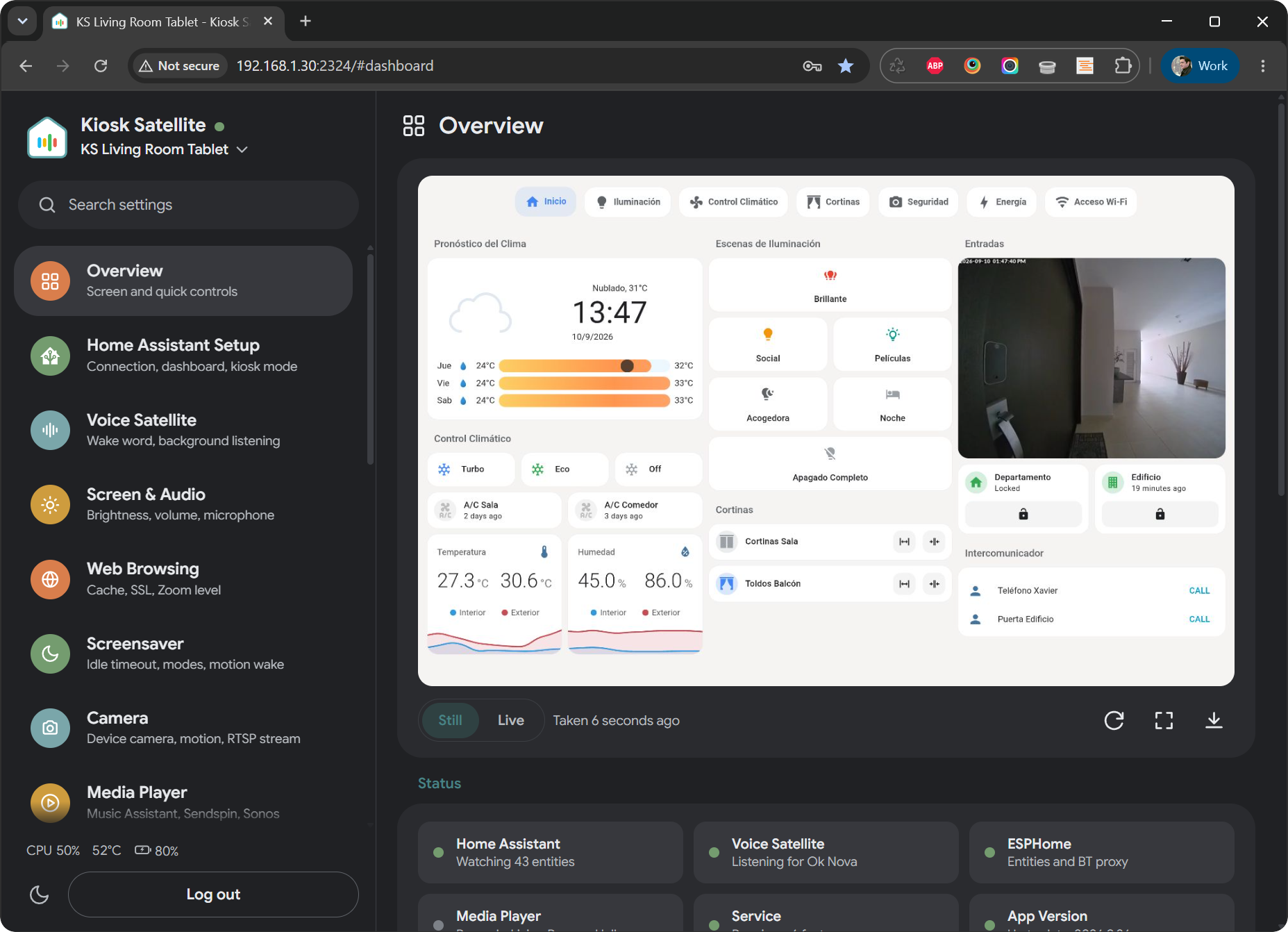
• Intercom: Kiosks can call each other or broadcast to all kiosks at once using the Intercom feature. Kiosks are auto discovered in the local network.
• Alarms: Set alarms that ring on the kiosk itself, with no Home Assistant or network needed. A sunrise can brighten the screen before the alarm rings, and a Clock or Weather Mood screensaver can show the alarm with Snooze and Stop in its own style.
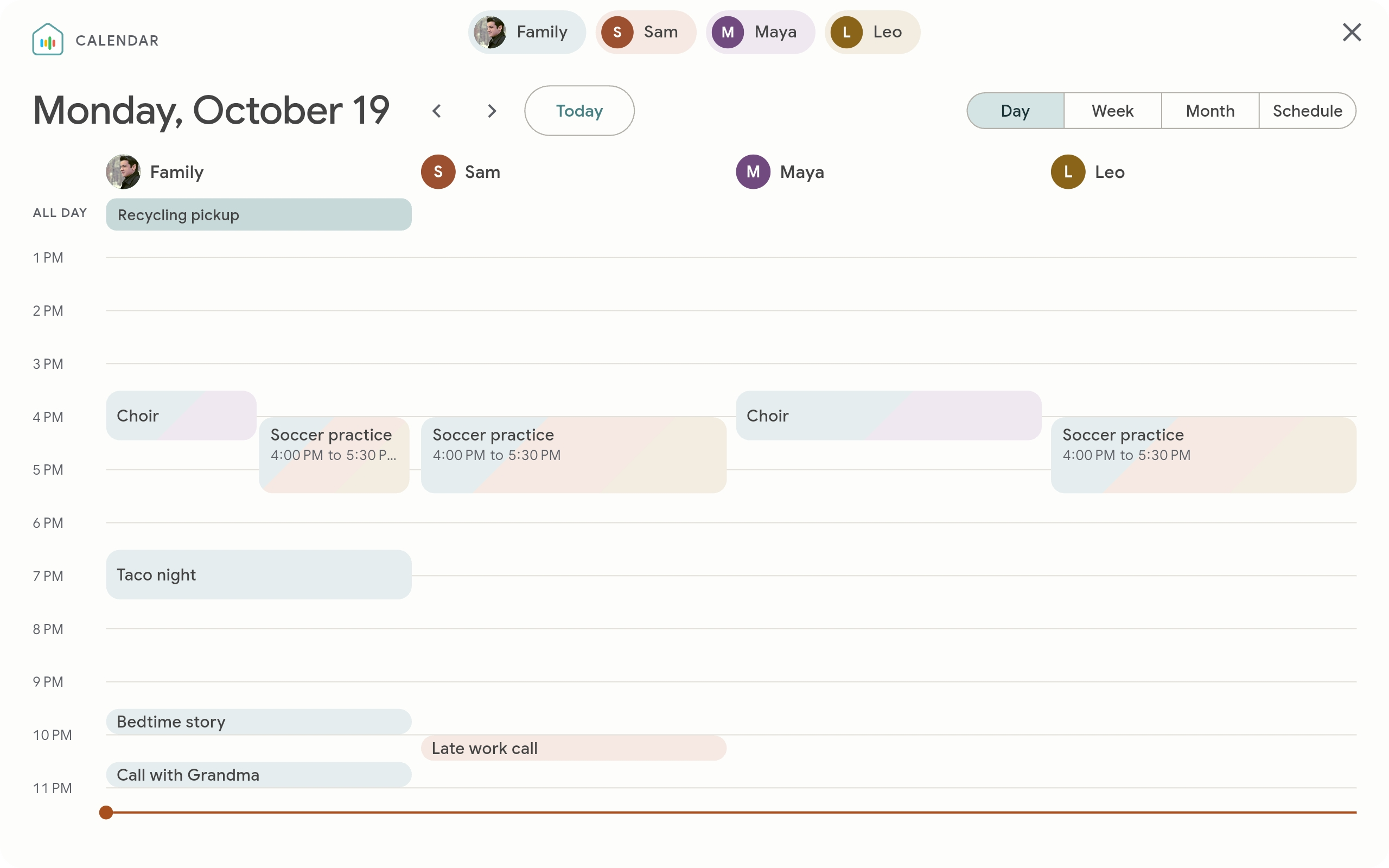
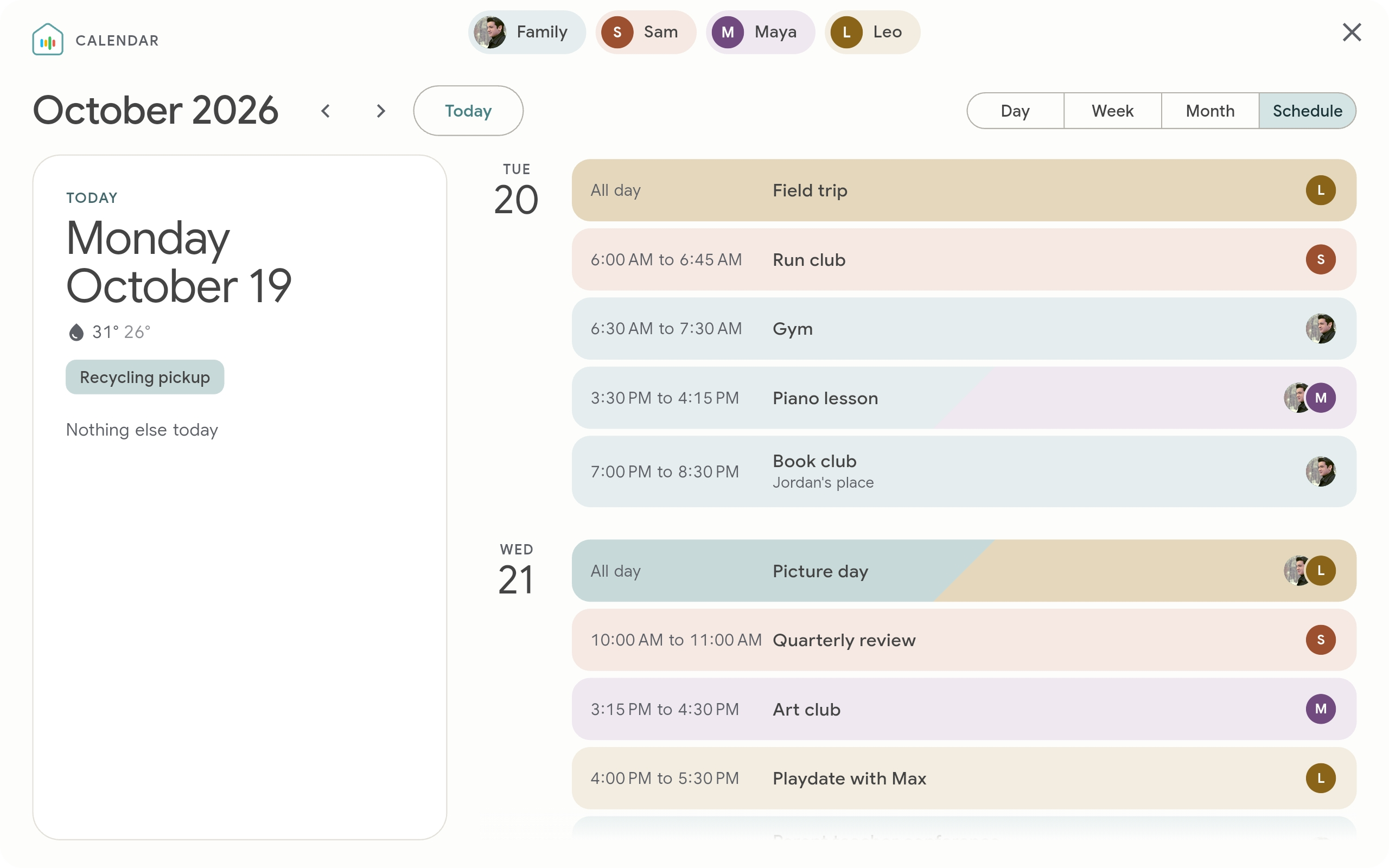
• Calendar: Show your Home Assistant calendars as a family calendar with Day, Week, Month and Schedule views. Each person gets a color, and an event shared by several people is split between their colors.
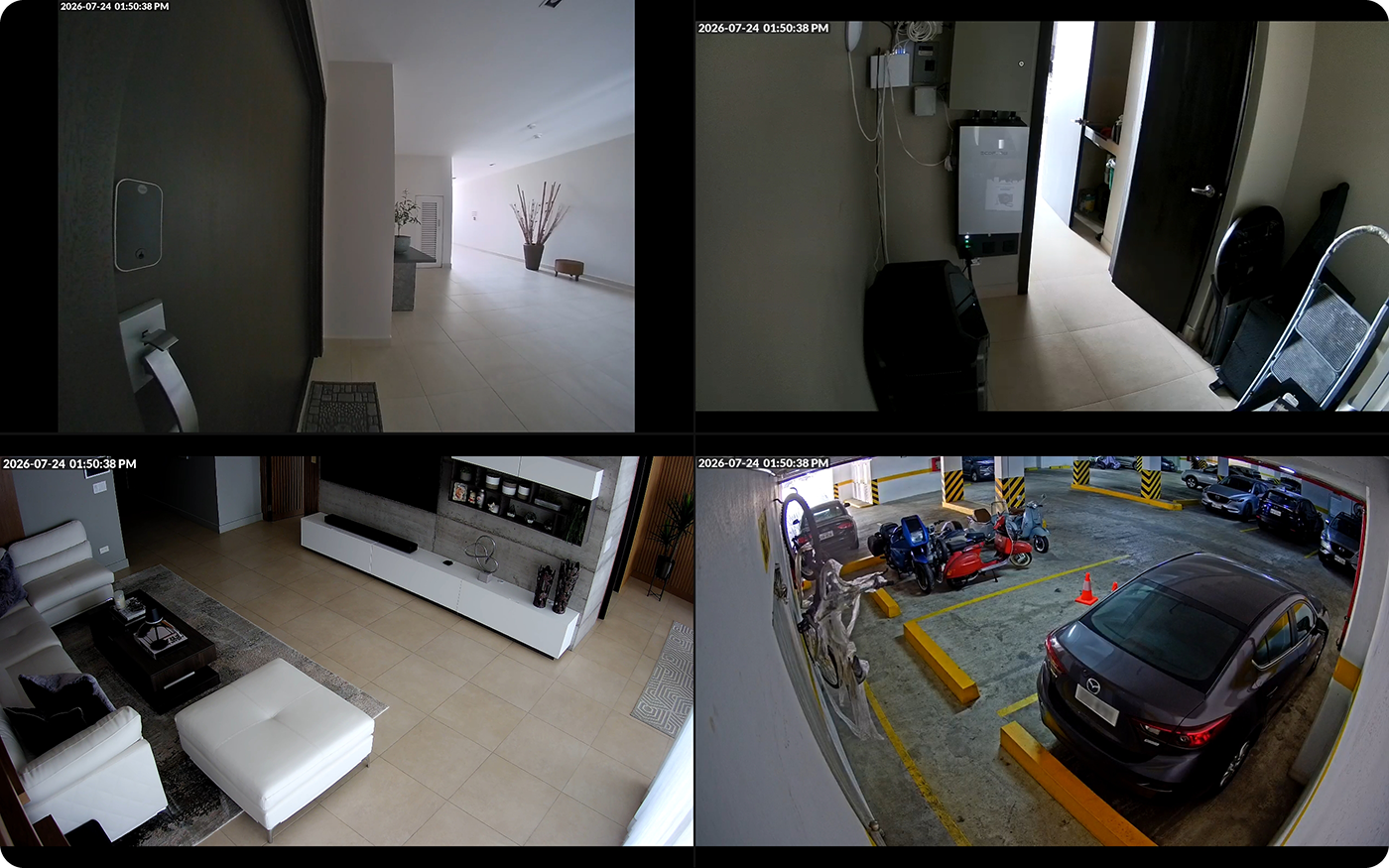
• Kiosk conveniences: Use hand gestures to run Home Assistant actions or open a camera view by holding up fingers to the device camera. Set Kiosk Satellite as the home launcher on supported devices so the Home button returns to your dashboard. Arrange up to twelve live feeds in camera views, with camera imports from Home Assistant or Go2RTC.
Also built in: PIN-protected kiosk mode, touch and clap gestures, DLNA media playback, RTSP streaming, Shizuku support and more!
Get started
You need Android 7.0 or newer, a reachable Home Assistant instance and a long-lived access token from Home Assistant Profile → Security → Long-lived access tokens.
- Download the latest APK on your Android device.
- Open it to install. Allow installation from this source if Android asks.
- Launch Kiosk Satellite and follow the setup wizard to connect Home Assistant and choose your dashboard.
You can also enable Remote Administration in the first setup step and finish setup from your computer at http://<device-ip>:2324.
For voice control, leave Voice Satellite on in the setup wizard, then add the kiosk in Home Assistant under Settings > Devices & services, where it shows up as discovered. See Voice Satellite.
Documentation
Voice Satellite · Screensavers · Music · ESPHome & Bluetooth · Fleet management
All guides and API references
• Display: Screen settings, custom pages, screensavers, Immich and At a Glance widgets.
• Voice and media: Voice Satellite, microphone, media player, camera views, device camera, intercom and DLNA.
• Kiosk setup: Lockdown, home launcher, gestures, LED control, alarms, optimizations, permissions, Shizuku and updates.
• Automation and management: ESPHome, fleet management, Remote API, TLS encryption and JavaScript API.
• Device guides: Amazon Fire tablets, Echo Dot, Meta Portal and Raspberry Pi 4.
• Plugin Manager: Install and create community plugins for Kiosk Satellite.
Thank you for your support
Thank you to everyone who supports my work through Buy Me a Coffee. I test everything on real hardware, which means buying devices to reproduce issues and check changes across different manufacturers and Android flavors. Your contributions help cover those purchases and make that testing possible.
License and credits
Free for personal, non-commercial use under CC BY-NC-ND 4.0. Commercial use of the application and redistribution of modified application builds are not permitted. Independent plugins have additional permission.
Built with these projects
Thanks to Home Assistant, ESPHome, Music Assistant, Immich, Flutter, flutter_inappwebview and ONNX Runtime.
Wake-word support builds on vsWakeWord, openWakeWord and microWakeWord. Echo cancellation uses WebRTC audio processing and Abseil. Icons come from Material Design Icons. Fonts include Rubik, Nunito, Inter and DSEG.
Thank you to the package authors whose work makes Kiosk Satellite possible.
