playbridge












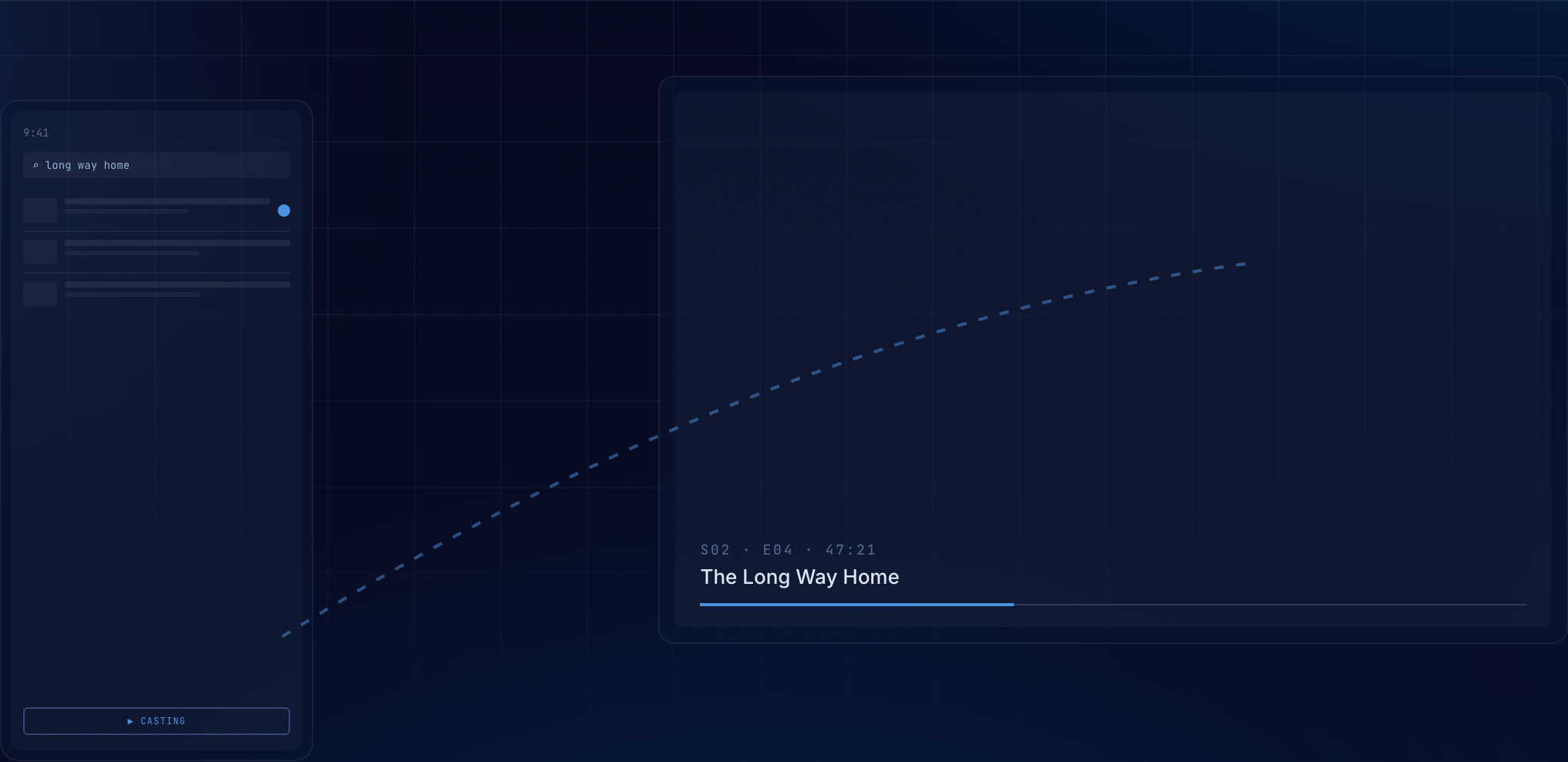
PlayBridge is an open-source casting suite: browse on your phone, play on the big screen. Find your content on your phone — in the built-in browser or your media library — and bridge it to Android TV / Fire TV, Apple TV, a desktop receiver (macOS, Windows, Linux), or any DLNA-capable TV with nothing installed on it. Local-network only, no account, no cloud.
[!WARNING] PlayBridge is in alpha. It's under active early development — expect bugs, incomplete features, and breaking changes between releases. Feedback and issue reports are very welcome.
Table of Contents
- Installation & Store Listings
- How to Connect & Cast
- Screenshots
- Features
- Sender Feature Matrix
- Receiver Feature Matrix
- Components
- Documentation
- Build Instructions
- Contributing
- AI Policy
- Acknowledgments
- License
- Contact
Installation & Store Listings
Official Store Listings
The PlayBridge senders and extensions are available on official store registries:
- Android Phone (Sender):

- Or download the latest
phoneAPK from GitHub Releases.
- iPhone / iPad (Sender) — TestFlight beta:
- Browser Extension (Sender — Firefox & Chrome):
- Firefox Add-ons:
- Chrome Web Store:
- Firefox Add-ons:
- Android TV (Player) — Open Testing:
- Apple TV (Player) — TestFlight beta:



Receiver & Manual Installation
- Android TV / Fire TV (receiver):
- Open the Downloader app on your TV and enter code
9557748to install the TV Player directly, or - download the latest
tv-playerAPK from GitHub Releases and sideload it. - Note: on first launch the TV app asks for "Display over other apps" — required for the receiver to come to the foreground when a cast arrives.
- Optional: the ad-blocked TV Browser APK (GeckoView + uBlock Origin) extends the player with web browsing (download from TV Browser Releases).
- Open the Downloader app on your TV and enter code
- Apple TV (receiver): join the TestFlight beta (install the TestFlight app on your Apple TV first), or build and deploy from Xcode; see the TV README.
- Desktop (receiver): download the build for your OS from GitHub Releases (
playbridge-desktop-windows-*.zip,-linux-*.tar.gz,-macos-*.zip). Linux needslibmpv2; the macOS build is unsigned (right-click → Open on first launch). - CLI (sender & receiver): on macOS or Linux, run
curl -fsSL https://playbridge.app/install.sh | sh; on Windows PowerShell, runirm https://playbridge.app/install.ps1 | iex. Manual archives remain on GitHub Releases. - DLNA TVs: nothing to install — the phone discovers renderers on your network automatically.
- Staying up to date: the phone and TV apps can check for new releases and install updates from within the app, so sideloaded builds don't go stale.
How to connect & cast
PlayBridge provides multiple ways to discover receivers and cast media — using your phone, browser extension, Desktop app, or command-line CLI.
1. Connect on the same Wi-Fi
Ensure your sender device (Phone, Desktop app, Browser Extension, or Rust CLI) and target receiver (Android TV, Apple TV, Desktop app, or DLNA Smart TV) are connected to the same local Wi-Fi network.
2. Discover & Pair Receivers
- Automatic Discovery: Open PlayBridge on your phone or Desktop app. Tap the device chip to see automatically discovered receivers on your network (via mDNS & UPnP).
- Manual IP Connect: If a receiver isn't listed automatically, enter the receiver's IP address (displayed on its home screen).
- Secure 6-Digit Pairing: On your first connection to a PlayBridge receiver (Android TV, Apple TV, Desktop), a 6-digit pairing PIN appears on the receiver screen. Enter it on your sender to establish a secure, encrypted connection (
wss://). Paired devices auto-reconnect on future sessions. - DLNA / UPnP Smart TVs: Discovered automatically on your local network without requiring a pairing PIN.
3. Choose your Sender
- 📱 Phone App (Android / iOS): Browse video sites in the built-in ad-blocked browser, cast movies/episodes from your Stremio library and add-ons, load IPTV playlists, or stream local phone files.
- 🖥️ Desktop App (Receiver & Sender): Plays incoming casts from phone and extension senders. Also acts as a sender to cast local video files (with drag-and-drop) or stream URLs to TVs.
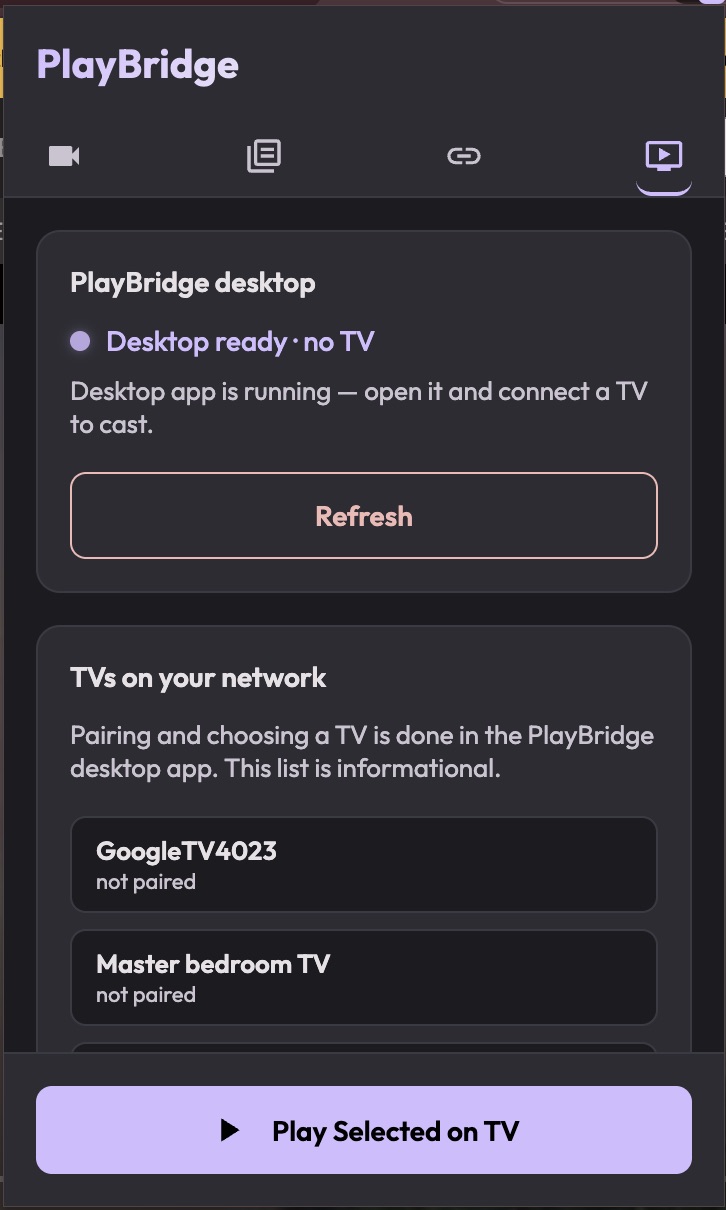
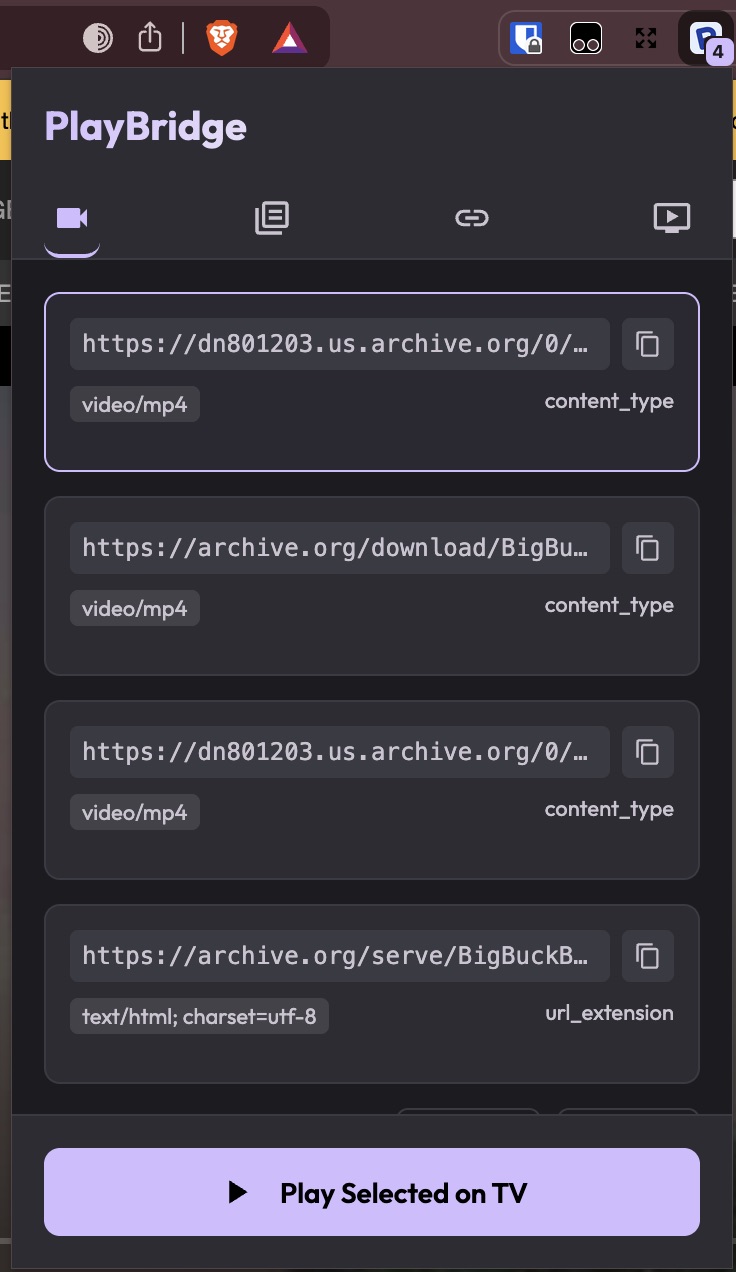
- 🧩 Browser Extension (Firefox & Chrome): Detects streams in active browser tabs and casts them to your TV via the Desktop app.
- 💻 Rust CLI (
playbridge): Use a full-screen terminal dashboard to discover receivers, cast local files or URLs, host a browser receiver, or receive casts throughmpv:playbridge # Open the dashboard playbridge discover # Open dashboard discovery playbridge send video.mp4 # Open Cast with media preselected playbridge browser video.mp4 # Host and pair a browser receiver playbridge receiver # Start the mpv receiver in the dashboard
Screenshots
Browse & cast from your phone
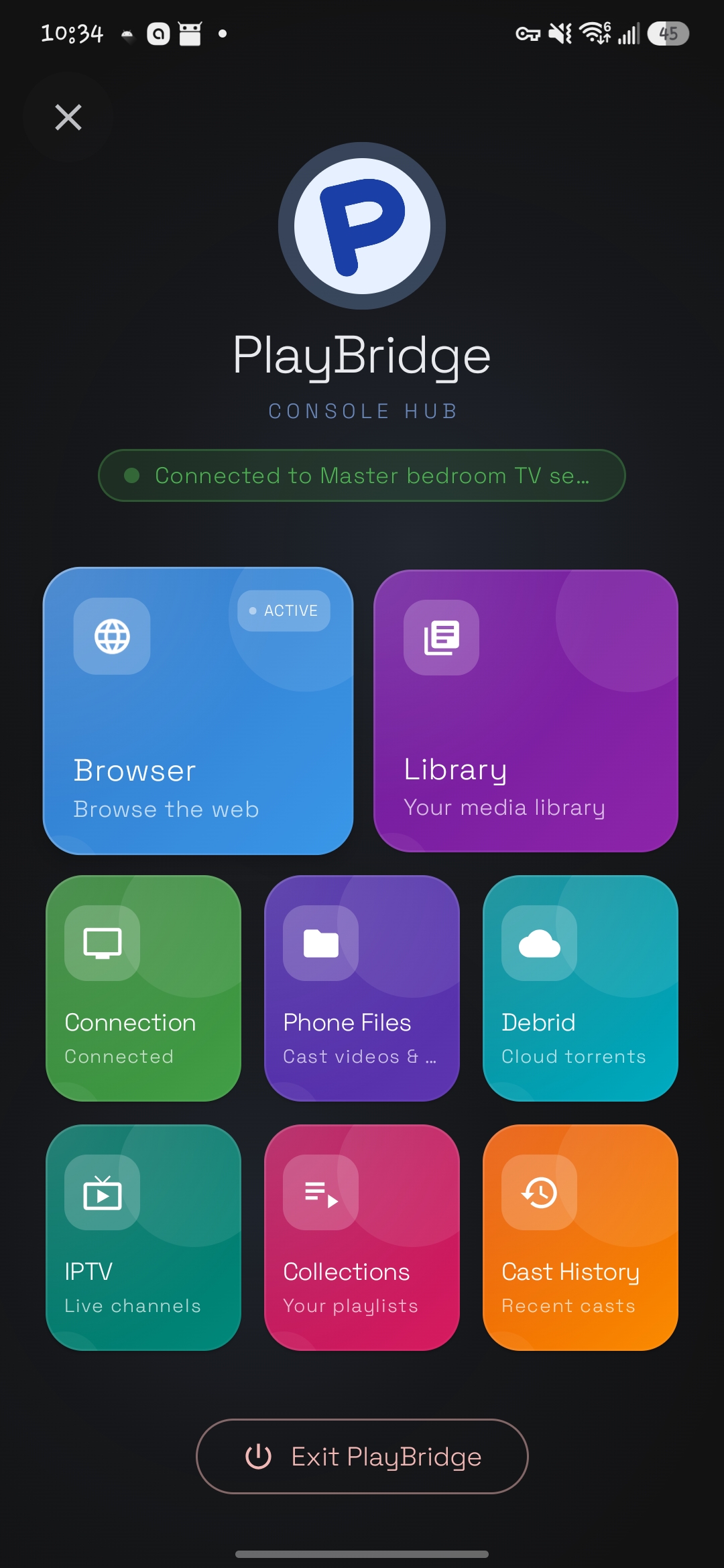
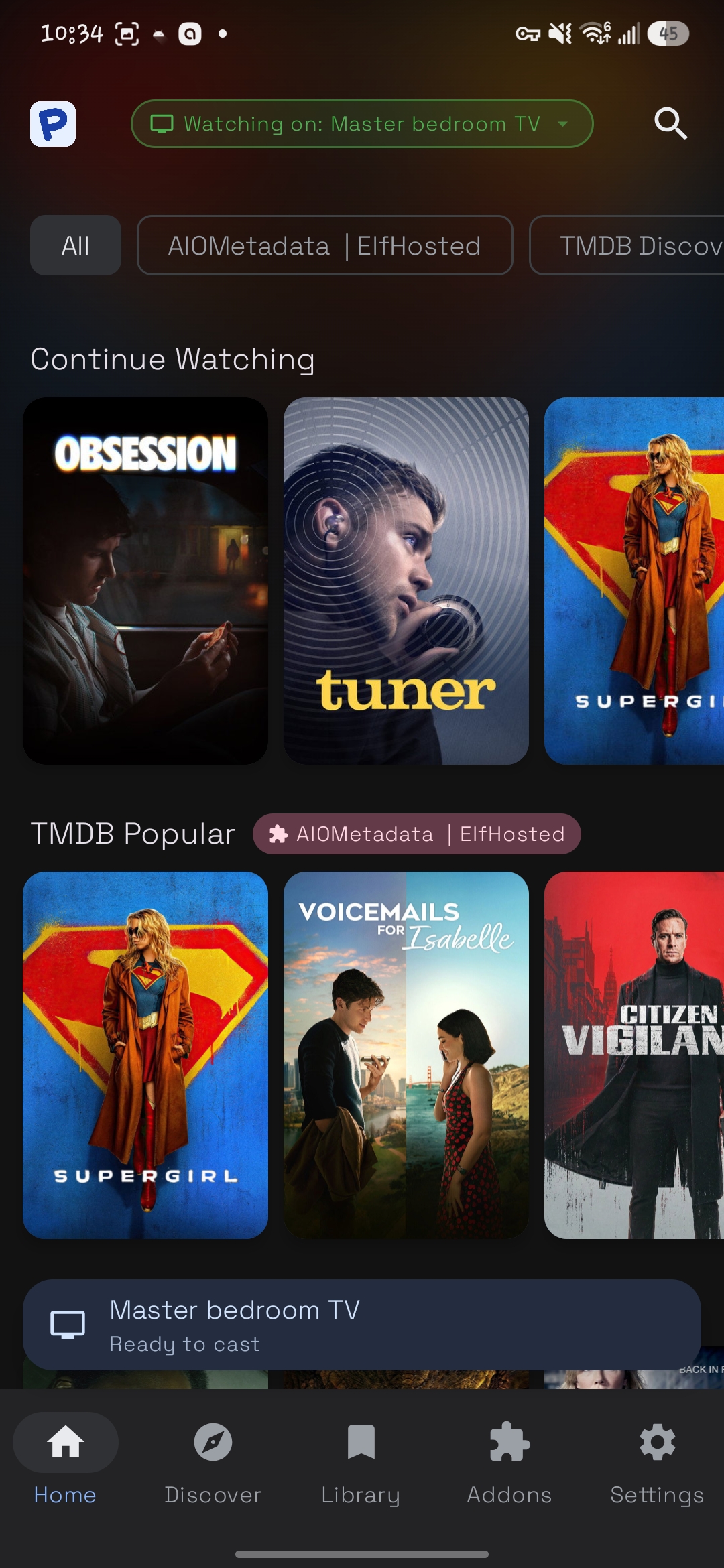
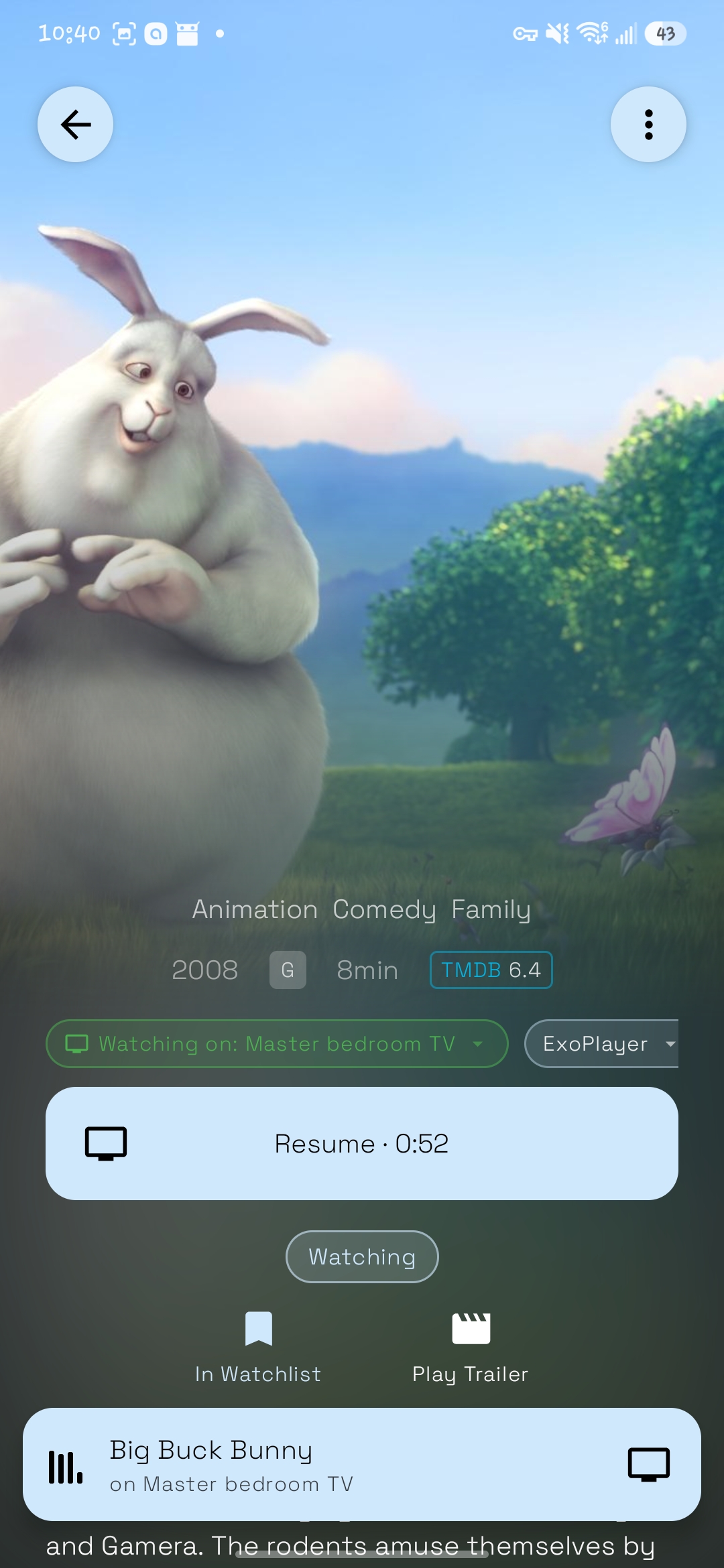
| Console hub | Library & discovery | Library detail screen | Built-in browser |
|---|---|---|---|
 |
 |
 |
 |
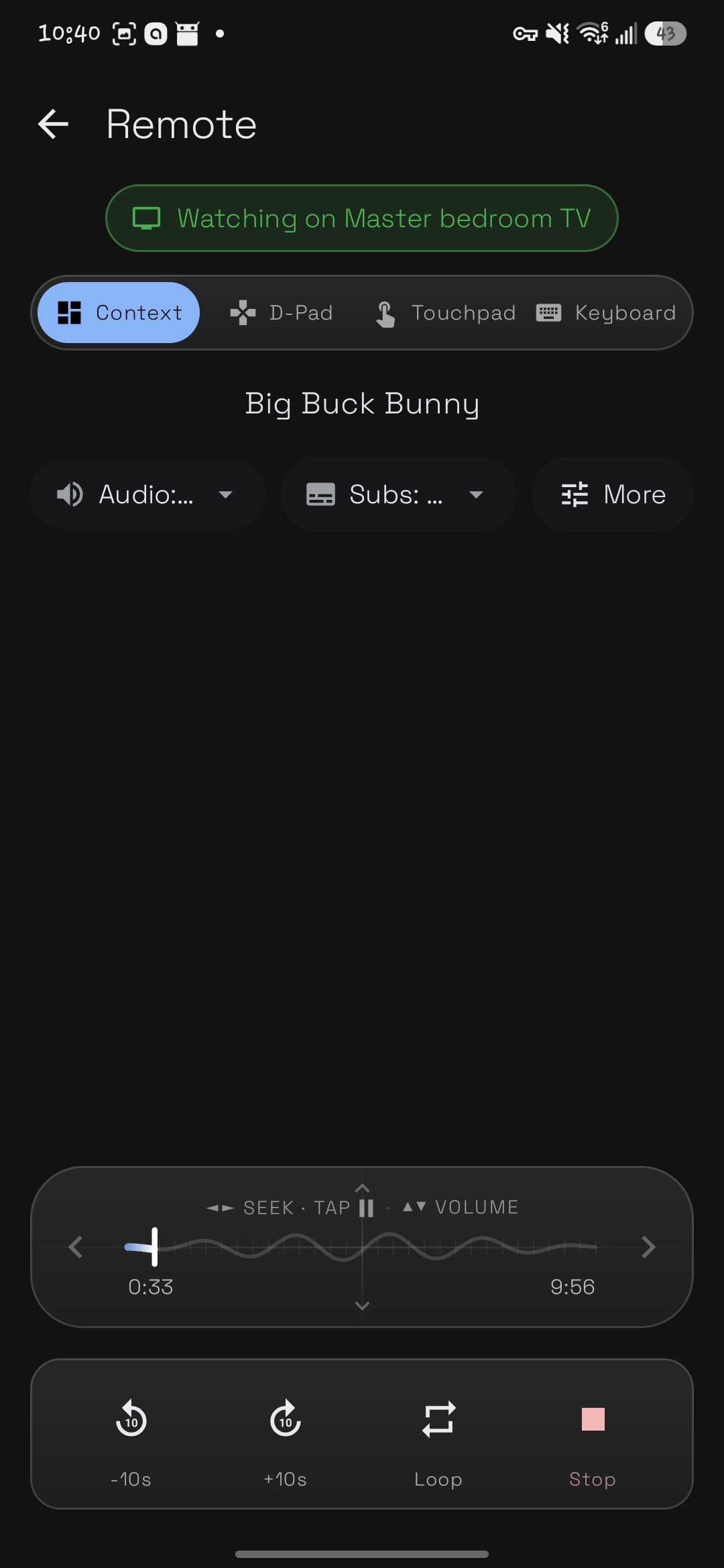
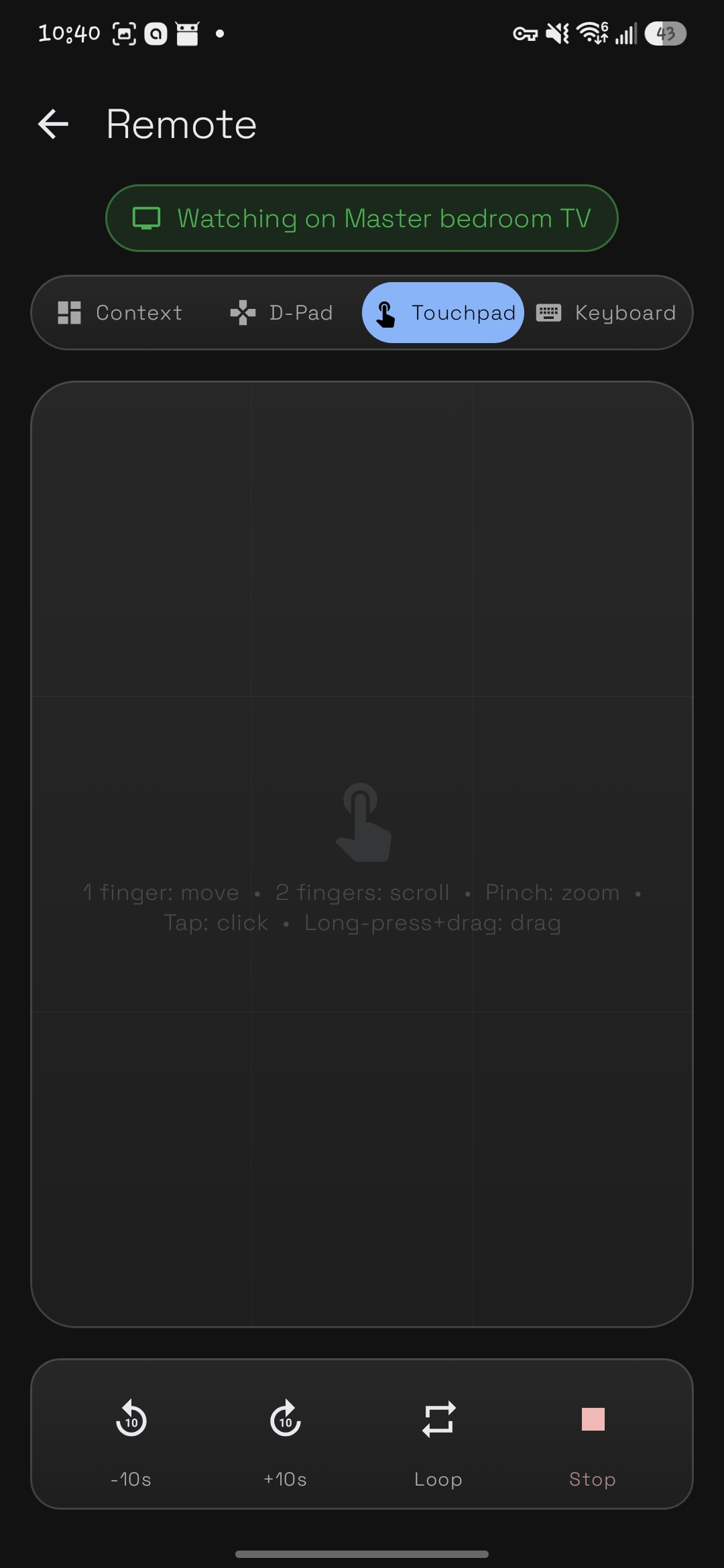
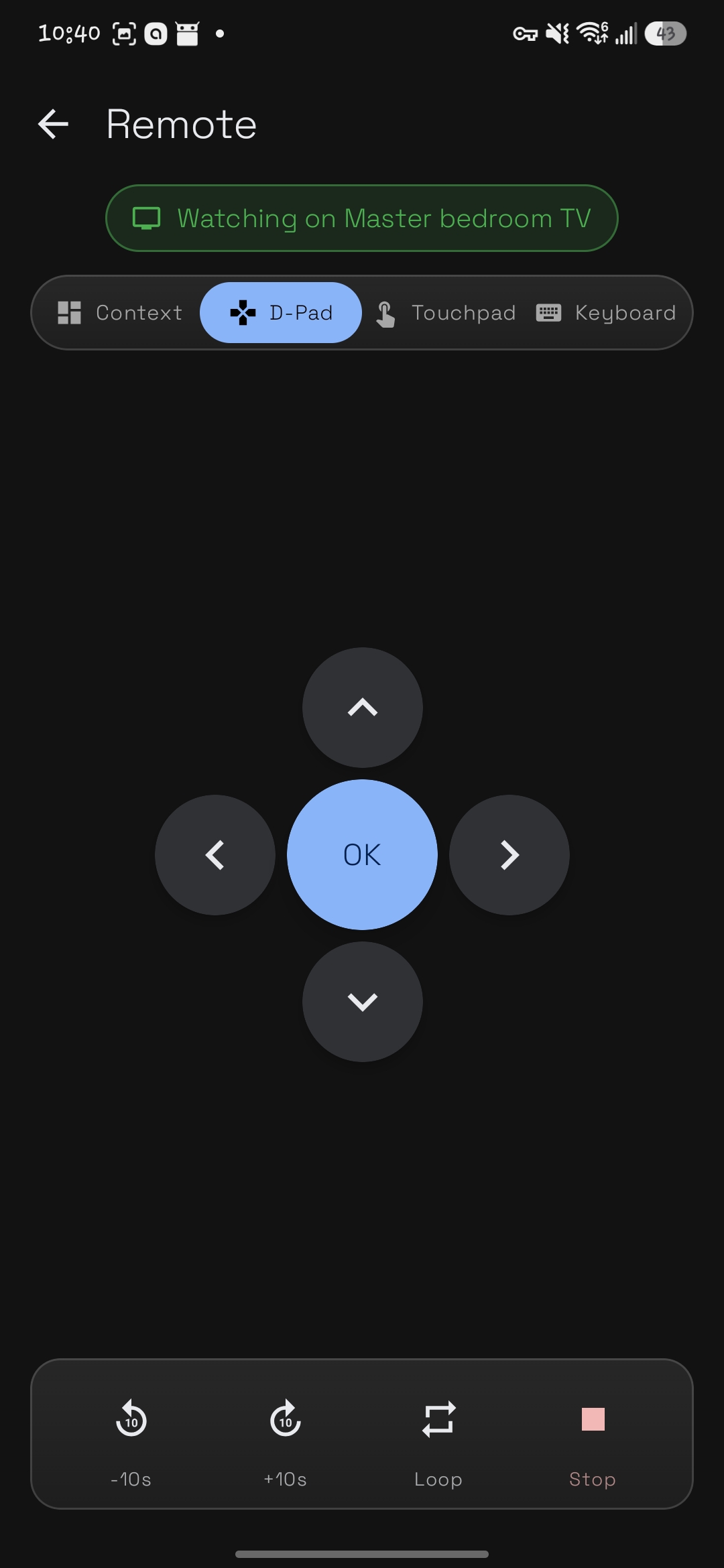
Your phone is the remote
| Context-aware remote | Touchpad remote | D-Pad remote | Keyboard remote |
|---|---|---|---|
 |
 |
 |
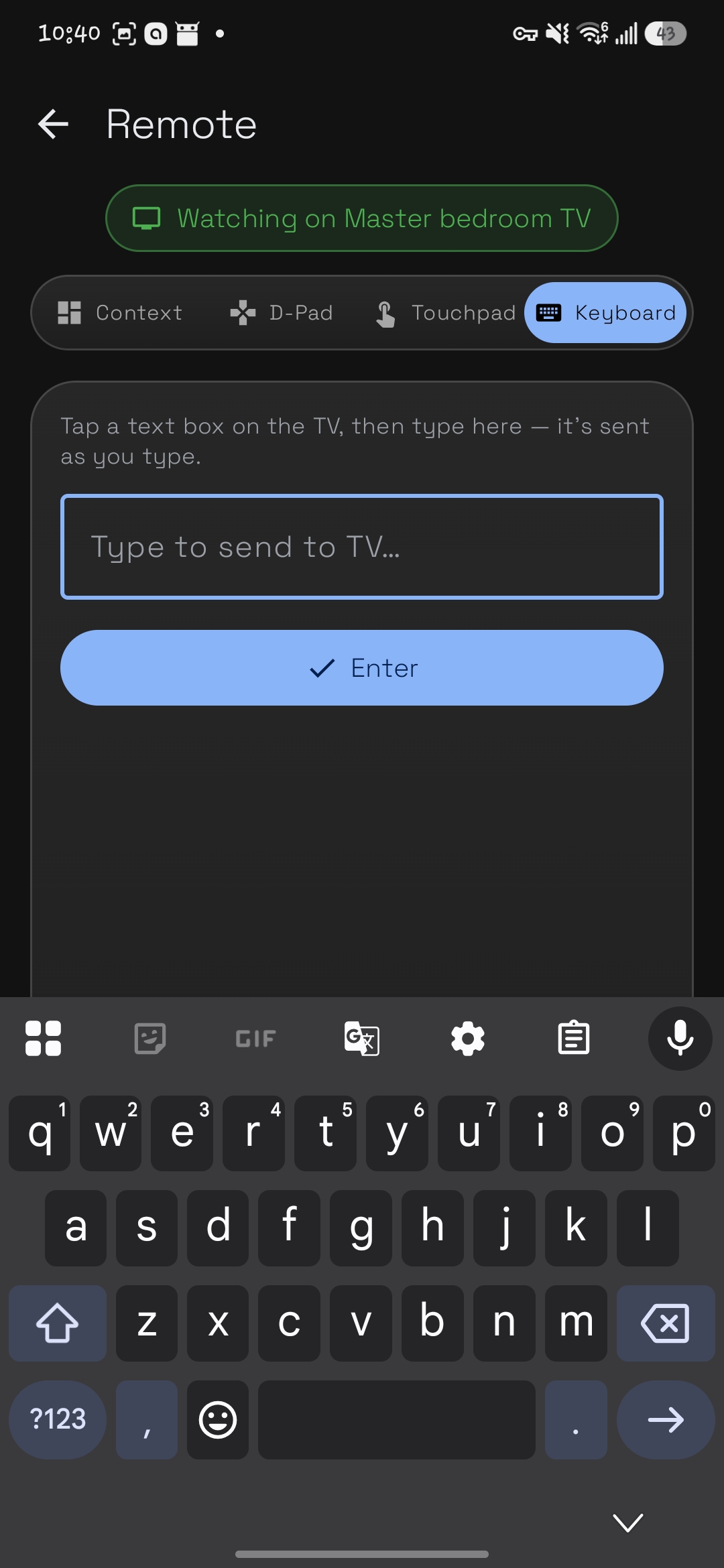 |
Android TV receiver
| Pairing screen | Player & details | Settings |
|---|---|---|
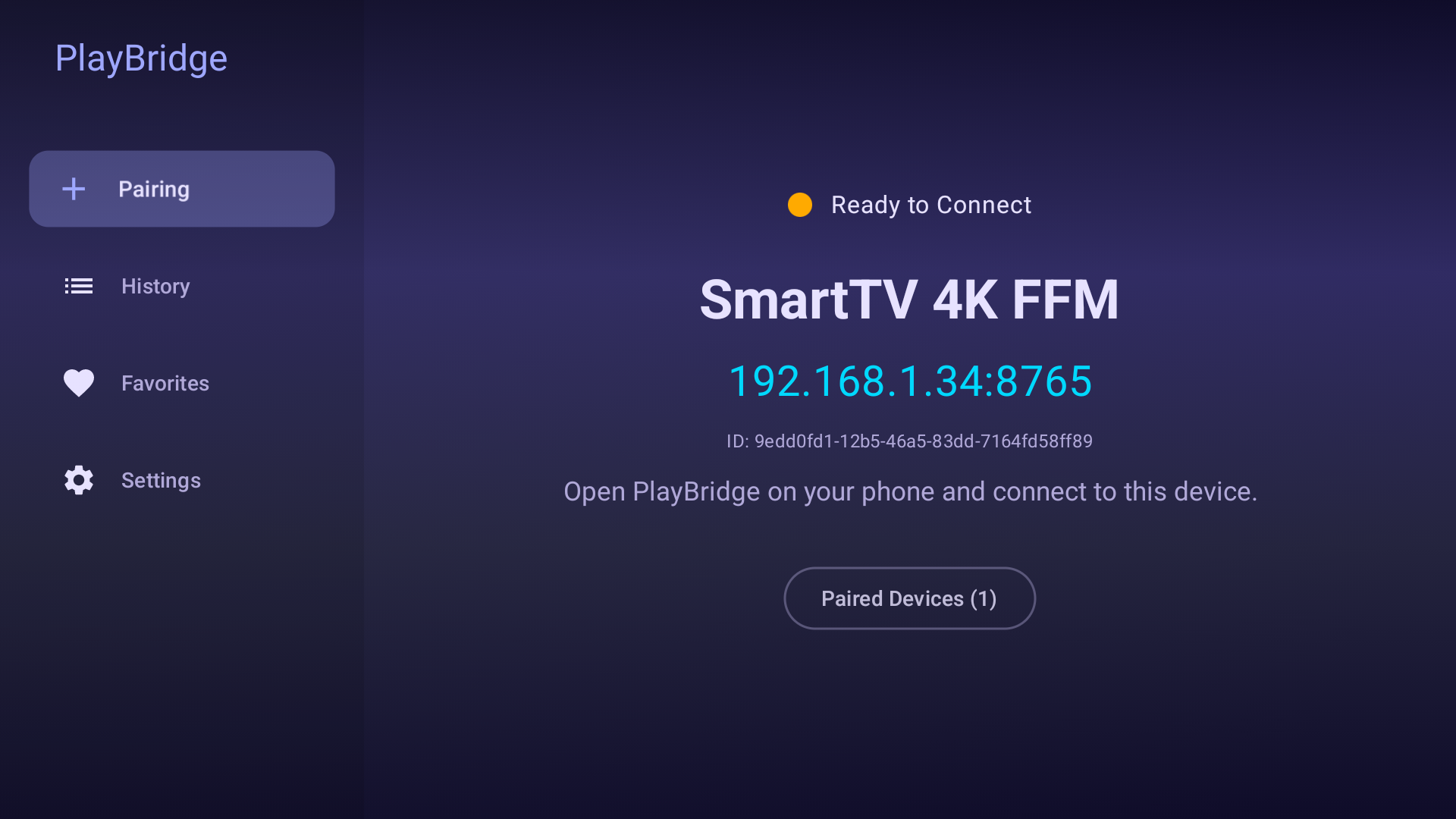 |
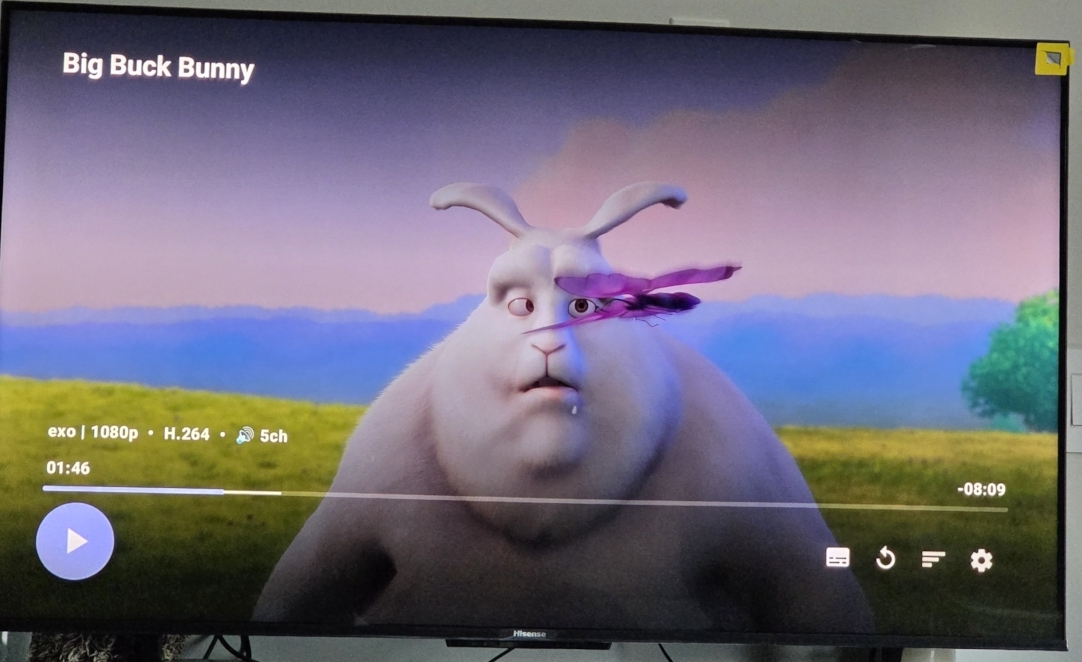 |
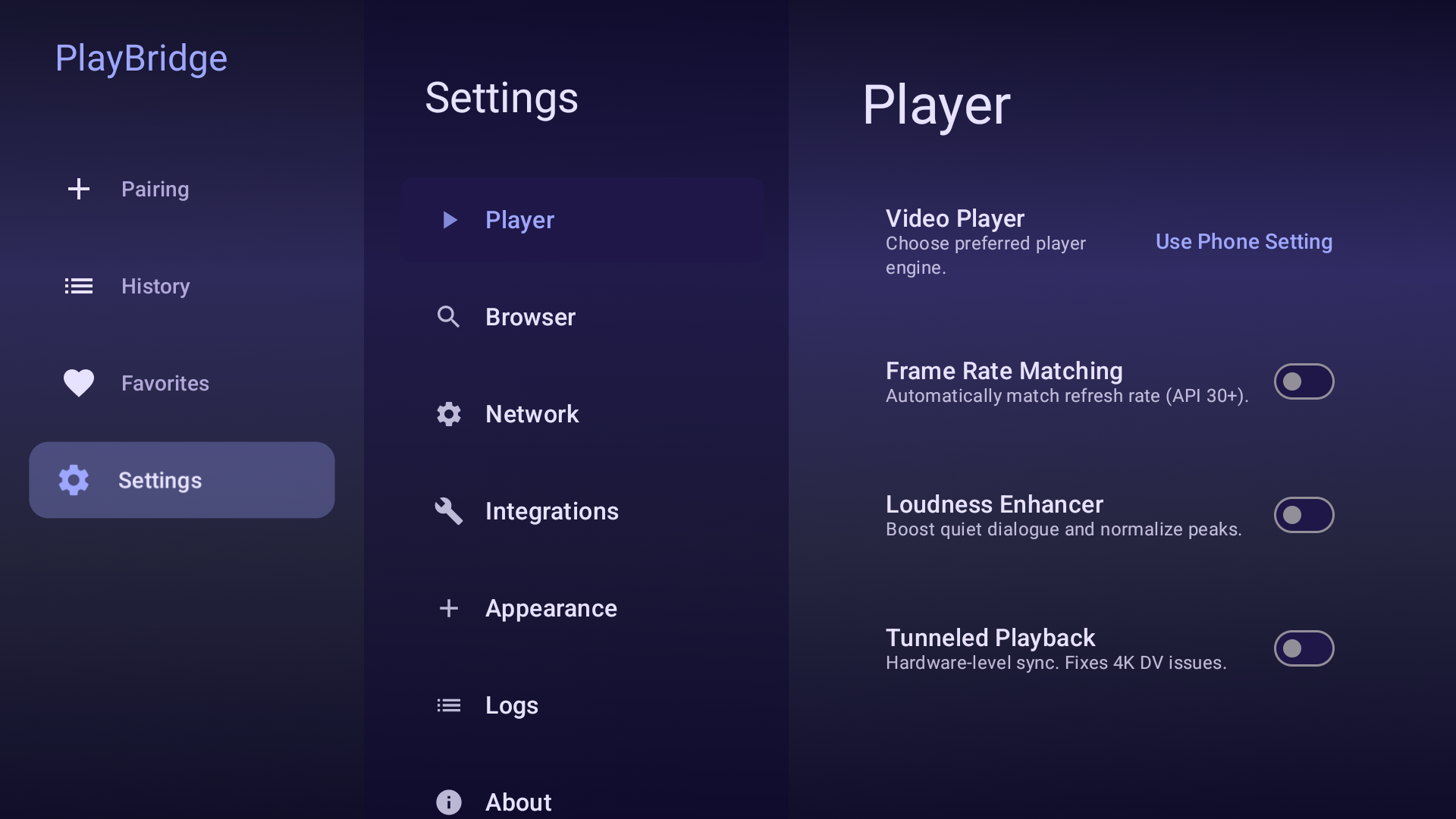 |
| Favorites | History |
|---|---|
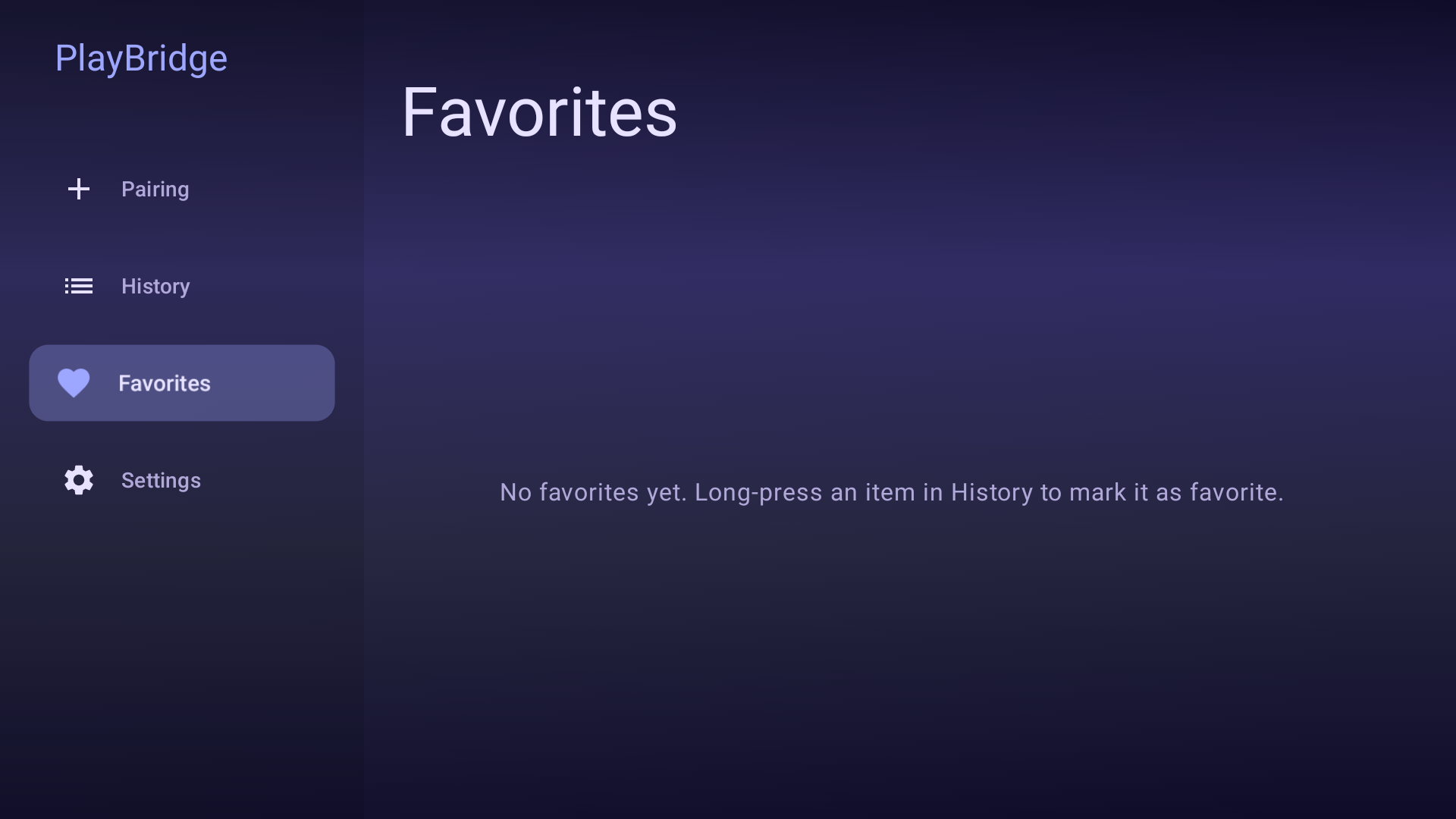 |
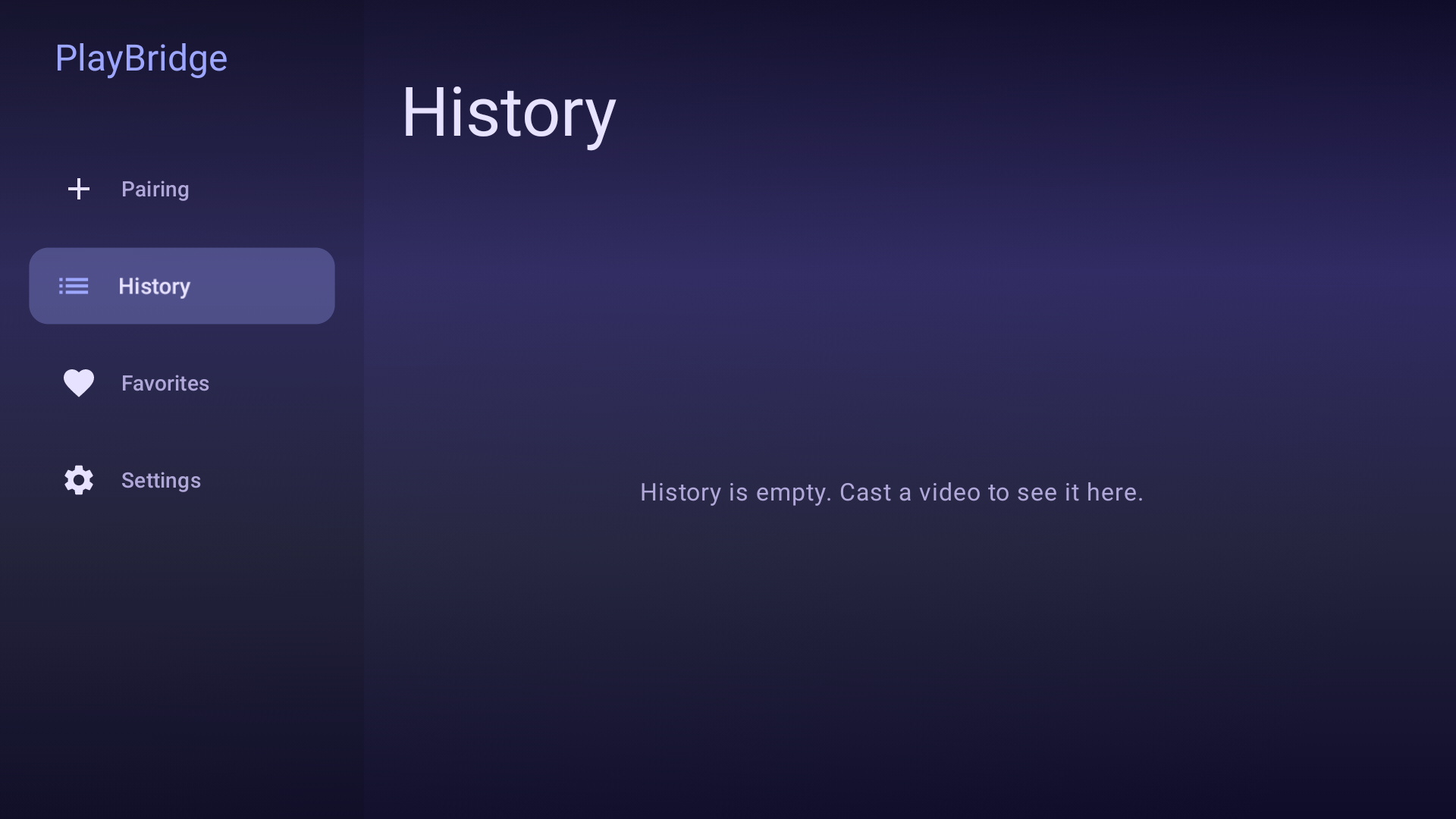 |
Apple TV receiver
| Pairing screen | Player & details | Settings |
|---|---|---|
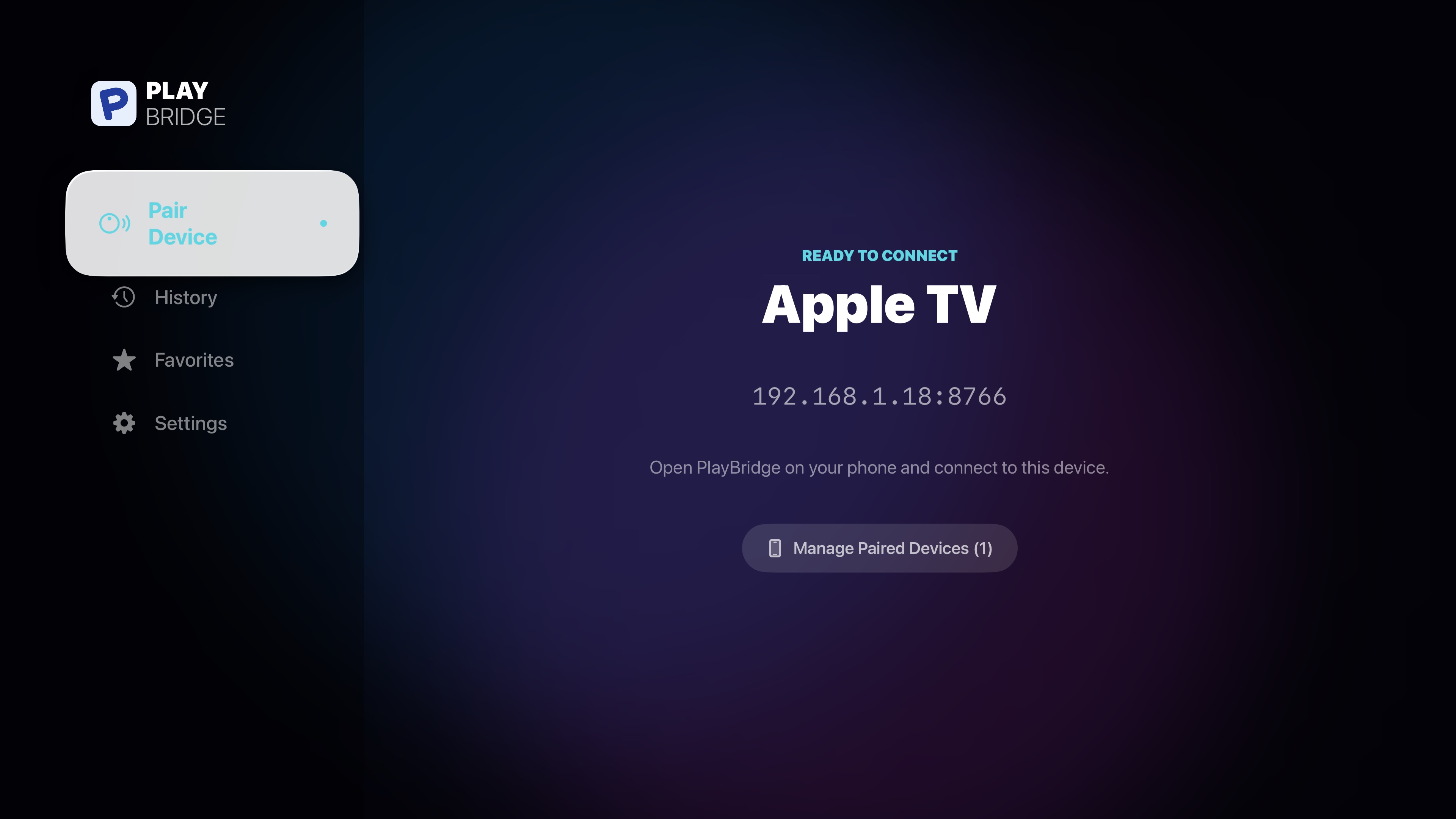 |
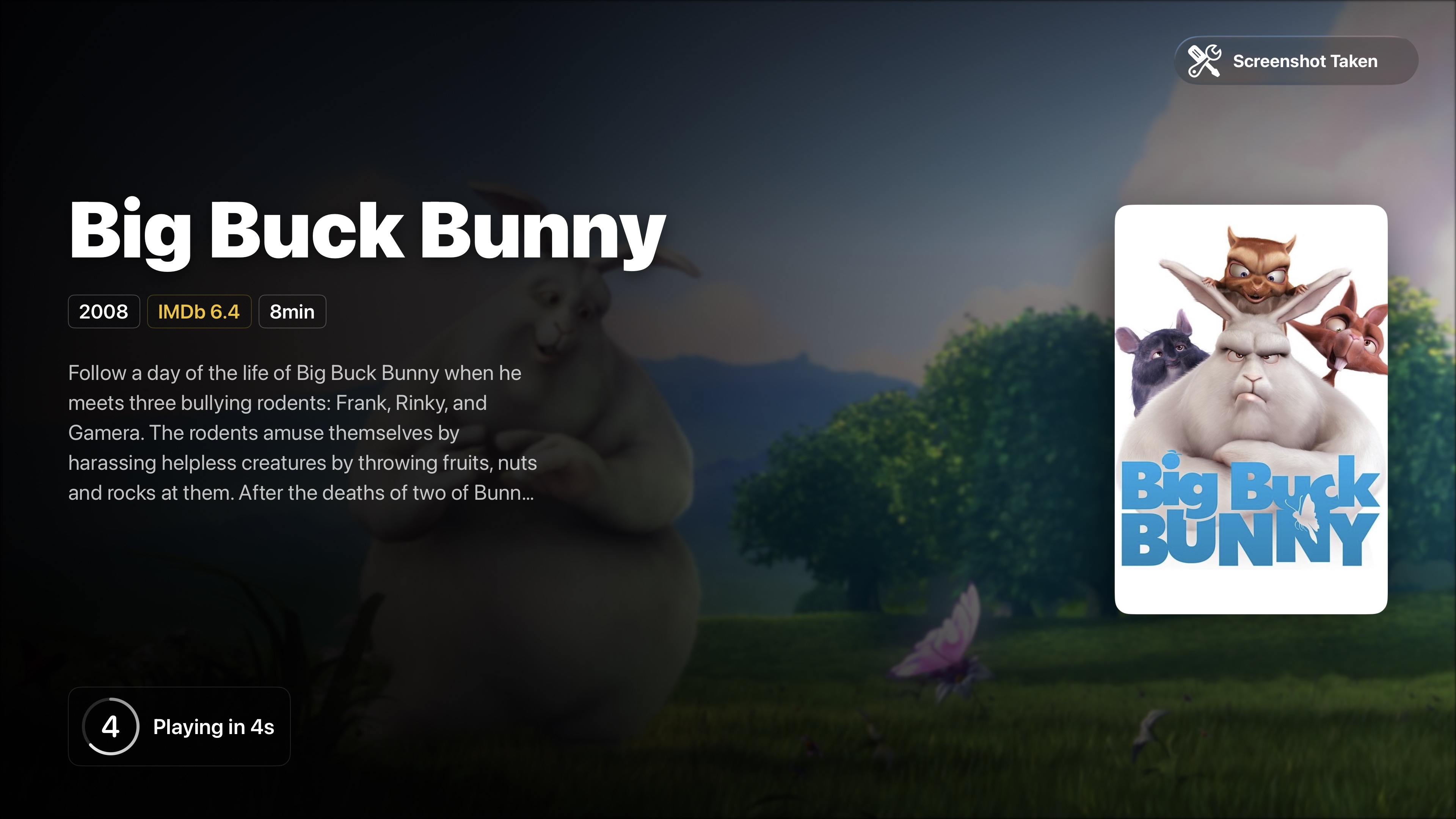 |
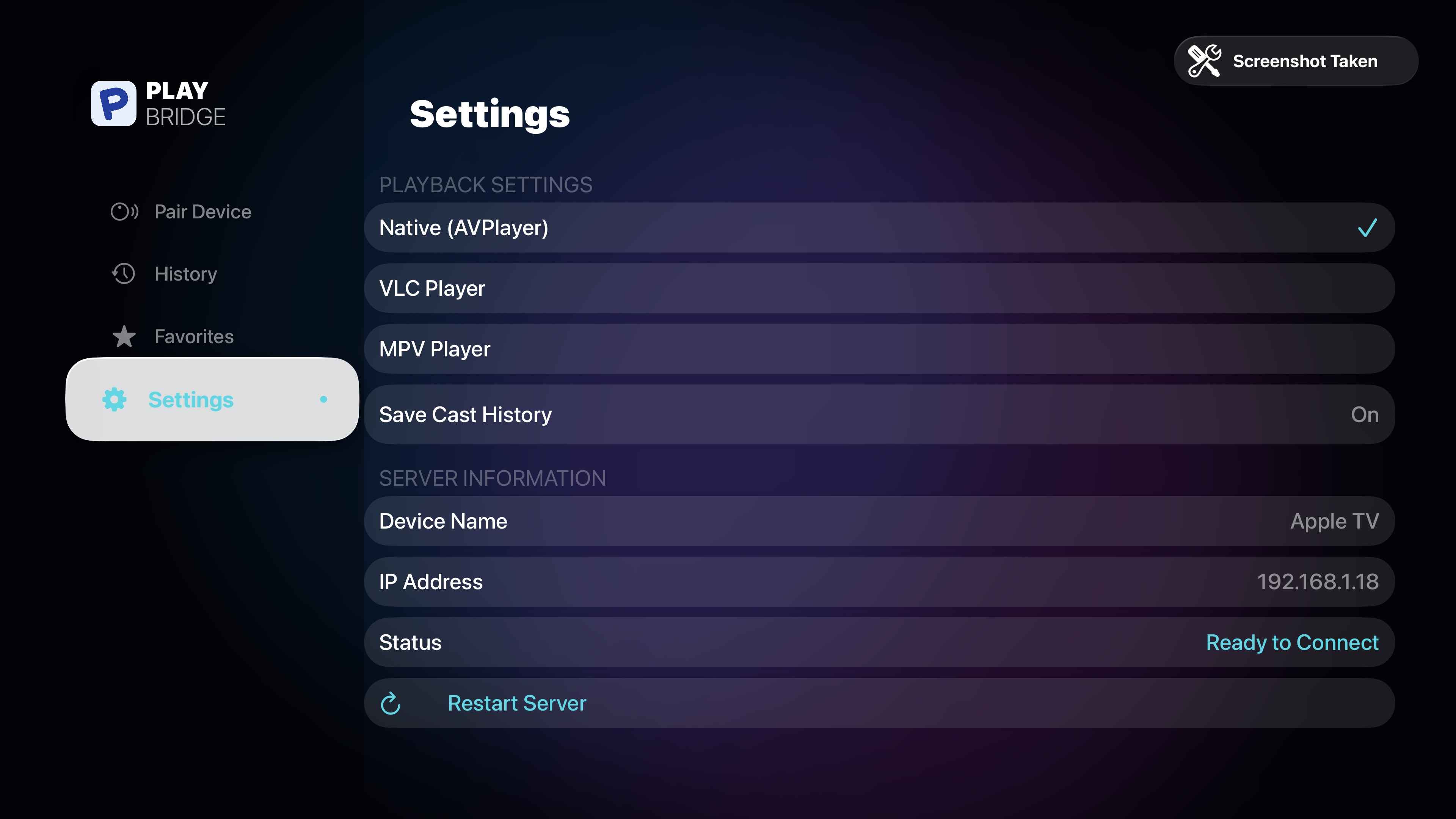 |
| Favorites | History |
|---|---|
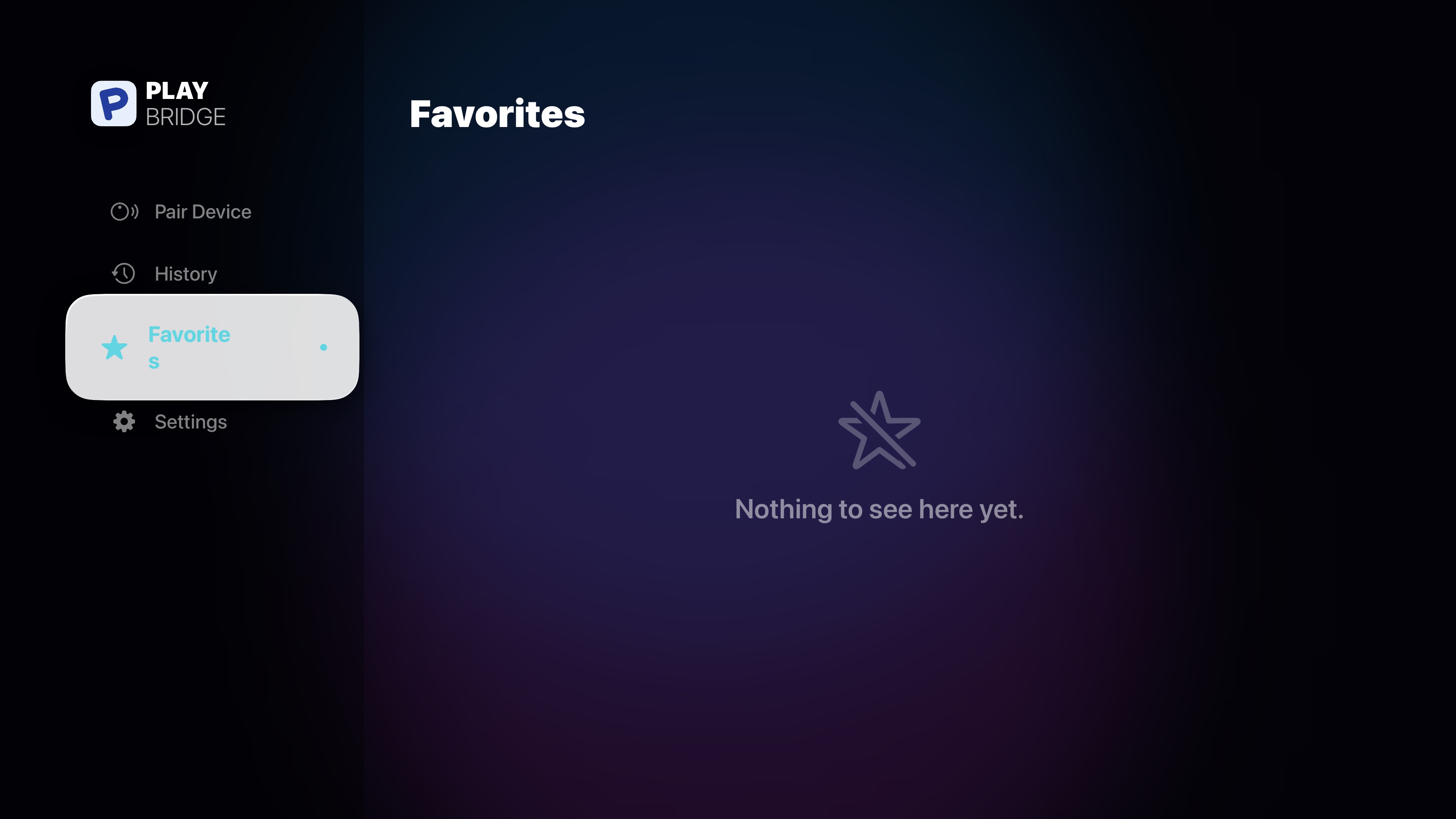 |
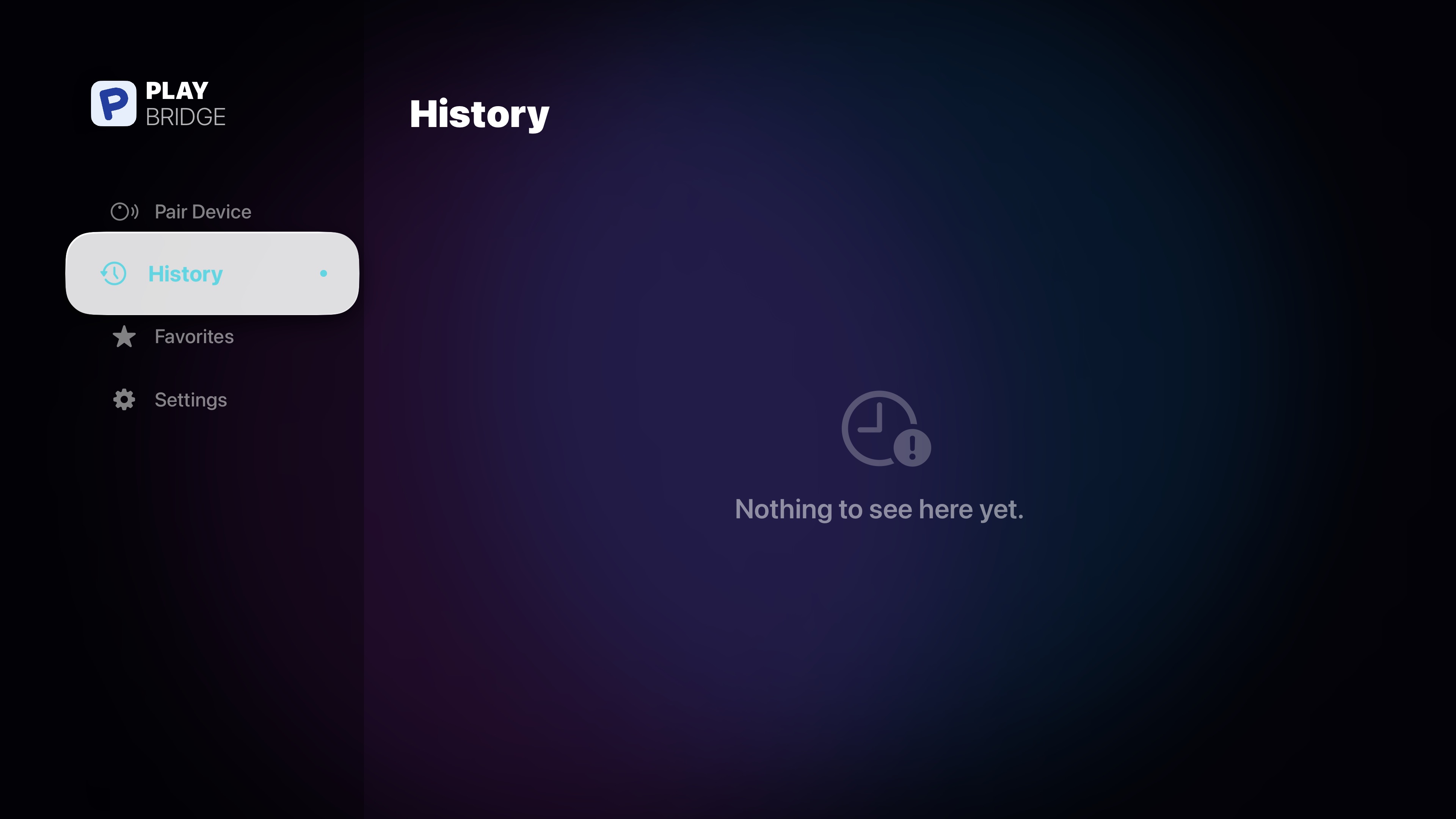 |
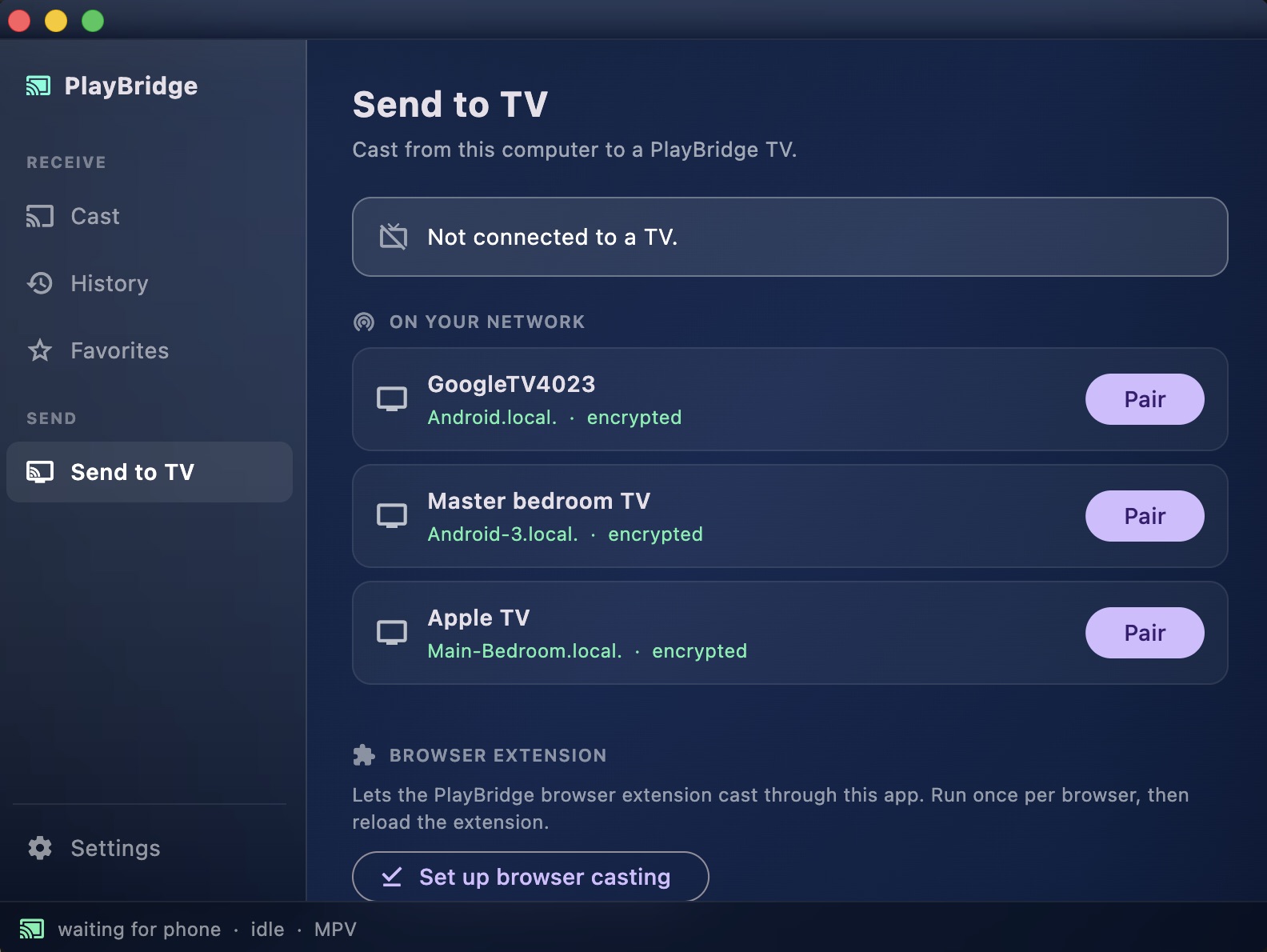
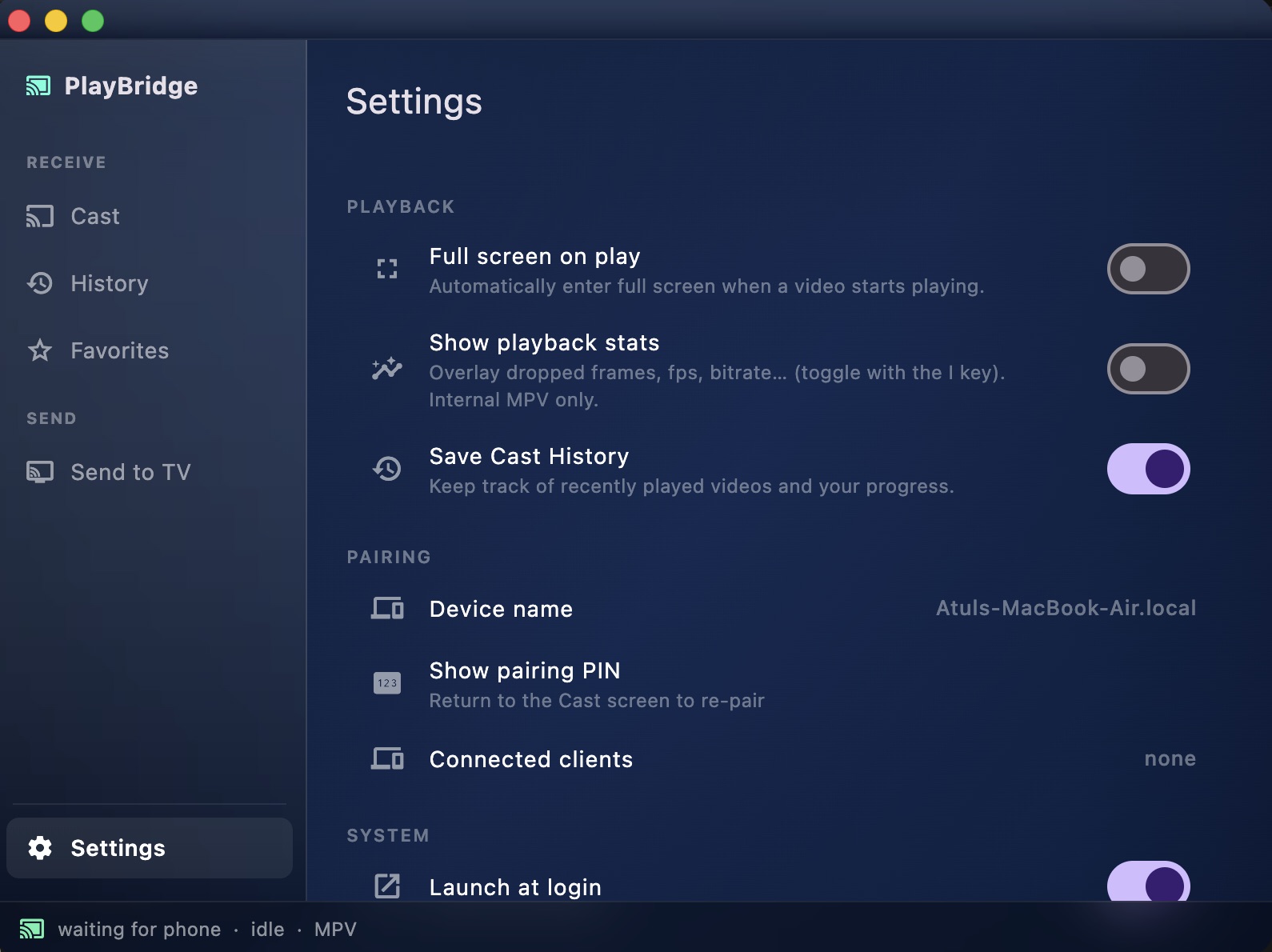
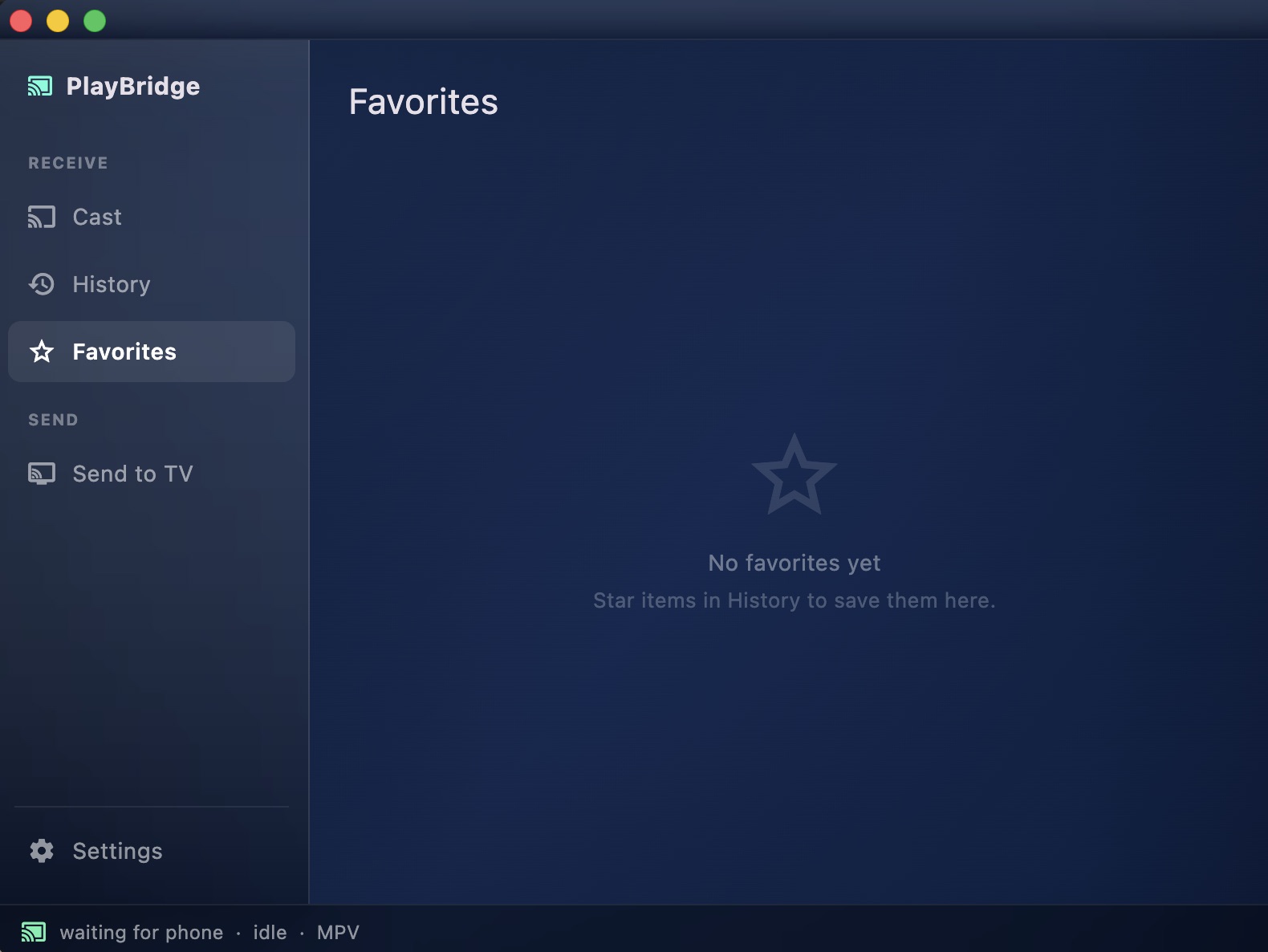
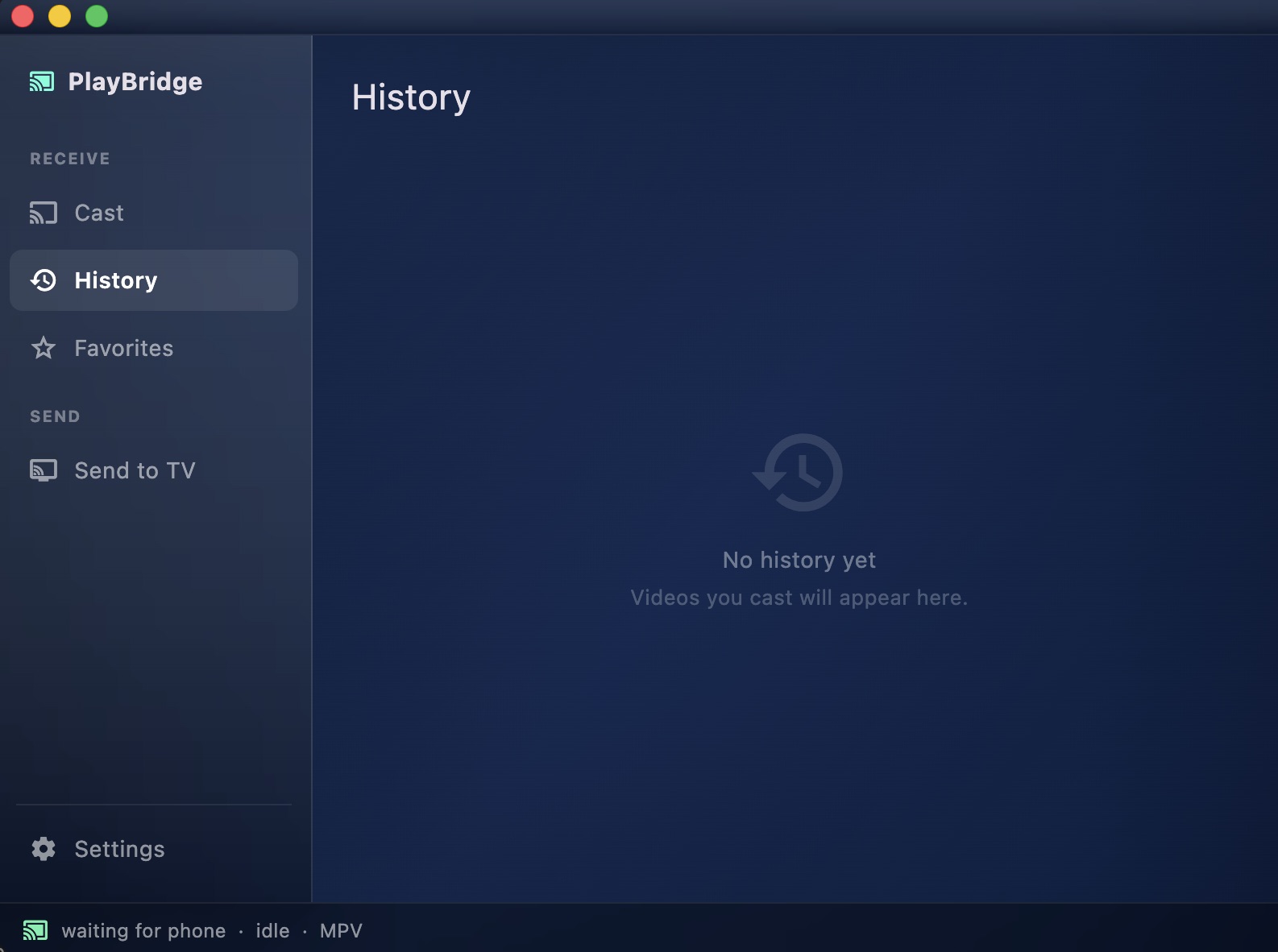
Desktop receiver
| Pairing screen | Player & details | Settings |
|---|---|---|
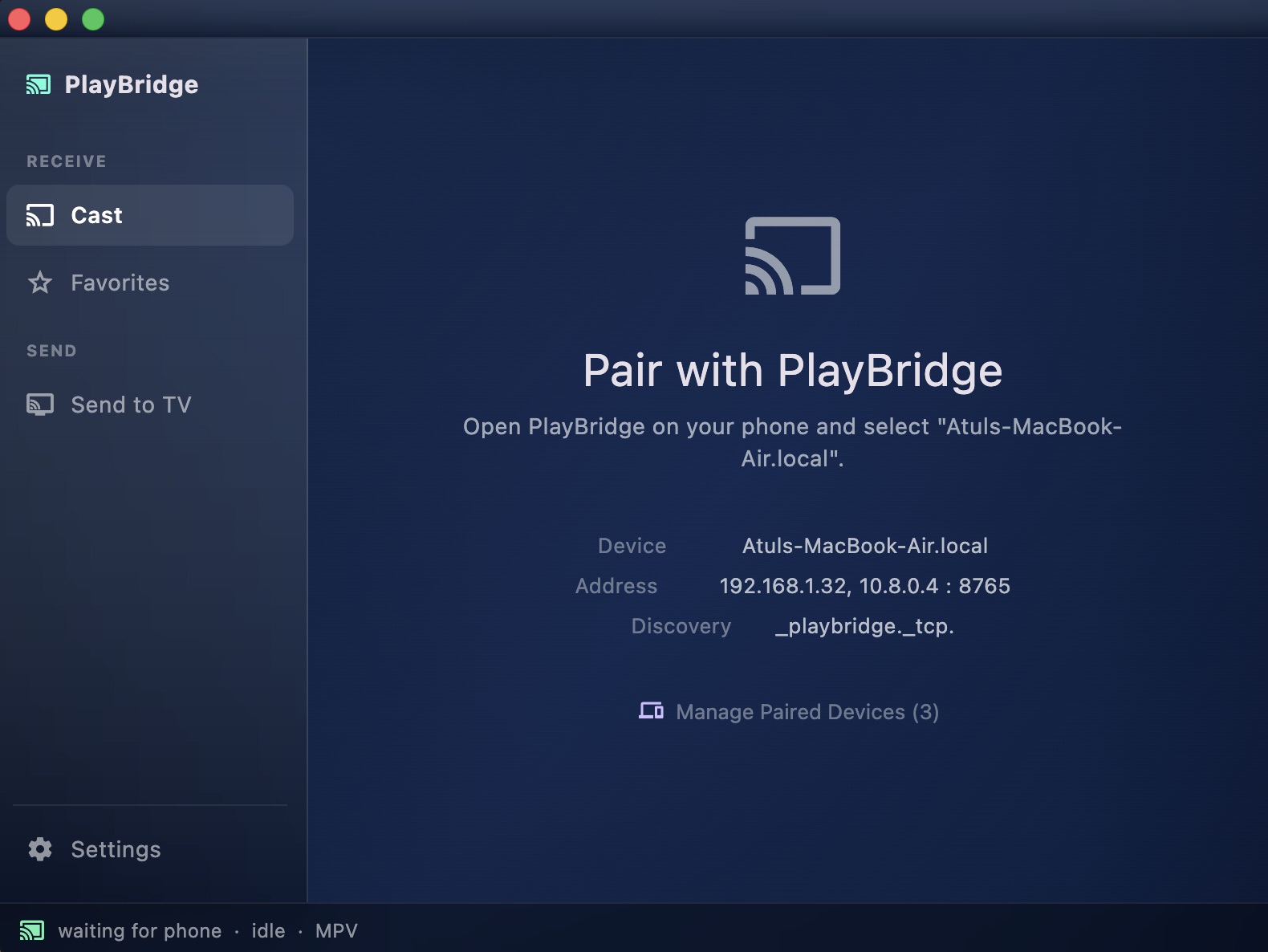 |
 |
 |
| Favorites | History |
|---|---|
 |
 |
Browser extension
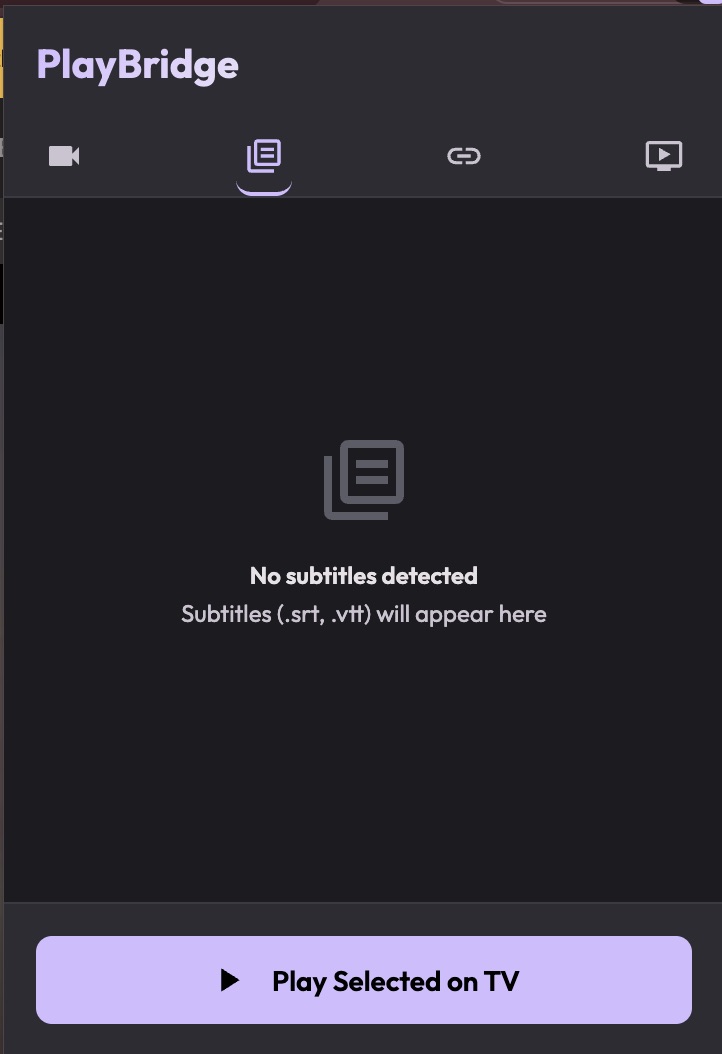
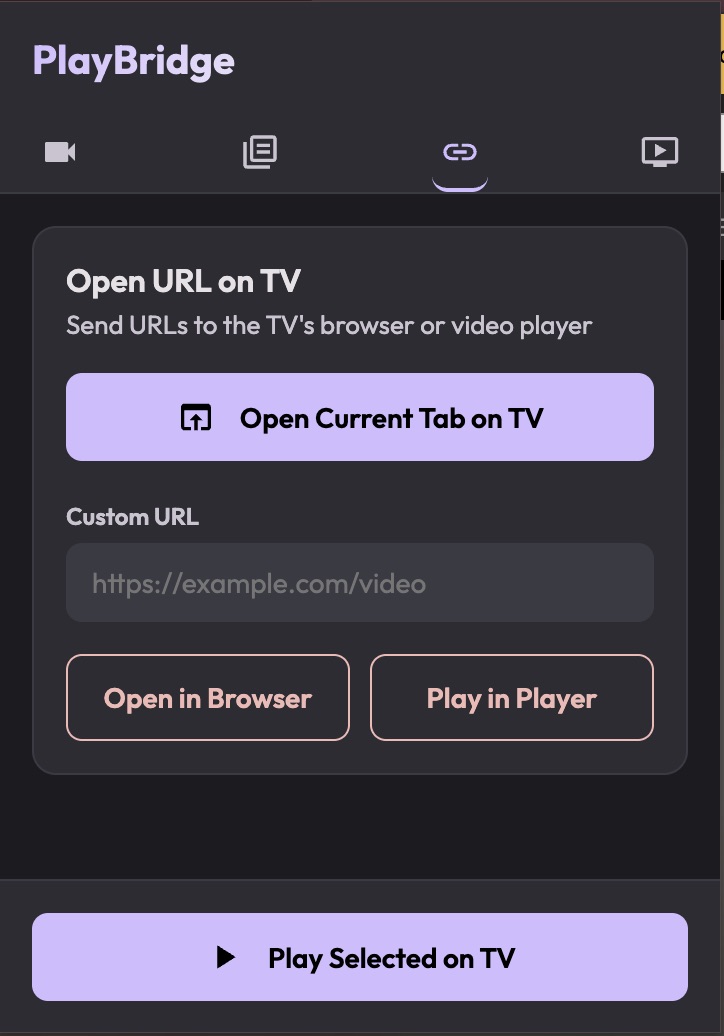
| Connected | Streams detected | Subtitles detected | Open URL options |
|---|---|---|---|
 |
 |
 |
 |
Features
- Browse & detect: a full phone browser (GeckoView, with built-in ad-blocking) that detects videos on the page — direct files, HLS, DASH, and MSE/blob players — and casts them with one tap.
- Library & discovery: a Stremio-style library with catalogs, add-ons (including sandboxed JavaScript scrapers), a watchlist, and Collections; pick an episode and send it straight to the TV.
- Cast anywhere: native receivers for Android TV / Fire TV, Apple TV, and desktop — or cast to any DLNA/UPnP renderer without installing anything on it.
- Binge-ready: episode queue with lazy auto-advance, watch-progress tracking, and resume ("Resume · 23:14") that actually seeks the TV to where you left off.
- Phone as remote: touchpad, D-pad, keyboard, and transport controls, context-aware for the browser and player.
- Local files & IPTV: cast videos from your phone's storage to any receiver, and load M3U/IPTV playlists.
- Downloads: save streams to your phone with a WorkManager-backed queue, on-the-fly HLS→MP4 transmuxing, and publishing to your gallery.
- Dual player engines: ExoPlayer and MPV on the TV, with automatic fallback when a stream misbehaves.
- Secure pairing: connections are verified with a short 6-digit code and encrypted over
wss://with certificate pinning. - Private by design: everything stays on your local network — no account, no cloud, MPL-2.0.
Sender feature matrix
| Feature | Android phone | iPhone / iPad | Desktop app | Browser extension |
|---|---|---|---|---|
| Supported platforms | Android | iOS, iPadOS | macOS, Windows, Linux | Firefox and Chromium browsers |
| Receiver targets | PlayBridge receivers and DLNA / UPnP renderers | PlayBridge receivers | PlayBridge receivers | Receiver selected in Desktop, or Desktop itself |
| Secure receiver pairing | ✓ | ✓ | ✓ | Handled by Desktop |
| Built-in browser and stream detection | GeckoView; direct files, HLS, DASH, and MSE / blob players | WKWebView; direct files, HLS, and DASH | Via the browser extension | Detects direct files, HLS, DASH, and MSE-backed players in browser tabs |
| Stream quality selection | ✓ | ✓ | Via the browser extension | HLS quality selection |
| Subtitle detection and attachment | ✓ | ✓ | — | Detection only; attachment is not relayed to Desktop yet |
| Local file casting | ✓ | ✓ | ✓, including drag-and-drop and multi-file playlists | — |
| Library, discovery, and add-ons | ✓ | — (intentionally omitted for App Store approval) | — | — |
| Debrid integrations | ✓ in supported builds | — (intentionally omitted for App Store approval) | — | — |
| IPTV and custom collections | ✓ | ✓ | — | — |
| Downloads | ✓ | — | — | — |
| Ad blocking | uBlock Origin | WebKit content blocker with EasyList and custom rules | — | — |
| Queue support | ✓, including episode auto-advance | ✓ | Multi-file playlists | Single detected item |
| Remote controls | Full remote: transport, seek, volume, D-pad, touchpad, keyboard, and track selection | Transport, seek, D-pad, touchpad, and track selection | Transport, seek, and playlist navigation | Use Desktop or a phone remote |
| Play on the sender device | ✓, native phone player | ✓, native phone player | ✓ | Plays through Desktop when no receiver is selected |
| Companion app required | No | No | No | PlayBridge Desktop |
Browser detection depends on what each browser exposes. Protected streams may require captured request headers, and some MSE / blob players cannot be replayed outside their original page.
iPhone / iPad intentionally omits the open Library / add-on ecosystem (third-party Stremio add-ons, JS scrapers) and Debrid integrations — they trigger App Store Guideline 5.2.3. Use the browser, IPTV, collections, and local files instead.
Receiver feature matrix
| Feature | Android TV / Fire TV | Apple TV | Desktop | DLNA / UPnP TV |
|---|---|---|---|---|
| Supported platforms | Android TV, Fire TV | tvOS | macOS, Windows, Linux | Compatible smart TVs and renderers |
| Receiver installation | PlayBridge TV app | PlayBridge TV app (TestFlight) | PlayBridge Desktop app | None |
| Playback engines | Media3 / ExoPlayer + MPV | AVPlayer + MPV | MPV | TV's built-in player |
| Direct streams, HLS, DASH, and local files | ✓ | ✓ | ✓ | Renderer-dependent; the phone proxies local files and header-protected HLS |
| Verified, encrypted pairing | ✓ | ✓ | ✓ | N/A — standard local-network DLNA |
| Phone playback controls | Full controls, including seek, volume, and track selection | Transport, seek, and track selection | Full controls, including seek, system volume, and track selection | Play, pause, stop, and seek; no volume or track selection |
| Episode queue and auto-advance | ✓ | ✓ | ✓ | Phone-managed; the phone must remain active |
| Resume and watch-progress tracking | ✓ | ✓ | ✓ | ✓, when the renderer reports usable playback status |
| External subtitles and audio/subtitle selection | ✓ | ✓ | ✓ | Not exposed through PlayBridge |
| Receiver history and favorites | ✓ | ✓ | ✓ | No receiver UI; progress remains on the phone |
| Web playback on the receiver | Optional GeckoView plugin or system WebView | — | Browser-extension bridge | — |
| In-app updates | ✓ | — | ✓ | N/A |
Media and codec support ultimately depends on the selected playback engine, operating system, and device hardware. DLNA behavior varies the most between TV manufacturers and models.
Components
PlayBridge is a monorepo; each component has its own documentation:
- Phone App (
mobile/) — The sender: browser, library, video detection, remote. Changelog - TV Apps (
tv/) — Receivers for Android TV (player + browser APKs) and Apple TV. Changelog · tvOS changelog - Desktop App (
desktop/) — A Flutter desktop receiver that plays casts via libmpv. Changelog - Browser Extension (
extension/) — A Firefox and Chromium extension that casts media from desktop browser tabs. - Rust Cast (
cast/core/,cast/receiver/,cast/ffi/) — Portable discovery/casting core, secure reusable receiver runtime, and UniFFI/C/JNI/Dart bindings. - Rust Stream Proxy (
stream-proxy-rust/) — High-performance Rust streaming proxy and MediaFlow AES-256 encryption. - Rust CLI (
cli/) — Command-line client binary (playbridge) for Rust Core. - Shared Module (
shared/) — Shared Kotlin module currently targeting Android only (configured via Kotlin Multiplatform plugin), shared by the phone and TV builds; player engines and protocol bindings. - Protocol (
protocol/) — AsyncAPI WSS contract, detailed connection flow, and retained protobuf bindings.
Documentation
Comprehensive project documentation is available:
- Design System: Visual language, color tokens, typography, and component specifications.
- Contributing: Setup instructions and contribution guidelines.
- Security Policy: Security considerations and vulnerability reporting.
- WSS Protocol Flow: Discovery, TLS pinning, SAS pairing, authentication, commands, status events, and compatibility rules. See also the machine-readable AsyncAPI contract.
- Feature Gap Matrix: Code-backed sender/receiver parity (shipped / partial / stub / absent). Product matrices above stay marketing-facing.
Cast demo page
Sites can cast directly via window.playbridge.cast() or open a page-lifetime,
website-managed lazy queue via window.playbridge.linkCast(). Linked sessions can replace,
append, and jump within the TV playlist and answer bounded needitems events; playback controls
remain in the PlayBridge Remote. The user approves each exact website origin and can revoke that
permission under Settings → Browser → Website casting permissions.
Websites that intentionally reference LAN media servers declare up to 16 exact
privateNetworkOrigins (scheme, host, and port; no wildcards or subnets). PlayBridge asks for
separate website-to-media-origin grants, keeps webpage headers on each resource's exact origin,
and revalidates manifest children and redirects on native receivers. Private-origin grants can be
reset without removing the site's basic casting permission. The unified play() API also supports
phone-local playback and selected external destinations, subject to their capabilities; see
Bridged Apps.
A live demo that exercises direct payloads, linked lazy queueing, and browser detection is hosted at
playbridge.app/cast-demo — open it in the PlayBridge
phone browser. Source: web/site/static/cast-demo/.
Build Instructions
Prerequisites
- Android apps: Android Studio, JDK 17+ (the phone Gradle toolchain resolves JDK 21), Android SDK 37
- Desktop: Flutter SDK (Dart
^3.6) and libmpv - Apple TV: Xcode; dependencies resolve through Swift Package Manager (see tv/)
- Browser Extension: Node.js and
pnpm - Rust Core & Proxy: Rust 1.91+ (
cargo; required by current workspaceCargo.lock)
Building
# Phone app
(cd mobile/android && ./gradlew :app:assembleFossDebug)

# TV player & browser
(cd tv/android && ./gradlew :player:app:assembleFossDebug :geckoview-plugin:app:assembleDebug)

# Desktop
(cd desktop && flutter pub get && flutter run)    # -d macos | windows | linux

# Browser extension
(cd extension && pnpm install && pnpm build)

# Rust core & stream proxy
cargo build --workspace
cargo test --workspace
Contributing
Contributions are welcome — see CONTRIBUTING.md for setup and guidelines.
AI Policy
Building a casting suite from scratch across phones, TVs, desktops, and browsers is a large engineering effort. PlayBridge uses AI-assisted tools to help deliver and maintain that cross-platform scope while keeping the project open source and free.
AI is a development aid, not a substitute for engineering judgment. All contributions—AI-assisted or otherwise—must meet the same standards:
- Ownership: Understand, test, and take responsibility for every change you submit.
- Reviewability: Keep changes focused, readable, and reviewable.
- Maintainability: Do not submit generated code you cannot explain or maintain.
- Quality: Meet the project's security, compatibility, and testing requirements.
Acknowledgments
PlayBridge was inspired by — and learned from — these excellent open-source projects. Huge thanks to their authors and communities:
All trademarks and copyrights belong to their respective owners.
License
PlayBridge's own code is licensed under the Mozilla Public License 2.0 (MPL-2.0). See LICENSE. Third-party components keep their own licences; see THIRD_PARTY_LICENSES.md for notices and distribution obligations.
This Source Code Form is subject to the terms of the Mozilla Public License, v. 2.0. If a copy of the MPL was not distributed with this file, You can obtain one at https://mozilla.org/MPL/2.0/.
The Android TV player APK bundles GPL-3.0 components (mpv-android and nextlib), so that distributed APK as a whole is subject to GPL-3.0 terms. This does not change the MPL-2.0 licence of PlayBridge's own source. The TV browser bundles uBlock Origin (GPL-3.0) as a separate component with its own notices and source obligations. Other native media builds also require release-specific licence verification.
The PlayBridge name and logos identify the official apps; see TRADEMARKS.md for the fork and redistribution policy. Contributors must read and sign CLA.md; see CONTRIBUTING.md. docs/licensing.md explains why PlayBridge uses MPL-2.0 and a CLA.
Contact
For questions, feedback, or support, please reach out to us at hello@playbridge.app.
If you'd like to support development, you can buy us a coffee on Ko-fi (kofi).
For security-related issues, please refer to our Security Policy.
