32steps



Override Android's default volume steps with custom step counts. Includes 6000+ headphone EQ profiles from AutoEQ and a 10-band graphic equalizer. No root required.
Android
Android TV (custom steps not supported)
Features
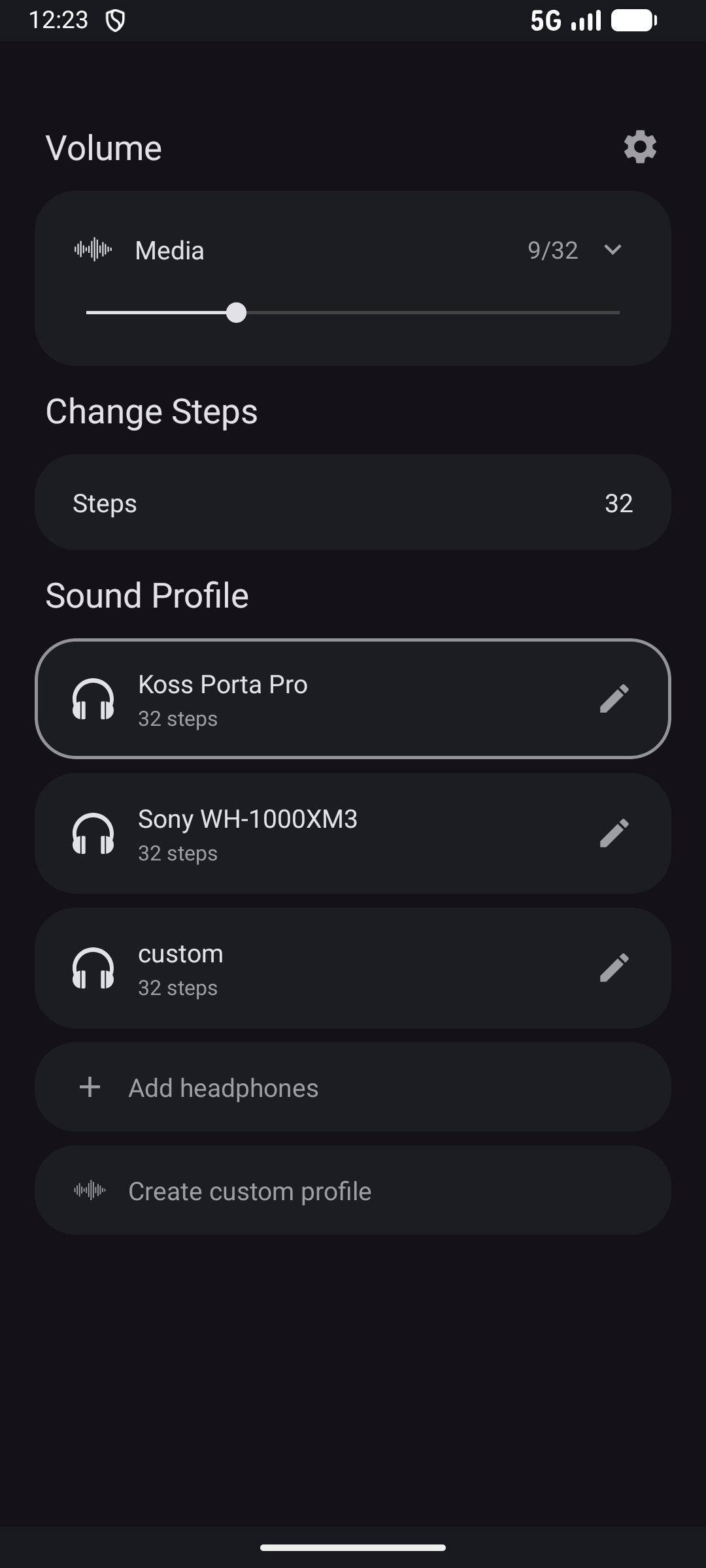
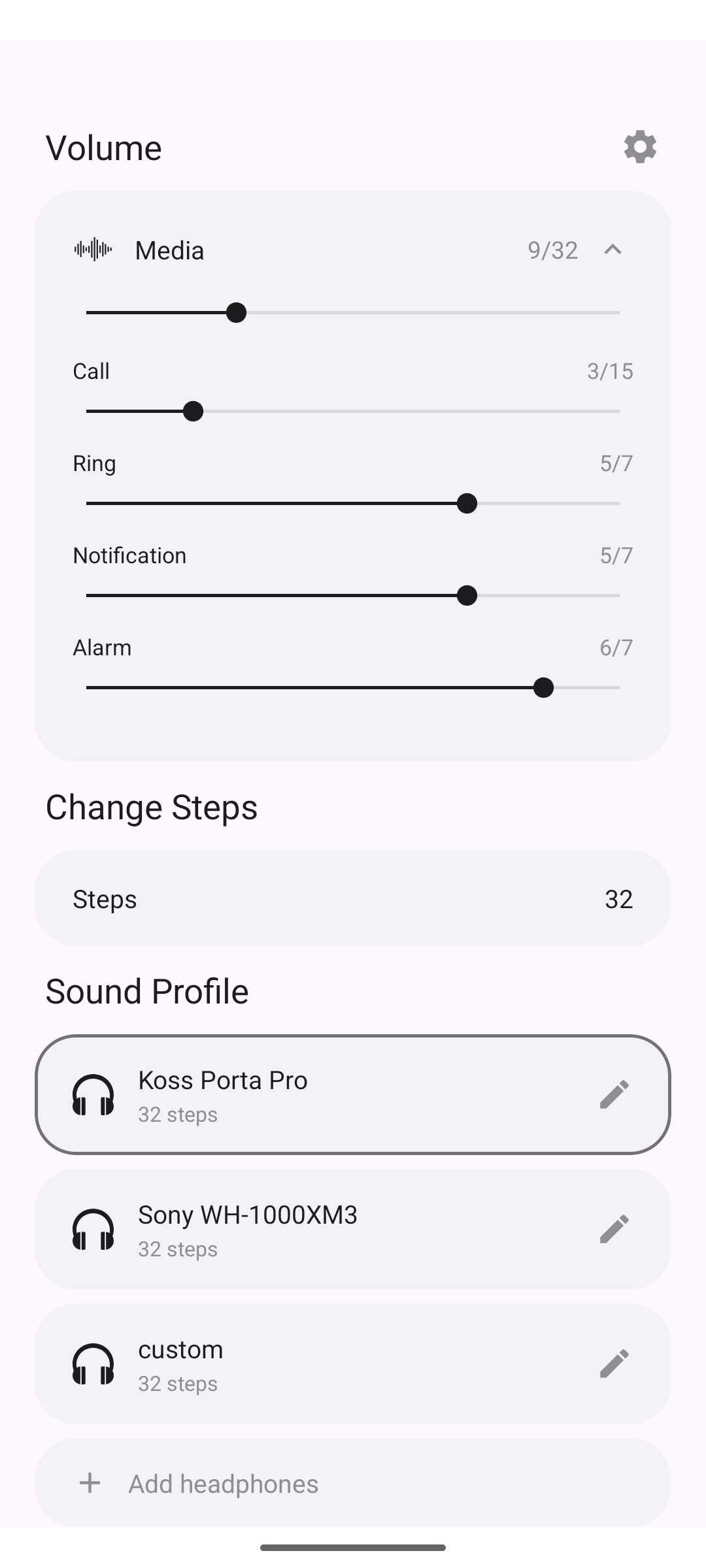
- Custom volume steps - 1 to 1000 steps, replacing Android's default 15-25
- 6000+ headphone sound profiles - AutoEQ corrections for accurate sound, updated automatically
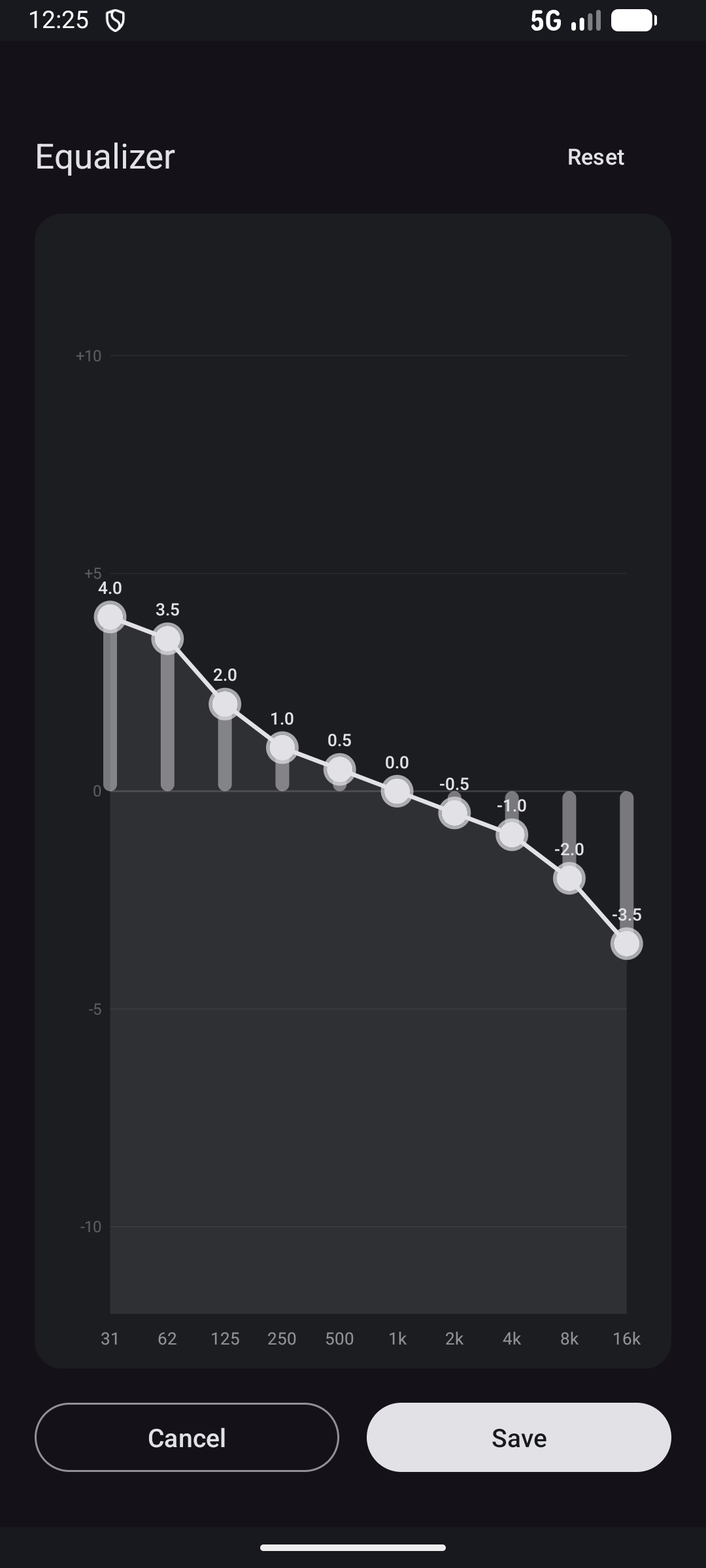
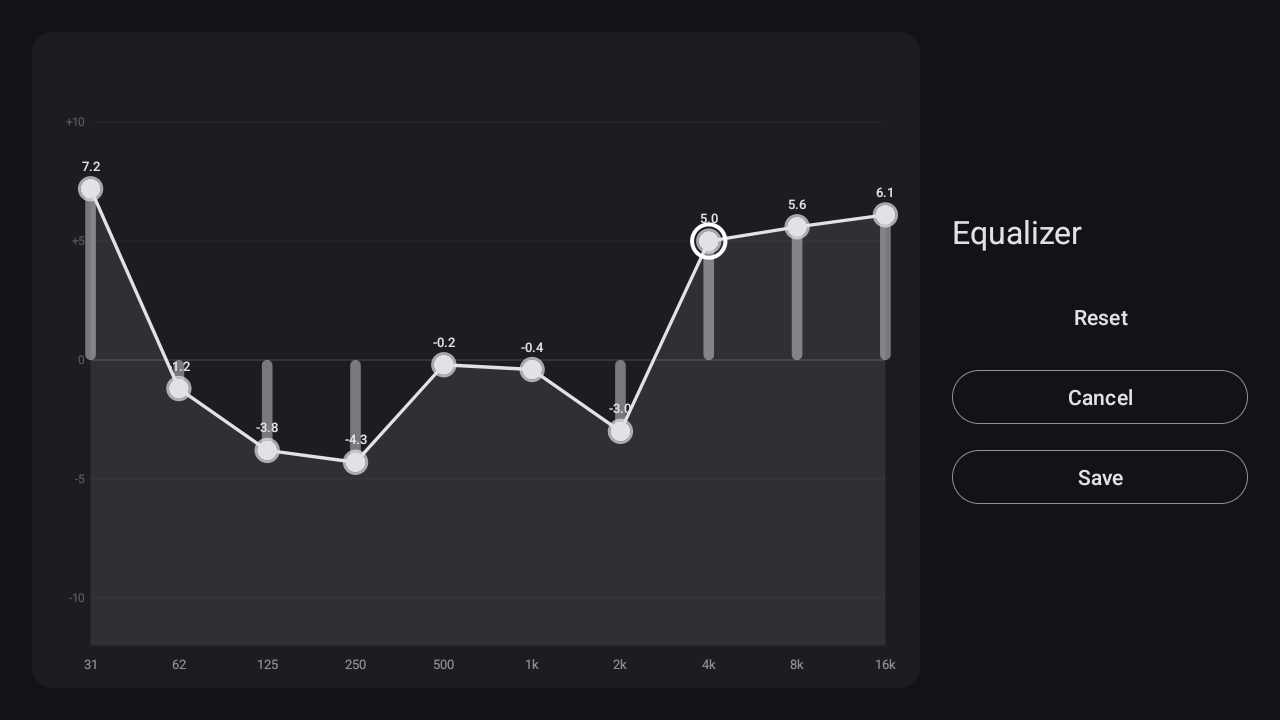
- 10-band graphic equalizer - Create custom profiles or fine-tune AutoEQ profiles
- Channel balance - Left/right volume control for hearing compensation
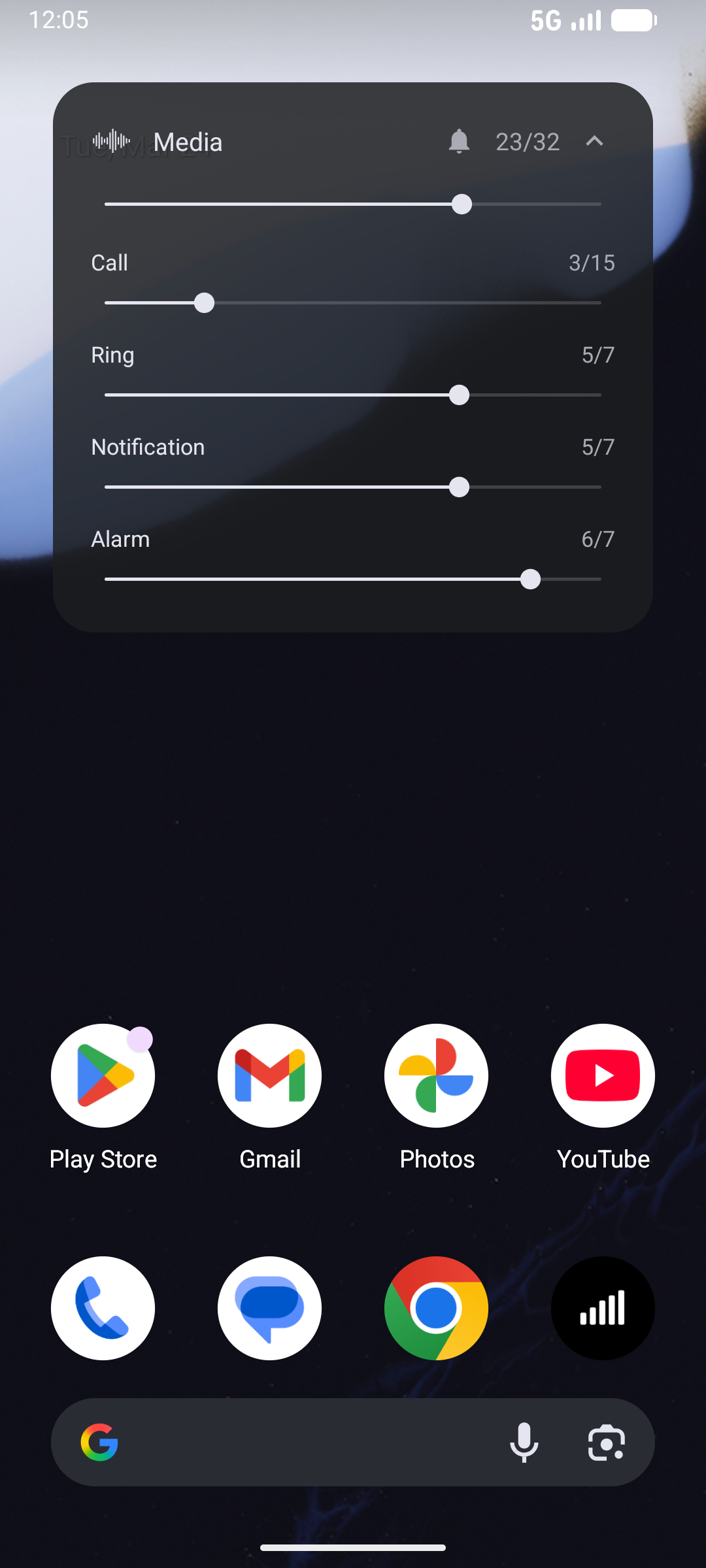
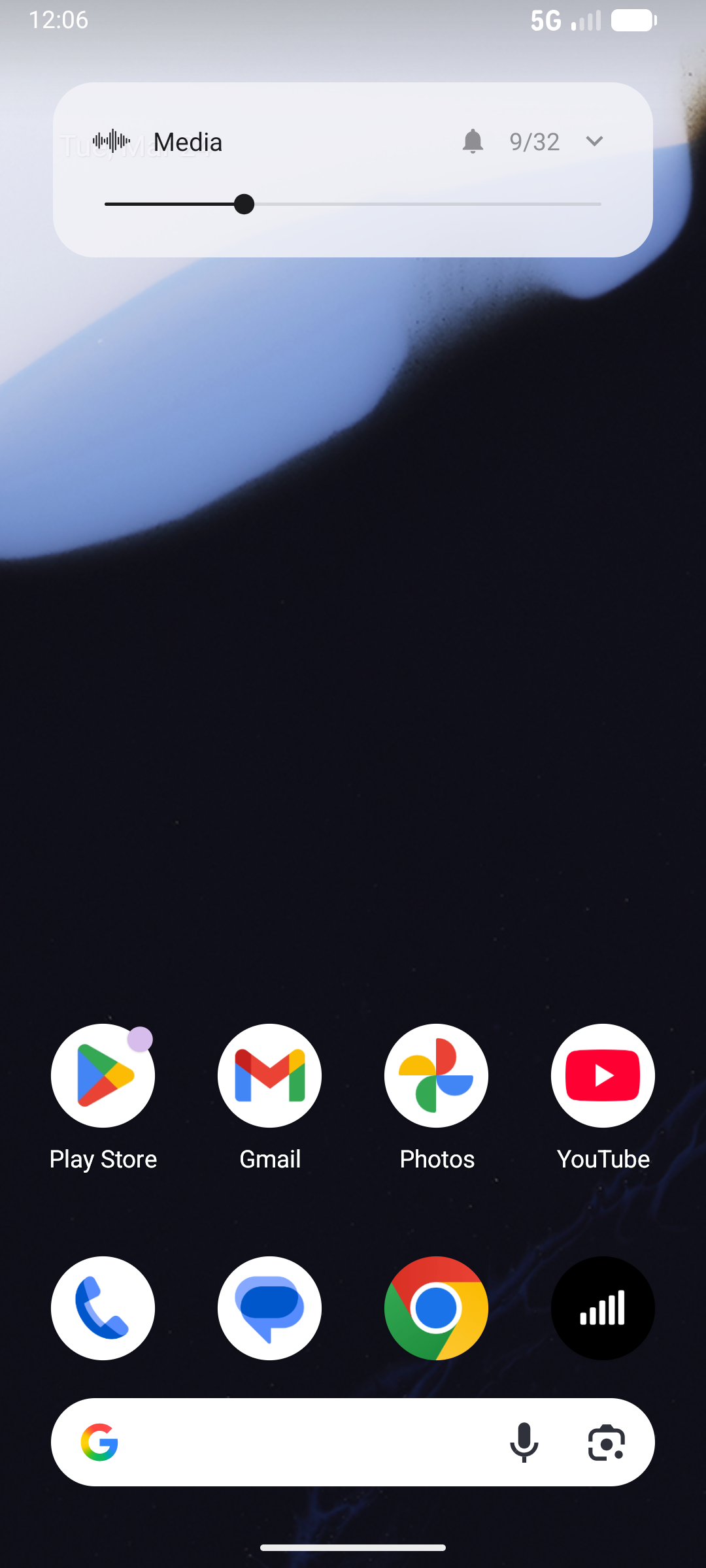
- Volume overlay - Floating popup with expandable stream sliders (Media, Call, Ring, Notification, Alarm)
- Ringer mode toggle - Switch Ring/Vibrate/Silent from the overlay
- Preset system - Save multiple headphone + step count combos, switch with one tap
- Haptic feedback - Tactile response on all controls
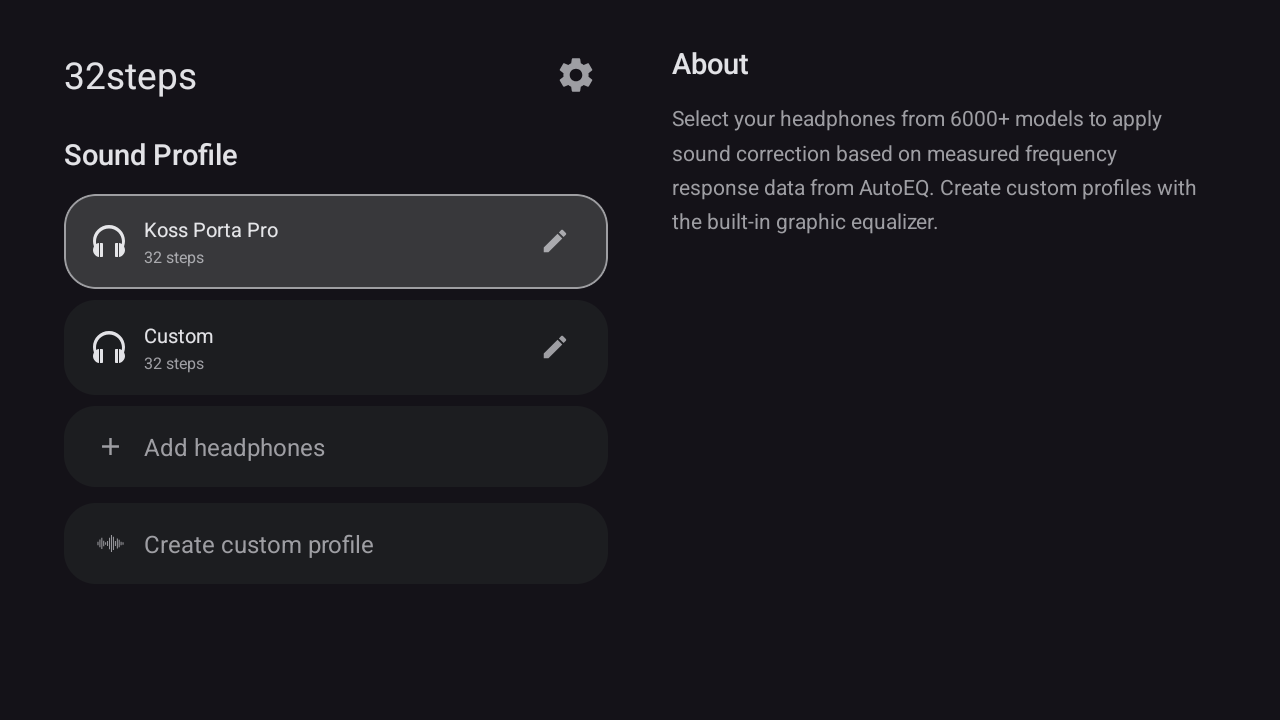
- Android TV support - Sound profiles and graphic EQ with D-pad navigation
- No root, no internet, no ads, no tracking
Note: Custom volume stepping is not available on Android TV due to platform limitations. On TV, the app provides sound profiles and graphic EQ only.
How it works
Android defaults to 15-25 volume steps. 32steps lets you set your own count by splitting each system step into smaller sub-steps using a gain offset through Android's DynamicsProcessing API (falls back to Equalizer on older devices). An accessibility service intercepts your volume buttons, and a foreground service keeps it running in the background. Works across all apps.
Sound Profiles
Pick your headphones from 6000+ models and the app corrects the sound based on measured data from AutoEQ. Save presets with different headphones and step counts. The headphone database updates automatically.
Requirements
- Android 8+
Setup
- Install the APK
- Open the app, set your preferred number of steps
- Follow the guided setup (accessibility service, overlay, battery)
- Close the app and use your volume buttons
Permissions
- Accessibility Service - intercepts volume button presses
- Overlay - shows volume popup when you change volume
- No internet - the app can't send or receive any data
On Android 13+, you may need to allow restricted settings first. Go to Settings > Apps > 32steps, tap the three dots in the top right corner, then tap Allow restricted settings.
Download
Available on Droid-ify and Neo Store (IzzyOnDroid repo is pre-configured), or add the IzzyOnDroid repo to the F-Droid client.
Also available via Obtainium for automatic updates directly from GitHub.
You can also grab the APK directly from the Releases page.
Building from source
- Open the project in Android Studio
- Build > Select Build Variant > release
- Build > Generate App Bundles or APKs > Build APK
License
MIT
