OfflineLLM
The first of its kind — a fully Offline, Private AI chat app for Android
The only Android LLM app that has 0 Network connectivity. All LLM inference runs on-device via llama.cpp.
⚡ Now with GPU acceleration — opt-in Vulkan offload runs the entire model on your phone's GPU, with per-device CPU kernel dispatch when you stay on CPU.



If this project helped you, please ⭐️ star it. Also try Box — The most advanced local AI suite on Android today!
📱 Screenshots
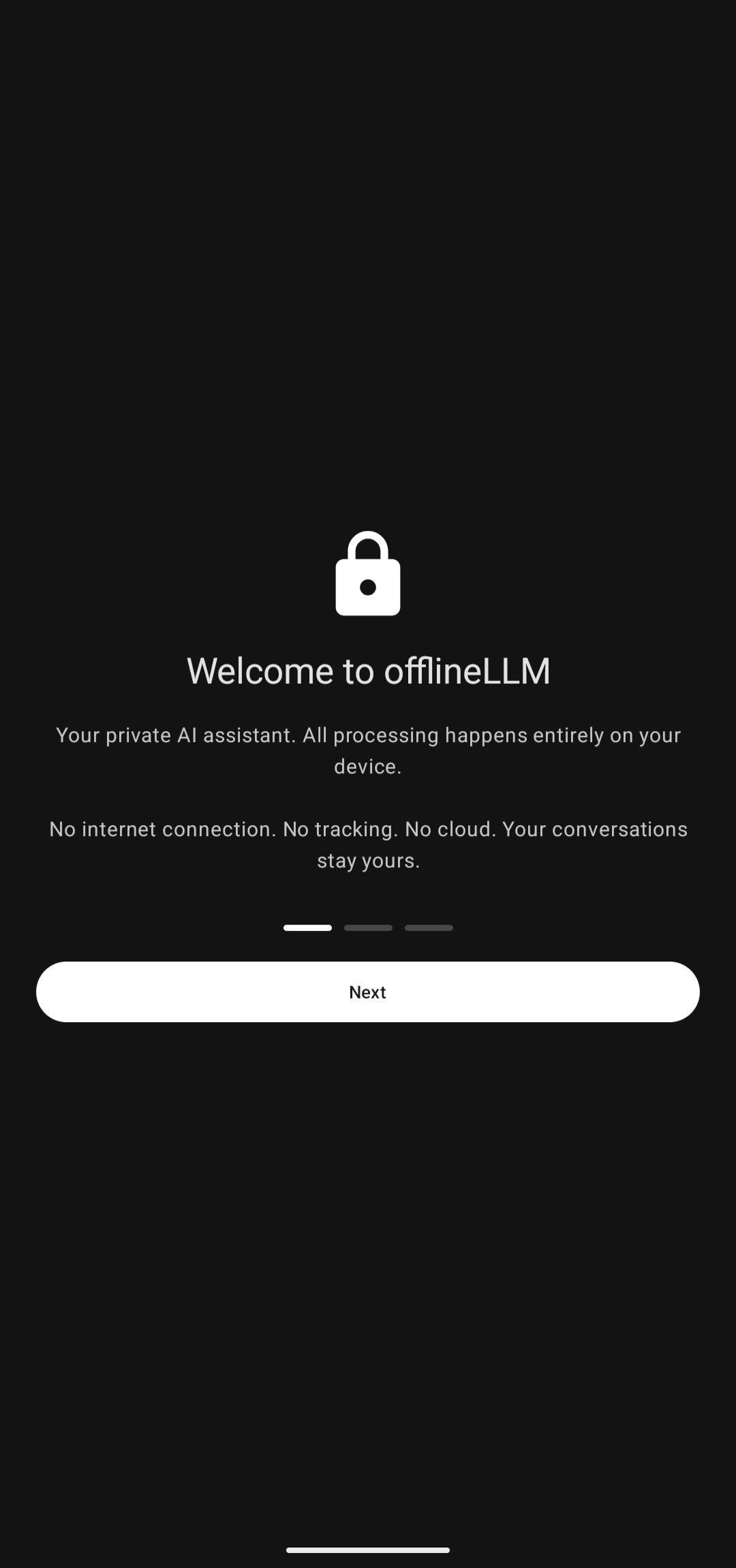
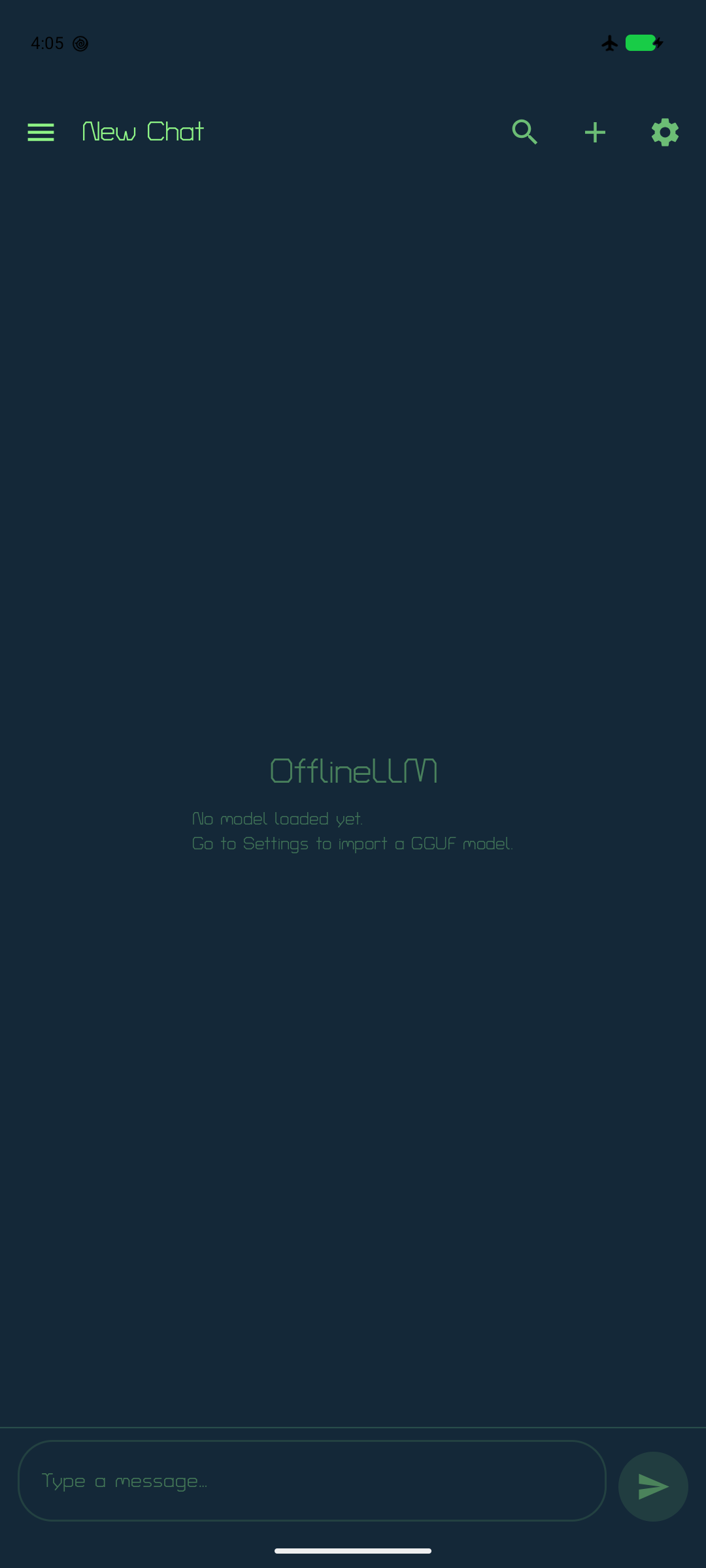
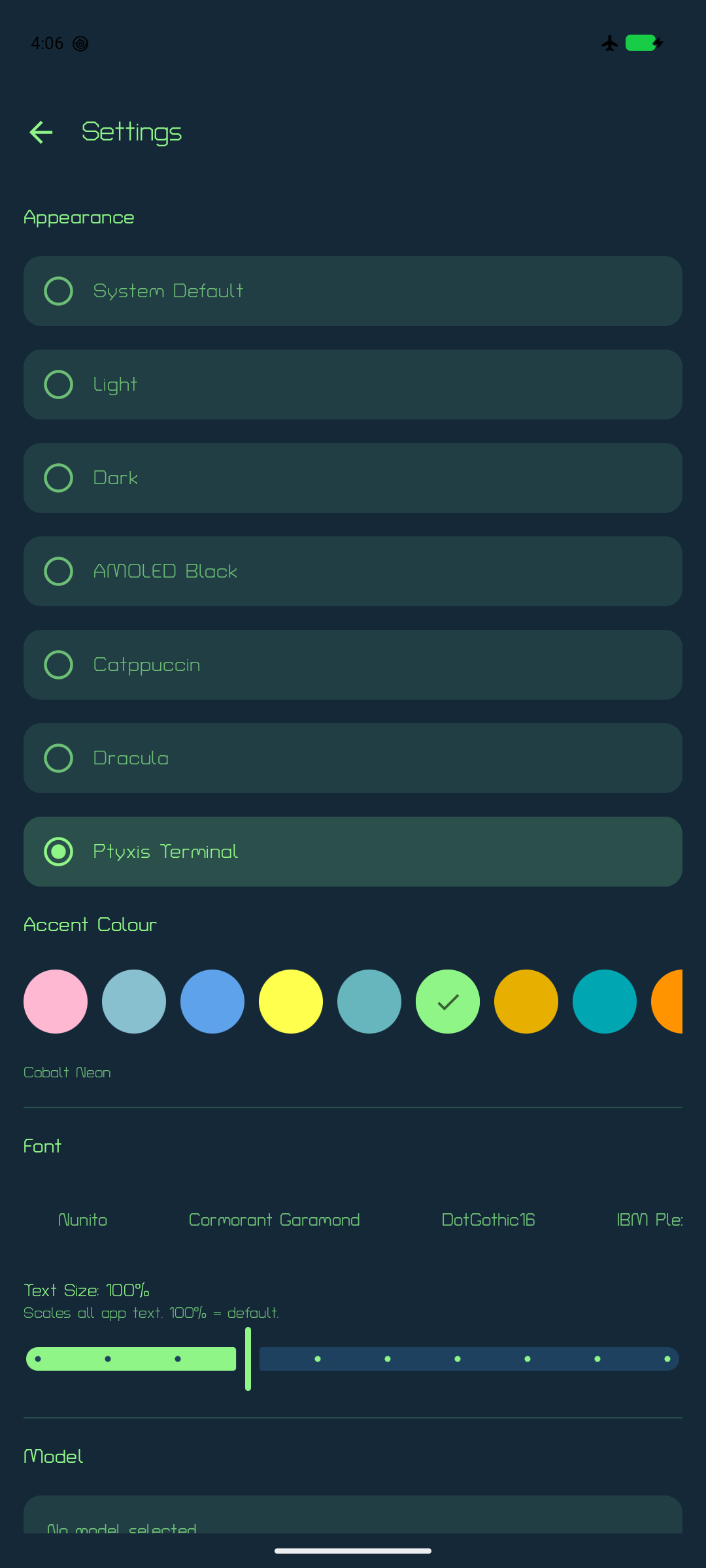
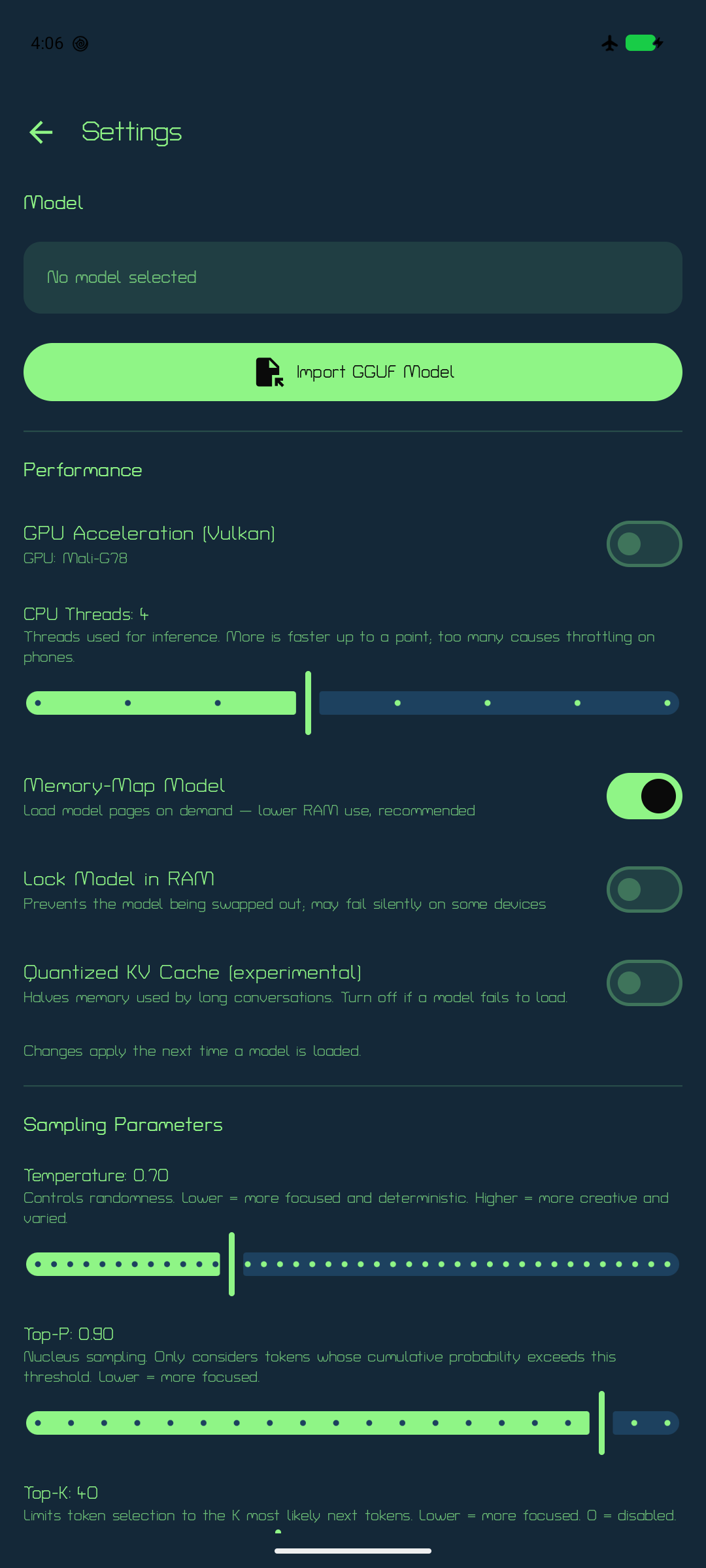
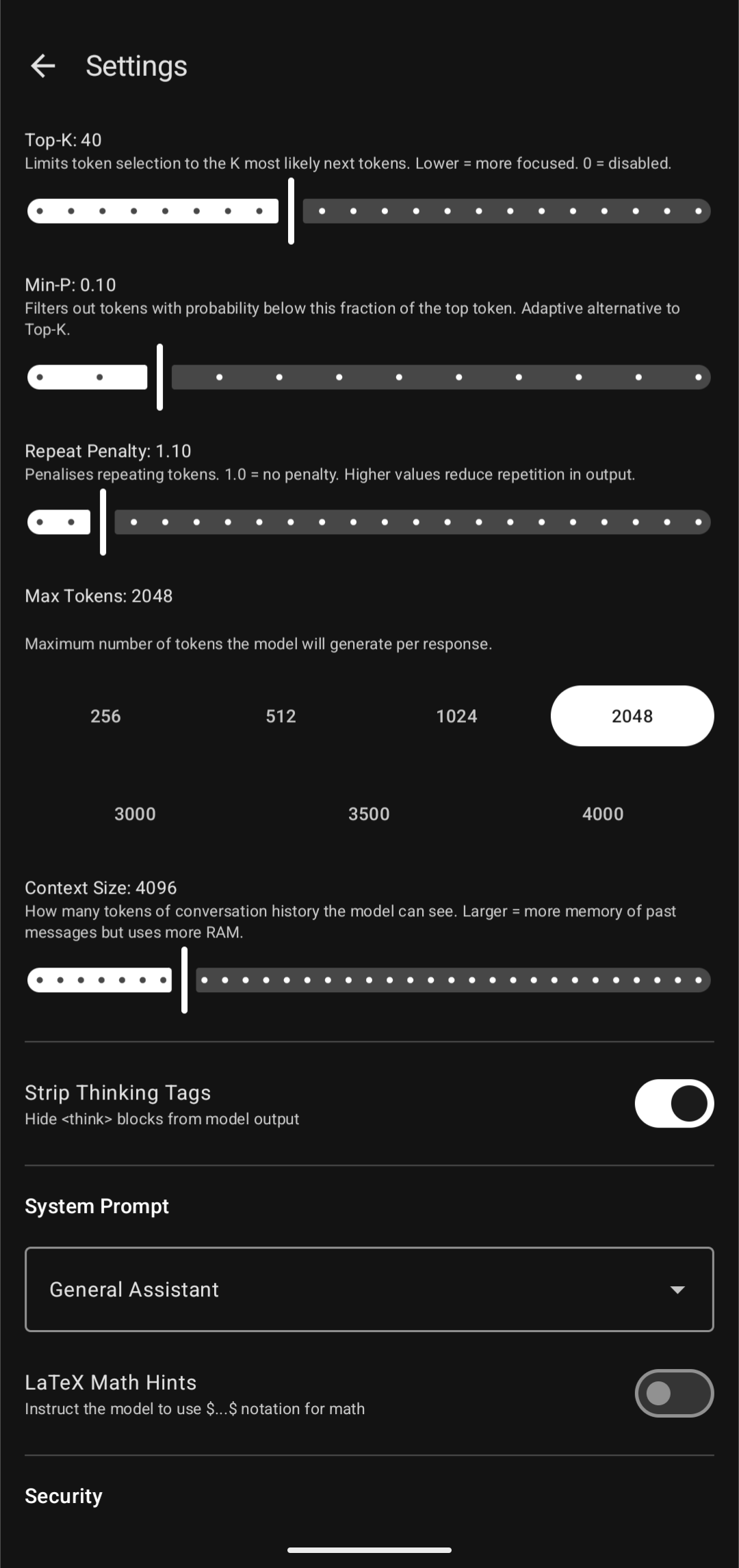
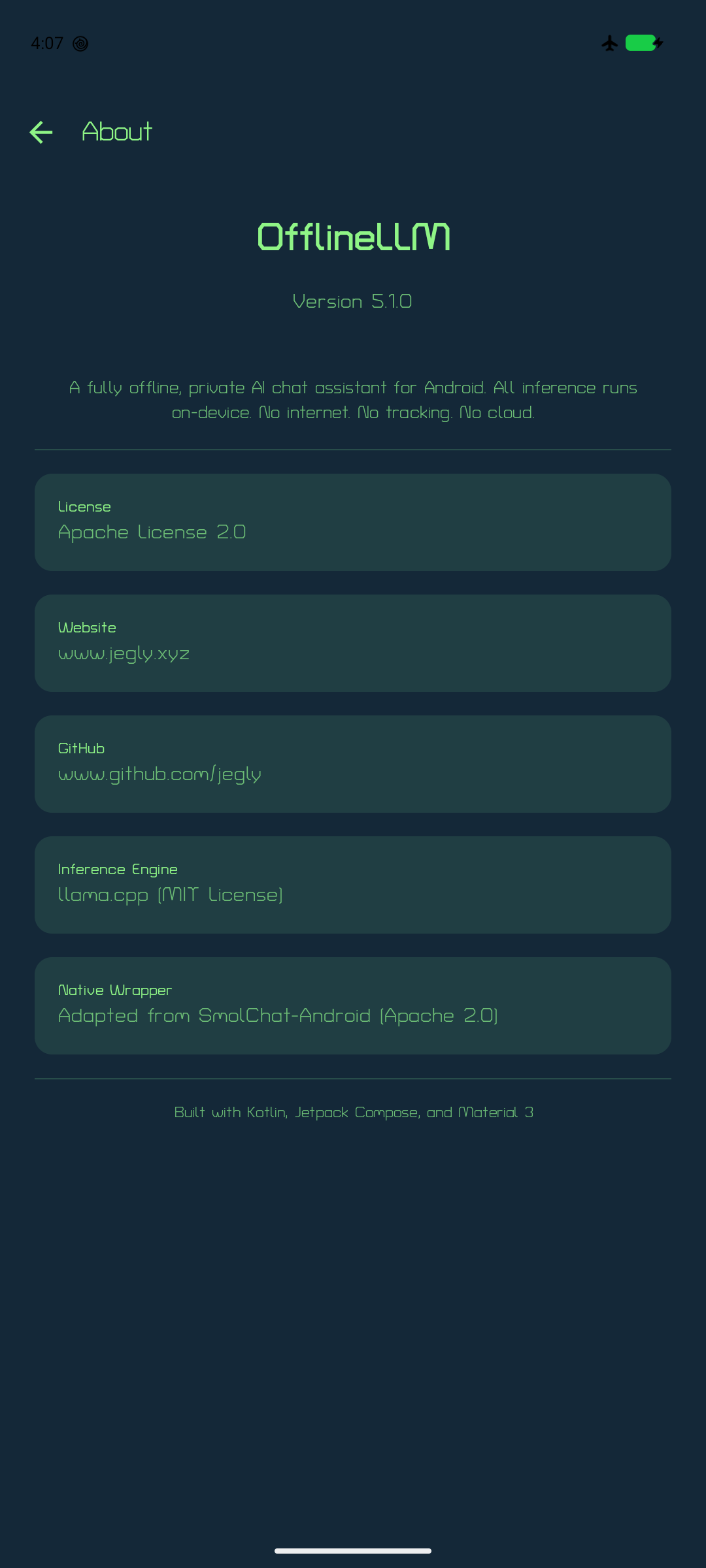
- 100% Offline — no INTERNET permission in the manifest, cannot phone home
- On-Device Inference — GGUF models via llama.cpp; runtime CPU dispatch picks the best kernel set (dotprod / fp16 / i8mm / SVE) for your exact SoC
- GPU Acceleration (Vulkan) — opt-in toggle in Settings with per-layer offload control and automatic CPU fallback; detects and names your GPU
- Fast Multi-Turn Chat — incremental prompt processing: each turn feeds only the new message into the KV cache instead of re-processing the whole conversation
- Performance Controls — CPU thread count, prompt-phase threading across all cores, memory-mapped loading, RAM lock, experimental quantized KV cache
- Streaming Responses — token-by-token output as the model generates
- Import Any Model — bring your own GGUF at runtime via file picker
- Multiple Conversations — auto-titled, renameable, searchable
- Translator — 75+ languages
- Advanced Sampling — Temperature, Top-P, Top-K, Min-P, Repeat Penalty
- System Prompts — General, Coder, Creative Writer, Tutor, Translator
- Markdown + TTS — formatted responses, read aloud via system TTS
- Thinking Tag Stripping — hides
<think>blocks from reasoning models - Theming — 11 Ptyxis terminal palettes (Cobalt Neon default) + Catppuccin (all 4 flavors × 14 accents) + Dracula (7 accents) + System / Light / Dark / AMOLED with Material You accents, plus monochrome-accent mode
- 13 Bundled Fonts — from Turret Road (default) to IBM Plex, Playfair Display, and Press Start 2P, with an app-wide text-size slider
- Context Bar — live token-usage indicator on the chat screen
- Tamper Detection — release builds verify the APK signing certificate at startup and refuse to run if repackaged
- Security — encrypted settings, optional biometric lock, secure file deletion
- Chat Backup — export/import as JSON
- Gemma 4 — native chat-template support, including the elastic E2B/E4B models with shared-KV layers
- Actionable Errors — model-load failures surface the real llama.cpp reason instead of a generic message
- Backend Diagnostics — Settings → Performance shows which ggml backend and CPU kernel variant your device actually selected, with its feature flags (DOTPROD / MATMUL_INT8 / SVE / SME); selectable text, so it can be pasted straight into a bug report
Install
v5.1.3 ships as a single Vanilla APK — bring your own GGUF model and import it from Settings.
Requires Android 13+ and arm64-v8a. Vast majority of Android devices since 2019 are arm64.
- Download from Releases
- Settings → Apps → Install unknown apps → allow your file manager
- Open the APK, tap Install, complete onboarding
- Settings → Model → Import GGUF Model (download one from HuggingFace)
Or via ADB:
adb install OfflineLLM-5.1.3-PQC-signed.apk
Tamper detection: release builds verify the APK signing certificate at launch. The app exits with an "Unverified App" dialog if anyone has re-signed the APK with a different key. On Android 17 and newer it accepts only the ML-DSA-87 key; earlier versions accept the original key.
Performance
- CPU: the APK bundles seven
ggml-cpukernel variants (armv8.0 → armv9.2); at load time ggml scores them against your CPU's features and loads the fastest one. Prompt processing additionally uses every core, while generation sticks to the big cores. - GPU: Settings → Performance → GPU Acceleration (Vulkan). Biggest wins on Adreno-class GPUs and anything with cooperative-matrix support; Mali midrange may tie the CPU. If a GPU load fails, the app automatically retries on CPU. Note that on many mobile GPUs — Mali especially — token generation is memory-bandwidth-bound and the CPU kernels can be faster; if the GPU toggle feels slower, it probably is, so turn it back off.
- Long chats: turn 2 onward only processes your new message — no more re-crunching the whole conversation each turn.
- Threading: ggml's own thread pool is used rather than OpenMP, which is what makes the CPU-thread settings actually take effect and keeps generation off the efficiency cores (upstream's Android build does the same).
- Check what you actually got: Settings → Performance → Active backend lists the selected backend and its feature flags.
DOTPRODplusMATMUL_INT8means the fast quantized-matmul kernels are running; a device showing onlyNEONfell back to the armv8.0 baseline and will be several times slower. - All performance settings apply the next time a model is loaded.
Recommended Models
| Model (Q4_K_M) | Approx. Size | RAM Required / Best For |
|---|---|---|
| gemma-3-270m-it-qat-Q4_K_M.gguf | ~300 MB | 2–4 GB RAM devices, fast responses |
| Qwen3.5 0.8B Q4_K_M | ~530 MB | Good balance for 4–6 GB RAM |
| gemma-4-E2B-it-GGUF (2.3B effective) | ~1.3 GB | Recommended for 6–8 GB RAM |
| gemma-4-E4B-it-GGUF (4.5B effective) | ~2.5 GB | Recommended for 8 GB RAM |
| Qwen3.5/6 2-4B Q4_K_M | ~2.5 GB | Flagship (12 GB+ RAM) |
Search the model name + "GGUF" on HuggingFace. Q4_K_M is the best quality/speed balance.
Build from Source
Prerequisites: JDK 17, Android SDK (compileSdk 37), NDK 27.2, CMake 3.22.1 or newer (the build picks the newest one installed in the SDK), a host C/C++ compiler (gcc/g++, used to build llama.cpp's Vulkan shader generator)
The Vulkan backend needs two Khronos header repos checked out inside the project root. They're gitignored rather than vendored, so clone them after the project:
git clone --recurse-submodules https://github.com/jegly/OfflineLLM.git
cd OfflineLLM

# Khronos headers for the Vulkan GPU backend (inside the project root).
# Vulkan-Headers is pinned to the tag ggml-vulkan is known to build against.
git clone --branch v1.4.351 --depth 1 https://github.com/KhronosGroup/Vulkan-Headers.git
git clone https://github.com/KhronosGroup/SPIRV-Headers.git
cmake -S SPIRV-Headers -B SPIRV-Headers/build -DCMAKE_INSTALL_PREFIX=SPIRV-Headers/install
cmake --install SPIRV-Headers/build

# Optional: bundle a model in the APK
cp /path/to/model.gguf app/src/main/assets/model/

./gradlew assembleDebug
First build compiles llama.cpp from source, including 1,400 Vulkan compute shaders and seven CPU-variant libraries (20–30 min). Subsequent builds are fast.
Project structure
smollm/— Native llama.cpp JNI modulesrc/main/cpp/— C++ inference engine + JNI bridgesrc/main/java/— SmolLM.kt, GGUFReader.kt wrappers
app/— Main Android application (src/main/java/com/jegly/offlineLLM/)ai/— InferenceEngine, ModelManager, SystemPromptsdata/— Room database, DAOs, repositoriesdi/— Hilt dependency injection modulesui/— Compose screens, components, theme, navigationutils/— BiometricHelper, MemoryMonitor, SecurityUtils, TTS
llama.cpp/— git submodule
Security & Privacy
- Zero network permissions (no INTERNET, no ACCESS_NETWORK_STATE)
- No Google Play Services or Firebase dependencies
- Encrypted settings via Jetpack Security
- Optional biometric lock
- Memory Tagging Extension enabled (
memtagMode="sync") - Secure deletion — files overwritten before removal
- No logging of prompts or responses
Release signing
Release APKs use hybrid signing (APK Signature Scheme v3.2): the original app key plus an EC P-384 key and an ML-DSA-87 post-quantum key. Android 17 and newer verify the hybrid block, where the ML-DSA-87 key is the signer; earlier Android versions verify the original key as before.
| File | SHA-256 |
|---|---|
OfflineLLM-5.1.3-PQC-signed.apk |
0f2460fc339f017dbfeea694cf1caaede215aaded6715b8ca0f6eaebccba4092 |
Verify a download:
sha256sum OfflineLLM-5.1.3-PQC-signed.apk
apksigner verify -v --print-certs OfflineLLM-5.1.3-PQC-signed.apk   # build-tools 37.0.0 on JDK 25 shows all three keys
Signing certificate SHA-256:
- ML-DSA-87 (post-quantum):
5f99de5b3195753d4fe8ddabebd2fb27356b2109d6fbb2471fcbbdf21a9e76a6 - EC P-384 (hybrid classical):
fa8f4a07e6a4f2b7dc6e5ab31fc05592b1414ab9436d1e2e39b35ce3bb2e33a2 - Original key:
98d324d4106a368c62729a0a24d9ac9a6b47f8ac4c6585348531f0ee4eb6a04c
License
Apache License 2.0. llama.cpp backend: MIT. Native wrapper adapted from SmolChat-Android (Apache 2.0).
