monogram
Monogram





English · Русский · Türkçe · 한국어 · اُردو · Español
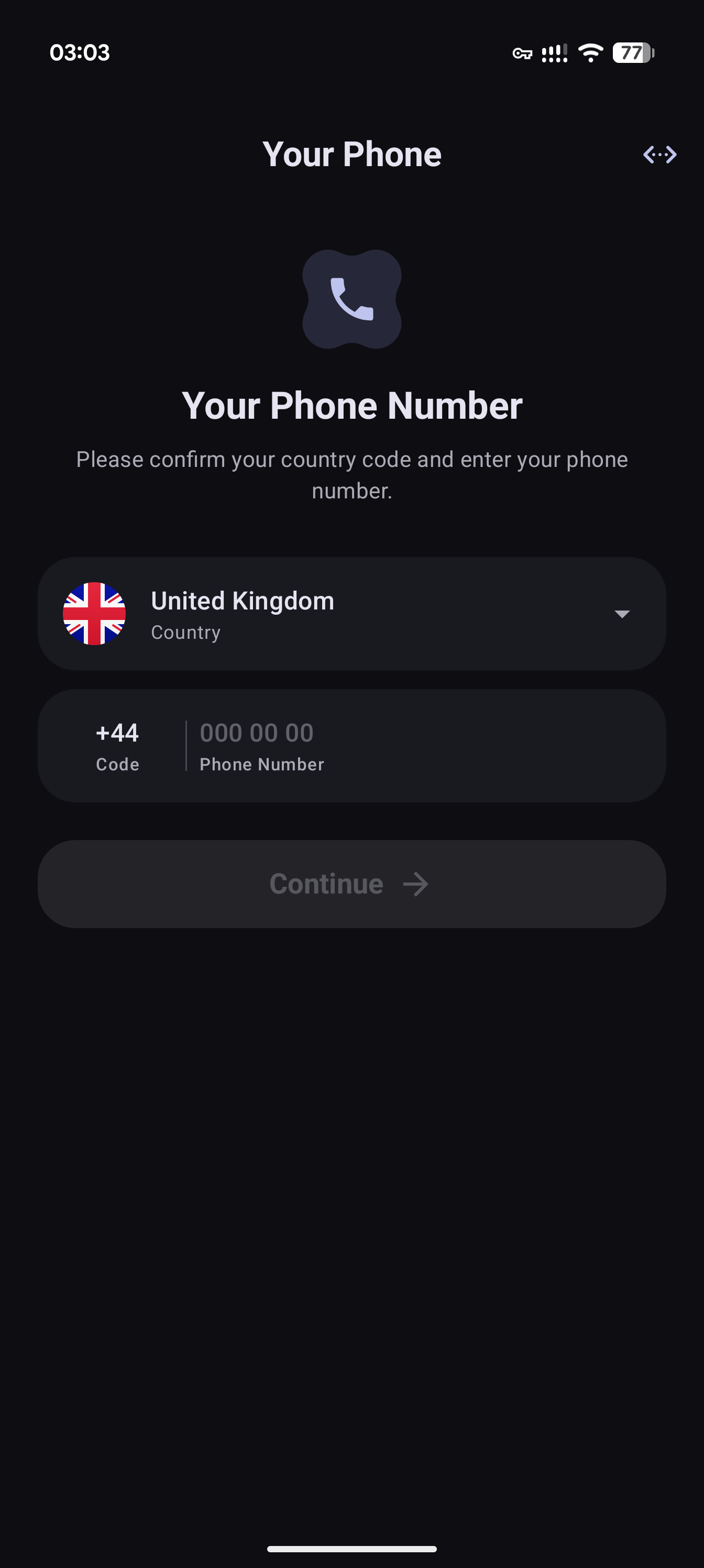
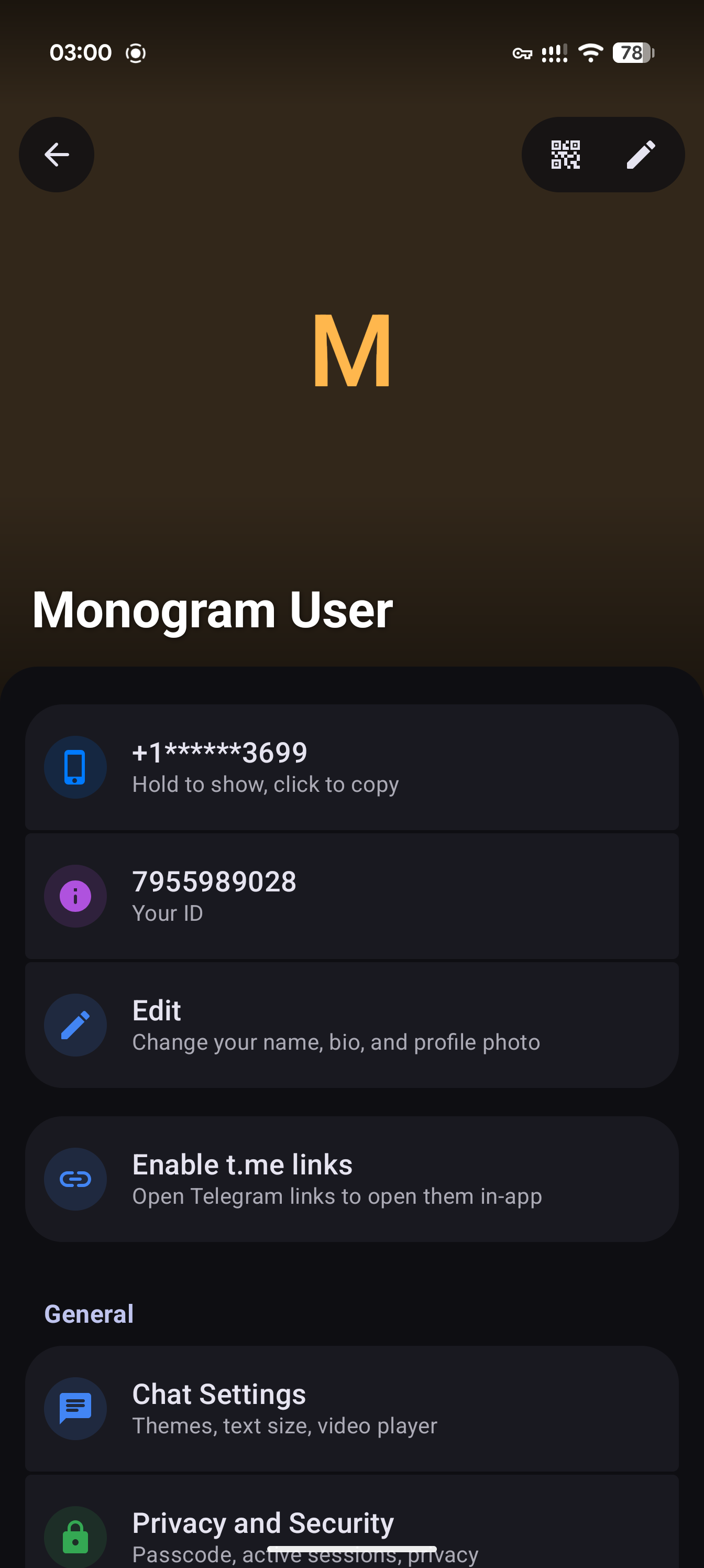
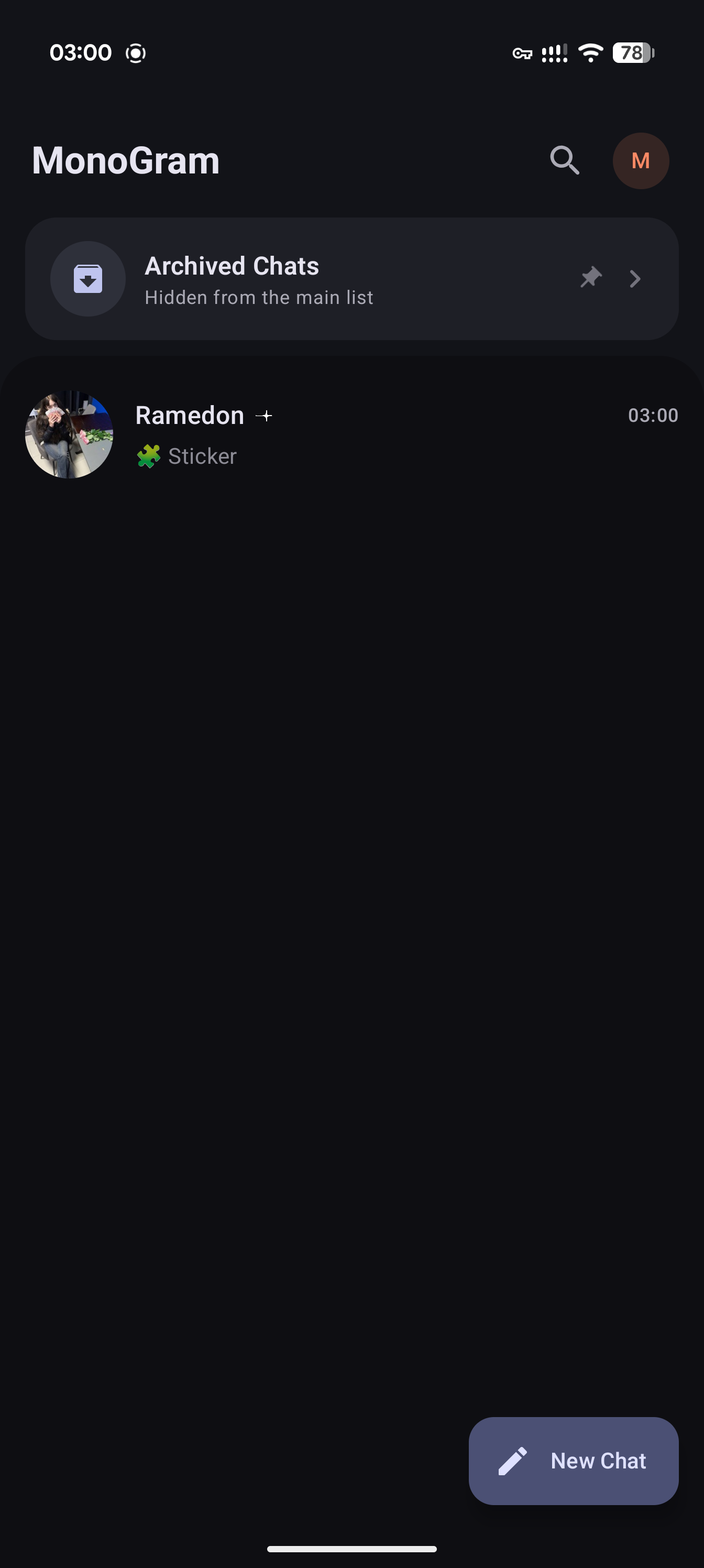
Monogram is a blazing-fast, fully native Telegram client for Android 7.0 and newer. Built with Kotlin, Jetpack Compose, and Material 3, it pairs a modern Android interface with our own MTProto implementation in Rust
[!IMPORTANT] Monogram is in active development. Features and architecture are still evolving; bugs and incomplete behavior are possible.
Support the project on Boosty
 |
 |
 |
 |
Project highlights
- Fully native — Built for Android with Kotlin and Jetpack Compose
- Made for your screen — Material 3 layouts that adapt to phones, tablets, and larger displays
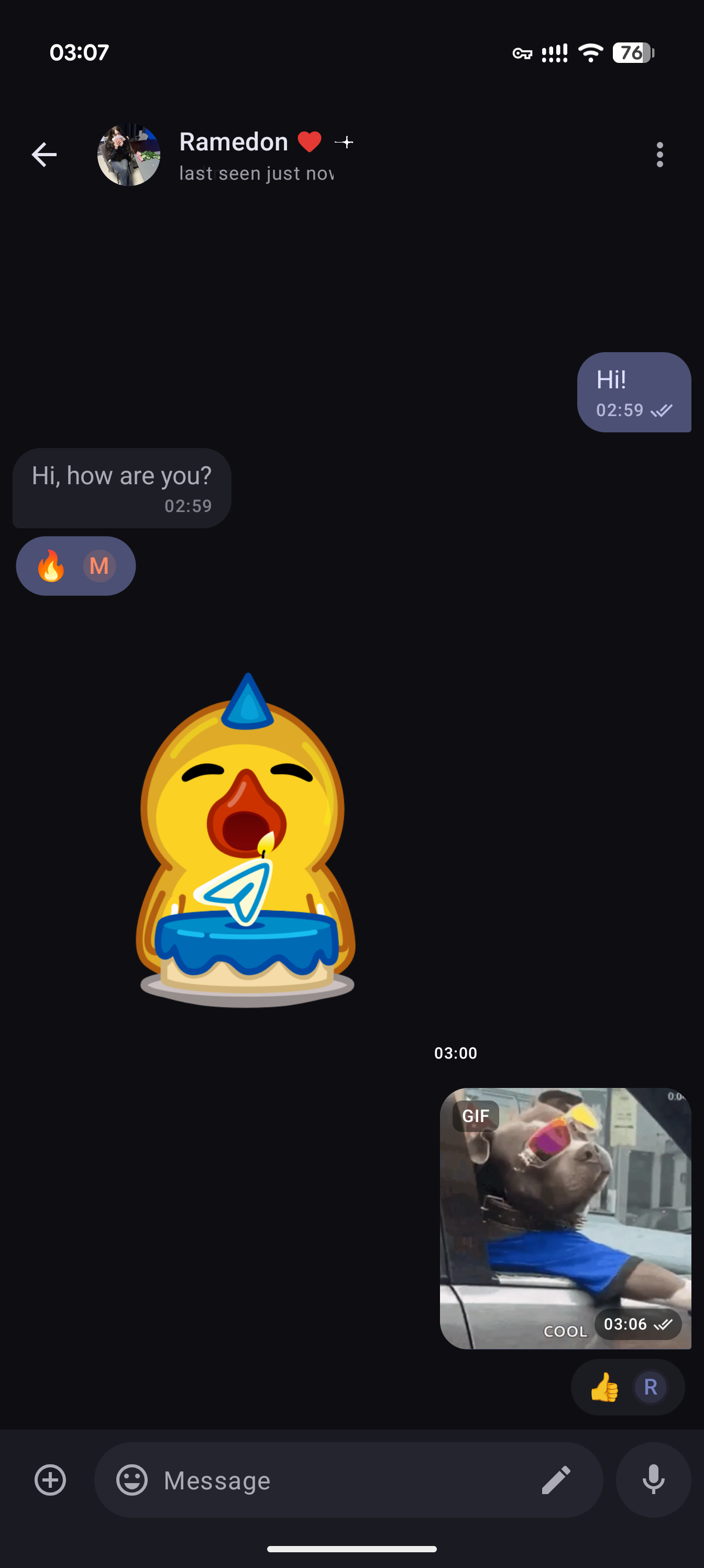
- Your chats, with media — Photos, videos, and animated stickers in your conversations
- Blazingly fast, powered by Rust — Our own native implementation of Telegram's MTProto protocol 🚀
- No NFT or crypto — Monogram will not include NFT promotions, gifts, or other Telegram features that we consider outside the scope of a messaging app
Build from source
1. Requirements
- JDK 17 and an Android Studio version compatible with the project's Android Gradle Plugin (see the version catalog)
- Android SDK Platform 37, platform tools, and an Android NDK. CI uses NDK r28c. Set
ANDROID_NDK_HOMEto select an NDK explicitly; otherwise Gradle looks under the SDK'sndkdirectory. - Rust 1.98 or newer, Cargo, and the host platform's C/C++ build tools for native dependencies and UniFFI generation
- Git, the Android Rust targets below, and cargo-ndk:
rustup target add aarch64-linux-android armv7-linux-androideabi x86_64-linux-android
cargo install cargo-ndk --locked
2. Clone the repositories
git clone --recurse-submodules https://github.com/monogram-android/monogram.git
git clone --recurse-submodules https://github.com/gdlbo/telers-mtproto-impl.git
cd monogram
git submodule update --init --recursive
Run both clone commands from the same parent directory. The current Cargo manifests require ../telers-mtproto-impl next to the Monogram checkout; the submodule under vendor does not replace this sibling checkout. CI uses the same layout.
3. Configure local settings
Copy local.properties.example to local.properties, then set sdk.dir, API_ID, and API_HASH.
Unix-like systems:
cp local.properties.example local.properties
Windows (PowerShell):
Copy-Item local.properties.example local.properties
Obtain your API credentials from my.telegram.org/apps. Builds can be produced without them, but Telegram login requires valid credentials. Keep local.properties, signing keys, and service-account credentials untracked; never include them in logs or commits.
For your own release signing key, also set:
RELEASE_STORE_FILE=keystore/release.jks
RELEASE_STORE_PASSWORD=your_store_password
RELEASE_KEY_ALIAS=your_key_alias
RELEASE_KEY_PASSWORD=your_key_password
Without RELEASE_STORE_FILE, release and beta builds use the debug signing key by default. -Punsigned=true disables that fallback when no release key is configured. Debug-signed builds are for development, not distribution under your production signing identity.
4. Configure push notifications (optional)
- FCM: Register a Firebase Android app for
org.monogram(the same application ID is used for debug, release, and beta). Place its configuration atapp/google-services.json; Gradle applies the Google Services plugin only when this file exists. Firebase dependencies remain part of the app even without the configuration file. - Register the corresponding FCM credentials for your Telegram API ID at my.telegram.org/apps. Keep
google-services.jsonand anyfirebase-adminsdkJSON untracked; never package a service-account key in the APK. - FCM testing requires Google Play services; use a Google Play emulator image for emulator checks
- UnifiedPush: Install and configure a compatible distributor on the device. The app includes UnifiedPush registration support.
5. Build and run
Open the repository in Android Studio, sync Gradle, and select the app run configuration, or use the commands below from the repository root. installDebug requires a connected device or a running emulator.
Unix-like systems:
./gradlew :app:assembleDebug
./gradlew :app:installDebug
./gradlew :app:assembleRelease
./gradlew :app:assembleBeta
Windows (PowerShell):
./gradlew.bat :app:assembleDebug
./gradlew.bat :app:installDebug
./gradlew.bat :app:assembleRelease
./gradlew.bat :app:assembleBeta
debug: development buildrelease: optimized build with R8beta: release-derived build with R8 disabled for easier debugging
Native compilation
Gradle builds the Rust libraries for armeabi-v7a, arm64-v8a, and x86_64 and regenerates UniFFI Kotlin bindings from host debug libraries as part of the normal build. Prebuilt libvpx libraries are included under native/vpx/prebuilt for video stickers. To invoke the Android native compilation tasks directly:
./gradlew :native:mtproto:buildNativeMtproto :native:markup:buildNativeMarkup
On Windows, replace ./gradlew with ./gradlew.bat. Use -PskipNativeBuild=true only for Kotlin-only work when compatible native libraries and generated bindings already exist. It skips both native compilation and binding regeneration; SDK/NDK configuration is still required.
Tech stack
- Languages and protocol: Kotlin, Rust, MTProto, UniFFI
- UI and state: Jetpack Compose, Material 3, Decompose, MVIKotlin
- Shared services: Koin, Coroutines, Flow, Room
- Media and push: Media3, Coil, libvpx, tlottie, Firebase Cloud Messaging, UnifiedPush
Project structure
| Path | Responsibility |
|---|---|
app |
Application entry point, dependency injection, navigation, and push integration |
core/* |
Shared models, database, UI, utilities, and markup access |
feature/* |
Authentication, chat list, conversations, folders, profiles, and settings |
network/bridge |
Kotlin client API, domain mapping, and error handling |
network/http |
HTTP media downloads, cache, and queue |
native/mtproto-rs |
Rust protocol client and UniFFI exports |
native/markup-rs |
Rust Markdown, syntax highlighting, and math parsing |
native/mtproto, native/markup |
Kotlin facades, generated bindings, and native libraries |
native/vpx |
Prebuilt VP9 decoder for video stickers |
vendor |
Third-party source and submodules |
Features call network/bridge; native protocol logic lives in Rust. Features must not import generated UniFFI types or depend on other feature modules. See AGENTS.md for development conventions and protocol invariants.
Contributing
Create your branch from develop and target develop with your pull request. Follow existing architecture and coding style, keep changes focused, and include a clear description and relevant verification. Respect the Telegram API Terms of Service.
Run checks appropriate to the changed module. Examples:
./gradlew :network:bridge:test
cargo test --manifest-path native/mtproto-rs/Cargo.toml
cargo test --manifest-path native/markup-rs/Cargo.toml
git diff --check
Use ./gradlew.bat on Windows. Run only the checks relevant to your change; live Telegram and device behavior require separate validation with your own credentials.
Report bugs with [Bug] and feature requests with [Feature] in the issue title. See the Bug Tracker and Feature Board.
Translations
UI strings live in core/ui/src/main/res/values/strings.xml and the feature/*/src/main/res/values/strings.xml files. Add or update values-<locale>/strings.xml in each relevant module (for example, values-de/strings.xml). Preserve resource names, formatting placeholders, and plural forms. Submit translations in a pull request. Keep translated READMEs aligned with the English version.
License
Monogram is licensed under the GNU General Public License v3.0. Third-party components and native crates retain the licenses declared in their respective source directories.
