homelab-project
Hi everyone, thanks for these past few months—it’s been great. However, for a variety of strictly personal reasons, I can no longer continue developing the app as my life is changing. I’ve contacted Apple several times to figure out what’s wrong, since there are no error messages, but they’ve never responded (I’ll try to find a solution). That said, this repo will remain active in archive mode.
🏠 Homelab Dashboard






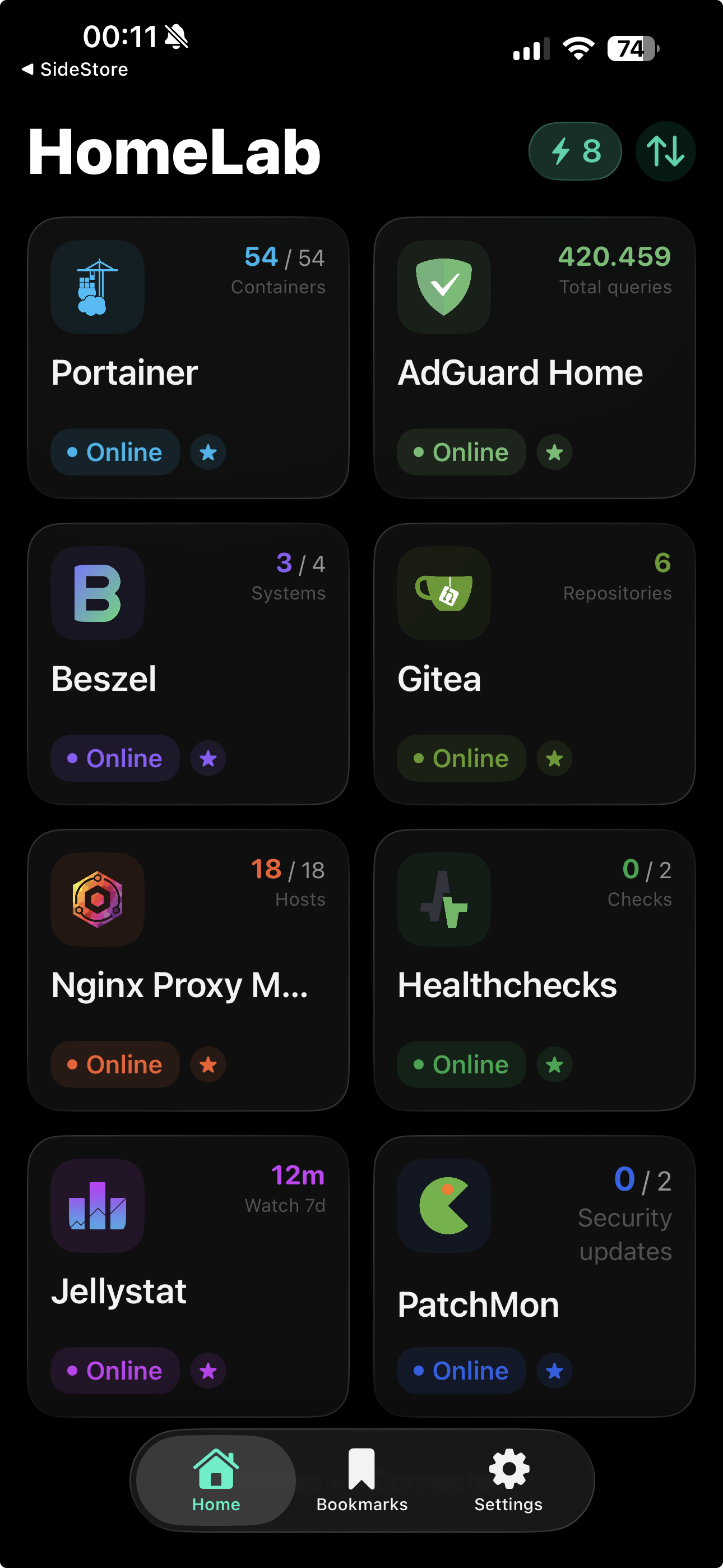
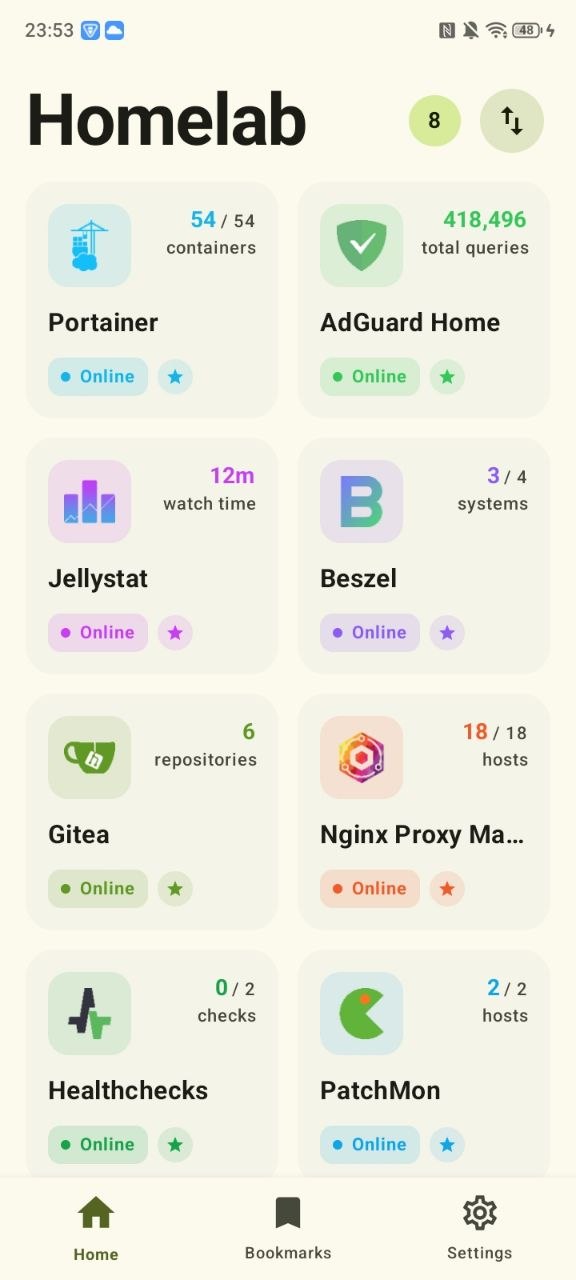
Homelab Dashboard is a fully native mobile app for monitoring and managing a self-hosted homelab from one place. The project ships two dedicated apps, one for iOS and one for Android, designed around the same product idea while respecting each platform's native UI patterns.
💝 Support the App Store Launch
A GoFundMe campaign has been launched to raise €100 only to cover the Apple Developer Program account and the App Store publication costs for the iOS app. Every contribution helps make an official App Store release possible.
Disclaimer: This is a vibe-coding project built for fun and personal use. It is provided as-is with no guarantees. The author assumes no responsibility for any issues, data loss, or damages resulting from the use of this software.
| iOS Dashboard | Android Dashboard |
|---|---|
 |
 |
🚀 Highlights
- 34 integrated service dashboards across infrastructure, networking, media automation, observability, and developer tooling.
- One app, many instances: add multiple instances of the same service and switch between them without friction.
- Fully native on both platforms: SwiftUI on iOS, Jetpack Compose on Android.
- Practical daily-use features: encrypted backup and restore, biometric unlock, multilingual UI, alternate icons, and fast in-app update prompts.
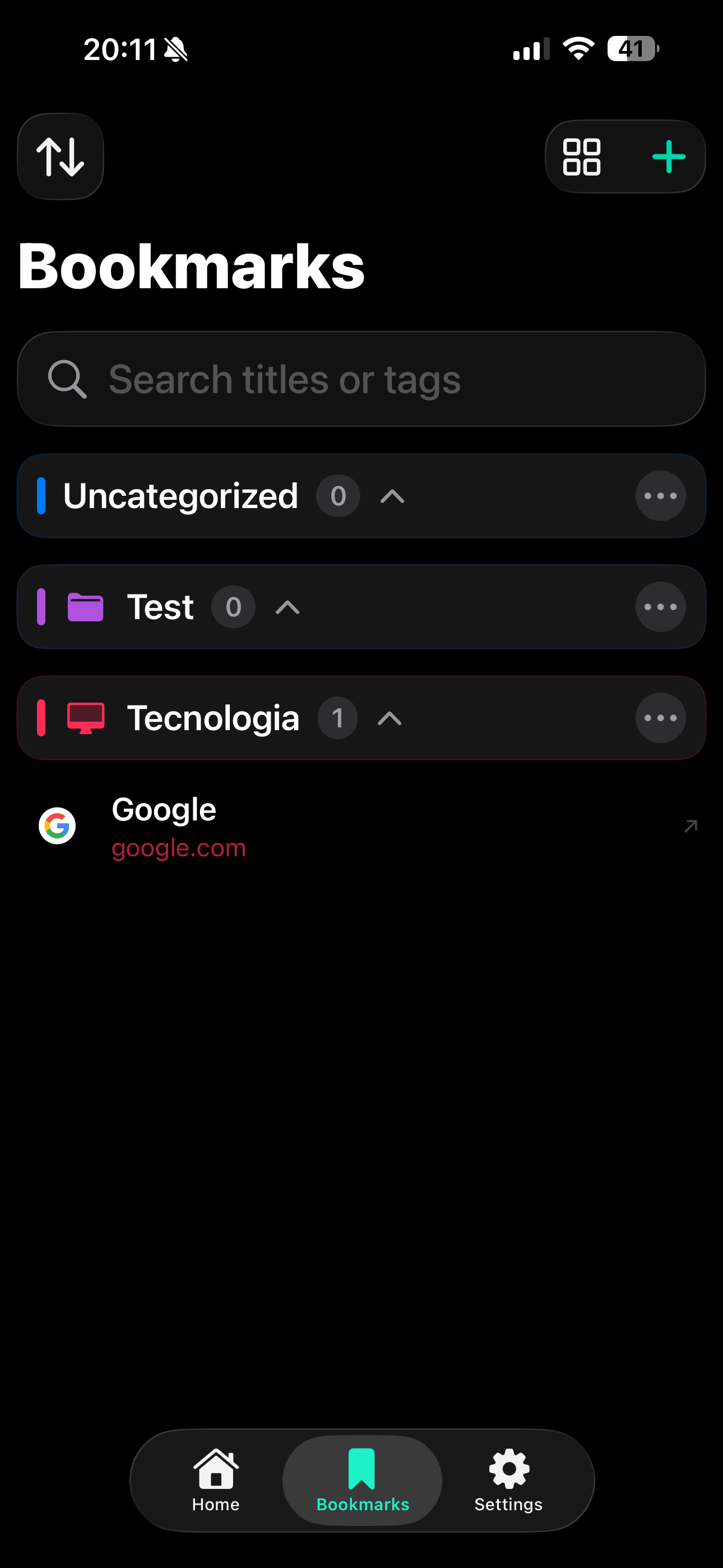
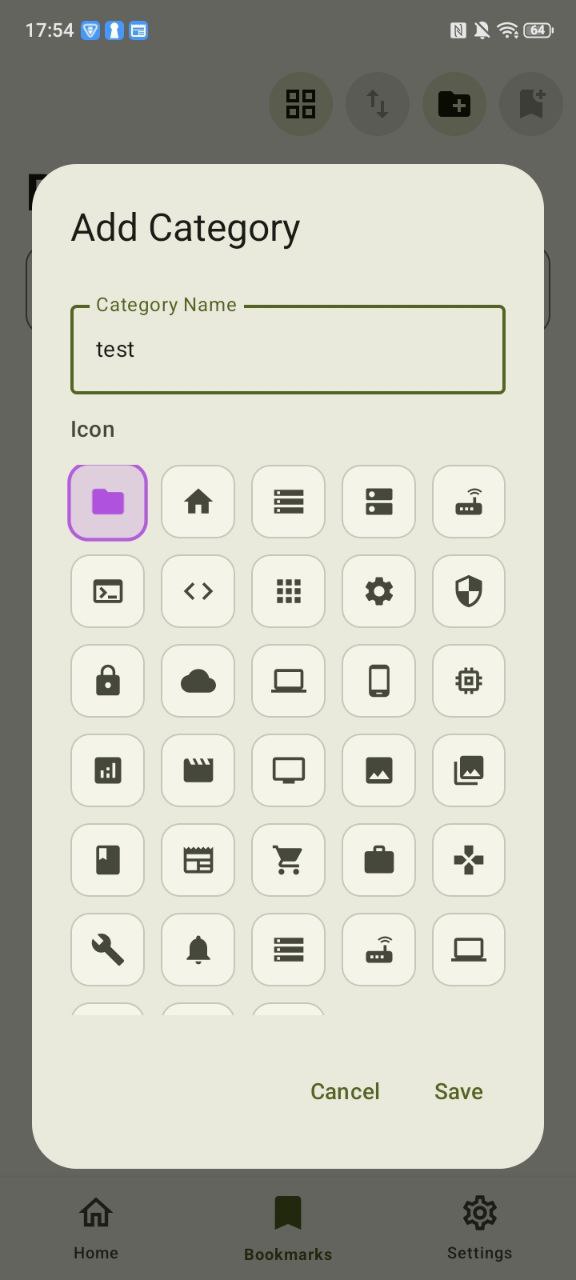
- Utilities beyond services: built-in bookmarks plus quick Tailscale launch support for remote access workflows.
🧩 Integrated Services
Core Infrastructure
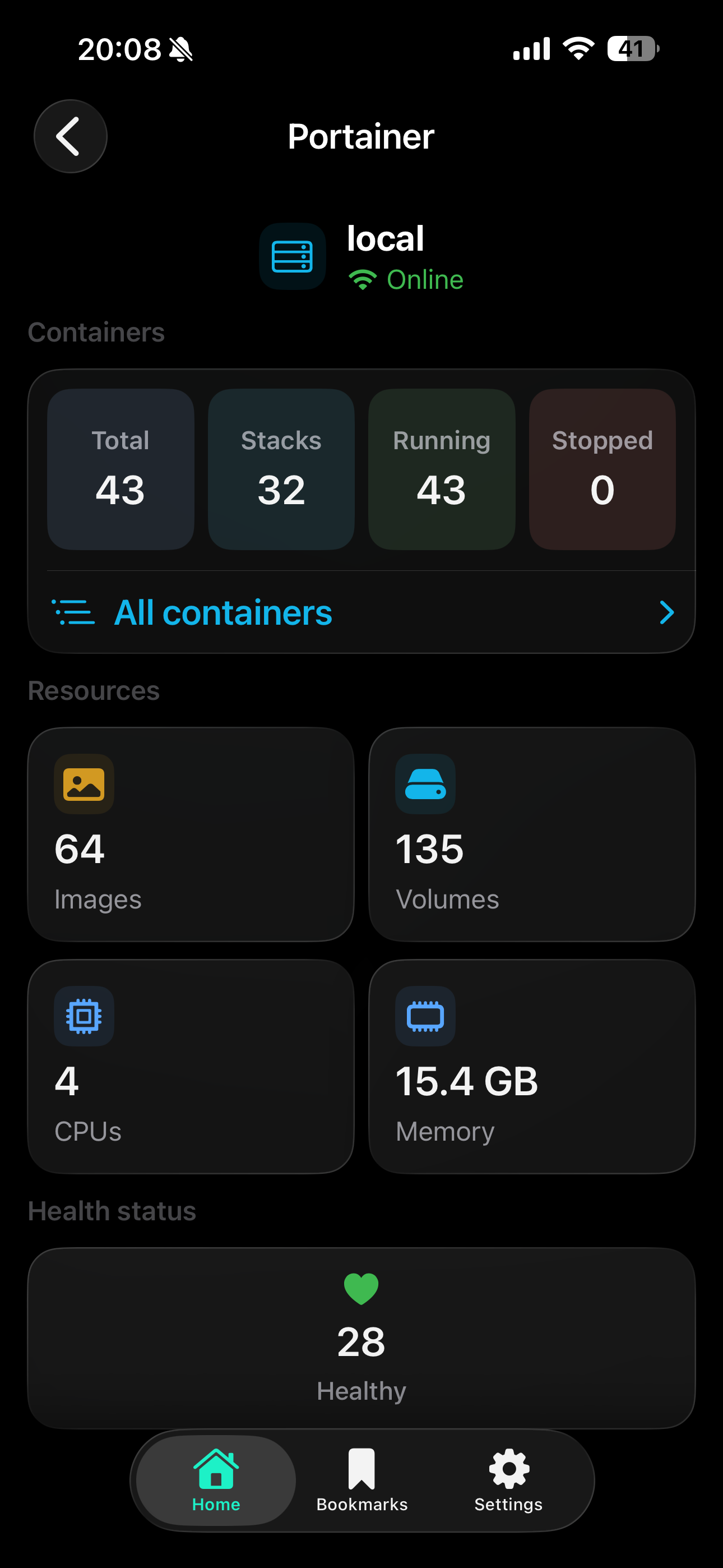
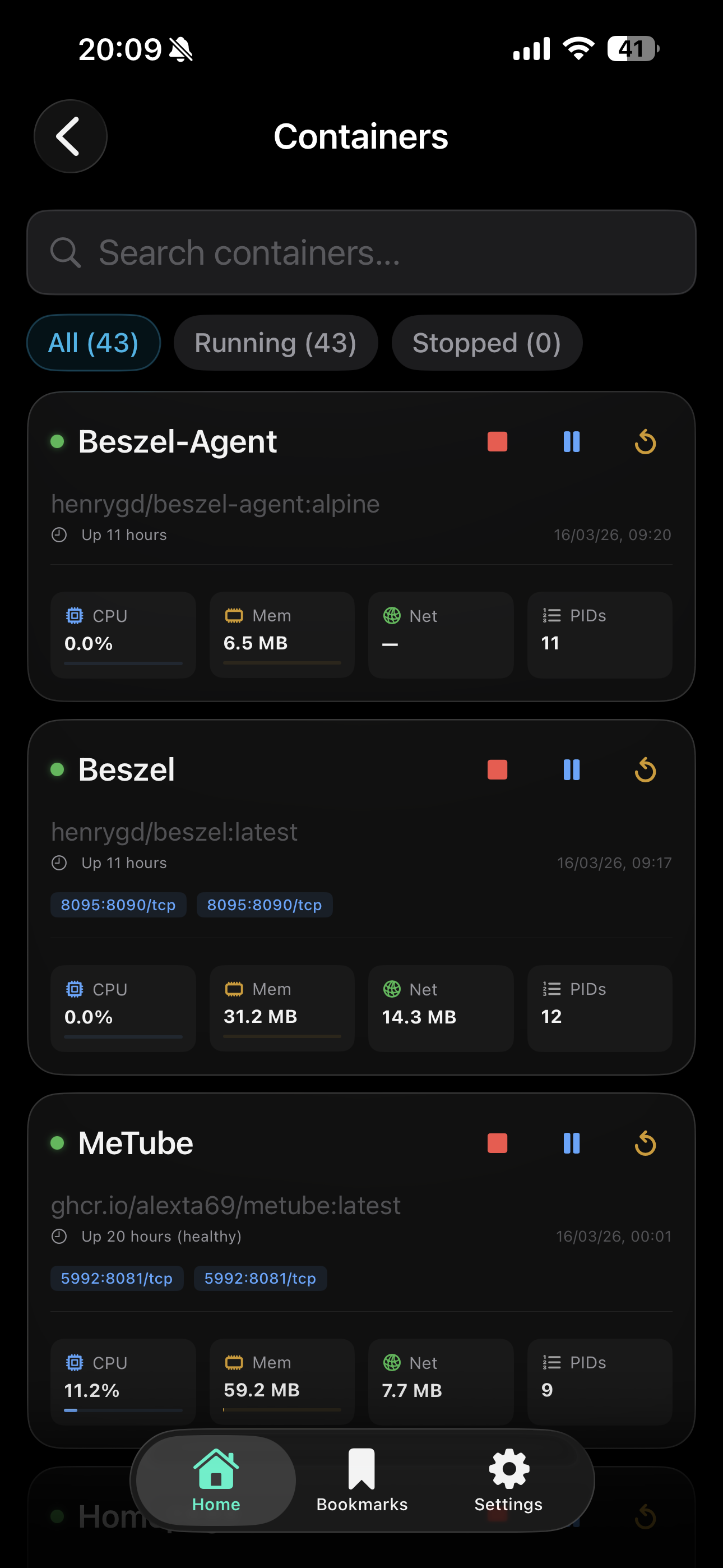
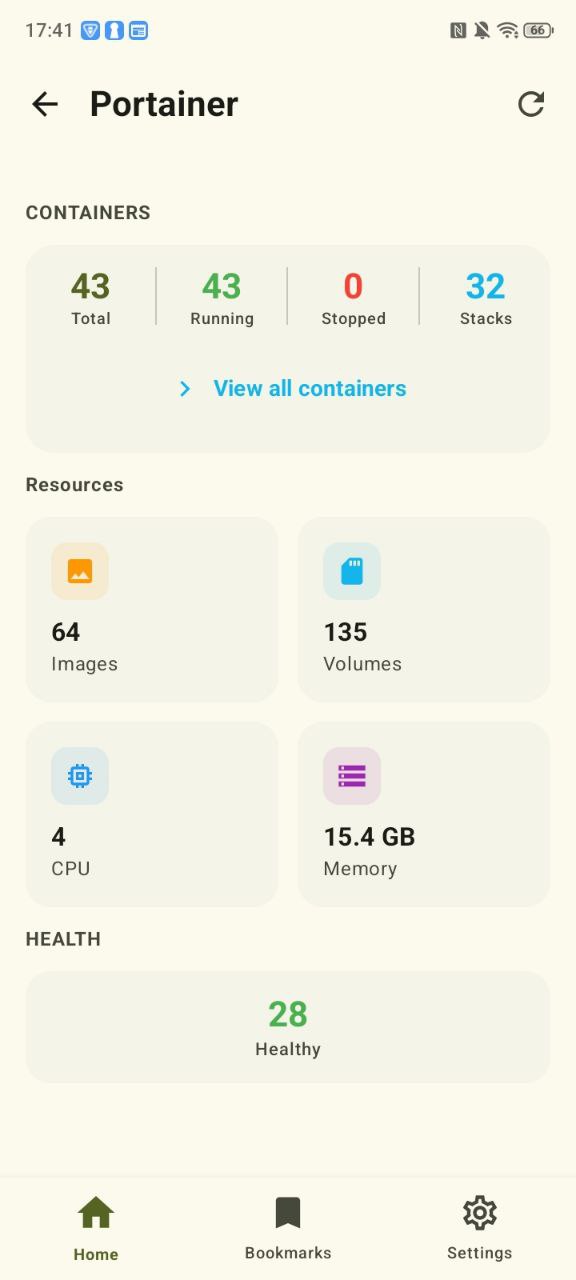
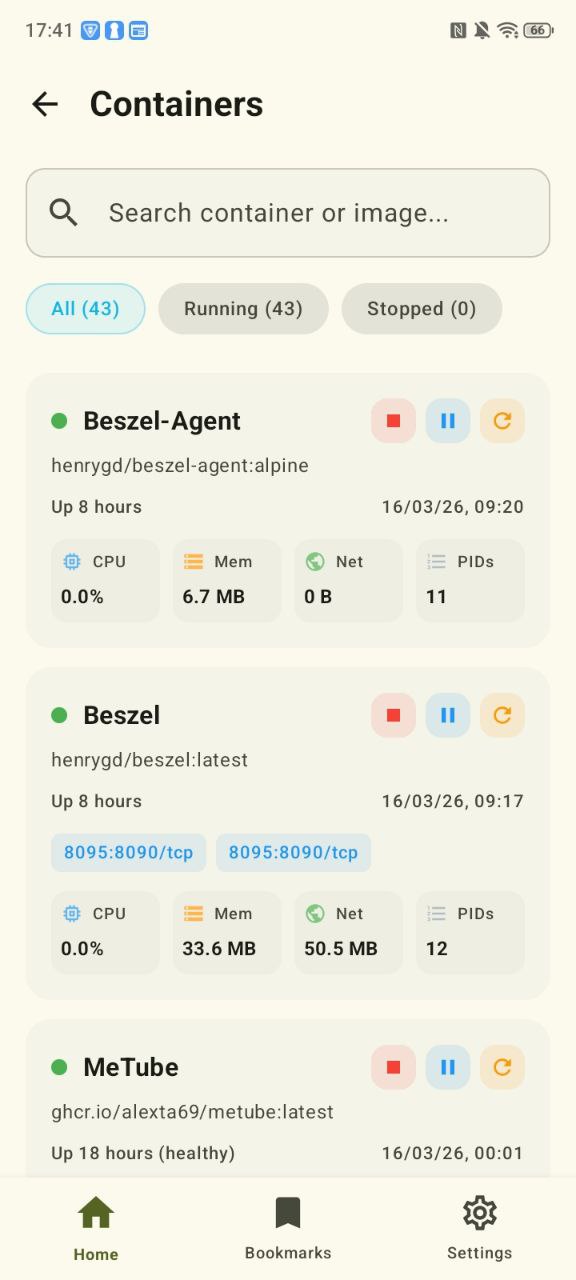
 Portainer: container overview, quick actions, resource usage.
 Proxmox VE: nodes, guests, storage, networking, backups, and cluster operations.
 TrueNAS Scale / Core: storage, pools, disks, shares, services, and system alerts.
 Uptime Kuma: monitor status, uptime visibility, and incident tracking.
 Dockhand: native container management dashboard.
 DockMon: Docker host and container monitoring with logs, restart, and update actions.
 Komodo: resource, deployment, stack, and server monitoring.
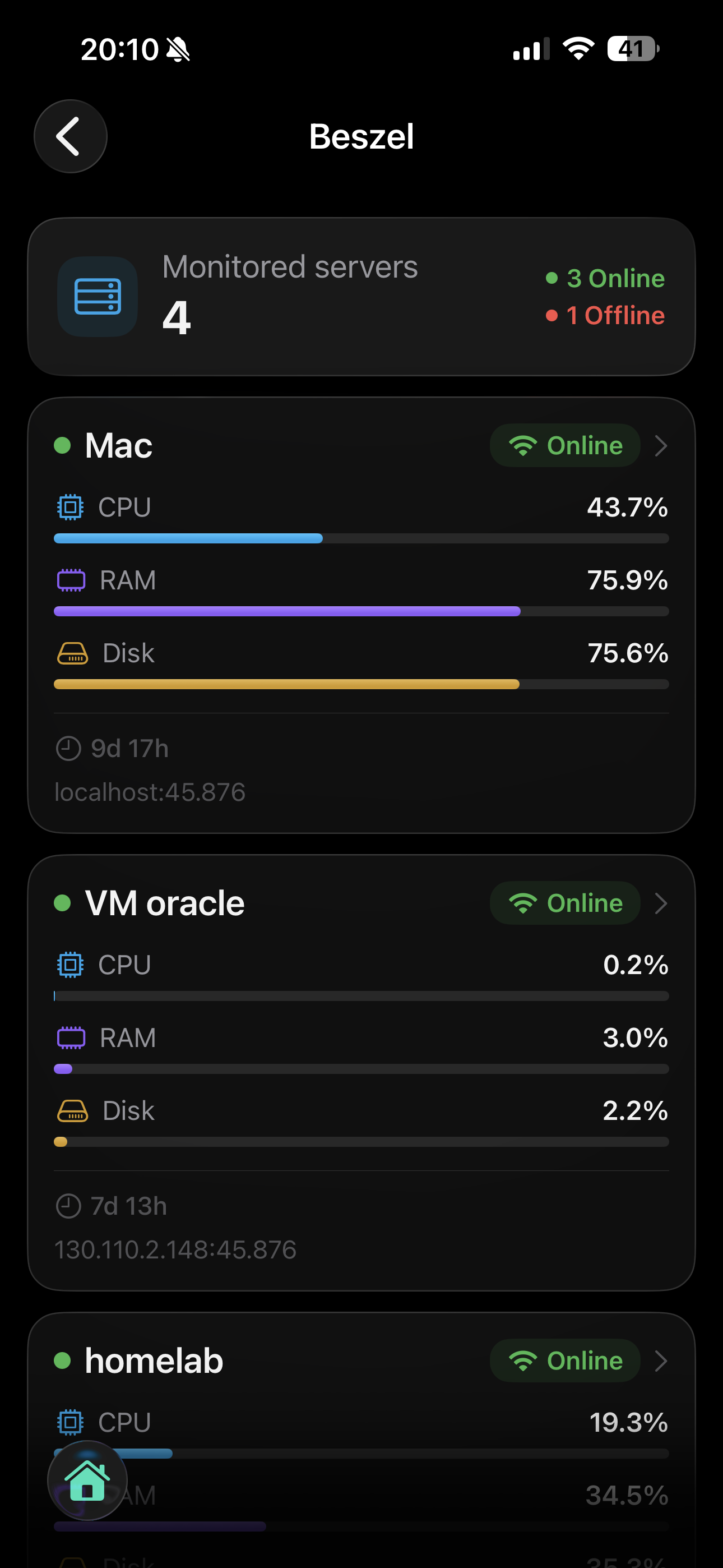
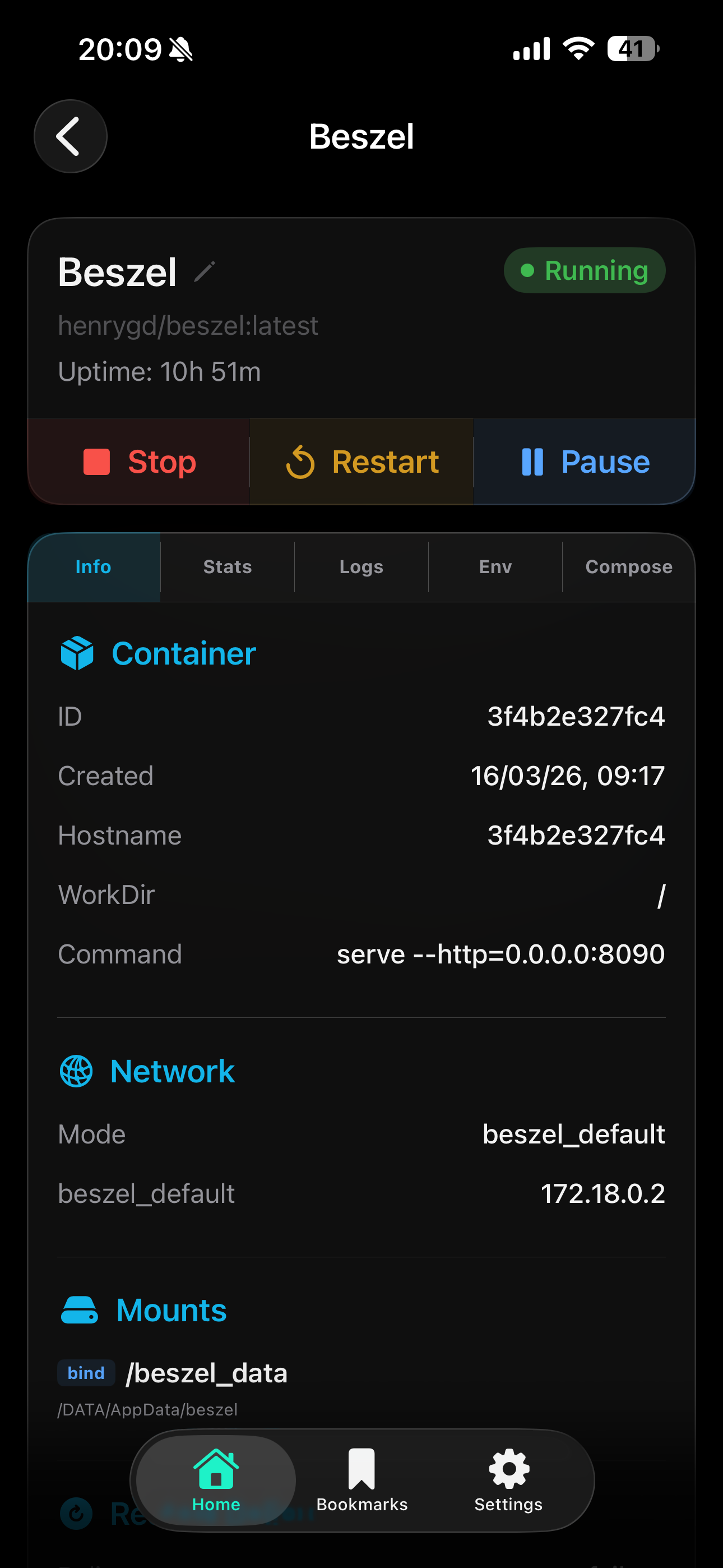
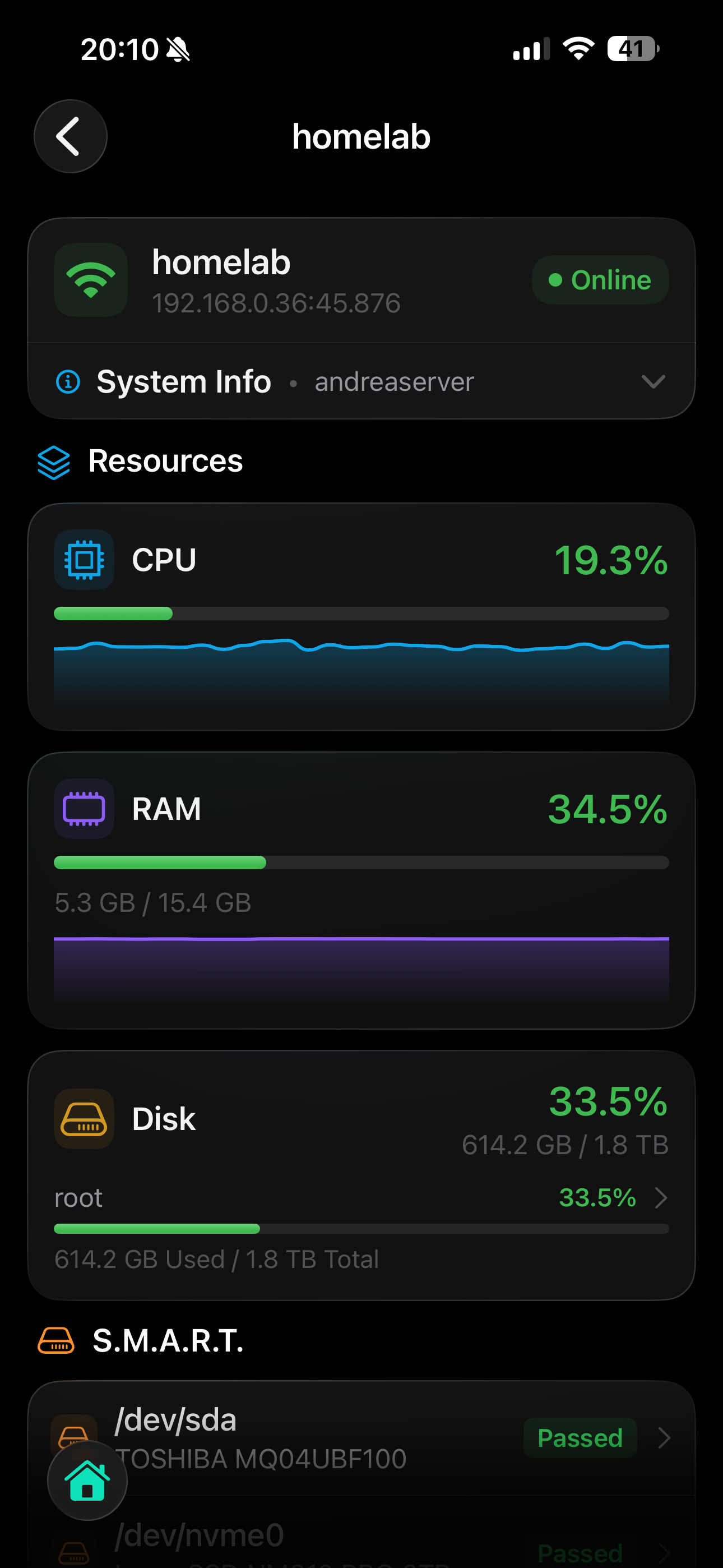
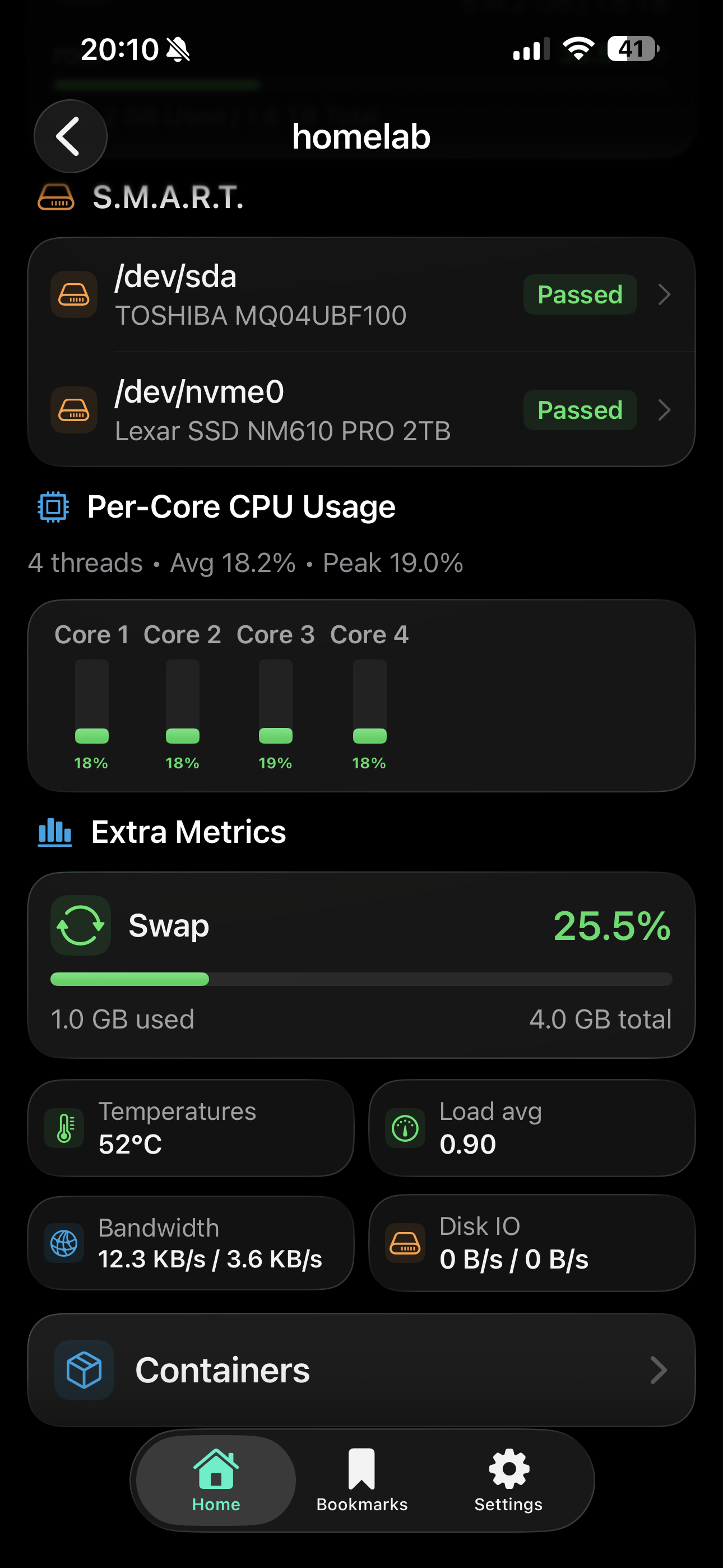
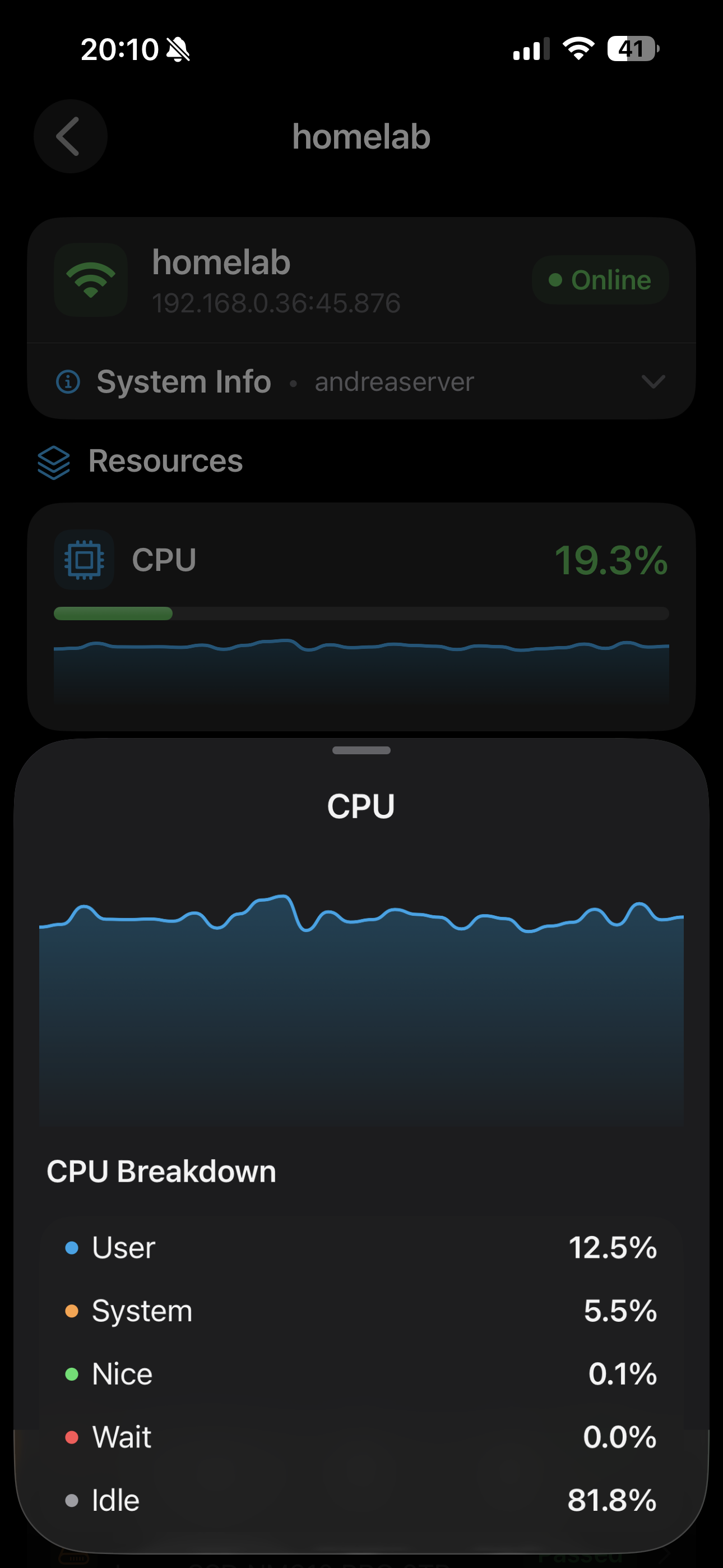
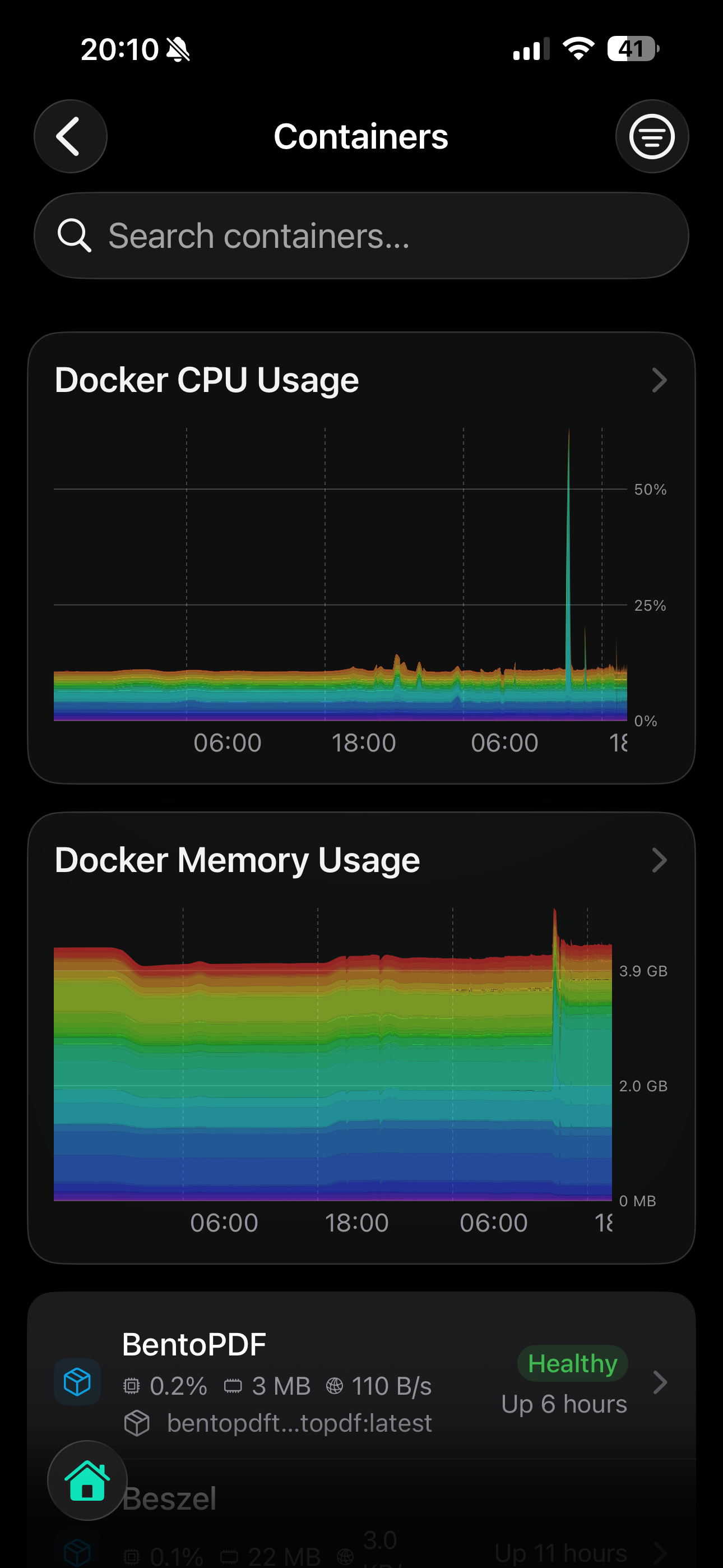
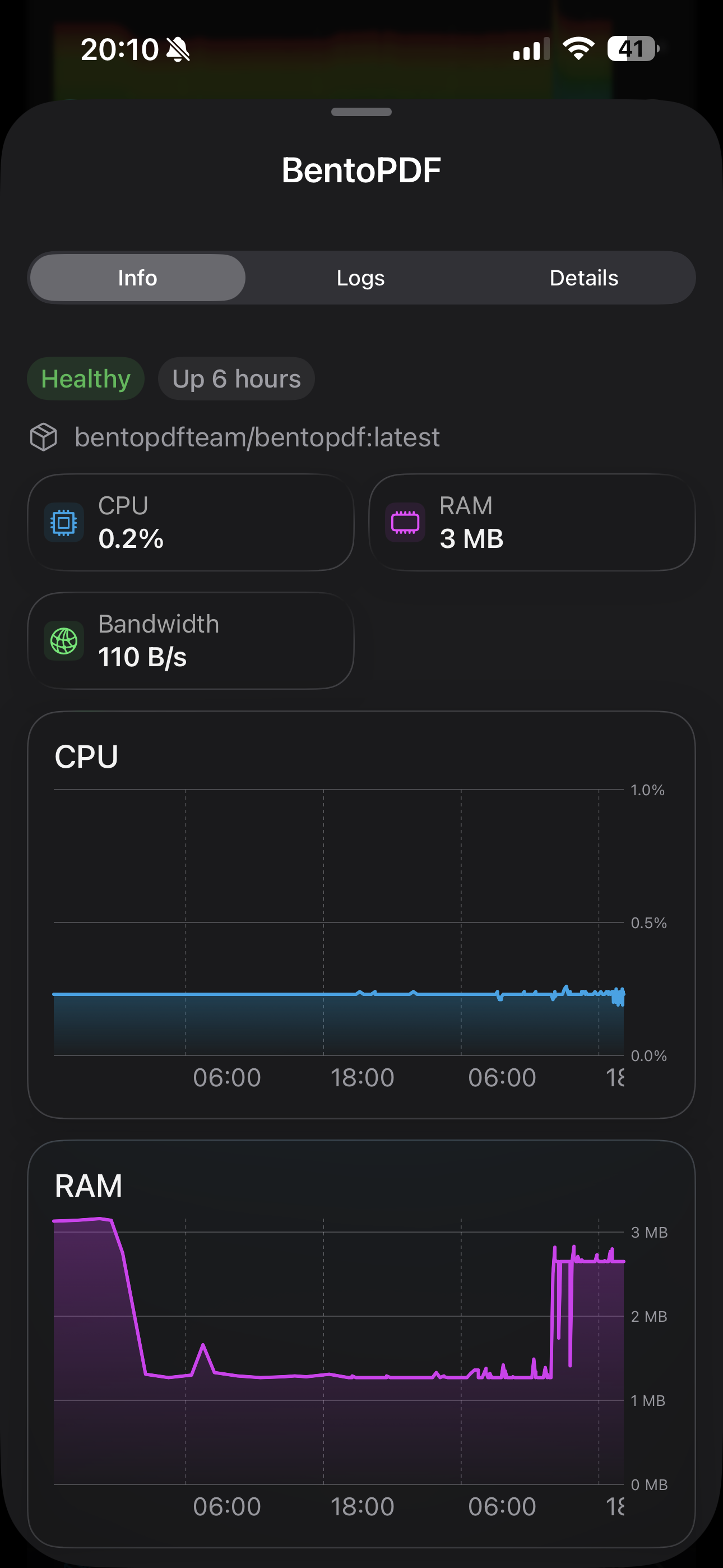
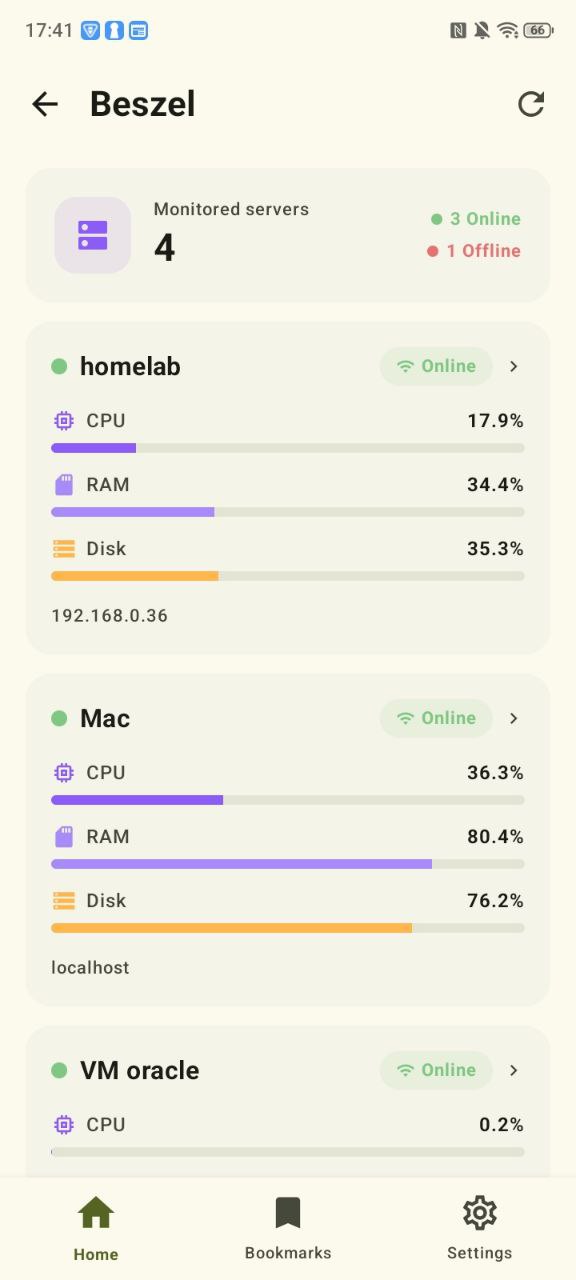
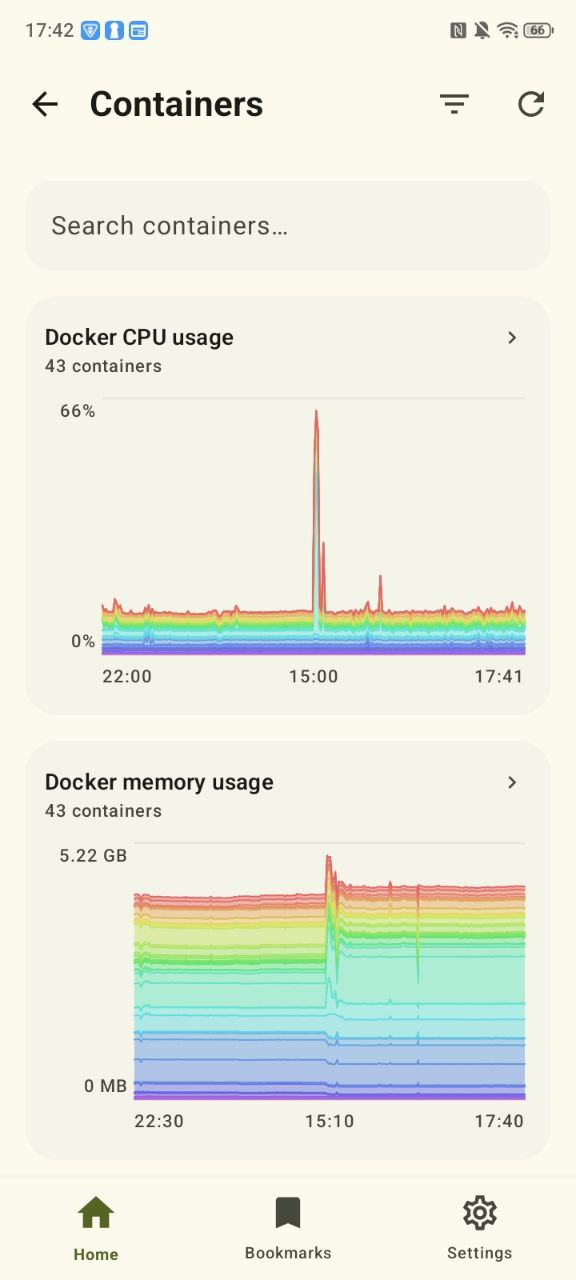
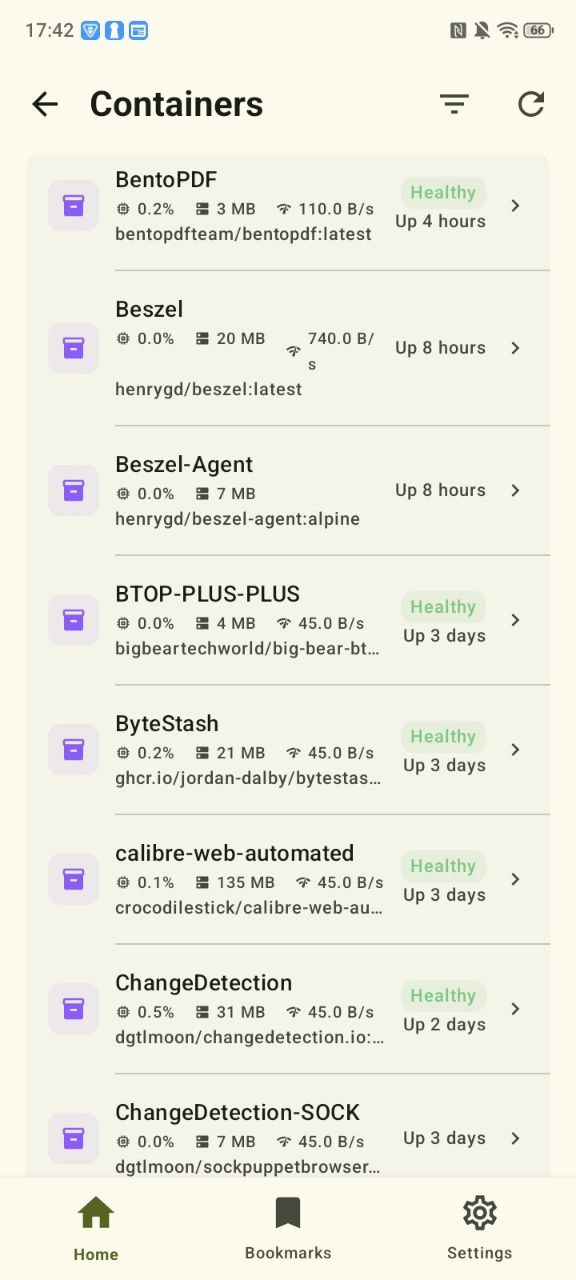
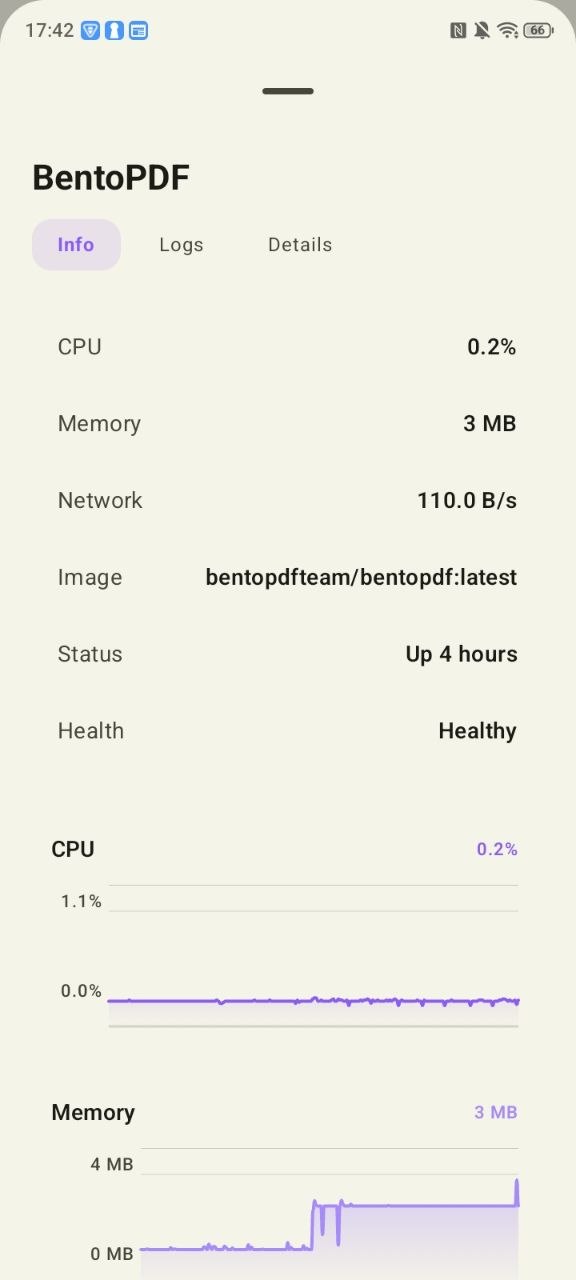
 Beszel: server monitoring across nodes.
 Linux Update: pending package updates across hosts.
 Crafty Controller: game server management dashboard.
 Pterodactyl: game server management panel with power controls, resource stats, and live status visibility.
 Calagopus: next-generation game server management panel with power controls, uptime, and resource stats.
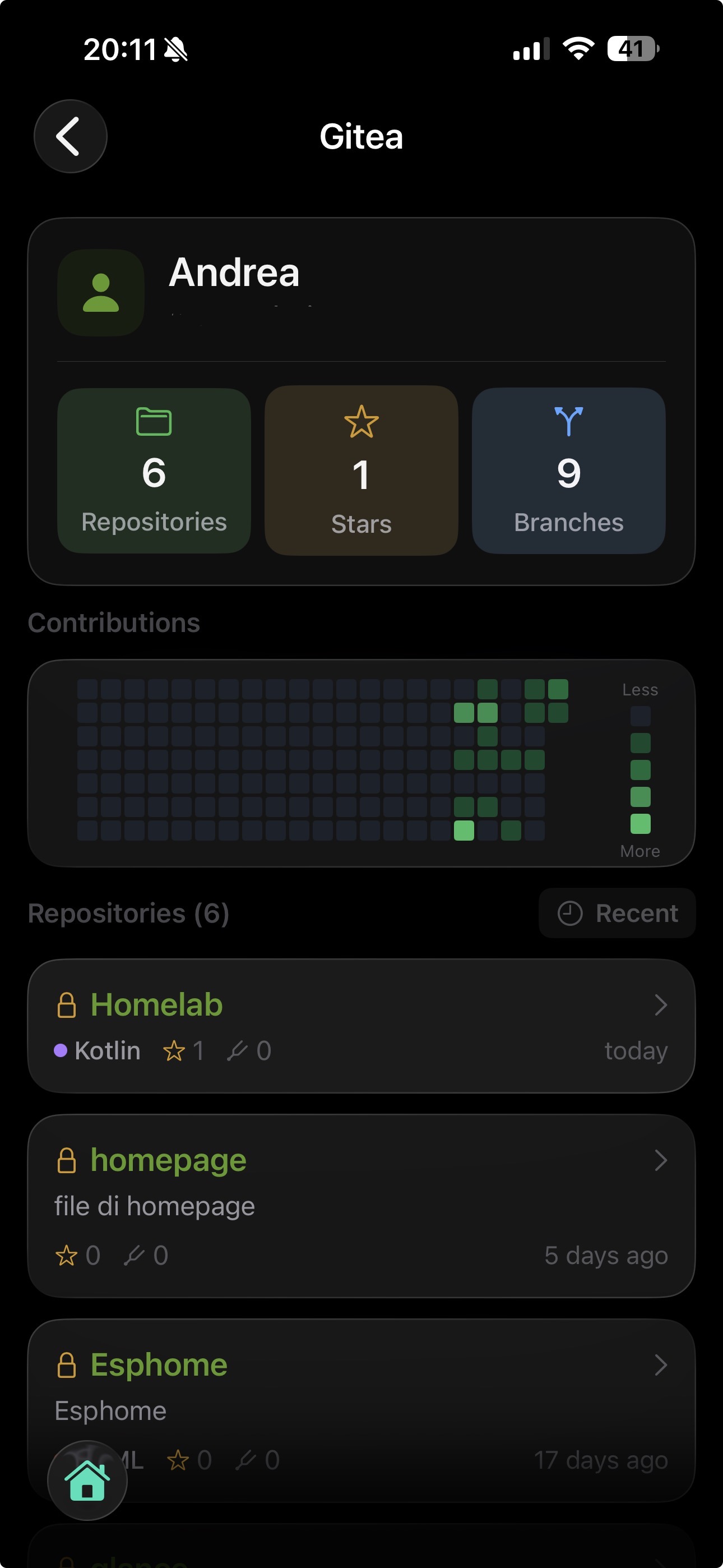
 Gitea / Forgejo: repositories, activity, and source browsing.
 Pangolin / Newt: tunnel and peer visibility.
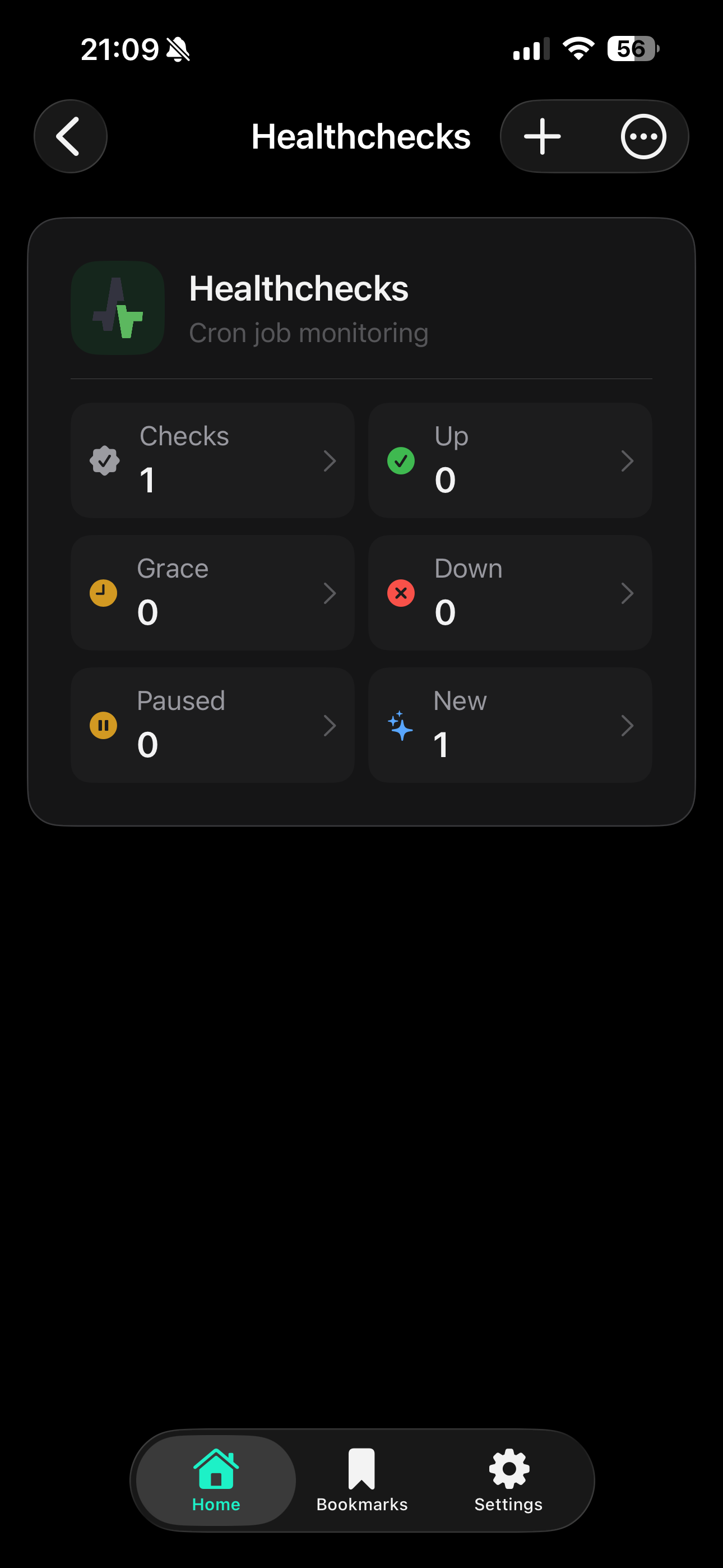
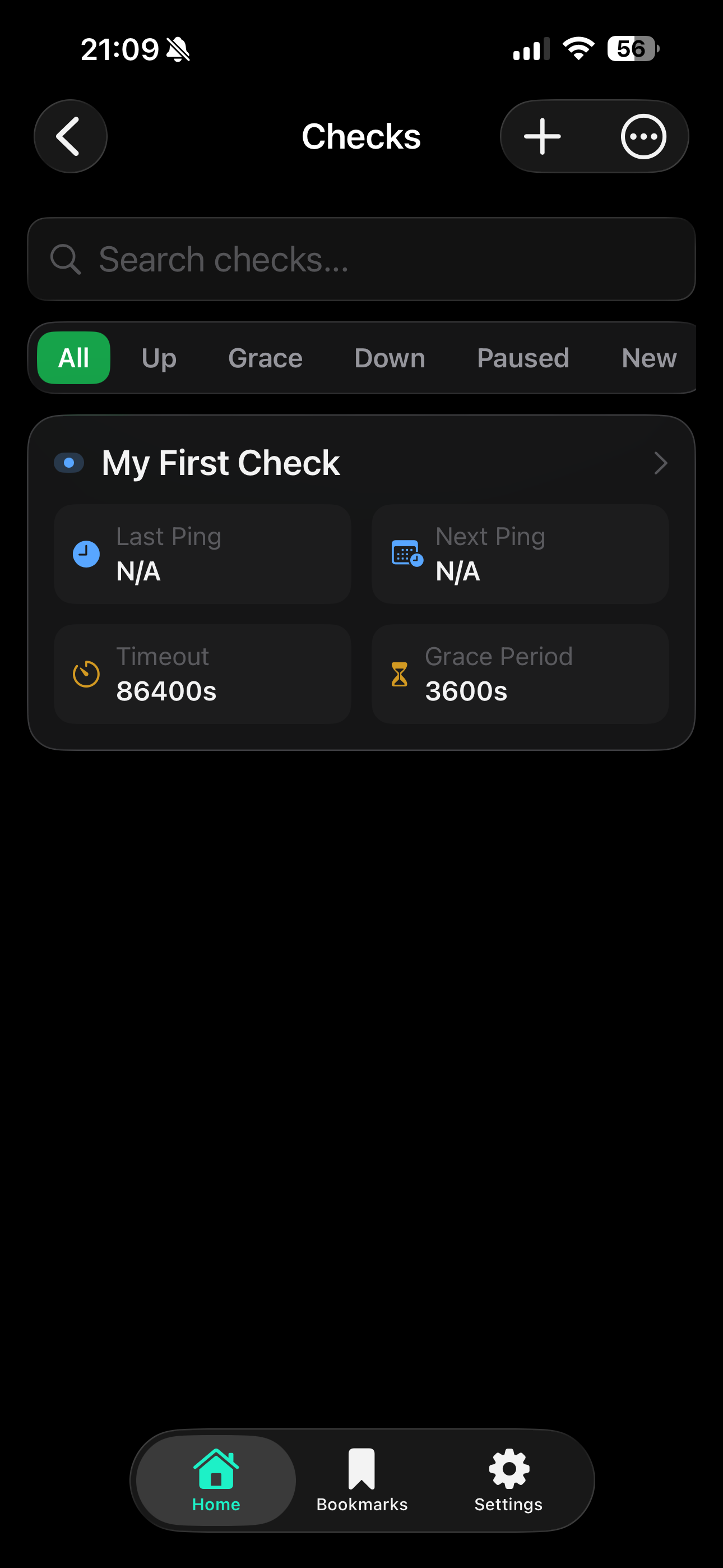
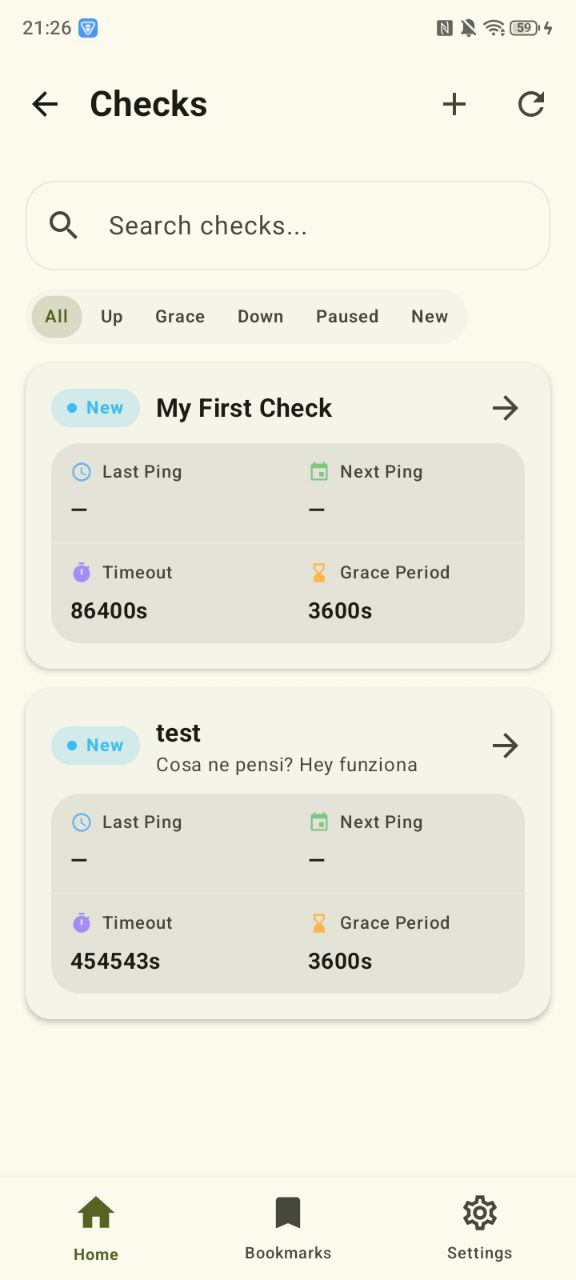
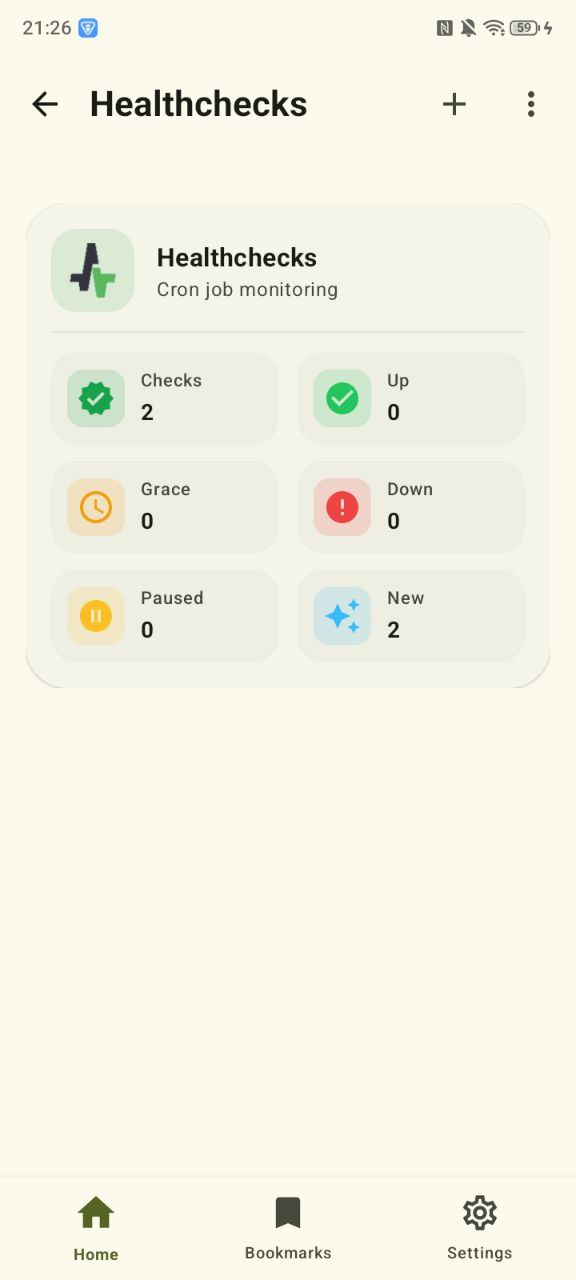
 Healthchecks: uptime checks and health status.
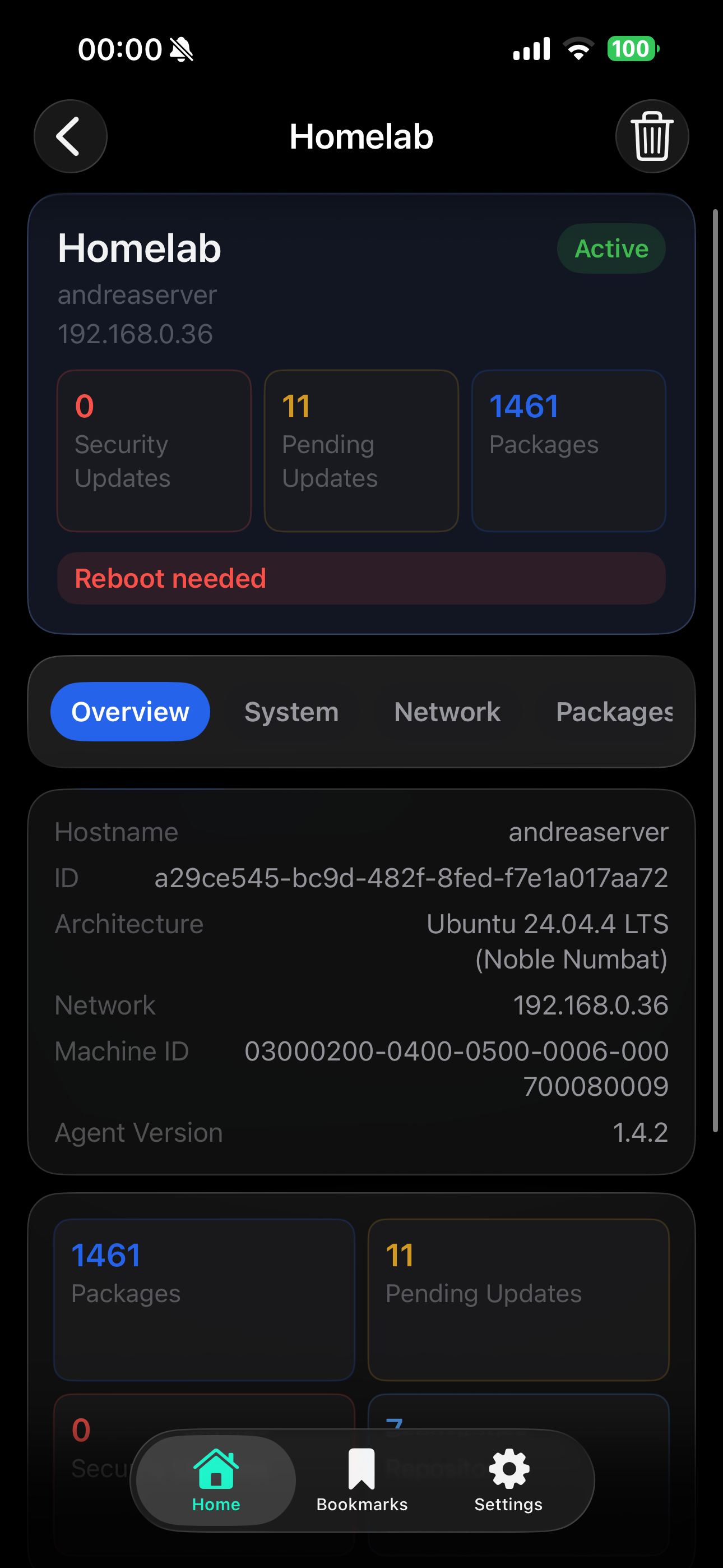
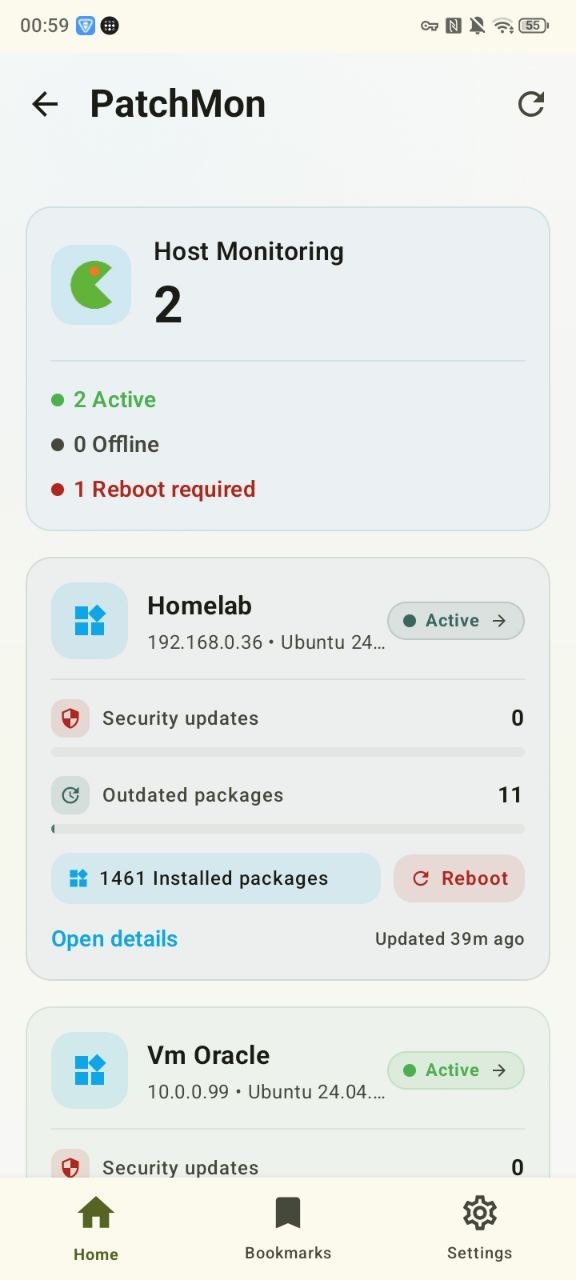
 PatchMon: software update visibility across your stack.
 Wakapi: coding activity and time tracking stats.
Networking & DNS
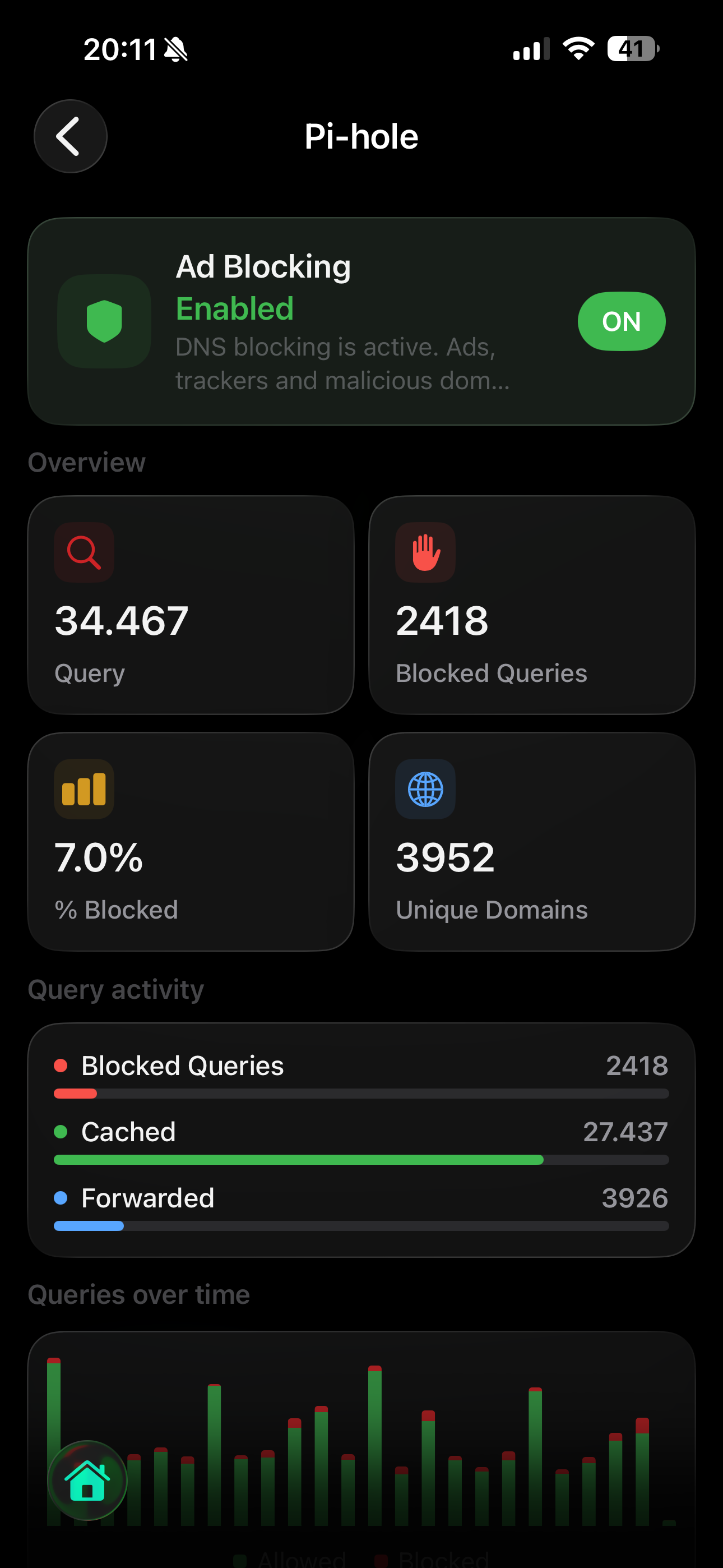
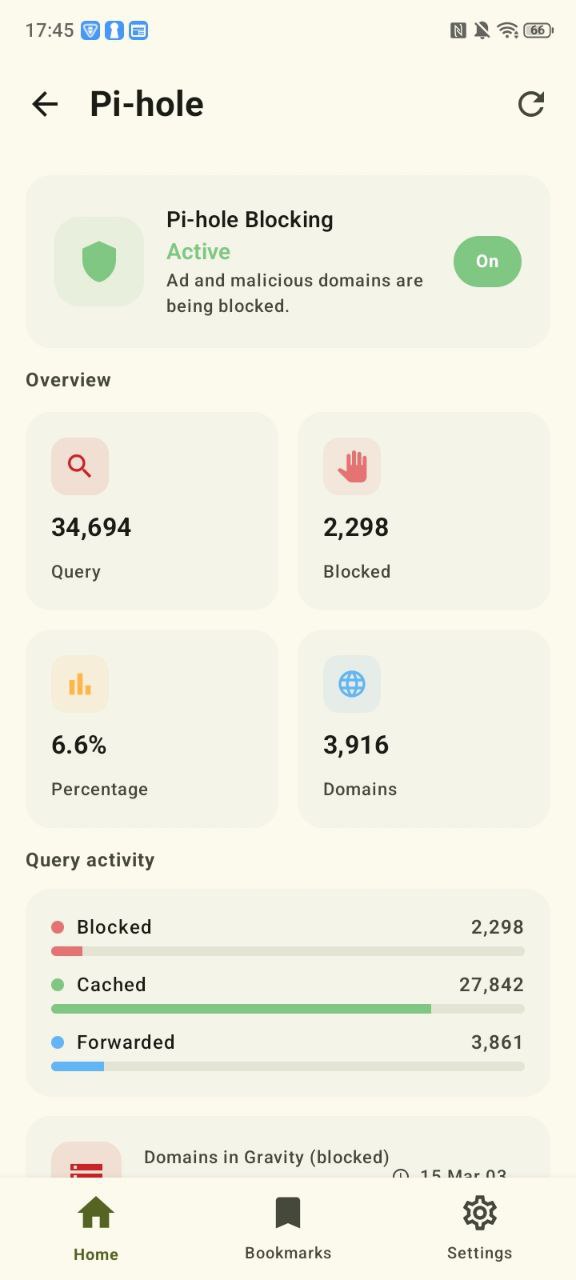
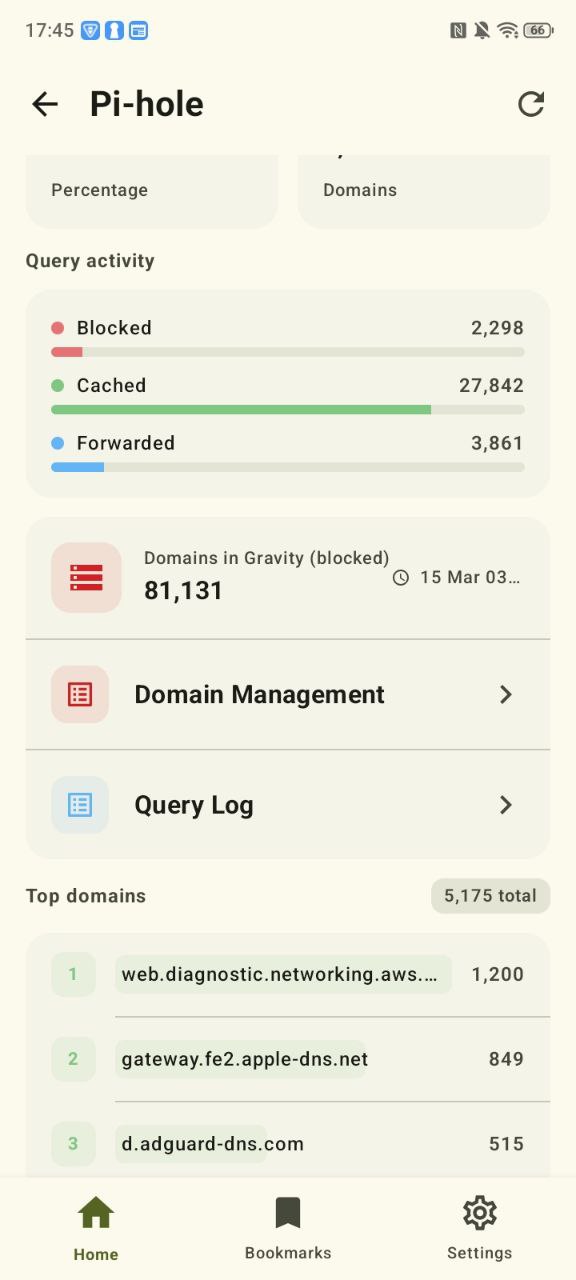
 Pi-hole: queries, blocked domains, toggles, timers.
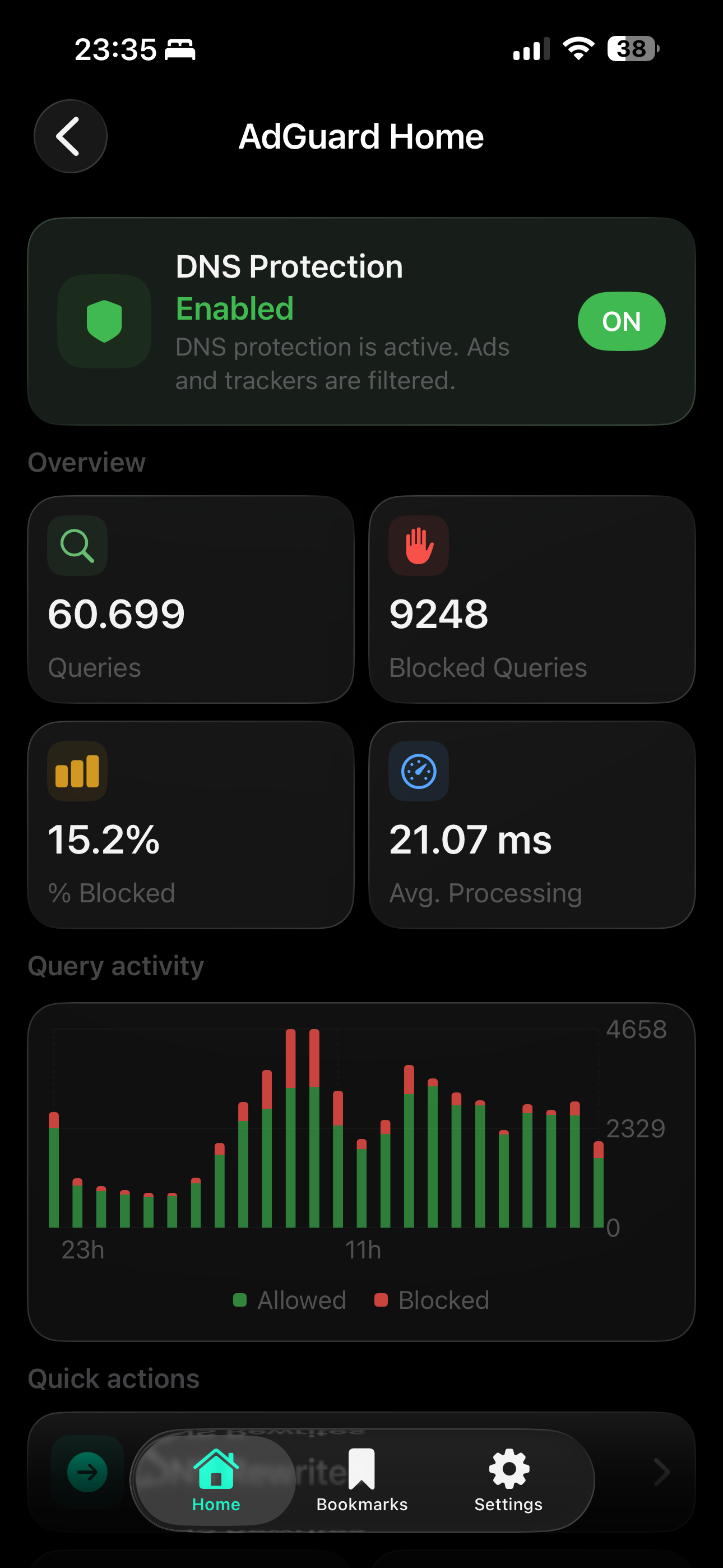
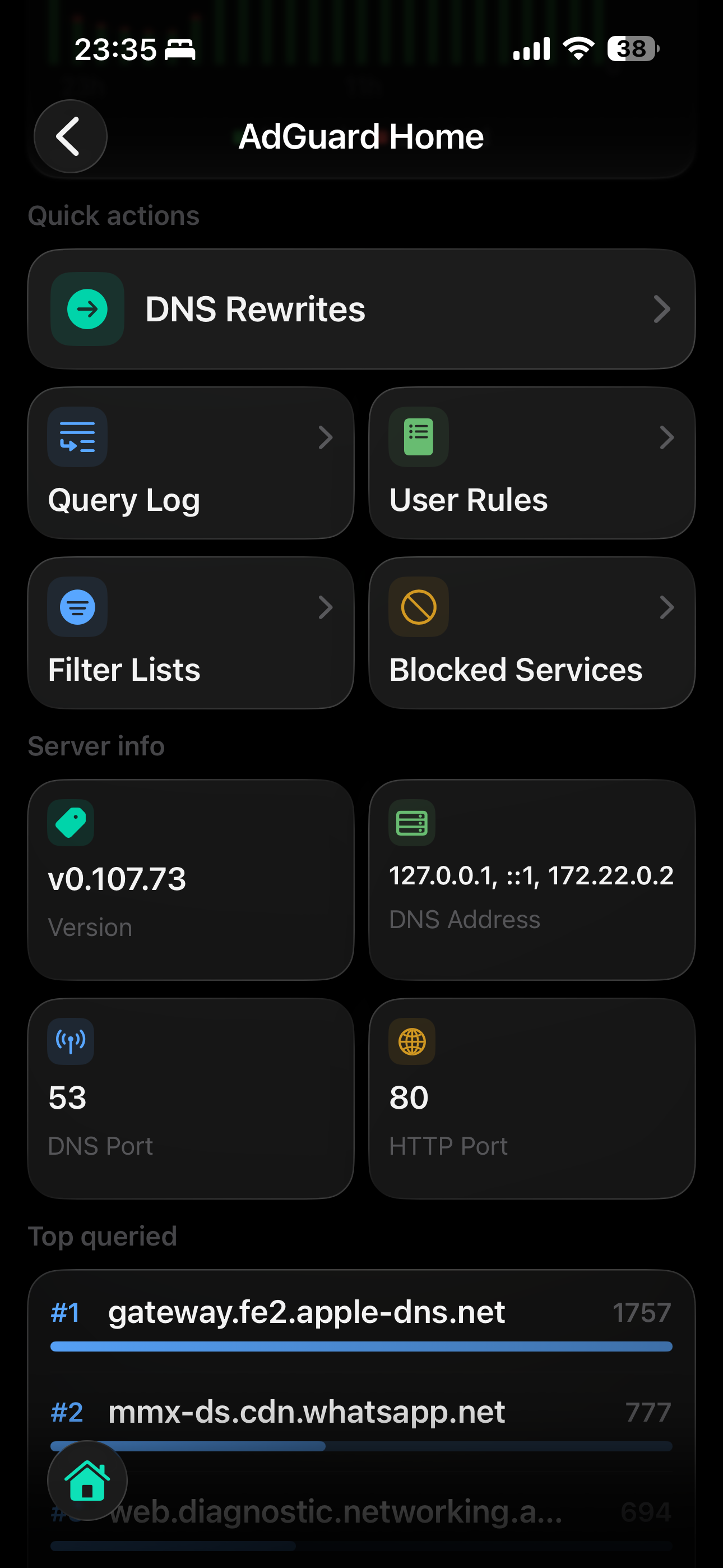
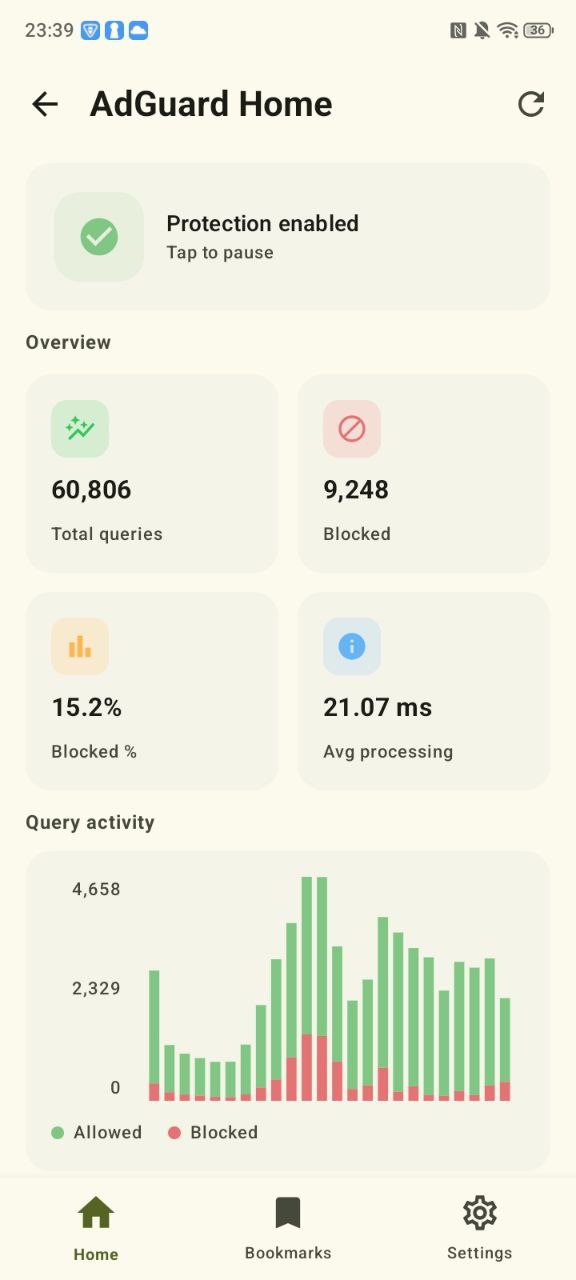
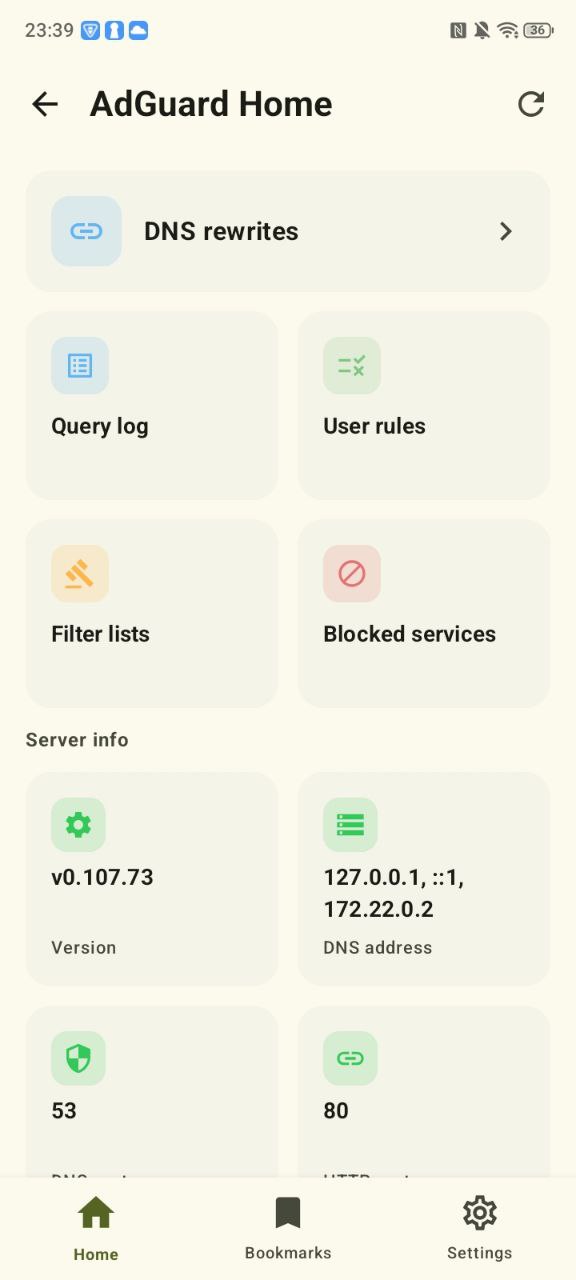
 AdGuard Home: filters, rewrites, blocked services, query activity.
 Ubiquiti Network: gateways, switches, access points, clients, and site visibility.
 Technitium DNS: DNS metrics and health.
 Maltrail: threat detections, daily findings, and event visibility.
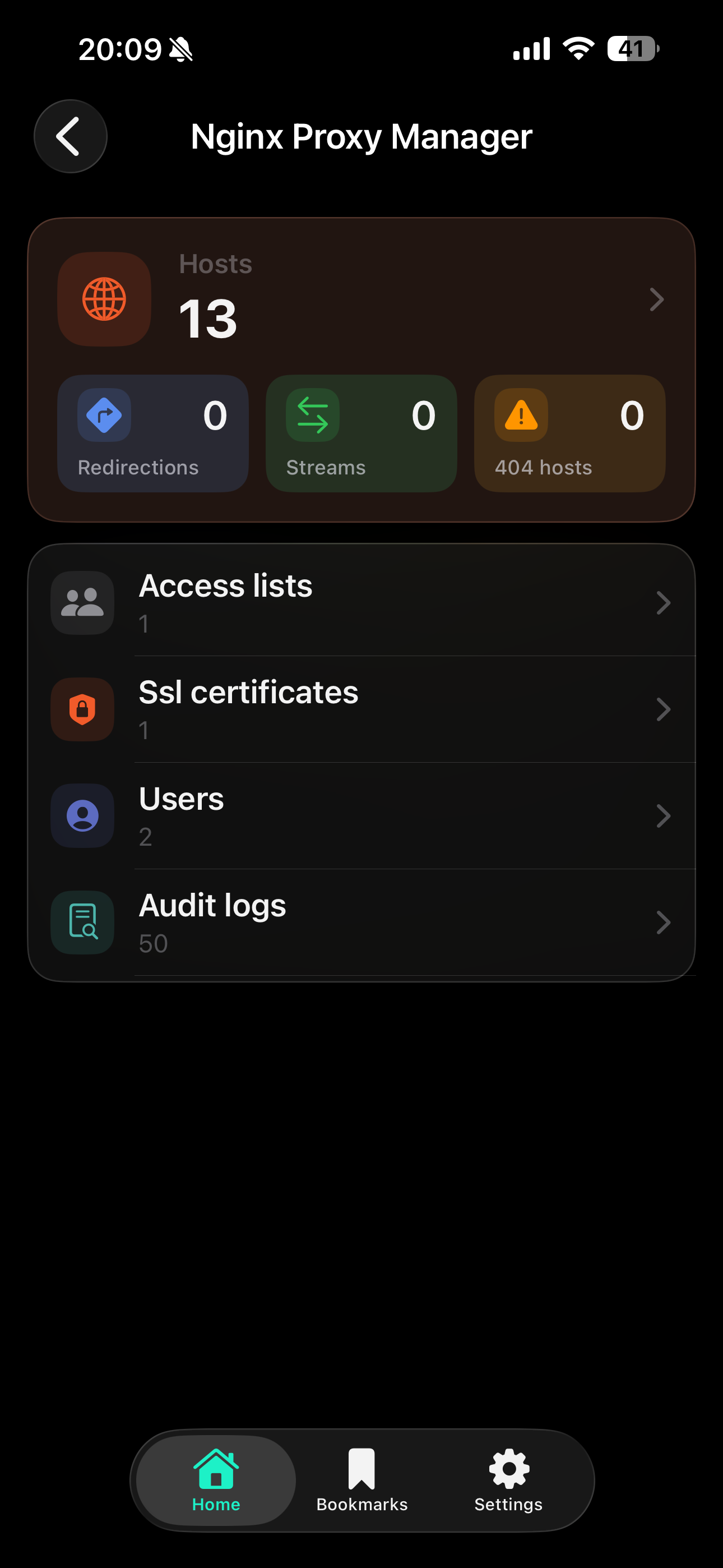
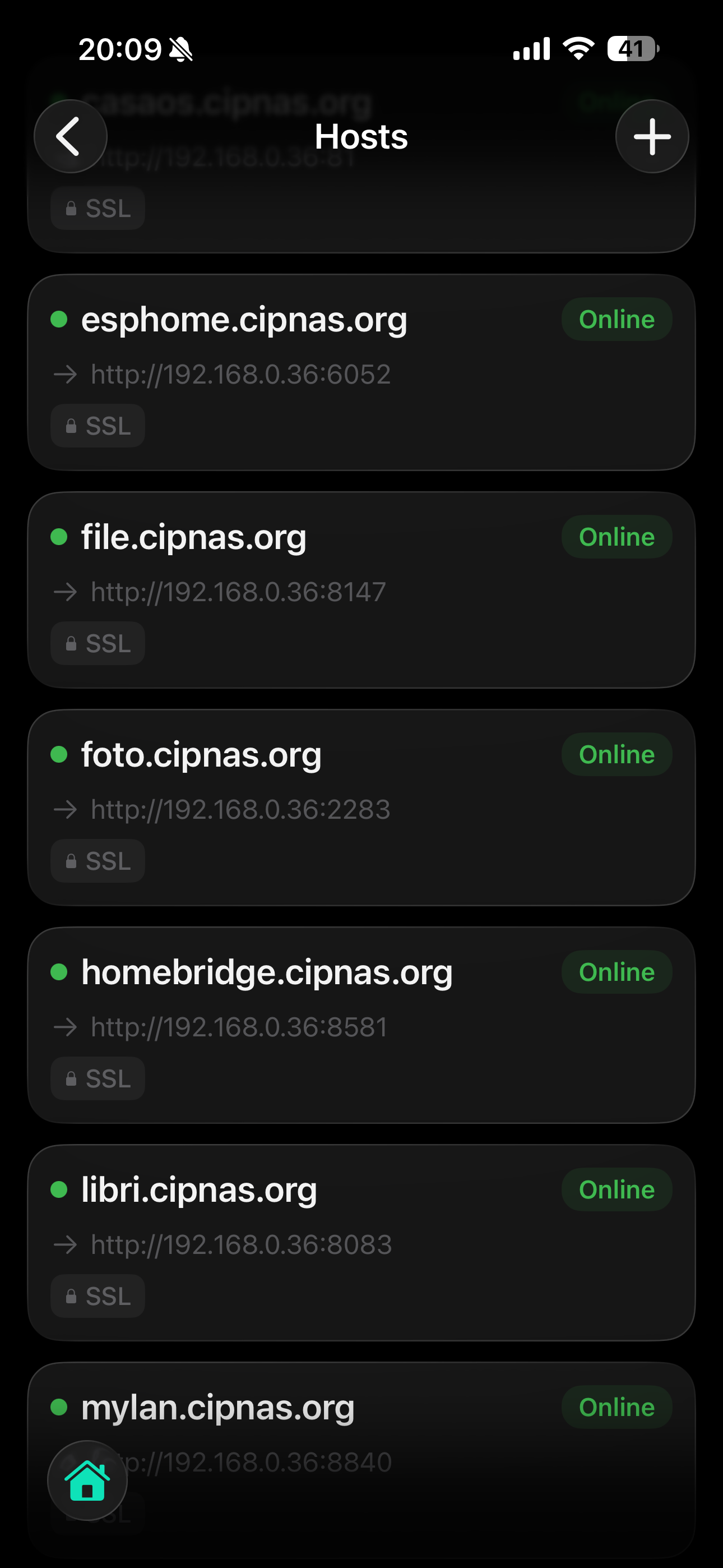
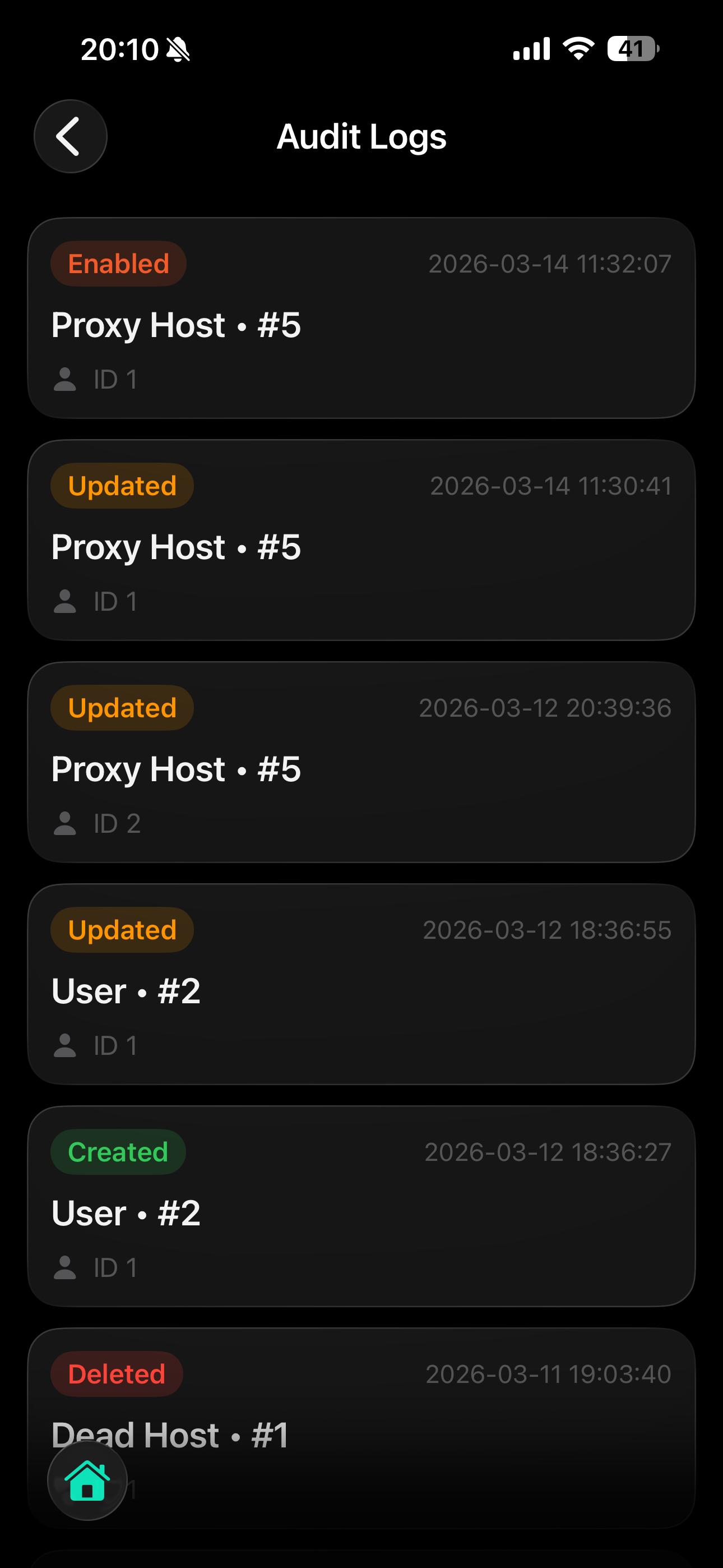
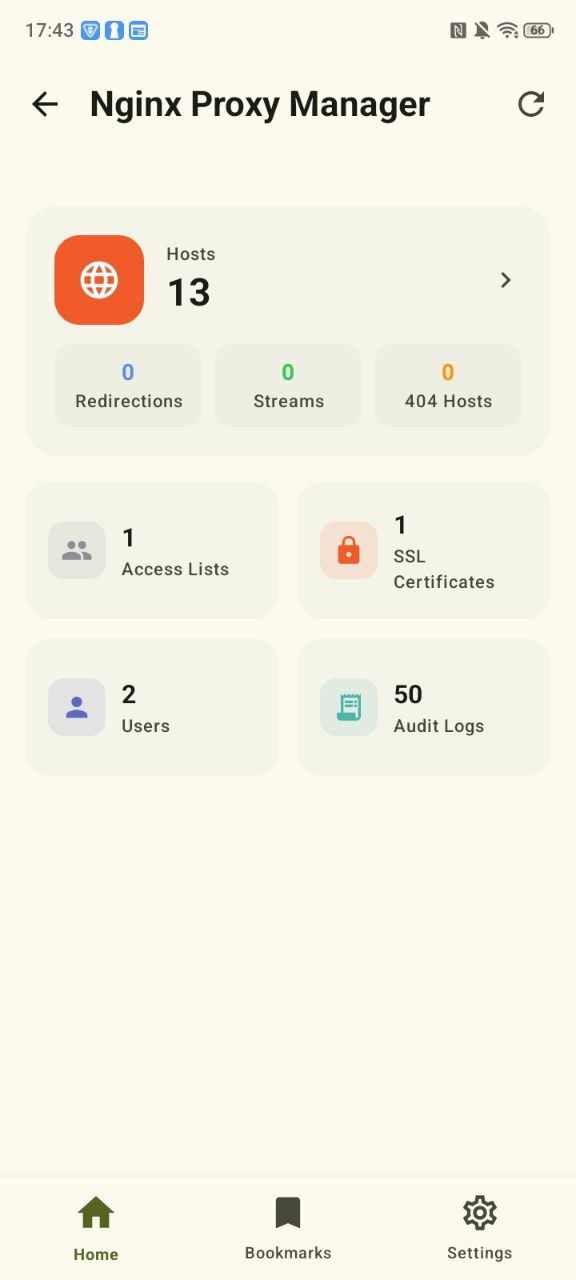
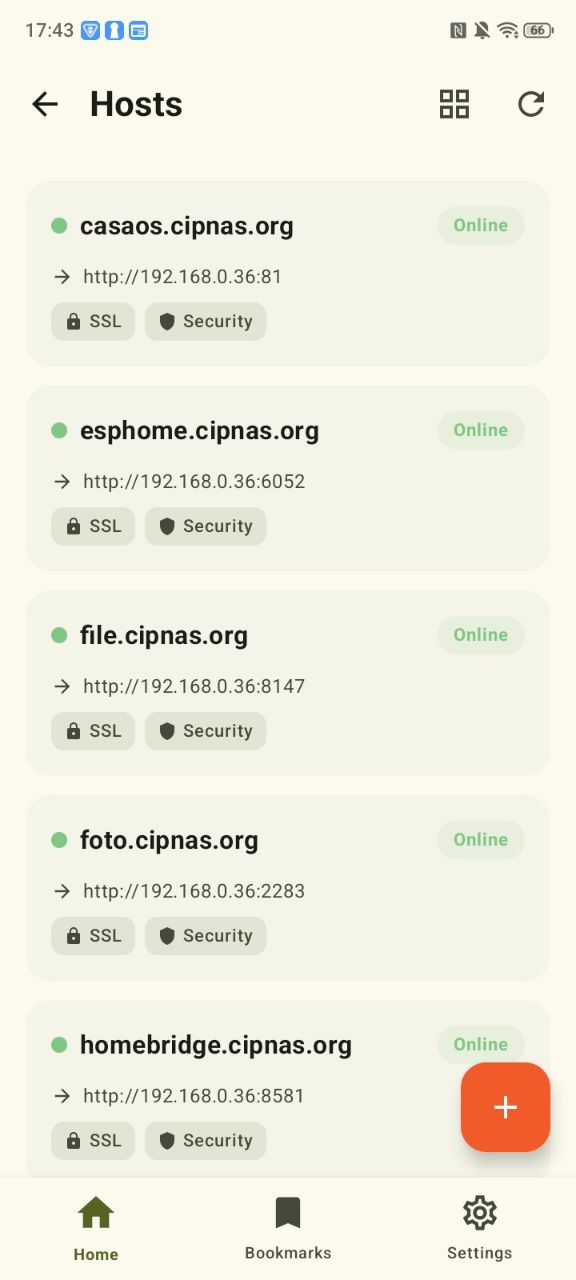
 Nginx Proxy Manager / NPMplus: proxy hosts, streams, redirects, certificates, access lists.
Media & Observability
 Plex: libraries, sessions, recently added media.
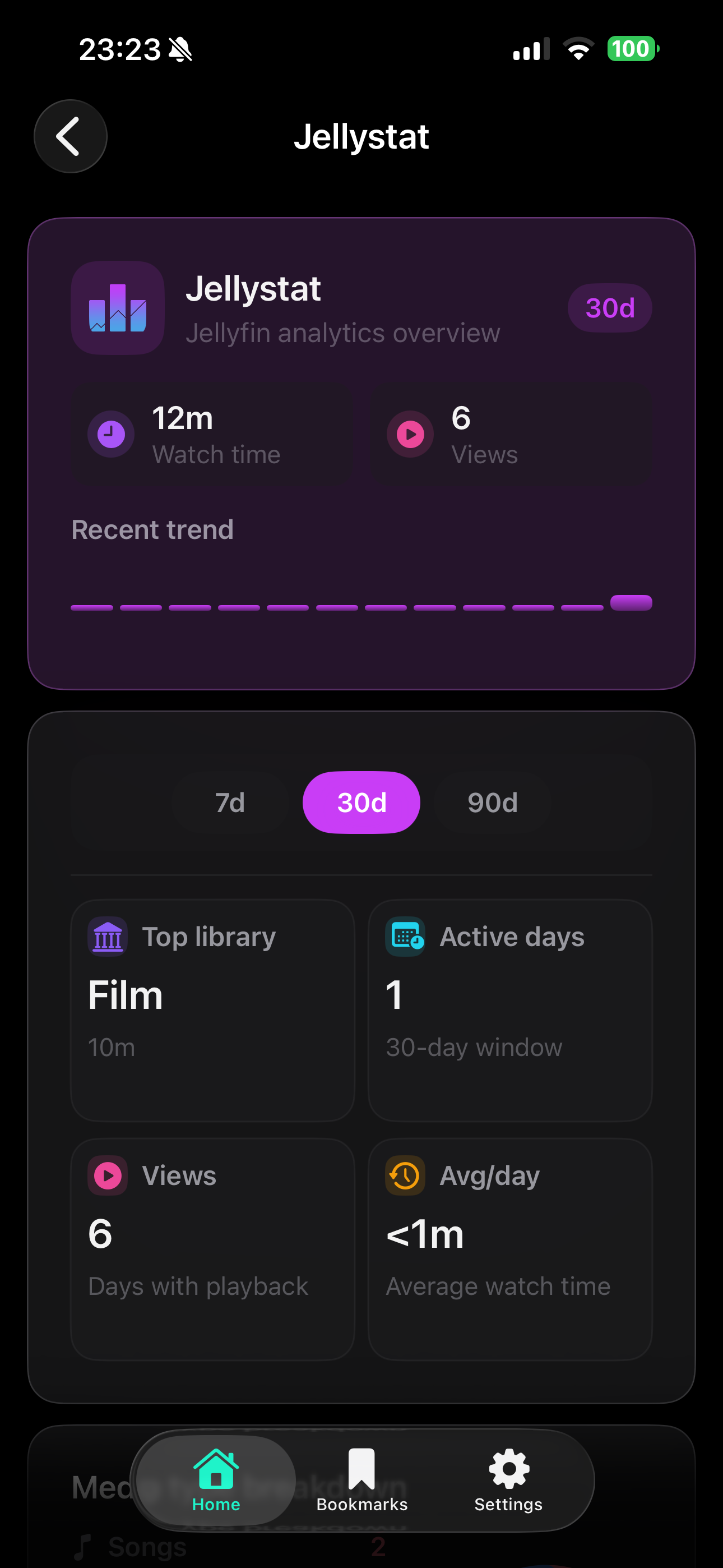
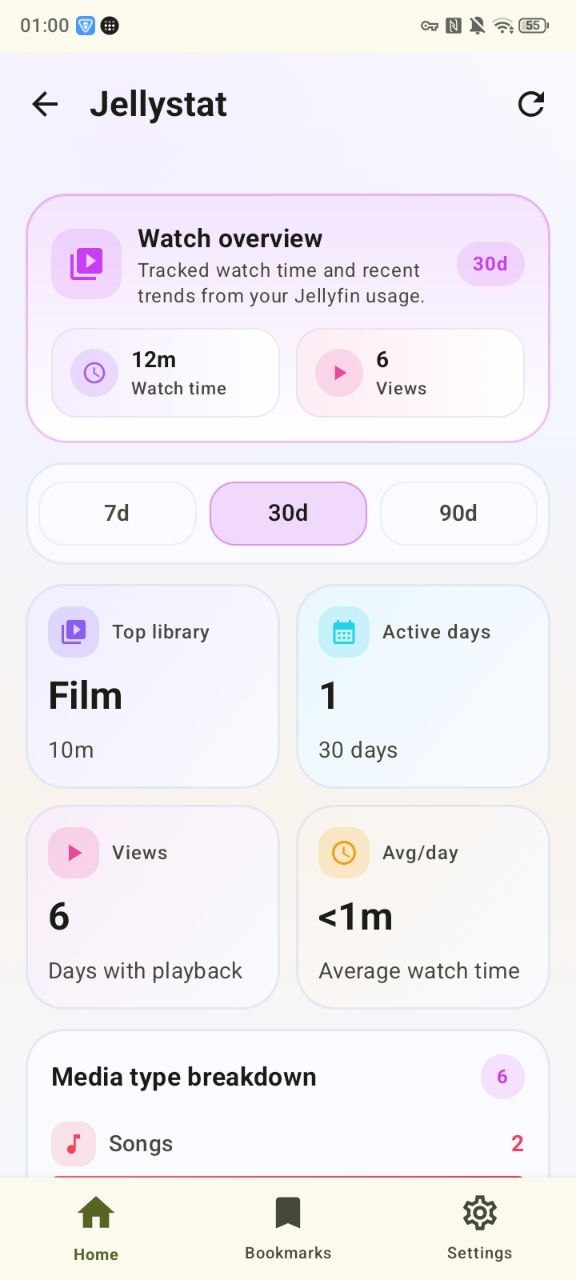
 Jellystat: Jellyfin activity, streams, usage insights.
Servarr Stack
 Sonarr
 Radarr
 Lidarr
 Prowlarr
 qBittorrent
 Jellyseerr
 Bazarr
 Gluetun
 FlareSolverr
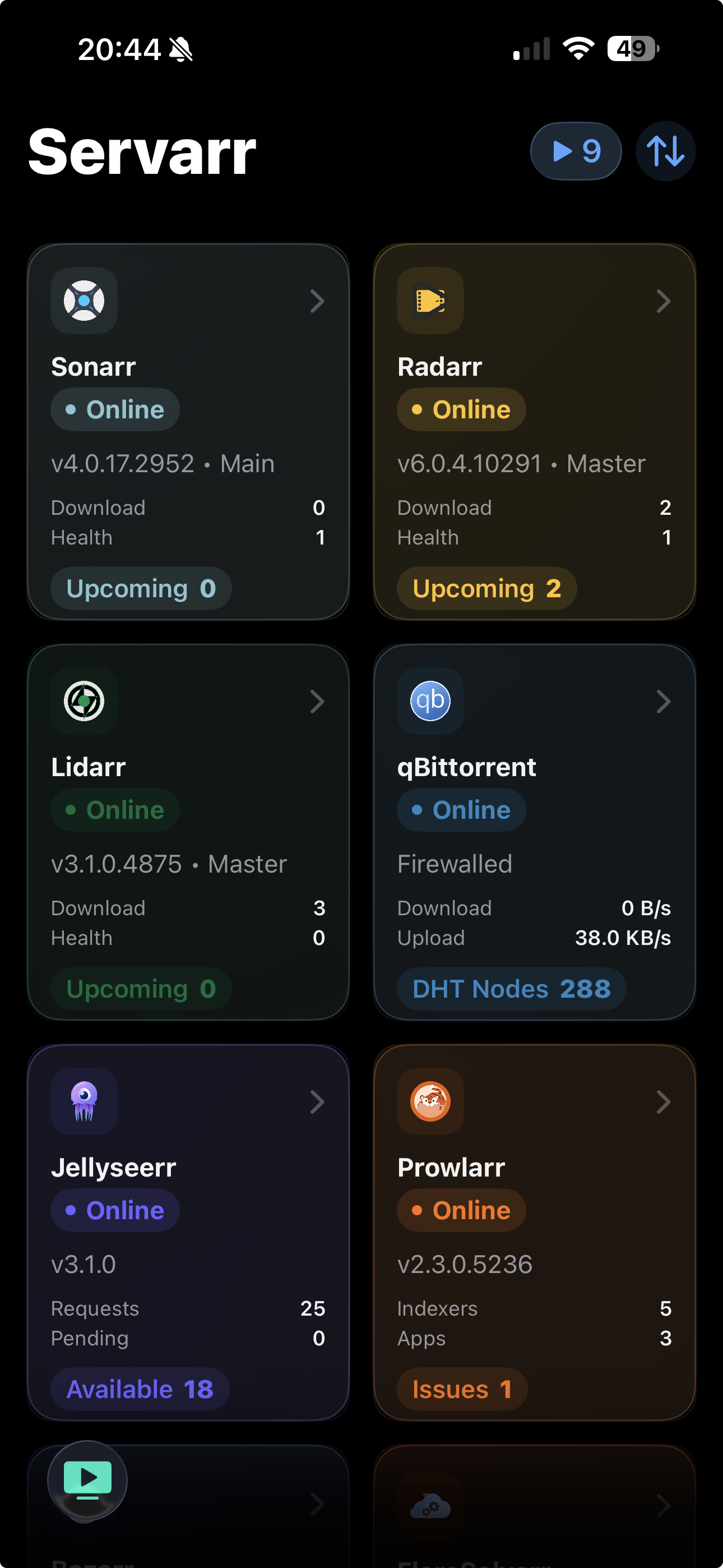
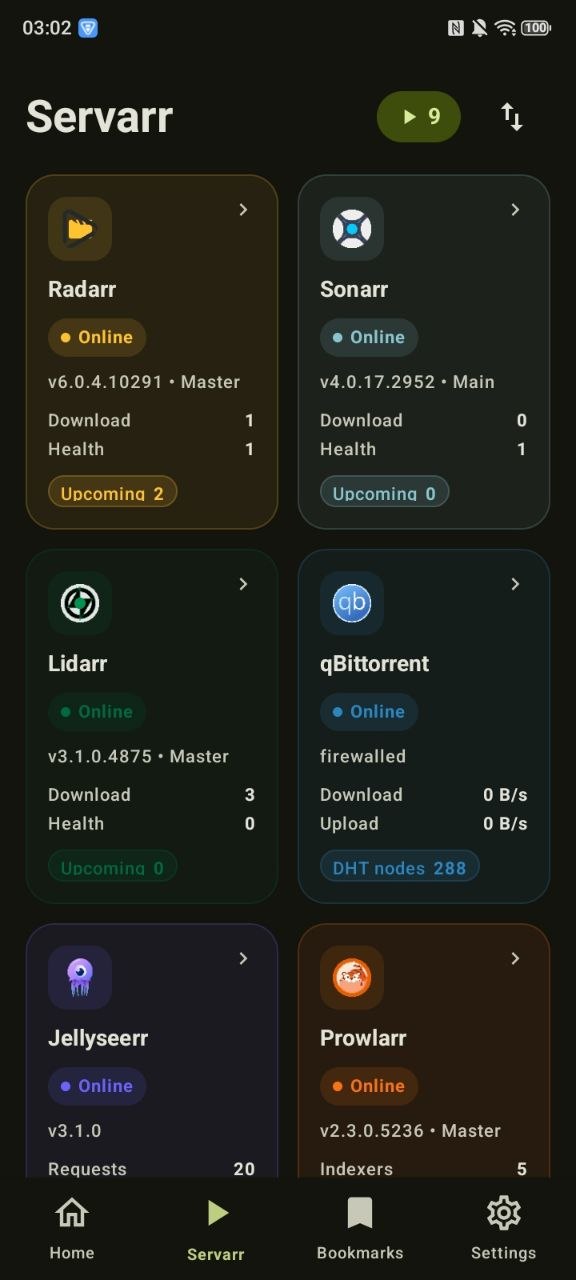
The full Servarr stack is available as a unified media automation dashboard, so downloads, health, requests, VPN status, and indexer state can be checked from one place.
🍎 iOS App
The iOS version is built with Swift 6 and SwiftUI for iOS 26+. The interface uses a polished glass-heavy visual language, native navigation, and system integrations such as alternate icons, biometric unlock, and document-based backup import/export.
| Dashboard | Servarr | Bookmarks |
|---|---|---|
|
 |
 |
 |
 |
 |
 |
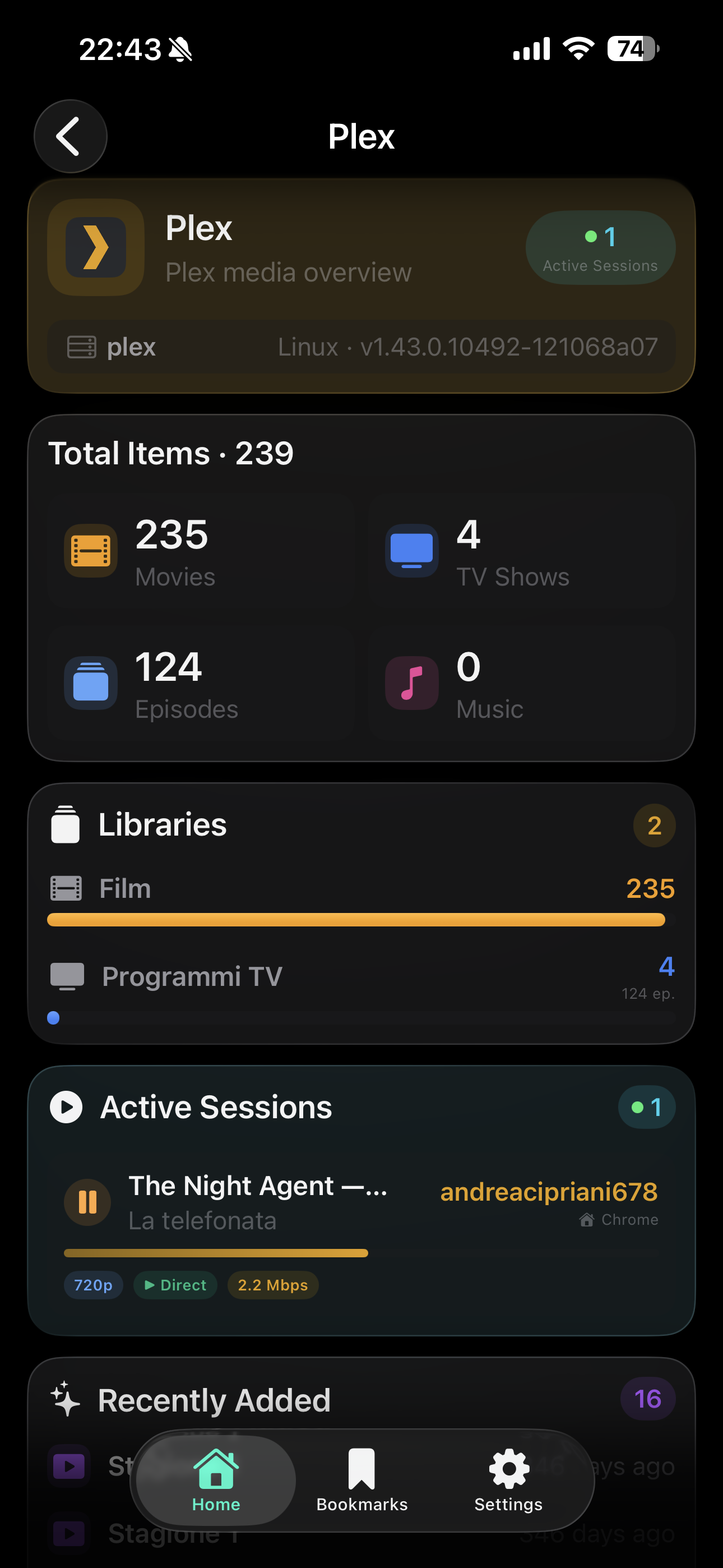 |
| Portainer | Beszel | Nginx Proxy | Pi-hole | Plex |
📸 View all iOS screenshots
Portainer
|
 |
 |
Nginx Proxy Manager / NPMplus
|
 |
 |
Beszel
|
 |
 |
 |
 |
 |
Pi-hole · AdGuard Home · Healthchecks
|
 |
 |
 |
 |
Gitea / Forgejo · PatchMon · Jellystat · Plex
 |
 |
 |
|
🤖 Android App
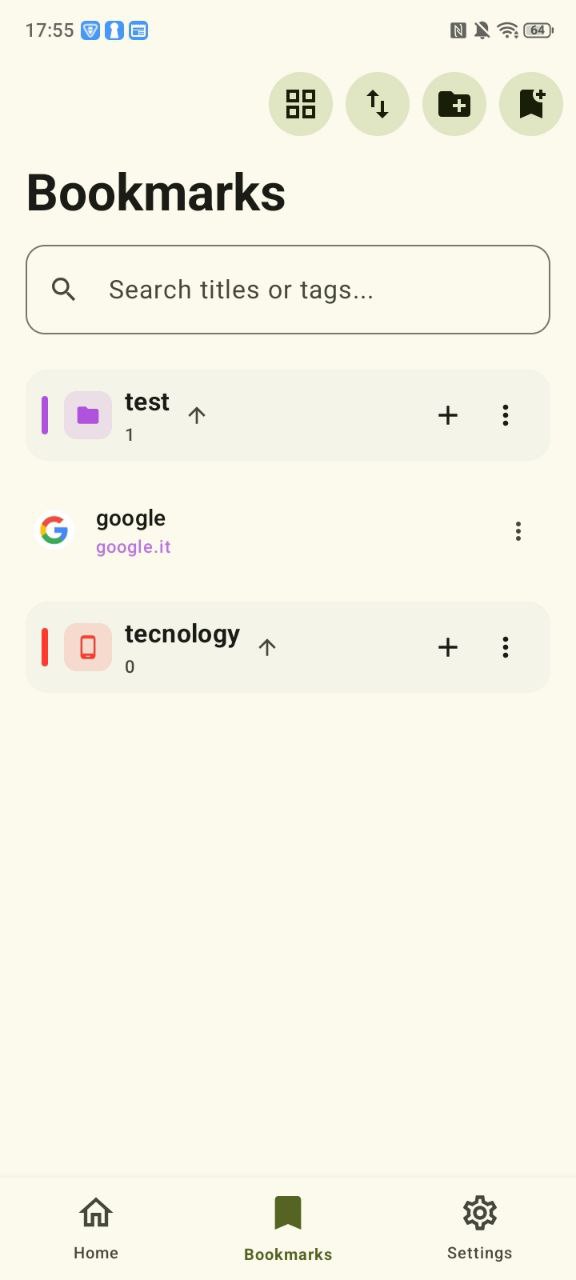
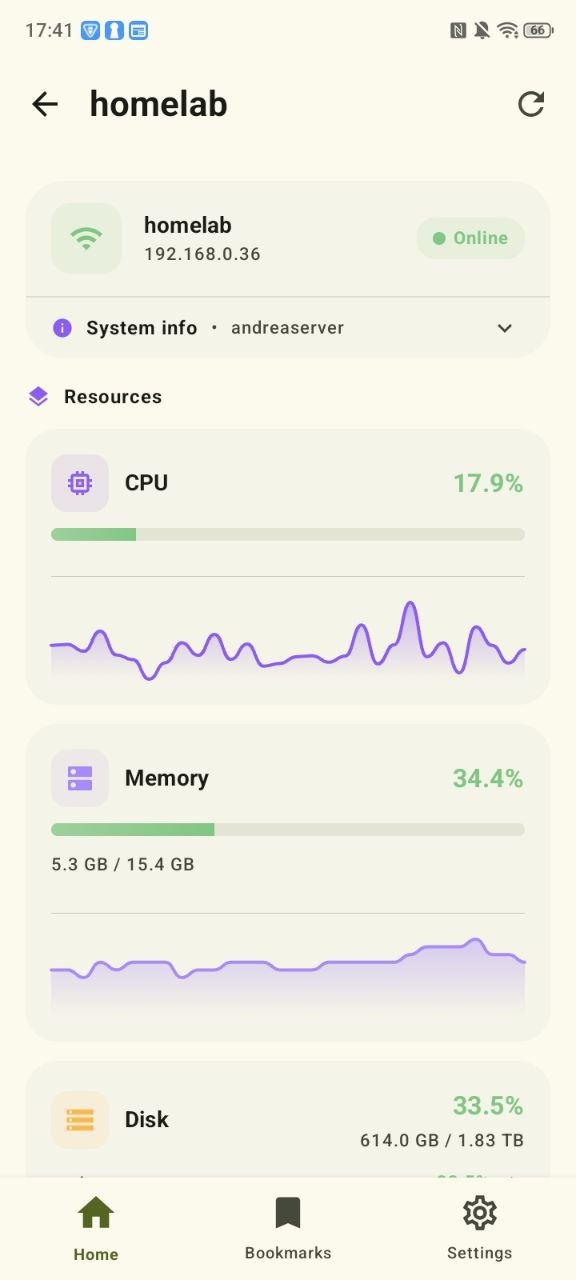
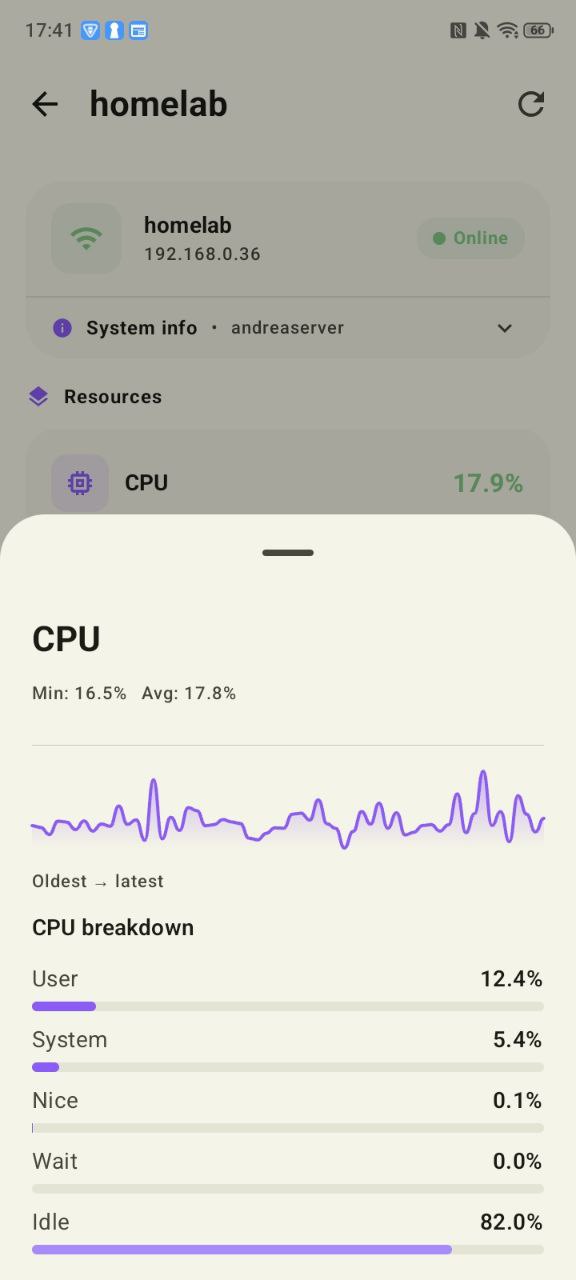
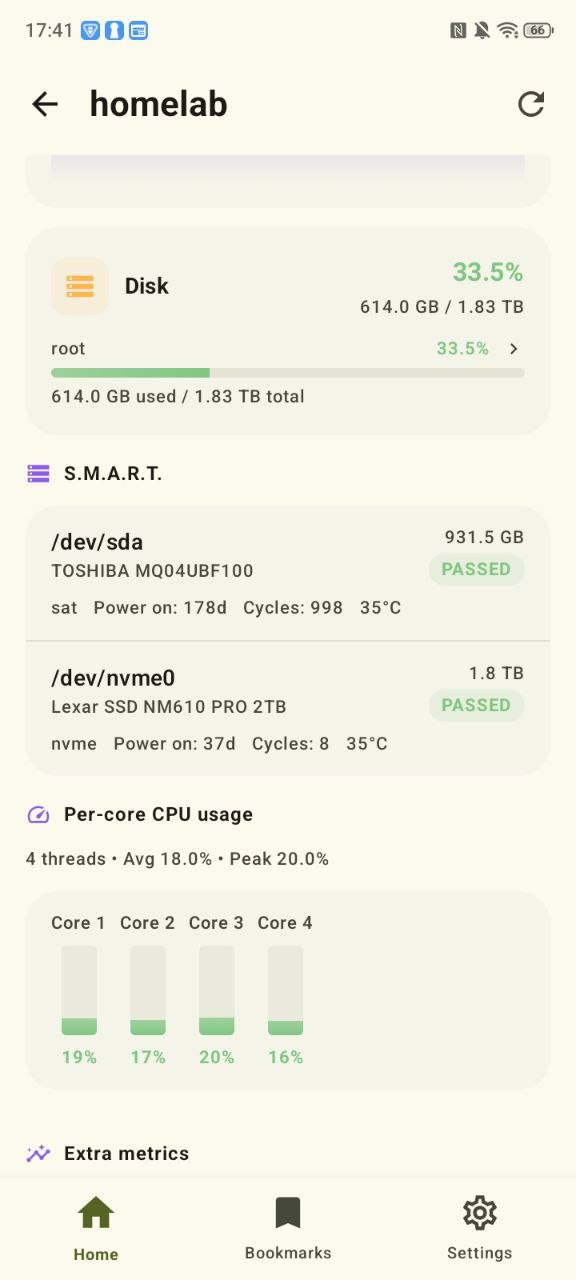
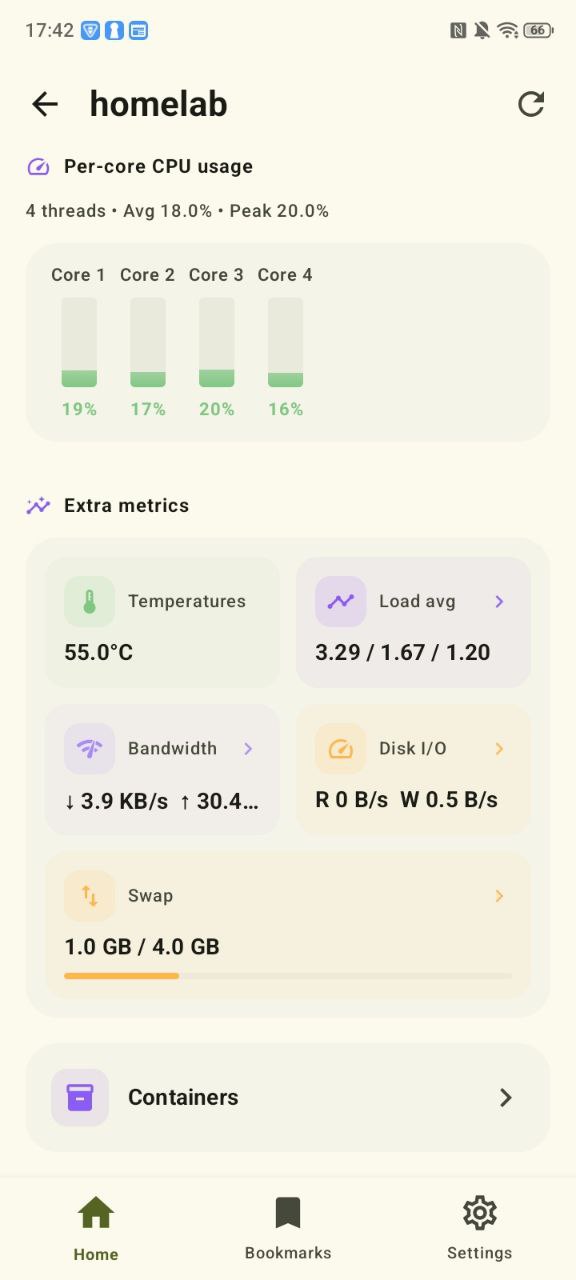
The Android version is built with Kotlin and Jetpack Compose for Android 8.0+. It uses a modern Material 3 style, dynamic color where available, expressive cards, and native Android architecture patterns.
| Dashboard | Servarr | Bookmarks |
|---|---|---|
|
 |
 |
 |
 |
 |
 |
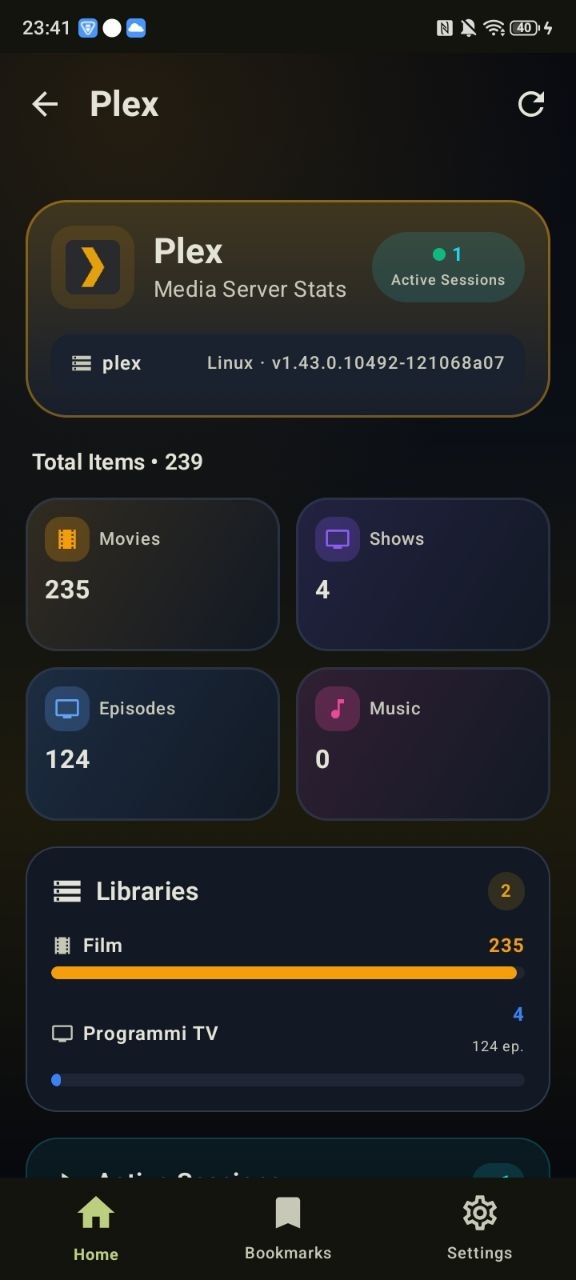 |
| Portainer | Beszel | Nginx Proxy | Pi-hole | Plex |
📸 View all Android screenshots
Portainer
|
 |
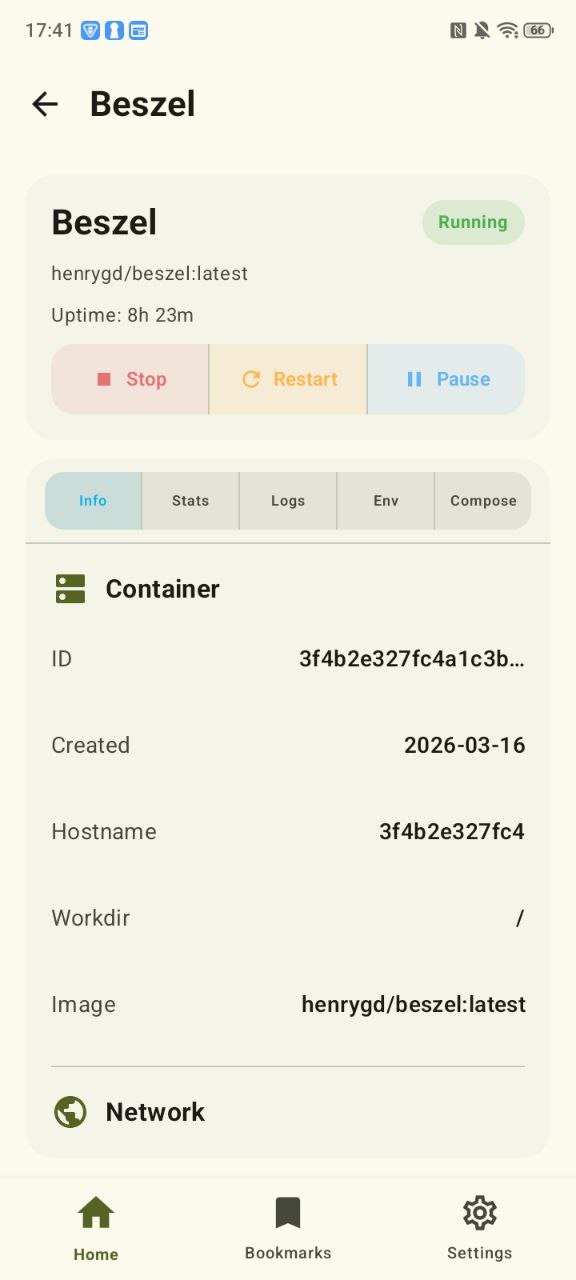 |
Beszel
|
 |
 |
 |
 |
 |
 |
 |
Nginx Proxy Manager / NPMplus · Pi-hole
|
 |
|
 |
AdGuard Home · Healthchecks · PatchMon · Jellystat · Plex
 |
 |
 |
 |
 |
 |
|
Bookmarks
 |
|
📲 Install via AltStore / SideStore
You can install the iOS app directly on your iPhone without Xcode using AltStore or SideStore.
- Copy the source URL:
https://raw.githubusercontent.com/JohnnWi/homelab-project/main/apps.json - Open AltStore or SideStore on your device.
- Go to Sources → Add Source and paste the URL above.
- Find Homelab in the source and tap Install.
The app can then be refreshed and updated from the same source.
Note: SideStore can re-sign the app automatically without needing a Mac every 7 days.
🛠️ Getting Started
Repository Layout
HomelabSwift/: native iOS app built with SwiftUI.HomelabAndroid/: native Android app built with Kotlin and Jetpack Compose.docs/: public privacy and support pages served through GitHub Pages.apps.jsonandapp-version.json: update metadata used by the AltStore / SideStore source and in-app update banner.
Build for iOS
- Open
HomelabSwift/Homelab.xcodeprojin Xcode 26+. - Select your development team under Signing & Capabilities.
- Build and run on a real device or simulator.
Build for Android
- Import
HomelabAndroidinto Android Studio. - Let Gradle sync and resolve dependencies.
- Run on a connected device or emulator.
🧭 Support & Privacy
For help, bug reports, compatibility issues, or App Store support requests, use the public support page or GitHub Issues:
- Support: johnnwi.github.io/homelab-project/support.html
- Privacy Policy: johnnwi.github.io/homelab-project/privacy.html
- Issues: github.com/JohnnWi/homelab-project/issues
💖 Funding
This project is a solo effort maintained by a university student.
The GoFundMe campaign is dedicated only to covering the Apple Developer Program account and App Store publication costs:
Crypto donations are optional, unrestricted donations to support the project and its maintenance:
EVM Wallet (Ethereum, BSC, Polygon, etc.)0x649641868e6876c2c1f04584a95679e01c1aaf0d
📄 License
This project is licensed under the Apache License 2.0.
See LICENSE for the full text.
