Yanami
Introduction: A Material Design 3 Android client for the Komari server monitoring tool.
Tags:
English | 简体中文

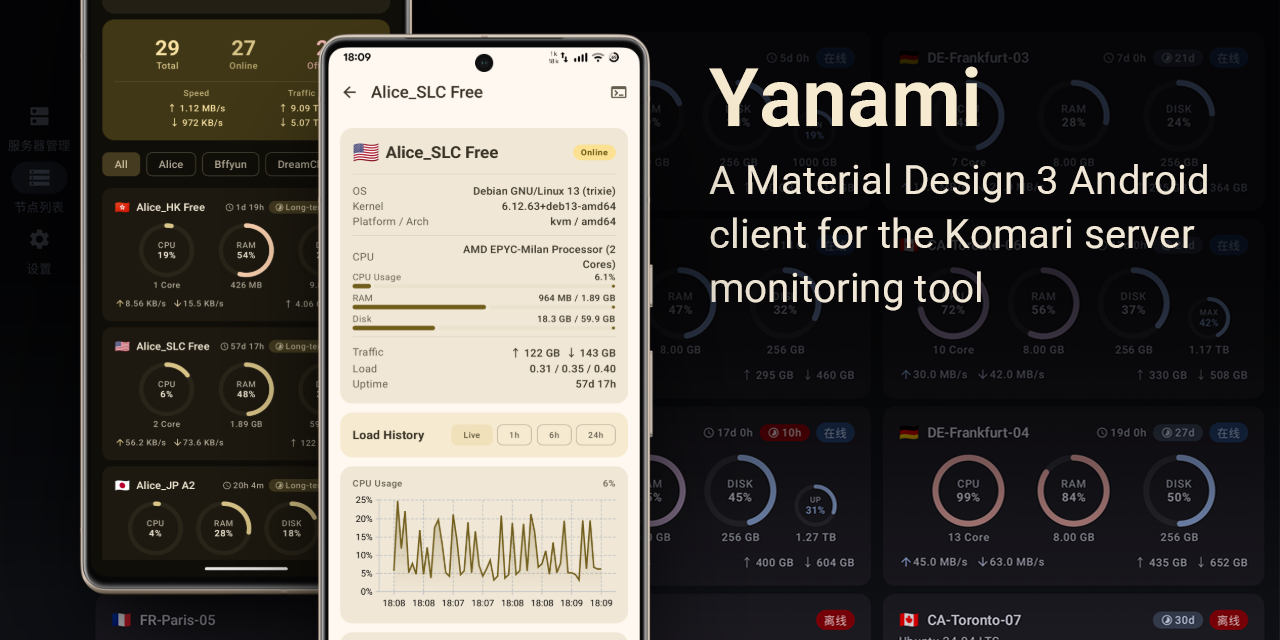
Yanami is an Android client for the Komari server monitoring tool, built with the Material Design 3 design language.
A Material Design 3 Android client for the Komari server monitoring tool.
Features
- Multi-Instance Management — Add, edit, and switch between multiple Komari server instances.
- Three Authentication Modes — Support password, API Key, and guest mode authentication.
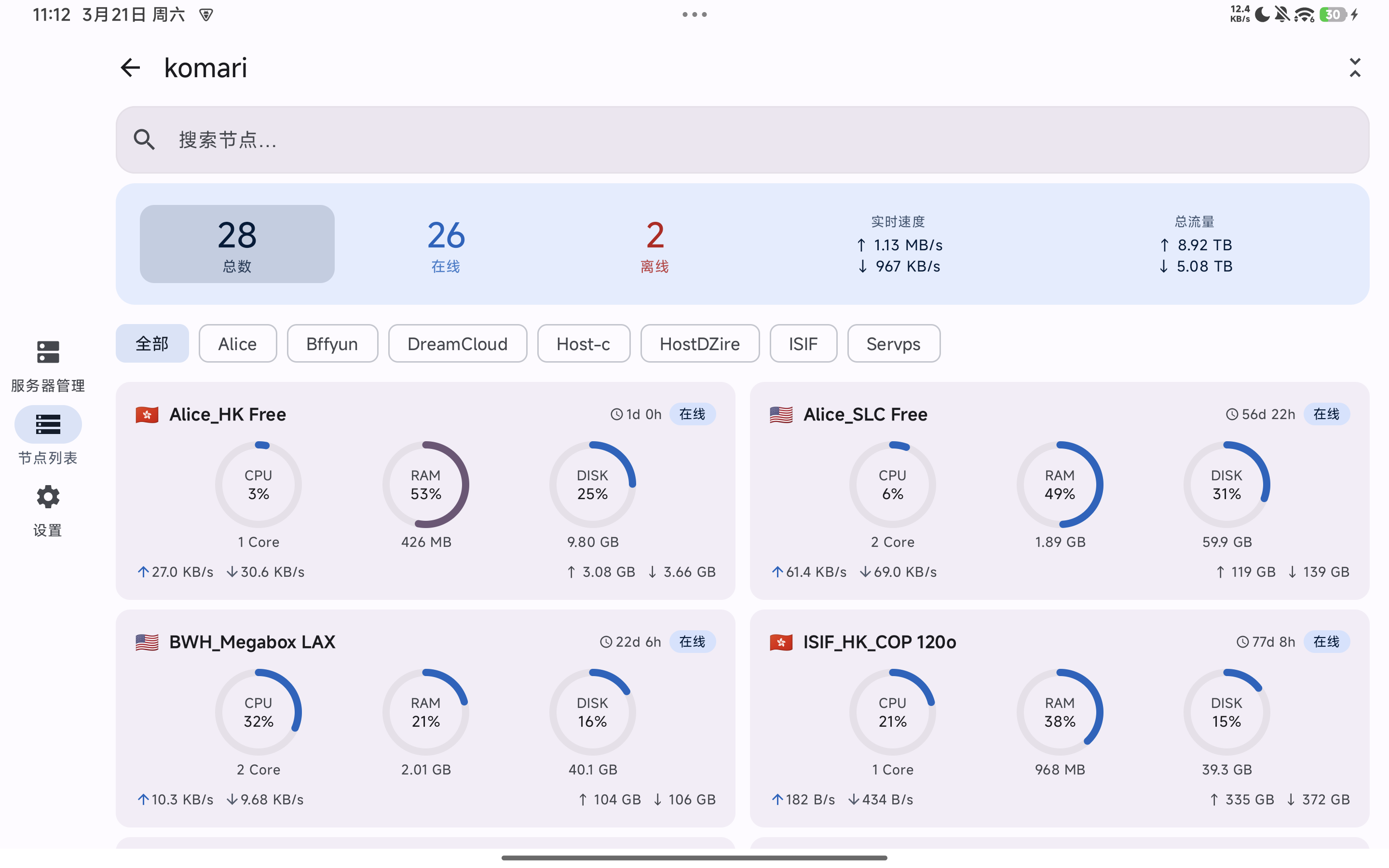
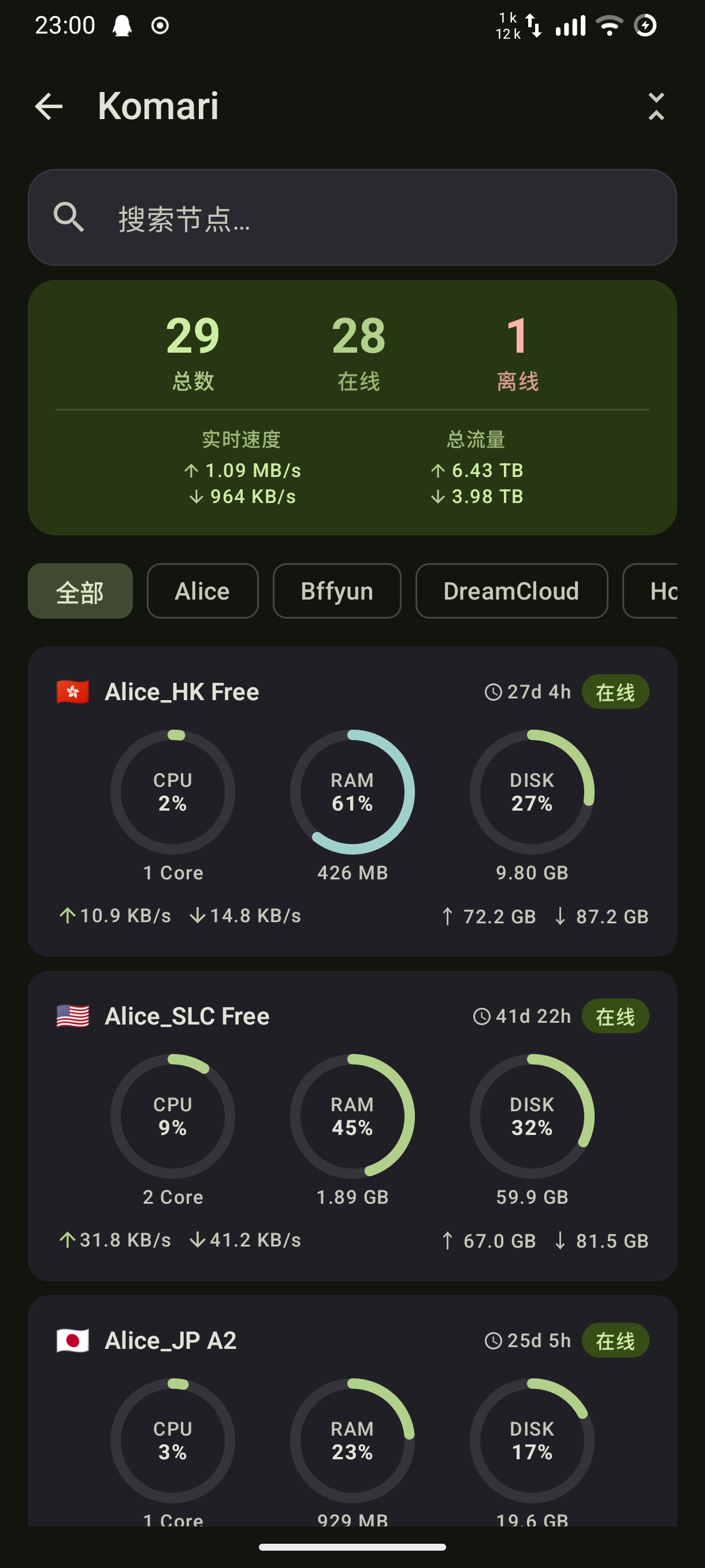
- Real-Time Node List — WebSocket real-time push for node status (CPU / RAM / Disk / Network IO).
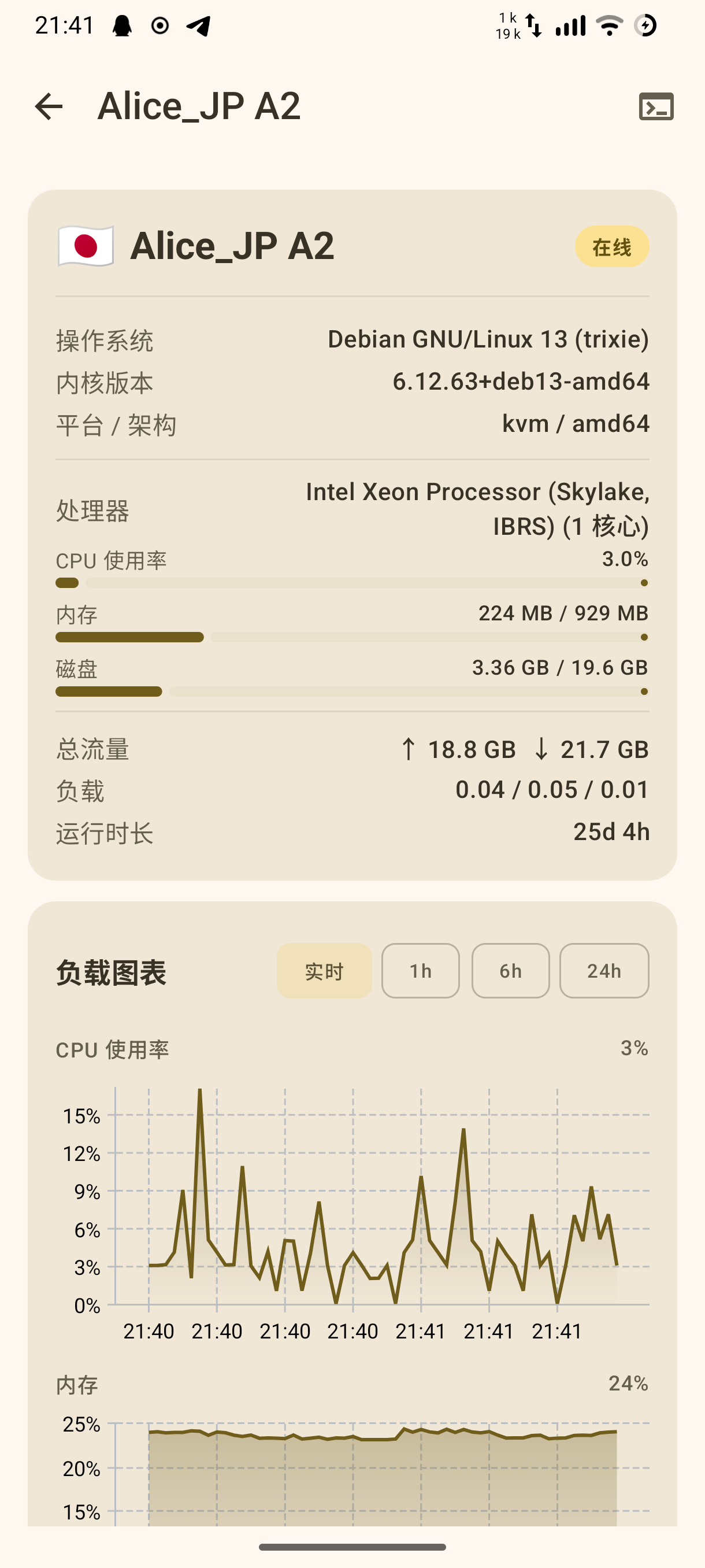
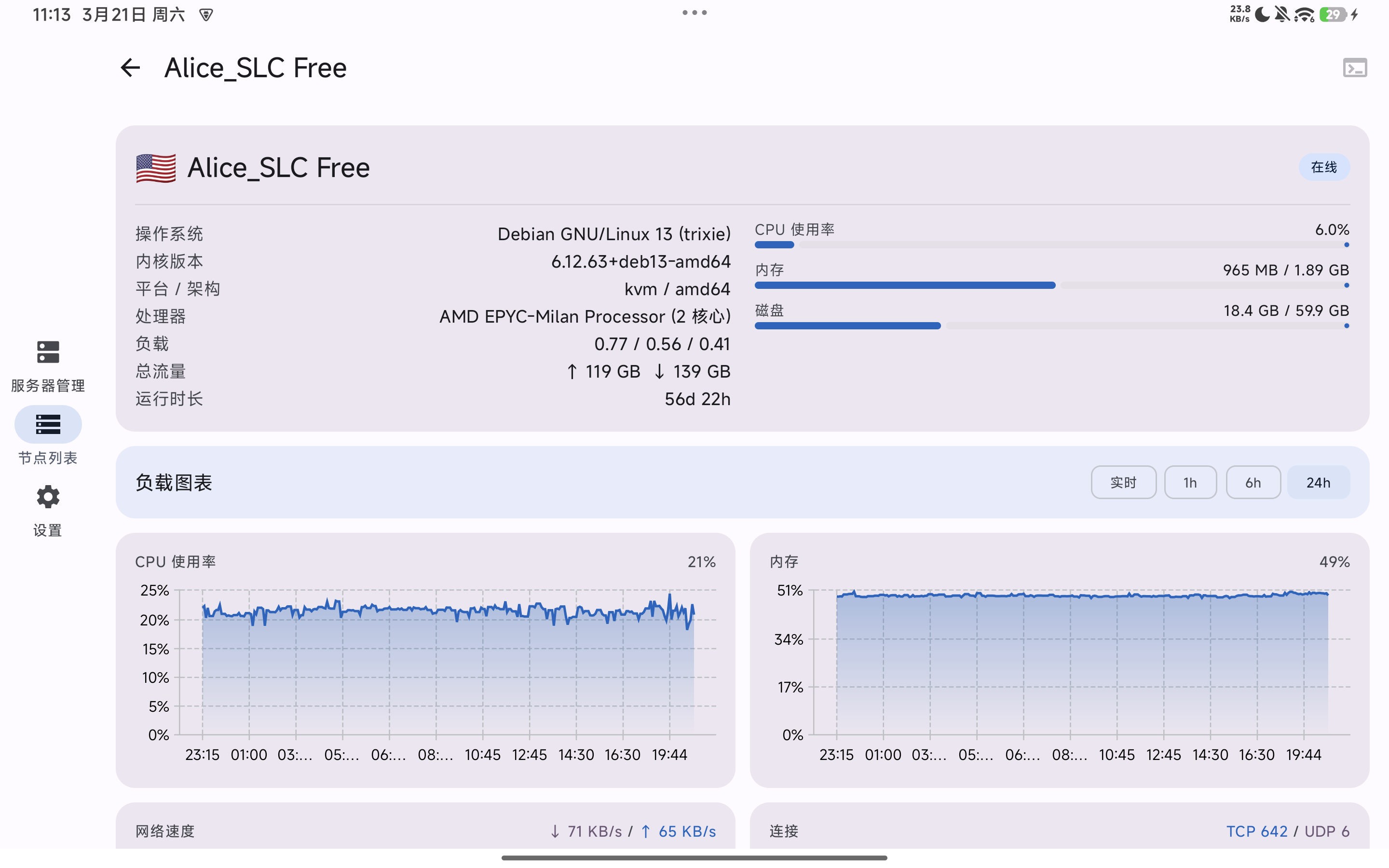
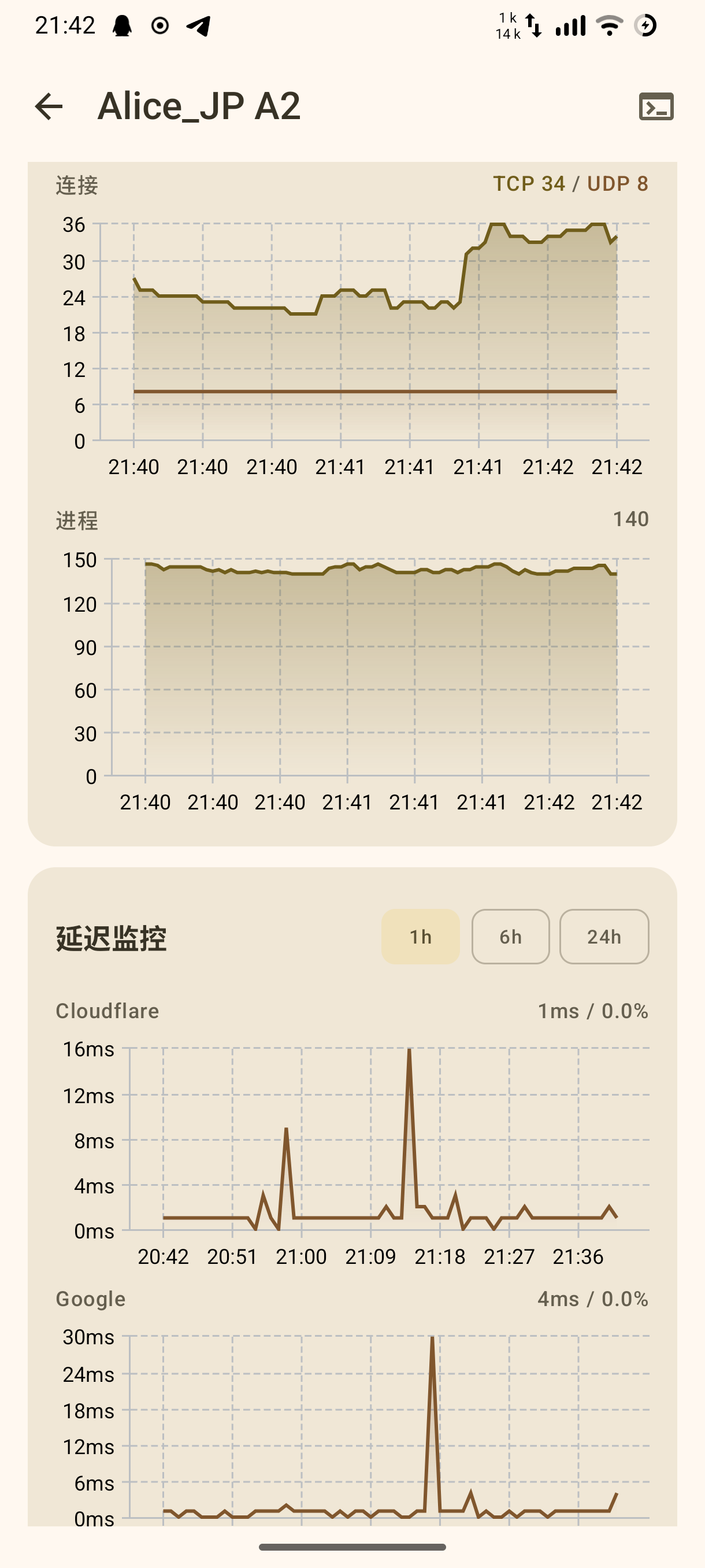
- Node Detail Dashboard — Load history line charts, Ping latency trends, basic server information.
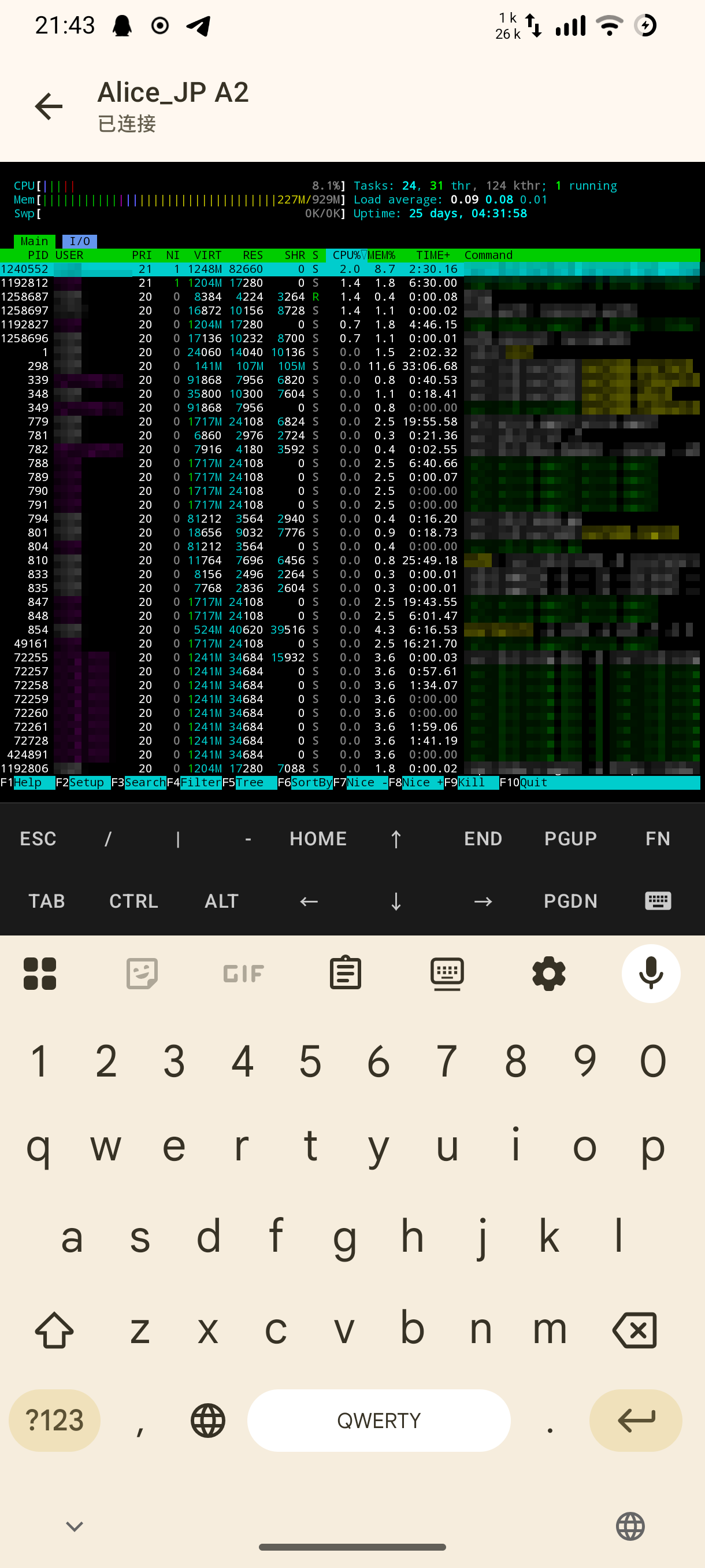
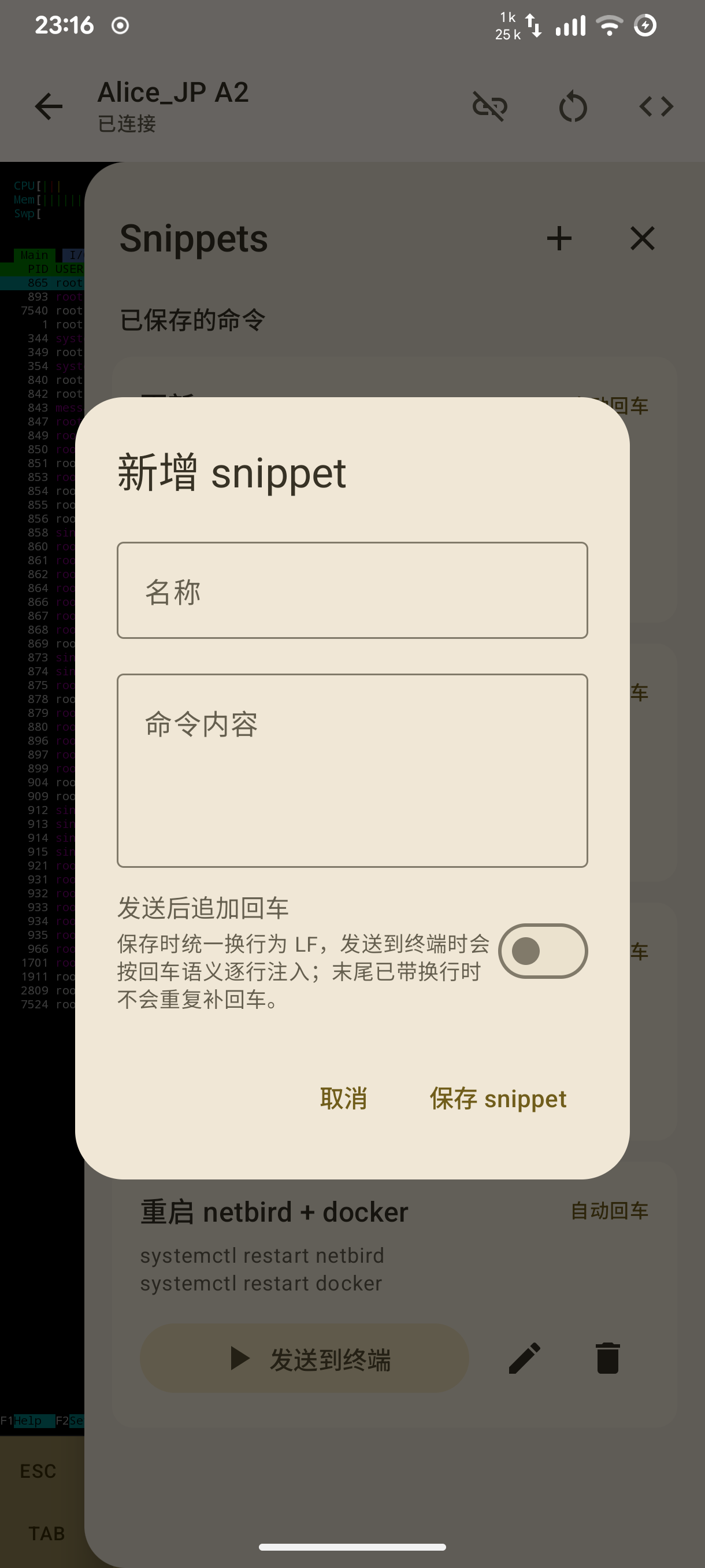
- SSH Terminal — Full-featured ANSI/VT100 terminal based on termux terminal-view + WebSocket, supporting special key toolbars and font size adjustment.
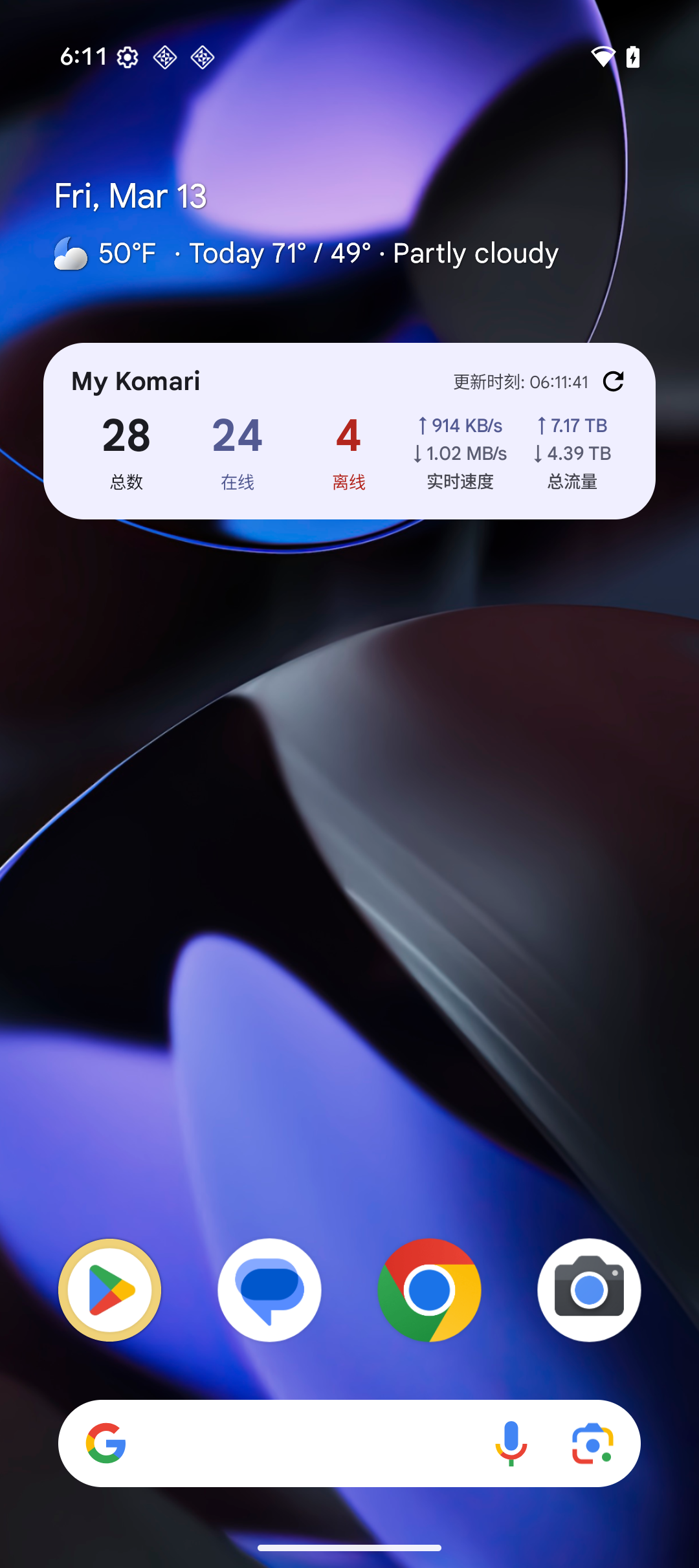
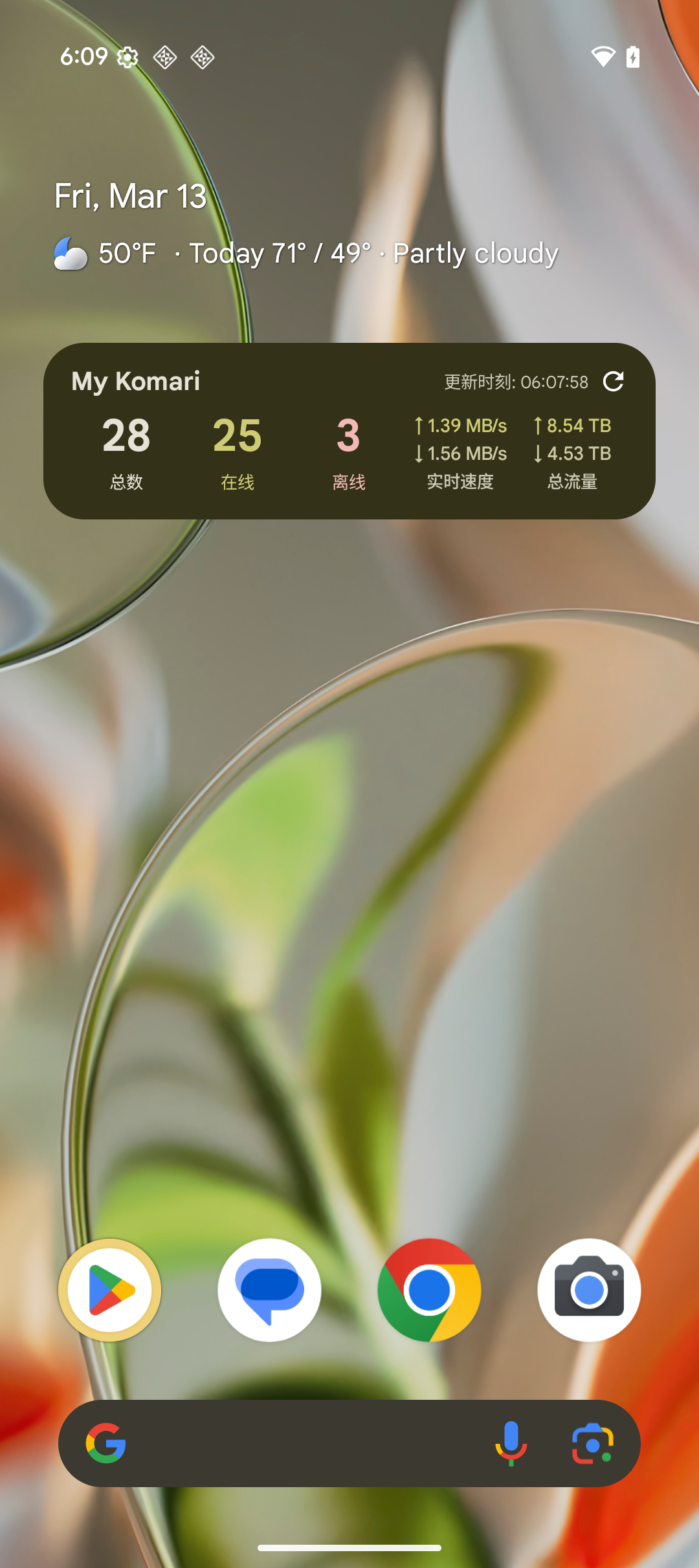
- Home Screen Widget — Glance widget for node overview, refresh, and update interval configuration.
- Tablet Landscape Layout — Adaptive large-screen layout with NavigationRail, multi-column lists, and split detail panels.
- Multi-Language Support — Chinese (Default), English, Japanese.
- Theme System — Material You dynamic colors (Android 12+) + 6 preset color palettes, supporting dark/light mode and system-following mode.
Screenshots
Expand
Instance Management
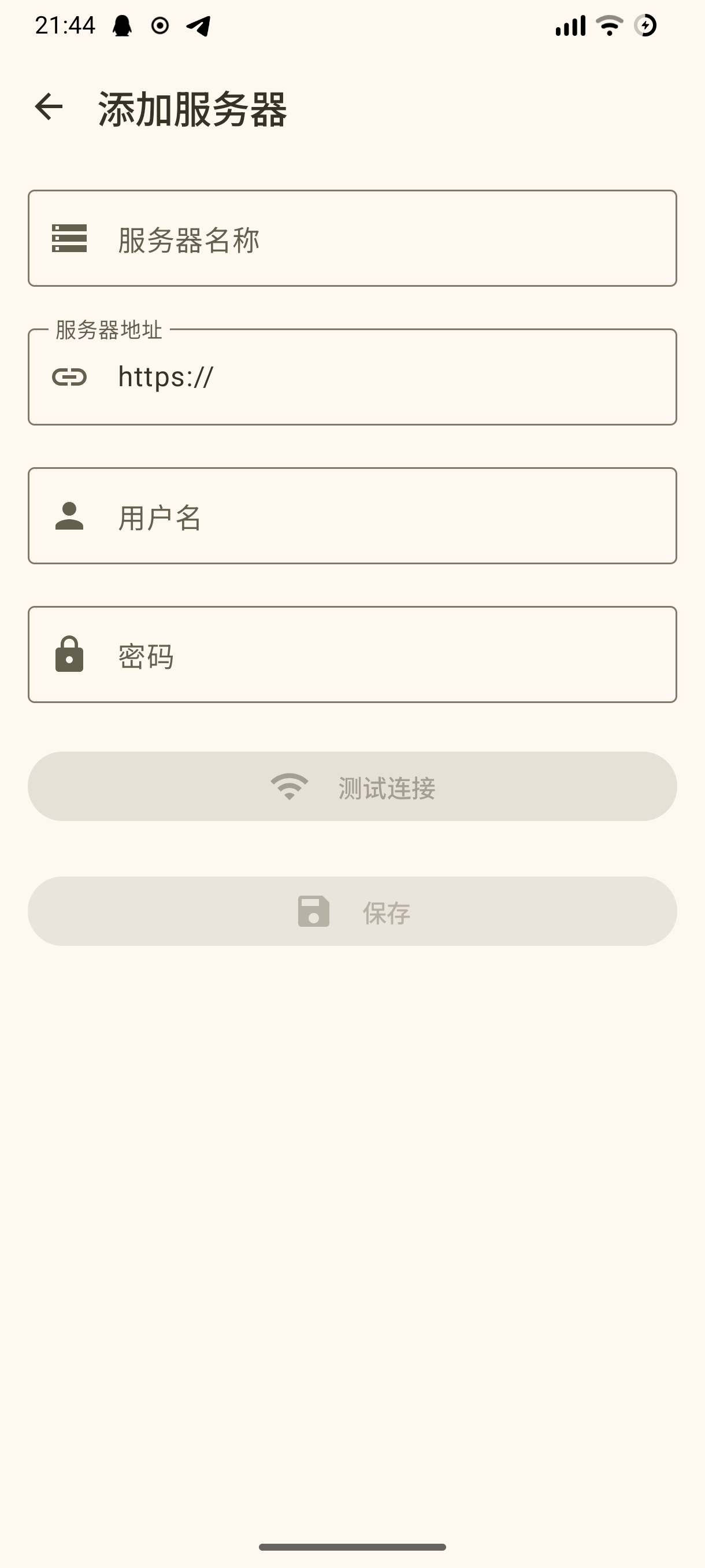
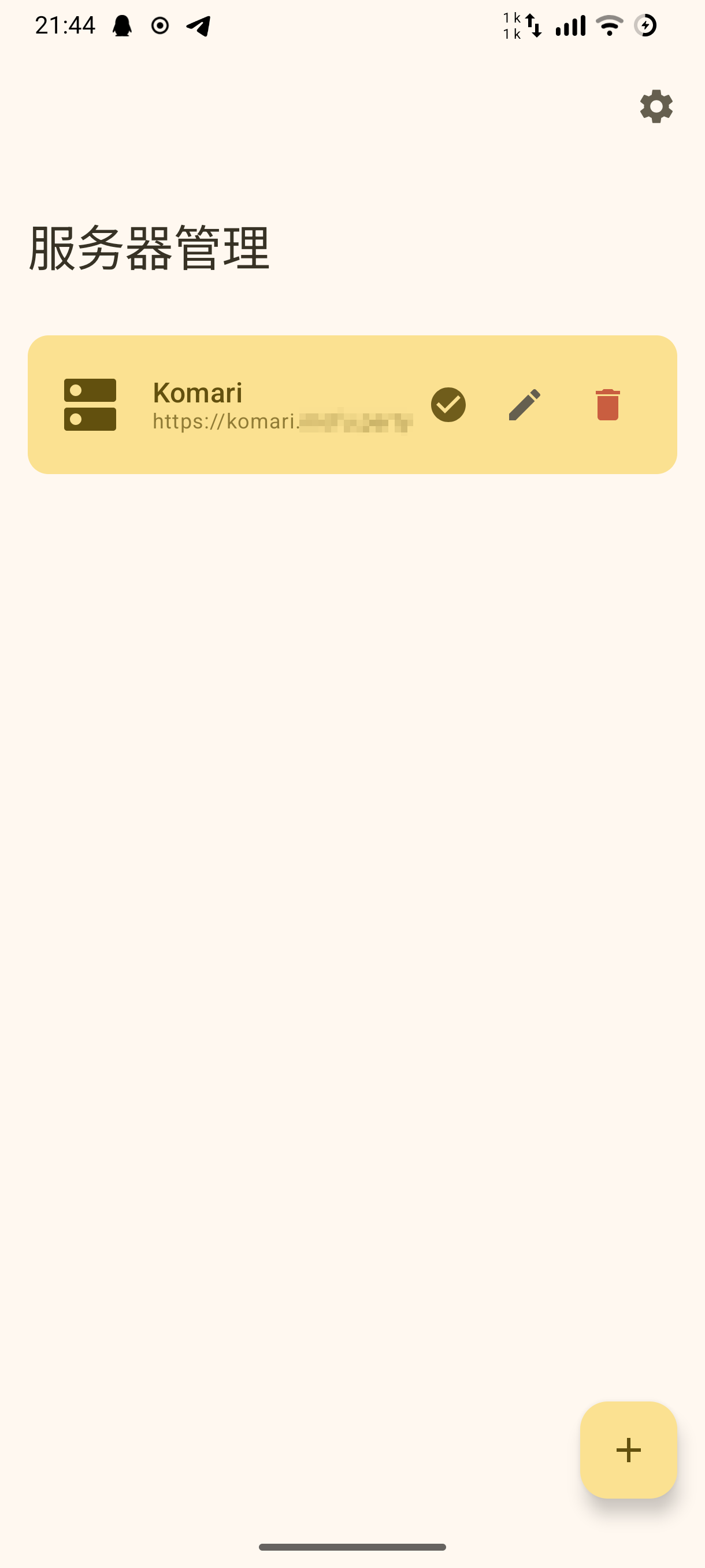
Day/Light Mode (Phone)
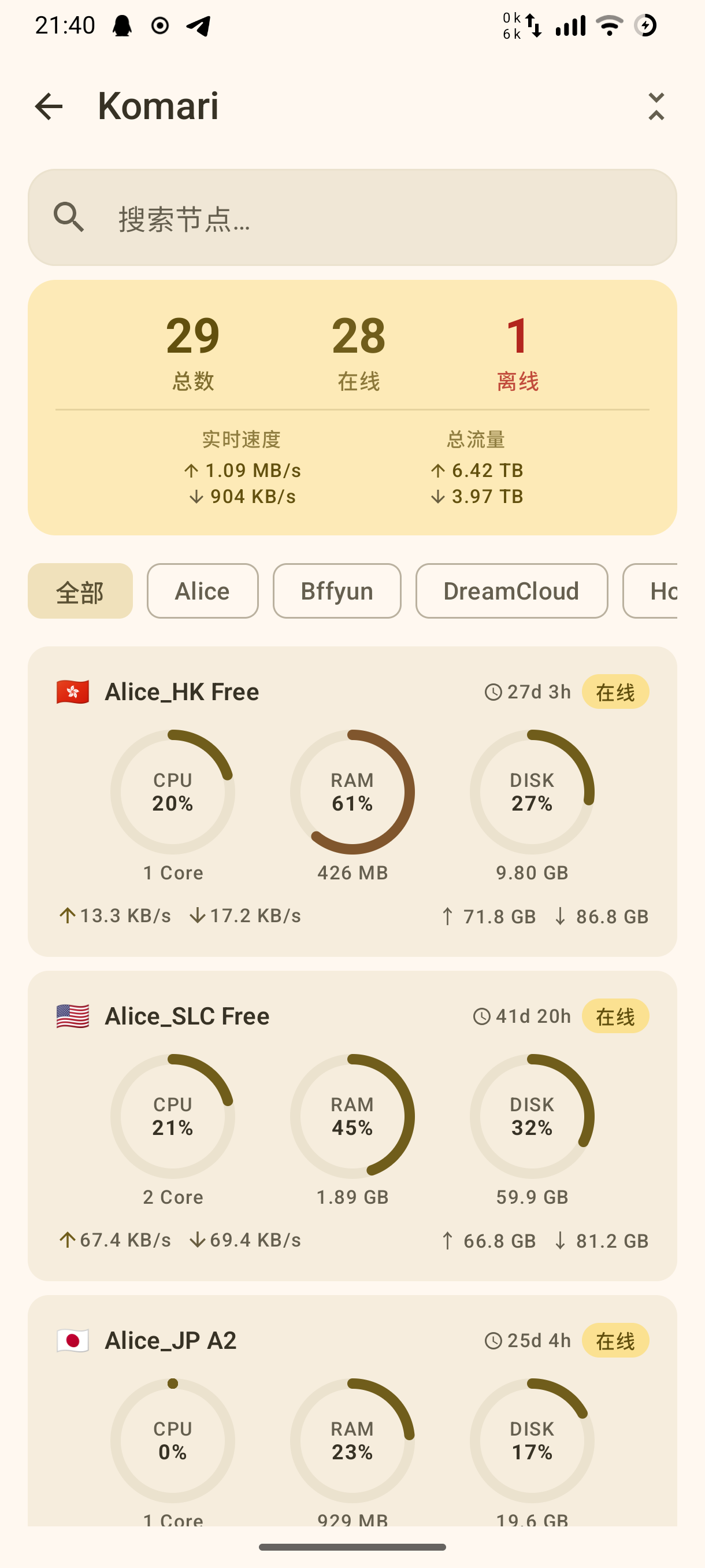
Day/Light Mode (Tablet)
Night/Dark Mode
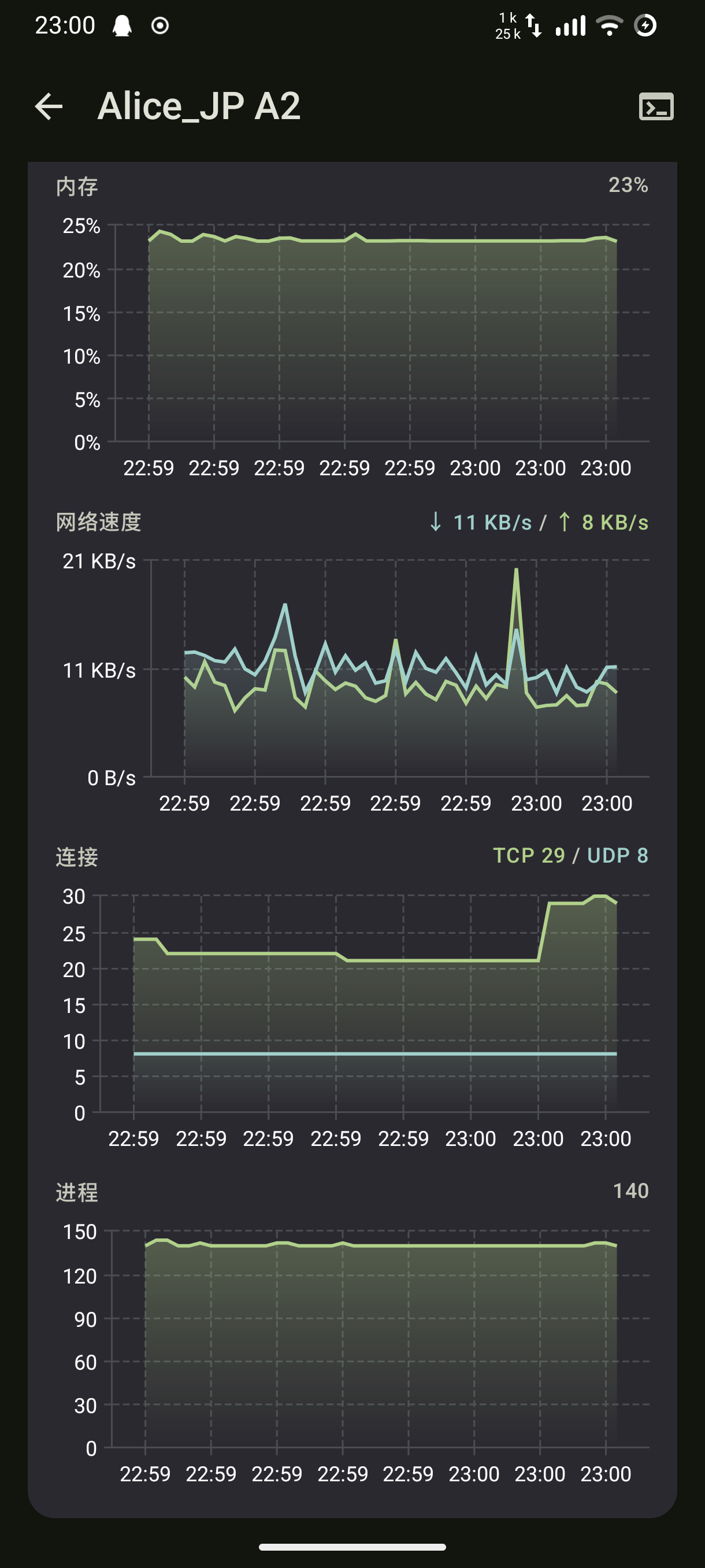
Latency Monitoring/SSH Terminal
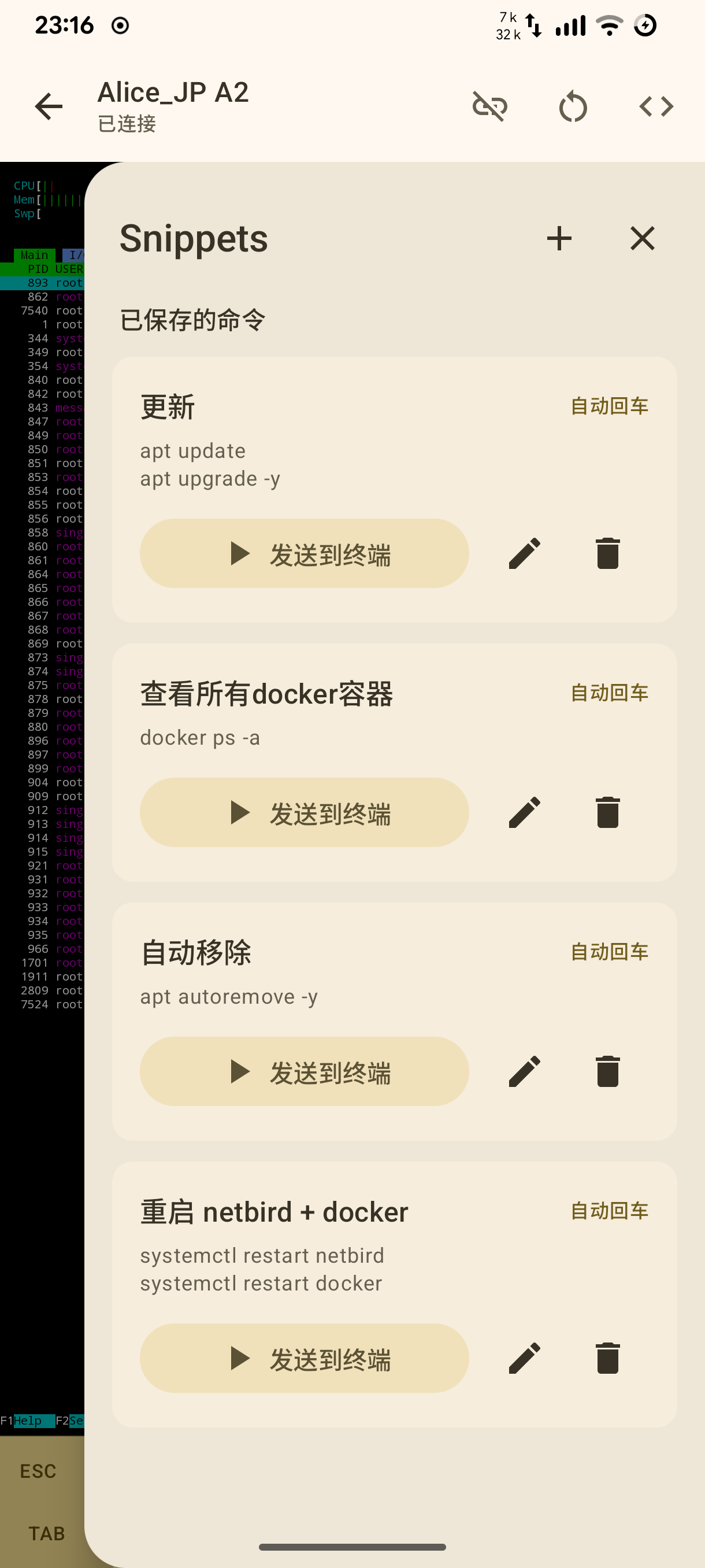
Snippets
Widget
System Requirements
| Item | Requirement |
|---|---|
| Android | 9.0 (API 28) and above |
| Server | Komari 1.1.7 or above |
Build
# Debug APK
./gradlew assembleDebug

# Release APK
./gradlew assembleRelease

# Clean and Build
./gradlew clean assembleDebug
Build outputs are located at app/build/outputs/apk/.
Tech Stack
| Library | Version | Purpose |
|---|---|---|
| Kotlin | 2.3.10 | Main language |
| Jetpack Compose BOM | 2026.02.01 | UI Framework |
| MD3 | — | Design System |
| Voyager | 1.1.0-beta03 | Navigation + ScreenModel |
| Koin | 4.1.1 | Dependency Injection |
| Ktor | 3.4.1 | HTTP Client + WebSocket |
| Room | 2.8.4 | Local Database (Encrypted credential storage) |
| Vico | 3.0.3 | Charts (Compose M3) |
| termux terminal-view | 0.119.0-beta.3 | Terminal ANSI/VT100 Rendering |
| DataStore Preferences | 1.2.0 | User Preferences Persistence |
Architecture
Adopts the MVI (Model-View-Intent) pattern with an adaptive root shell:
UI Layer      MainActivity Root Shell + Voyager Screen + Compose UI + MviViewModel<State, Event, Effect>
Domain Layer  Repository Interface + Domain Model (Node, ServerInstance …)
Data Layer    Repository Implementation, Ktor, Room, DataStore
Each page follows the Contract Pattern, describing the complete MVI contract of the page with nested State / Event / Effect.
Navigation Flow
ServerListScreen → AddServerScreen
                 → NodeListScreen → NodeDetailScreen → SshTerminalScreen
                 → SettingsHubScreen → SettingsScreen / AboutScreen
Authentication & Network
- PASSWORD — Obtain
session_tokenviaPOST /api/login(supports 2FA). - API_KEY — Use
Authorization: Bearer <api-key>directly, without login flow. - GUEST — No authentication header; monitor APIs and WebSocket data remain available, but SSH terminal is disabled.
- Credentials and session data are encrypted with AES/GCM and stored in Room, automatically restored on startup.
- WebSocket (
wss://host/api/rpc2) always requires theOriginheader. SessionCookieInterceptor/ network layer automatically inject Cookie, Bearer token, or skip auth headers according toauthType.
Adaptive Layout
- Phone / narrow width: standard Voyager stack navigation.
- Tablet landscape: root-level
NavigationRail+ content pane. - Node and server lists switch to multi-column card layouts on wide landscape screens.
- Node detail charts and info cards use split wide-screen layouts.
- Form and settings pages use centered constrained-width content on large screens.
License
This project is licensed under the MIT License.
