avdbuddy
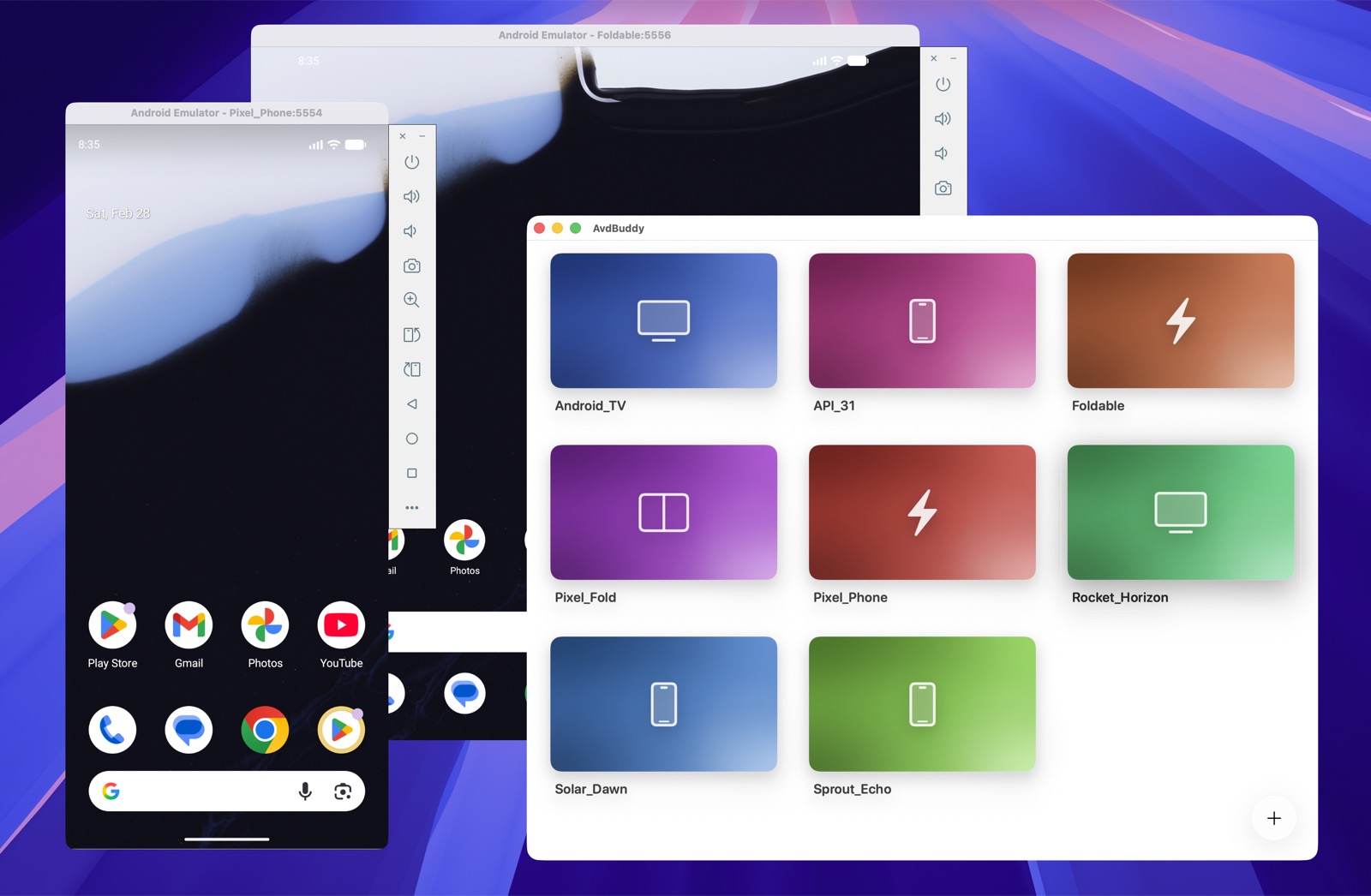
AvdBuddy is a native macOS app for managing Android Virtual Devices without going through Android Studio.
It focuses on the common emulator workflow:
- browse your existing AVDs from a visual home screen
- launch an emulator with a double click
- create new AVDs through a guided wizard
- duplicate, rename, and delete AVDs
- download Android system images from Google when needed
What It Does
AvdBuddy reads the Android SDK and local AVD setup on your Mac, then gives you a faster UI for:
- viewing all AVDs in one place
- distinguishing them visually with stable per-device gradients
- creating phones, tablets, foldables, TVs, and Wear OS emulators
- selecting Android versions, variants, architecture, storage, RAM, SD card, and Google Play services options
Requirements
To build and run AvdBuddy from source, you need:
- macOS
- Xcode with command line tools (
xcodebuild)
To use AvdBuddy with Android emulators, you also need:
- Android SDK command-line tools
avdmanagersdkmanager- Android Emulator
adb
It looks for the SDK in:
ANDROID_SDK_ROOTANDROID_HOME~/Library/Android/sdk
It reads AVDs from:
~/.android/avd
Installation
You can install AvdBuddy in either of these ways:
Download from GitHub Releases
Download the latest macOS DMG from GitHub Releases, then open AvdBuddy.app from /Applications.
Install with Homebrew
Install directly from the shared tap:
brew install --cask alexstyl/tap/avdbuddy
Or tap first, then install:
brew tap alexstyl/tap
brew install --cask avdbuddy
Homebrew installs AvdBuddy.app into /Applications.
Development
Run the test suite:
swift test
Run the project with the provided macOS script. It builds the AvdBuddy scheme in Debug and launches the app:
./scripts/runMac
Homebrew Packaging
AvdBuddy can be distributed as a Homebrew cask from a shared tap repository. Homebrew installs AvdBuddy.app into /Applications. The app still requires Android SDK tools on the machine in order to manage emulators.
To publish a Homebrew release:
- build and notarize the macOS DMG with
./scripts/releaseMac - upload the versioned artifact, for example
AvdBuddy-0.3.0.dmg, to GitHub Releases - update the Homebrew cask in your shared tap repo, for example
alexstyl/homebrew-tap, with the newversionandsha256
The cask source for the tap is included in packaging/homebrew/avdbuddy.rb. A short setup guide lives in packaging/homebrew/README.md.
Credits
Inspired by VirtualBuddy.
