MediaPlayer-KMP













Overview
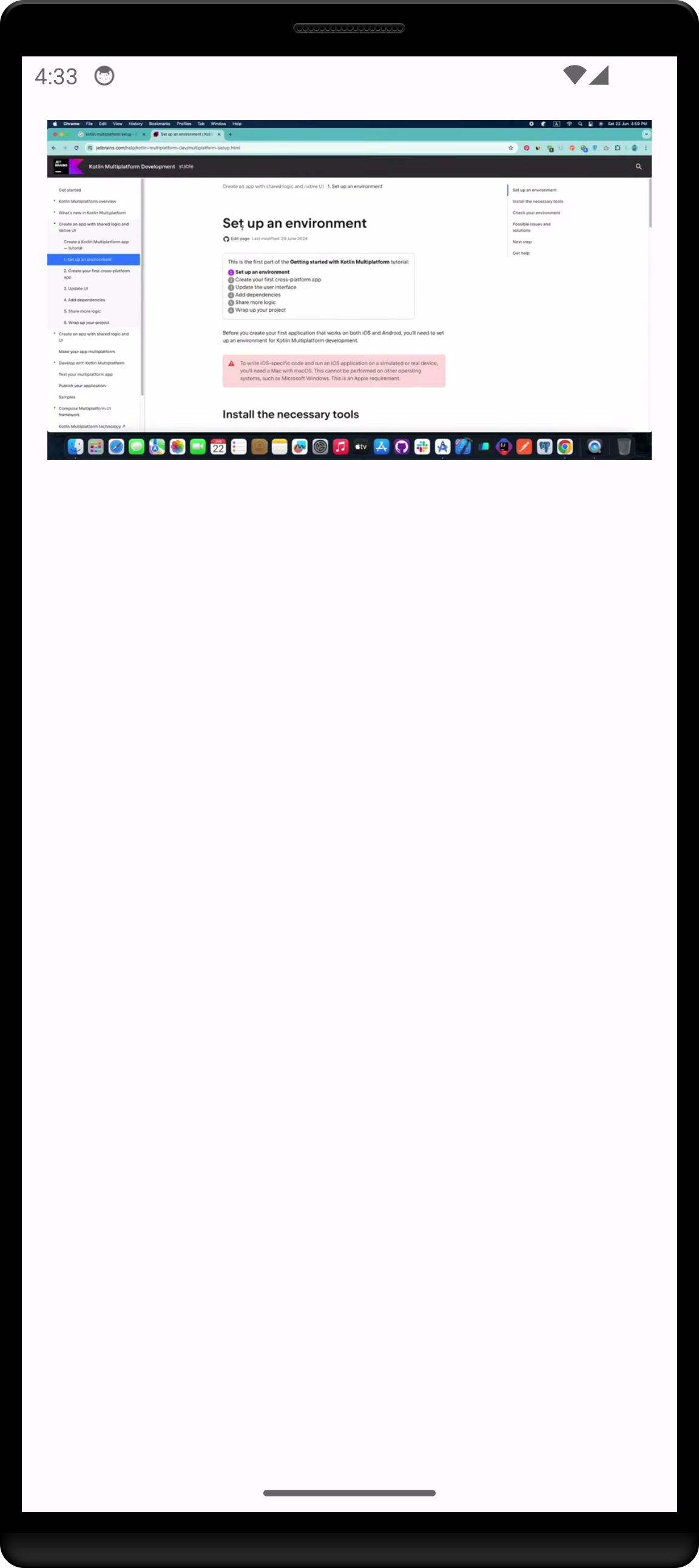
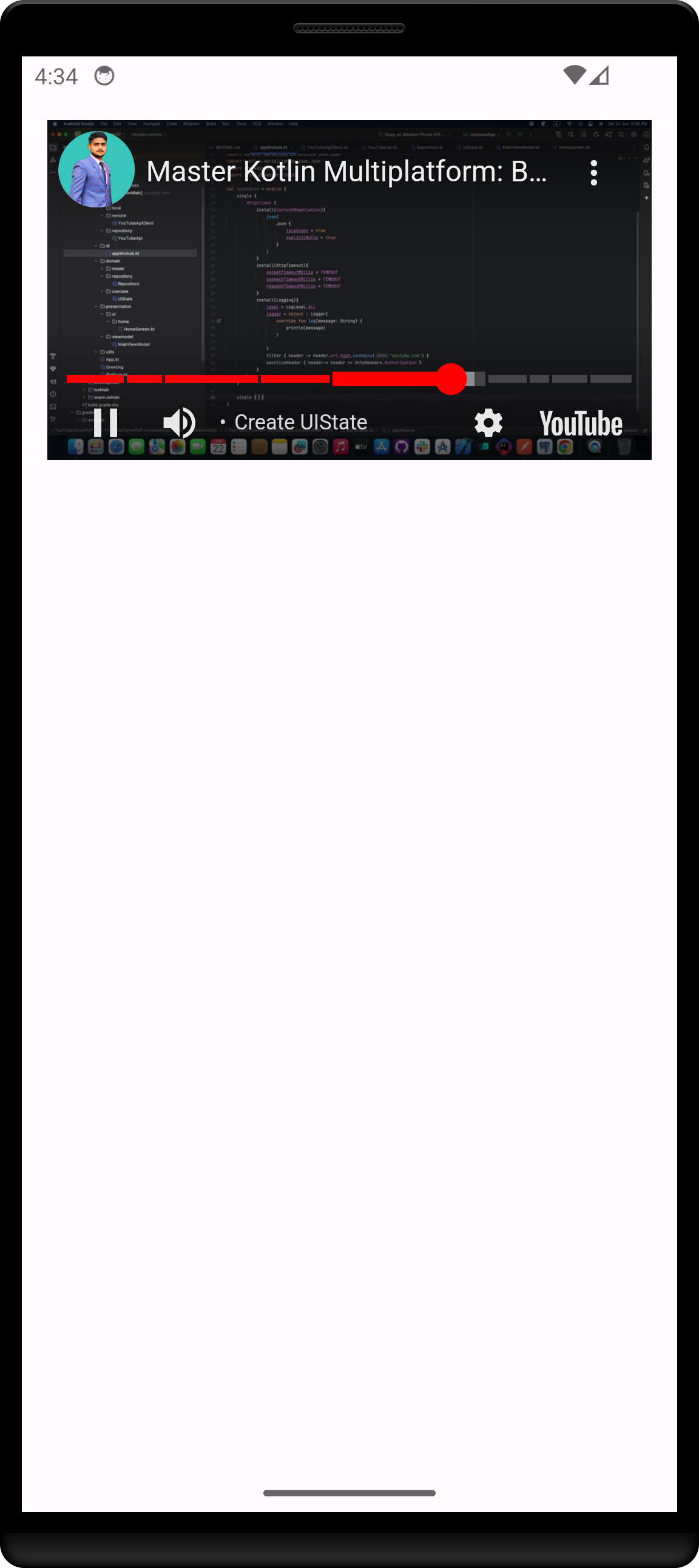
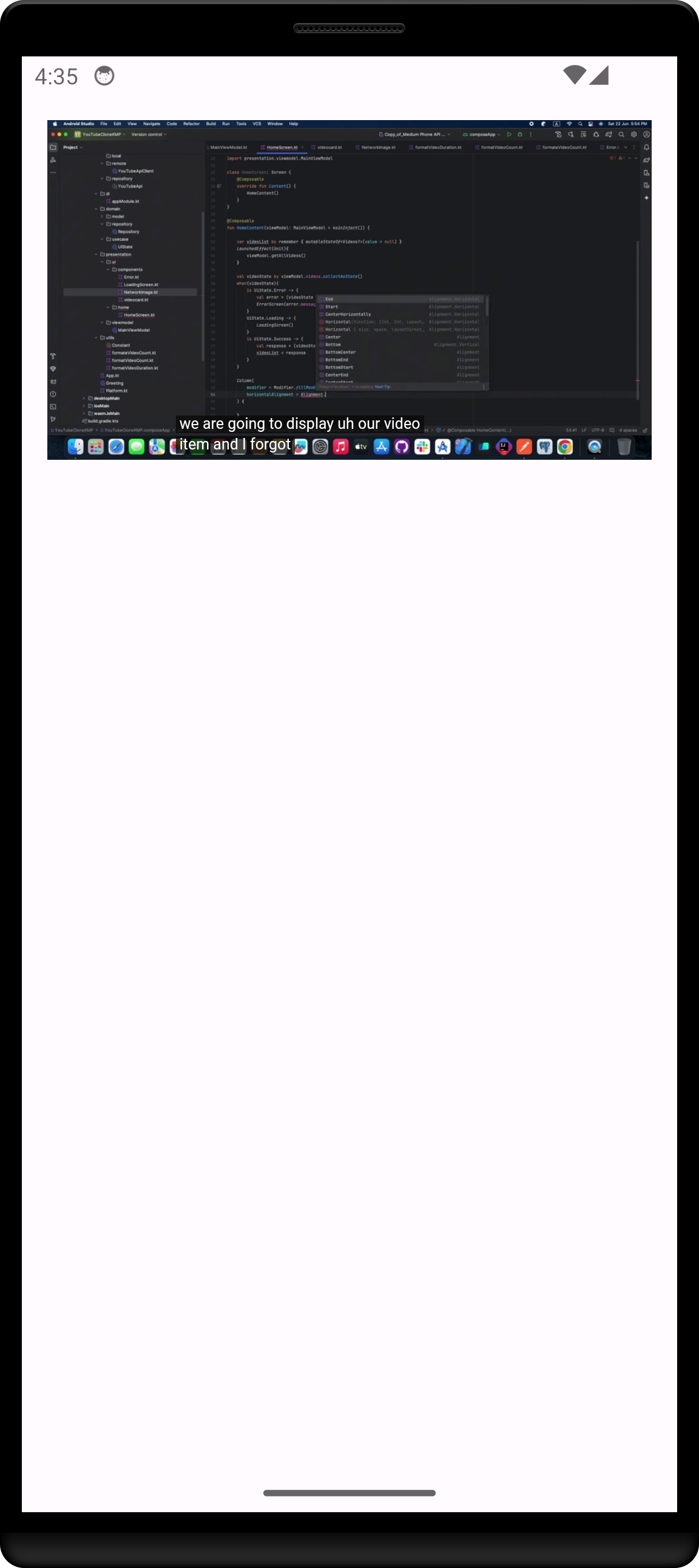
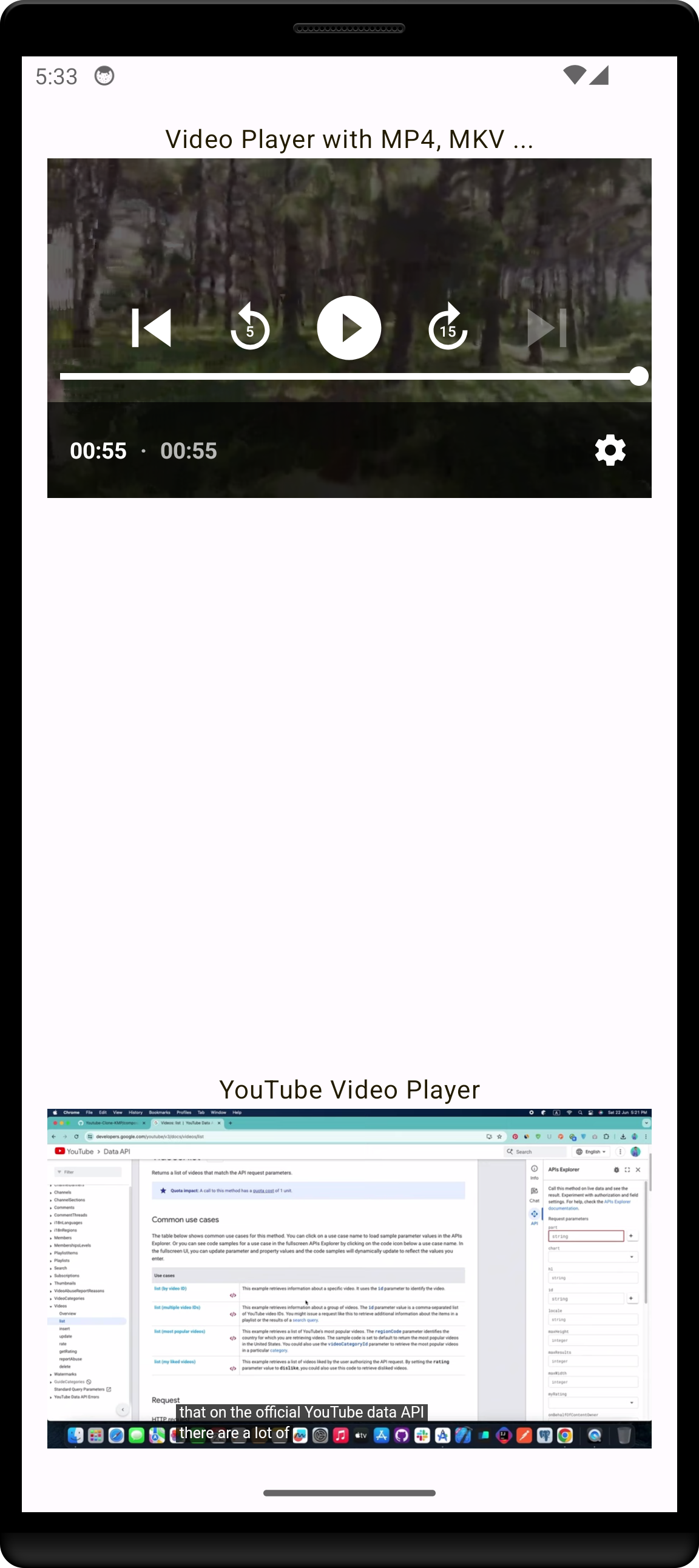
MediaPlayer-KMP is a Kotlin Multiplatform (KMP) library that allows you to display and play YouTube videos across Android, iOS, Web, and Desktop platforms using JetBrains Compose Multiplatform. It provides a unified API for video playback that seamlessly integrates into Kotlin's multiplatform ecosystem.
Features
- One API, every platform:
VideoPlayerandMediaPlayerwork on Android, iOS, Desktop (JVM), JS and Wasm. - YouTube playback: pass any YouTube link (
watch?v=,youtu.be,shorts,embed) and the YouTube player is used automatically. - Video & audio files: MP4, WebM, MKV, MOV, HLS (
.m3u8), DASH, MP3, AAC, WAV, OGG, FLAC and more (format support depends on the platform's native player). - Local files: play files from device storage or disk by path.
- Playback events:
Ready,Playing,Paused,Buffering,EndedandErrorcallbacks. - Auth headers: send
Authorizationor any custom header (e.g. a JWT) with media requests. - Fullscreen on Android, AutoPlay, show/hide controls.
- ReelsView: vertical or horizontal pager of videos.
- Embedded web content: load any web page and run JavaScript in it.
Platform Support
| Feature | Android | iOS | Desktop | Web (JS / Wasm) |
|---|---|---|---|---|
| Video files & streams | ExoPlayer (HLS, DASH, MP4…) | AVPlayer | JavaFX WebView | <video> |
| YouTube | ✅ | ✅ | ⚠️ limited (see Troubleshooting) | ✅ |
| Audio player | ✅ | ✅ | ✅ | ✅ |
| Local files | ✅ | ✅ | ✅ | — |
| Playback events | ✅ | ✅ | ✅ | ✅ |
| Request headers | ✅ streamed | ✅ streamed | ⚠️ file downloaded first | ⚠️ file downloaded first |
| Fullscreen button | ✅ | native controls | — | native controls |
Installation
Version Catalog
[versions]
mediaPlayerKMP = "2.2.0"

[libraries]
mediaplayer-kmp = { module = "io.github.khubaibkhan4:mediaplayer-kmp", version.ref = "mediaPlayerKMP" }
// composeApp/build.gradle.kts
kotlin {
    sourceSets {
        commonMain.dependencies {
            implementation(libs.mediaplayer.kmp)
            // or: implementation("io.github.khubaibkhan4:mediaplayer-kmp:2.2.0")
        }
    }
}
All public APIs live in the io.github.khubaibkhan4.mediaplayer package:
import io.github.khubaibkhan4.mediaplayer.VideoPlayer
import io.github.khubaibkhan4.mediaplayer.MediaPlayer
import io.github.khubaibkhan4.mediaplayer.PlayerEvent
import io.github.khubaibkhan4.mediaplayer.ReelsView
import io.github.khubaibkhan4.mediaplayer.PagerType
Platform setup
Android — nothing extra. The library only adds the INTERNET permission; it does not declare any
foreground service, so the Play Console will not ask you about media-playback services.
iOS — nothing extra.
Web (JS / Wasm) — nothing extra. Players are positioned over the Compose canvas inside
document.body by default.
Desktop (JVM) — the desktop player is built on JavaFX, which ships separate native jars per OS. The library only compiles against JavaFX, so your desktop app must add the JavaFX jars for the OS it runs on:
// composeApp/build.gradle.kts
kotlin {
    sourceSets {
        jvmMain.dependencies {
            implementation(compose.desktop.currentOs)
            listOf("base", "graphics", "controls", "swing", "web", "media").forEach {
                implementation("org.openjfx:javafx-$it:19:${javaFxClassifier()}")
            }
        }
    }
}

fun javaFxClassifier(): String {
    val os = System.getProperty("os.name").lowercase()
    val arm = System.getProperty("os.arch").let { it == "aarch64" || it == "arm64" }
    return when {
        os.contains("win") -> "win"
        os.contains("mac") -> if (arm) "mac-aarch64" else "mac"
        else -> if (arm) "linux-aarch64" else "linux"
    }
}
The library targets Java 17, so desktop apps need JDK 17 or newer.
Usage
Video Player (YouTube, files and streams)
VideoPlayer detects the URL type automatically: YouTube links open the YouTube player, everything
else (MP4, HLS, DASH, URLs without an extension, local paths) uses the platform's native player.
VideoPlayer(
    modifier = Modifier.fillMaxWidth().height(340.dp),
    url = "https://www.youtube.com/watch?v=AD2nEllUMJw",
    autoPlay = true,
    showControls = true,
)

VideoPlayer(
    modifier = Modifier.fillMaxWidth().height(340.dp),
    url = "https://freetestdata.com/wp-content/uploads/2022/02/Free_Test_Data_1MB_MP4.mp4",
    autoPlay = false,
    showControls = true,
)
| Parameter | Description |
|---|---|
modifier |
Size and layout of the player. Give it a height (or aspect ratio). |
url |
YouTube link, media URL or local file path. A YouTube t= parameter sets the start time. |
autoPlay |
Start playing as soon as the media is ready. |
showControls |
Show the native playback controls. |
headers |
Optional HTTP headers sent with media requests (ignored for YouTube). |
onPlayerEvent |
Optional callback receiving PlayerEvents. |
Play Local Files
Pass the file path, for example /storage/emulated/0/Movies/a.mp4 on Android,
/Users/me/Movies/a.mp4 on macOS or D:\Videos\a.mp4 on Windows. file:// URIs work too.
VideoPlayer(
    modifier = Modifier.fillMaxWidth().height(340.dp),
    url = filePath,
    autoPlay = false,
    showControls = true,
)
Audio Player
MediaPlayer shows an audio player with play/pause, a seek bar and volume control for audio URLs
(mp3, wav, aac, ogg, m4a, flac, radio streams…). On Android, iOS and Web, video URLs passed
to it are shown with the video player; on Desktop MediaPlayer always plays audio only, so use
VideoPlayer for video there.
MediaPlayer(
    modifier = Modifier.fillMaxWidth(),
    url = "https://commondatastorage.googleapis.com/codeskulptor-demos/DDR_assets/Kangaroo_MusiQue_-_The_Neverwritten_Role_Playing_Game.mp3",
    headers = emptyMap(),
    startTime = Color.Black,
    endTime = Color.Black,
    autoPlay = true,
    volumeIconColor = Color.Black,
    playIconColor = Color.Blue,
    sliderTrackColor = Color.LightGray,
    sliderIndicatorColor = Color.Blue,
    showControls = true,
)
Authentication Headers
Both VideoPlayer and MediaPlayer accept headers, e.g. for private videos protected by a JWT:
VideoPlayer(
    modifier = Modifier.fillMaxWidth().height(340.dp),
    url = "https://example.com/protected-video.m3u8",
    autoPlay = true,
    showControls = true,
    headers = mapOf(
        "Authorization" to "Bearer $jwt",
        "Custom-Header" to "YourValue",
    ),
)
On Android and iOS the headers are sent with every streaming request (including HLS segments). On Web and Desktop the file is downloaded first and then played, so headers are not suitable for live streams or very large files there.
Playback Events
VideoPlayer, MediaPlayer and ReelsView report playback state through onPlayerEvent:
VideoPlayer(
    modifier = Modifier.fillMaxWidth().height(340.dp),
    url = "https://example.com/video.mp4",
    autoPlay = true,
    showControls = true,
    onPlayerEvent = { event ->
        when (event) {
            PlayerEvent.Ready -> println("Loaded")
            PlayerEvent.Playing -> println("Started")
            PlayerEvent.Paused -> println("Paused")
            PlayerEvent.Buffering -> println("Buffering")
            PlayerEvent.Ended -> println("Finished")
            is PlayerEvent.Error -> println("Failed: ${event.message}")
        }
    }
)
Events are delivered on the UI thread, so you can update Compose state directly.
Fullscreen (Android)
The Android video player shows a fullscreen button in its controls. Tapping it opens the video in an immersive fullscreen dialog; tapping it again or pressing Back returns to the inline player. The library does not force an orientation; lock or rotate the activity yourself if your app needs landscape fullscreen. YouTube videos use the YouTube player's own fullscreen button.
Reels View
@Composable
fun MainScreen() {
    val videoUrls = listOf(
        "https://www.example.com/video1.mp4",
        "https://www.example.com/video2.mp4",
        "https://www.example.com/video3.mp4"
    )
    ReelsView(
        videoUrls = videoUrls,
        pagerType = PagerType.Vertical, // or PagerType.Horizontal
        modifier = Modifier.fillMaxSize(),
        autoPlay = true,
        showControls = true,
        onInteraction = { page, url -> println("Page $page: $url") },
        onPlayerEvent = { page, event -> println("Page $page: $event") }
    )
}
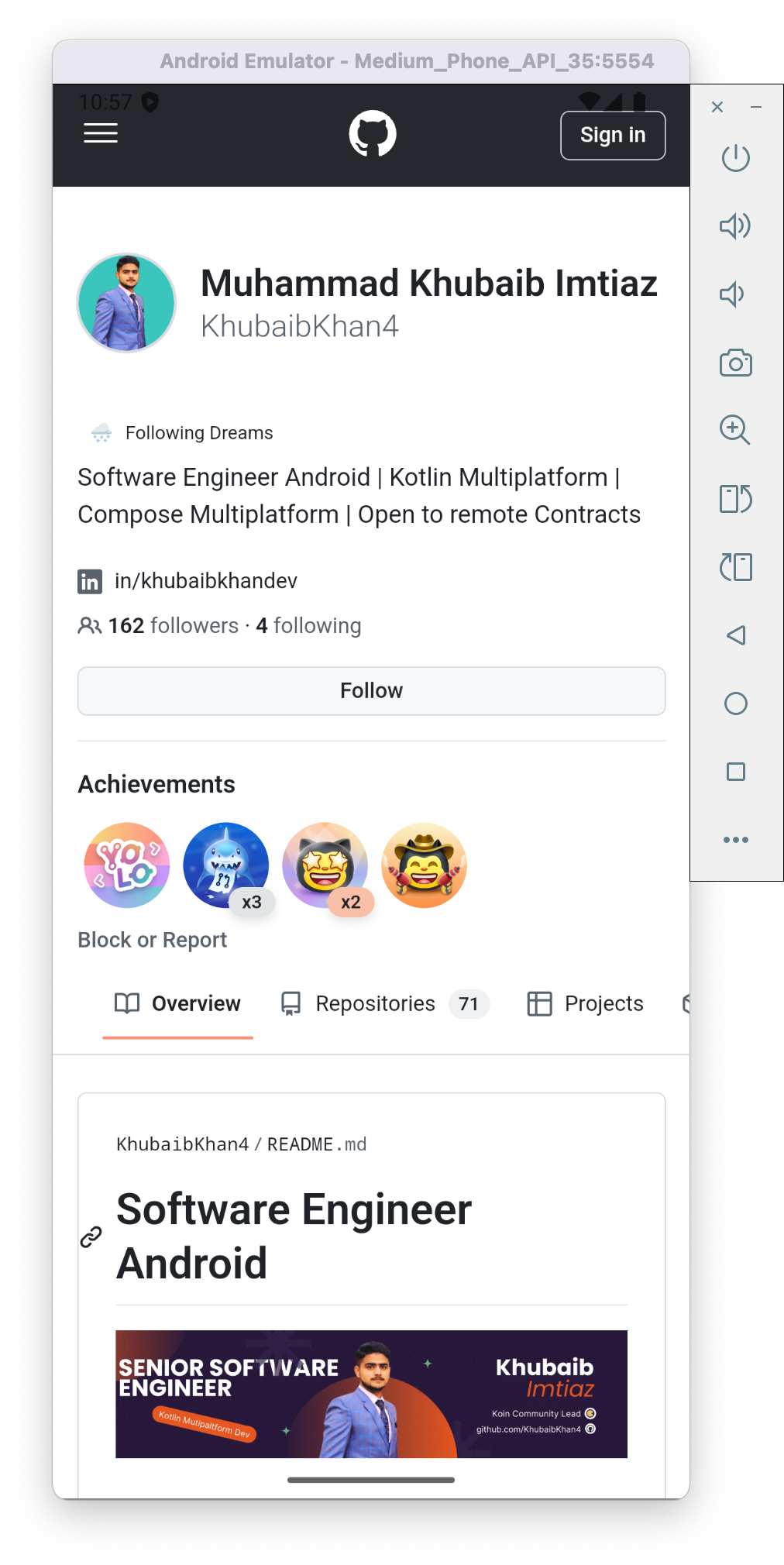
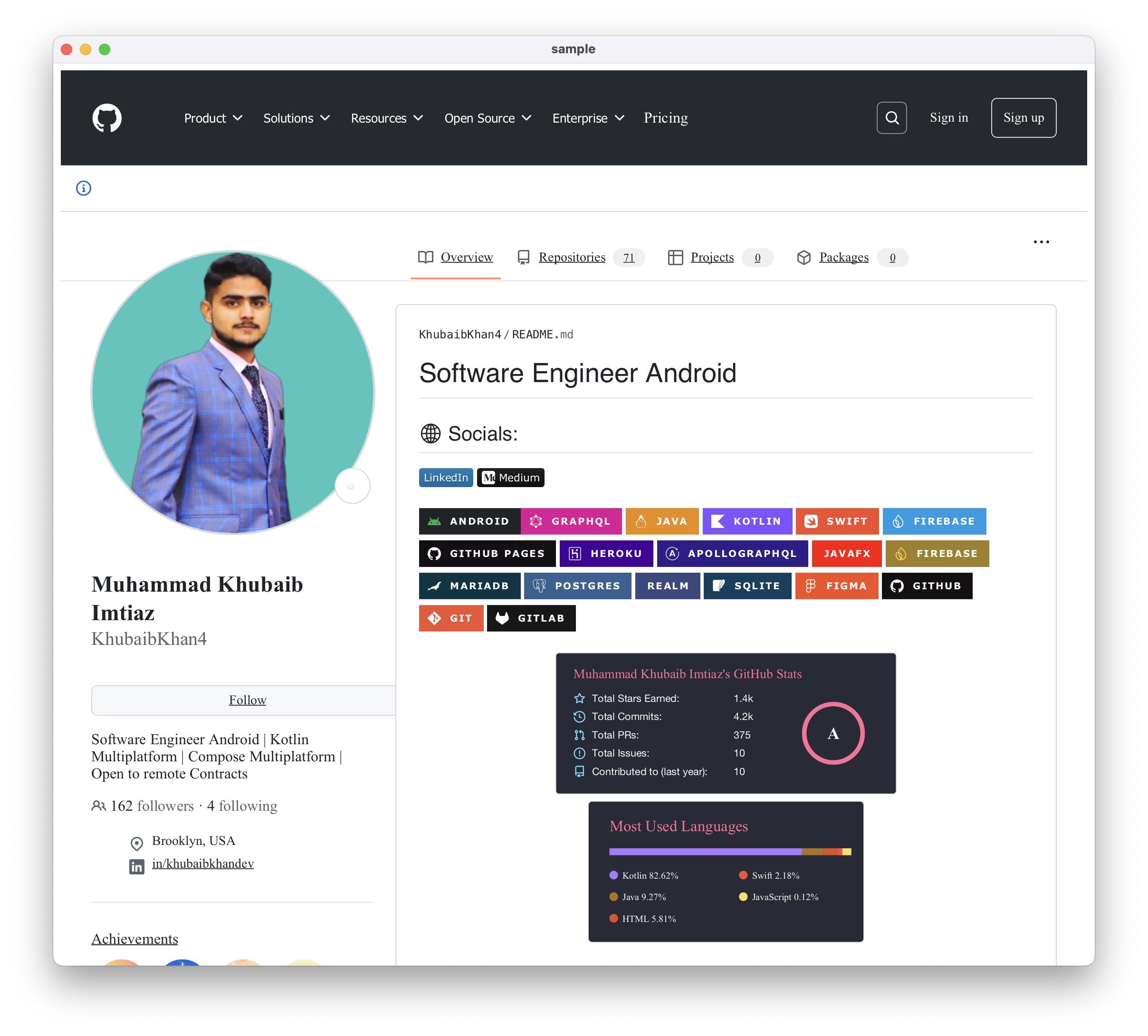
Embed Content from Url
val viewer = HtmlContentViewerFactory().createHtmlContentViewer()
val htmlEmbedFeature = HtmlEmbedFeature(viewer)

htmlEmbedFeature.embedHtml(
    url = "https://github.com/KhubaibKhan4/MediaPlayer-KMP/",
    options = EmbedOptions(
        customCss = "body { background-color: #f0f0f0; }",
        onPageLoaded = { println("Page loaded successfully!") },
        onError = { error -> println("Error loading page: $error") }
    )
)

HtmlContentViewerView(
    viewer = viewer,
    modifier = Modifier.fillMaxSize()
)
JavaScript execution + element querying
val viewer = HtmlContentViewerFactory().createHtmlContentViewer()

viewer.loadUrl("https://example.com")
viewer.setPageLoadListener {
    viewer.evaluateJavaScript("document.title") { title ->
        println("Page title: $title")
    }
}
Migrating from 2.1.x
- Imports: 2.1.x declared everything in the root package (
import VideoPlayer). Switch toimport io.github.khubaibkhan4.mediaplayer.VideoPlayer(same forMediaPlayer,ReelsView,PagerType,VideoPlayerScreen). The old imports still compile but are deprecated; the IDE quick-fix rewrites them for you. They will be removed in a future release. - Desktop: add the JavaFX dependencies shown in Platform setup. The library no longer bundles them, because bundling pinned the publisher's OS (macOS) for every user.
- Android: the library no longer declares a
PlaybackService, a media-button receiver or theFOREGROUND_SERVICE*permissions. If your app relied on them, declare them in your own manifest. - New optional parameters:
headersandonPlayerEventonVideoPlayer;onPlayerEventonMediaPlayer,ReelsViewandVideoPlayerScreen. Existing calls keep working. - Platform-specific helpers that were accidentally public (
ExoPlayerVideoPlayer,YoutubeVideoPlayer,DesktopWebView,HtmlView,isVideoFile,formatTime, …) are now internal. UseVideoPlayer/MediaPlayerinstead.
Troubleshooting
Desktop: Error initializing QuantumRenderer: no suitable pipeline found / No toolkit found
Make sure the JavaFX jars match your OS (Platform setup). In VMs or on Linux without
GPU drivers, force software rendering with the JVM argument -Dprism.order=sw:
compose.desktop {
    application {
        jvmArgs += listOf("-Dprism.order=sw")
    }
}
Desktop: has been compiled by a more recent version of the Java Runtime
Use JDK 17 or newer (2.2.0+ is compiled for Java 17).
Desktop: a format does not play (e.g. FLV, MKV, live FLV streams) The desktop player relies on JavaFX's WebKit/GStreamer, which supports MP4 (H.264/AAC), HLS, MP3, AAC, WAV and AIFF. Other formats are not supported on desktop yet.
Desktop: YouTube does not start YouTube's player does not fully support JavaFX's embedded browser. Playback of plain video files is unaffected.
Web: the player draws above dialogs / dropdown menus Web players are real HTML elements placed above the Compose canvas, so Compose popups cannot cover them. This is a Compose for Web limitation (CMP-6858); hide the player while a dialog is open.
Web: autoplay starts muted
Browsers block autoplay with sound, so YouTube videos with autoPlay = true start muted.
Running the sample
./gradlew :sample:composeApp:run
./gradlew :sample:composeApp:installDebug
./gradlew :sample:composeApp:wasmJsBrowserDevelopmentRun
For iOS, open the sample in Xcode (or use the Kotlin Multiplatform plugin in Android Studio) and run it on a simulator.
Releasing (maintainers)
Publishing to Maven Central is automated by .github/workflows/publish.yml.
- One-time setup: add these repository secrets under Settings → Secrets and variables → Actions:
MAVEN_CENTRAL_USERNAMEandMAVEN_CENTRAL_PASSWORD(a Central Portal user token from central.sonatype.com → Account → Generate User Token),SIGNING_KEY(output ofgpg --armor --export-secret-keys <KEY_ID>),SIGNING_KEY_ID(last 8 characters of the key id) andSIGNING_PASSWORD. - Create a GitHub Release with a tag like
v2.3.0. Publishing the release builds, tests, signs and releases version2.3.0to Maven Central. A failed run can be re-run from the Actions tab, or started manually with Run workflow and an explicit version. - Update the version in the Installation section of this README.
Future Plans
- Player controller API (play, pause, seek and position from code).
- Video quality / track selection.
- A more capable desktop backend (more formats, live streams, YouTube).
- Background playback with media notifications (opt-in).
- Subtitles, Picture-in-Picture and playlists.
🤝 Connect with Me
Let's chat about potential projects, job opportunities, or any other collaboration! Feel free to connect with me through the following channels:



💰 You can help me by Donating




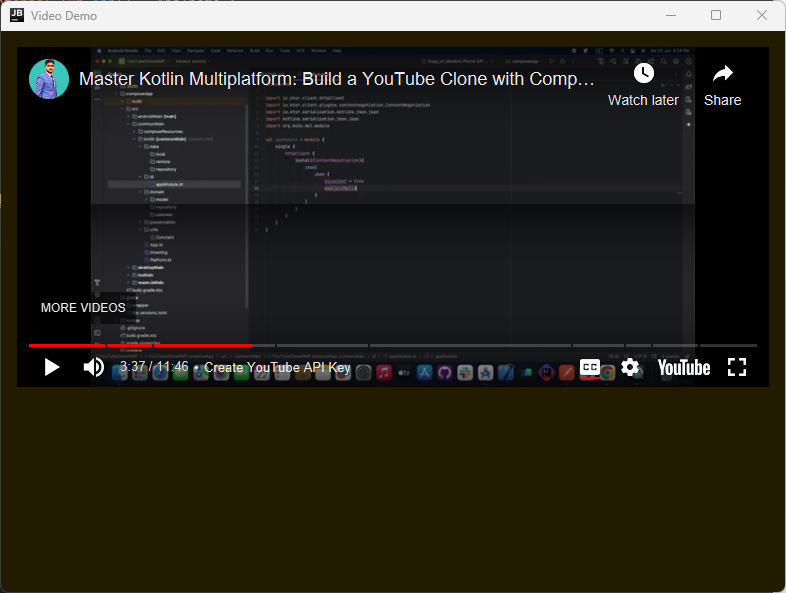
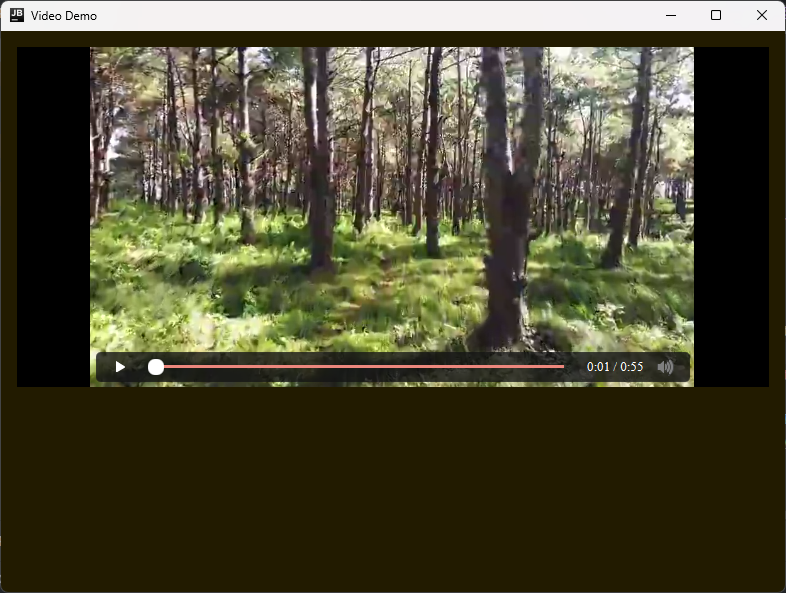
Screenshots
 |
 |
 |
|---|---|---|
 |
 |
|---|
 |
Embedded Content Support
| Mobile | Desktop |
|---|---|
 |
 |
Demo
https://github.com/KhubaibKhan4/MediaPlayer-KMP/assets/98816544/657ad29d-5129-4f78-af56-ad354ba0935d
Desktop Demo
https://github.com/KhubaibKhan4/MediaPlayer-KMP/assets/98816544/efd68685-2f41-4445-ad76-c183869ab93a
Star History
Stargazers
Forkers
Contribution Guidelines
We welcome contributions to the MediaPlayer-KMP Library Project! To contribute, please follow these guidelines:
- Reporting Bugs: If you encounter a bug, please open an issue and provide detailed information about the bug, including steps to reproduce it.
- Suggesting Features: We encourage you to suggest new features or improvements by opening an issue and describing your idea.
- Submitting Pull Requests: If you'd like to contribute code, please fork the repository, create a new branch for your changes, and submit a pull request with a clear description of the changes.
Support Us:
- We need your support for doing more open source contributions.
Code of Conduct
We expect all contributors and users of the MediaPlayer-KMP Library Project to adhere to our code of conduct. Please review the Code of Conduct for details on expected behavior and reporting procedures.
