ComposeDebugDrawer
Introduction: Compose Debug Drawer for Android - Material3 design + easily extendible
Tags:
Update-Integration-Kremuluxe-FANATUNE-






This library provides following main features:
- easily extendible
- one line integration
- can be easily enabled/diabled in debug/release builds or based on a user setting
- predefined optional modules
Table of Contents
:camera: Screenshots
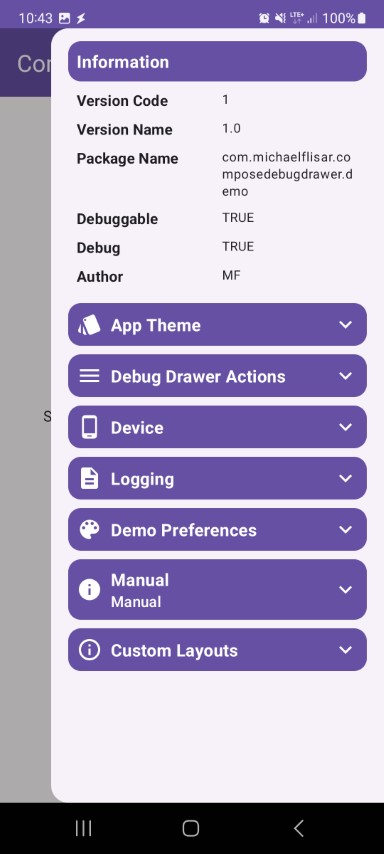
buildinfos
 |
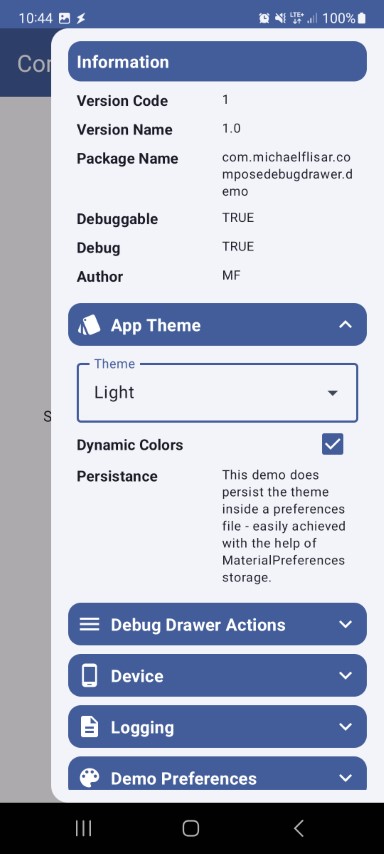
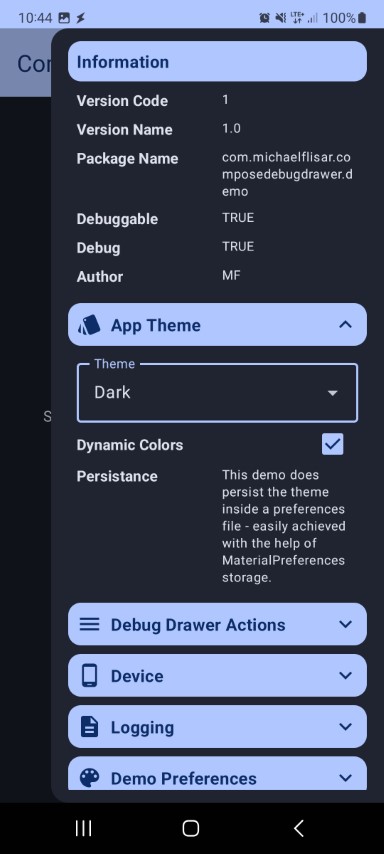
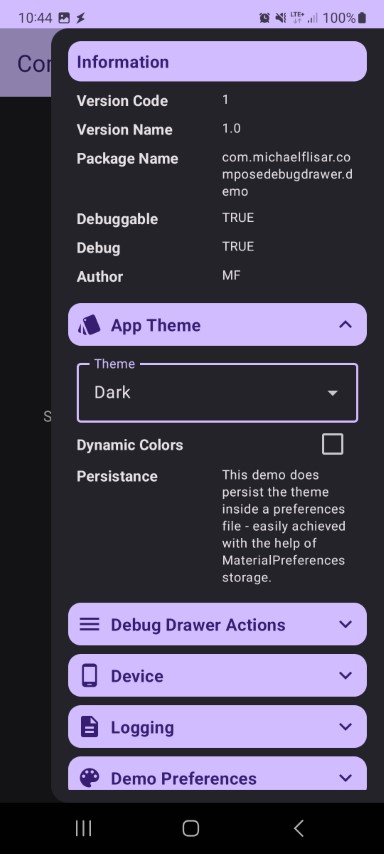
core
 |
 |
 |
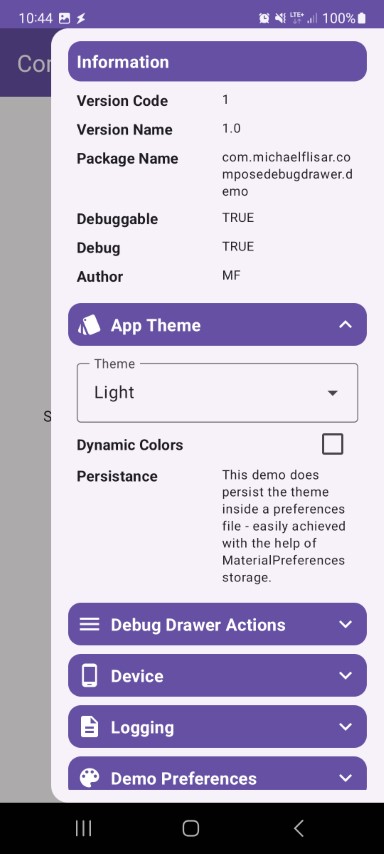 |
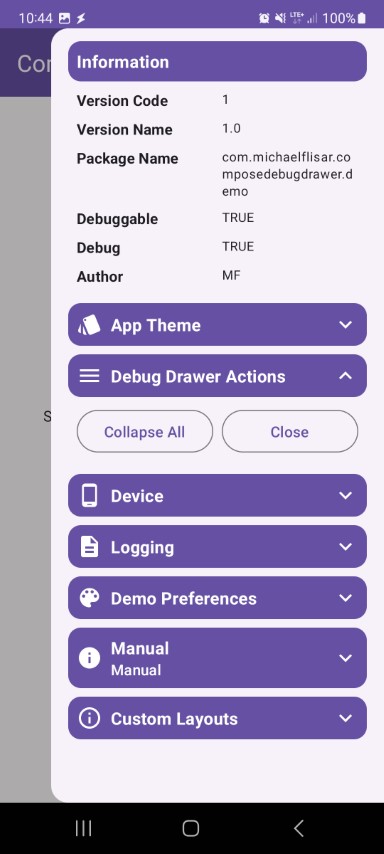 |
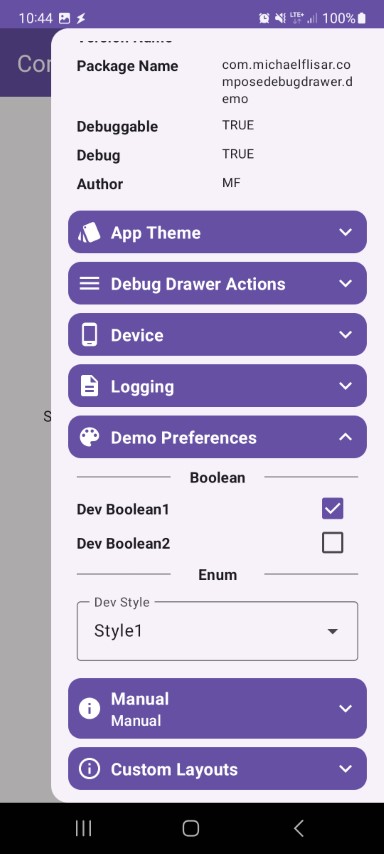 |
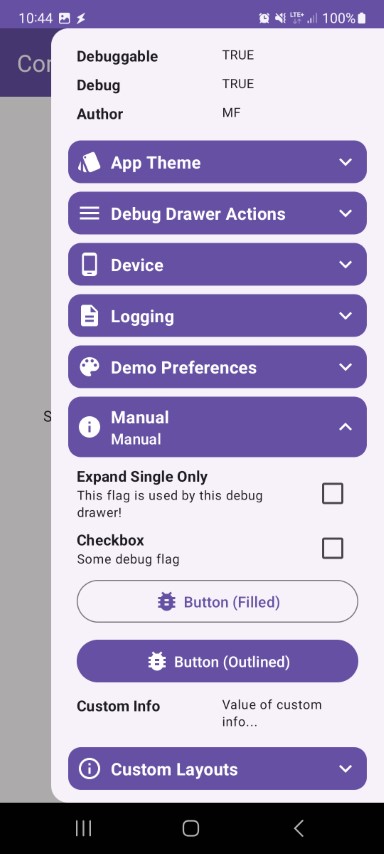 |
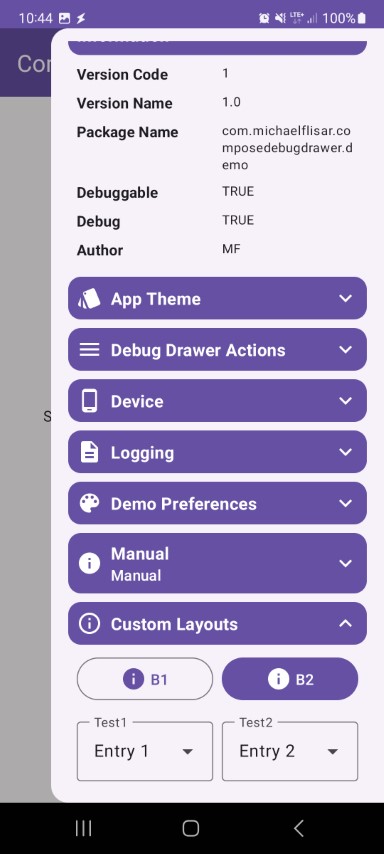 |
deviceinfos
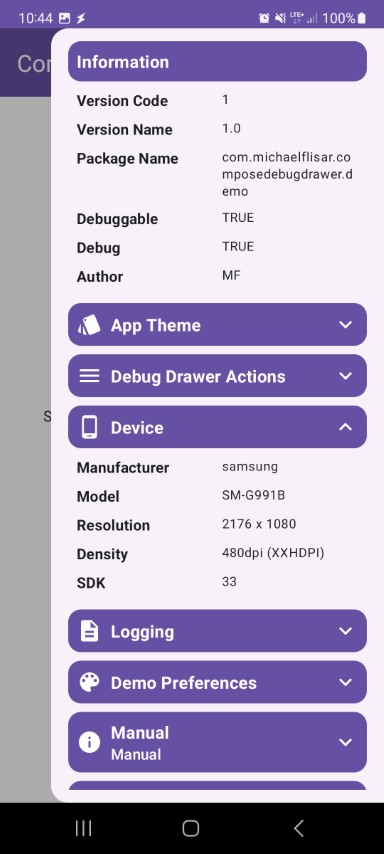 |
lumberjack
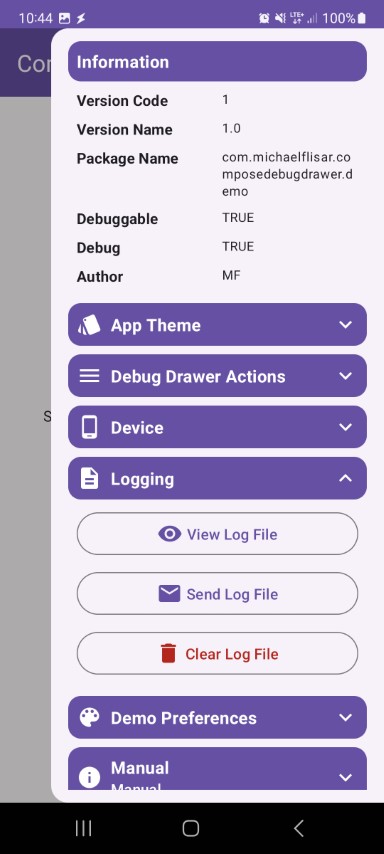 |
:computer: Supported Platforms
| Module | android | iOS | windows | macOS | wasm | Notes |
|---|---|---|---|---|---|---|
| core | ✅ | ✅ | ✅ | ✅ | ✅ | the core module - provides the basic debug drawer |
| infos-build | ✅ | ❌ | ❌ | ❌ | ❌ | provides a simple build infos region |
| infos-device | ✅ | ❌ | ❌ | ❌ | ❌ | provides a simple device infos region |
| plugin-kotpreferences | ✅ | ✅ | ✅ | ✅ | ✅ | adds support to use KotPreferences in the debug drawer |
| plugin-lumberjack | ✅ | ✅ | ✅ | ✅ | ❌ | provides a simple lumberjack region |
:arrow_right: Versions
| Dependency | Version |
|---|---|
| Kotlin | 2.4.0 |
| Jetbrains Compose | 1.11.1 |
| Jetbrains Compose Material3 | 1.9.0 |
:warning: Following experimental annotations are used:
- OptIn
androidx.compose.material3.ExperimentalMaterial3Api(1x)androidx.compose.ui.ExperimentalComposeUiApi(1x)I try to use as less experimental features as possible, but in this case the ones above are needed!
:wrench: Setup
Using Version Catalogs
Define the dependencies inside your libs.versions.toml file.
[versions]

composedebugdrawer = "<LATEST-VERSION>"

[libraries]

composedebugdrawer-core = { module = "io.github.mflisar.composedebugdrawer:core", version.ref = "composedebugdrawer" }
composedebugdrawer-infos-build = { module = "io.github.mflisar.composedebugdrawer:infos-build", version.ref = "composedebugdrawer" }
composedebugdrawer-infos-device = { module = "io.github.mflisar.composedebugdrawer:infos-device", version.ref = "composedebugdrawer" }
composedebugdrawer-plugin-kotpreferences = { module = "io.github.mflisar.composedebugdrawer:plugin-kotpreferences", version.ref = "composedebugdrawer" }
composedebugdrawer-plugin-lumberjack = { module = "io.github.mflisar.composedebugdrawer:plugin-lumberjack", version.ref = "composedebugdrawer" }
And then use the definitions in your projects build.gradle.kts file like following:
implementation(libs.composedebugdrawer.core)
implementation(libs.composedebugdrawer.infos.build)
implementation(libs.composedebugdrawer.infos.device)
implementation(libs.composedebugdrawer.plugin.kotpreferences)
implementation(libs.composedebugdrawer.plugin.lumberjack)
Direct Dependency Notation
Simply add the dependencies inside your build.gradle.kts file.
val composedebugdrawer = "<LATEST-VERSION>"

implementation("io.github.mflisar.composedebugdrawer:core:${composedebugdrawer}")
implementation("io.github.mflisar.composedebugdrawer:infos-build:${composedebugdrawer}")
implementation("io.github.mflisar.composedebugdrawer:infos-device:${composedebugdrawer}")
implementation("io.github.mflisar.composedebugdrawer:plugin-kotpreferences:${composedebugdrawer}")
implementation("io.github.mflisar.composedebugdrawer:plugin-lumberjack:${composedebugdrawer}")
:rocket: Usage
Debug Drawer
// wrap your app content inside the drawer like following
val drawerState = rememberDebugDrawerState()
ComposeAppTheme  {
    DebugDrawer(
        enabled = BuildConfig.DEBUG, // if disabled the drawer will not be created at all, in this case inside a release build...
        drawerState = drawerState,
        drawerContent = {
            // drawer content
        },
        content = {
            // your wrapped app content
        }
    )
}
Example Drawer Content
@Composable
private fun Drawer(drawerState: DebugDrawerState) {
    DebugDrawerBuildInfos(drawerState)
    DebugDrawerActions(drawerState)
    DebugDrawerDeviceInfos(drawerState)

    // lumberjack module for logs
    DebugDrawerLumberjack(
        drawerState = drawerState,
        setup = DemoLogging.fileLoggingSetup,
        mailReceiver = "feedback@gmail.com"
    )

    // kotpreferences module for delegate based preferences (another library of mine)
    DebugDrawerRegion(
        image = { Icon(Icons.Default.ColorLens, null) },
        label = "Demo Preferences",
        drawerState = drawerState
    ) {
        DebugDrawerDivider(info = "Boolean")
        DebugDrawerSettingCheckbox(setting = DemoPrefs.devBoolean1)
        DebugDrawerSettingCheckbox(setting = DemoPrefs.devBoolean2)
        DebugDrawerDivider(info = "Enum")
        DebugDrawerSettingDropdown(setting = DemoPrefs.devStyle,items = DemoPrefs.UIStyle.values())
    }

    // manual checkboxes, dropdowns, infos
    DebugDrawerRegion(
        image = { Icon(Icons.Default.Info, null) },
        label = "Manual",
        drawerState = drawerState
    ) {
        // Checkbox
        var test1 by remember { mutableStateOf(false) }
        DebugDrawerCheckbox(
            label = "Checkbox",
            description = "Some debug flag",
            checked = test1
        ) {
            test1 = it
        }

        // Button
        DebugDrawerButton(
            image = { Icon(Icons.Default.BugReport, null) },
            label = "Button (Filled)"
        ) {
            // on click
        }

        // Dropdown
        val items = listOf("Entry 1", "Entry 2", "Entry 3")
        var selected by remember { mutableStateOf(items[0]) }
        DebugDrawerDropdown(
            modifier = modifier,
            label = "Items",
            selected = selected,
            items = items
        ) {
            selected = it
        }

        // Sectioned Button
        val items2 = listOf("L1", "L2", "L3")
        val level = remember { mutableStateOf(items2[0]) }
        DebugDrawerSegmentedButtons(
            selected = level,
            items = items2
        )

        // Info
        DebugDrawerInfo(title = "Custom Info", info = "Value of custom info...")
    }
}
:file_folder: Modules
:sparkles: Demo
A full demo is included inside the demo module, it shows nearly every usage with working examples.
:information_source: More
- Migration
- Plugins
:books: API
Check out the API documentation.
:bulb: Other Libraries
You can find more of my multiplatform libraries that work well together here.
:twisted_rightwards_arrows: Compatibility
When combining my libraries, you can find compatibility information here.
