AngryGhidra
Introduction: Use angr in Ghidra
Tags:

The plugin allows you to use angr for binary analysis and symbolic execution in Ghidra interface.
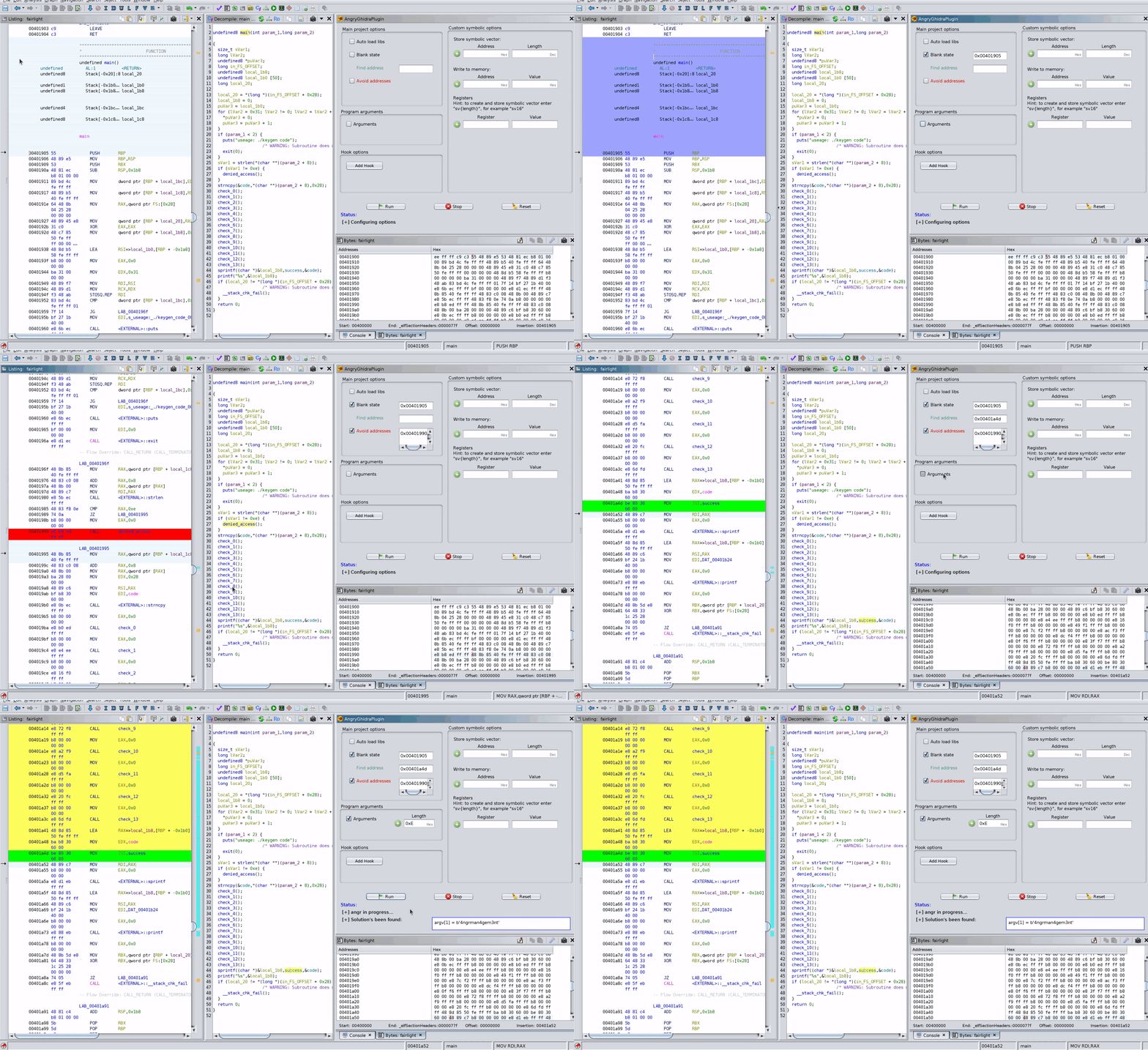
Solving CTF challenge from SecurityFest 2016 "fairlight" with AngryGhidra plugin:
Hotkeys
Set:
Z – destination addressX – start addressJ – avoid address (multiple choice)
Reset:
K – destination addressT – start addressP – avoid address
Apply bytes:
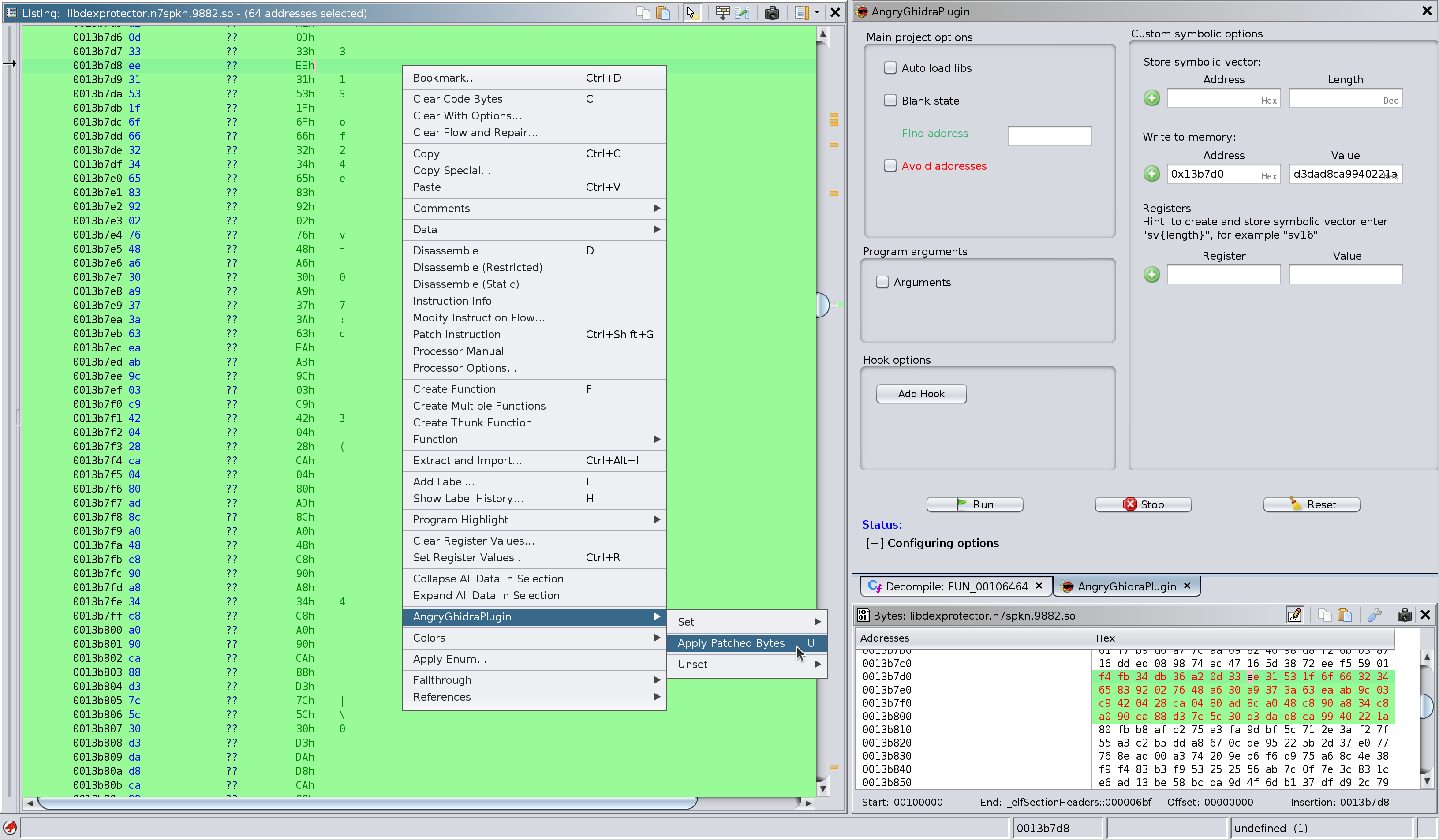
U – apply patched bytes to angr project memory
Screenshots
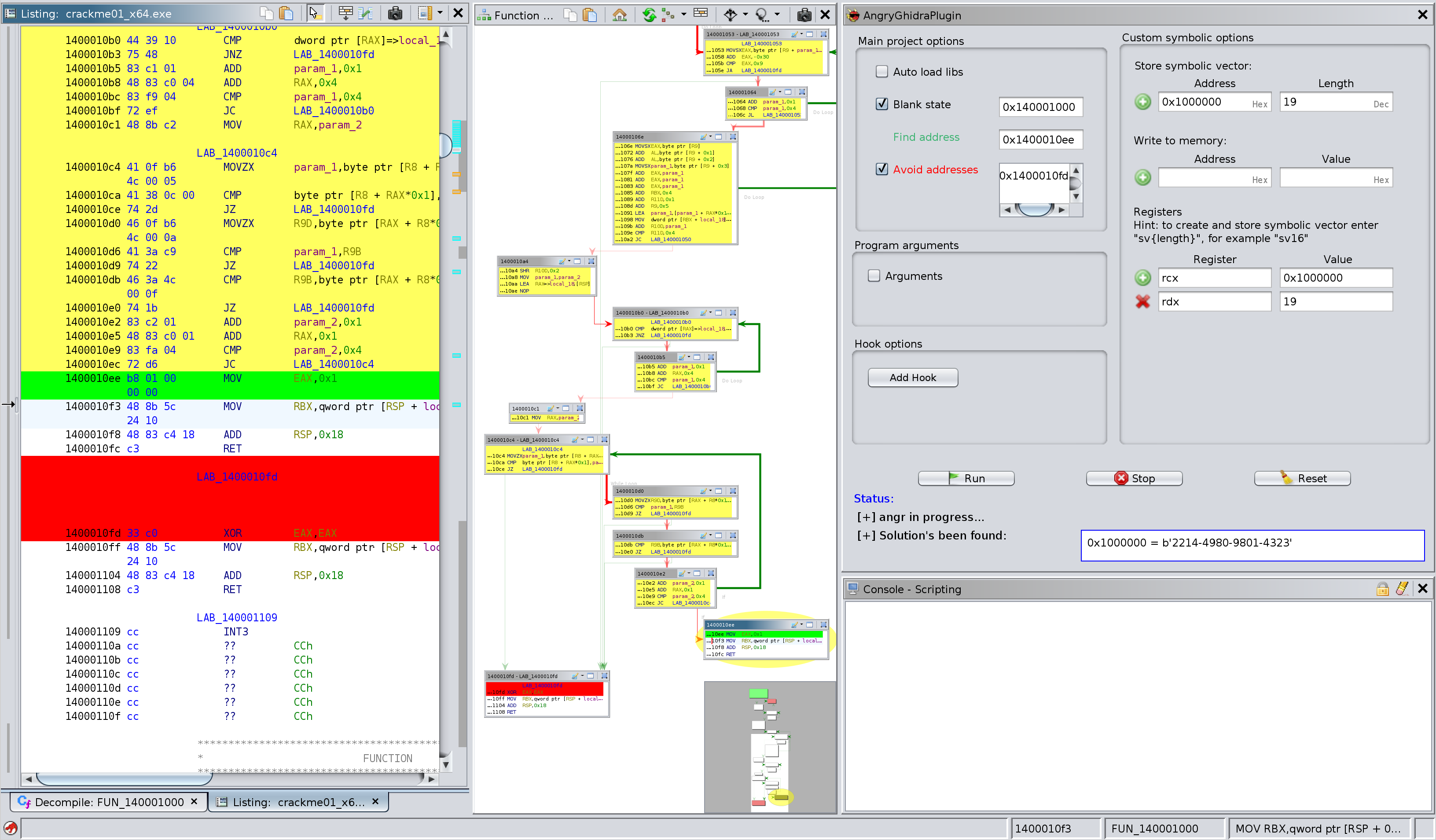
Let's keygen:
Apply patched bytes to write them into the memory of angr project:
Installation
pip3 install angr- Make sure
python3directory is added to thePATH(required,Python 3only) - Use Gradle to build the plugin:
GHIDRA_INSTALL_DIR=${GHIDRA_HOME} gradleand use Ghidra to install it:File → Install Extensions... - Check the box in the "New Plugins Found" window to apply AngryGhidra plugin to your project
- If "New Plugins Found" window doesn't appear, go to your CodeBrowser project and tick the plugin in
File → Configure → Miscellaneous → AngryGhidraPlugin
