BindingAdapter



❤ BindingAdapter 是一个使用 ViewBinding 直接生成 RecyclerView Adapter 的库,避免创建 Adapter 类和 ViewHolder 类。减少 80%的代码。
不同于其他对 RecyclerView 的封装,该库十分精简,核心只有约 500 行代码,其他模块通过拓展的方式实现。
并通过 AOP 的思想解耦了分页模块,选择模块,悬浮模块,等等,使 BindingAdapter 核心类保持精简,且各个模块自己相互独立。
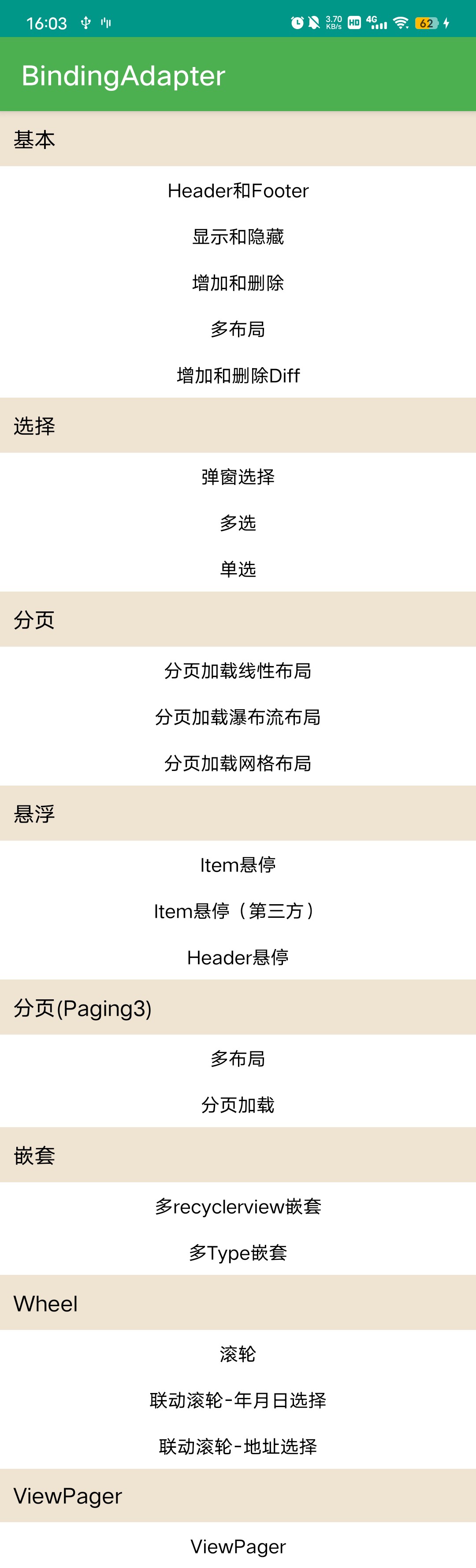
所有的功能均能在示例中找到。 项目地址BindingAdapter
特点
无需创建 ViewHolder 类和 Adapter 类
使用 ViewBinding 操作 View,再也不需要 R.id.xxx 以及 findViewById,支持 DataBinding 绑定数据
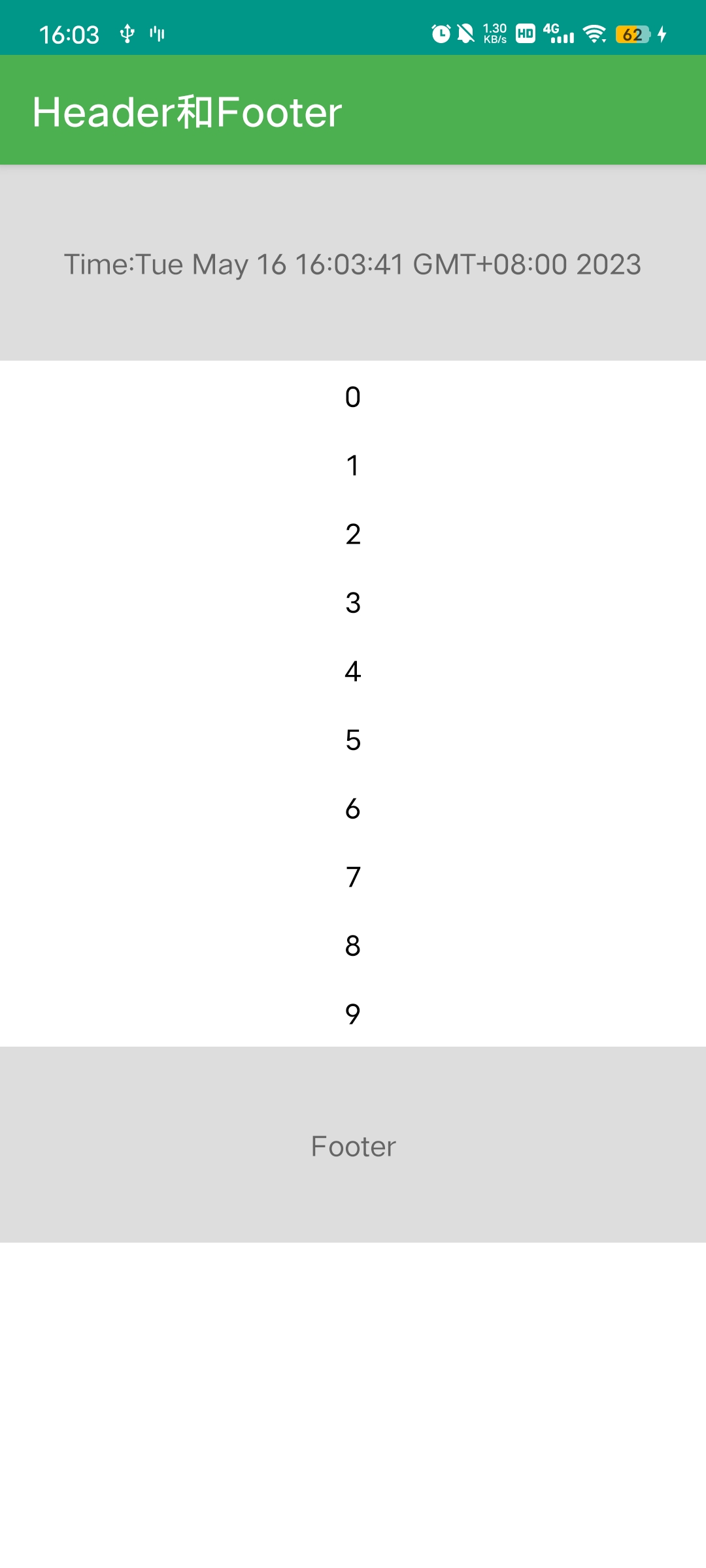
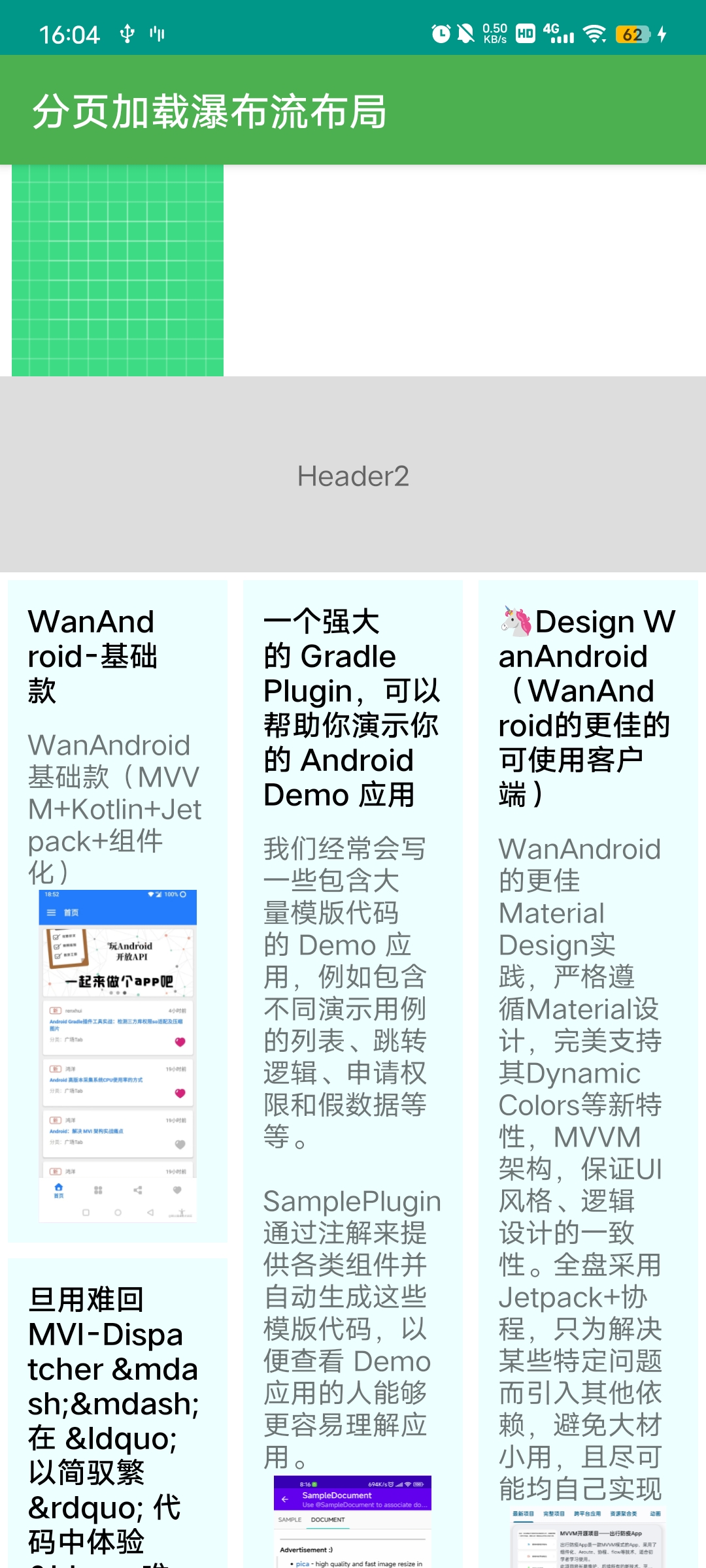
支持任意位置添加 Header 和 Footer (无侵入)
支持 Item 布局的点击事件,长按事件,Item 子布局元素点击事件
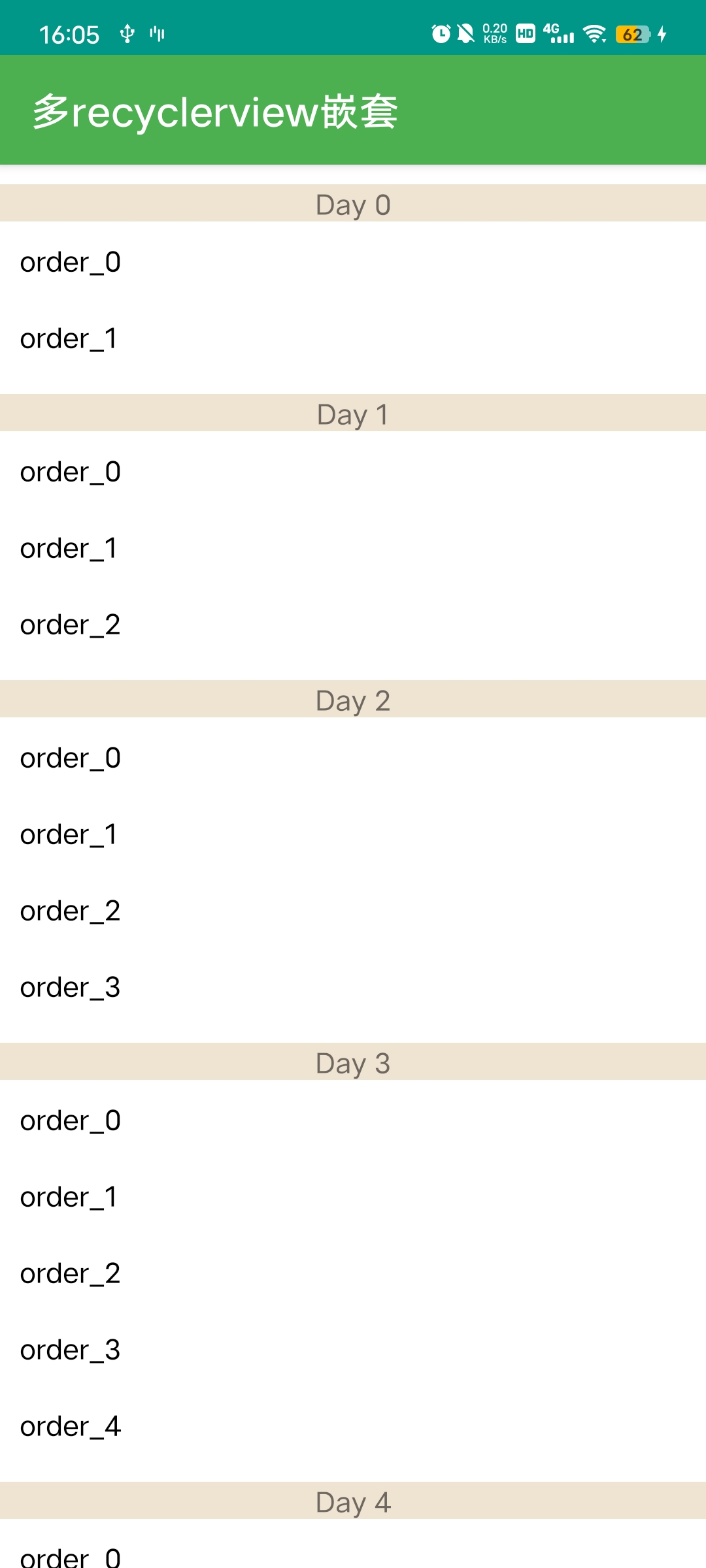
支持通过 Class/或者自定义类别快速配置多布局,避免繁琐的 viewType
快速配置分页加载模块,支持 Paging3,添加加载状态的 Footer,空数据布局等
支持下拉刷新/SwipeRefreshLayout
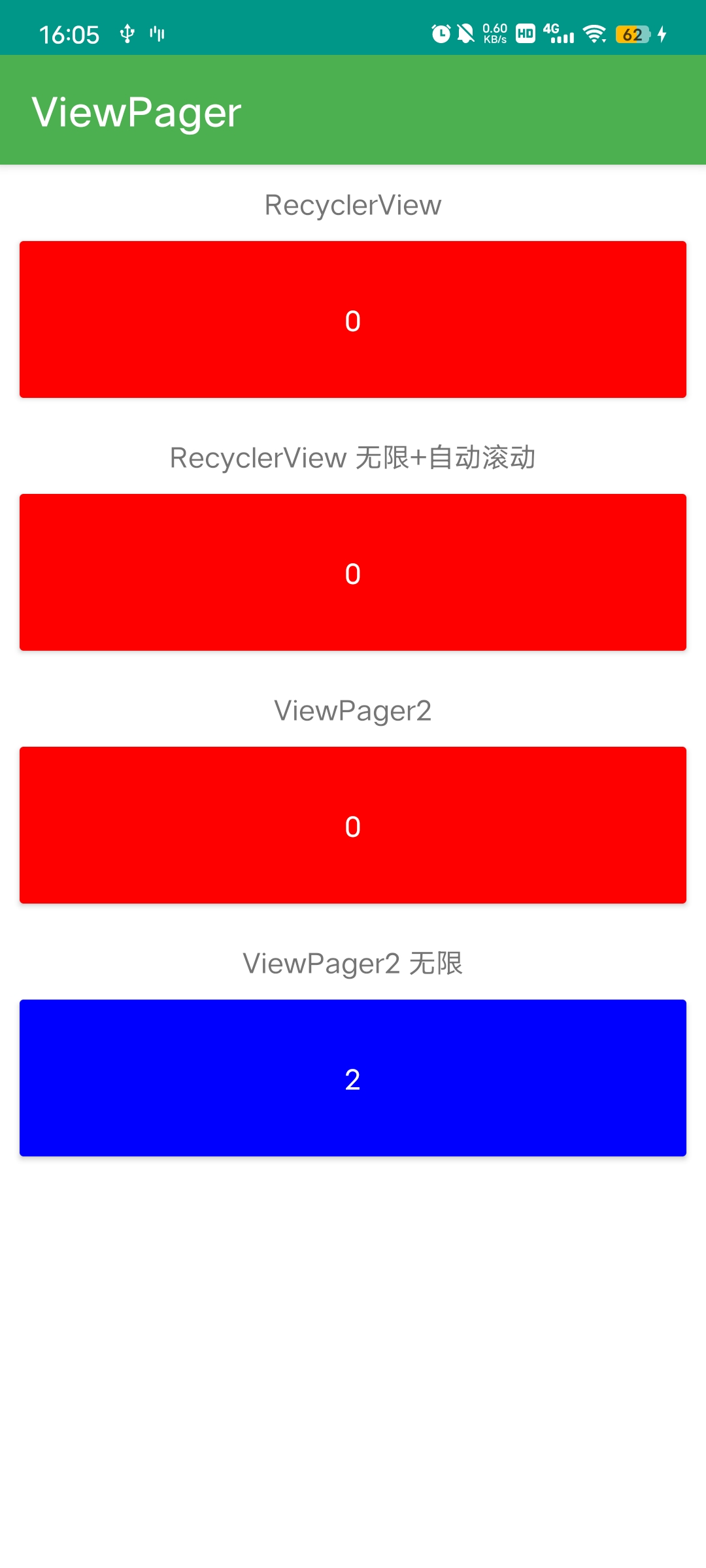
支持 ViewPager2,无限数据、自动滚动等
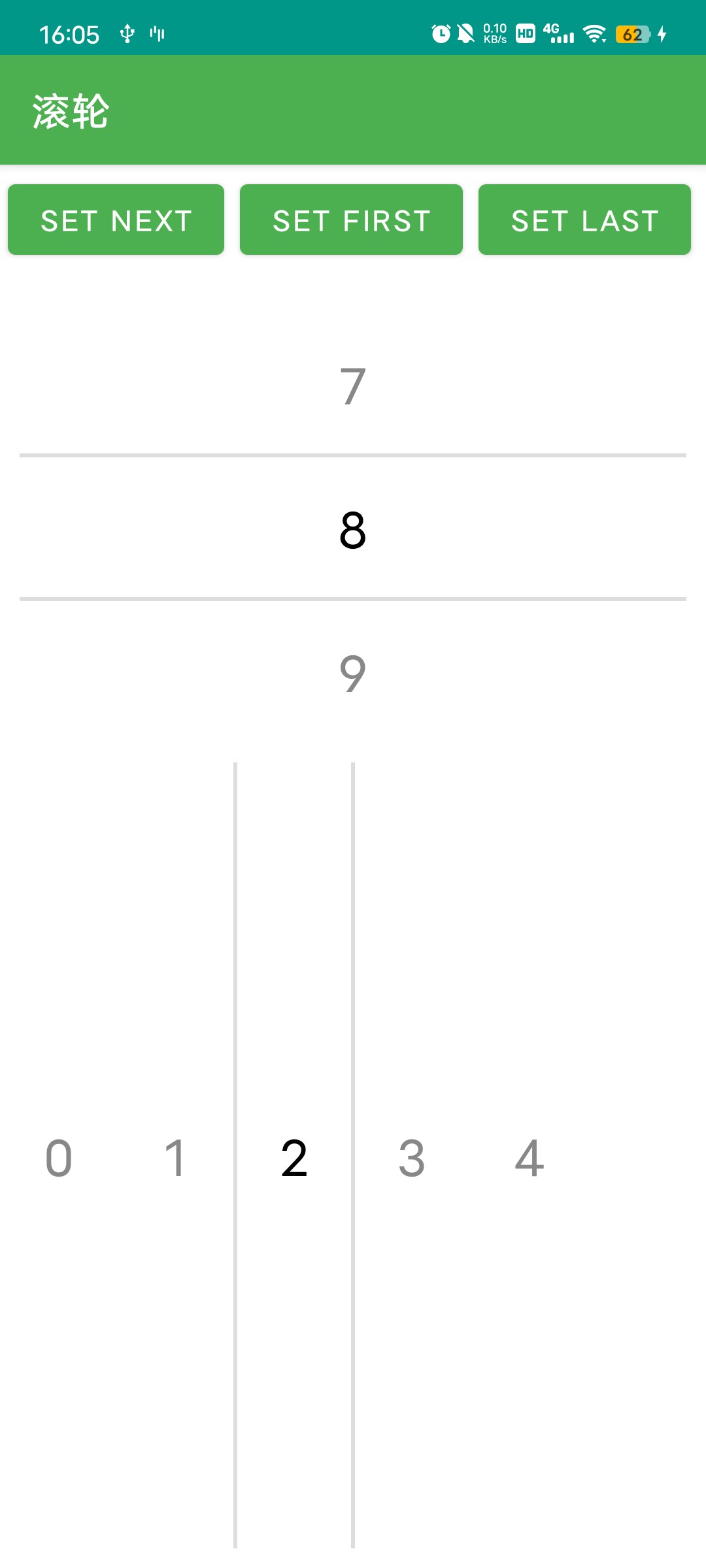
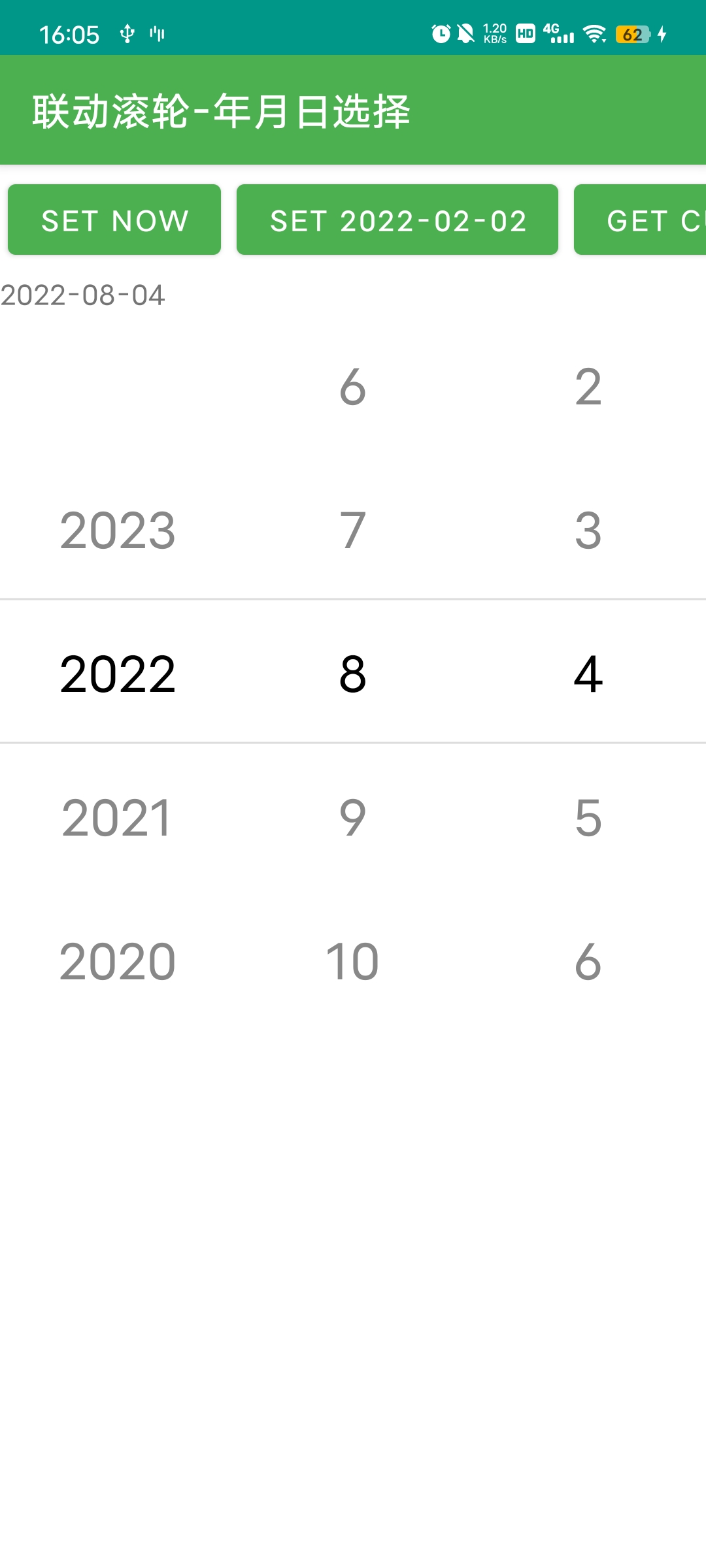
快速配置支持滚轮模块,支持多滚轮联动(年月日联动,省市区联动等)
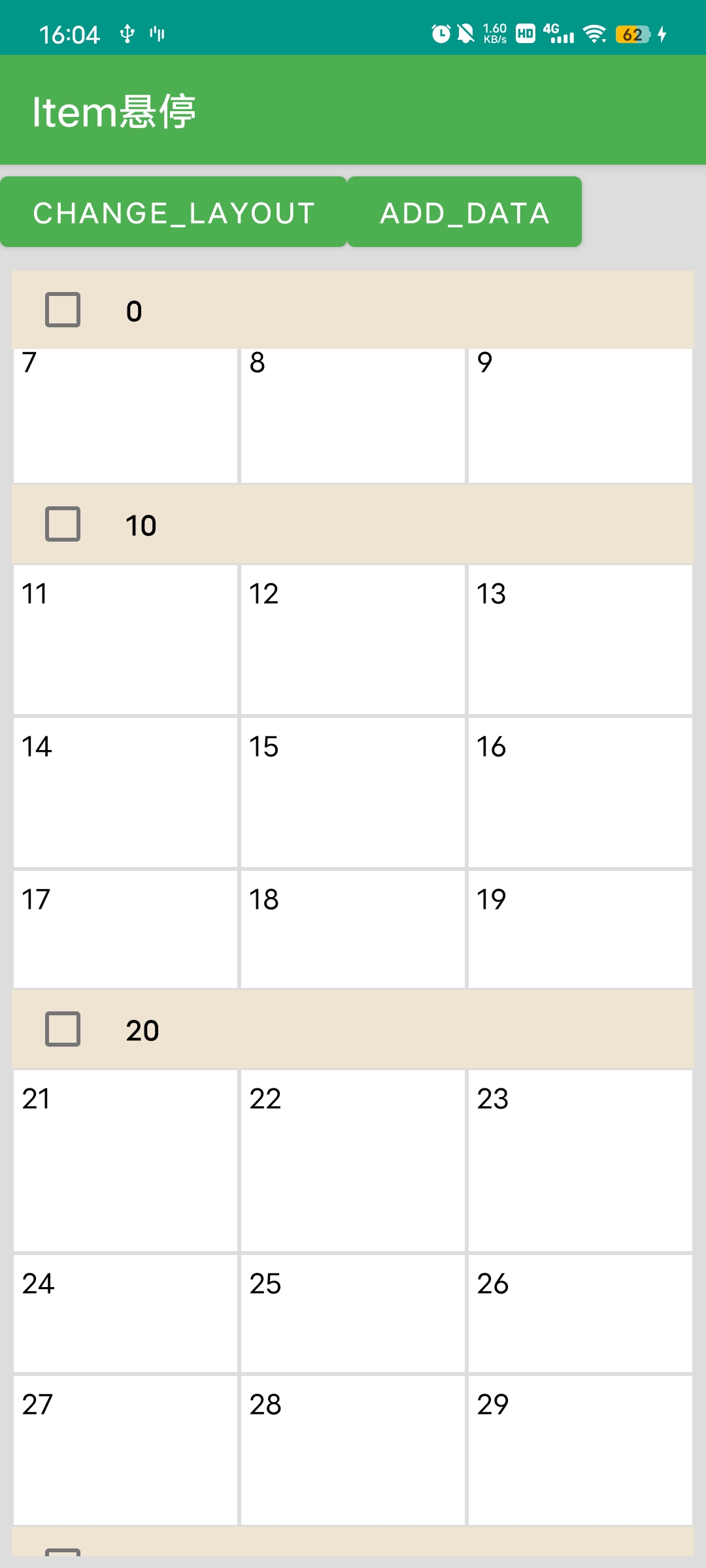
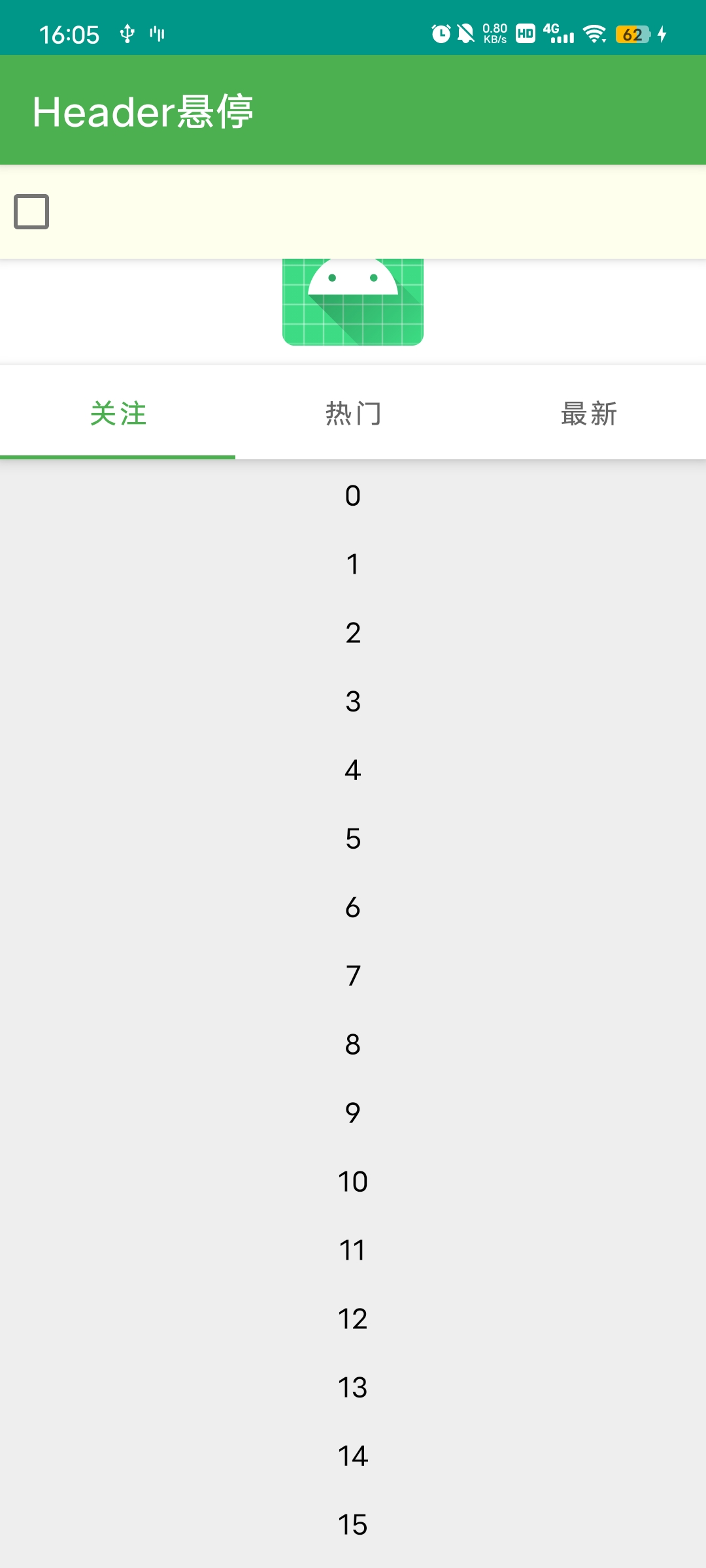
快速配置 Item 悬浮模块,支持头布局悬浮
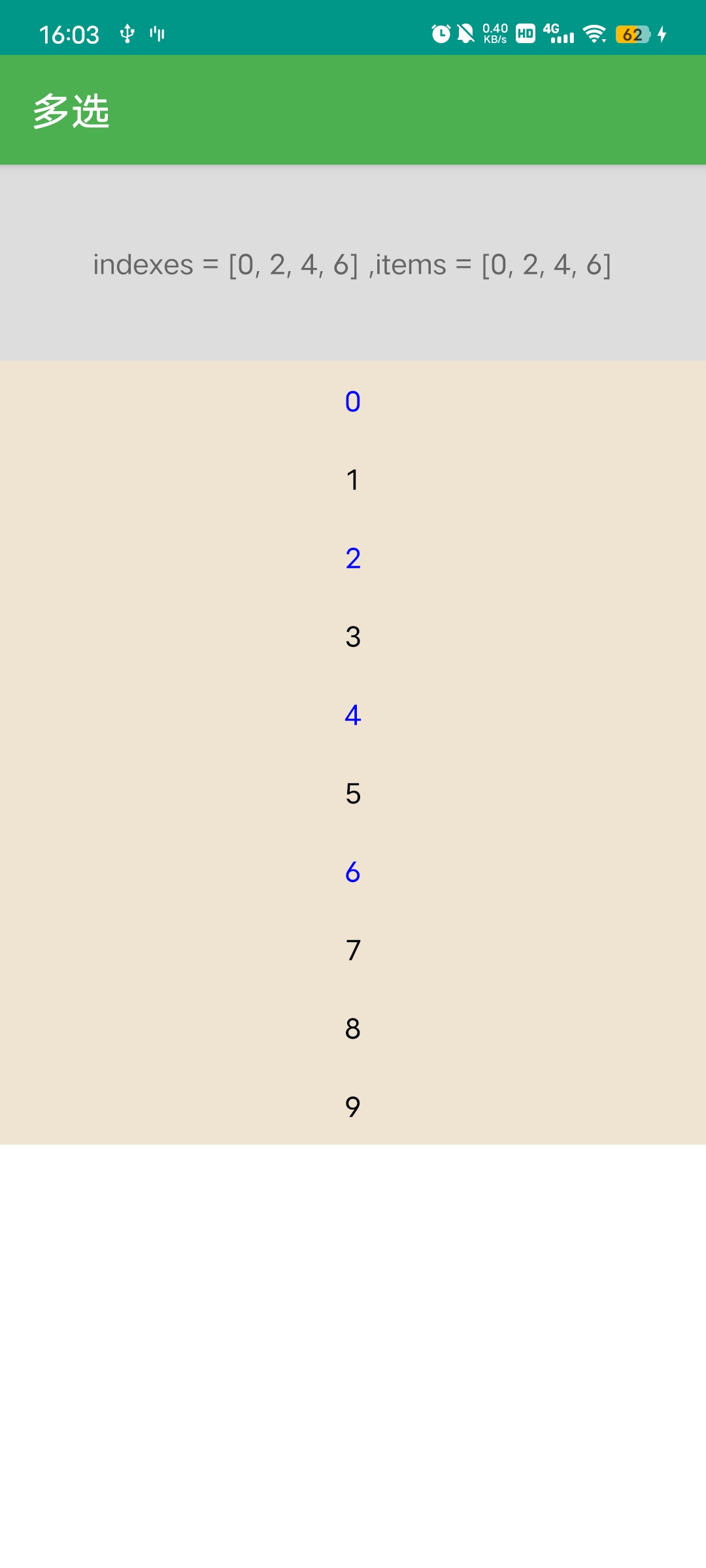
快速配置 Item 单选,多选模块
支持折叠和展开 Adapter 数据,控制一组数据的显示和隐藏,支持完全隐藏 item,解决 itemView 设置 GONE 占用布局位置的问题
强大的拓展性和自由度,引入模块无需修改 Adapter,RecyclerView,能添加各种监听,拦截,拓展模块等
不依赖任何第三方库,轻量,无反射,极简的设计,所见即所得
集成
添加仓库
//in build.gradle(Project)
allprojects {
    repositories {
        maven { url 'https://jitpack.io' }
    }
}

// 新版方式 settings.gradle
dependencyResolutionManagement {
    repositories {
        maven { url 'https://jitpack.io' }
    }
}
添加依赖

//in build.gradle(module)
dependencies {
    //核心类
    implementation "com.github.ve3344.BindingAdapter:binding-adapter:2.1.0"
    //动态加载 分页模块
    implementation "com.github.ve3344.BindingAdapter:binding-adapter-loadmore:2.1.0"
    //常用拓展模块,单选,多选,WheelView,粘性 Item,ViewPager 无限数据等
    implementation "com.github.ve3344.BindingAdapter:binding-adapter-modules:2.1.0"
    //paging3 分页模块
    implementation "com.github.ve3344.BindingAdapter:binding-adapter-paging:2.1.0"
}
项目开启 ViewBinding
//in build.gradle(module)
android {
    //...
    buildFeatures {
        viewBinding = true
        dataBinding = true //可选
    }
}
使用
普通 Adapter
//in XxxActivity.ky
val adapter = BindingAdapter<ItemBean, ItemBinding>(ItemBinding::inflate) { position, item ->
    //在绑定器内,配置对 ui 元素和 bean 属性之间的绑定,设置点击事件等。
    itemBinding.title.text = item.title
    itemBinding.title.setOnClickListener {

    }
}
//adapter.addData(...)//添加数据
//adapter.replaceData(...)//替换数据
多布局 Adapter
val adapter = buildMultiTypeAdapterByType {
    layout<String, ItemSimpleTitleBinding>(ItemSimpleTitleBinding::inflate) { _, item ->
        itemBinding.title.text = item
    }
    layout<Date, ItemSimpleBinding>(ItemSimpleBinding::inflate) { _, item ->
        itemBinding.title.text = item.toString()
    }
}
添加 Header
val header = SingleViewBindingAdapter(HeaderSimpleBinding::inflate)
val adapter =
    header + BindingAdapter<ItemBean, ItemBinding>(ItemBinding::inflate) { position, item ->
        //在绑定器内,配置对 ui 元素和 bean 属性之间的绑定,设置点击事件等。
        itemBinding.title.text = item.title
        itemBinding.title.setOnClickListener {

        }
    }
更多使用方式见文档
文档
预览
 |
 |
 |
|---|---|---|
 |
 |
 |
 |
 |
 |
 |
 Demo 下载 Demo 下载 |
感谢
License
 Copyright 2021, ve3344@qq.com

   Licensed under the Apache License, Version 2.0 (the "License");
   you may not use this file except in compliance with the License.
   You may obtain a copy of the License at

       http://www.apache.org/licenses/LICENSE-2.0

   Unless required by applicable law or agreed to in writing, software
   distributed under the License is distributed on an "AS IS" BASIS,
   WITHOUT WARRANTIES OR CONDITIONS OF ANY KIND, either express or implied.
   See the License for the specific language governing permissions and
   limitations under the License.
