Unity3D-LogCat-extension
Introduction: Logcat (android logging) extension for Unity3D
Tags:
Logcat (android logging) extension for unity3D. Forget about using android studio or worthless terminal window. Log and filter your android messages directly from Unity3D!
Works both on windows & mac OS and Unity Free & Pro versions!
Functions
- Start / stop logging
- Clear logs
- "Only Unity" pre-filter
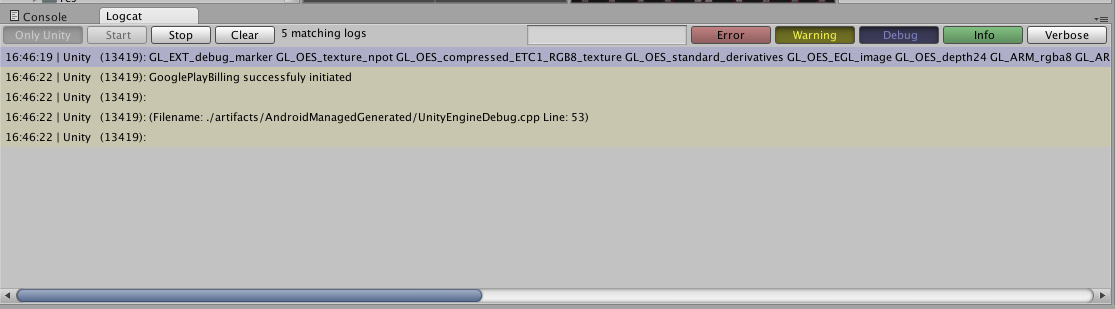
- Filter by log type (error, warning, debug, info, verbose)
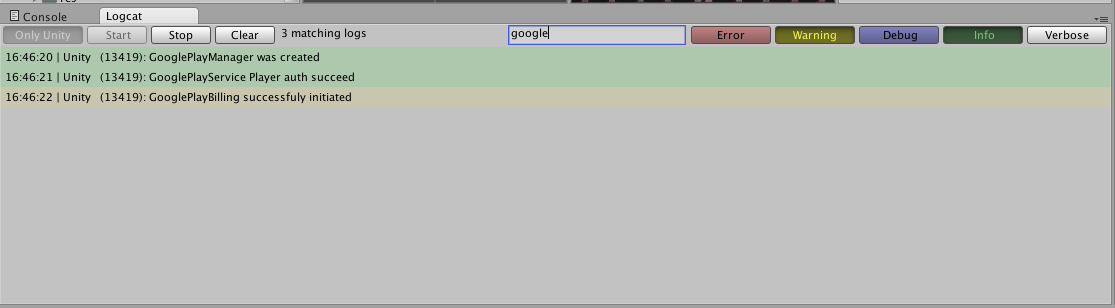
- Filter by text (case-insensitive)
How to use
- Clone
LogCatWindow.csfrom this repository into a folder namedEditorwithin yourAssetsfolder - Plug in the android device to the usb
- Click Window -> LogCat - Android Logger
- Start logging by clicking "Start logging" button!
Screenshots
Initial window
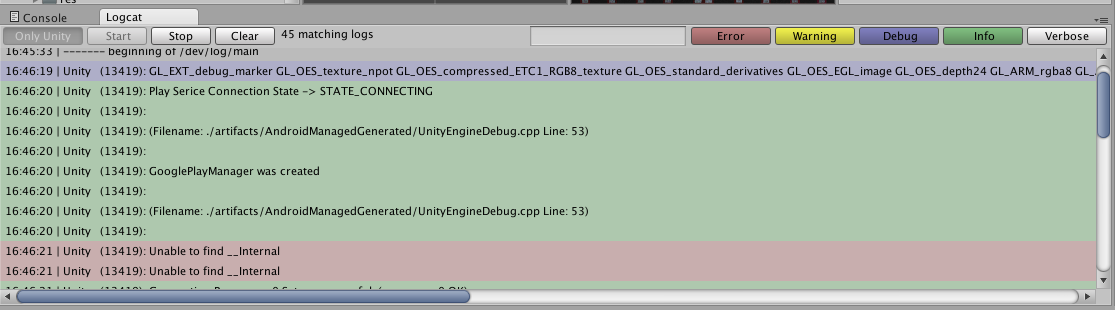
Filter by log type(s)
Filter by log type(s) & text
Contribution
Feel free to contribute!
