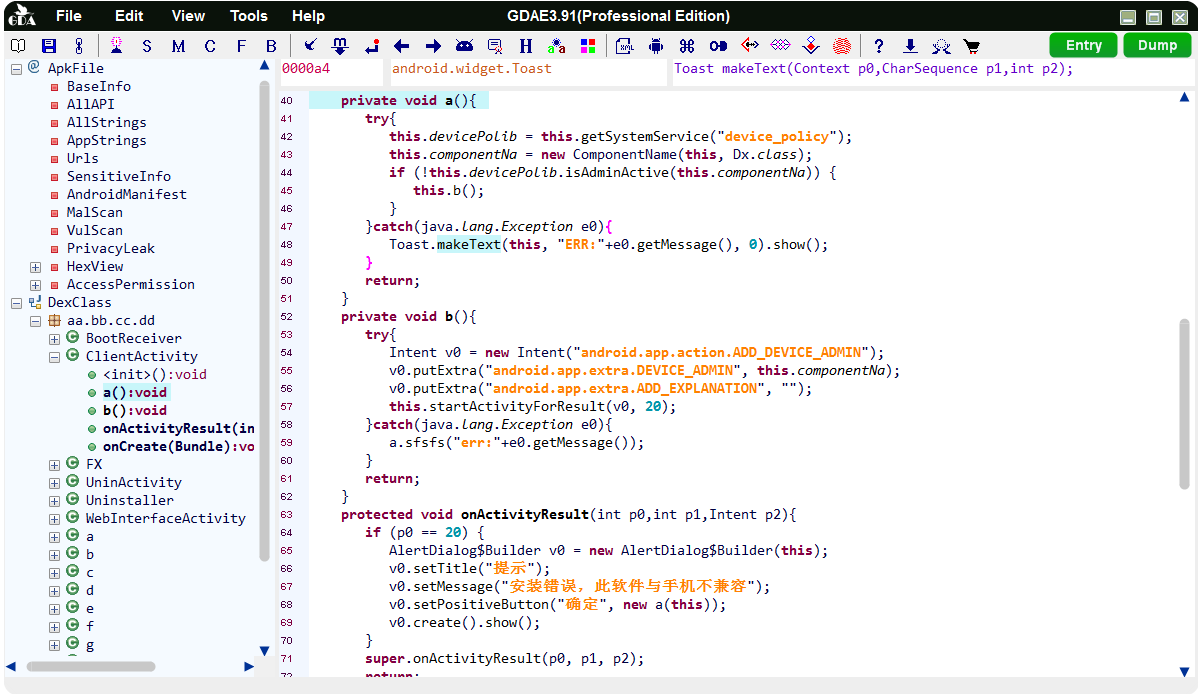
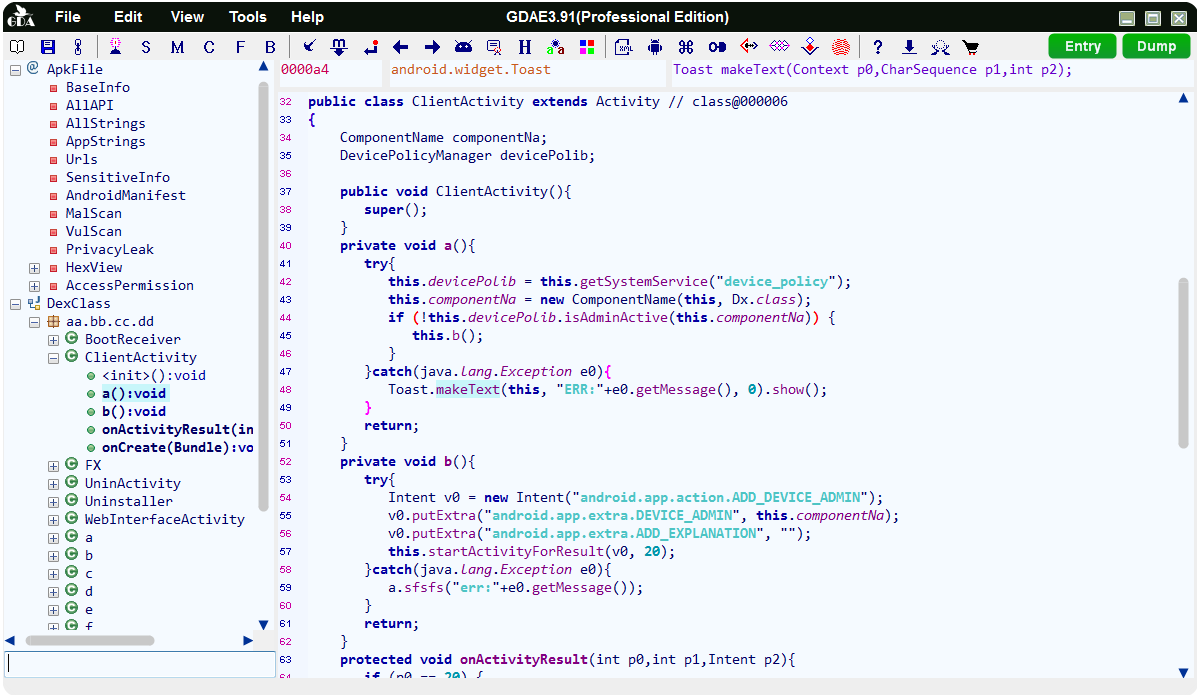
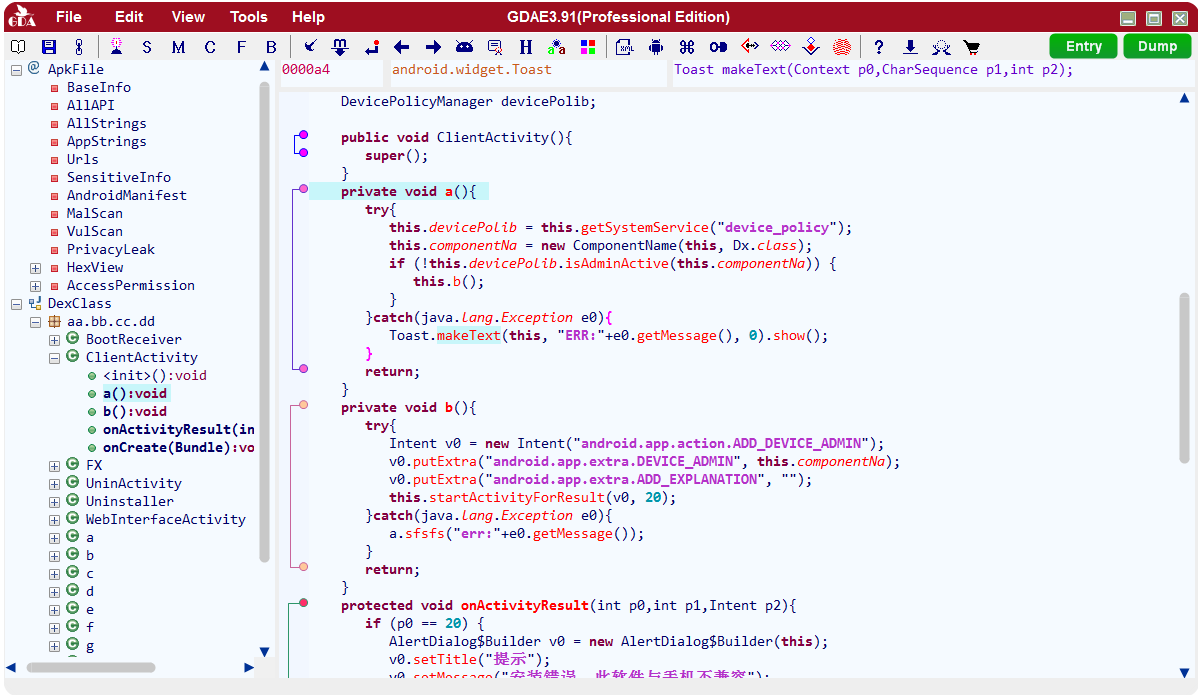
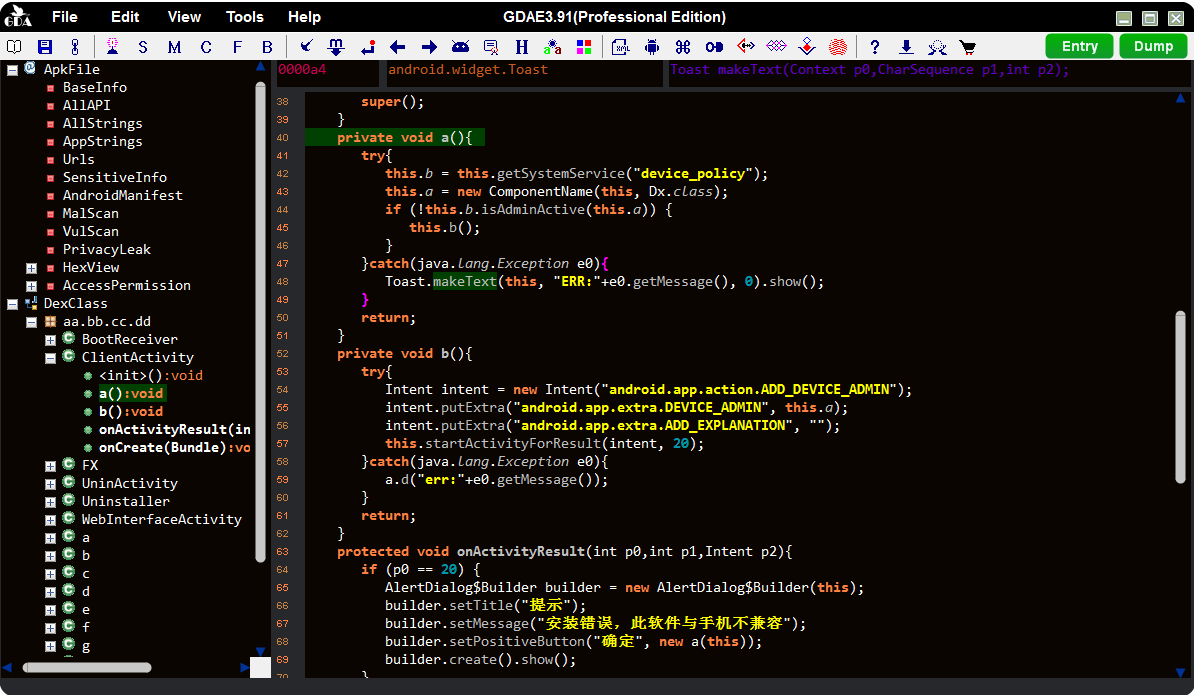
GDA-android-reversing-Tool









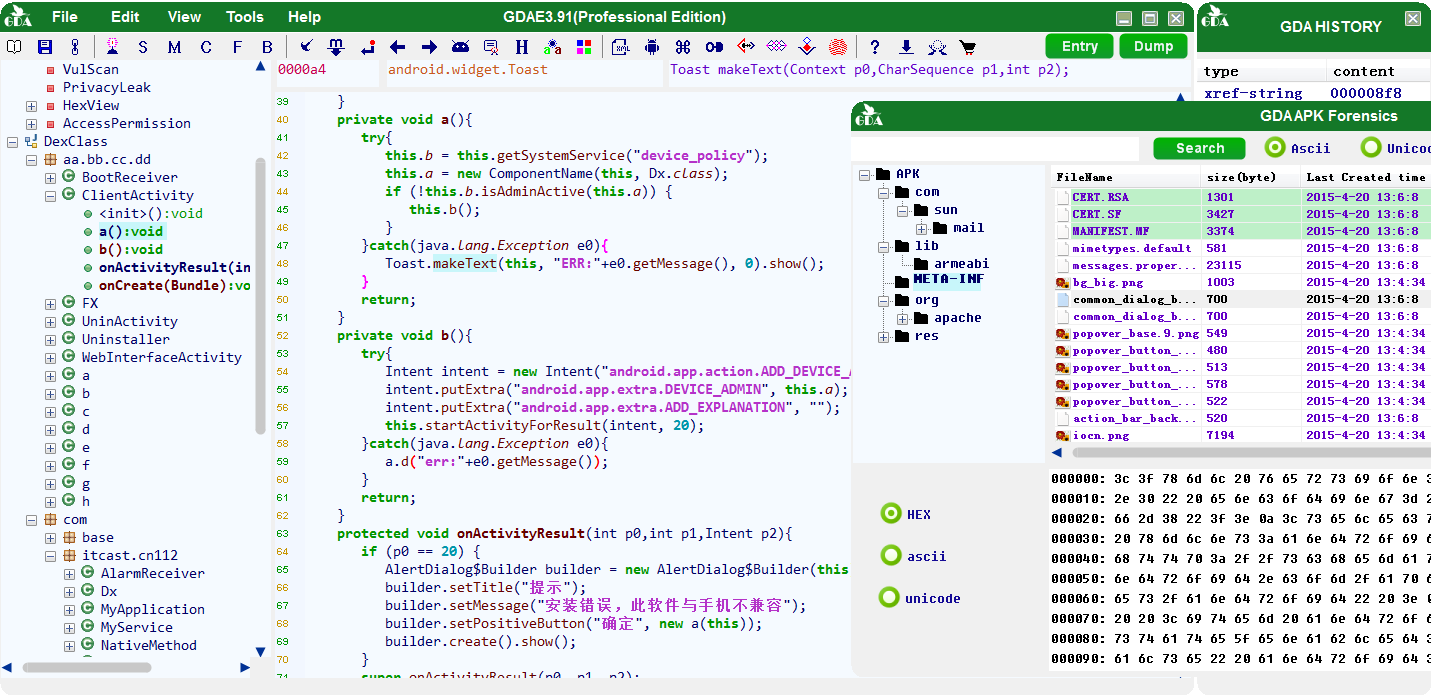
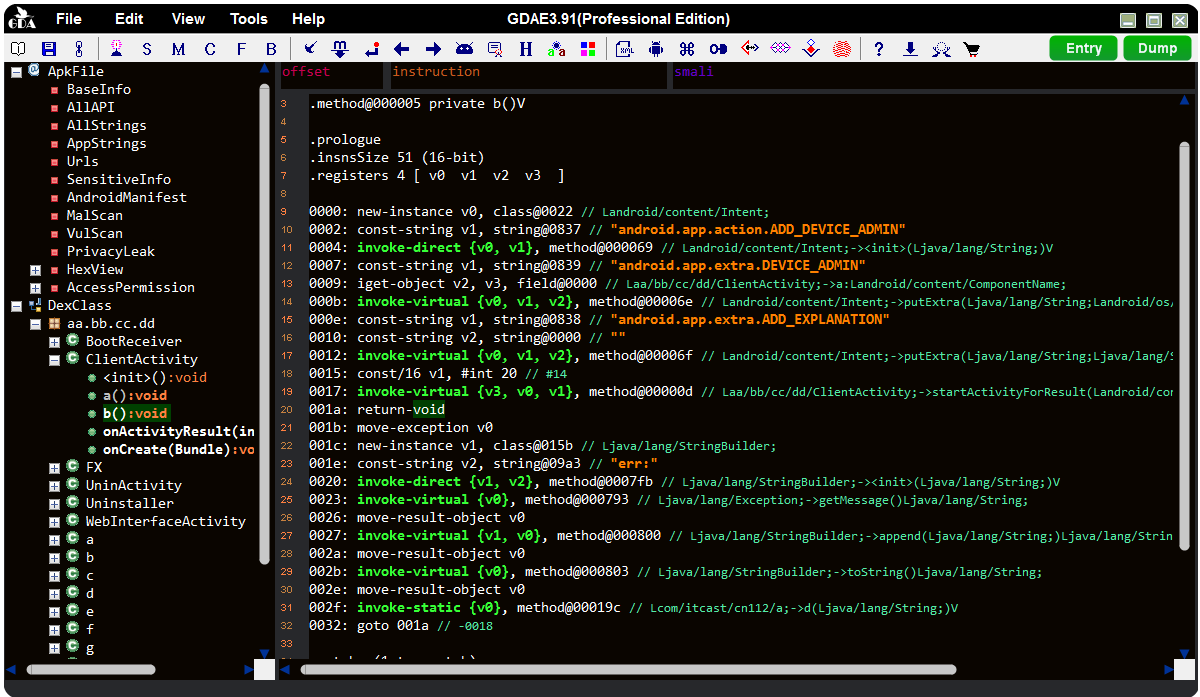
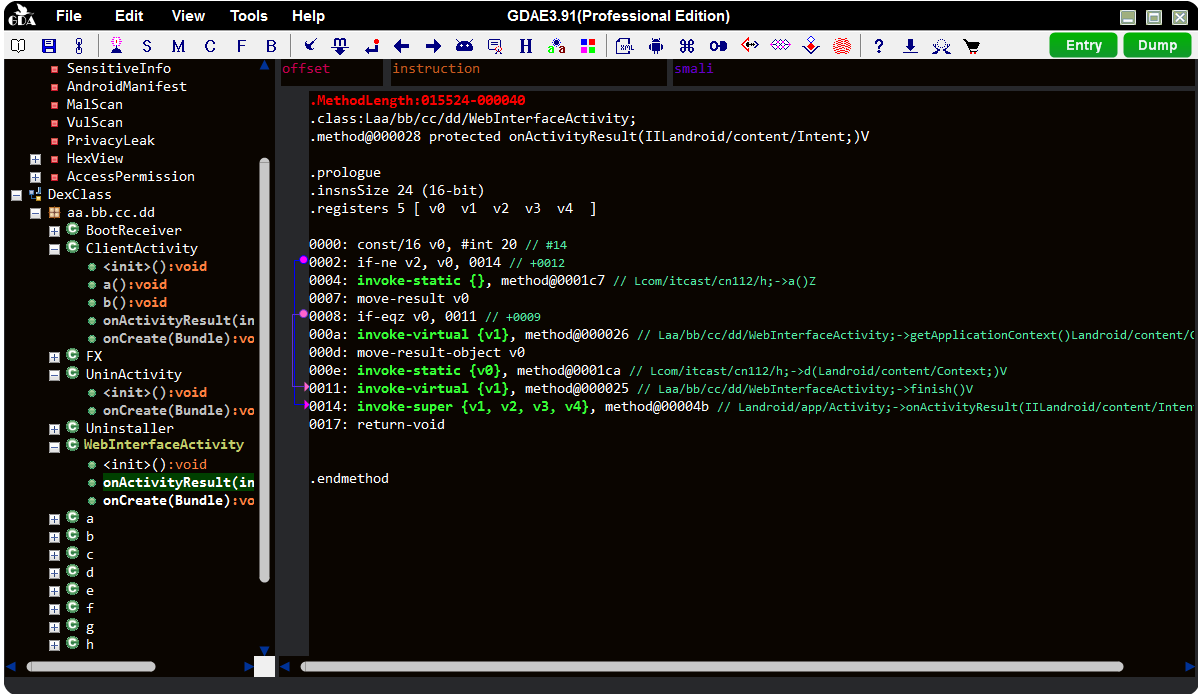
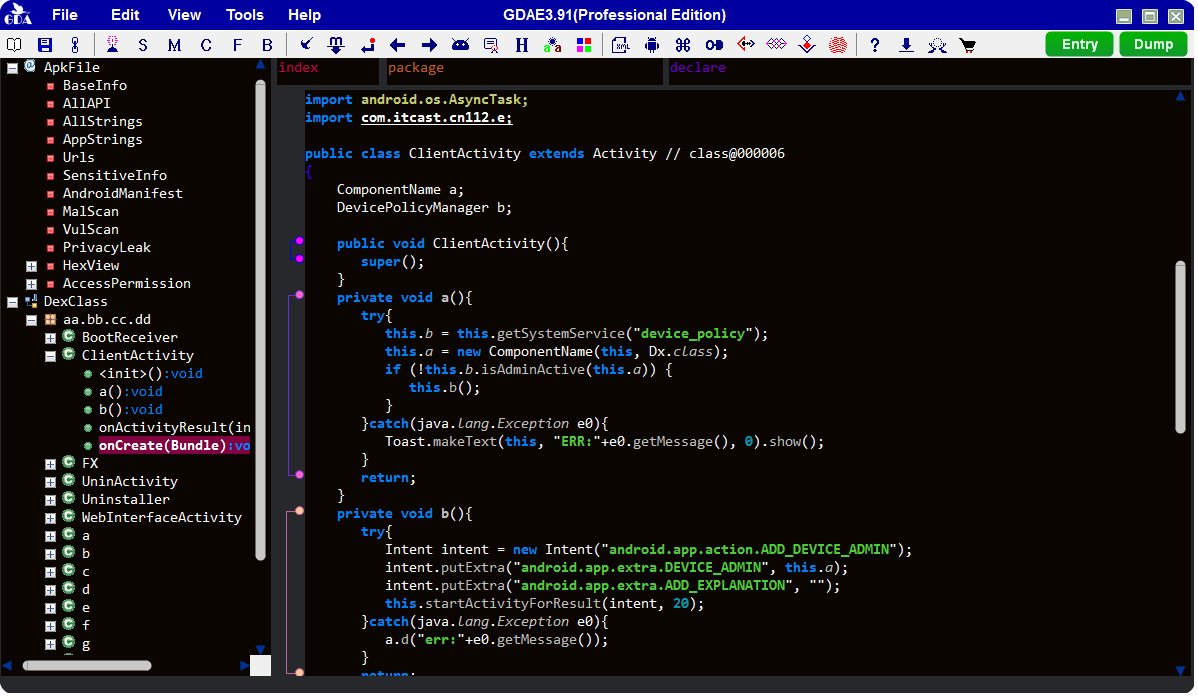
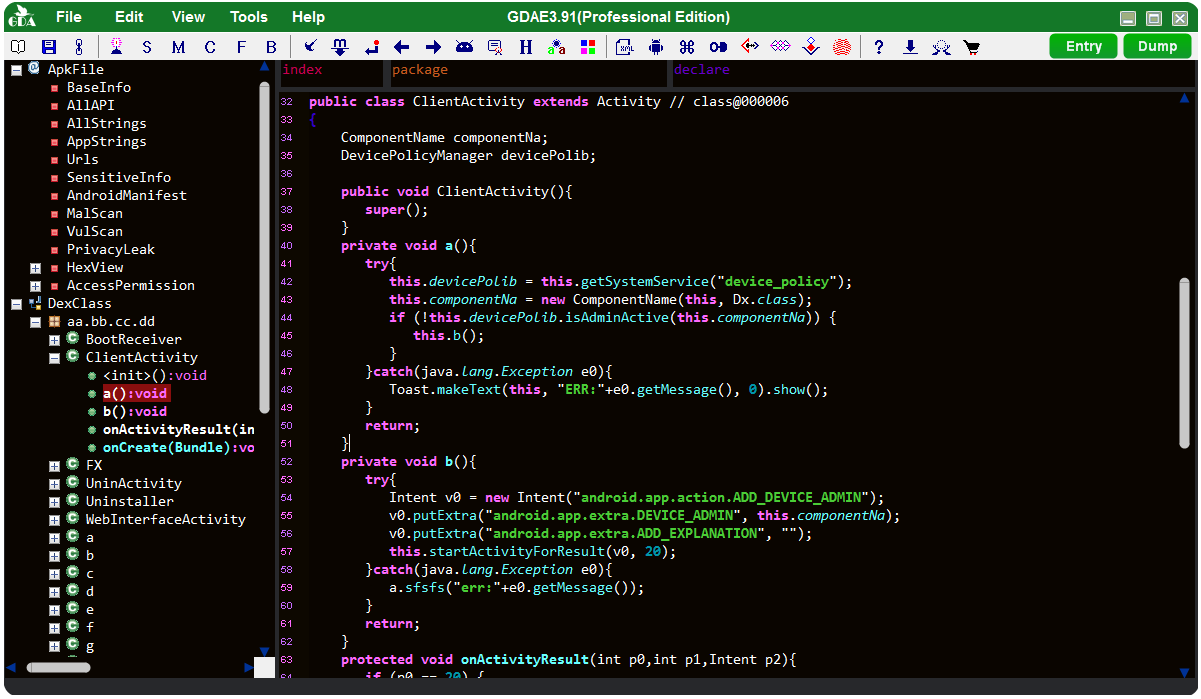
GDA, an powerful Dalvik bytecode decompiler implemented in C++, which has the advantages of fast analysis and low memory&disk consumption and an stronger ability to decompiling the apk, dex, odex, oat, jar, class, aar files.
GDA is completely native software and works without any Setup and Java VM, it works well in any new windows system and virtual machine system without additional configuration. GDA Decompiler project started in 2013 and its first version 1.0 released in 2015 at GDA website.
GDA is also a powerful and fast reverse analysis platform. Which does not only supports the basic decompiling operation, but also many excellent features like Malicious behavior detection, Privacy leaking detection, Vulnerability detection, Path solving, Packer identification, Variable tracking analysis, Deobfuscation, Python& Java scripts, Device memory extraction, Data decryption and encryption etc.
All the features as follows:
𝕬 Interactive Operation:
    1. Cross-references for strings, classes, methods and fields;
    2. Searching for strings, classes methods and fields;
    3. Comments for java code;
    4. Rename methods,fields and classes;
    5. Save the analysis results in gda db file.
    ...

𝕭 Utilities for Assisted Analysis:
    1. Extracting DEX from ODEX;
    2. Extracting DEX from OAT;
    3. XML Decoder (Component filter);
    4. Algorithm tool(Support rolling encryption and almost all popular encryption algorithms);
    5. Device memory dump(Dump so, odex, dex, oat file);
    6. Path solving;
    7. Static vulnerability scanner;
    ...

𝕮 Good Features:
    1. Brand new dalvik decompiler in c++ with friendly GUI.
    2. Packers Recognition.
    3. Multi-DEX supporting.
    4. De-obfuscate.
    5. Malicious Behavior Scanning by API chains.
    6. Static vulnerability scanner based on stack state machine and dynamic rule interpreter.
    7. Taint analysis to preview the behavior of variables.
    8. Taint analysis to source the variables.
    9. APIs view with x-reference
    10. Deep URL extraction.
    11. Association of permissions with modules.
    12. Apk Forensics Analysis.
    13. Dual decompiler mode.
    14. Smart Rename.
    15. Device memory data dump, DEX file dump by memory searching.
    16. Support Frida to hook and call the selected method or class.
    17. Privacy leaking scanning.
    18. Sensitive Infomation extraction.
    19. Multi-DEX Merge.
    20. Path solving based on low-level intermediate representation(LIR).
    21. Junk instruction clearing.
    22. Support call-graph view.
    23. Smali instruction patch, apk repack and install.
    24. Support subclass and parentclass view.
    25. Support translation of the strings.
    ...
𝕲𝕯𝕬 shortcut key
| shortcut | description |
|---|---|
| F5 | Switch java to smali, pressing it again for back to java |
| F | Trace the args and return-value by dataflow analysis |
| X | Cross-referencing, locating callers (of strings, classes, methods, field) |
| Esc/◄/Backspace | Back to the last visit |
| ► | Forward to the next visit |
| G | Jump to somewhere by you inputting offset |
| N | Rename the variable/method/class name |
| S | Search for all the elements by the given string |
| C | Comments. Only supports the Java code |
| DoubleClick | The cursor's placed at the method/str/field/class, and double-click to access objects |
| M | The cursor's placed at the Smali line and pressing the key 'M' to edit the instruction |
| ▲ UP | Press 'up' key to access the up-method in the tree control |
| ▼ Down | Press 'down' key to access the down-method in the tree control |
| D | Dump the binary data of methods, only supports the Smali window |
| Enter | The modification of edit boxes take effect |
| H | Show data in Hex |
| Ctr+H | Pop searching history window |
| Ctr+A | Select all |
| Ctr+C | Copy |
| Ctr+V | Paste, only for editable boxes |
| Ctr+X | Cut |
| Ctr+F | Find out the string of the code area |
| Ctr+S | Save the modifications into the GDA database file |
ˇ Installing
No installation required, just double-click the bin and you can enjoy it. NOTE: This is not an open source project,at least,in the short term. You can use the free tools and some open source scripts published here.
ˇ False positive report
For copyright protection, GDA is protected by an authorized VMP, which may lead to false positives of some anti-virus software. Please ignore or add GDA to the white list. GDA does not have any malicious behavior.
GDA is embedded with ADB and gdump (used to dump device memory data), as well as vul rules, source-taint rules, api fingerprint etc. so, you will see some file in directory %APPDATA%/GDA. this behavior releasing the other executable files also be identified as a virus by some AVs.
ˇ Supported platforms
Only for windows
ˇ Usage:
1.GUI mode
Just drag a file into GDA, that's done.
If your files are .jar/.class/.aar files, you need the java support the dx tool. Please make sure that the java works properly.
When the analyzed jar file size is too big, it maybe takes a long time to analysize, please be patient.
2.CLI mode
>gda.exe
  -sh src_file      --> start a Shell
  -sv src_file port --> start a Server
  -h                --> help
------------------------------------------------------------
>gda.exe -h
   Usage:gda.exe [option] [apk_file] [-o output_file]
      option:
      -h help
      -x show AndroidManifest.xml
      -p app package name
      -P permission
      -i apk base info
      -a attack surface
      -k packer
      -s all the strings
      -S referenced strings
      -c cert information
      -d decompile all code
------------------------------------------------------------

>gda.exe -sv text.apk 12345
  File Loading...
  GDA Server listening on port 12345...

>client_gda.py help
------------------------------------------------------------

>gda -sh test.apk
  >
  >
  GDA Shell >help
        subcmd [-args]... [-t filter_string]
        help       --> shell command help
        set -o file--> set output file
        exit/q     --> to exit
        axml       --> content of androidmainfest.xml
        binfo      --> apk base info
        pname      --> apk package name
        permission --> permissions of APP
        header n   --> header of the n-st dex file
        attsf      --> attacksurface
        packer     --> packer
        cert       --> certifacate
        appstr     --> strings referenced by methods
        malscan    --> malcious behavior
        sensinf    --> sensitive infos
        interface  --> list interface classes
        uri        --> url,path etc.
        native     --> list native methods
        api        --> list api methods
        listm cname--> list the methods of class(dot)
        sclass cidx--> list subclasses by class index(hex)
        pclass cidx--> list parent class by class index(hex)
        dasm option--> disasembly a method
            option:  @type(e.g., dasm method@0045F0)
                    -n name(signature name,e.g.,"Lcom/base/Binary;->add(Lcom/base/Binary;)V")
        dec option--> decompile a method or class,
            option:  @type (class/method type), e.g., dec method@21f
                    -c[-m] name(class/method signature name, e.g. , "Lcom/base/Binary;")
                    -a filepath(decompile the all classes)
        find option--> search object by name(match partial/regex)
             option: -c[-m][-M][-d][-s][-i][-a] name, e.g., find -C Frame (regex:~"Frame.*")
            |-c(match class name)  |-C(match class name with package)
            |-m(match method name) |-M(match method name with package)
            |-d(match field name)  |-i(match api method name)
            |-s(match string)      |-a(match all[classes,methods,field and strings]
        xref option --> search cross-reference of object
             option(1): @type (method/class/field/string type), e.g. ,xref string@22e
             option(2): -c[-m][-M][-d][-s][-i][-a] name(match partial), e.g. ,xref -m send
            |-c(xref of class name)  |-s(xref of string)
            |-m(xref of method name) |-r(xref of resource name)
            |-f(xref of field name)  |-a(xref of all[classes,methods,field and strings]
3.skills for LLM
An example of skill:
An example of analyzing the malware:
skill example for malware analyzing
4.helper
Batch Decryption Of APP Strings
GDA: DEX Static Patch Technology Based on Smali Just-in-time Compilation
ˇ Color theme:
Only support GDA3.75+, Other version do not use this theme file. Usage:click on menuFile->Import Color Config,choosing a theme file and reboot GDA.