WeatherAnimationDemo
Introduction: 默认墨迹天气 下雪效果
Tags:
天气-下雪-墨迹-模仿墨迹下雪效果
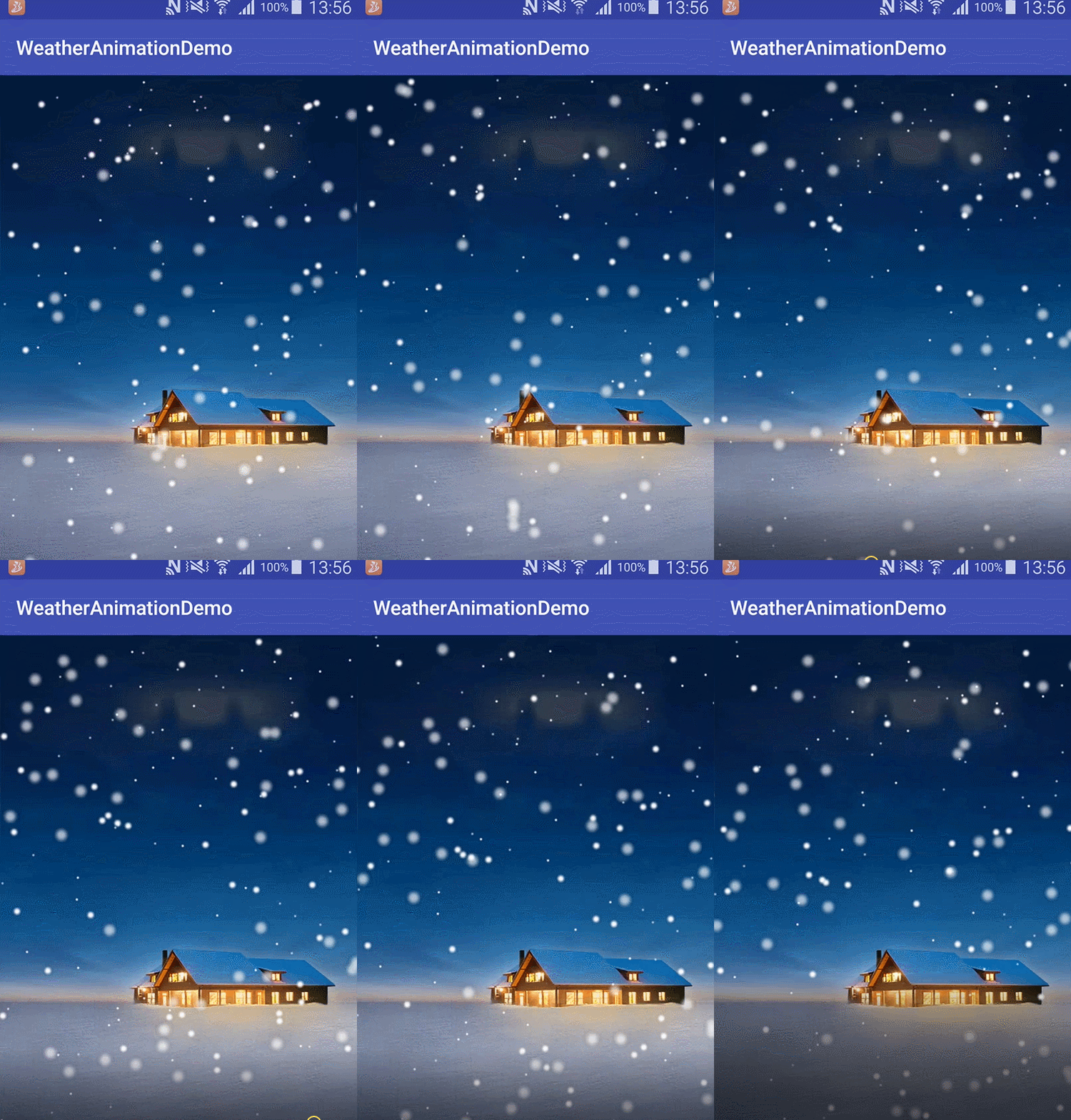
在布局中直接通过自定义 SurfaceView 来绘制提高效率
  <?xml version="1.0" encoding="utf-8"?>
  <RelativeLayout xmlns:android="http://schemas.android.com/apk/res/android"
          xmlns:tools="http://schemas.android.com/tools"
          android:id="@+id/activity_main"
          android:layout_width="match_parent"
          android:layout_height="match_parent">

          <com.kit.weather.animation.view.SceneSurfaceView
                  android:id="@+id/sceneSurfaceView"
                  android:layout_width="match_parent"
                  android:layout_height="match_parent" />

  </RelativeLayout>
通过配置文件来控制雪花降落速度、位置
weather_scene_slight_snow_day.xml
- SnowFall.java
protected SnowFall(Context context) {
     super(context);
     // 设置是否使用抗锯齿功能,会消耗较大资源,绘制图形速度会变慢
     paint.setAntiAlias(false);
     // 如果该项设置为 true,则图像在动画进行中会滤掉对 Bitmap 图像的优化操作,加快显示速度,本设置项依赖于 dither 和 xfermode 的设置
     paint.setFilterBitmap(true);
     // 设定是否使用图像抖动处理,会使绘制出来的图片颜色更加平滑和饱满,图像更加清晰
     paint.setDither(true);
     try {
         listXMLData = SaxService.getInstance().readXML(context, "weather_scene_slight_snow_day.xml");
     } catch (Exception e) {
         e.printStackTrace();
     }
     getViewSize(context);
     loadRainImage(context);
     addRandomRain();
 }

private void snowDown(ActorInfo snow) {
     // 雪花的落出屏幕后又让它从顶上下落
     if (snow.getX() > screenWidth || snow.getY() > screenHeiht) {
         snow.setY(0);
         snow.setX(random.nextFloat() * screenWidth);
     }
     snow.setX(snow.getX() + snow.getOffset());// 下落飘的偏移量
     snow.setY(snow.getY() + snow.getSpeed());// 下落的速度
 }
